
Construct’s Armory Mod (1.16.5, 1.12.2) – Forge Your Own Armor Sets
 191,059
 0


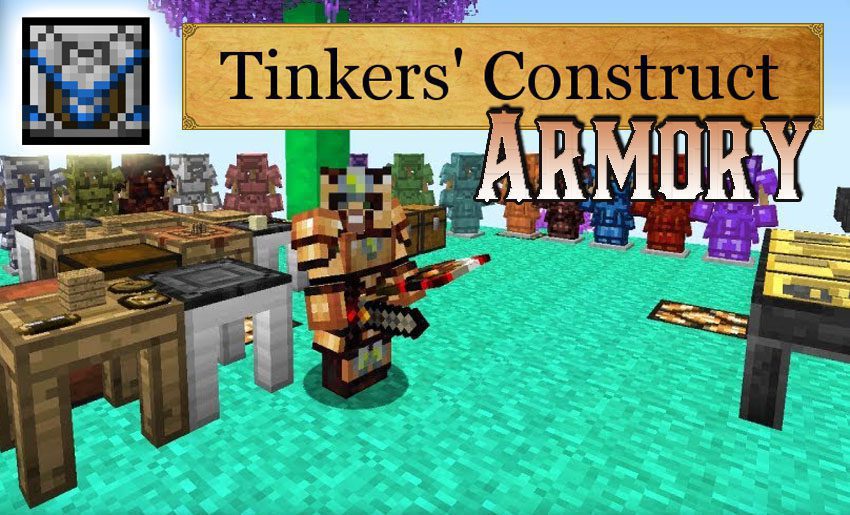
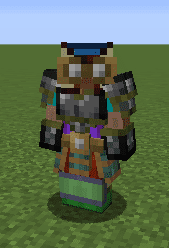
Construct’s Armory Mod extends Tinkers’ Construct with customizable armor crafting. This addon adds four armor pieces: Helmet, Chestplate, Leggings, and Boots. Just like tools in the main mod, each piece is built from separate parts made out of different materials. You can mix materials and apply modifiers to create a full set of custom gear.
Features:
- Adds four customizable armor items: Helmet, Chestplate, Leggings, and Boots.
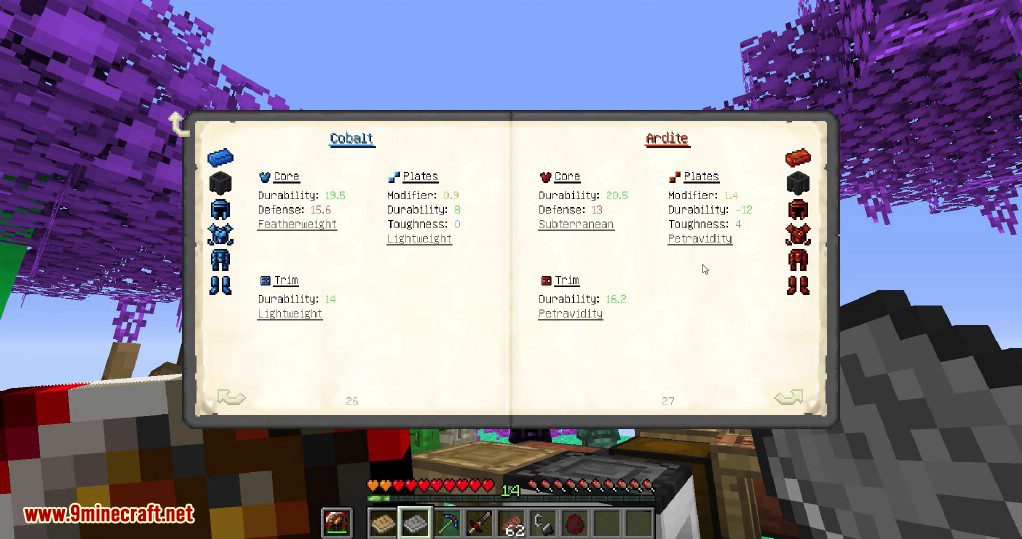
- Lets you craft separate armor parts like cores, plates, and trim from different materials such as wood, bone, obsidian, paper, sponge, slime, netherrack, cobalt, and ardite.
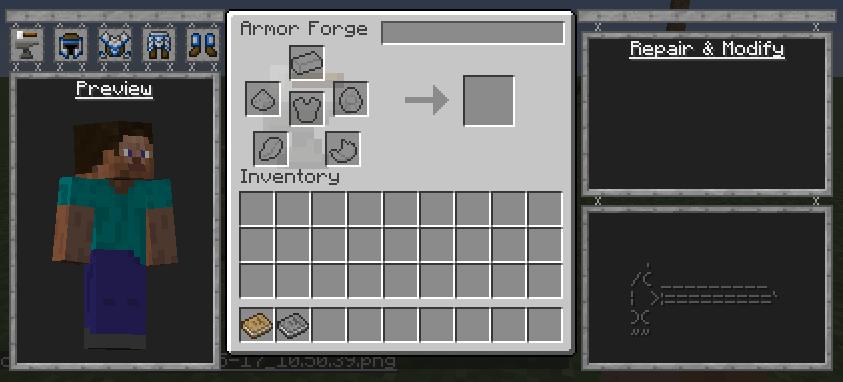
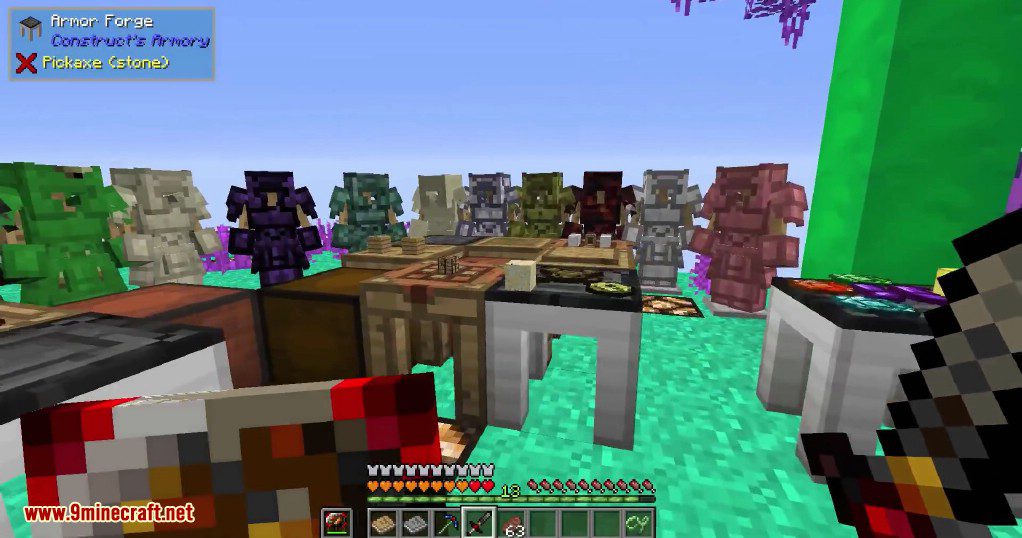
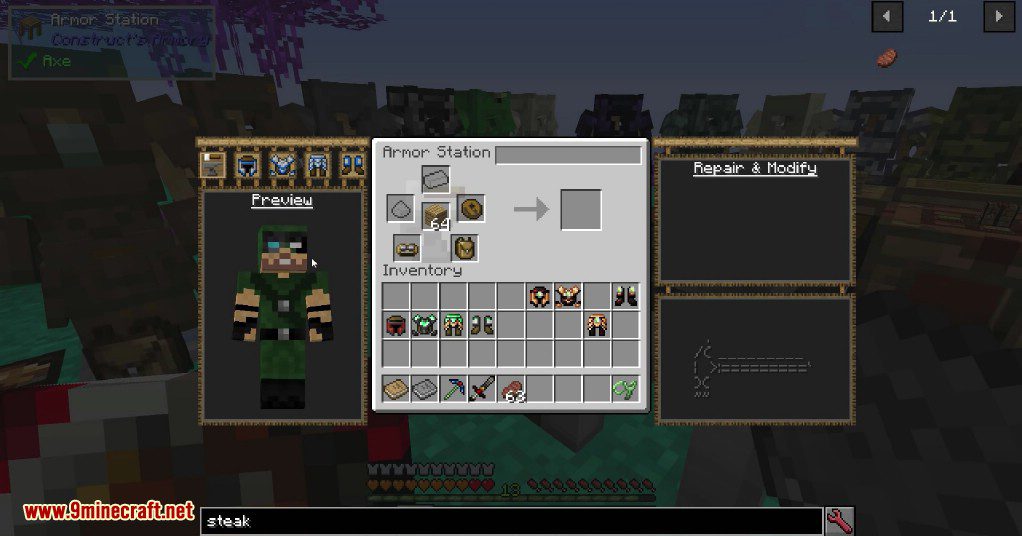
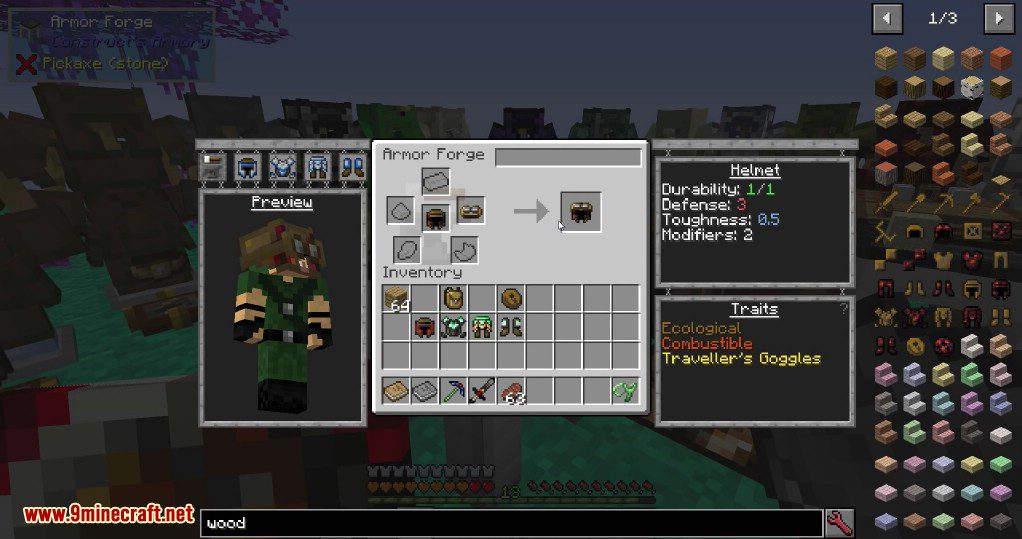
- Includes two dedicated tinkering tables, the Armor Station and the Armor Forge, for assembling and upgrading your gear.
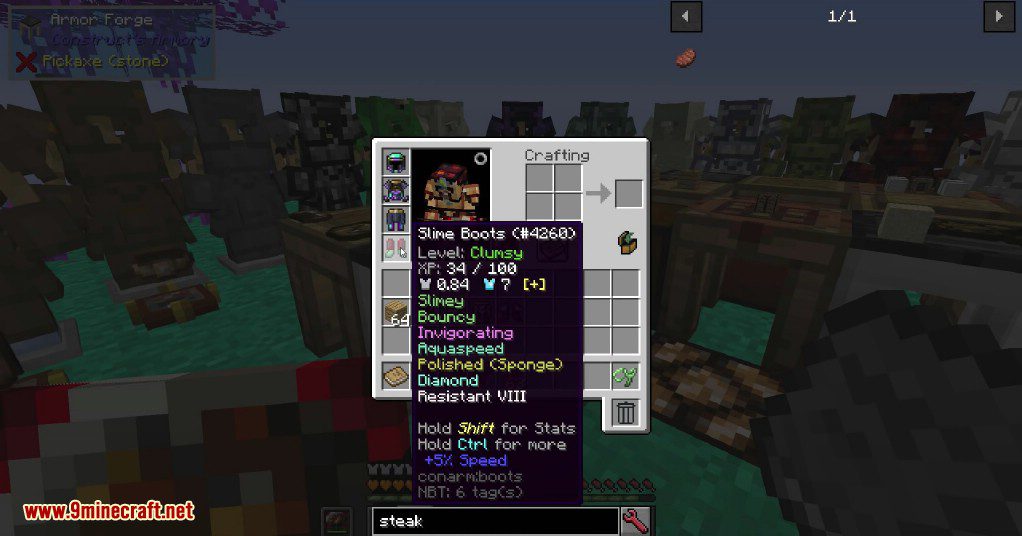
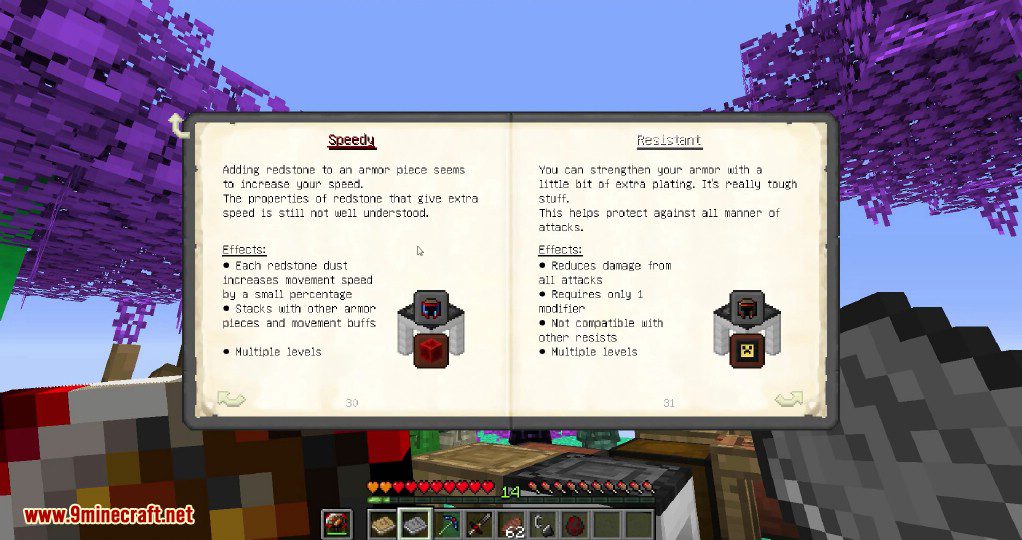
- Provides traits and modifiers like Speedy and Resistant to change how your armor works.
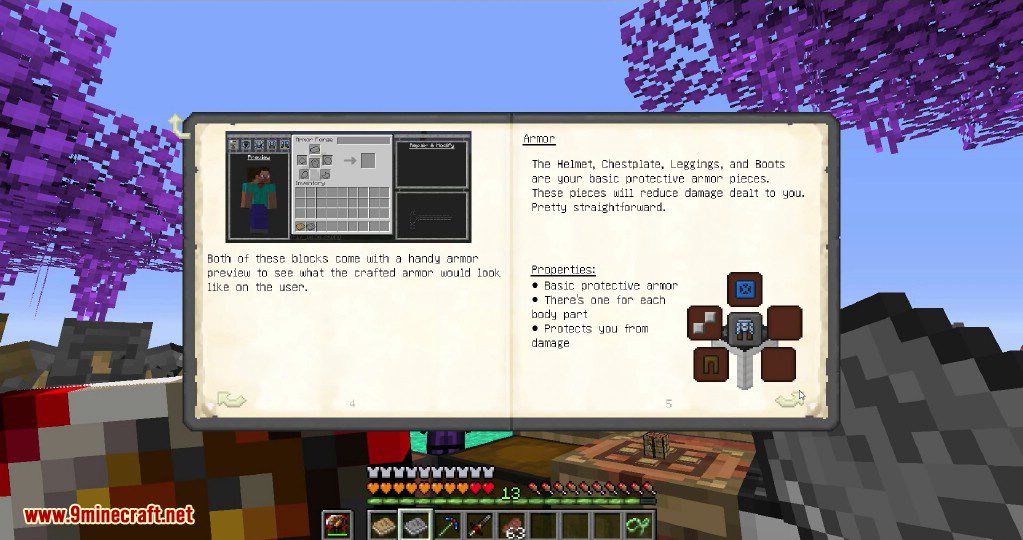
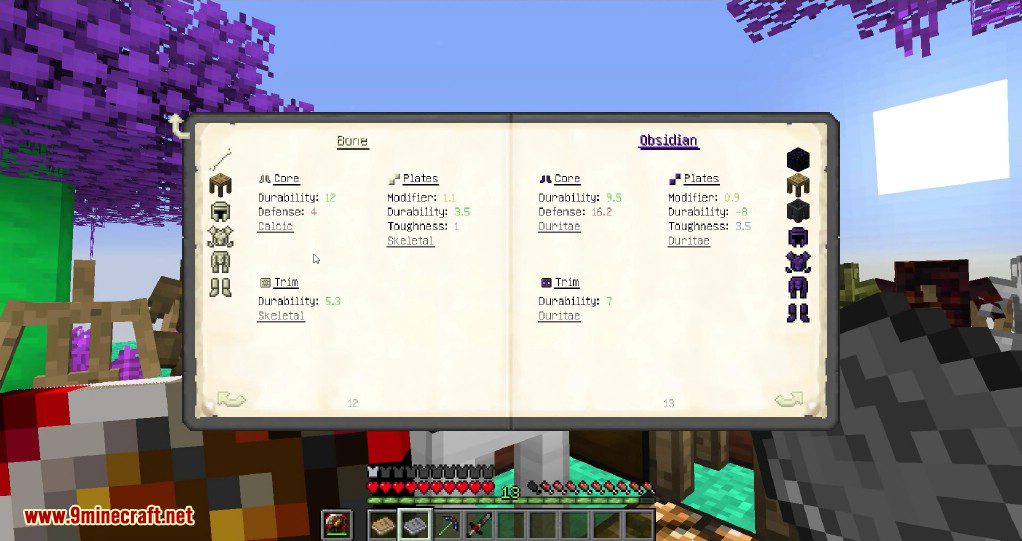
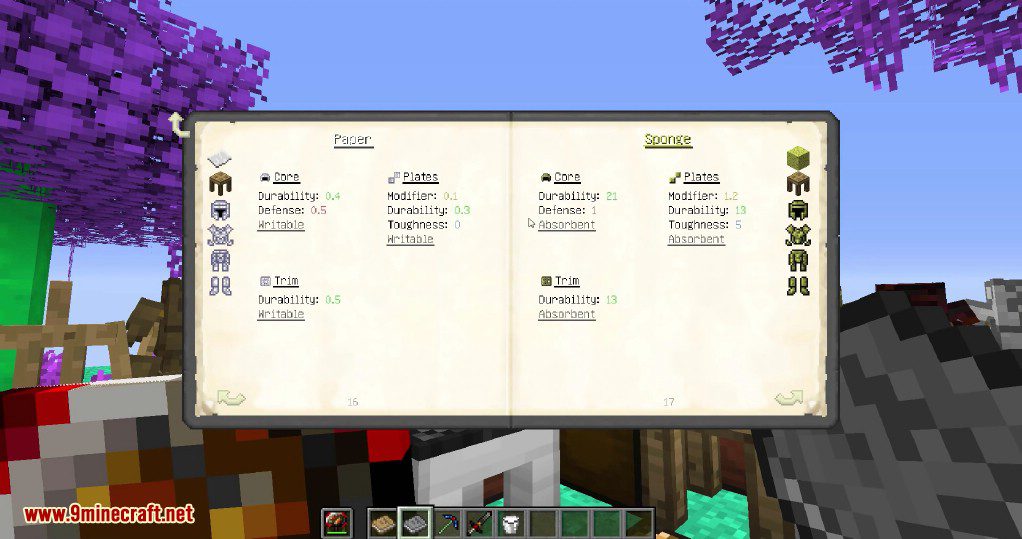
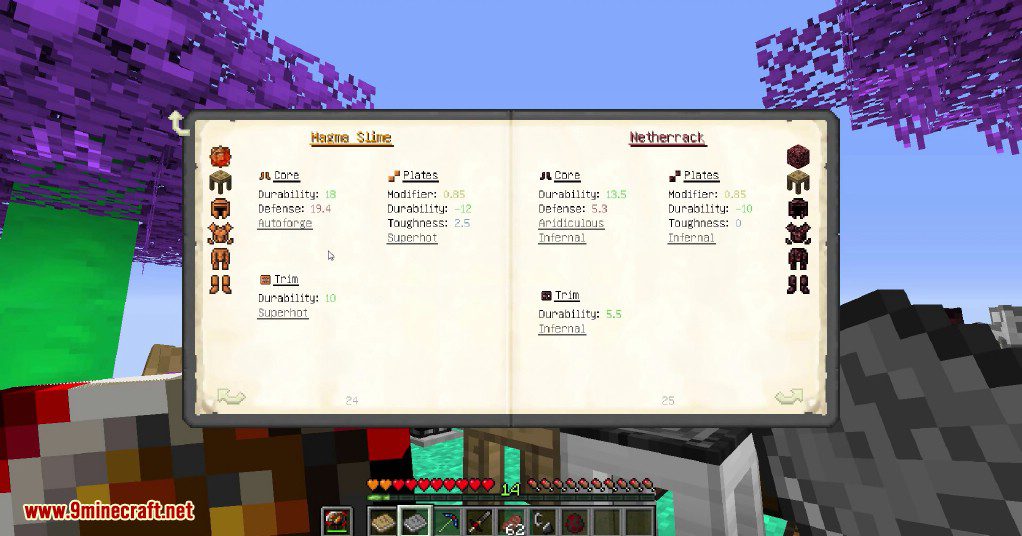
- Gives you an in-game guide book called Materials and You – Armory Addendum with full details on tables, material stats, and modifiers.
- Supports Tinkers’ Tool Leveling out of the box.
How to Use:
- Obtain the Materials and You – Armory Addendum book on spawn (if enabled for the base guide book) or craft it yourself.
- Open the guide book to look up armor material stats, traits, and available modifiers.
- Follow the book instructions to set up an Armor Station and an Armor Forge.
- Combine different material parts inside the tinkering tables to build and modify your custom armor set.
Crafting Recipes:
All of the information you’ll need is located in the in-game book, titled “Materials and You – Armory Addendum”. If your game is configured to give you the Materials and You book on spawn, it will also give you this addendum at the same time. If not, the crafting recipe is simply:
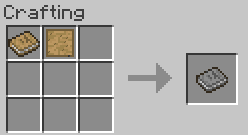
This book will have information about the new tinkering tables you’ll need, the Armor Station and the Armor Forge, as well as information about the material stats and available modifiers.
Screenshots:
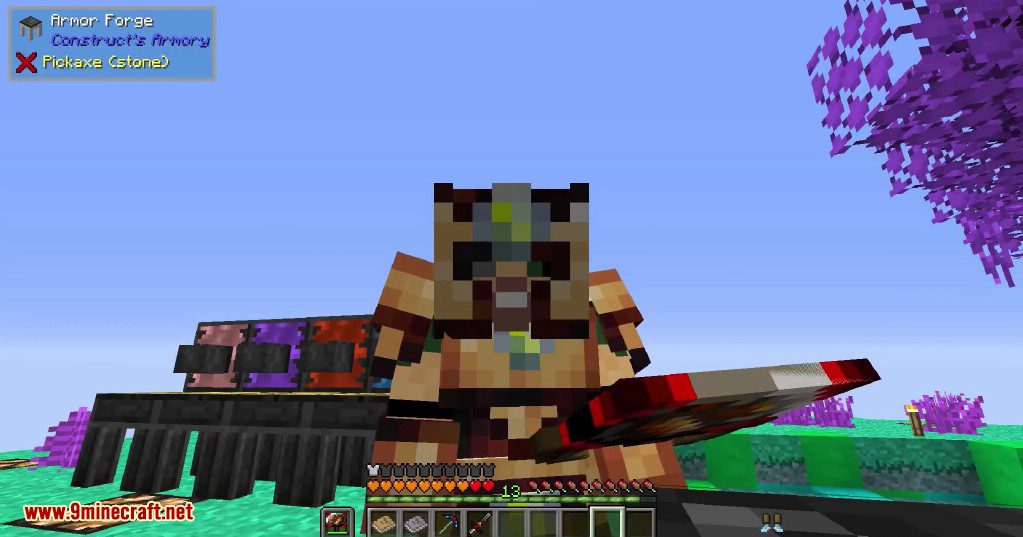
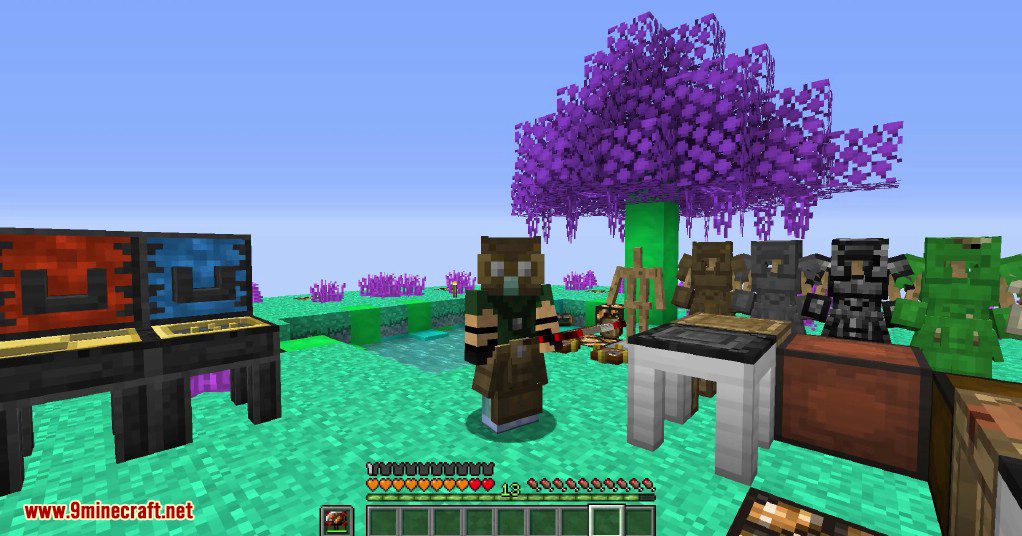
Armor Forge and Armor Station
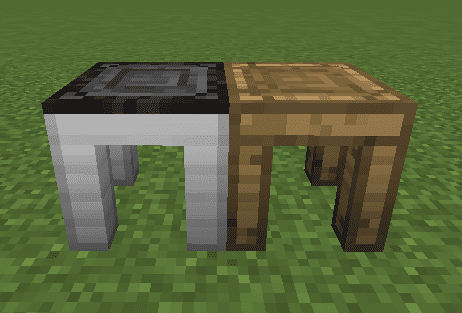
Do you want to go simple…
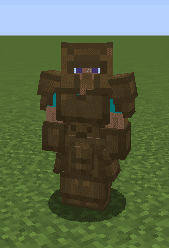
…or complex?
Armor Forge GUI
How to Install:
New to Minecraft? Follow our step-by-step guide to install Mods on your PC.View Guide
Requirements:
Construct's Armory Mod Download Links
For Minecraft 1.16.5
Forge version: Download from Server 1
For Minecraft 1.12.2
Forge version: Download from Server 1
What is your stance on mods that feel 'overpowered' or break vanilla balance?
0 responses · See the full results →
You May Also Like
Picked for this page
 Timeless And Classics Zero Mod (1.21.1, 1.20.1) – Craft and Customize Your Own
 BackSlot Mod (1.21.11, 1.20.1) – Become a Hero like Dai in Dragon Quest
 MineMenu Mod (26.1.2, 1.20.1) – Make Your Life Easier
 Cyan Warrior Swords Mod (1.21.1, 1.20.1) – Different Swords, Upgrade and Mix
 Beautified Chat Server Mod (26.3, 1.20.1) – Change The Style and Colour of Chat
 Light Aura Mod (26.3, 1.20.1) – Drop A Torch, Lighting The World
 Extra Damage Enchantments Mod (1.21.11, 1.20.1) – Improved Combat In Minecraft
 Tinkers Thinking Mod (1.20.1, 1.19.2) – Rediscover Old and New Tool Crafting
 TaCZ Refined Ammo Box Mod (1.20.1) – Reload Your Guns Without Carrying Extra
 Chrysalis Mod (1.21.4, 1.21.1) – A Framework to Customize Game Mechanics
 SCP-294 The Coffee Machine Mod (1.20.1, 1.19.2) – Mystery Drinks, Risky Rewards
 fuygg Mod (1.21.4, 1.21.1) – Improved Wynncraft HUD
Most viewed in Mods over the last 7 days
 Ala Industrial Mod (26.3) – Run Electric Power Grids and Automated Factories
 PleasureCraft Mod (26.3, 1.21.1) – Jenny Mod Remake for Fabric
 Jennycraft Mod (26.3, 1.20.1) – Virtual Girlfriend in Minecraft
 Fapcraft Mod (26.3, 1.12.2) – Comprehensive and Detailed Content
 Jenny Mod (Fapcraft) Official Complete Guide – How to use, Tutorial
 BangCraft Mod (1.20.1) – Jenny, Ellie and Elliot
 Fabric Loader (26.3, 1.20.1) – Fabric Installer for All Minecraft Versions
 The Shooting Star Demo Mod (26.3, 1.20.1) – Vaporize Terrain From Orbit
 Meteor Client Mod (26.3, 1.20.1) – Xray, HUD, Fly
 OptiFine HD (26.3, 1.20.1) – Run Faster, FPS Boost, Shaders Support
 Aristois Client Mod (1.21.4, 1.20.1) – World Class Minecraft Utility
 Prestige Client Mod (1.21.11, 1.21.4) – Powerful Ghost Features for Crystal & Sword PvP
More from Mods
 Nodeflow Mod (26.1.2, 1.21.1) – Wire Custom Redstone Logic on Visual Graph
 Winter Client Mod (1.21.11) – Survive Ruthless PvP on Anarchy Servers
 LARP Client Mod (1.21.11) – Dominate Crystal PvP on Anarchy Servers
 Berlin Client Mod (1.21.11) – Hunt Stashes and Win Crystal Fights
 Kaleidoscope Cookery Refabricated Mod (26.3, 1.20.1) – Cook Hearty Meals
 Minecraft MusicBox Mod (1.21.12) – Play Your Favorite Songs While Mining and Building
 MTR Navigation Mod (1.21.1) – Plan Railway Trips and Never Miss a Train Stop
 TheHouse Mod (1.21.11) – Host Casino Tables and Track Every Bet in Real Time
 CinematicInteractions Mod (1.21.1) – Watch Your Hands Work at Every Crafting Table
 Earth Platform Mod (1.21.1) – Travel Across Real Continents in a True Scale World
 Taunahi Mod (26.1.2) – Automate Daily Farming and Slayers in Hypixel Skyblock
 HORROR Fake Join Leave Messages Mod (1.20.1) – Trigger Creepy Chat Scares

This post has no comments yet. Be the first — your comment will appear here.