


ContentTweaker Mod (1.19.2, 1.18.2) – Build a Truly Custom Game
 630
630
 0
0

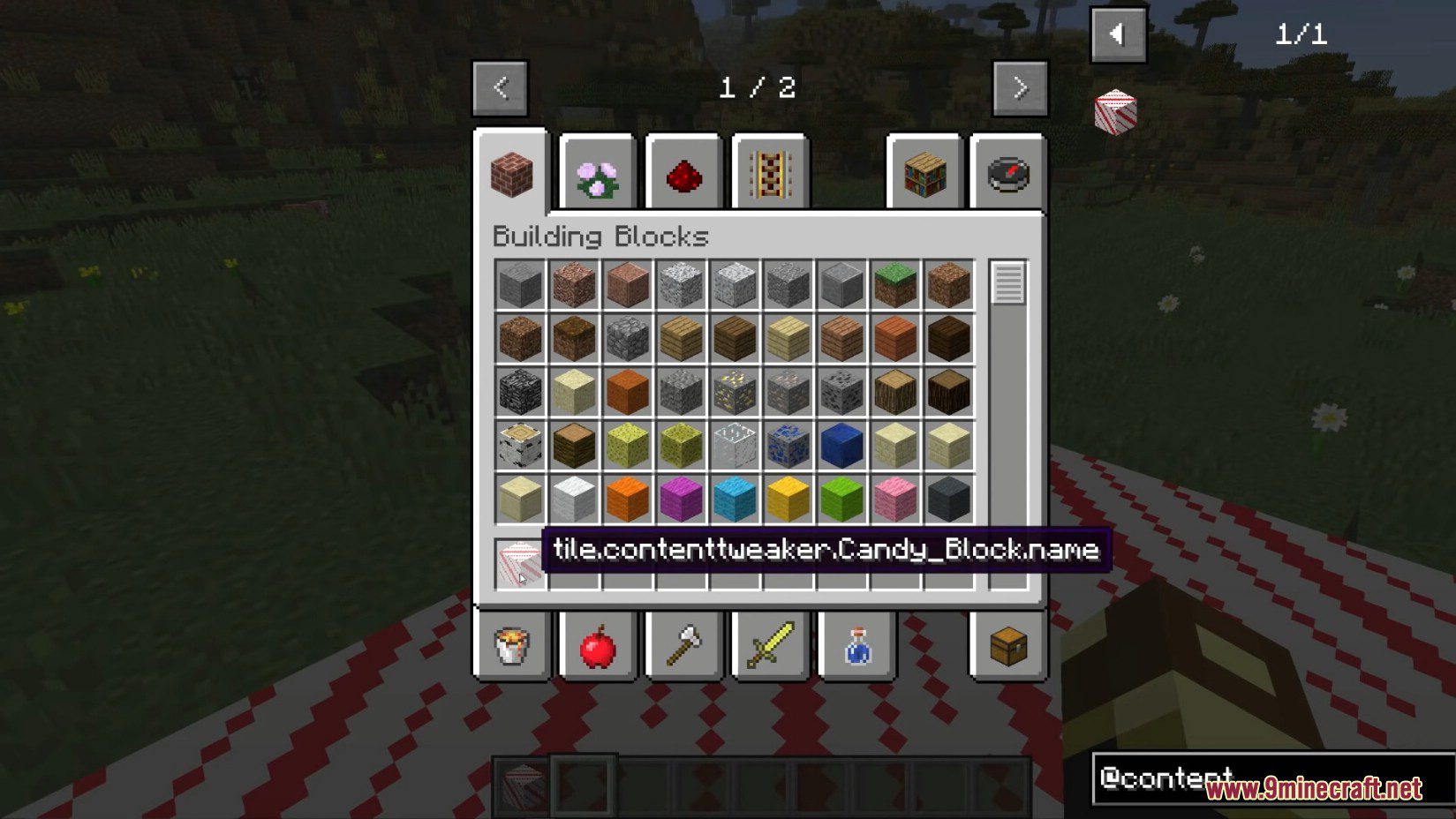
ContentTweaker Mod extends CraftTweaker, allowing you to add completely new items and blocks to Minecraft. While the main CraftTweaker mod focuses on changing recipes, this addon lets you create new content from scratch. You can design your own items, build custom blocks, and even make new Creative Tabs to keep everything organized.
Mod Wiki:
CreativeTab

Items
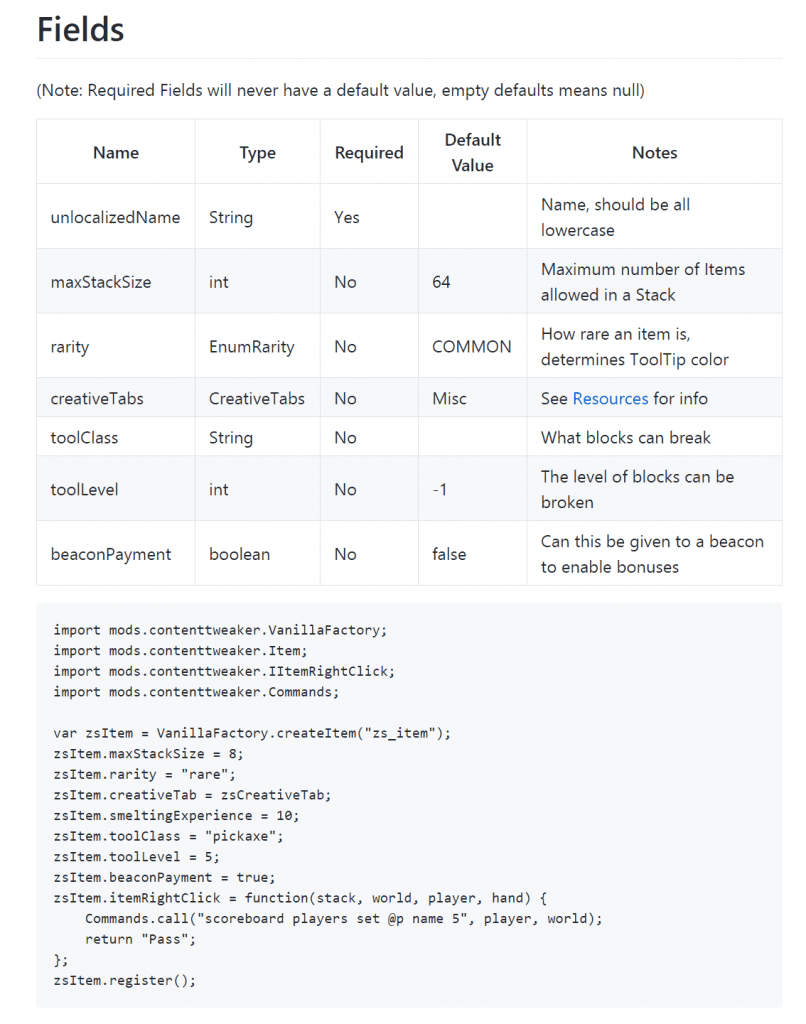
Blocks
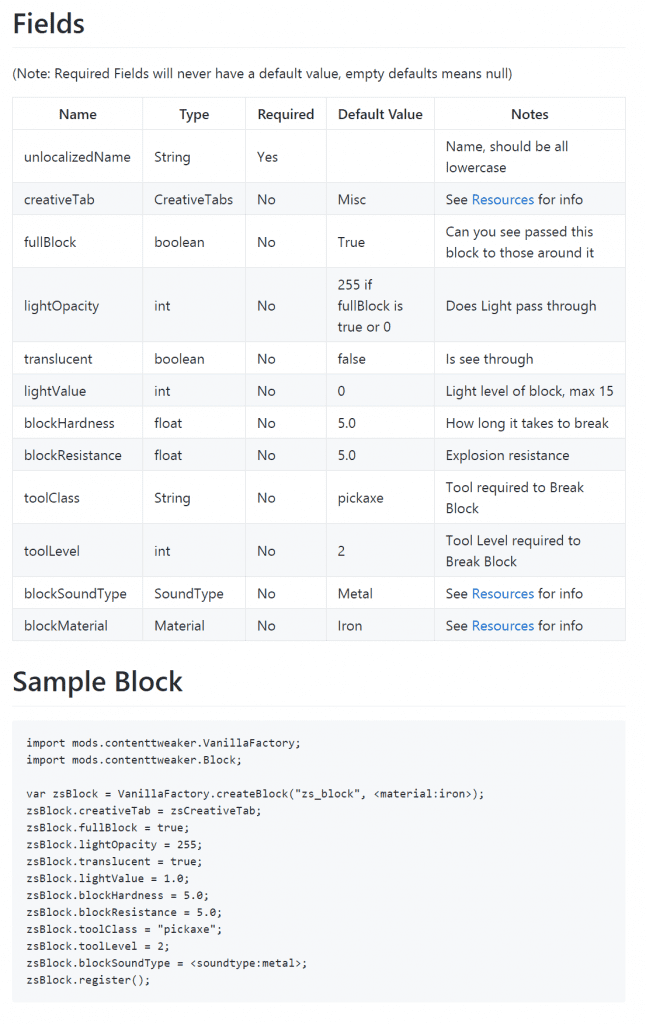
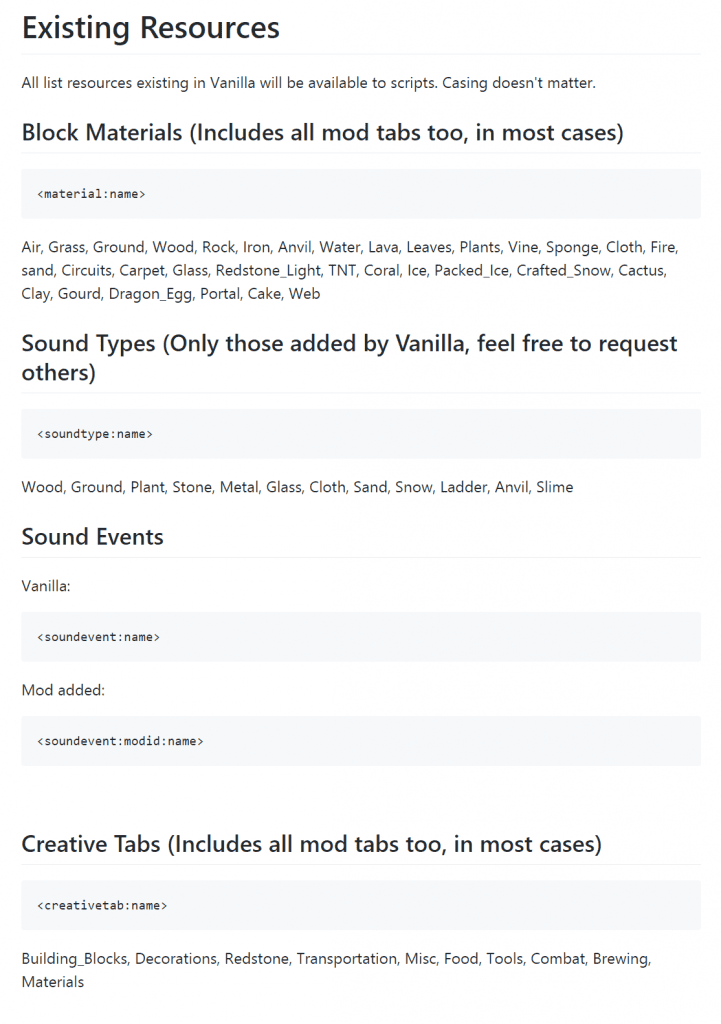
Resources
Features:
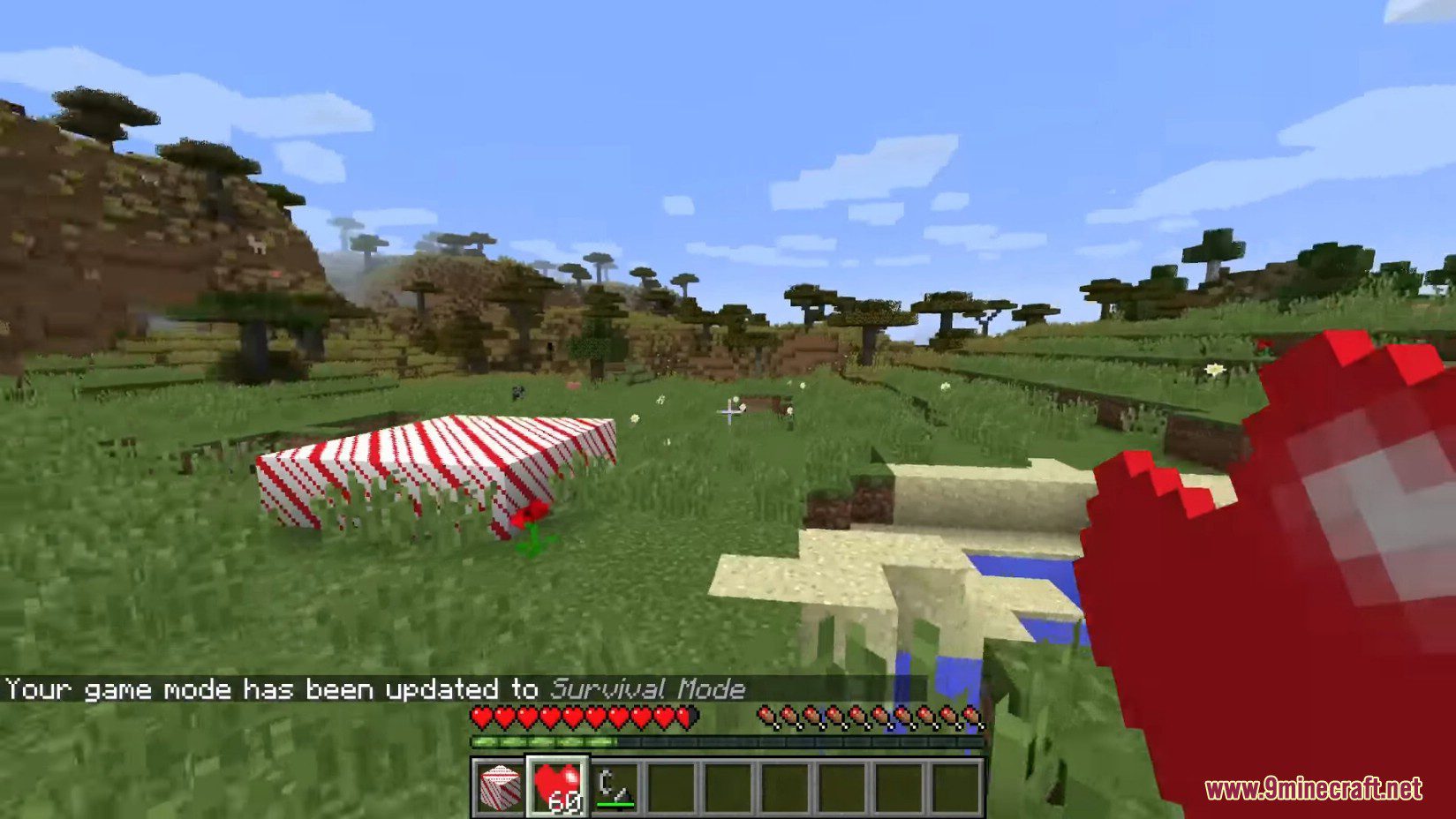
- Adds the ability to create new, custom items.
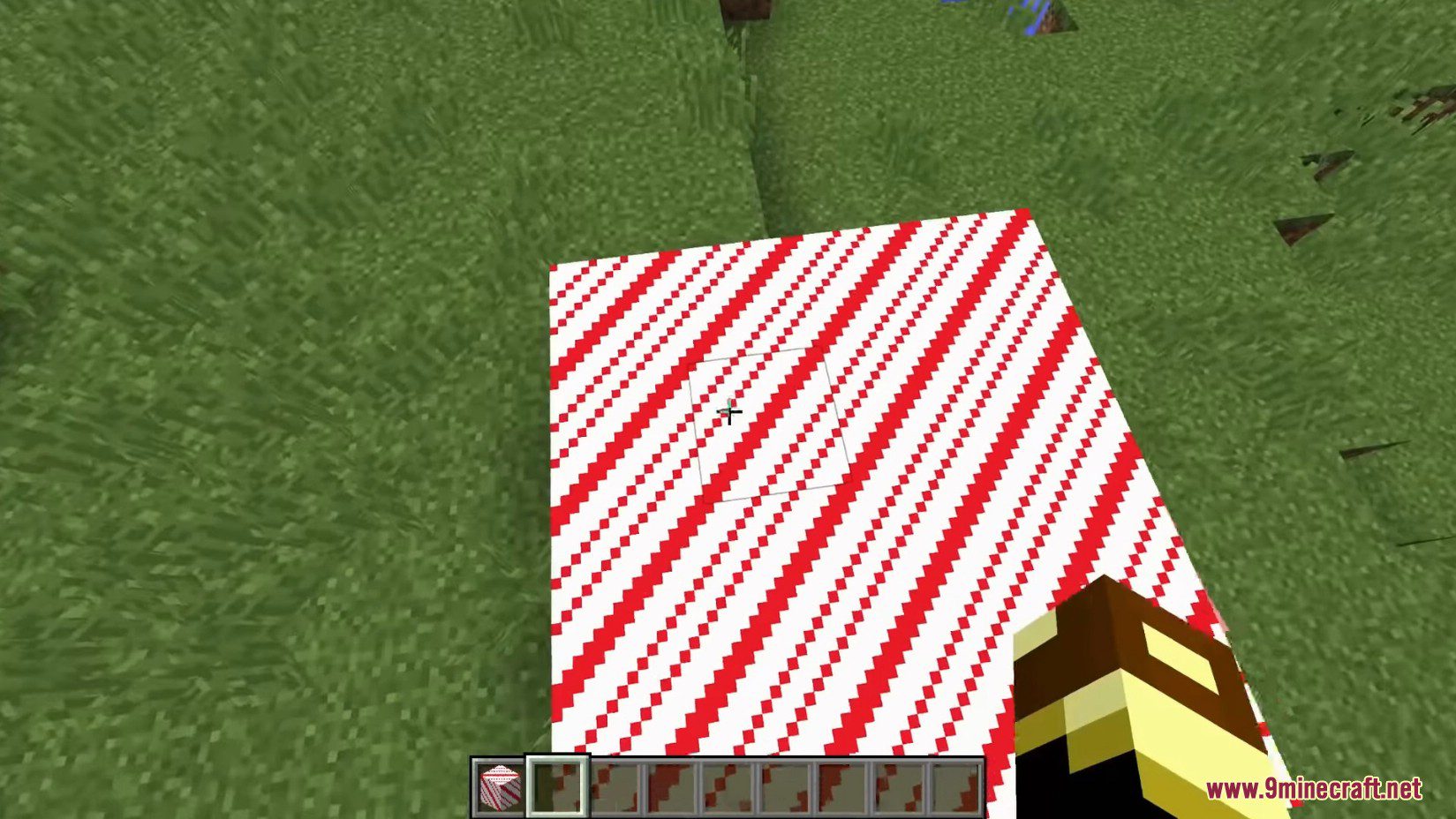
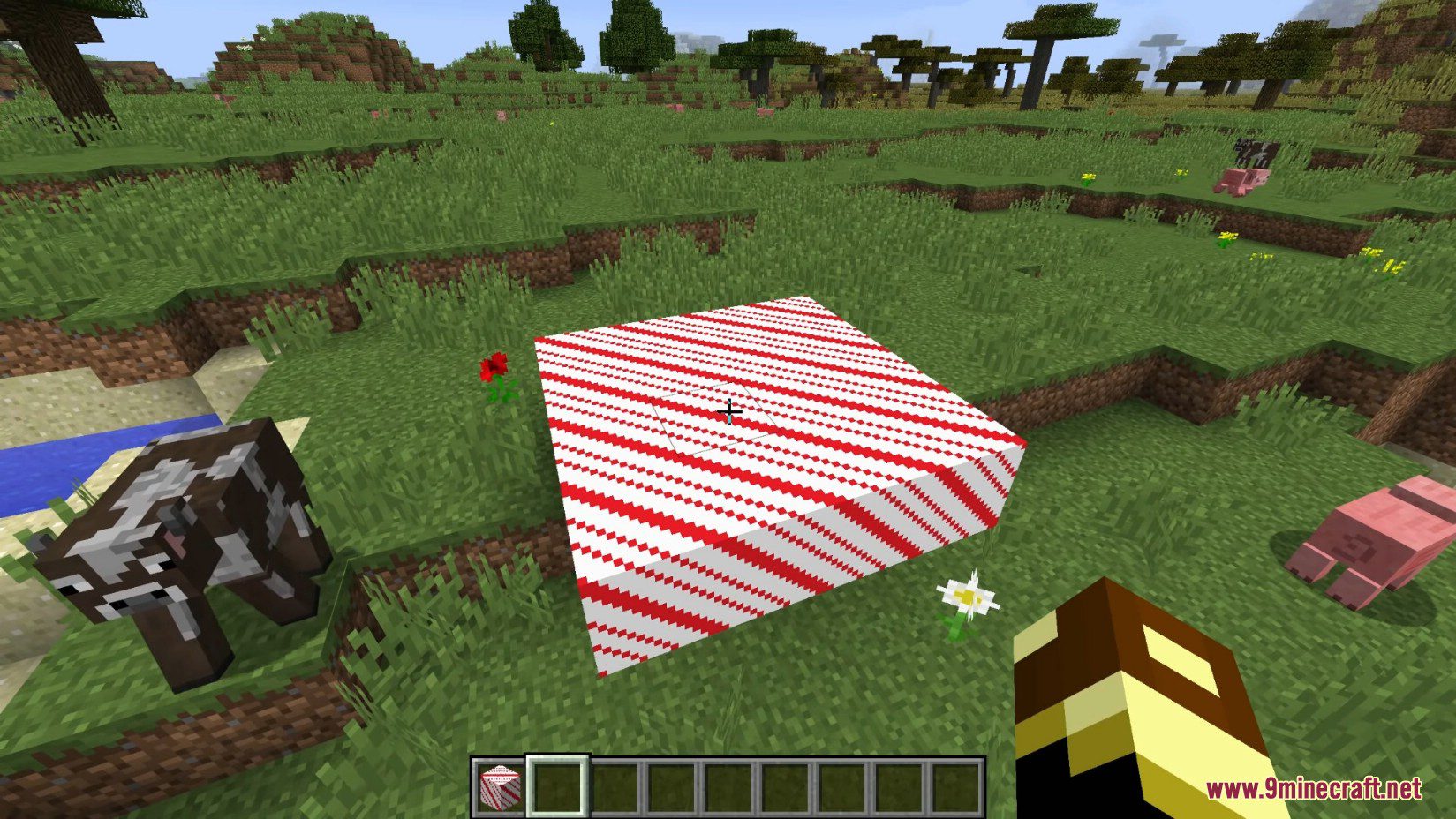
- Lets you design and implement new blocks.
- Allows you to make new Creative Tabs for your custom content.
Scripts for this mod work differently from regular CraftTweaker scripts. Here are the key differences:
- Your script files must begin with the line
#loader contenttweaker. - These scripts go into the same ‘scripts’ folder that CraftTweaker uses.
How to Use:
You can create items and blocks using Zenscript. These new assets are treated like any standard block or item and will need their own models and textures.
- Create your script files using Zenscript syntax.
- Place any required model or texture files in the ACRONYM/ContentTweaker sub-folder, which is found in your config directory.
Below is a basic example of a script that creates a new block:
import mods.contenttweaker.VanillaFactory;
import mods.contenttweaker.Block;

var zsBlock = VanillaFactory.createBlock("zs_block", <blockmaterial:iron>);
zsBlock.fullBlock = true;
zsBlock.lightOpacity = 255;
zsBlock.translucent = true;
zsBlock.lightValue = 1.0;
zsBlock.blockHardness = 5.0;
zsBlock.blockResistance = 5.0;
zsBlock.toolClass = "pickaxe";
zsBlock.toolLevel = 2;
zsBlock.blockSoundType = <soundtype:metal>;
zsBlock.register();
Screenshots:
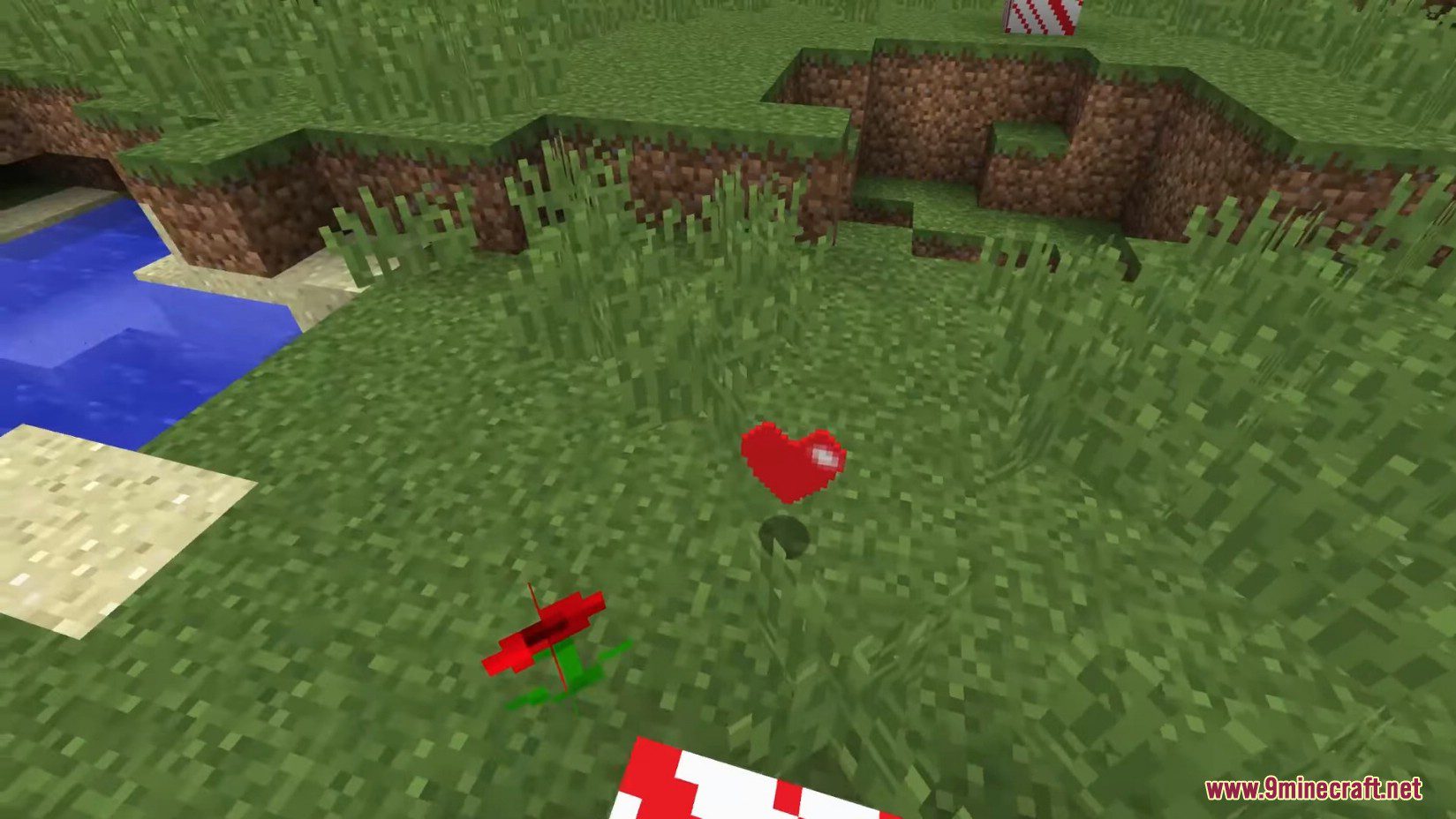
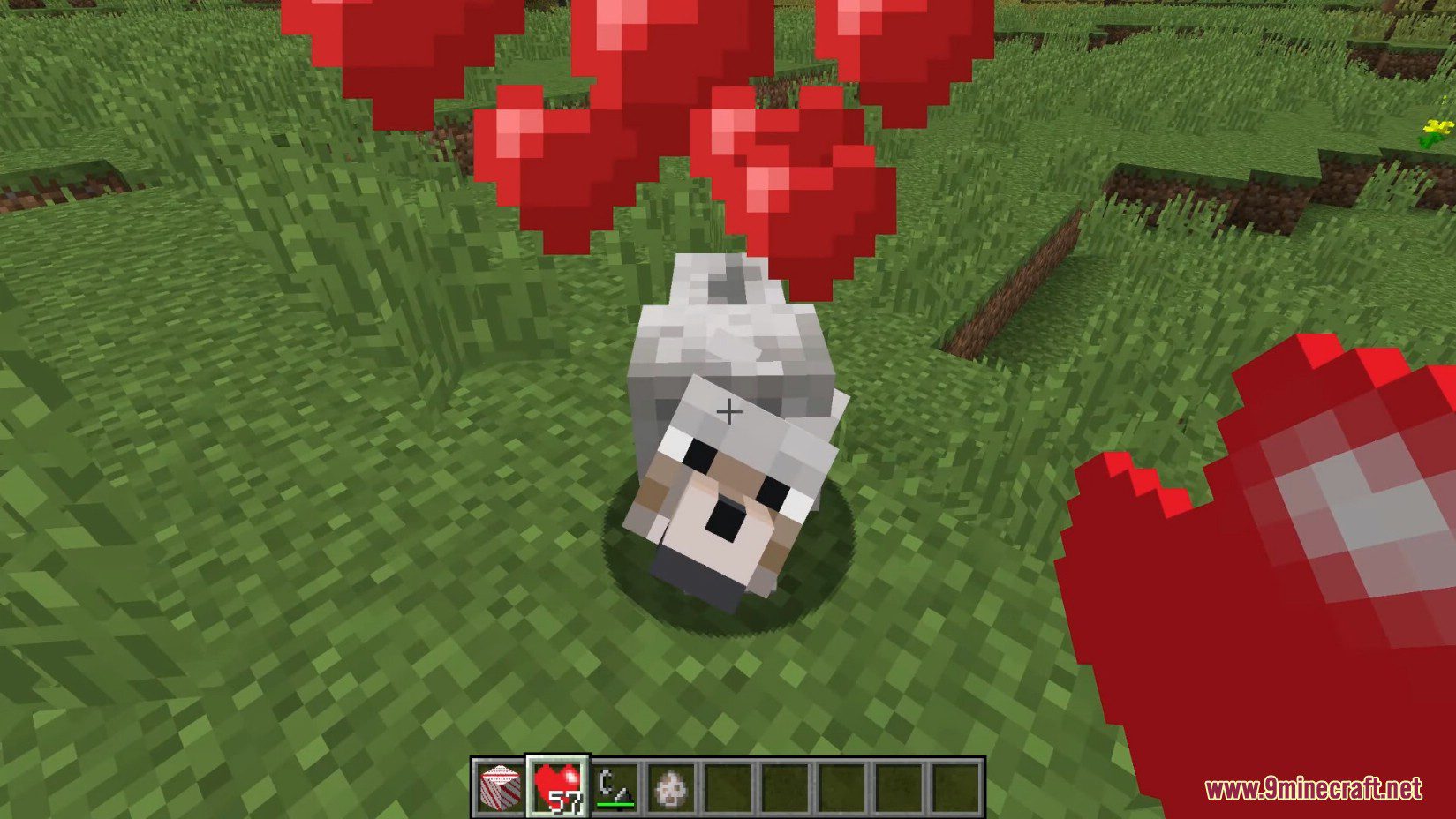
How to Install:
New to Minecraft? Follow our step-by-step guide to install Mods on your PC.View Guide
Requirements:
ContentTweaker Mod Download Links
For Minecraft 1.7.10
Forge version: Download from Server 1 – Download from Server 2
For Minecraft 1.10.2
Forge version: Download from Server 1
For Minecraft 1.19.2
Forge version: Download from Server 1 – Download from Server 2
Fabric version: Download from Server 1 – Download from Server 2
For Minecraft 1.18.2
Forge version: Download from Server 1 – Download from Server 2
Fabric version: Download from Server 1 – Download from Server 2
For Minecraft 1.16.5
Forge version: Download from Server 1 – Download from Server 2
For Minecraft 1.15.2
Forge version: Download from Server 1
For Minecraft 1.12.2, 1.12.1, 1.12
Forge version: Download from Server 1 – Download from Server 2
You May Also Like


This post has no comments yet. Be the first — your comment will appear here.