


Craft & Find Mod (1.21.1, 1.20.1) – Craft Directly From Nearby Storage Chests

 0
0 

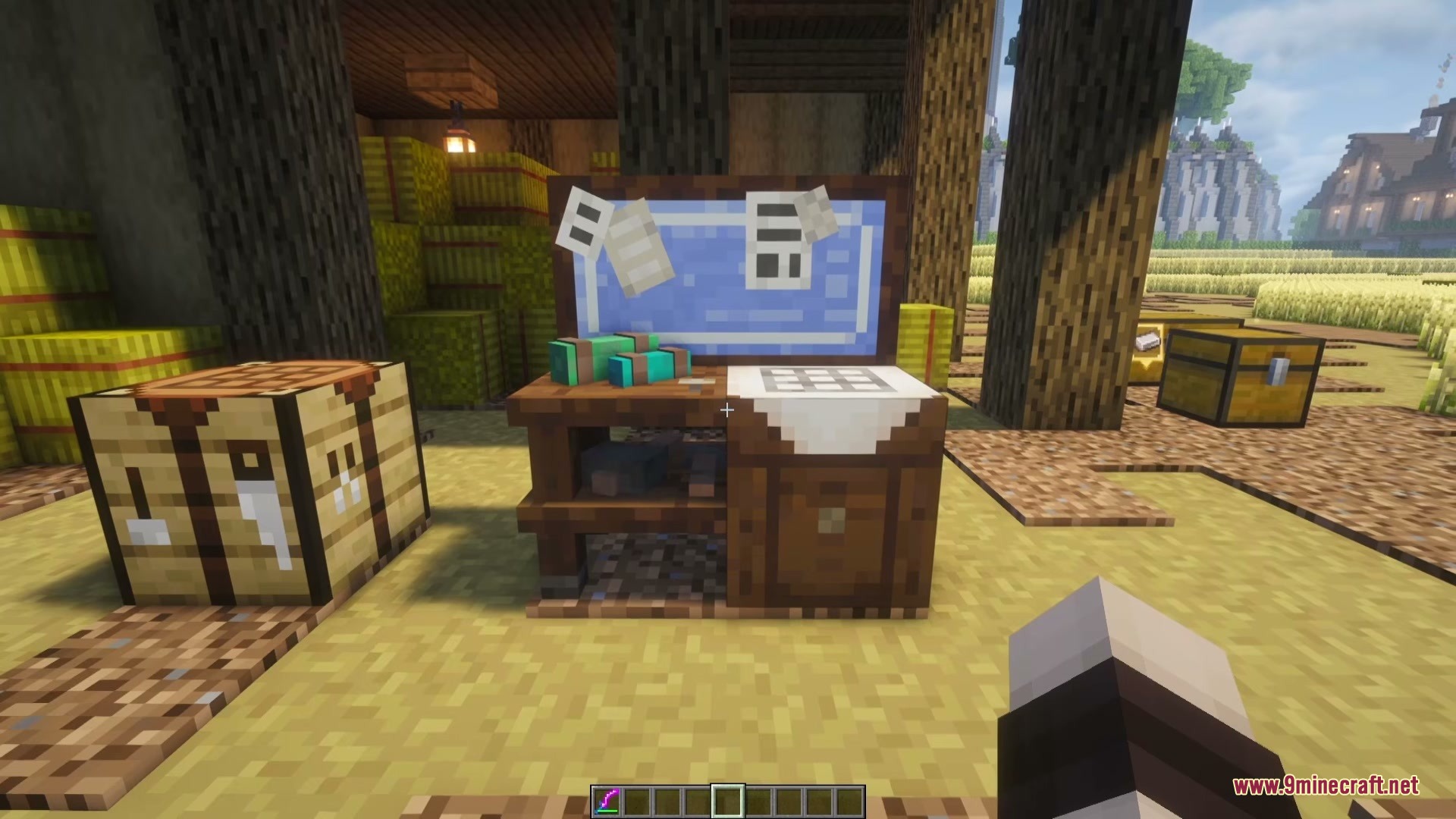
Craft & Find Mod connects nearby chests and barrels into one unified workbench. It lets you search your entire storage room at once without opening every container individually. You can craft recipes using items stored across multiple boxes and locate missing resources with visual world highlights. It keeps vanilla storage simple while saving you time on everyday crafting.
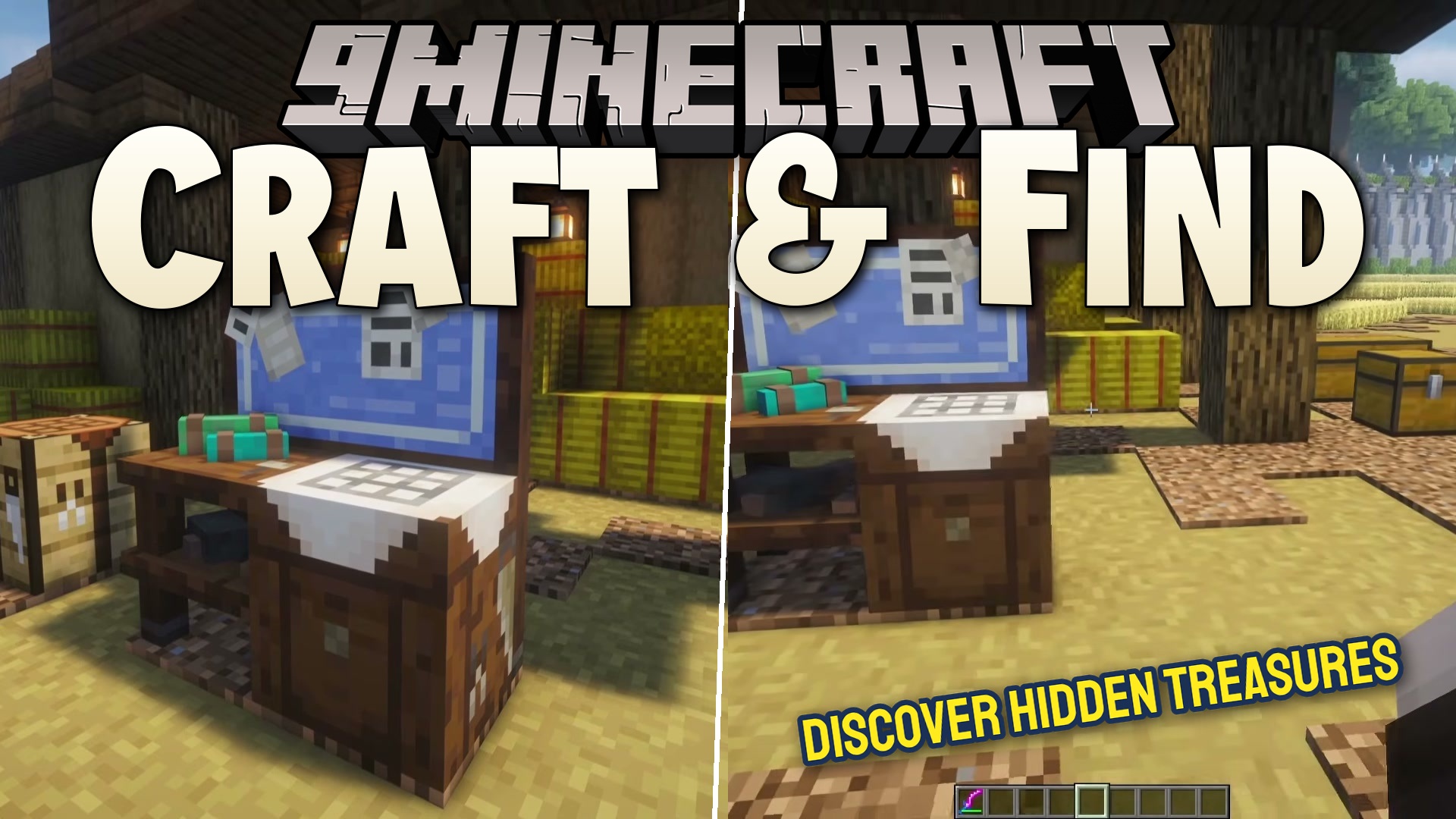
Features:
- Connects nearby chests, barrels, and shulker boxes into a single crafting station.
- Lets you search for items across all nearby containers by item name or ID.
- Sorts stored items by alphabetical name or total item count.
- Highlights chests in the world when you click an item to show exactly where it is stored.
- Displays a 3D item marker floating above the main storage container holding your item.
- Pulls crafting ingredients directly from nearby containers into the crafting grid.
- Works with the vanilla Recipe Book to show what you can craft with all stored materials.
- Matches the default vanilla Minecraft interface style.
Configuration:
Storage Search Radius: Sets how far the workbench searches for containers (default: 16 blocks).Maximum Highlighted Containers: Controls the maximum number of chests or containers highlighted at once.Container Scan Interval: Sets how frequently the block checks for newly placed or broken containers.Content Refresh Interval: Controls how often stored items update inside the interface.Visual Effects: Lets you toggle or adjust highlight particles, audio cues, item markers, and highlight duration on the client side.
How to Use:
- Craft and place a Storage Workbench near your chests or barrels.
- Right-click the Storage Workbench to open its menu.
- Type an item name into the search bar or sort the list to check your total resources.
- Click an item in the list to highlight which chest contains that item in the world.
- Select any available recipe from the Recipe Book to craft using items directly from nearby storage.
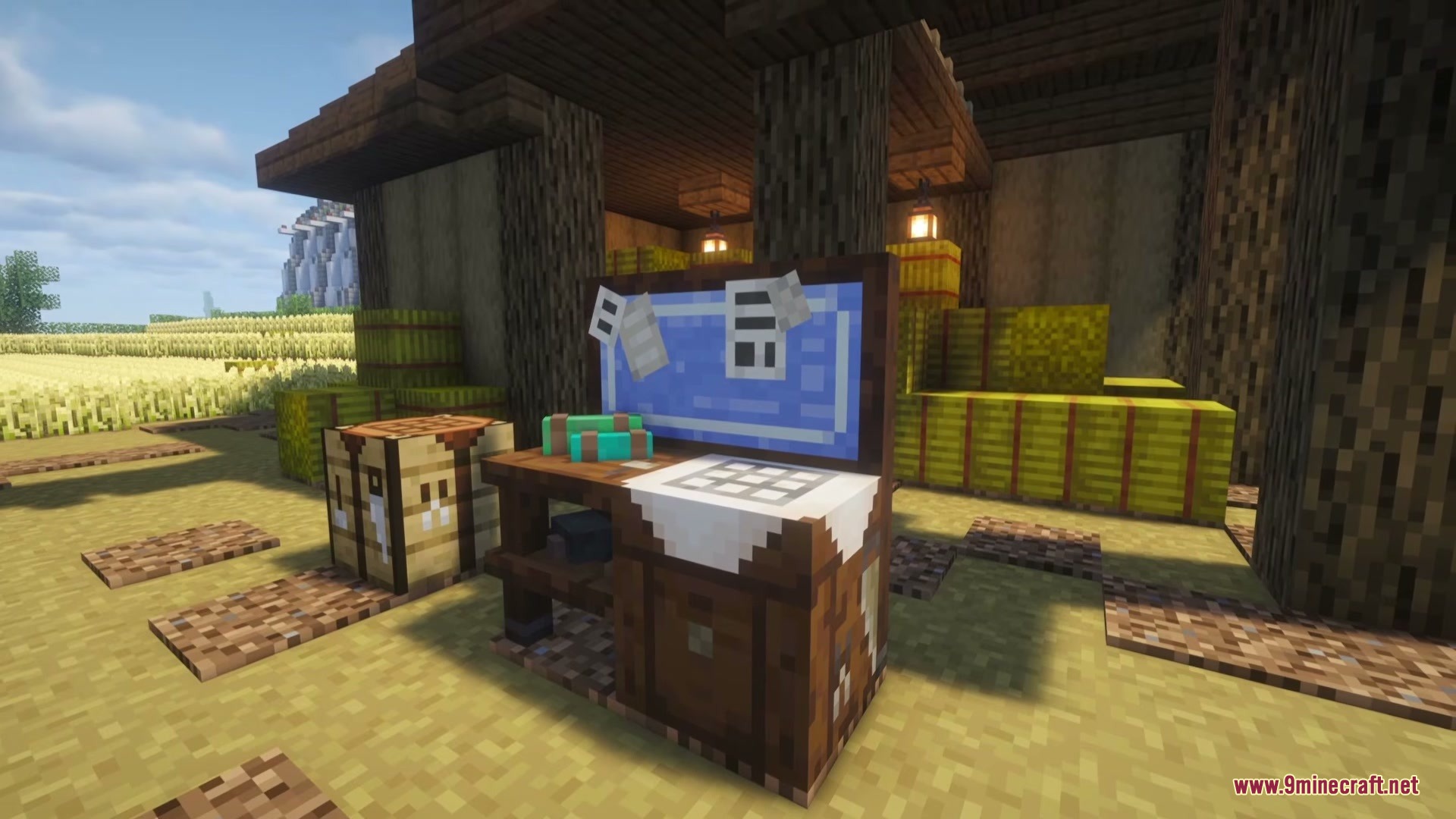
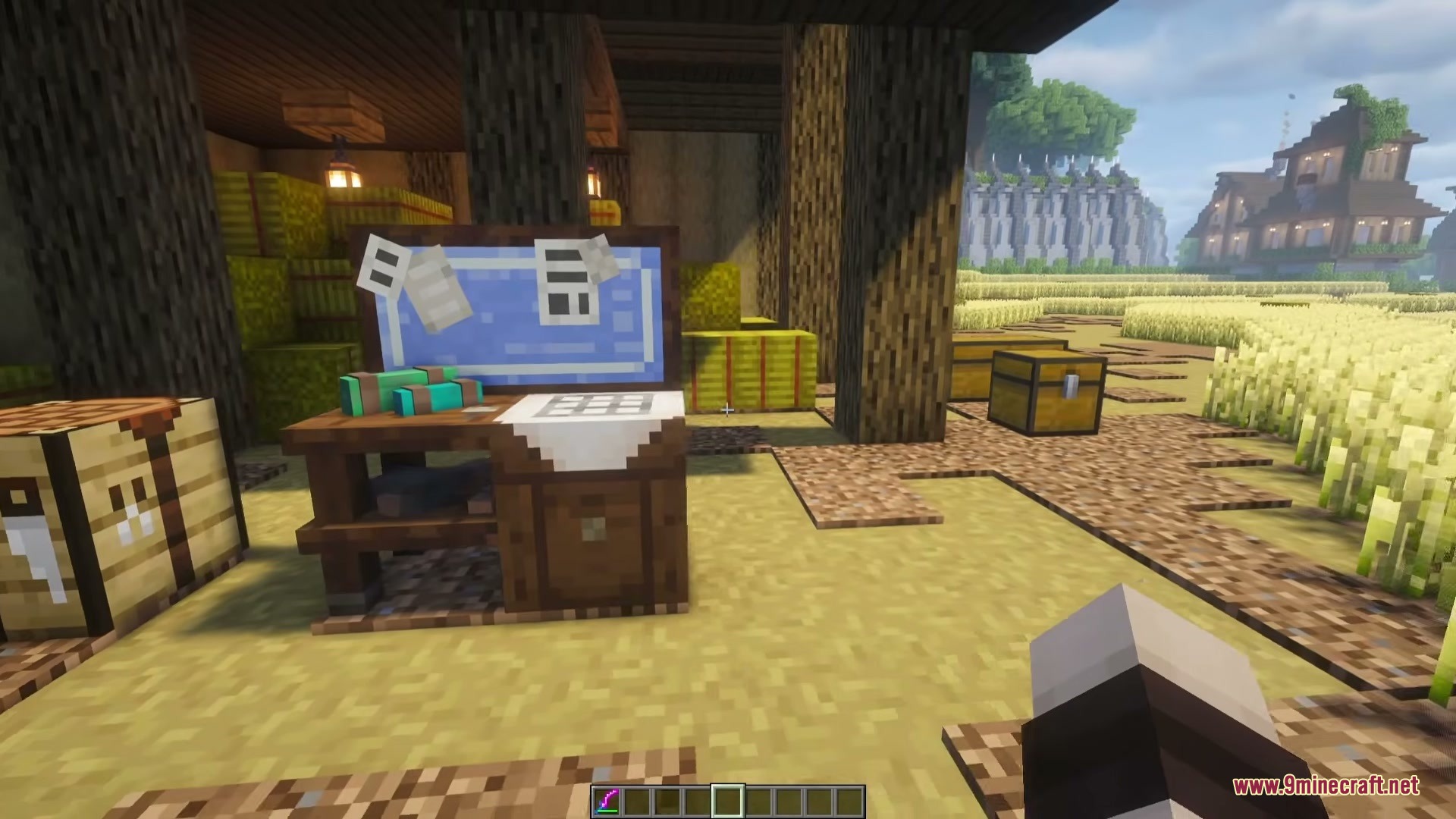
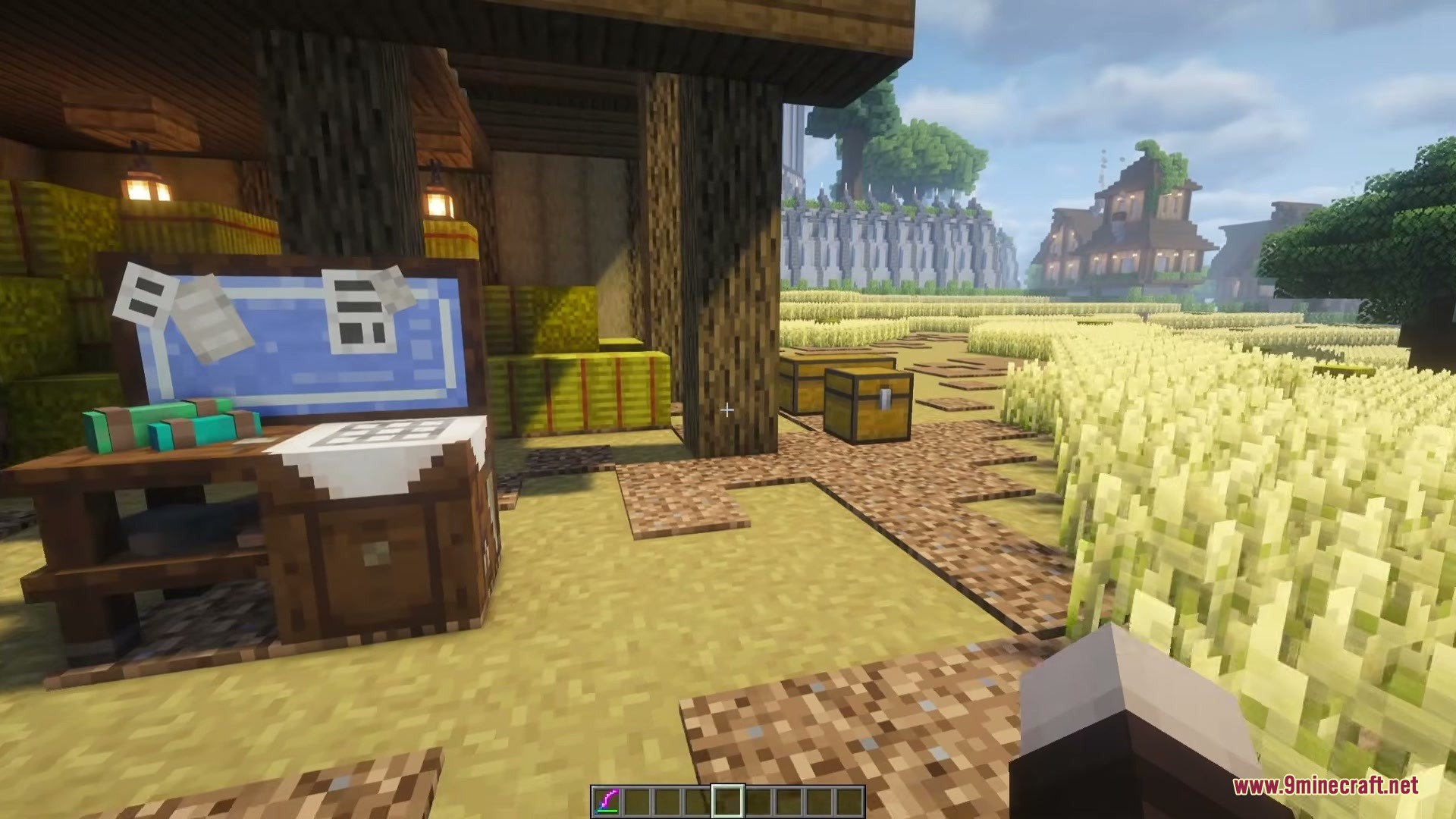
Screenshots:
How to Install:
New to Minecraft? Follow our step-by-step guide to install Mods on your PC.View Guide




Craft & Find Mod Download Links
For Minecraft 1.21.1, 1.21
For Minecraft 1.20.1, 1.20
Click to rate this post!
[Total: 0 Average: 0]
You May Also Like



This post has no comments yet. Be the first — your comment will appear here.