
Create Optical Mod (26.1.2, 1.20.1) – Power Remote Machines with Light Beams

 0


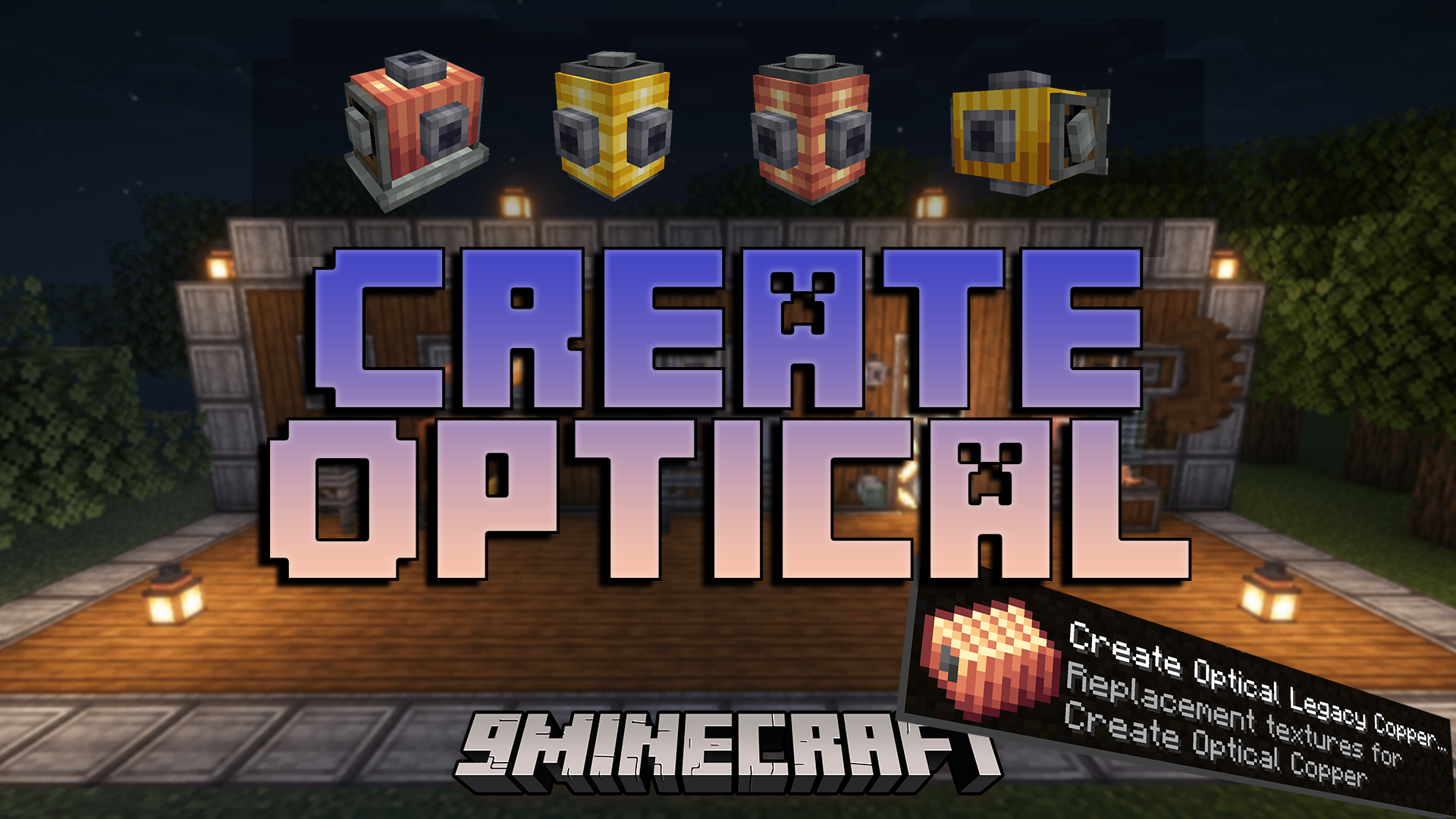
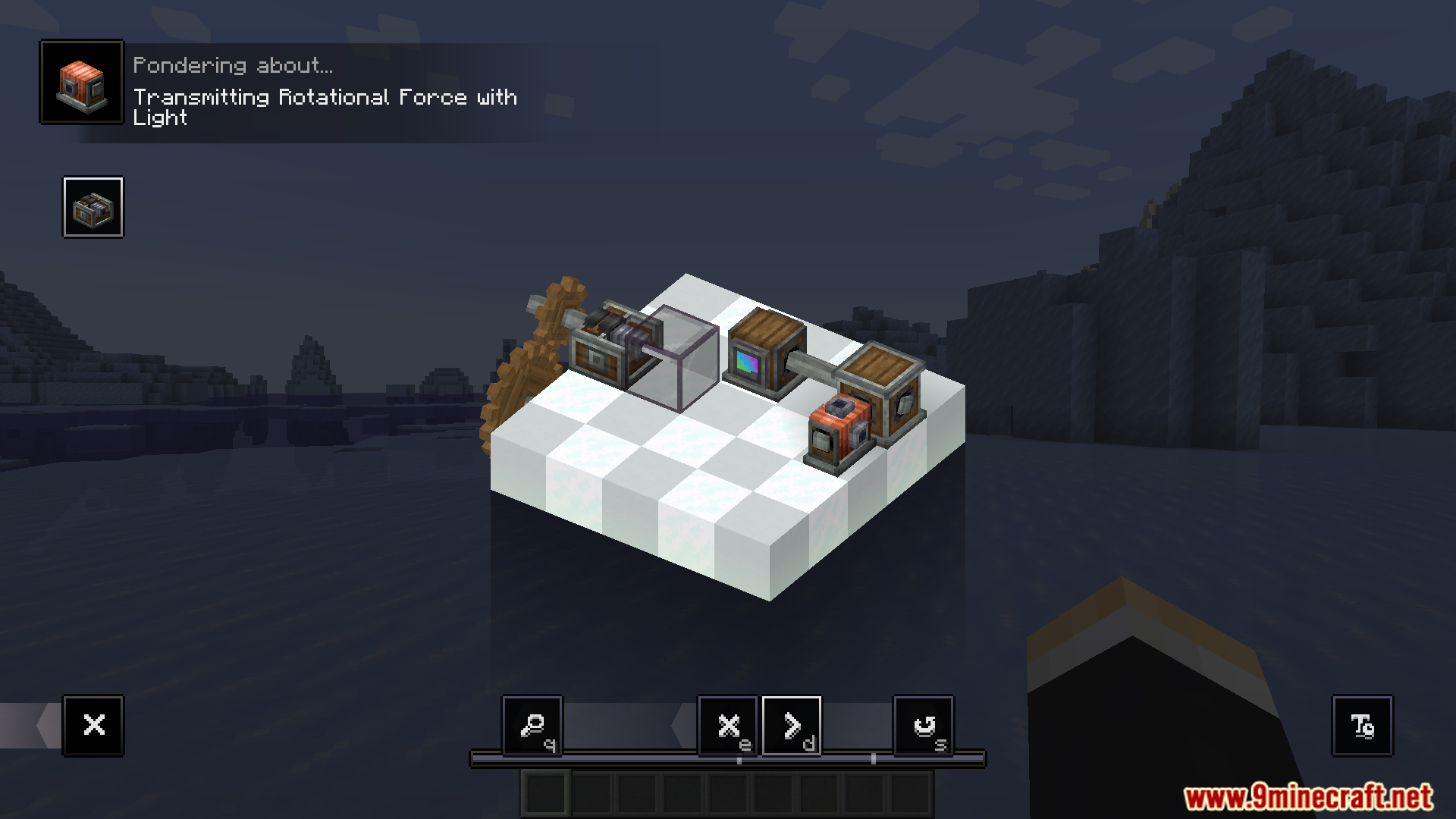
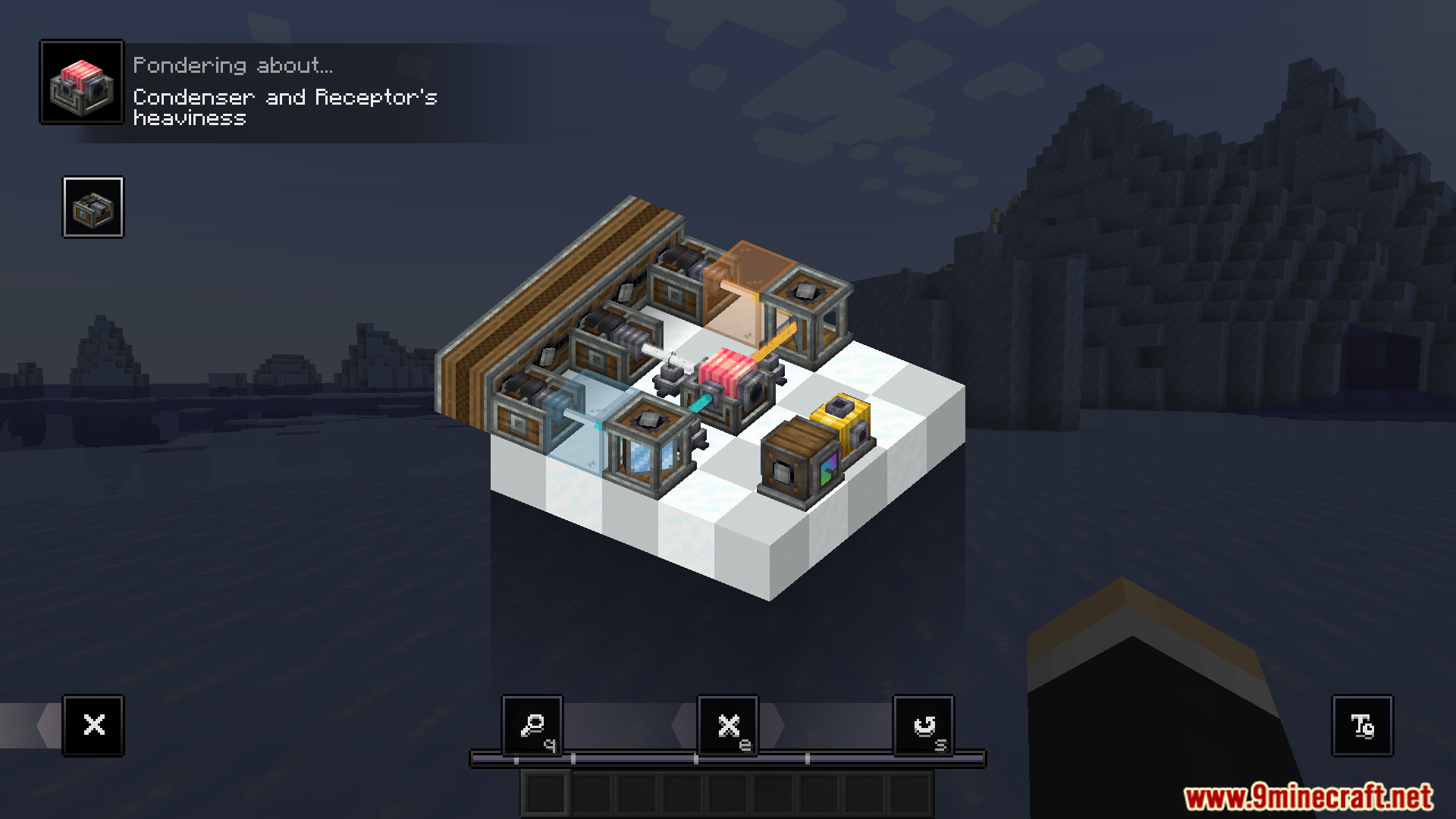
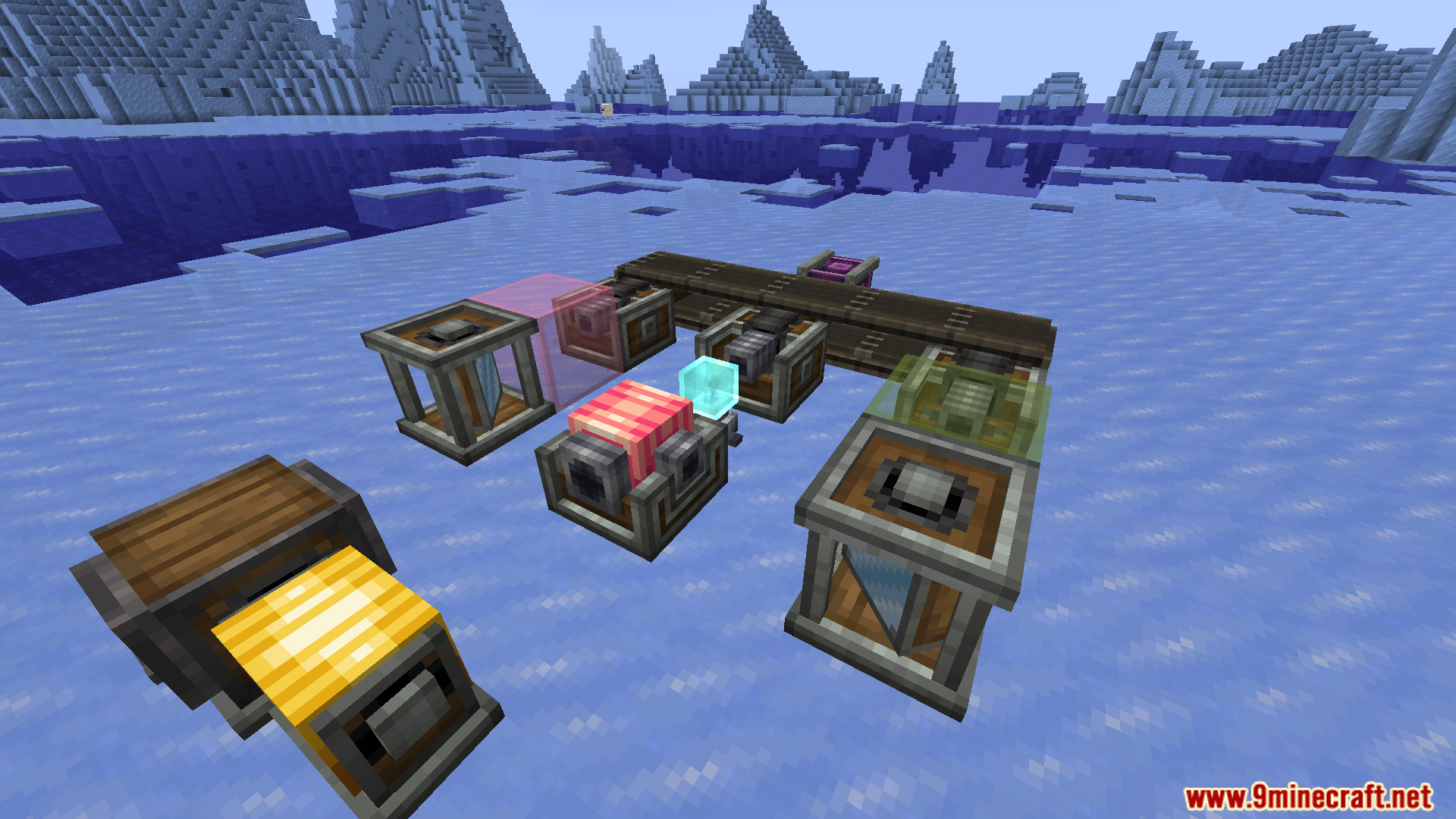
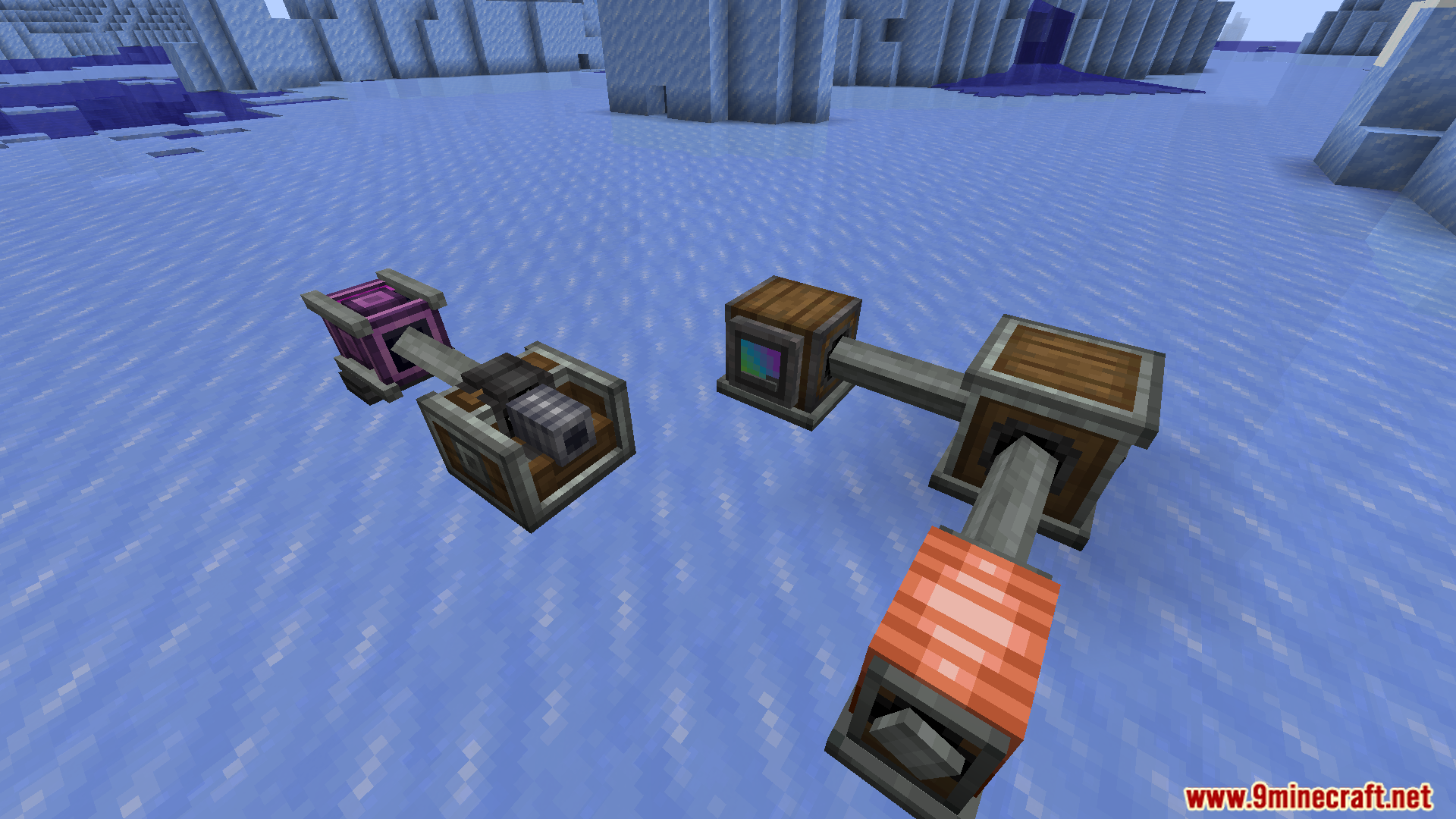
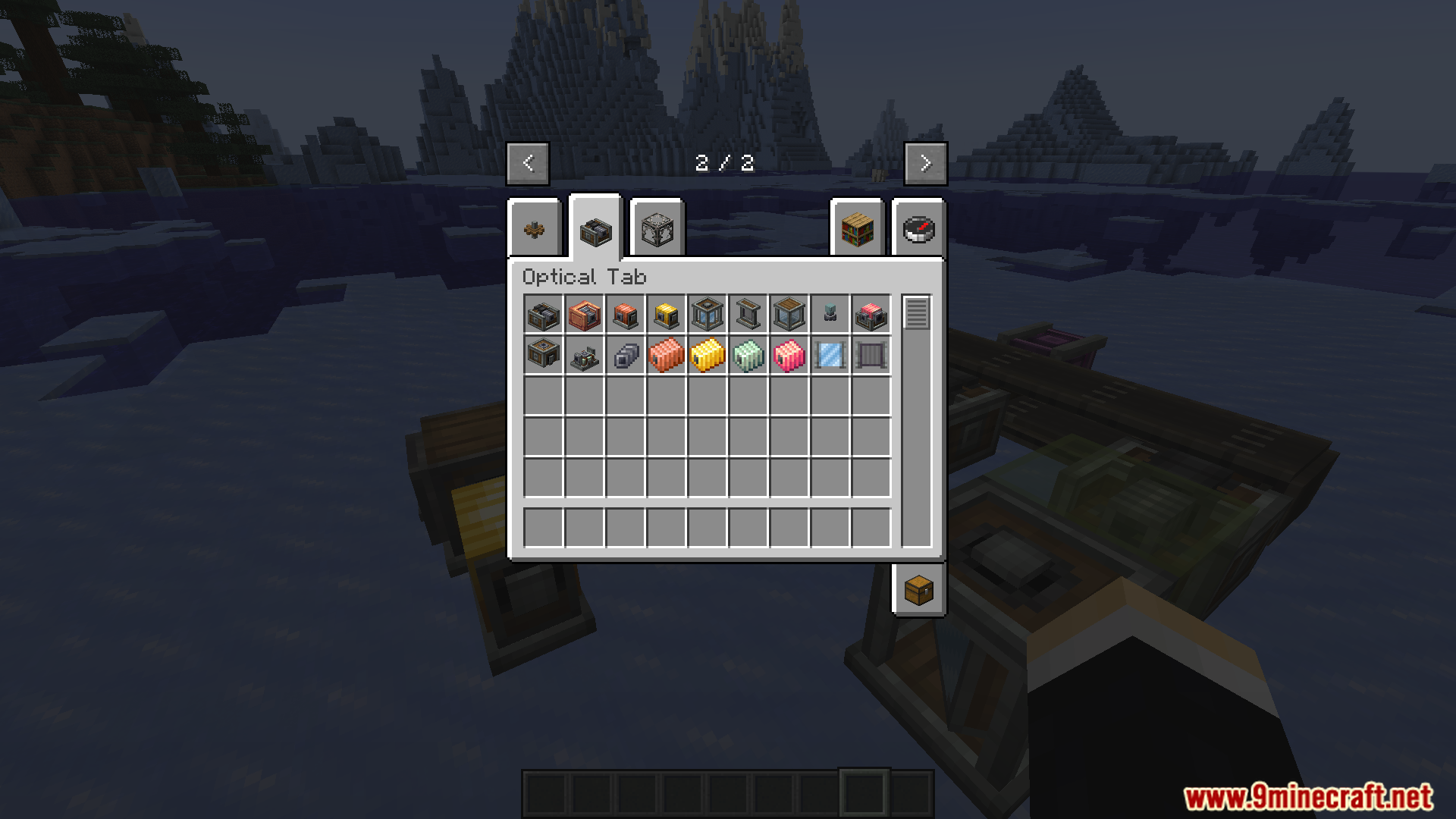
Create Optical Mod extends Create with a system that moves rotational energy using light beams. This addon adds optical sources and receptors to turn rotational force into light and back into power again. You can bounce, polarize, split, and combine beams with blocks like Mirrors, Polarizing Filters, Beam Splitter Cubes, and Beam Condensers. It also adds beam-based recipes, redstone sensors, hologram displays, and light communication blocks. You can check all crafting recipes in JEI and learn the mechanics through the Ponder system.
Features:
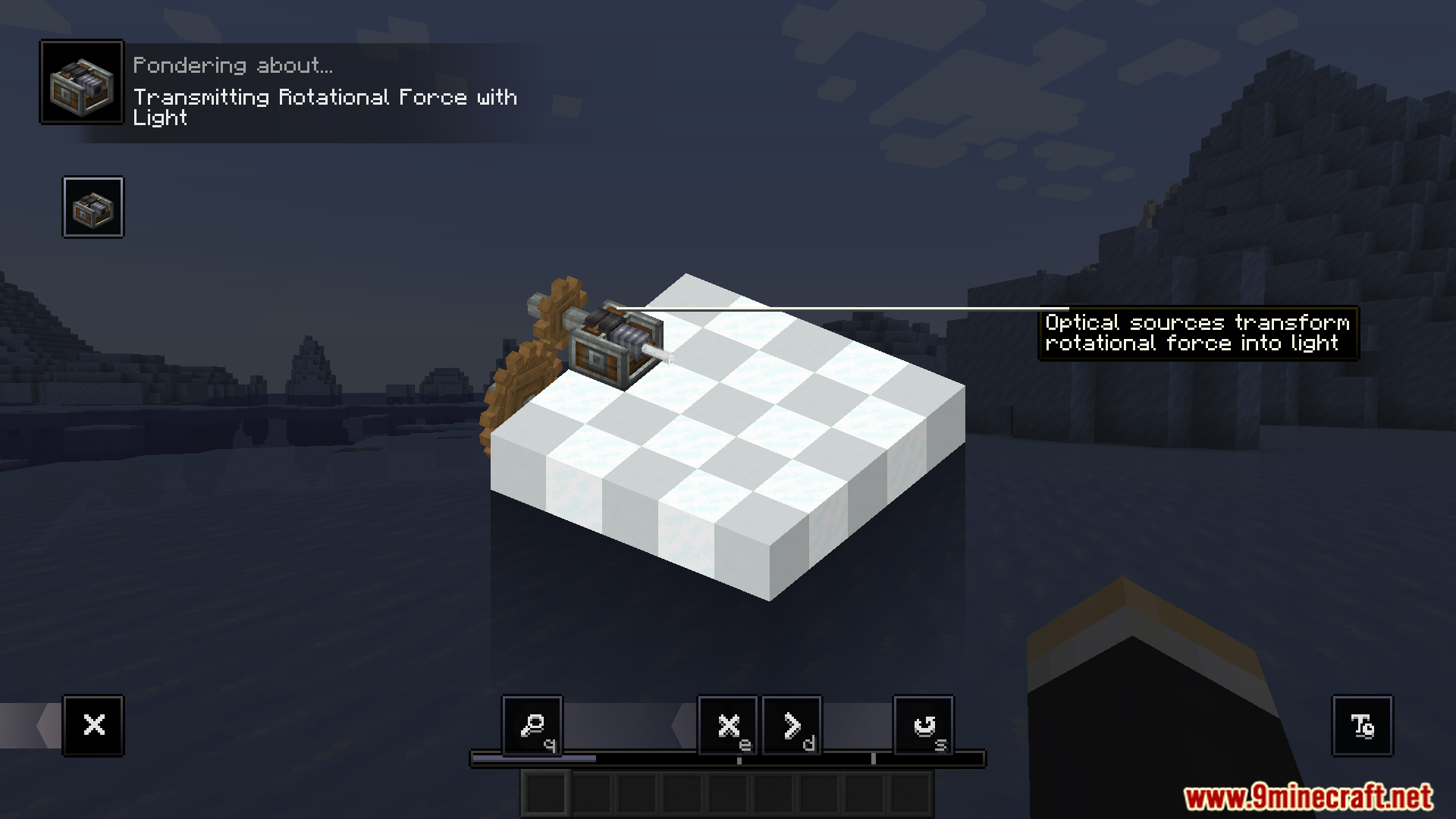
- Optical Source: Turns rotational force into different types of light beams (electromagnetic waves).
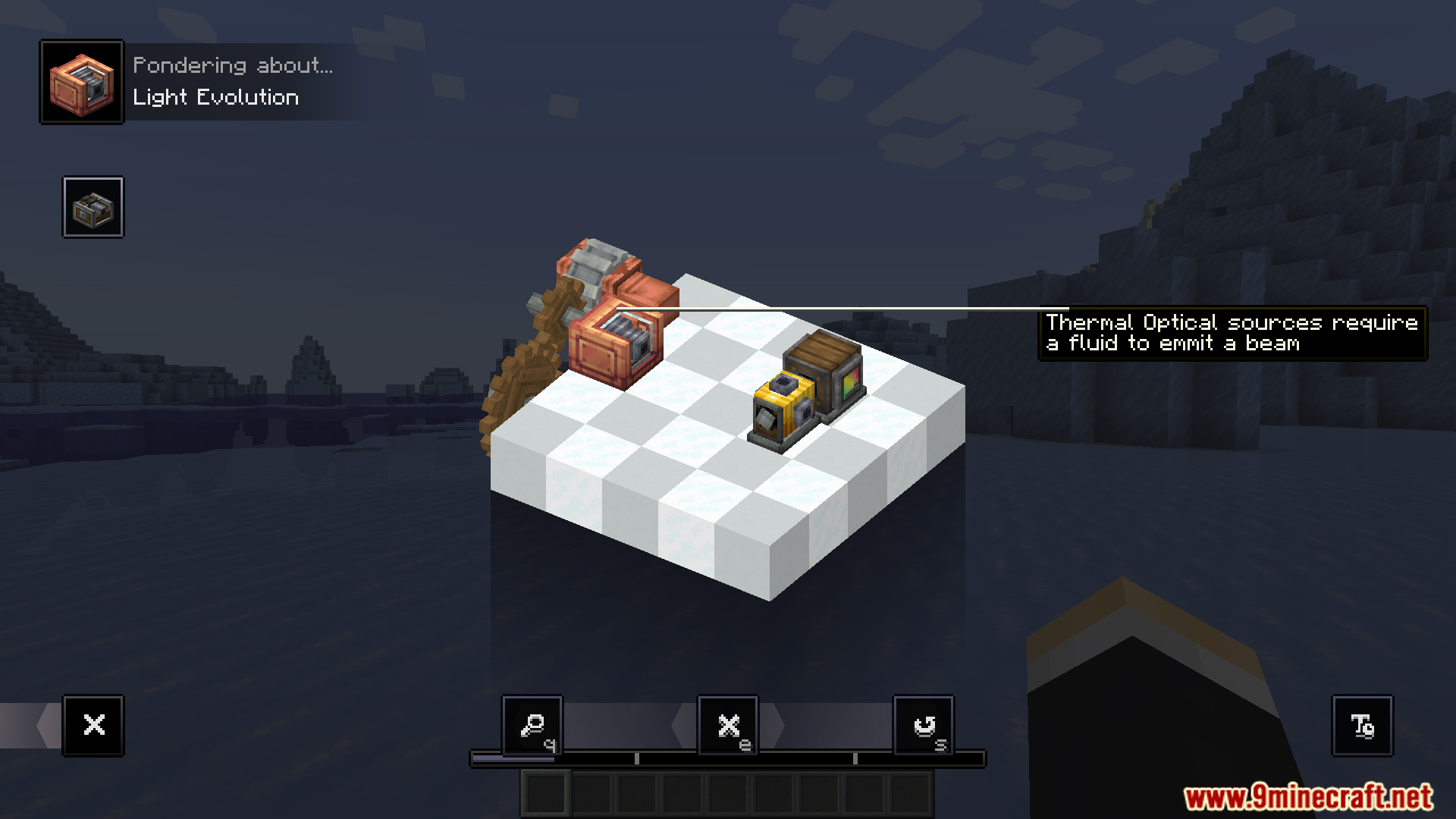
- Thermal Optical Source: Works like a normal optical source, but uses high stress units (SU) based on fluid applications.
- Optical Receptor: Converts incoming light beams back into rotational force based on the beam’s properties.
- Beam Focuser: Adds a new recipe type that processes items based on beam properties.
- Lets you look up all crafting recipes with JEI and explore most mechanics using the Ponder system.
Beam Control Blocks:
- The Mirror reflects incoming beams at right angles.
- The Polarizing Filter changes the polarization of a light beam.
- The Beam Splitter Cube divides one beam into two and polarizes the two new beams at right angles to each other.
- The Beam Condenser merges up to three beams into one while combining their properties.
Sensors, Displays, and Signals:
- The Optical Sensor sends out a redstone signal based on the incoming beam’s properties and lights up spaces with style.
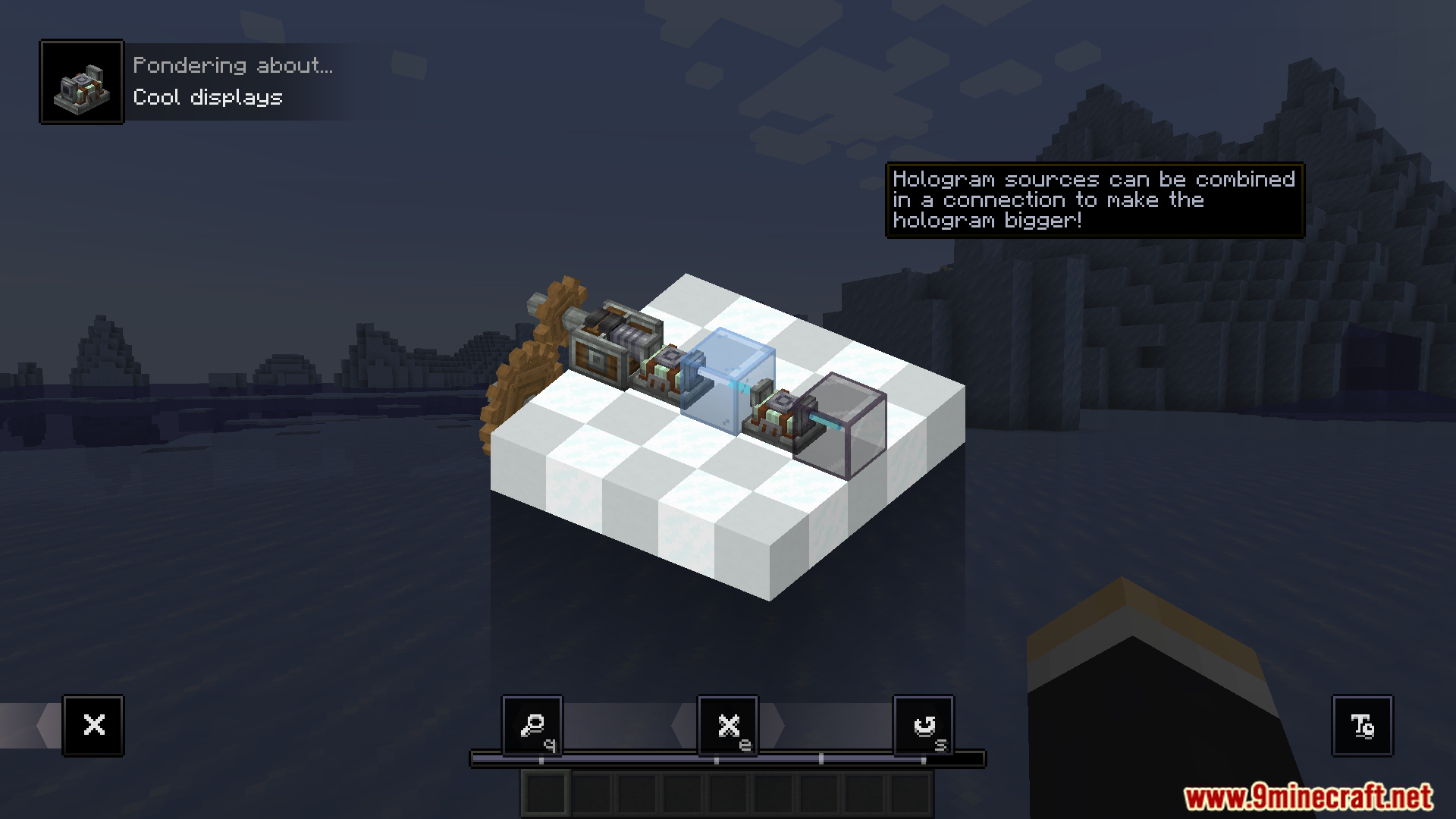
- The Hologram Display shows text or items in a hologram style.
- The Beam Reader checks and displays the properties of an incoming beam.
- The Beam Modulator lets you communicate through light.
Screenshots:
How to Install:
New to Minecraft? Follow our step-by-step guide to install Mods on your PC.View Guide



Create Optical Mod Download Links
For Minecraft
26.1.2,
26.1.1,
26.1
All Versions Covered
26.1.2
26.1.1
26.1
1.21.11
1.21.10
1.21.9
1.21.8
1.21.7
1.21.6
1.21.5
1.21.4
1.21.3
1.21.2
All Versions Covered
26.1.2
26.1.1
26.1
1.21.11
1.21.10
1.21.9
1.21.8
1.21.7
1.21.6
1.21.5
1.21.4
1.21.3
1.21.2
For Minecraft 1.21.1, 1.21
For Minecraft 1.20.1, 1.20
Click to rate this post!
[Total: 2 Average: 5]
You May Also Like
Picked for this page
 Hidden Recipe Book Mod (26.3, 1.20.1) – Remove The Minecraft Recipe Book
 No Fog Mod (26.3, 1.20.1) – Fog Removal For Clearer View
 FSit Mod (26.3, 1.20.1) – Sit Back And Relax
 Stardew Fishing Mod (26.2, 1.20.1) – A Skill-based Fishing Minigame
 No Feather Trample Mod (26.3, 1.20.1) – Farmland Protection
 Banner Bedsheets Mod (26.3, 1.20.1) – Make Your Bed Unique
 Hopper The Hedgehog Mod (26.3, 1.20.1) – Speeds Up Item Transfer
 Nightosphere Mod (1.21.11, 1.20.1) – Level Based Changes To The Nether
 Ascended Quark Mod (1.21.1, 1.20.1) – Compatibility Quark and Aether
 Sleep Warp Updated Mod (26.3, 1.21.1) – Accelerates Time When Sleeping
 Charcoal Blocks Mod (26.3, 1.20.1) – Efficient Fuel Without Ever Mining
 Blank Signs Mod (26.3, 1.21.1) – Place Signs Without Opening The GUI
Most viewed in Mods over the last 7 days
 Ala Industrial Mod (26.3) – Run Electric Power Grids and Automated Factories
 PleasureCraft Mod (26.3, 1.21.1) – Jenny Mod Remake for Fabric
 Jennycraft Mod (26.3, 1.20.1) – Virtual Girlfriend in Minecraft
 Fapcraft Mod (26.3, 1.12.2) – Comprehensive and Detailed Content
 Jenny Mod (Fapcraft) Official Complete Guide – How to use, Tutorial
 BangCraft Mod (1.20.1) – Jenny, Ellie and Elliot
 Fabric Loader (26.3, 1.20.1) – Fabric Installer for All Minecraft Versions
 Meteor Client Mod (26.3, 1.20.1) – Xray, HUD, Fly
 OptiFine HD (26.3, 1.20.1) – Run Faster, FPS Boost, Shaders Support
 The Shooting Star Demo Mod (26.3, 1.20.1) – Vaporize Terrain From Orbit
 Aristois Client Mod (1.21.4, 1.20.1) – World Class Minecraft Utility
 SchnurriTV Mod (1.12.2) – Characters and Features
More from Mods
 Arcane Redstone Dial Mod (26.3, 1.20.1) – Trigger Commands and Shortcuts
 The Graveyard Mod (26.3, 1.20.1) – Cemeteries in Minecraft
 Enhanced Overlay Mod (26.3, 1.21.11) – Remove Screen Clutter
 Flint Mod (1.21.11) – Run DiamondFire Community Addons Without Crashing
 Not Just Sandwich Mod (26.3, 1.20.1) – Edibles, Sandwiches
 Waddles Mod (26.3, 1.20.1) – Make Icy Biomes Feel Alive
 Artemis’ Thin Logs Mod (26.3, 1.20.1) – Build Custom Trees and Detailed Wood
 Asterion Mod (26.3, 1.20.1) – Survive Ancient Mazes and Slay the Legendary Minotaur
 Passthrough Signs Mod (26.3, 1.20.1) – Right-Click Through Wall Signs
 Packing Tape Mod (26.3, 1.20.1) – Move Chests, Machines
 No XP Anvils Mod (26.3, 1.20.1) – Repair And Enchant Without XP
 Naruto Shippuden Mod (26.3, 1.16.5) – Immerse Yourself in The World of Ninja

This post has no comments yet. Be the first — your comment will appear here.