
Create TransFE Mod (1.21.1) – Connect Forge Energy Machines to Your Electrical
 0
 0

Create TransFE Mod extends Create, Create: Power Grid, and Create: The Factory Must Grow with two-way energy conversion blocks. This mod bridges Forge Energy systems with simulated electrical networks. Machines that make or use FE can now share power directly with Power Grid and TFMG setups. You only need to place a converter block and use a redstone signal to change which direction the energy flows.
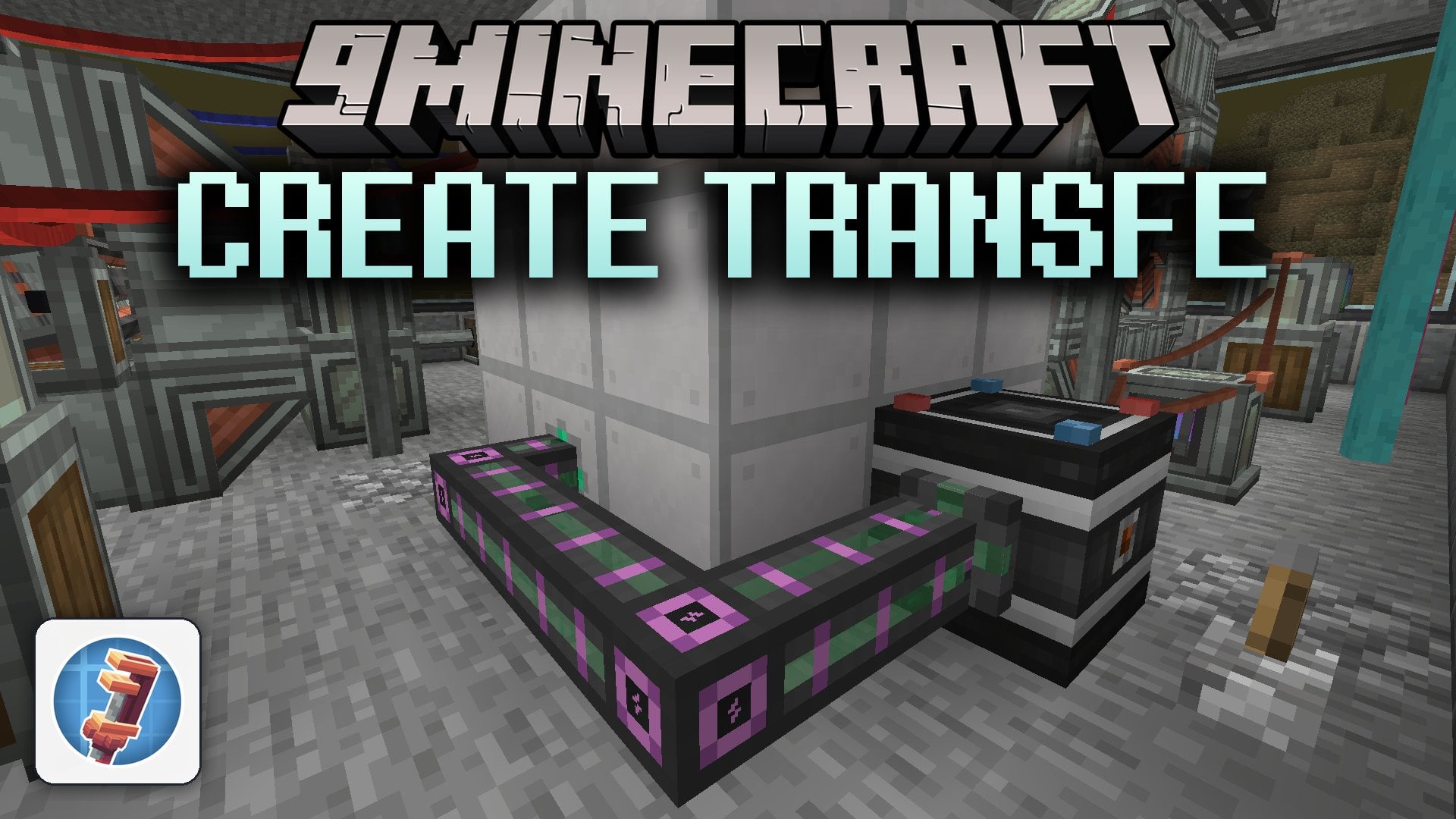
Features:
- TFMG to FE Converter: Pulls Forge Energy from nearby generators and turns it into electrical power for a TFMG network, or reverses the flow when powered by redstone.
- Power Grid to FE Converter: Takes Forge Energy from adjacent blocks and converts it into electrical power for a Power Grid network, or sends Power Grid electricity out as FE when given a redstone signal.
- Works with any mod block that uses standard Forge Energy input and output, such as TFMG Accumulators, Create: New Age generators, and Mekanism batteries.
- Runs in Generator mode by default, pulling FE from touching blocks every tick and feeding it into the connected electrical network.
- Switches to Consumer mode when powered by redstone, pulling electricity from the wire network to output standard FE.
How to Use:
- Place the converter block down in your world next to your FE machines or cables.
- Connect the block to your electrical network using the top terminals for Power Grid, or Insulators and Cable Hubs for TFMG.
- Leave the block unpowered by redstone if you want to turn Forge Energy into electrical grid power.
- Apply a redstone signal to the block if you want to turn electrical grid power into Forge Energy.
How to Install:
New to Minecraft? Follow our step-by-step guide to install Mods on your PC.View Guide
Requirements:
 NeoForge Required
Create: Power Grid Required
Create: The Factory Must Grow Required
Create Required
Create TransFE Mod Download Links
For Minecraft 1.21.1, 1.21
Click to rate this post!
[Total: 0 Average: 0]
You May Also Like
Picked for this page
 Shield Parry Mod (1.21.1, 1.20.1) – Deflect Projectiles with Shields
 ChickenChunks Mod (1.21.1, 1.20.1) – Run Machines While Offline
 KubeJS Create Mod (1.21.11, 1.20.1) – Script Custom Factory Recipes
 Armor Status Mod (1.21.11, 1.21.1) – Never Let Your Best Armor Break In Combat
 Animal Garden Crocodile Mod (26.3, 1.20.1) – Survive Deadly Swamp Crocodiles
 Sculk Transporting Mod (26.3, 1.20.1) – Move Items Across Your Base
 The Great Alchemical Compendium Mod (1.21.1, 1.20.1) – Brew Powerful Potions
 Tensura Smoothcraft Mod (1.19.2) – Battle Huge Monster Hordes Without Lag
 Falling Leaves Plus Mod (26.3, 1.21.1) – Watch Forests Come Alive
 Enchantments Unbound Mod (26.3, 1.21.1) – Combine Any Enchantments
 Tumbler and Torsion Mod (1.21.1, 1.20.1) – Protect Your Chests and Pick Any Lock
 Ride Every Thing Mod (26.1.2, 1.20.1) – Hop on Any Mob and Ride It
Most viewed in Mods over the last 7 days
 Ala Industrial Mod (26.3) – Run Electric Power Grids and Automated Factories
 PleasureCraft Mod (26.3, 1.21.1) – Jenny Mod Remake for Fabric
 Jennycraft Mod (26.3, 1.20.1) – Virtual Girlfriend in Minecraft
 Fapcraft Mod (26.3, 1.12.2) – Comprehensive and Detailed Content
 Jenny Mod (Fapcraft) Official Complete Guide – How to use, Tutorial
 Meteor Client Mod (26.3, 1.20.1) – Xray, HUD, Fly
 BangCraft Mod (1.20.1) – Jenny, Ellie and Elliot
 OptiFine HD (26.3, 1.20.1) – Run Faster, FPS Boost, Shaders Support
 Fabric Loader (26.3, 1.20.1) – Fabric Installer for All Minecraft Versions
 CatLean Client Mod (26.2, 1.21.11) – ThunderHack Recode Alternatives
 SeedCrackerX Mod (26.3, 1.20.1) – Find Any World Seed
 SchnurriTV Mod (1.12.2) – Characters and Features
More from Mods
 Remove Anvil Never Too Expensive Mod (26.3, 1.21.1) – Repair and Combine Gear
 How About Glowing Cave Plants Mod (26.1.2, 1.20.1) – Light Up Dark Caves
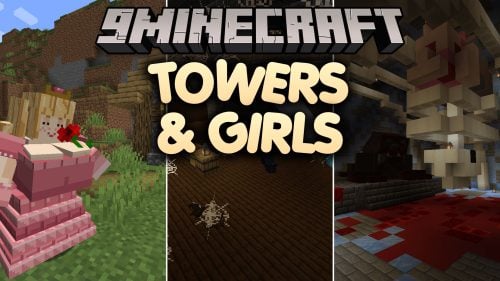 Towers & Girls Mod (1.20.1) – Raid Monster Towers to Rescue Loyal Princess
 Abandoned Underground Railways Mod (26.3, 1.20.1) – Explore Forgotten Train
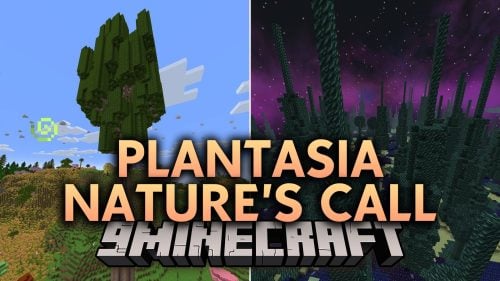 Plantasia Nature’s Call Mod (1.20.1) – Giant Redwoods, Nether Trees
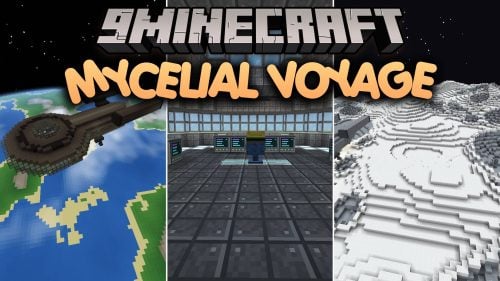 Mycelial Voyage Mod (1.21.1) – Build Working Starships and Fly Into Deep Space
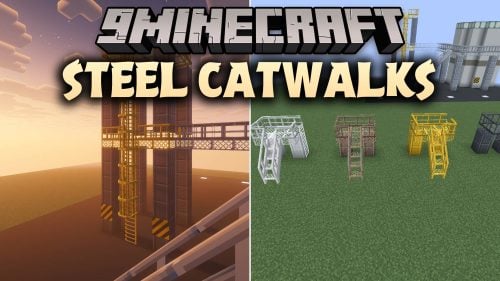 Steel Catwalks Mod (26.3, 1.20.1) – Build Industrial Walkways and Caged Ladders
 Artisan Machines Mod (1.21.1) – Turn Your Farm Harvests Into Fine Artisan Goods
 Sweetheart Bakery Mod (1.21.1) – Bake Custom Pastries and Run Your Own Pastel
 New Throwing Discs Mod (26.3) – Bounce Boomerang Weapons Off Walls to Hit Mobs
 Twiglight Mod (26.3, 1.21.1) – Catch Hidden Stick Insects and Ride
 AQUA FX Mod (1.21.1) – Enjoy Glowing Shores and Coastal Waves Without Shaders

This post has no comments yet. Be the first — your comment will appear here.