
Create: Vintage Improvements Mod (1.20.1, 1.19.2) – Automate Precision

 0


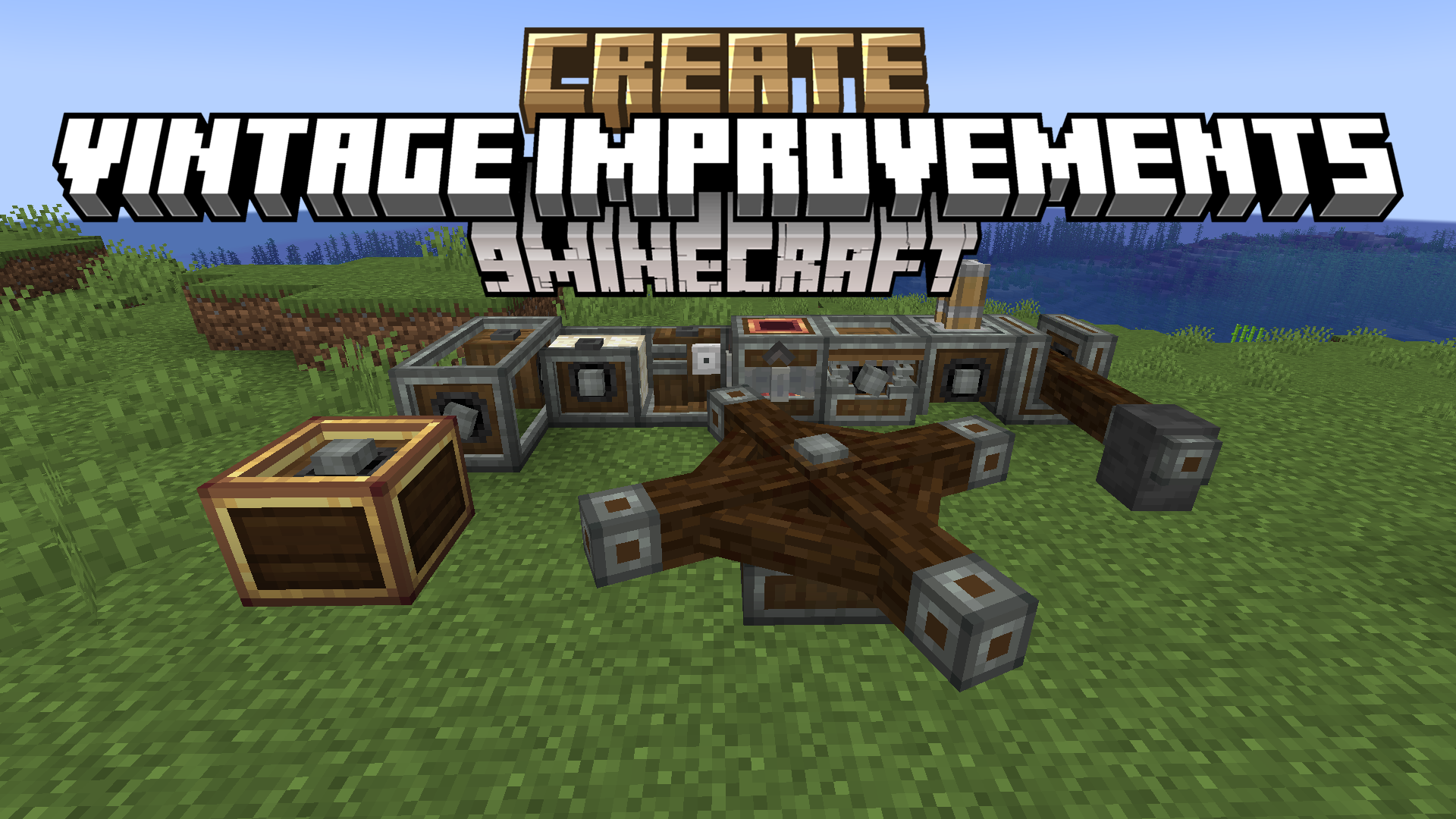
Create: Vintage Improvements Mod extends Create with 9 new kinetic machines, extra metal parts, and factory automation tools. This addon adds the Belt Grinder, Spring Coiling Machine, Compressor, Vibrating Table, Centrifuge, Curving Press, Helve Hammer, Lathe, and Laser, along with metal sheets, rods, wires, and springs. It also brings new items and resources like Sulfur, Sulfuric Acid, Vanadium, Copper Sulfate, Redstone Modules, and extra armor trim materials. You can automate polishing, coiling, hammering, curving, vibrating, smithing, and laser cutting, or use Vanadium in Beacons and Copper Sulfate as Bone Meal. The mod works with Create and supports materials, energy, and mechanics from mods like Ad Astra, Mekanism, Tinker’s Construct, Thermal Expansion, Twilight Forest, Apotheosis, and Create Big Cannons.
Features:
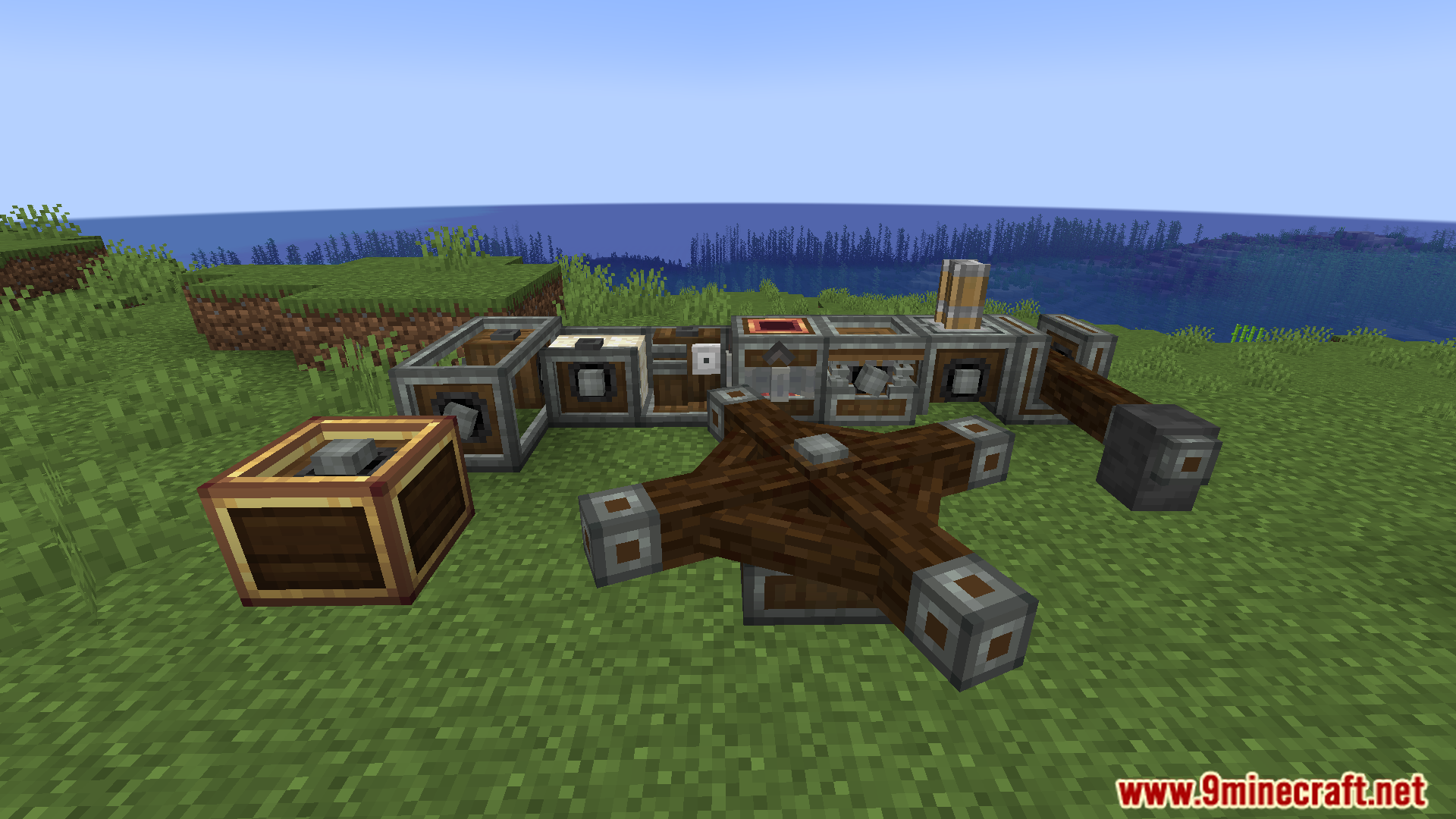
- 9 Kinetic Machines: Adds mechanical workstations that run on Create rotational power for polishing, coiling, vacuumizing, pressurizing, vibrating, centrifuging, curving, hammering, turning, and laser cutting.
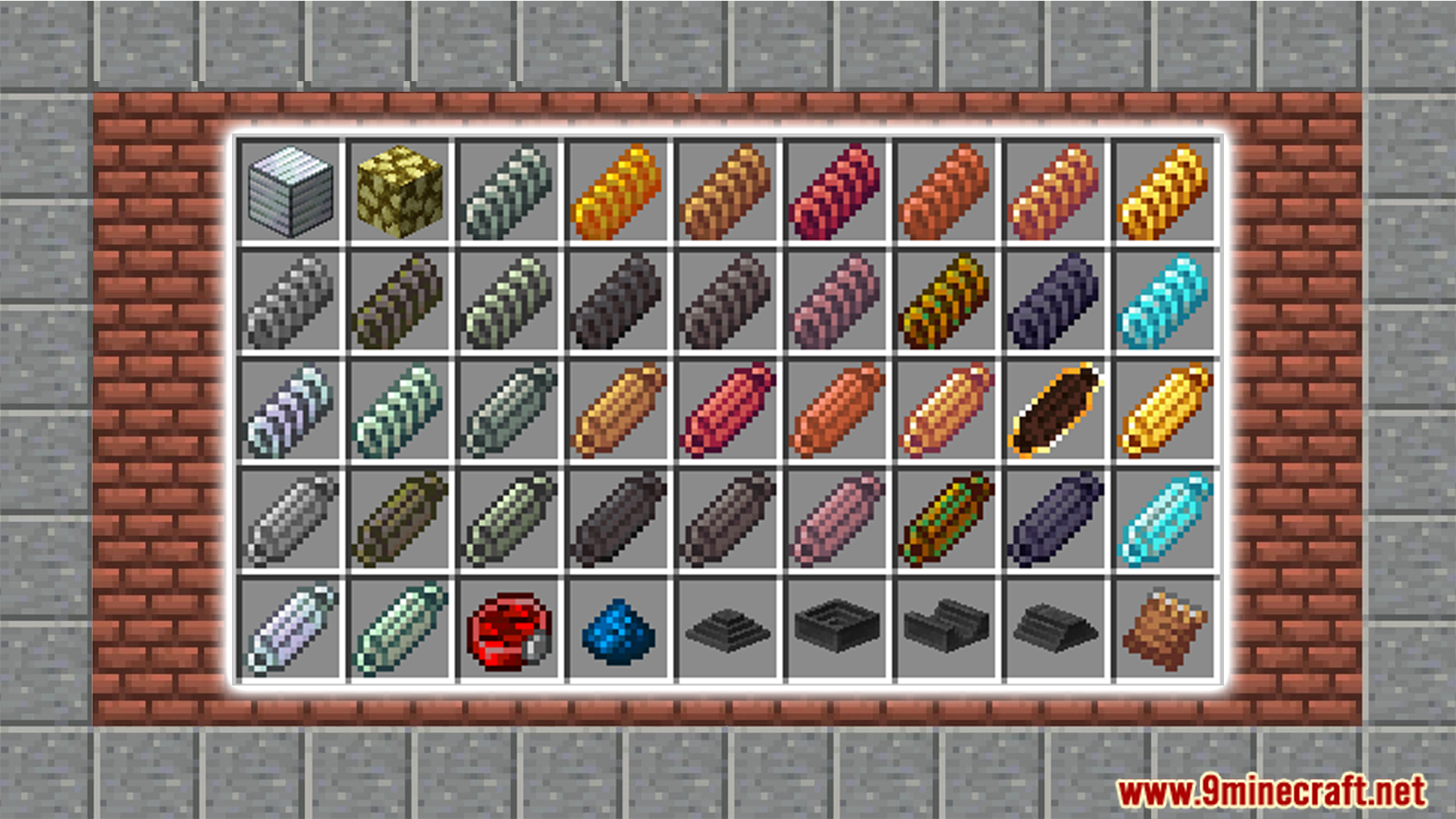
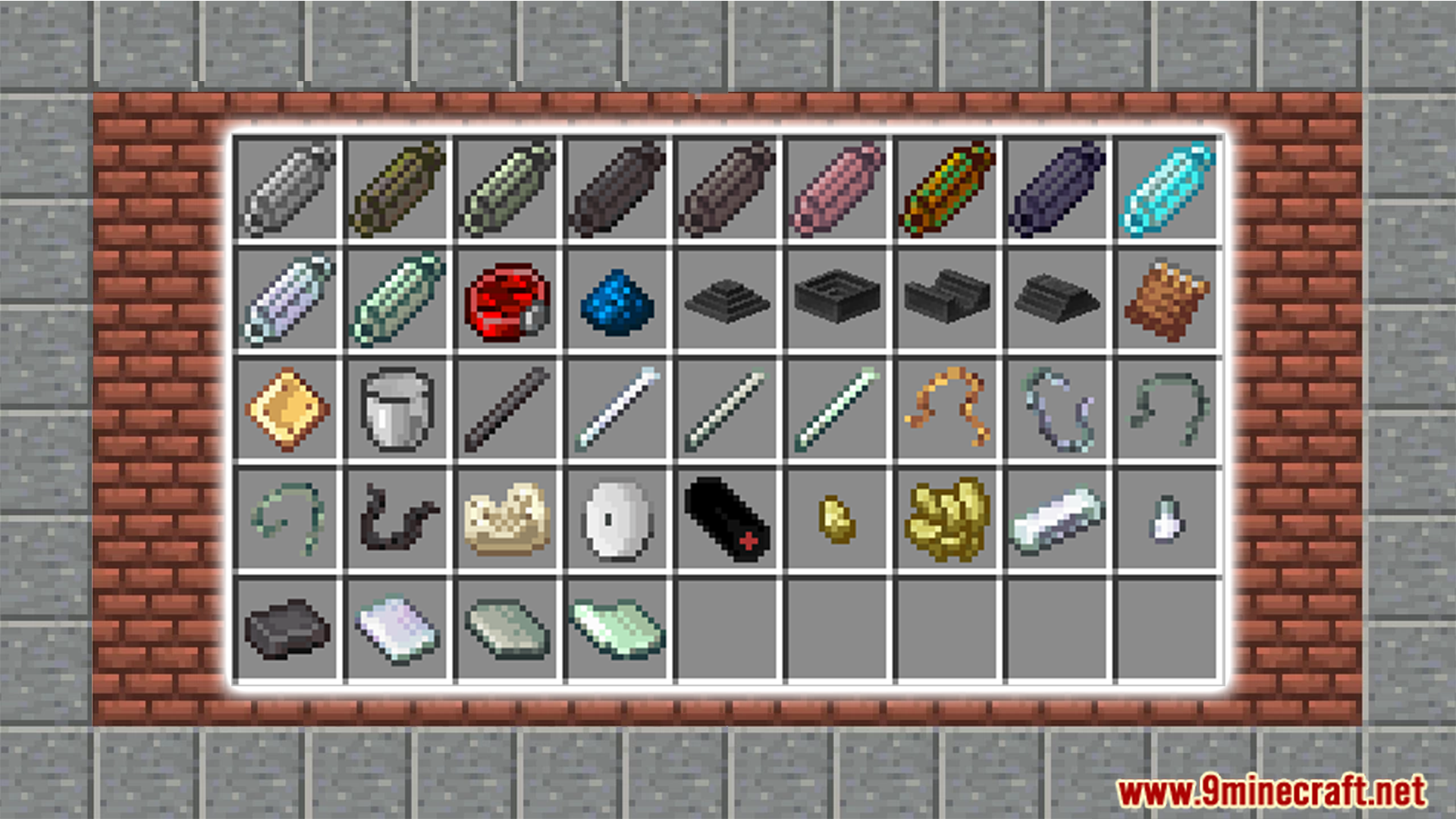
- Metal Parts for Modpacks: Adds metal sheets, rods, wires, springs, small springs, and Netherite Sheets made from vanilla or modded metals for custom recipes.
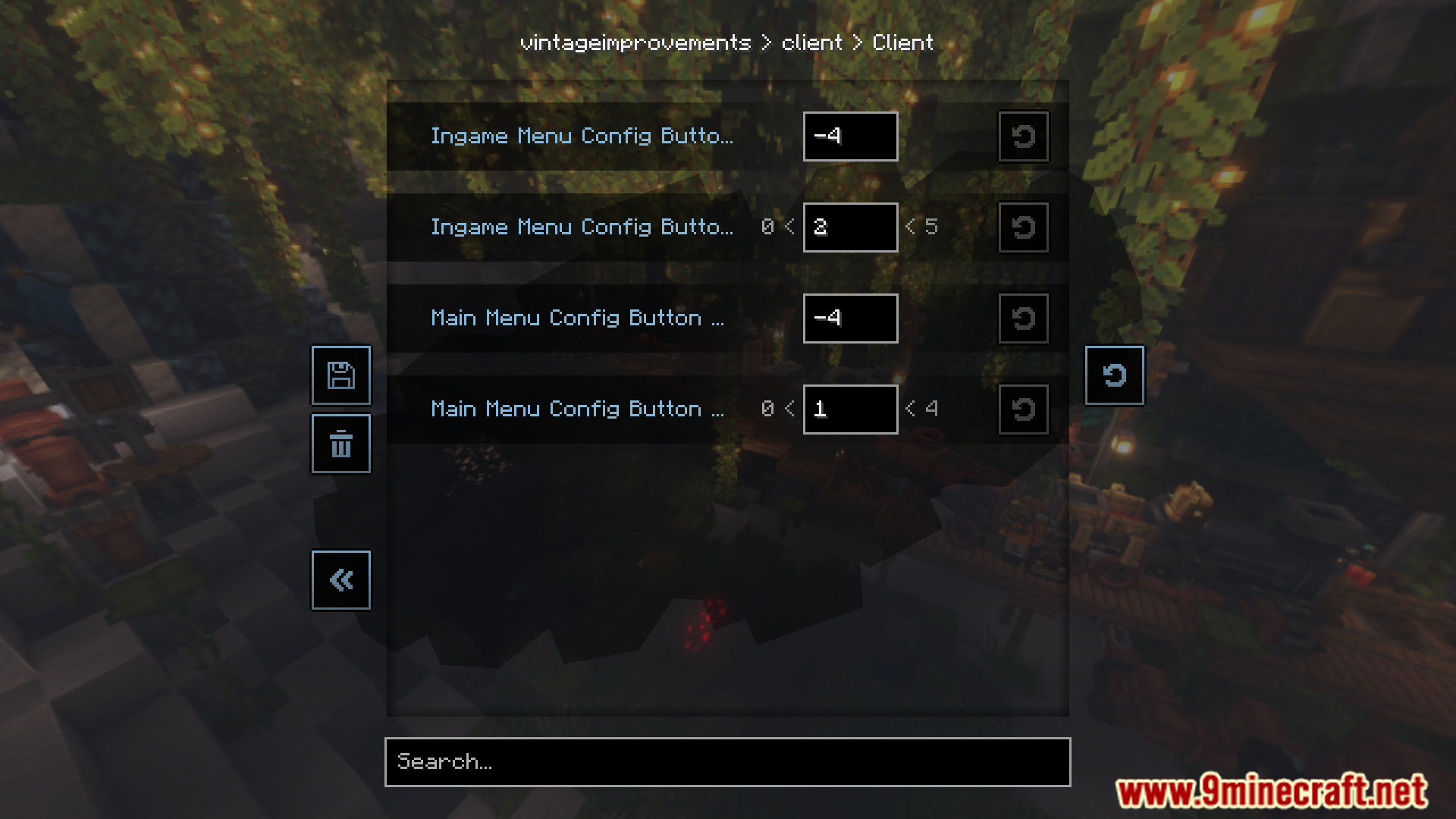
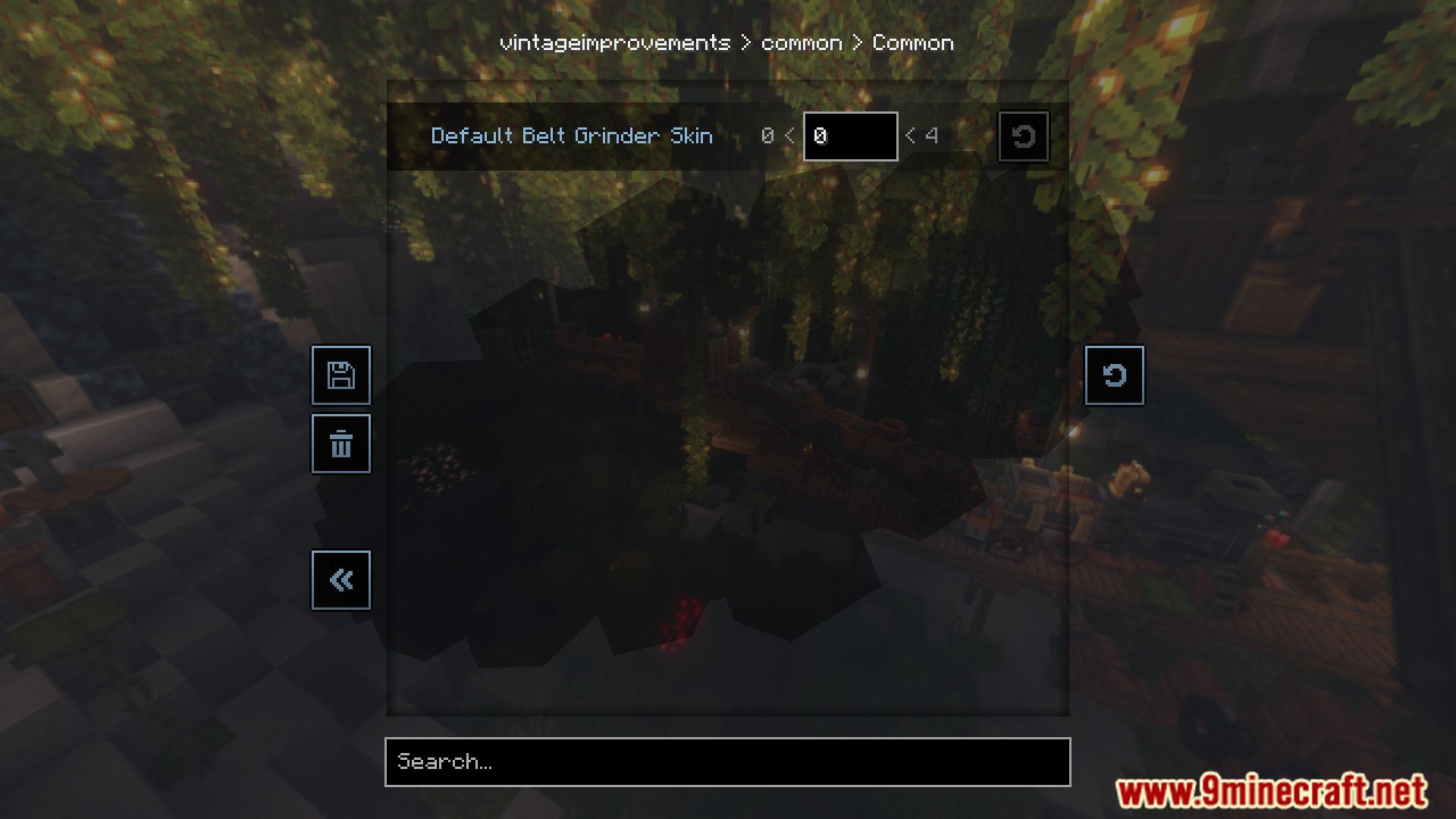
- Flexible Config Options: Lets you toggle automatic sandpaper polishing, storage block unpacking, leaf vibrating, bucket-style curving, speed limits, and curving head damage in the config file.
- Broad Mod Compatibility: Works with metals, Forge Energy power mods, sandpaper addons, and recipes from many popular tech and adventure mods.
- Lets you use Vanadium and Create materials (Brass, Andesite Alloy, Zinc, Rose Quartz, Shadow Steel, and Refined Radiance) as armor trim materials.
- Supports custom KubeJS scripts when used together with the Vintage KubeJS addon.
- Includes translations for English, Russian, Chinese, and Brazilian Portuguese.
Kinetic Machines:
- Belt Grinder: Runs grinder polishing recipes with speed limits (any, low, medium, or high). Polished Rose Quartz needs low speed (16 RPM or less by default), or the recipe fails and can destroy the item if turned on in the config. Automatic sandpaper polishing detection is on by default at low speed, and right-clicking with Sand Paper changes the belt look.
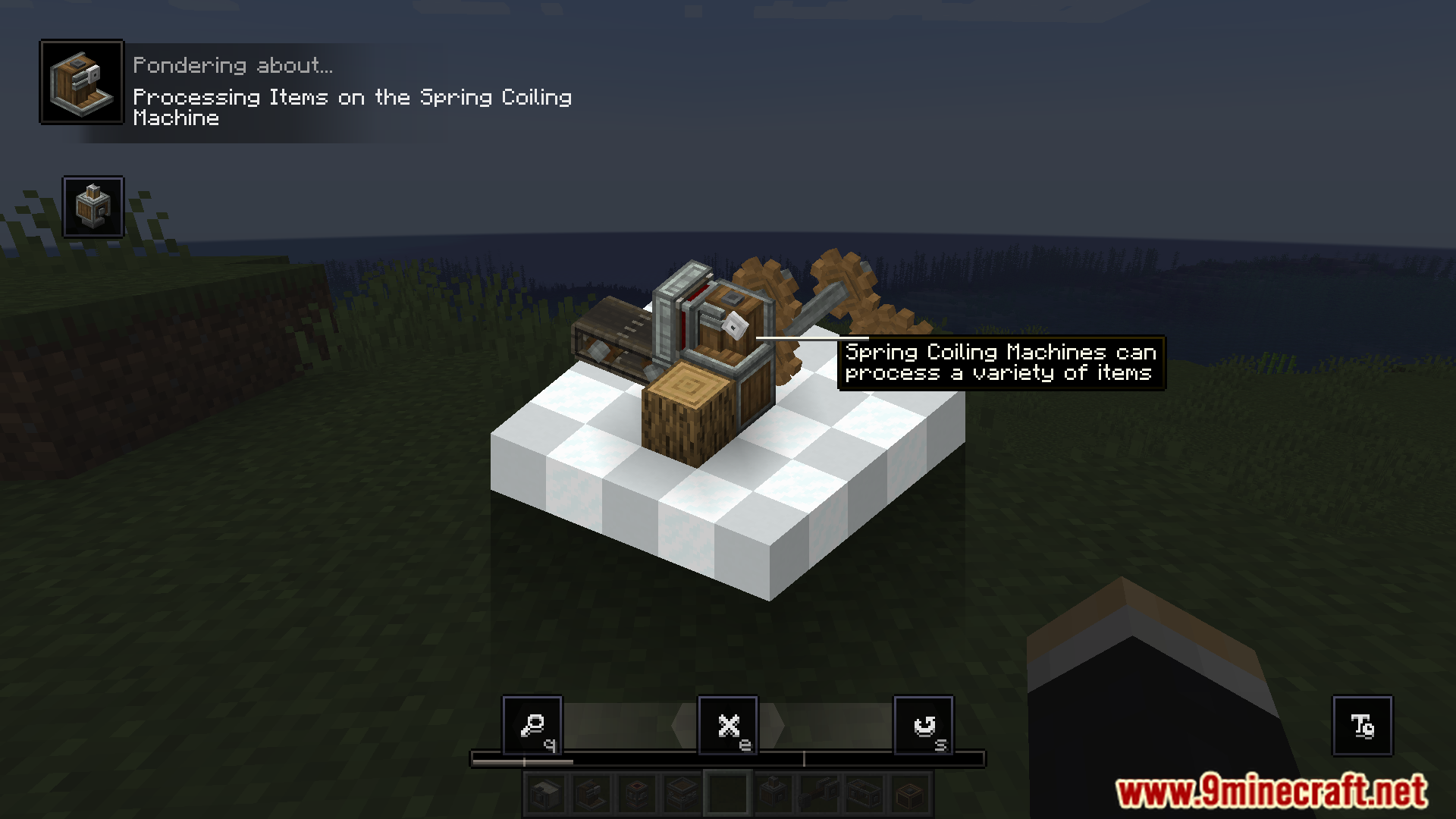
- Spring Coiling Machine: Runs coiling recipes to make regular springs and small springs.
- Compressor: Works with a Basin in two modes, vacuumizing and pressurizing, which you switch by right-clicking with a Wrench. Recipes can use fluids from its internal tank or put new fluids into the tank.
- Vibrating Table: Runs vibrating recipes and supports two config options that are on by default: unpacking storage blocks back into base items, and vibrating leaves to get matching drops.
- Centrifuge: Needs 4 Basins installed to work and runs centrifugation recipes.
- Curving Press: Runs curving recipes after you install a Curving Head made on a Stonecutter, with each head giving different recipes. You can make custom heads by adding the
vintageimprovements:curving_headstag to an item, use automatic bucket-like recipes (on by default), and change how much damage auto recipes deal to curving heads in the config. - Helve Hammer: Runs hammering recipes with an Anvil or any block using the
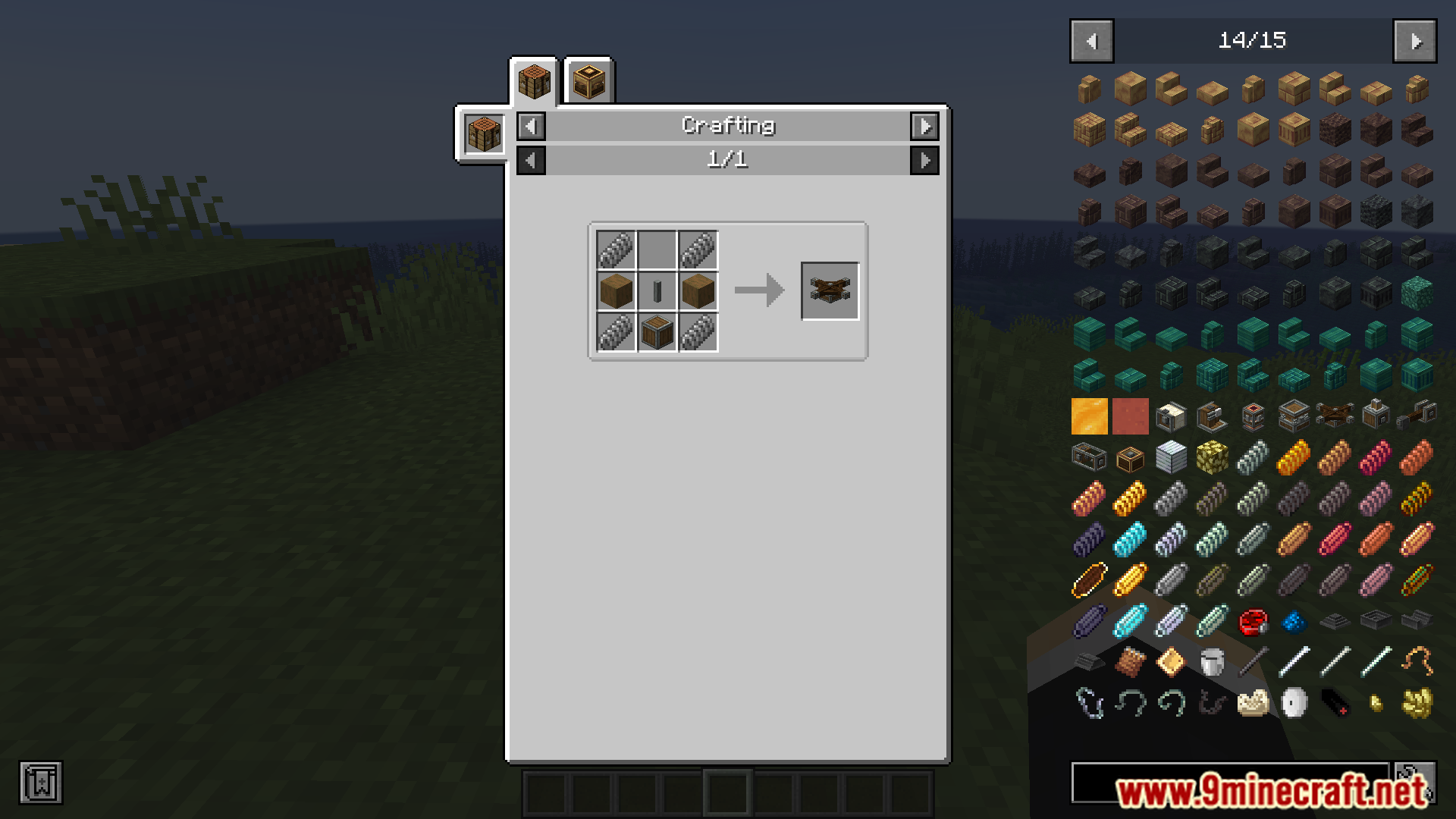
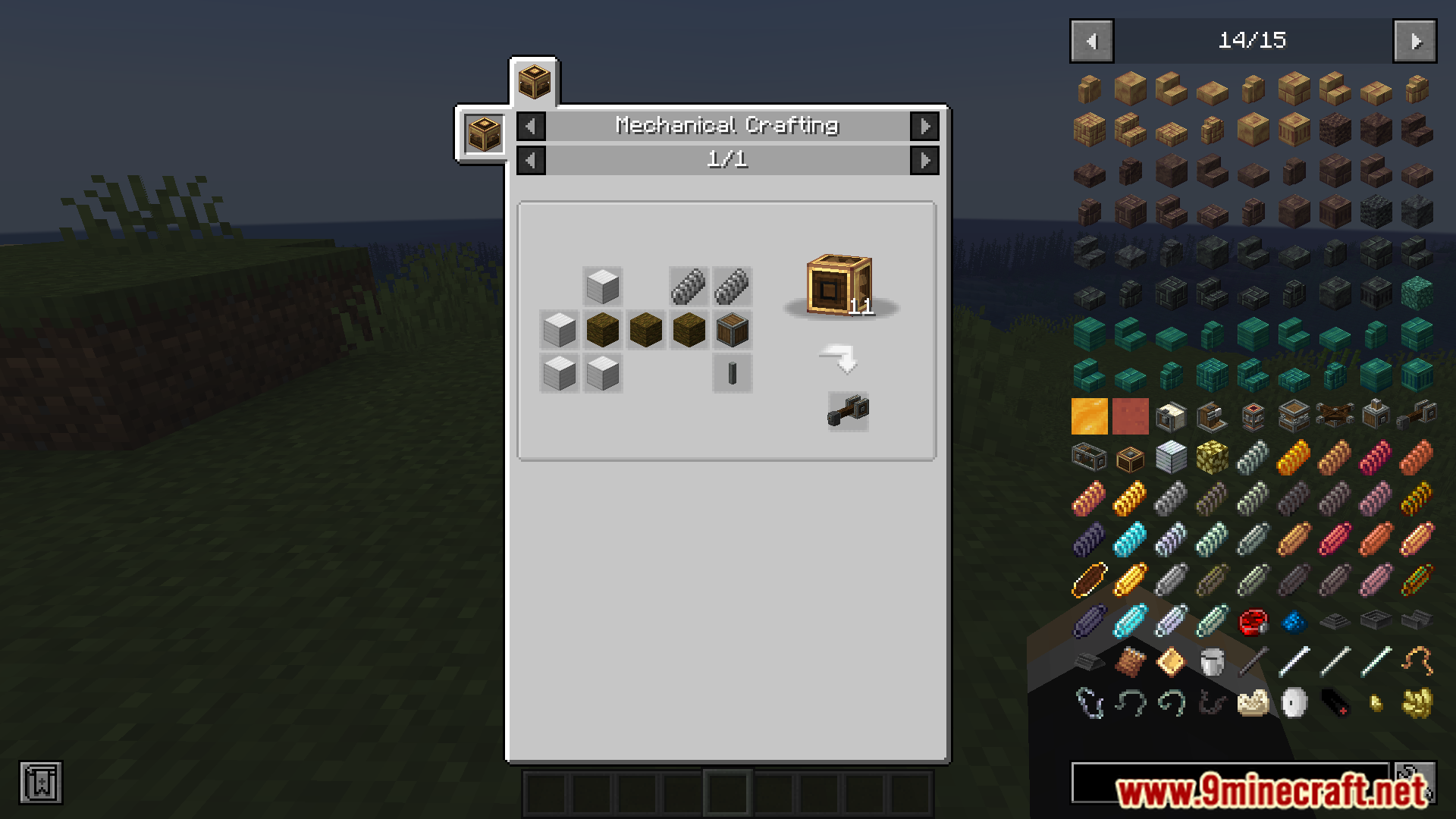
vintageimprovements:anvilstag, and runs auto smithing recipes with a Smithing Table. Some recipes can use other blocks tagged withvintageimprovements:custom_hammering_blocks. - Lathe: Runs turning recipes that you pick by hand, or automates recipe picking when you use a Recipe Card.
- Laser: Runs laser cutting recipes and uses Forge Energy only when an energy mod is installed, since this addon adds no power sources of its own.
Metal Parts and Items:
- Metal Sheets: Made by pressing ingots, plus Netherite Sheets for custom modpack recipes.
- Metal Rods: Made from plates, or rolled in a Rolling Mill when Create Crafts & Additions is installed.
- Metal Wires: Made from plates, or rolled in a Rolling Mill when Create Crafts & Additions is installed.
- Springs and Small Springs: Made in the Spring Coiling Machine from vanilla and supported modded metals.
- Redstone Module: Attaches to a Centrifuge or Curving Press so a comparator can read a redstone signal from those blocks.
New Resources and Chemicals:
- Sulfur and Sulfuric Acid: Crush Azurine, Scoria, or Scorchia to get Sulfur Chunks, combine them into Sulfur, burn Sulfur into Sulfur Dioxide, mix Sulfur Dioxide with Iron or Vanadium Nuggets to make Sulfur Trioxide, and combine Sulfur Trioxide with Water to get Sulfuric Acid.
- Vanadium: Crush Crimsite, Basalt, or Tuff to get Vanadium Nuggets, then craft Vanadium Ingots and Blocks that work in a Beacon as payment or base blocks.
- Copper Sulfate: Made by pressurizing a Copper Ingot with Water and Sulfuric Acid, and works like Bone Meal.
Mod Compatibility:
- Modded Metals: Lets you craft rods, wires, springs, and sheets from materials added by Ad Astra, Create Crafts & Additions, Create: The Factory Must Grow, Mekanism, Tinker’s Construct, Thermal Expansion, Destroy, Twilight Forest, and Create Big Cannons.
- Create Big Cannons: Changes the Recoil Spring recipe to use Coiling instead of Pressing.
- Apotheosis: Supports Apotheosis gem socketing through the Helve Hammer with a Smithing Table.
- Power and Sandpaper Mods: Accepts Forge Energy for the Laser from Mekanism, Thermal Expansion, Create Crafts & Additions, Botarium, and Immersive Engineering, and supports Sand Paper looks on the Belt Grinder from Create Crafts & Additions and Create: Sandpaper Overhaul.
How to Use:
- Build a Create rotational power setup first, then place your new machines and connect them to your kinetic network so they can run.
- Set the Belt Grinder to the speed needed by your recipe (such as 16 RPM or less for Polished Rose Quartz) so items process safely without breaking, and right-click the machine with Sand Paper to change its belt look.
- Place a Basin with the Compressor and right-click the Compressor with a Wrench to switch between vacuumizing and pressurizing modes; pipe fluids into or out of its internal tank when needed.
- Install 4 Basins on the Centrifuge so it can run centrifugation recipes, and attach a Redstone Module to a Centrifuge or Curving Press with a comparator next to it to get a redstone signal.
- Craft a Curving Head on a Stonecutter and install it into the Curving Press so the machine can start curving items.
- Place an Anvil under the Helve Hammer to run hammering recipes, or place a Smithing Table under it to run auto smithing and Apotheosis gem socketing.
- Pick turning recipes by hand on the Lathe, or craft a Recipe Card and use it to select recipes automatically.
- Connect the Laser to any Forge Energy power source (such as Mekanism, Thermal Expansion, Create Crafts & Additions, Botarium, or Immersive Engineering) if an energy mod is installed so it can run laser cutting recipes.
- Press ingots into sheets, craft rods and wires from plates (or roll them in a Rolling Mill with Create Crafts & Additions), and use the Spring Coiling Machine to make springs and small springs.
- Crush Azurine, Scoria, or Scorchia to make Sulfur and Sulfuric Acid, crush Crimsite, Basalt, or Tuff for Vanadium to use in Beacons or armor trims, and pressurize a Copper Ingot with Water and Sulfuric Acid to craft Copper Sulfate for use as Bone Meal.
Screenshots:
How to Install:
New to Minecraft? Follow our step-by-step guide to install Mods on your PC.View Guide
Requirements:
 Create Mod Required
Create: Vintage Improvements Mod Download Links
For Minecraft 1.20.1
Forge version: Download from Server 1 – Download from Server 2
For Minecraft 1.19.2
Forge version: Download from Server 1 – Download from Server 2
For Minecraft 1.18.2
Forge version: Download from Server 1 – Download from Server 2
How much RAM do you usually allocate to a modded Minecraft profile?
54 responses · See the full results →
You May Also Like
Picked for this page
 Tweakeroo Mod (26.3, 1.20.1) – Hand Restock, Hotbar Swap
 Create Crafts and Additions Mod (1.21.1, 1.20.1) – Electrifying the Create Mod
 Blast Mod (26.3, 1.20.1) – Bombs, Explosion
 Item Collectors Mod (26.3, 1.20.1) – Automatic Object Collectors with Defined Range
 Easy Netherite Ingot Mod (26.3, 1.20.1) – Netherite? Easy as Ender Pie!
 Torch Hit Mod (26.1.2, 1.20.1) – Set Things Ablaze with Your Torch
 Tons Of Enchants Mod (1.21.1, 1.20.1) – Adds Tons More Enchantments To The Game
 Cliff Under a Tree Mod (26.1.2, 1.20.1) – New Biomes and Variations
 Farm Tweaks Mod (26.3, 1.20.1) – Farming Quality-Of-Life Tweaks
 Animal Garden Crocodile Mod (26.3, 1.20.1) – Survive Deadly Swamp Crocodiles
 No Double Sneak Mod (26.3, 1.20.1) – Fix Sneaking On Laggy Servers
 DLC Manager Mod (1.21.11, 1.20.1) – Toggle Optional Modpack Files Without Exiting Game
Most viewed in Mods over the last 7 days
 Ala Industrial Mod (26.3) – Run Electric Power Grids and Automated Factories
 PleasureCraft Mod (26.3, 1.21.1) – Jenny Mod Remake for Fabric
 Jennycraft Mod (26.3, 1.20.1) – Virtual Girlfriend in Minecraft
 Fapcraft Mod (26.3, 1.12.2) – Comprehensive and Detailed Content
 Jenny Mod (Fapcraft) Official Complete Guide – How to use, Tutorial
 BangCraft Mod (1.20.1) – Jenny, Ellie and Elliot
 Fabric Loader (26.3, 1.20.1) – Fabric Installer for All Minecraft Versions
 Meteor Client Mod (26.3, 1.20.1) – Xray, HUD, Fly
 The Shooting Star Demo Mod (26.3, 1.20.1) – Vaporize Terrain From Orbit
 OptiFine HD (26.3, 1.20.1) – Run Faster, FPS Boost, Shaders Support
 Aristois Client Mod (1.21.4, 1.20.1) – World Class Minecraft Utility
 Prestige Client Mod (1.21.11, 1.21.4) – Powerful Ghost Features for Crystal & Sword PvP
More from Mods
 Fast Xp Mod (26.3, 1.21.1) – Faster XP Bottle Usage
 Cherry Villages Mot’s Structures Mod (26.3, 1.21.11) – Find Fresh Settlements
 XinexLib Mod (1.21.1) – Keep Your Ultreon Studios Mods Running
 Libvulpes – Fixed Mod (1.12.2) – Launch Rockets with Fewer Bugs
 Freelook Perspective Mod (26.3, 1.21.1) – Watch Your Back While Sprinting
 FAUNA Engine Mod (1.21.1, 1.20.1) – Powering Legendary Dragons
 Avali Nexus Mod (26.3) – Settle Frozen Frontiers with High-Tech Bird Tribes
 Orient’s Hotpot Chronicles Mod (1.20.1) – Boil Fresh Hotpot Meals Over Open Flames
 Far Lands Traveler Mod (26.1.2) – Survive the Long Trek to the Edge of the World
 Beli’s SkyLyrics Mod (1.21.11) – Sing Along to Desktop Tracks Projected in the Night Sky
 Explainstone and Songmelyn Mod (1.21.1) – Broadcast Custom Music Across Your Base
 Rockstar Shaders Mod (26.3) – Cast Ray-Traced Light Across Vast Distant Horizons

This post has no comments yet. Be the first — your comment will appear here.