


Crown Economy All in One Multiverse Support Plugin (1.21.11, 1.21.1)
 0
0
 0
0


Crown Economy All in One Multiverse Support Plugin gives your server a complete money system. It replaces many different files by putting shops, auctions, banks, and safe trades into a single package. You get everything needed to build a fun marketplace for players.
Features:
- Six Systems in One: This plugin packs a server shop, auction house, player stores, trading, banking, and money stats together.
- Built-in Money: It handles player balances on its own, so you do not need to download a separate money plugin.
- Players can open a server shop to buy and sell items through easy menus.
- The auction house lets players list their rare items for others to buy.
- You can set up chest shops or virtual shops that restock items automatically.
- Safe trading menus let two players swap items and money without getting scammed.
- Banks allow players to share accounts with friends and earn extra money over time.
- Sellers always get their money, even if they are offline when someone buys their items.
- Menus look great with custom colors, player head icons, and simple back buttons.
Economy Setups:
- With a money plugin: The system connects to your current setup and uses it everywhere.
- Without a money plugin: The system runs its own setup and shares it with other tools.
- Standalone: The plugin handles all money data by itself in a simple file.
Commands:
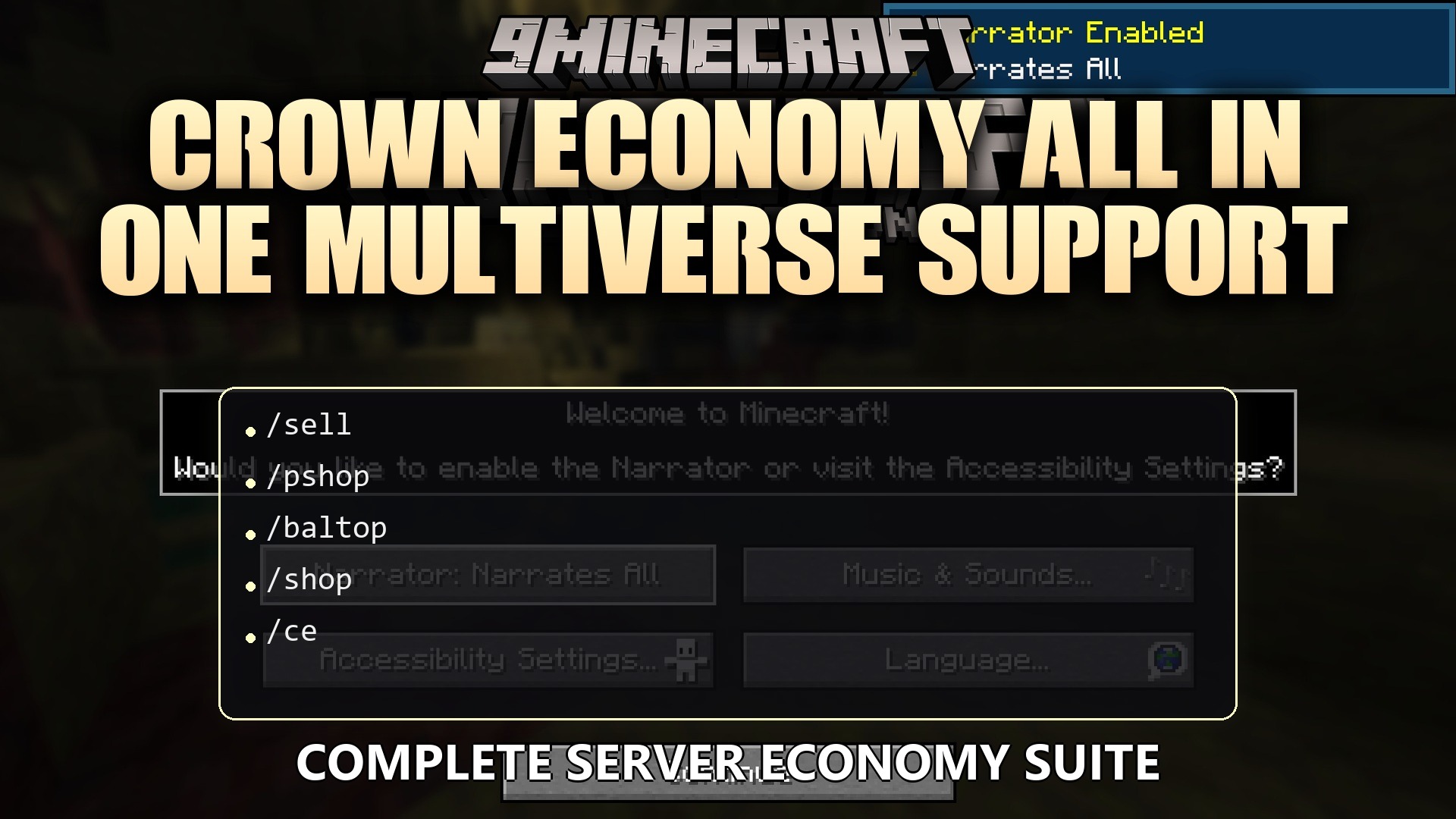
/shop: opens the main server store./pshop: opens the player stores./ce balance [player]: checks how much money someone has./ce pay <player> <amount>: sends money to another player./ce eco <player> <amount>: changes a player’s money balance./ce version: shows current plugin details.
Configuration:
economy: controls how the money system runs on the server.
economy:
  provider: AUTO
  internal:
    starting-balance: 100.0
    currency-name-singular: "Coin"
    currency-name-plural: "Coins"
    register-with-vault: true
How to Use:
- Type /shop to open the main server store menu.
- Click on a category like Blocks, Ores, or Farming to see items.
- Middle-click on an item to open the quantity screen.
- Choose to buy or sell exact amounts like 1, 8, 16, or 64.
How to Install:
New to Minecraft? Follow our step-by-step guide to install Plugins on your PC.View Guide
Crown Economy All in One Multiverse Support Plugin Download Links
For Minecraft
1.21.11,
1.21.10,
1.21.9
All Versions Covered
1.21.11
1.21.10
1.21.9
1.21.8
1.21.7
1.21.6
1.21.5
1.21.4
1.21.3
1.21.2
1.21.1
1.21
All Versions Covered
1.21.11
1.21.10
1.21.9
1.21.8
1.21.7
1.21.6
1.21.5
1.21.4
1.21.3
1.21.2
1.21.1
1.21
Click to rate this post!
[Total: 0 Average: 0]
You May Also Like







This post has no comments yet. Be the first — your comment will appear here.