
Danker’s SkyBlock Mod (1.8.9) – Track Dungeons and Stats Efficiently
 9,631
 0


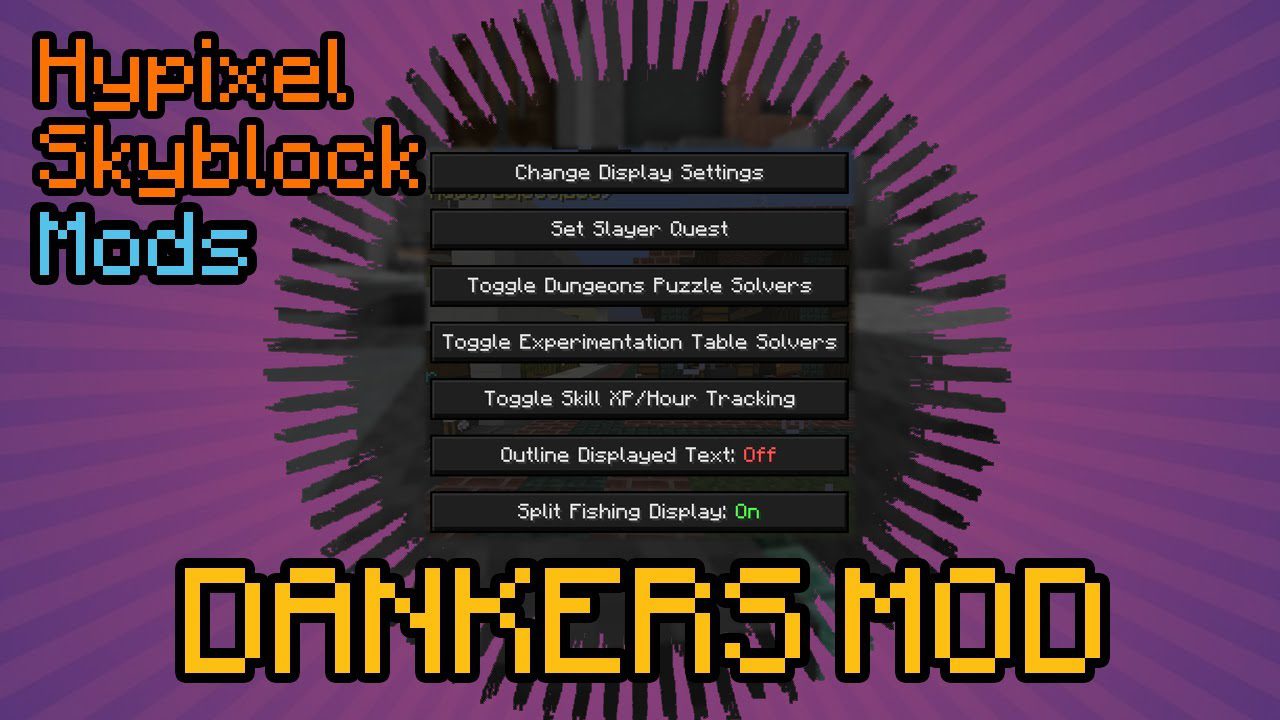
Danker’s SkyBlock Mod adds helpful quality-of-life features and puzzle solvers for Hypixel Skyblock players. It helps you track items, check stats, solve dungeon puzzles, and manage notifications easily.
Features:
- Adds trackers for slayers, fishing, catacombs dungeons, and mythological events.
- Includes puzzle solvers for dungeons, experimentation tables, and catacombs stage 3 terminals.
- Helps you find the correct Livid and view giant HP values.
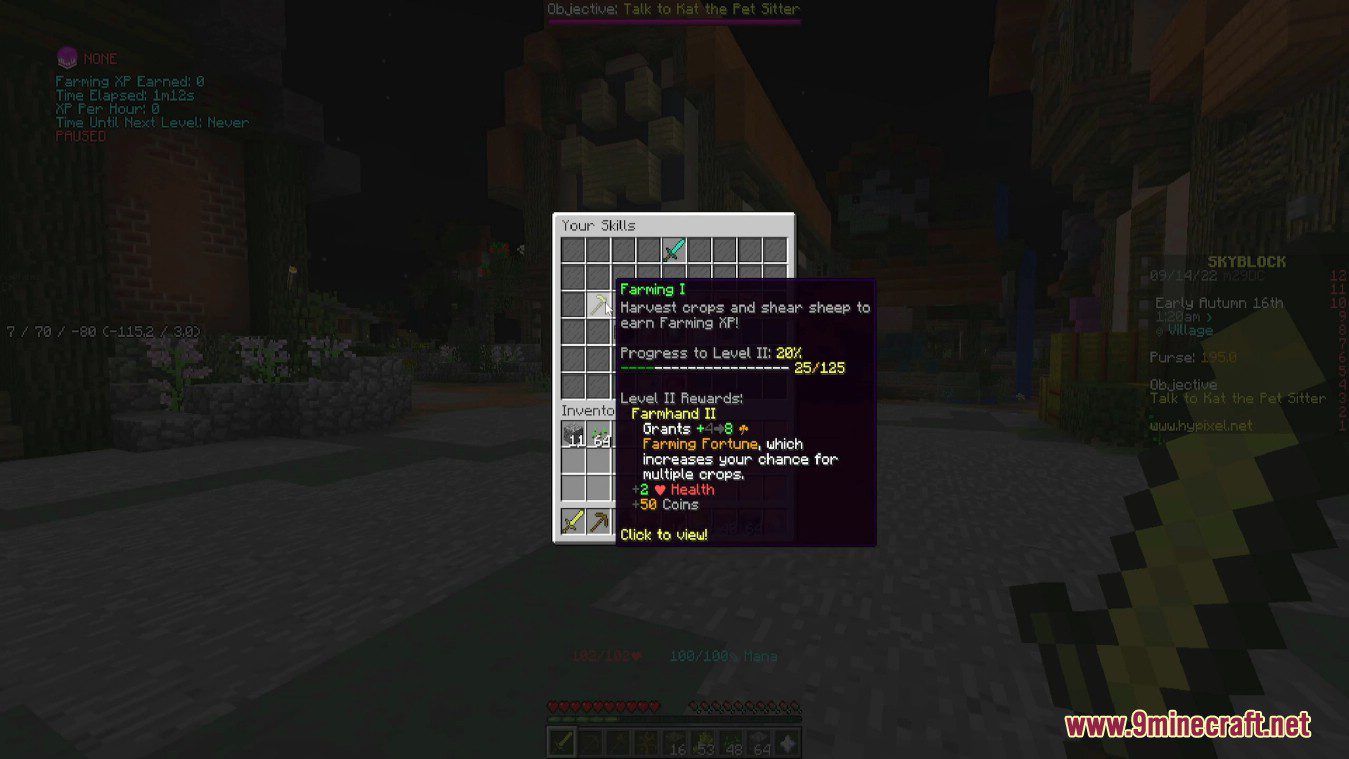
- Tracks skill experience per hour, powder per hour, and remaining century cake buff time.
- Lets you click anywhere with chat open to open Maddox.
- Blocks specific weapon abilities like AOTD and Livid Dagger to prevent mistakes.
- Hides spammy chat messages from Spirit Sceptre, Midas Staff, and healing abilities.
- Colors pet backgrounds based on their level.
- Alerts you when a player has low health in dungeons.
- Stops you from accidentally salvaging starred items.
Commands:
/dhelp: Shows the help message in-game./dsm: Opens the mod settings GUI./loot <zombie/spider/wolf/enderman/blaze/vampire/fishing/catacombs/mythological/> [winter/festival/spooky/ch/lava/trophy/f(1-7)/mm/session]: Shows loot received from slayer quests or fishing stats./display <zombie/spider/wolf/enderman/blaze/vampire/fishing/catacombs/mythological/ghosts/auto/off> [winter/festival/spooky/ch/lava/trophy/f(1-7)/mm/session]: Changes text display settings for trackers./resetloot <zombie/spider/wolf/enderman/blaze/vampire/fishing/catacombs/mythological/confirm/cancel>: Resets loot data for trackers./slayer [player]: Checks slayer experience for a player or yourself using the API./skill [player]: Checks skill levels for a player or yourself./lobbyskills: Finds the average skills of players in the current lobby./guildof [player]: Gets the guild name and master for a player./petsof [player]: Checks the pets of a player./bank [player]: Checks the bank and purse coins of a player./armor [player]: Checks the armor worn by a player./dungeons [player]: Checks the dungeon levels of a player./weight [player] [lily/farming]: Checks player weight using Lily or Kaeso weights./importfishing: Imports fishing stats from your latest profile./sbplayers: Finds how many players are on each Skyblock island./reparty: Disbands and reparties all members in your party./fairysouls: Checks fairy souls for a player./skilltracker <start/stop/reset>: Controls the skill experience per hour display./lobbybank: Finds the average bank total of the current lobby./player [player]: Checks skills, slayers, coins, and weight for a player./reloadconfig: Reloads the mod configuration./reloaddsmrepo: Reloads the mod repository./hotmof [player]: Checks total powder and Heart of the Mountain tree for a player./trophyfish [player]: Checks trophy fish stats for a player./stoplobby: Stops currently running lobby scan commands./powdertracker <start/stop/reset>: Controls the powder per hour display.
How to Use:
- Open the configuration menu by typing
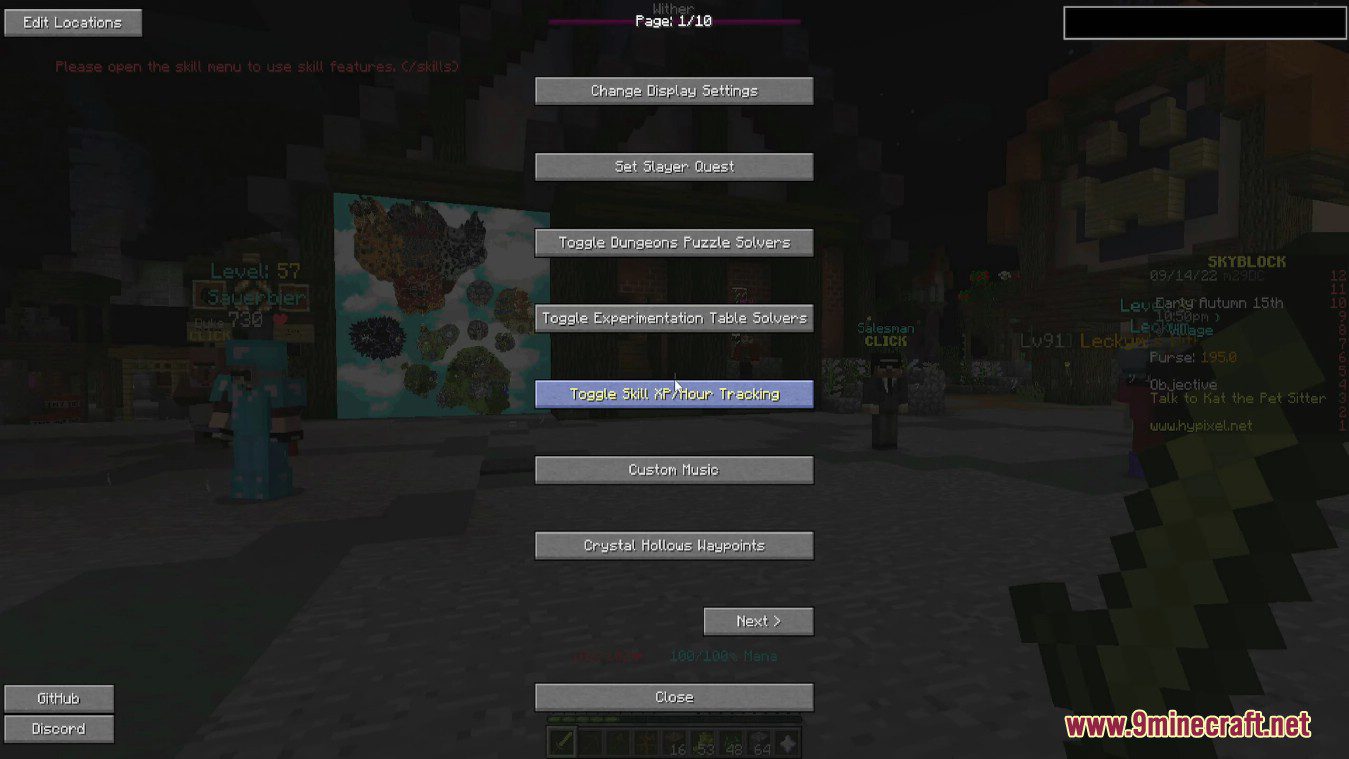
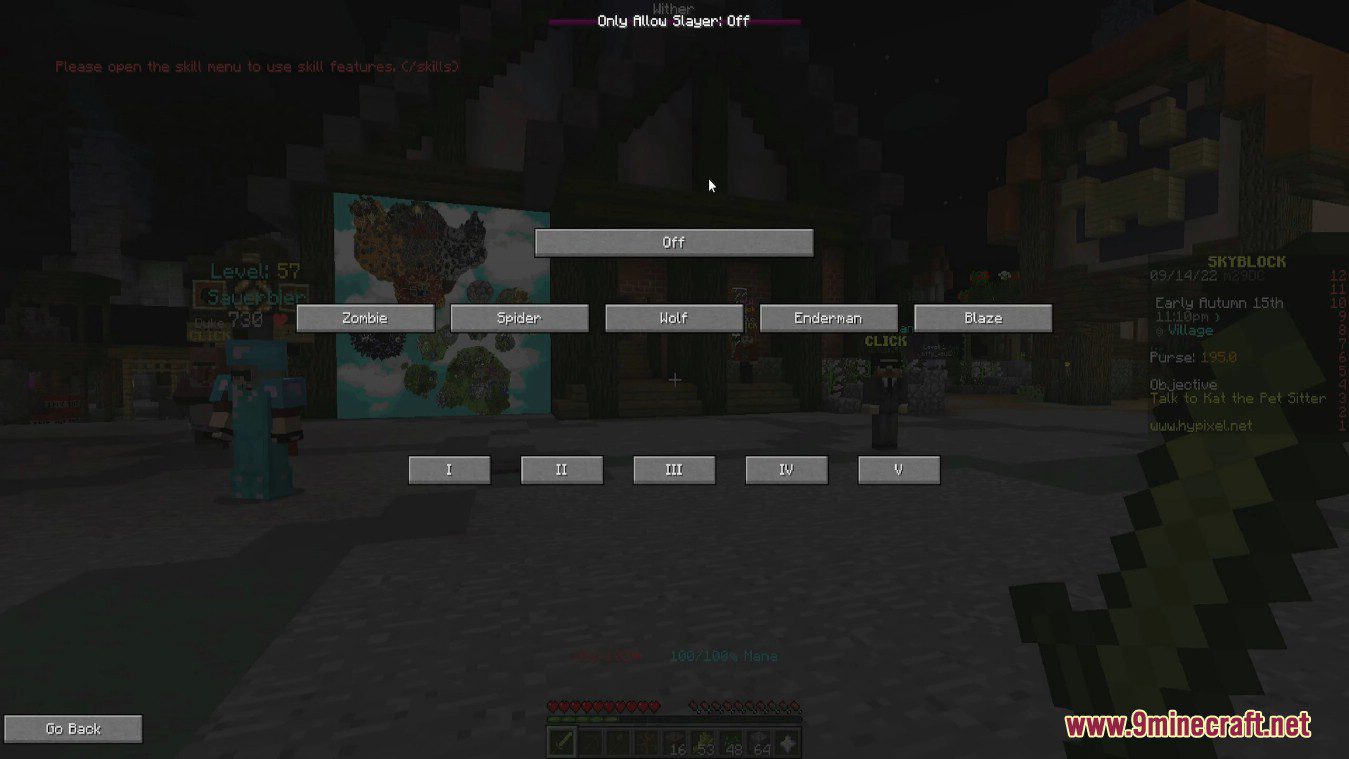
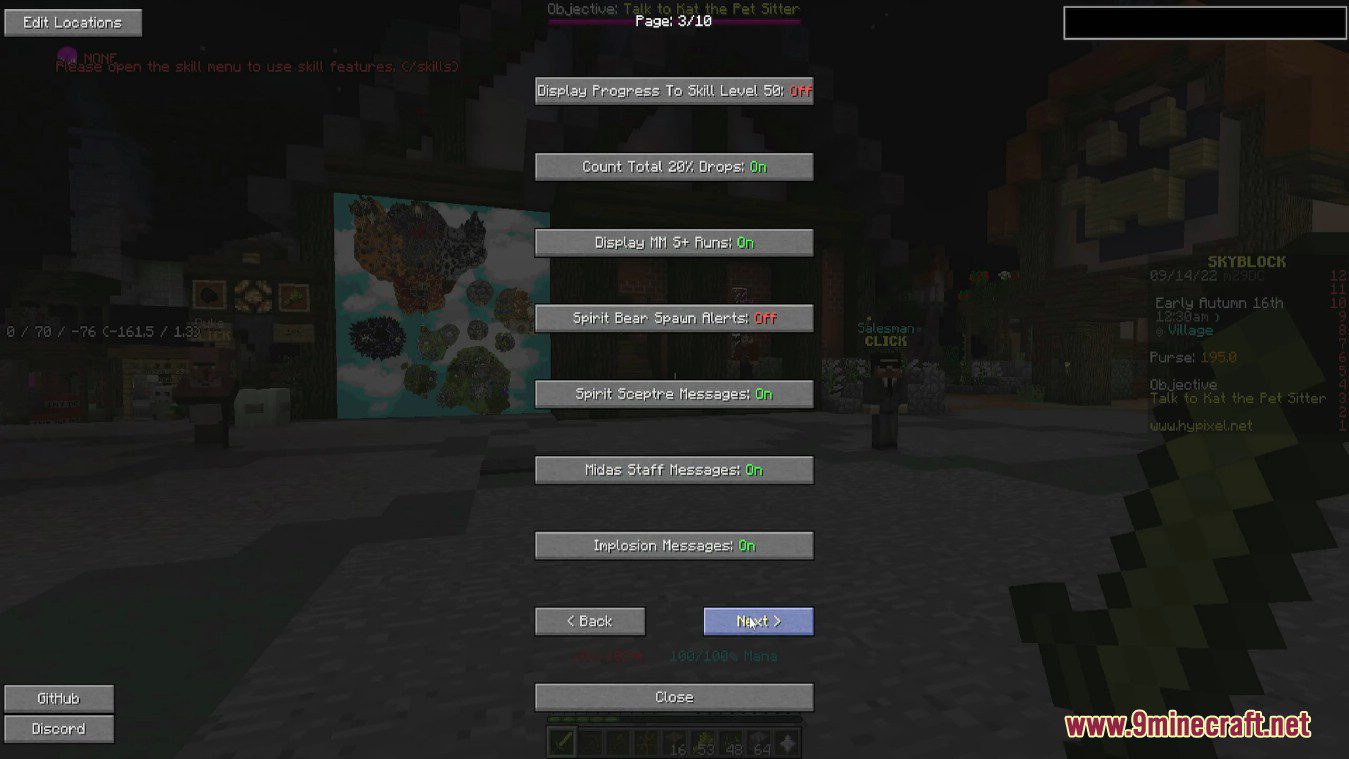
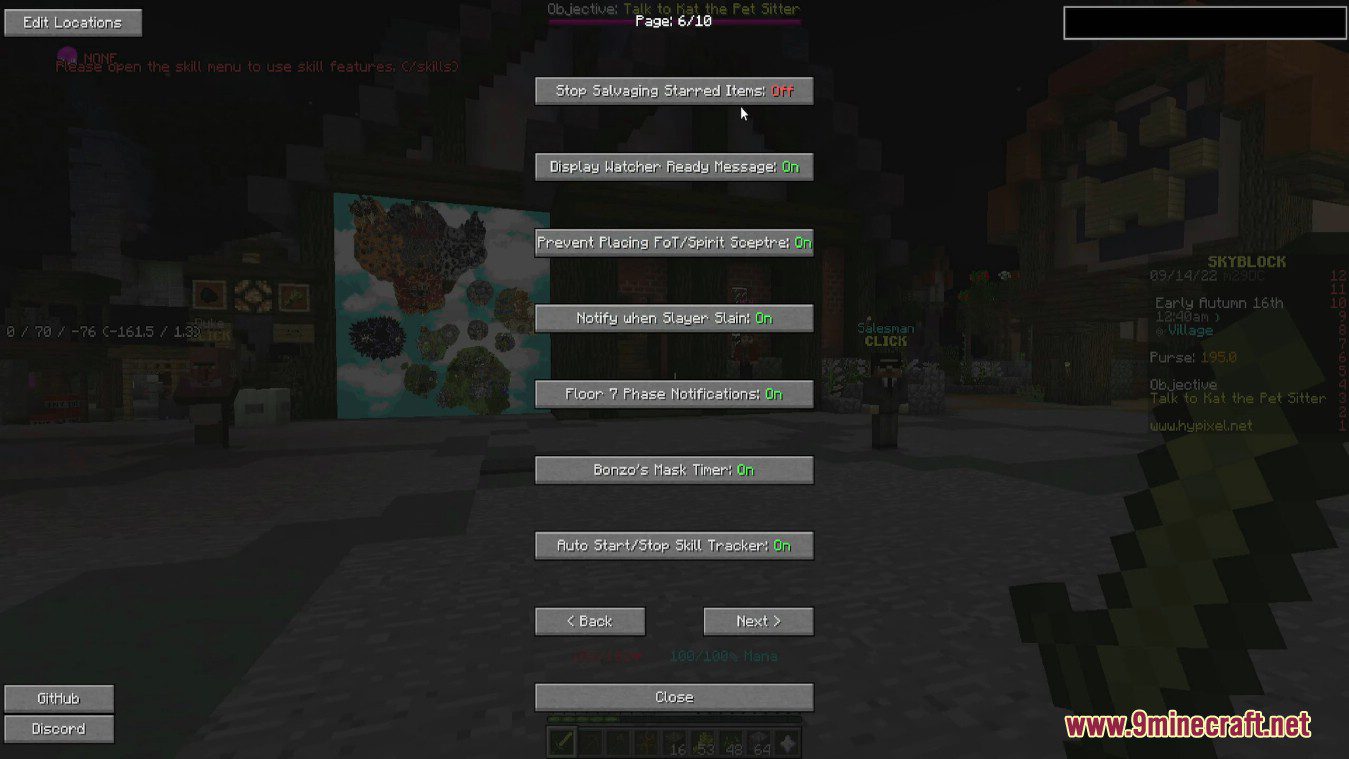
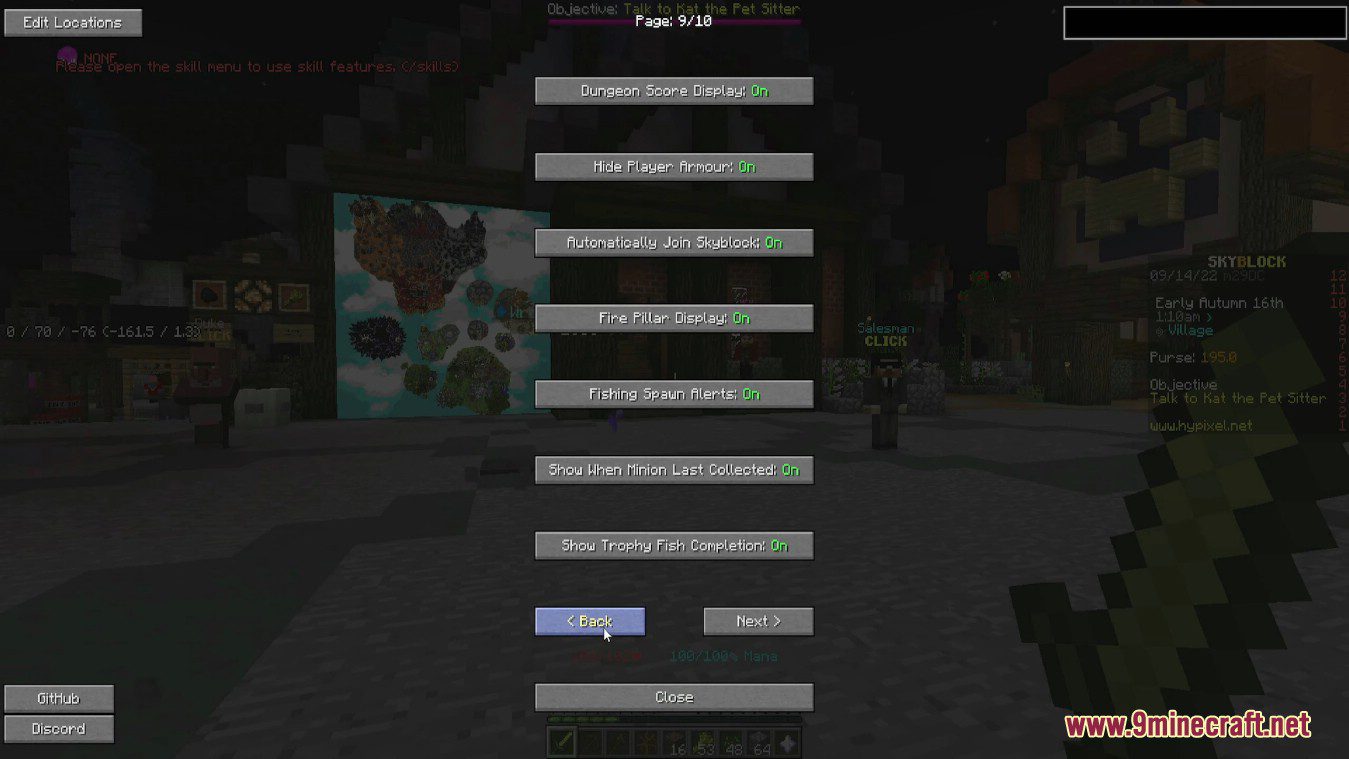
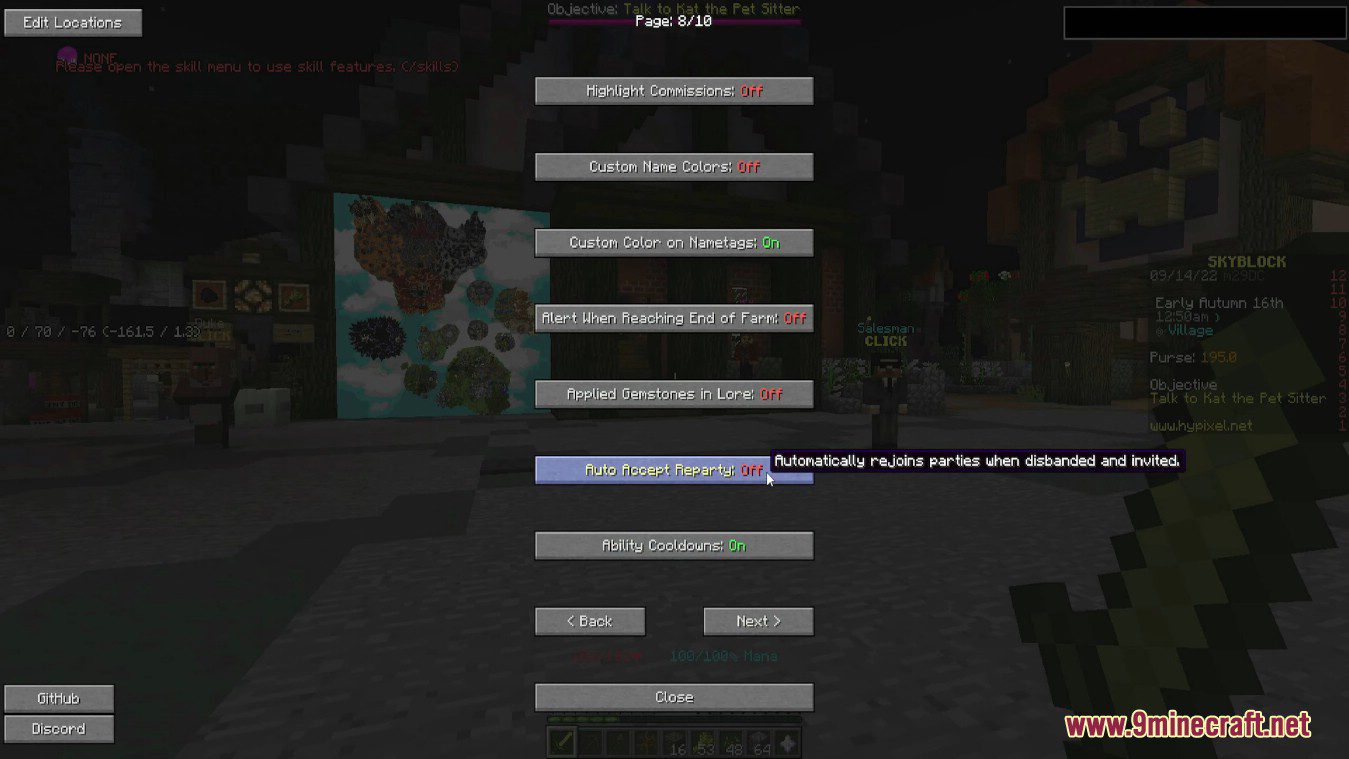
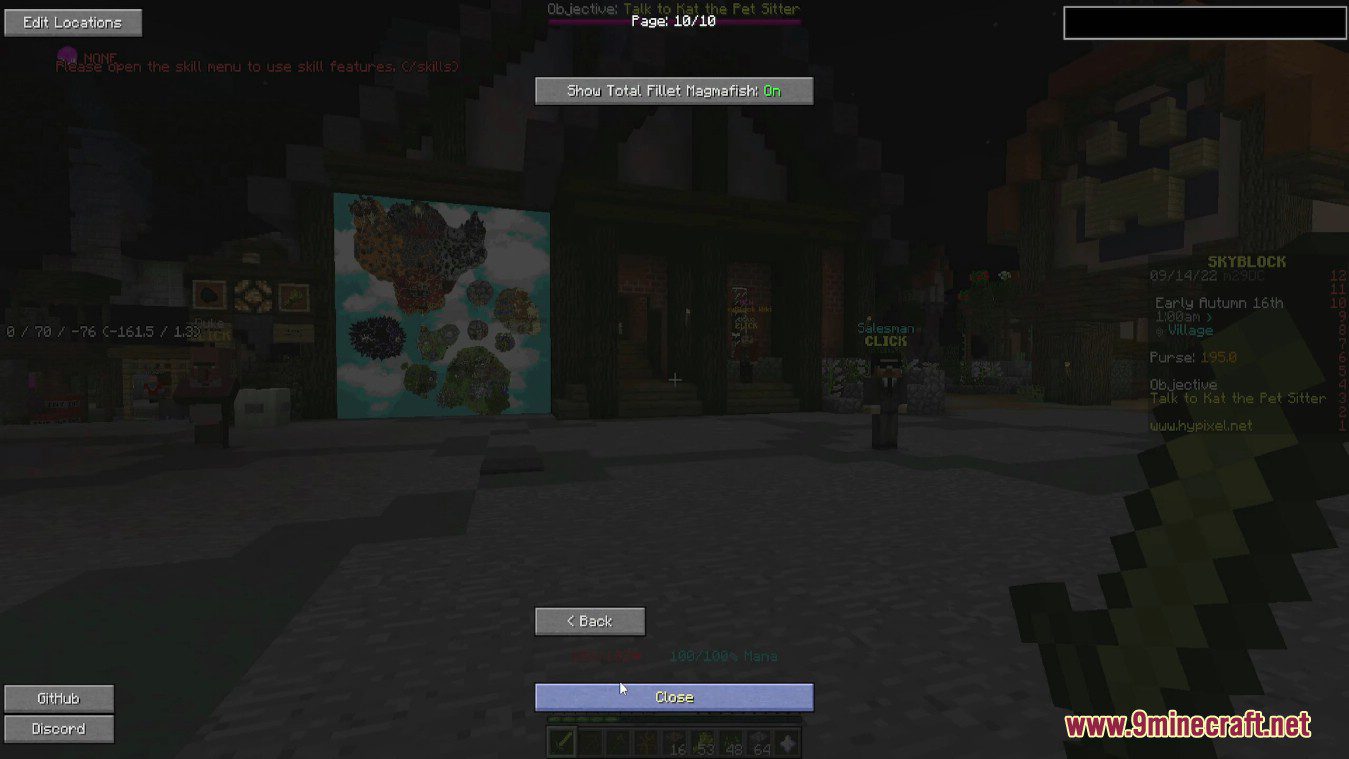
/dsmin chat. - Customize your settings, alerts, and feature toggles in the GUI.
- Use the keybind menu to assign keys for actions like opening the Maddox menu or starting trackers.
- Type
/dhelpin chat to see a complete list of available chat commands and shortcuts.
Screenshots:

How to Install:
New to Minecraft? Follow our step-by-step guide to install Mods on your PC.View Guide
Danker's SkyBlock Mod Download Links
For Minecraft 1.8.9
Forge version: Download from Server 1 – Download from Server 2
Click to rate this post!
[Total: 0 Average: 0]
You May Also Like
Picked for this page
 Flashback Mod (26.3, 1.21.1) – Replay And Redefine Your Minecraft Moments
 Manic Mod (1.20.4, 1.20.1) – Delve into Insanity
 Heads Mod (26.1.2, 1.20.1) – Heads Of Various Creatures
 Held Item Tooltips Mod (26.3, 1.20.1) – See Item Information Directly
 Skyblock Addons Unofficial (26.3, 1.21.11) – Skyblock QoL And New Features
 SkyBlock Profile Viewer Mod (26.3, 1.21.11) – Profile Viewer For Hypixel Stats And Gear
 Sky Cubed Mod (26.3, 1.21.11) – SkyBlock HUD And Overlay Enhancements
 Pine Mod (1.21.11, 1.20.6) – New Wood Type
 Common Sense Mod (1.21.8, 1.20.1) – Over 200 Recipes
 Spanish Delight Refabricated Mod (26.3, 1.20.1) – New Foods And Ingredients
 GD656Peek Mod (1.20.1) – Safely Peek Around Corners During Tactical Combat
Most viewed in Mods over the last 7 days
 Ala Industrial Mod (26.3) – Run Electric Power Grids and Automated Factories
 PleasureCraft Mod (26.3, 1.21.1) – Jenny Mod Remake for Fabric
 Jennycraft Mod (26.3, 1.20.1) – Virtual Girlfriend in Minecraft
 Fapcraft Mod (26.3, 1.12.2) – Comprehensive and Detailed Content
 Jenny Mod (Fapcraft) Official Complete Guide – How to use, Tutorial
 BangCraft Mod (1.20.1) – Jenny, Ellie and Elliot
 Fabric Loader (26.3, 1.20.1) – Fabric Installer for All Minecraft Versions
 Meteor Client Mod (26.3, 1.20.1) – Xray, HUD, Fly
 The Shooting Star Demo Mod (26.3, 1.20.1) – Vaporize Terrain From Orbit
 OptiFine HD (26.3, 1.20.1) – Run Faster, FPS Boost, Shaders Support
 Aristois Client Mod (1.21.4, 1.20.1) – World Class Minecraft Utility
 Prestige Client Mod (1.21.11, 1.21.4) – Powerful Ghost Features for Crystal & Sword PvP
More from Mods
 Shin’s Tensura Race Models Mod (1.19.2) – Play As Unique 3D Anime Race
 Offgrid Mod (26.3, 1.20.1) – Furnish Compact Interiors Without Strict Grid
 Tempest Almanac Iron’s Spells ‘n Spellbooks Mod (1.21.1, 1.20.1)
 Chat Guides Mod (26.3, 1.21.11) – Never Memorize Complex Server Commands Again
 TRMT Reimagined the Roads More Travelled Mod (26.3, 1.20.1)
 Morrowless Mod (1.21.1) – Defend Your Shelter From Nightmare Creatures
 THE SLOPSTROSITY Mod (1.21.1) – Battle a Ridiculous Slime Boss
 Decoween Mod (1.21.1, 1.20.1) – Transform Ordinary Survival Bases
 Simply Light 9minecraft Mod (26.3) – Decorate Builds Without Torches
 Alex’s Caves Continued Mod (26.3, 1.20.1) – Conquer Six Massive Underground
 Anvil Uses Mod (26.3, 1.20.1) – Track Item Anvil Usage
 Animal Info Mod (26.3, 1.21.11) – Quick Stats For Your Animals

This post has no comments yet. Be the first — your comment will appear here.