
Skyblock Addons Unofficial (26.3, 1.21.11) – Track Every Hypixel SkyBlock Quest

 0


Skyblock Addons Unofficial brings an unofficial fork of the original SkyblockAddons mod to Hypixel SkyBlock. This mod keeps the familiar menus and HUD overlays while it reworks the code underneath for smoother performance. It adds bug fixes, quality-of-life tools, and updated support for Blaze Slayer, deployable displays, backpack previews, dungeon milestones, the tab list, and the Garden. You can adjust toggles and languages in the settings menu or move your old settings folder to a new game setup.

Features:
- Uses Mixins instead of ASM to modernize the code and make gameplay run smoother.
- Improves performance under the hood so the game runs faster and more efficiently.
- Keeps the familiar interface and HUD overlays from the original project.
- Adds a Blaze Slayer tracker and updates the Deployable Display to support Blaze Slayer.
- Supports the Garden in Hypixel SkyBlock.
- Fixes issues with backpack previews, dungeon milestones, the tab list, and other SkyBlock tools.
- Includes an in-game settings menu with feature toggles and language options.
- Shows custom GUI overlays and a visual map menu for fast travel spots across SkyBlock.
Configuration:
.minecraft/config/skyblockaddons: Stores your saved settings. Copy this folder to a new game instance to keep your setup."map_atlas_generation": false: Set this option in.minecraft/config/immediatelyfast.jsonso the Dungeon Map works with ImmediatelyFast.
How to Use:
- Join Hypixel SkyBlock and open the mod settings menu in-game to turn features on or off.
- Customize your HUD overlays and pick your language inside the settings menu.
- Open your Fishing Bag once if it is disabled and shows the wrong value so the status updates.
- Avoid dropping slayer drops on the ground while a slayer quest and the slayer tracker are active so they do not count more than once.
- Disable Entity Culling when using this mod, because it cancels updates for hidden mobs and causes compatibility problems.
Screenshots:
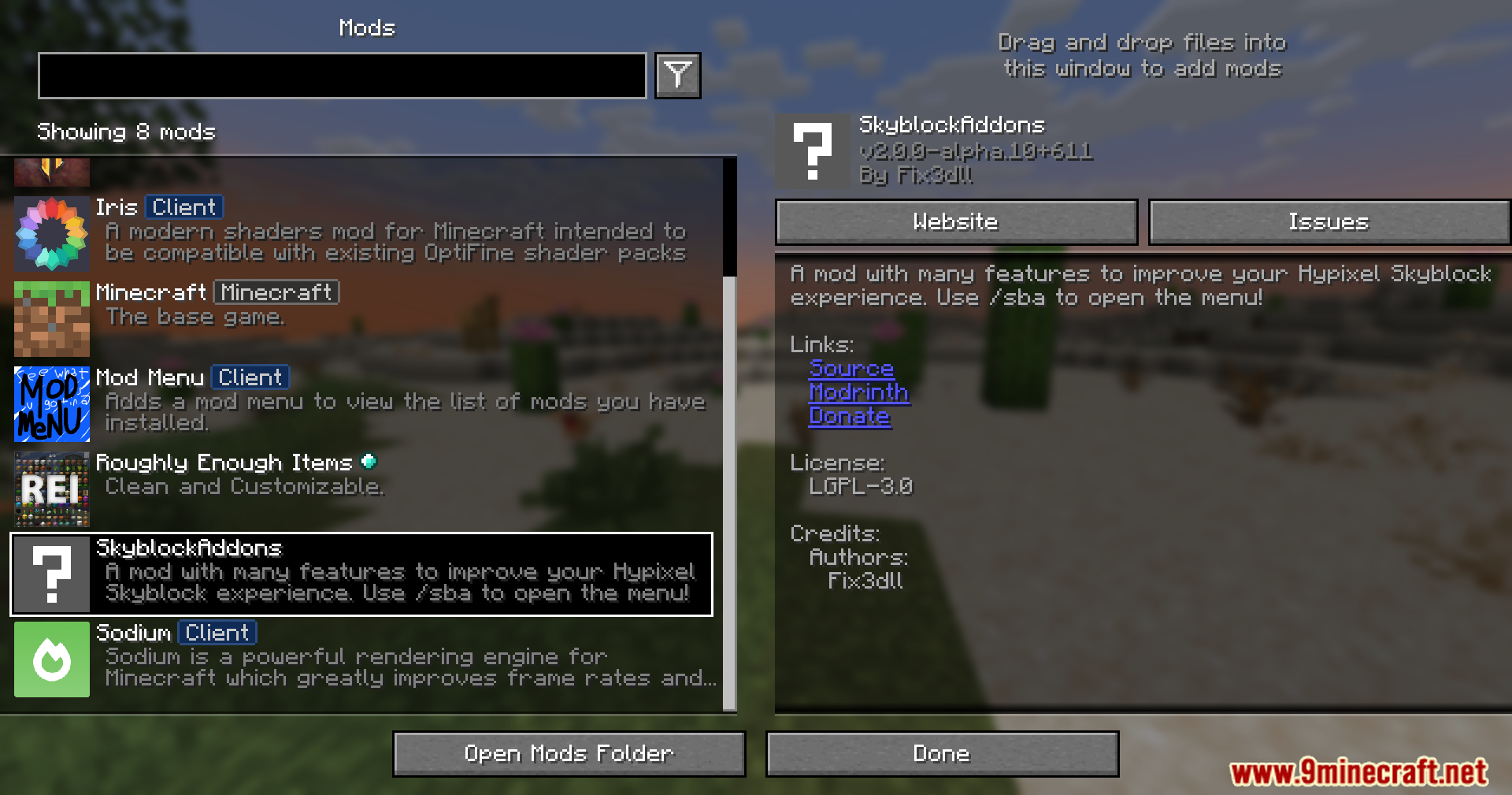
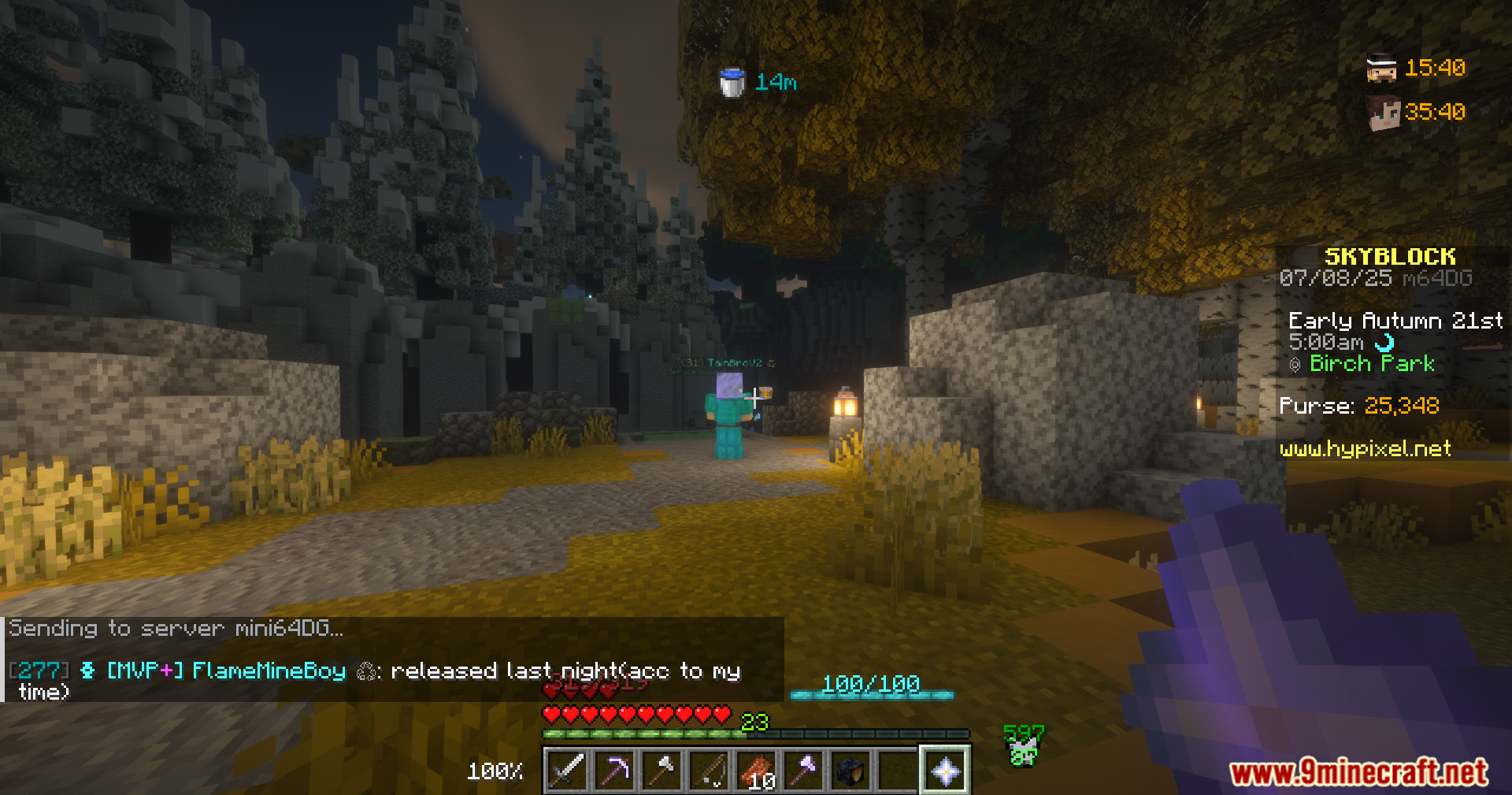
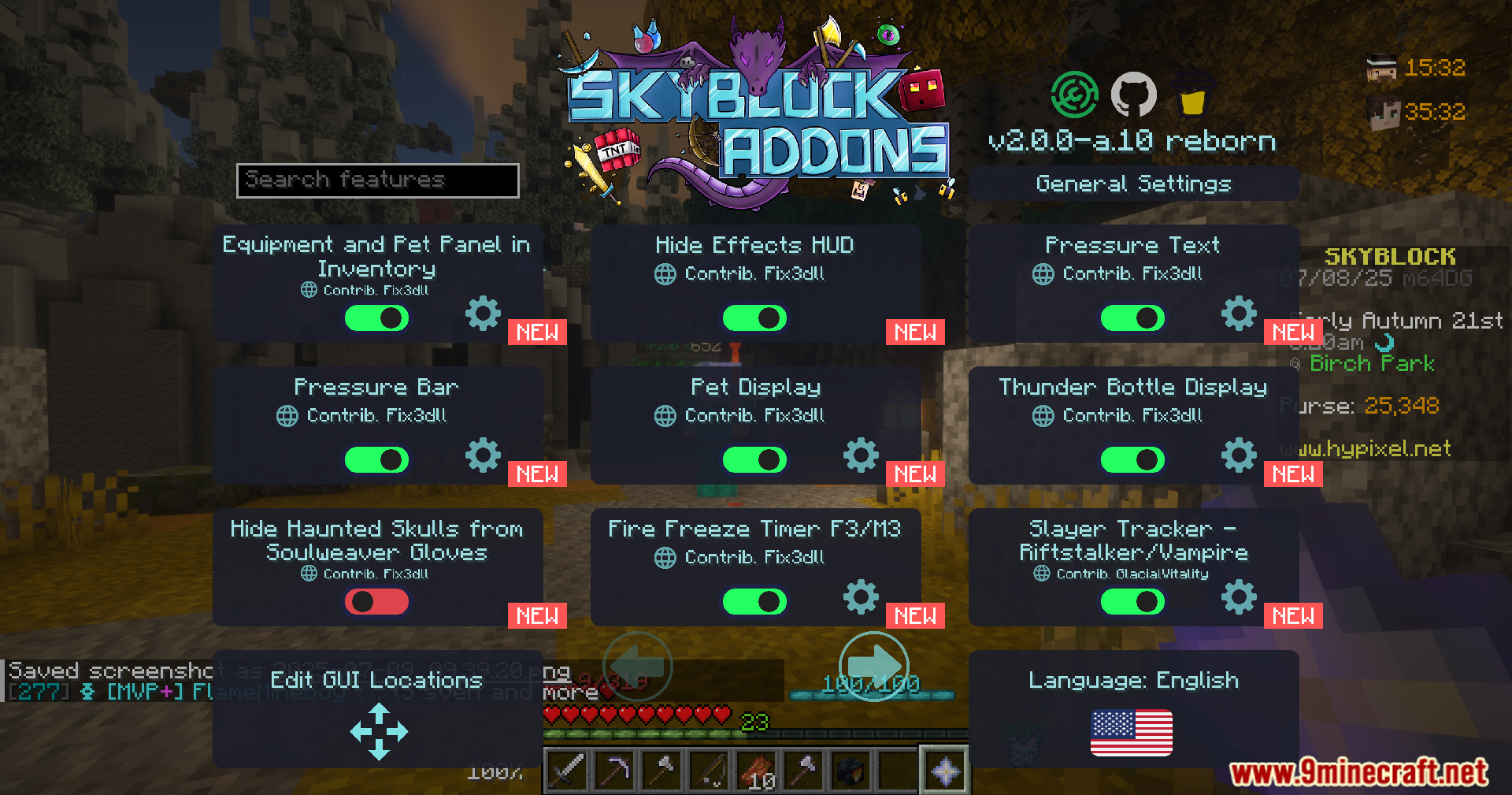
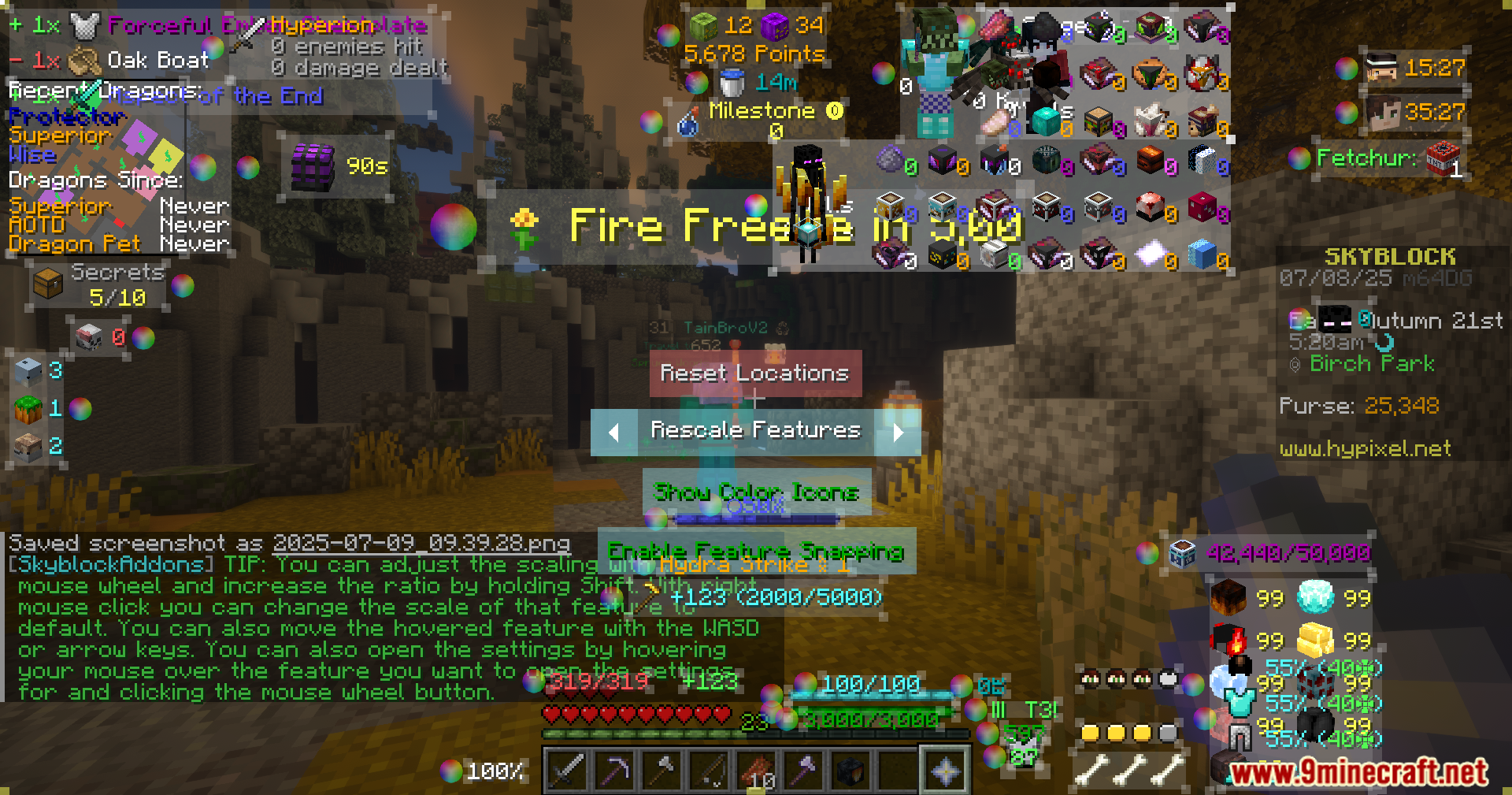


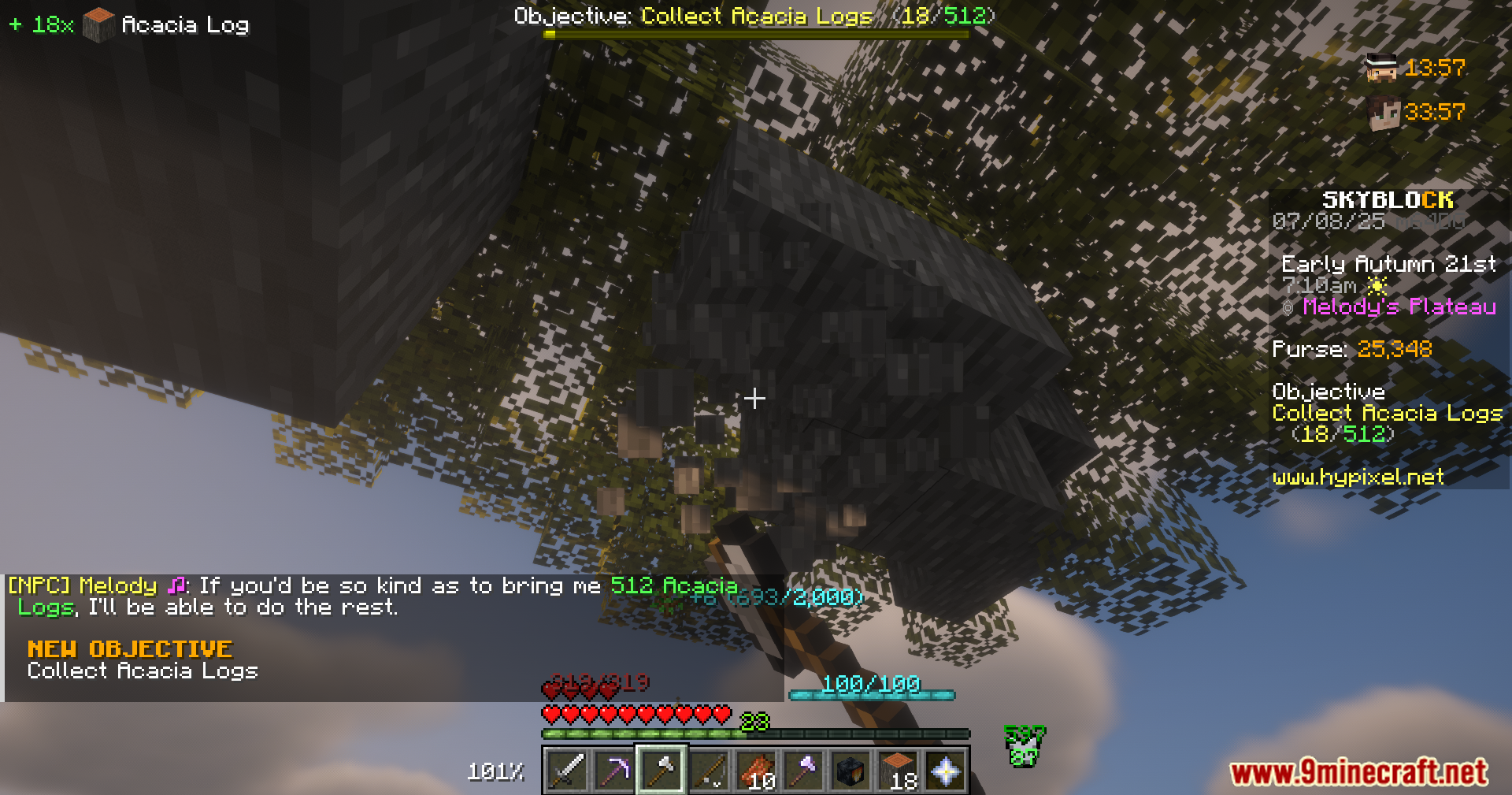
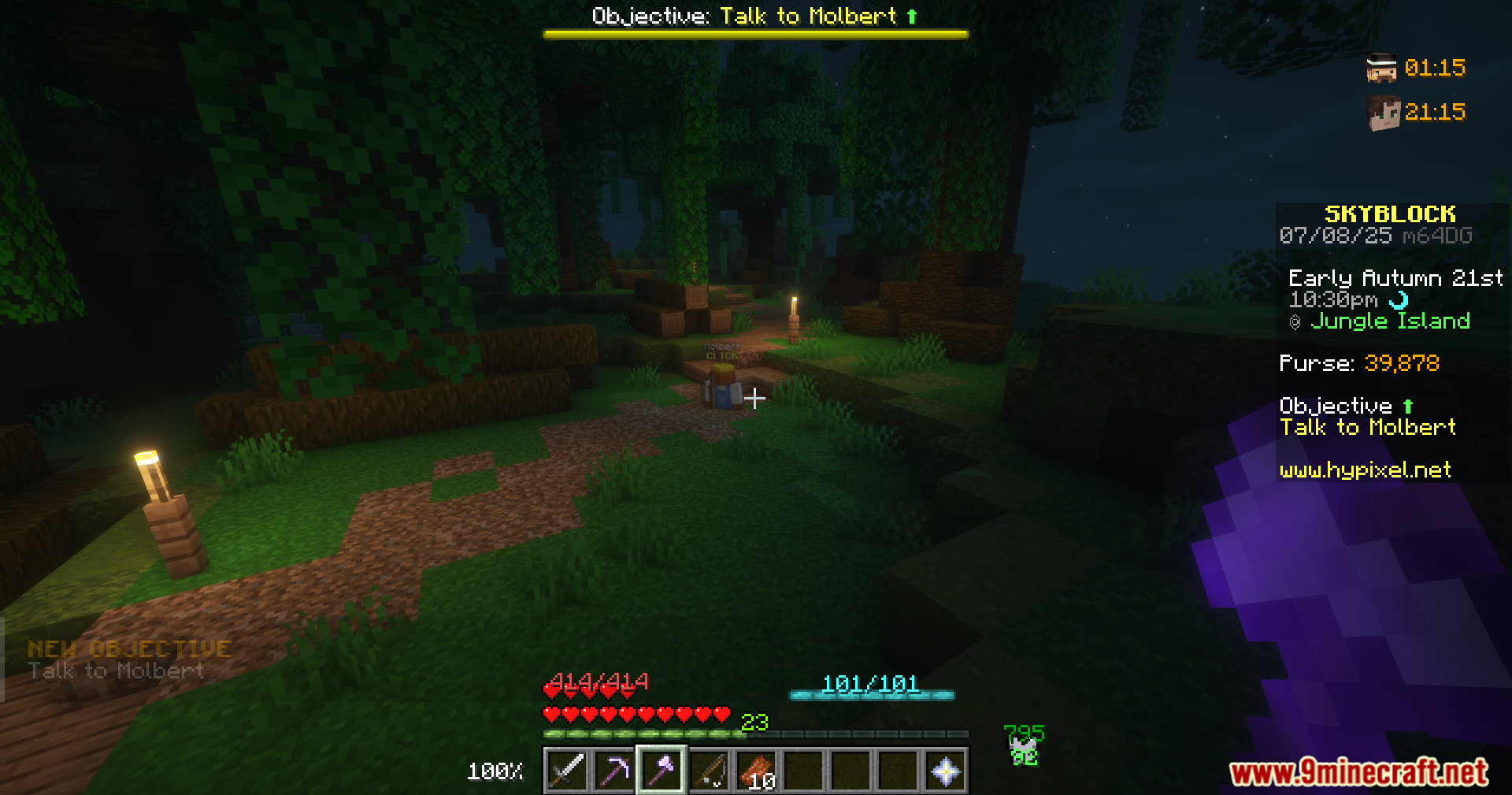
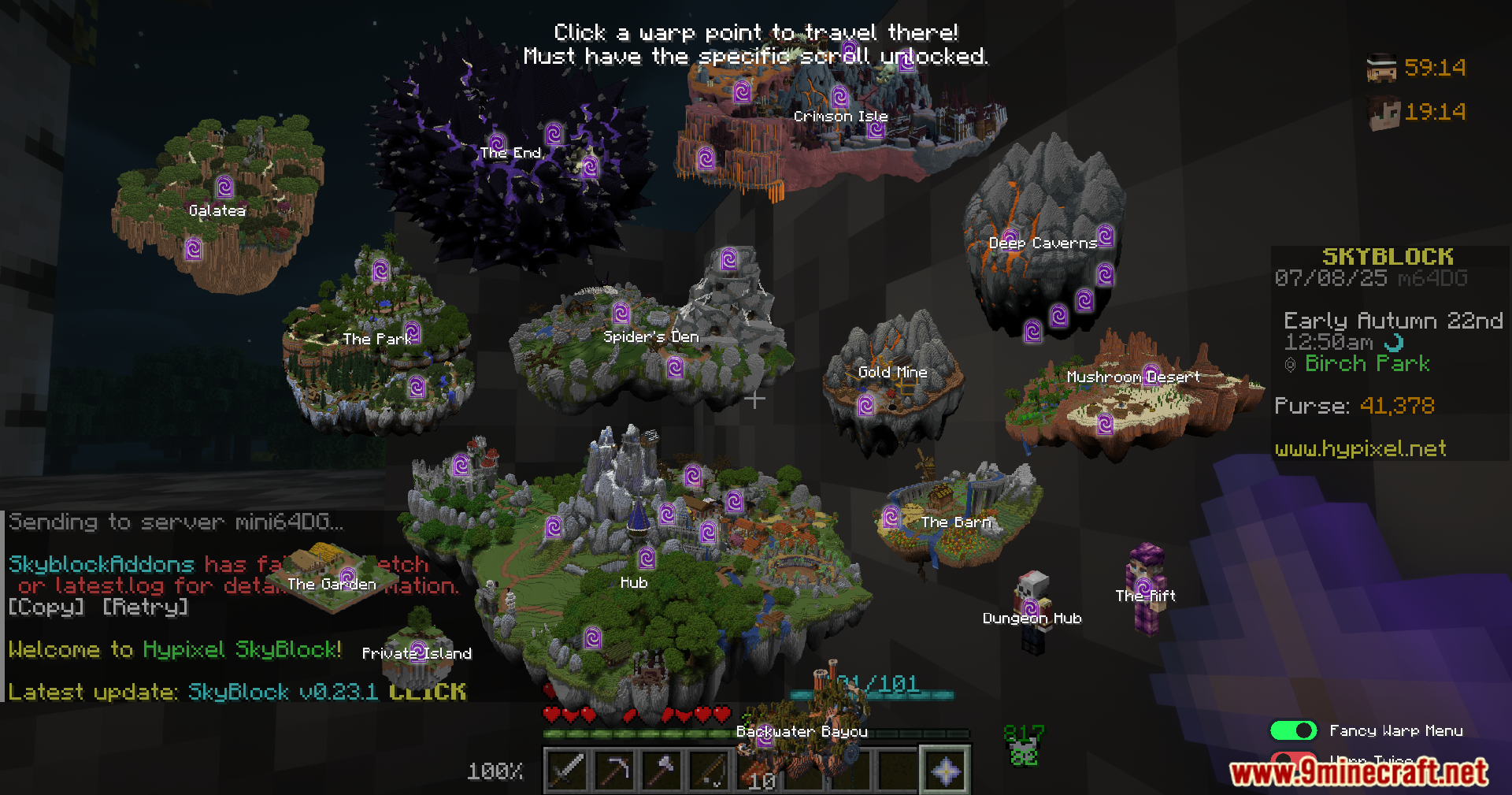
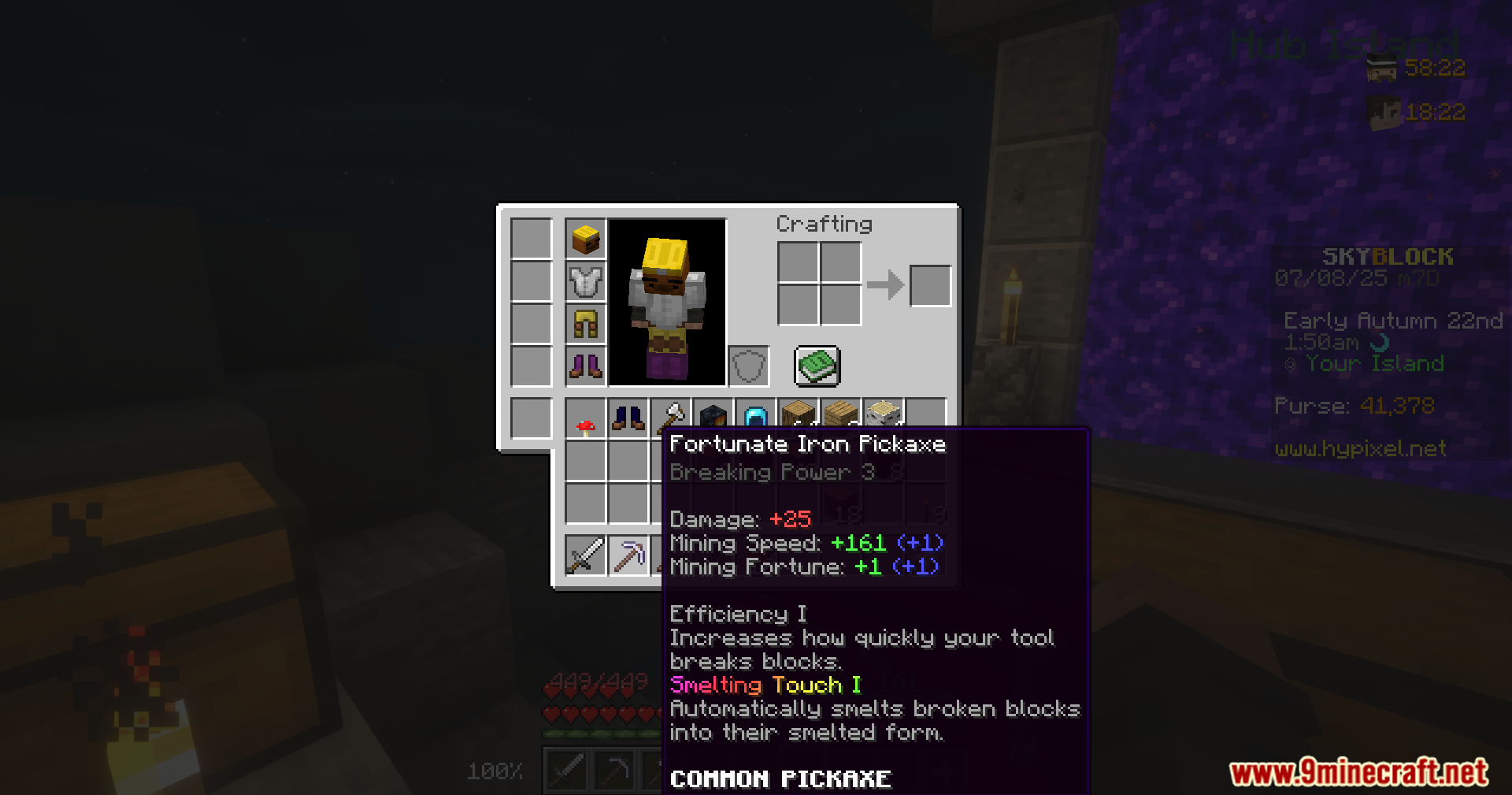
How to Install:
New to Minecraft? Follow our step-by-step guide to install Mods on your PC.View Guide
Requirements:



Skyblock Addons Unofficial Download Links
For Minecraft 26.3
For Minecraft 26.2
For Minecraft 26.1.2, 26.1.1, 26.1
For Minecraft 1.21.11
For Minecraft 1.21.10, 1.21.9
For Minecraft 1.21.5
For Minecraft 1.8.9
What do you do when a mod you love is abandoned by its creator?
0 responses · See the full results →
You May Also Like
Picked for this page
 Simple HUD Enhanced Mod (26.3, 1.20.1) – Take Control of Your HUD
 TrimsEffects Mod (26.2, 1.20.1) – Armor Trims with Special Effects
 Fire Client Mod (1.21.11) – Share Your Favorite Gear Kits with Friends
 Flower Patch Mod (26.3, 1.20.1) – Bunch Together Flowers into A Single Blockspace
 Blossom Homes Mod (26.3, 1.20.1) – Easy Home Teleports
 Modern Warp Menu Mod (26.2, 1.21.11) – Hypixel-Style Warping
 Trims Expanded Mod (1.21.11, 1.20.1) – More Trim Materials
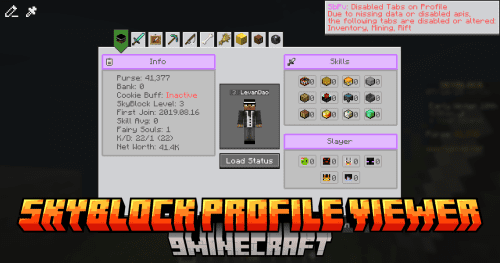 SkyBlock Profile Viewer Mod (26.3, 1.21.11) – Profile Viewer For Hypixel Stats And Gear
 Sky Cubed Mod (26.3, 1.21.11) – SkyBlock HUD And Overlay Enhancements
 Isle of Berk Variant Loader Mod (1.18.2) – Create and Customize Dragon Variants
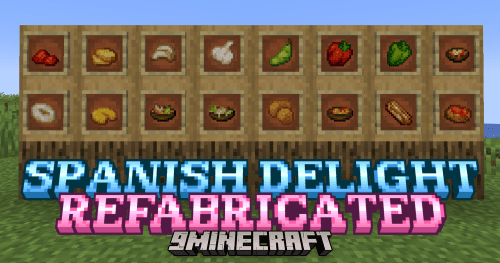 Spanish Delight Refabricated Mod (26.3, 1.20.1) – New Foods And Ingredients
 Tab Ping Mod (26.1.2, 1.21.1) – Shows Player Ping In Tab Player List
Most viewed in Mods over the last 7 days
 Ala Industrial Mod (26.3) – Run Electric Power Grids and Automated Factories
 PleasureCraft Mod (26.3, 1.21.1) – Jenny Mod Remake for Fabric
 Jennycraft Mod (26.3, 1.20.1) – Virtual Girlfriend in Minecraft
 Fapcraft Mod (26.3, 1.12.2) – Comprehensive and Detailed Content
 Jenny Mod (Fapcraft) Official Complete Guide – How to use, Tutorial
 BangCraft Mod (1.20.1) – Jenny, Ellie and Elliot
 Fabric Loader (26.3, 1.20.1) – Fabric Installer for All Minecraft Versions
 The Shooting Star Demo Mod (26.3, 1.20.1) – Vaporize Terrain From Orbit
 Meteor Client Mod (26.3, 1.20.1) – Xray, HUD, Fly
 OptiFine HD (26.3, 1.20.1) – Run Faster, FPS Boost, Shaders Support
 Aristois Client Mod (1.21.4, 1.20.1) – World Class Minecraft Utility
 Prestige Client Mod (1.21.11, 1.21.4) – Powerful Ghost Features for Crystal & Sword PvP
More from Mods
 TRMT Reimagined the Roads More Travelled Mod (26.3, 1.20.1)
 Morrowless Mod (1.21.1) – Defend Your Shelter From Nightmare Creatures
 THE SLOPSTROSITY Mod (1.21.1) – Battle a Ridiculous Slime Boss
 Decoween Mod (1.21.1, 1.20.1) – Transform Ordinary Survival Bases
 Simply Light 9minecraft Mod (26.3) – Decorate Builds Without Torches
 Alex’s Caves Continued Mod (26.3, 1.20.1) – Conquer Six Massive Underground
 Anvil Uses Mod (26.3, 1.20.1) – Track Item Anvil Usage
 Animal Info Mod (26.3, 1.21.11) – Quick Stats For Your Animals
 Timber Tales Dynamic Tree System Mod (26.3, 1.20.1) – Watch Entire Trees Topple
 Gabou’s Libs Mod (26.3, 1.20.1) – Keep Custom Weather and Survival Mods Stable
 /Sit Mod (26.3, 1.21.1) – Make The Player Sit Down
 Arcane Redstone Dial Mod (26.3, 1.20.1) – Trigger Commands and Shortcuts

This post has no comments yet. Be the first — your comment will appear here.