


Dark Red GUI Resource Pack (26.2, 1.21.11) – Sleek Crimson Panels for Dark Mode
 0
0
 0
0

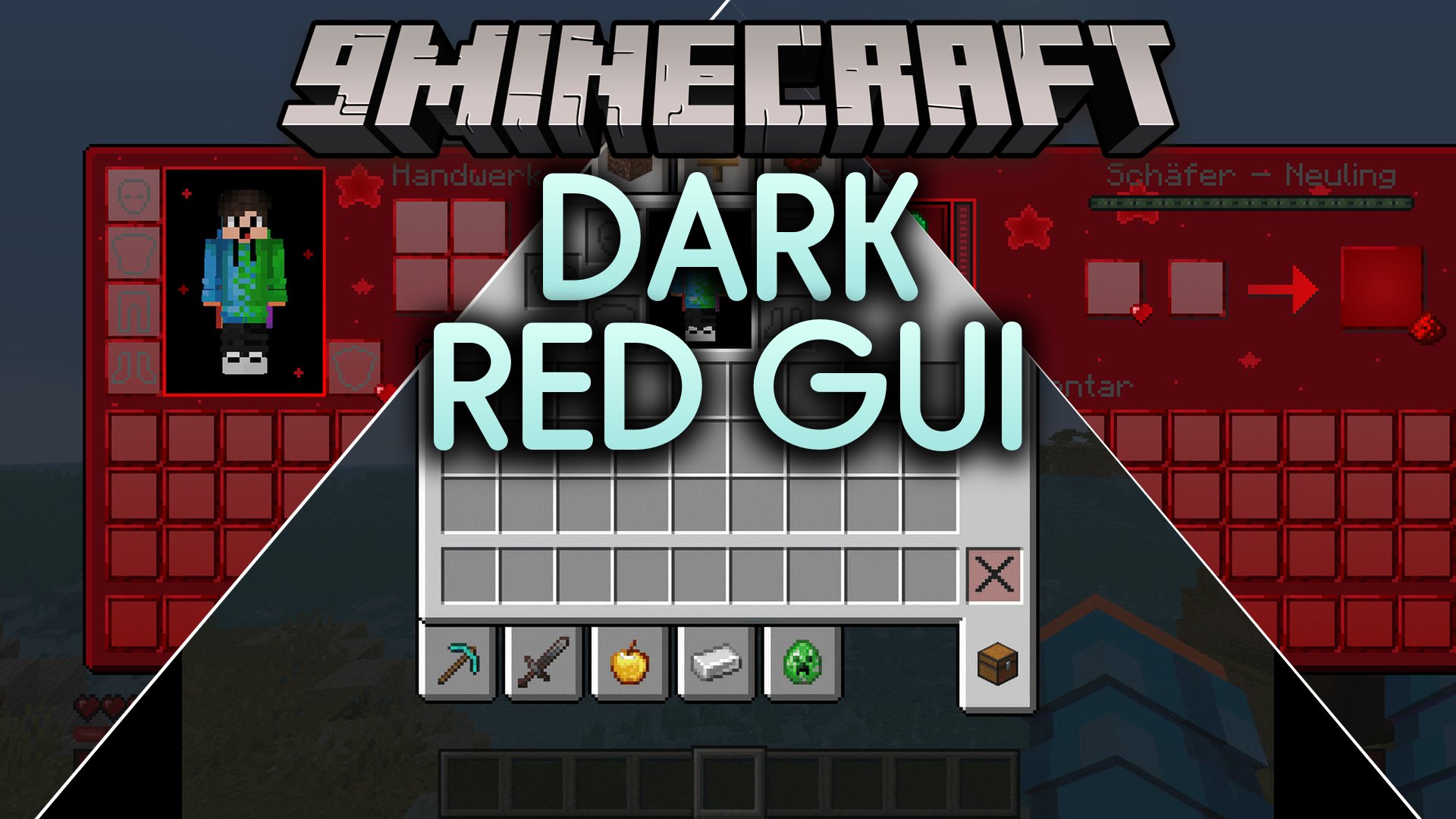
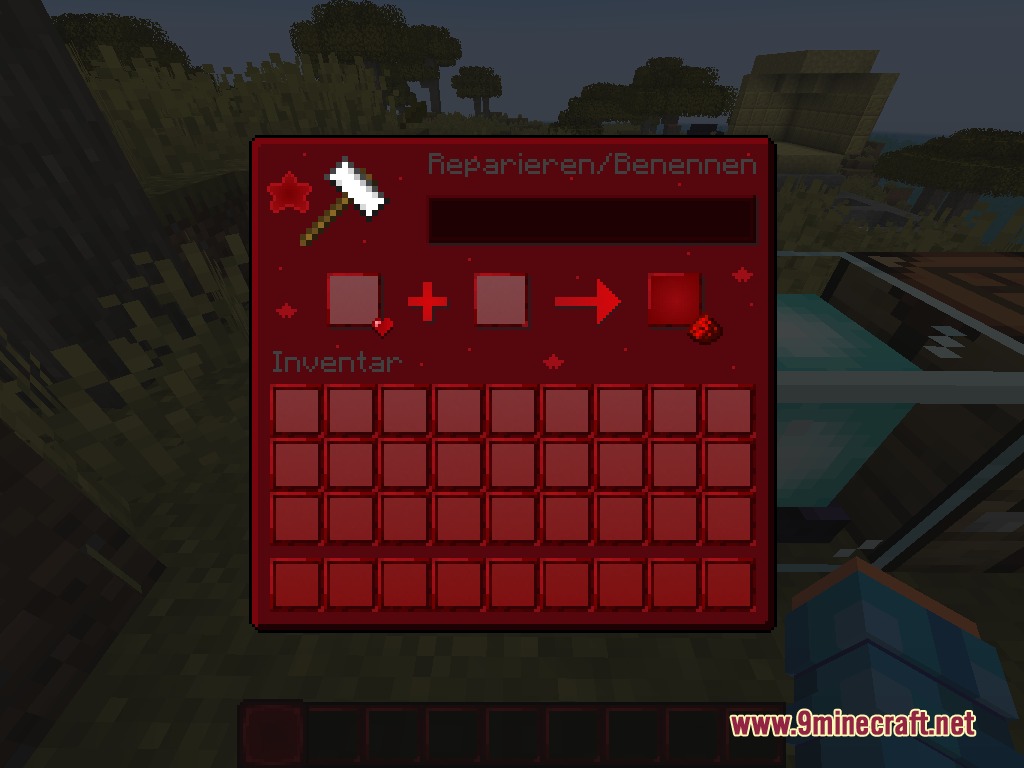
Dark Red GUI Resource Pack reskins the standard Minecraft user interface with a sleek crimson and black theme. This pack replaces the grey menus, inventory screens, and HUD elements with dark panels and bright red highlights. It includes custom icons for player health, hunger, and the XP bar to match the darker color scheme. The clean layout works well during PvP matches, Bedwars battles, or normal survival worlds.
Features:
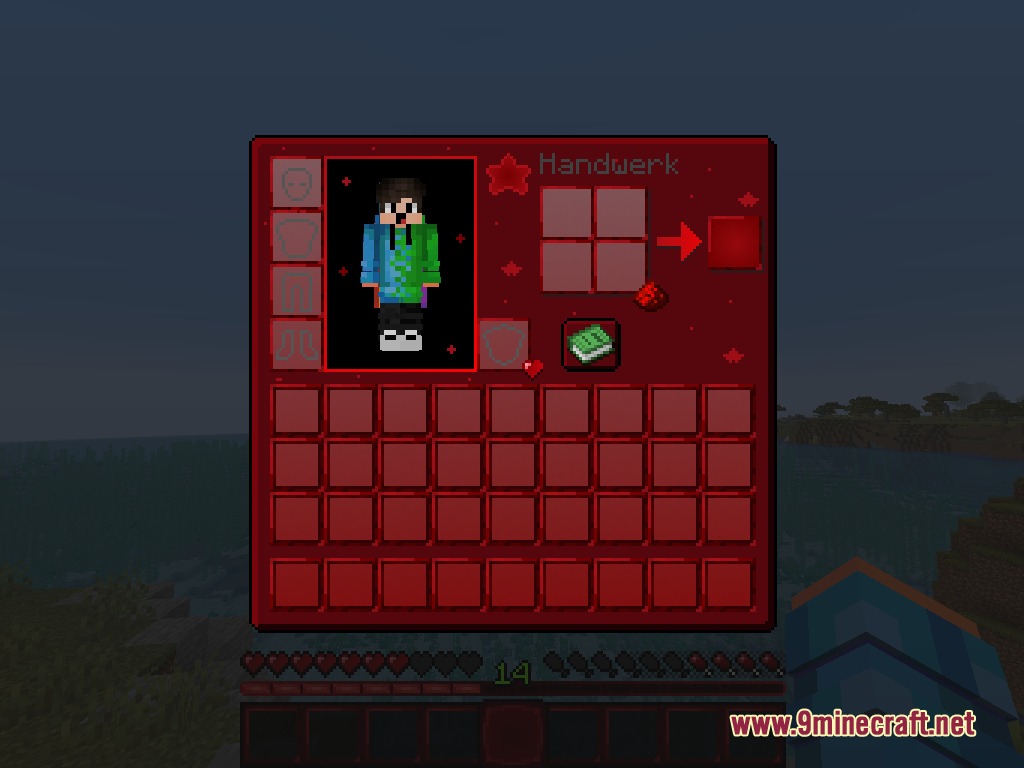
- Replaces standard grey interface windows with a dark red and black palette.
- Gives player health hearts, hunger drumsticks, and the XP bar a crimson style.
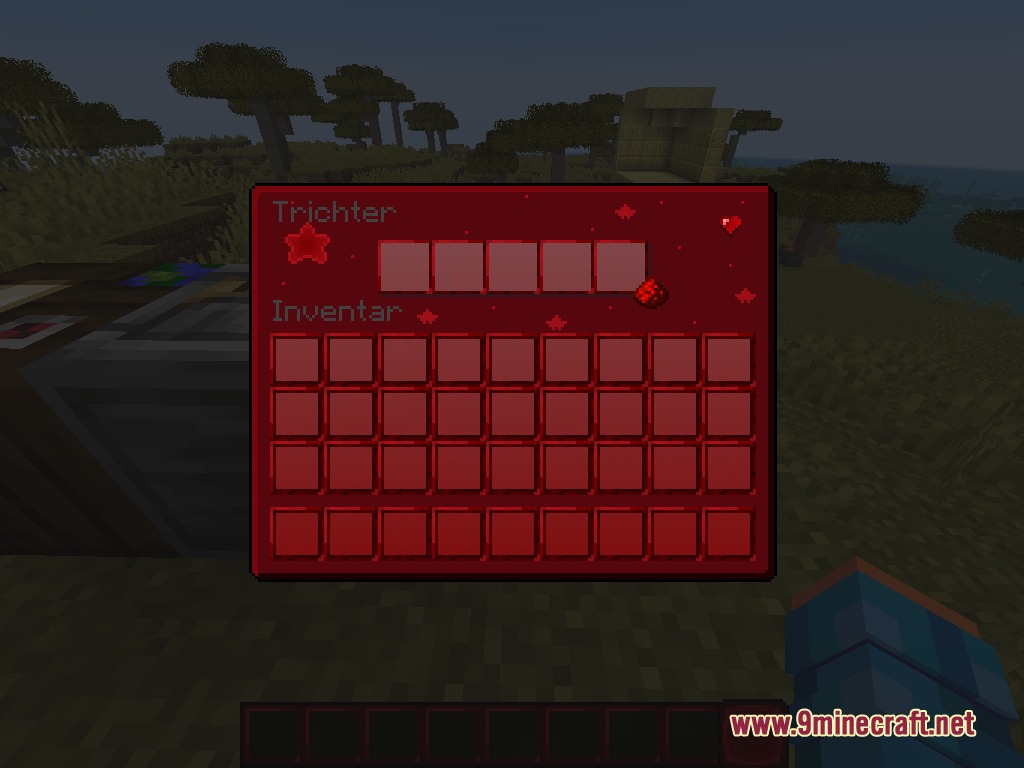
- Includes custom item slots and frames across all storage containers.
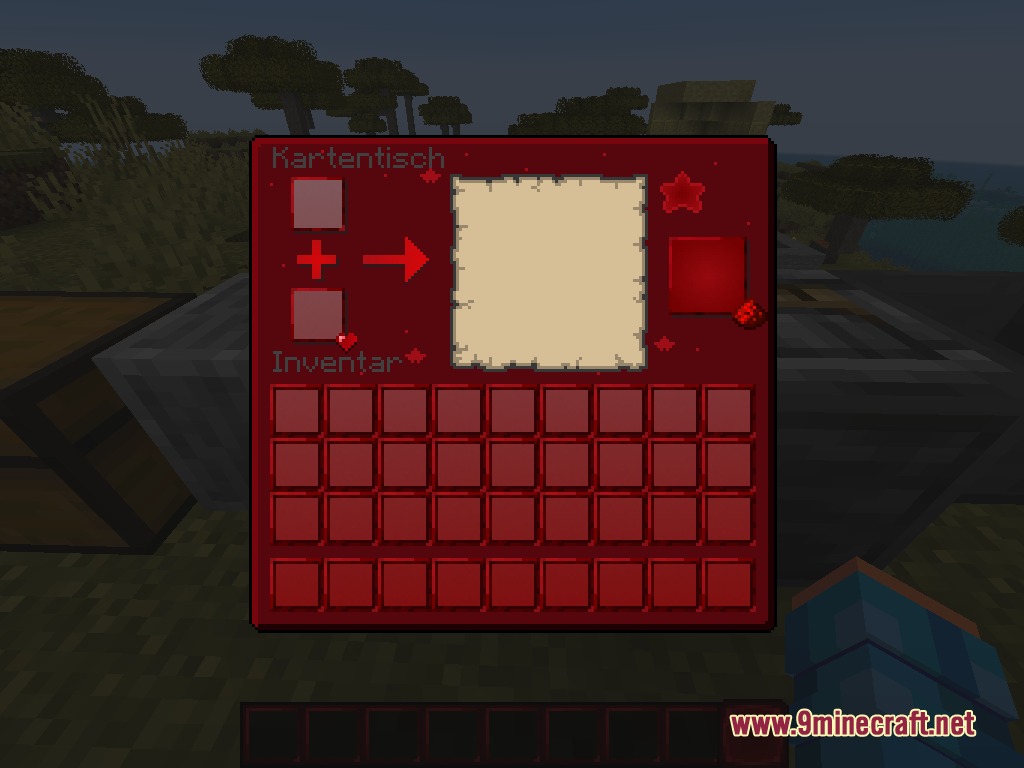
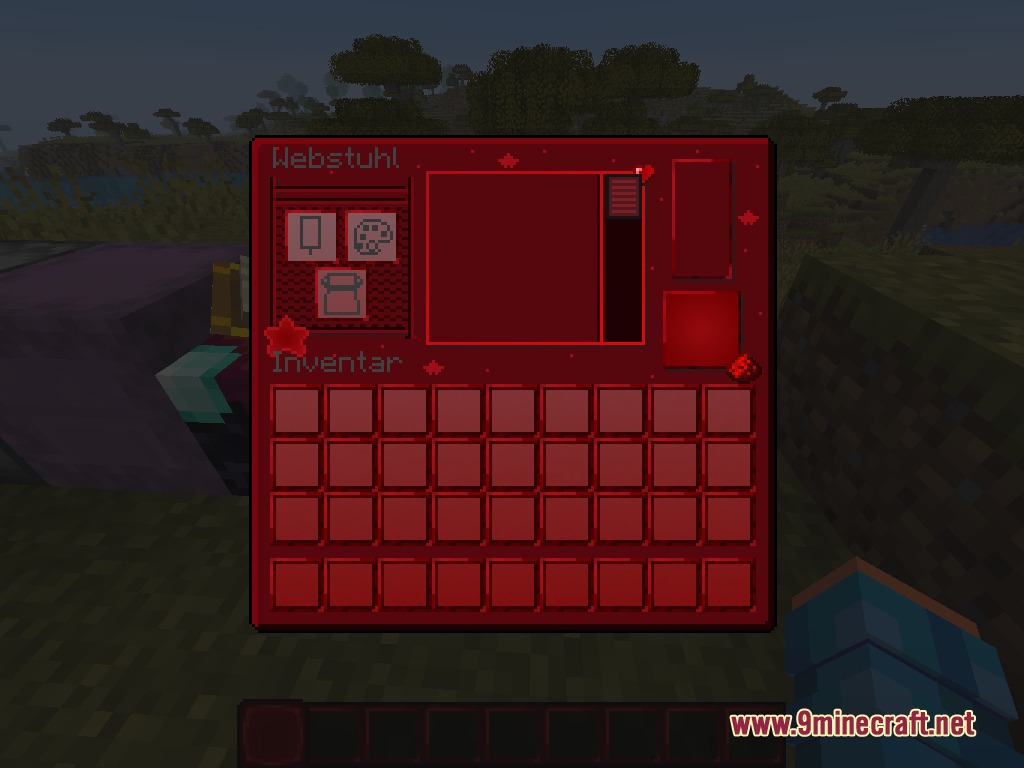
- Adds unique star accents and redstone details to menus.
- Updates crafting tables, furnaces, anvils, looms, and brewing stands.
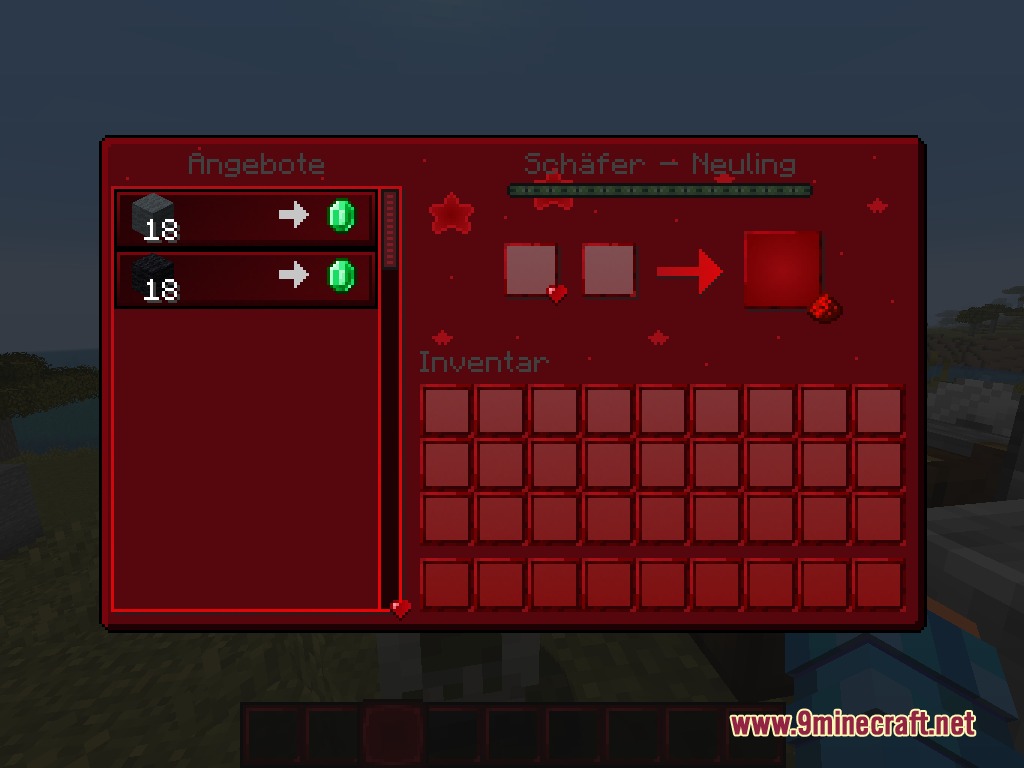
- Changes the main title screen, pause menu, and villager trading windows.
- Offers high contrast for clear visibility during fast-paced PvP and Bedwars games.
Updated Menus and Interfaces:
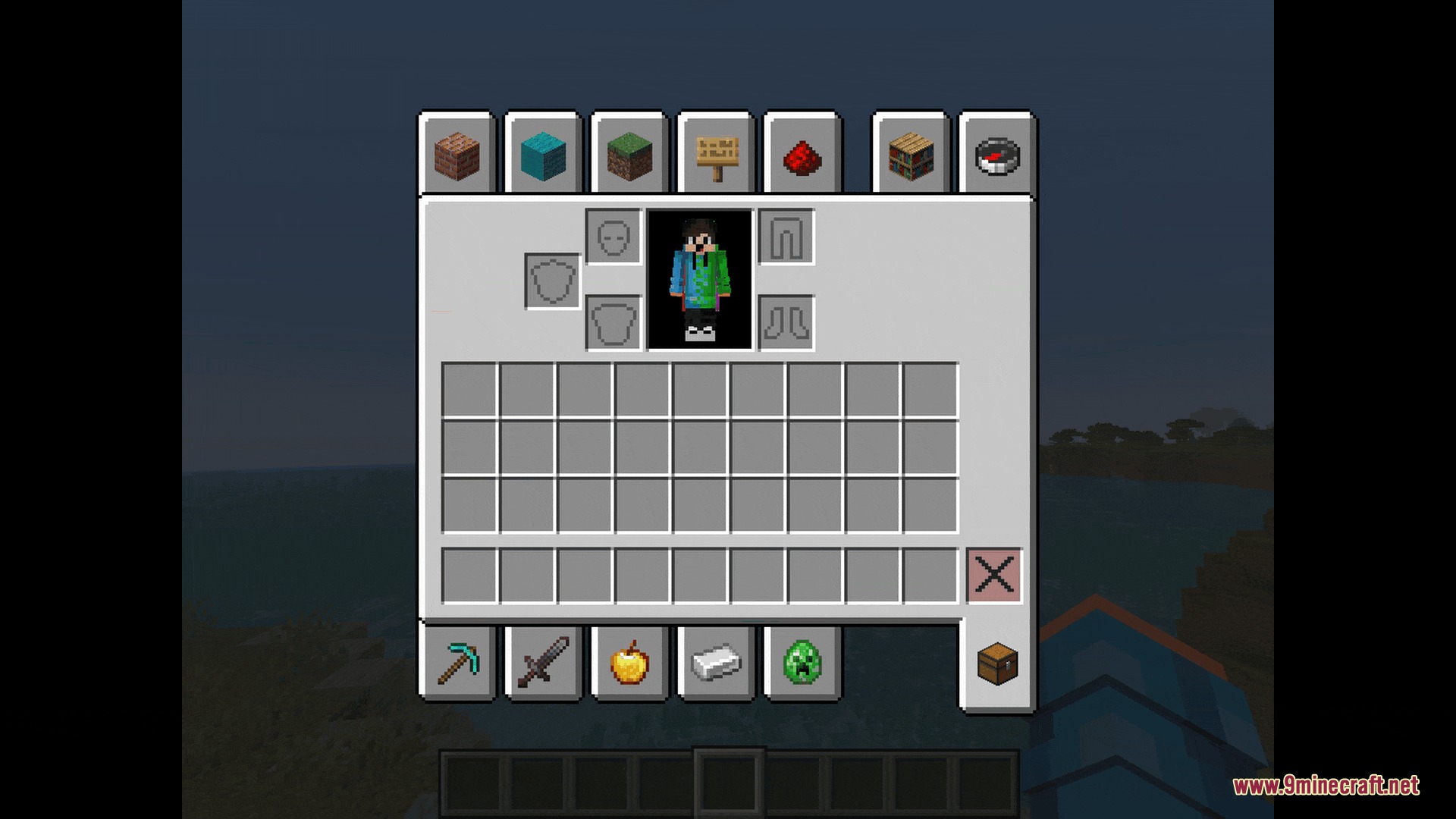
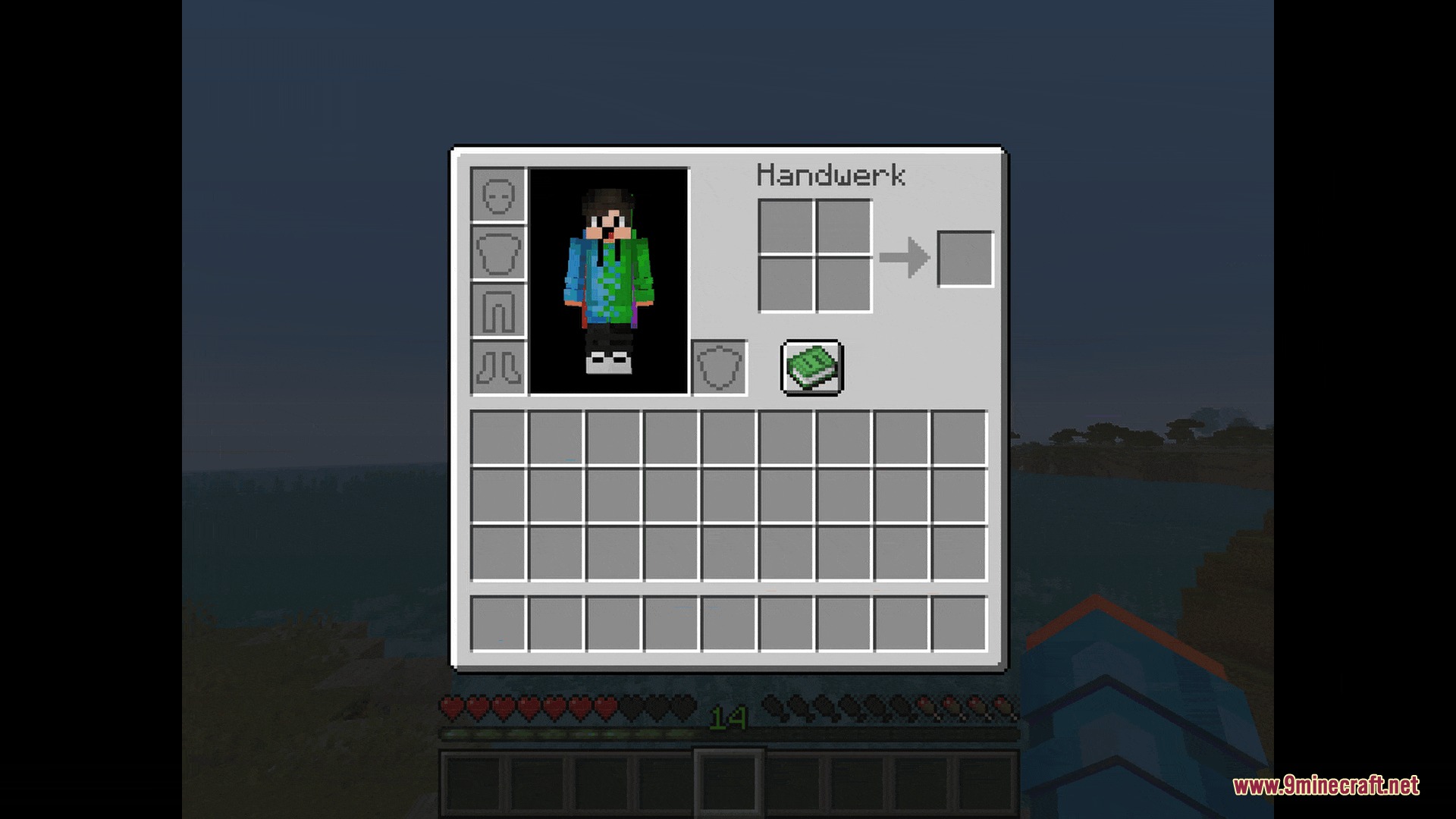
- Survival and Creative inventories.
- Storage containers like chests, hoppers, and beacons.
- Workstations like stonecutters, smithing tables, and grindstones.
Screenshots:
How to Install:
New to Minecraft? Follow our step-by-step guide to install Resource Packs on your PC.View Guide
Dark Red GUI Resource Pack Download Links
For Minecraft
26.2.x
All Versions Covered
26.2
26.1.2
26.1.1
26.1
1.21.11
All Versions Covered
26.2
26.1.2
26.1.1
26.1
1.21.11
Click to rate this post!
[Total: 0 Average: 0]
You May Also Like







This post has no comments yet. Be the first — your comment will appear here.