
DarkSpawn Mod (26.3, 1.20.1) – Warp Home From Anywhere
 4,862
 0


DarkSpawn Mod lets you teleport to a fixed spawn point or lobby with a simple command. By default, this mod sends you to coordinates 10 319 10 so players can return to a central hub right away. It runs only on the server side, so players do not need any files on their own client. You can also change the teleport coordinates and dimension with a datapack to fit your world.
Features:
- Teleports you to a fixed spawn or lobby location at default coordinates
10 319 10when you use the/trigger darkspawncommand. - Runs completely on the server side, so players can join and teleport without adding this mod to their client.
- Lets you change both the target coordinates and dimension by placing a companion datapack in your world’s
datapacksfolder and editing the third line of its file. - Works with the Command Macros mod so you can bind the teleport command to a key shortcut like Shift + =.
Commands:
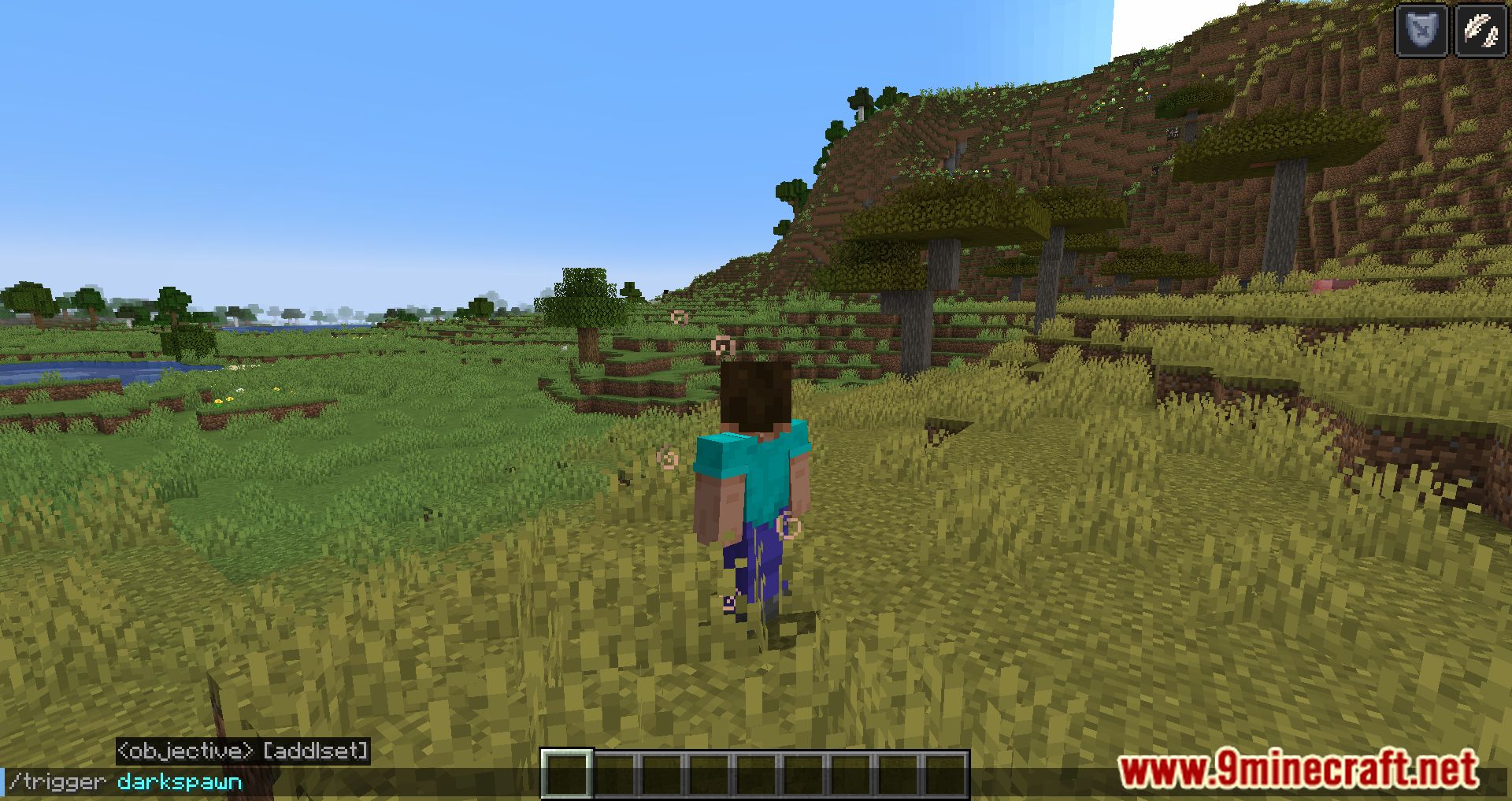
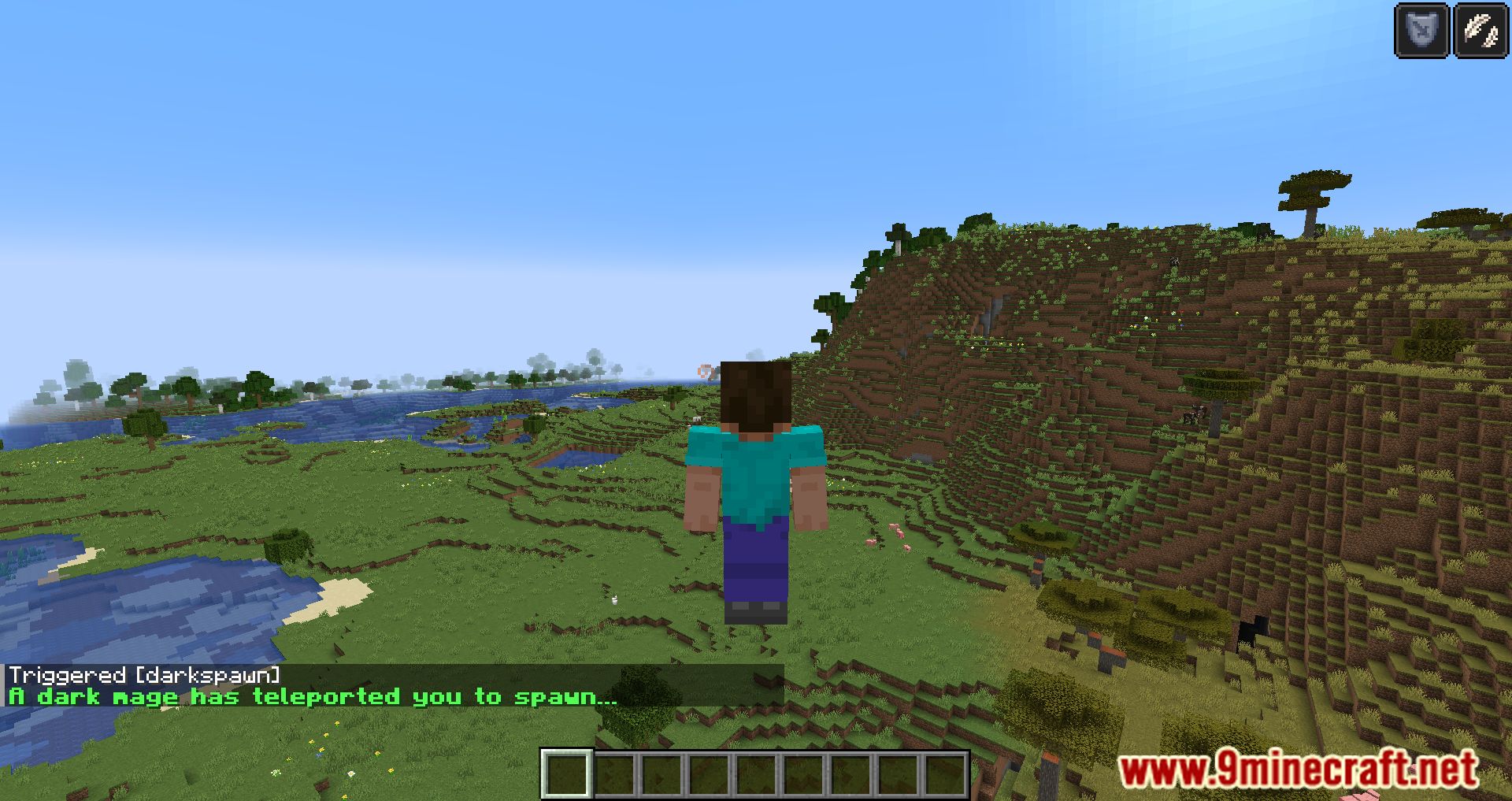
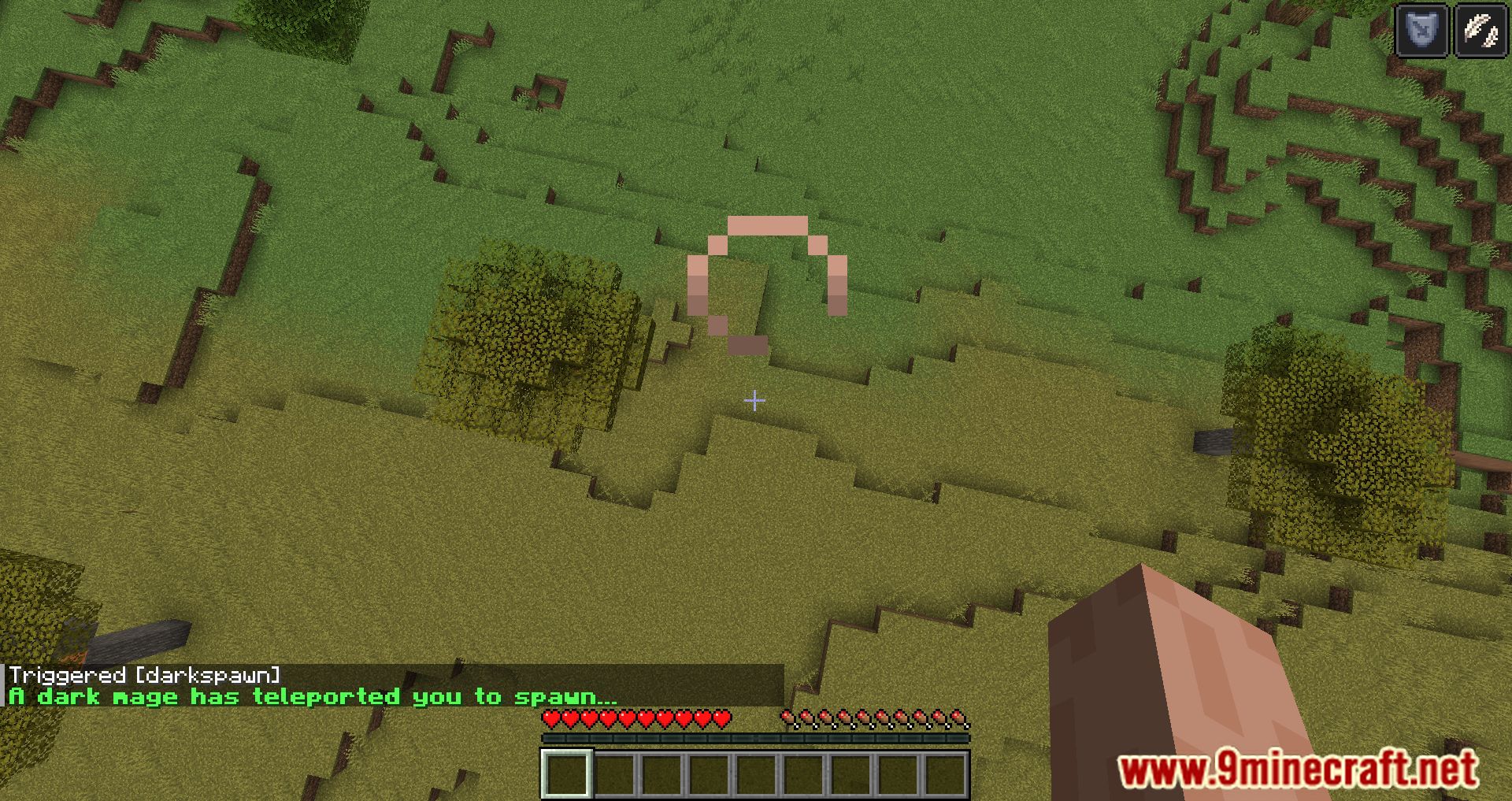
/trigger darkspawn: Teleports you to the fixed spawn or lobby location (default coordinates:10 319 10).
How to Use:
- Open chat in Minecraft and run
/trigger darkspawnto teleport to the fixed spawn or lobby location at default coordinates10 319 10. - To change the teleport location, place the companion datapack inside your world’s
datapacksfolder. - Open the files inside that datapack and edit the third line to set your preferred coordinates and dimension.
- If you run a multiplayer server, finalize, save, and upload the edited datapack before players enter the game so everyone teleports to the right spot.
- For faster teleporting, use this mod with Command Macros and assign
/trigger darkspawnto a shortcut such as Shift + =.
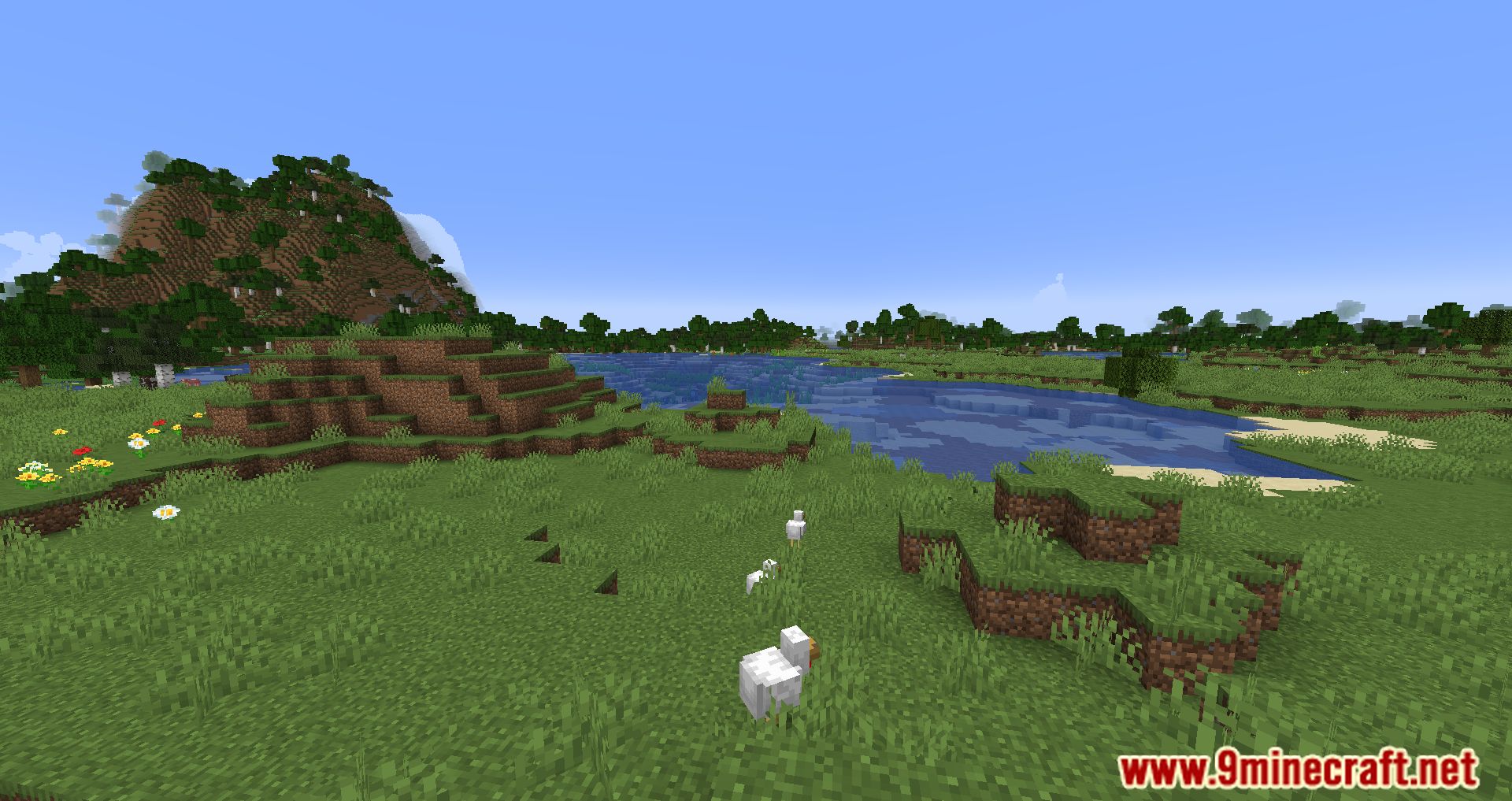
Screenshots:
How to Install:
New to Minecraft? Follow our step-by-step guide to install Mods on your PC.View Guide
Requirements:




DarkSpawn Mod Download Links
For Minecraft 26.3
For Minecraft
26.2,
26.1.2,
26.1.1
All Versions Covered
26.2
26.1.2
26.1.1
26.1
All Versions Covered
26.2
26.1.2
26.1.1
26.1
For Minecraft 26.1.2, 26.1.1, 26.1
For Minecraft
1.21.11,
1.21.10,
1.21.9
All Versions Covered
1.21.11
1.21.10
1.21.9
1.21.8
1.21.7
1.21.6
1.21.5
1.21.4
1.21.3
1.21.2
All Versions Covered
1.21.11
1.21.10
1.21.9
1.21.8
1.21.7
1.21.6
1.21.5
1.21.4
1.21.3
1.21.2
For Minecraft 1.21.5
For Minecraft 1.21.4, 1.21.3, 1.21.2
For Minecraft 1.21.1, 1.21
For Minecraft 1.20.6
For Minecraft 1.20.5
For Minecraft 1.20.4
For Minecraft 1.20.3
For Minecraft 1.20.1, 1.20
For Minecraft All versions
Click to rate this post!
[Total: 0 Average: 0]
You May Also Like
Picked for this page
 JourneyMap Mod (26.3, 1.20.1) – Never Get Lost Exploring
 Leap Mod (26.1.2, 1.20.1) – Double Jump
 Xaero’s Map Server Utils Mod (26.3, 1.20.1) – Fair-Play Mode Controls
 Boss Music Mod (26.2, 1.20.1) – Soundtracks That Play During Fights
 Convenient Curios Container Mod (26.1.2, 1.20.1) – Managing Curios Items
 DarkStarter Mod (26.3, 1.20.1) – RPG Starter Login Item Rewards
 Infinity Water Bucket Mod (26.3, 1.20.1) – Infinite Water Source
 Spawner Control Mod (26.1.2, 1.20.1) – Adjust Spawn Limits and Destruction Timers
 Stack Deobfuscator Mod (26.1, 1.20.1) – Making Errors Readable
 Expansion Of Border Mod (26.3, 1.21.1) – Limited World Access
 Reply Mod (26.3, 1.20.1) – Easier Replying In Chat
 Rose Bush Mod (26.3, 1.20.1) – Library Dependency Mod
Most viewed in Mods over the last 7 days
 Ala Industrial Mod (26.3) – Run Electric Power Grids and Automated Factories
 PleasureCraft Mod (26.3, 1.21.1) – Jenny Mod Remake for Fabric
 Jennycraft Mod (26.3, 1.20.1) – Virtual Girlfriend in Minecraft
 Fapcraft Mod (26.3, 1.12.2) – Comprehensive and Detailed Content
 Jenny Mod (Fapcraft) Official Complete Guide – How to use, Tutorial
 BangCraft Mod (1.20.1) – Jenny, Ellie and Elliot
 Fabric Loader (26.3, 1.20.1) – Fabric Installer for All Minecraft Versions
 The Shooting Star Demo Mod (26.3, 1.20.1) – Vaporize Terrain From Orbit
 Meteor Client Mod (26.3, 1.20.1) – Xray, HUD, Fly
 OptiFine HD (26.3, 1.20.1) – Run Faster, FPS Boost, Shaders Support
 Aristois Client Mod (1.21.4, 1.20.1) – World Class Minecraft Utility
 Prestige Client Mod (1.21.11, 1.21.4) – Powerful Ghost Features for Crystal & Sword PvP
More from Mods
 Load My Tags 9minecraft Mod (26.3) – Mix Mods Without Breaking Recipes
 Kambrik 9minecraft Mod (26.3) – Run Kotlin Mods Without Game Lag
 Fast Paintings 9minecraft Mod (26.3, 26.2) – Place Wall Art Exactly Where You Want It
 Bonsai Trees 9minecraft Mod (26.3, 26.2) – Automate Wood Farming in Tiny Pots
 Enhanced Block Entities 9minecraft Mod (26.3) – Build Lag-Free Storage Rooms
 Better Nether 9minecraft Mod (26.3, 26.2) – Survive Forever in the Nether
 BCLib 9minecraft Mod (26.3, 26.2) – Power Custom Nether and End Overhauls
 ForgedLoaderAPI Mod (1.19.2, 1.18.2) – Bring Ported Fabric Creations
 Shield System Mod (1.21.1) – Tank Heavy Monster Hits Without Losing Hearts
 Shin’s Tensura Race Models Mod (1.19.2) – Play As Unique 3D Anime Race
 Offgrid Mod (26.3, 1.20.1) – Furnish Compact Interiors Without Strict Grid
 Tempest Almanac Iron’s Spells ‘n Spellbooks Mod (1.21.1, 1.20.1)

This post has no comments yet. Be the first — your comment will appear here.