
Data Loader Updated Mod (26.1, 1.20.1) – Run Custom Datapacks in Every World
 1,368
 0


Data Loader Updated Mod adds a global datapacks folder inside your game directory so your datapacks apply to every world automatically. You can drop any datapack into this single folder instead of copying files into each world one by one. This mod also includes an optional config file that lets you control the exact load order and limit which datapacks load when the game starts.
Features:
- Adds a dedicated
datapacksfolder inside your game directory for global datapacks. - Applies every datapack in that folder to all worlds automatically by default.
- Removes the need to copy datapack files into each individual world folder by hand.
- Includes an optional config file at
config/data-loader.jsonfor custom load order settings. - Lets you set the exact load order for global,
vanilla,fabric, experimental, and internal mod datapacks. - Allows you to limit Minecraft to loading only the datapacks listed in your load order along with the
fabricdatapack.
Configuration:
You can edit the optional config/data-loader.json file to customize how datapacks load:
onlyLoadSpecified: When set totrue, Minecraft loads only the datapacks listed inloadOrderand thefabricdatapack. If you do not include thevanilladatapack or a proper replacement, the game crashes on launch.loadOrder: Sets the exact order in which Minecraft loads datapacks. Prefix packs from thedatapacksfolder withfile/, leavevanilla,fabric, and experimental datapacks without a prefix, and prefix internal mod datapacks with the mod ID while replacing/with:.
How to Use:
- Open your Minecraft game directory and find the
datapacksfolder added by this mod. - Drop any datapacks you want to use into that
datapacksfolder. - Open any world in Minecraft, and every datapack in the folder applies automatically.
- Open
config/data-loader.jsonif you want to set a custom load order, then list your packs inloadOrderusingfile/for packs in thedatapacksfolder, no prefix forvanilla,fabric, or experimental packs, and the mod ID with:instead of/for internal mod datapacks. - Set
onlyLoadSpecifiedtotrueif you want Minecraft to load only the packs inloadOrderand thefabricdatapack, and includevanillaor a replacement so the game does not crash on launch.
Screenshots:




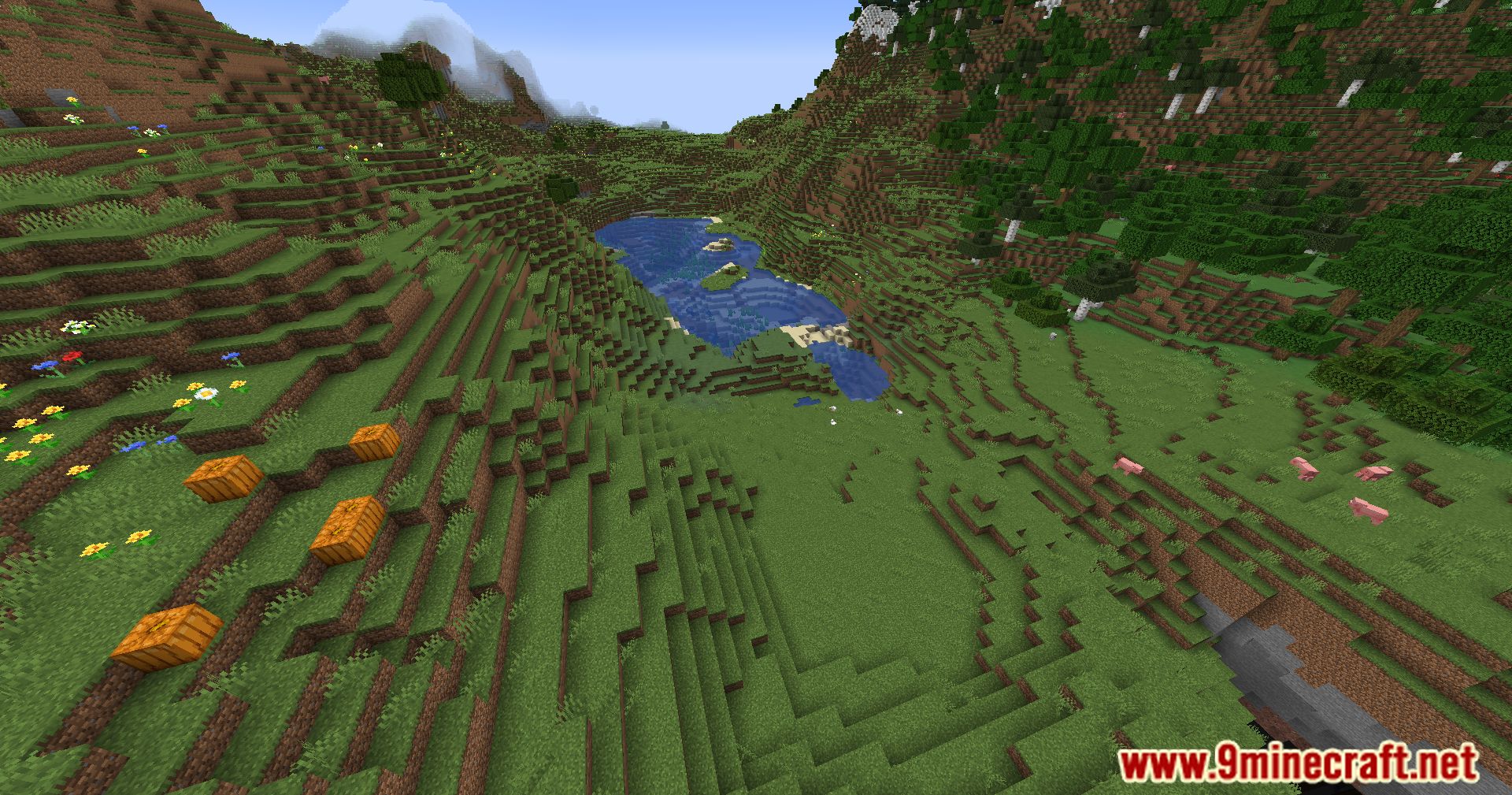

How to Install:
New to Minecraft? Follow our step-by-step guide to install Mods on your PC.View Guide
Data Loader Updated Mod Download Links
For Minecraft 26.1.2, 26.1.1, 26.1
Fabric/Quilt version: Download from Server 1 – Download from Server 2
For Minecraft 1.21.11
Fabric/Quilt version: Download from Server 1 – Download from Server 2
For Minecraft 1.21.10, 1.21.9
Fabric/Quilt version: Download from Server 1 – Download from Server 2
For Minecraft 1.21.8, 1.21.7, 1.21.6
Fabric/Quilt version: Download from Server 1 – Download from Server 2
For Minecraft 1.21.5, 1.21.4
Fabric/Quilt version: Download from Server 1 – Download from Server 2
For Minecraft 1.21.3, 1.21.2
Fabric/Quilt version: Download from Server 1 – Download from Server 2
For Minecraft 1.21.1, 1.21
Fabric/Quilt version: Download from Server 1 – Download from Server 2
For Minecraft 1.20.6, 1.20.5
Fabric/Quilt version: Download from Server 1 – Download from Server 2
For Minecraft 1.20.4, 1.20.3, 1.20.2
Fabric/Quilt version: Download from Server 1 – Download from Server 2
For All Versions from Minecraft 1.19.4 to Minecraft 1.20.1
Fabric version: Download from Server 1 – Download from Server 2
For Minecraft 1.19.3
Fabric version: Download from Server 1 – Download from Server 2
For Minecraft 1.18.1
Fabric version: Download from Server 1 – Download from Server 2
Do you use mods that completely overhaul Minecraft's combat system (like Better Combat or Epic Fight)?
9 responses · See the full results →
You May Also Like
Picked for this page
 Fabric API (26.3, 1.20.1) – Play Hundreds of New Mods
 Crystals Overhauled Mod (26.3, 1.20.1) – A Minecraft Mod Revolution
 Inventory Management Mod (26.3, 1.20.1) – Sorting, Transferring, Stacking
 OwO Lib Mod (26.2, 1.21.1) – Run New and Complex Mods
 Mob Lassos Mod (26.3, 1.20.1) – Gotta Catch ‘Em All
 Leashable Players Mod (26.2, 1.20.1) – Leash Your Friends
 Fast IP Ping Mod (26.3, 1.20.1) – Fix Slow Server Ping Times
 Actually Harvest Mod (26.3, 1.20.1) – Customizable Harvesting Mechanics
 MAtmos Ambient Sound Mod (26.3, 1.20.1) – Adjusts Sounds Based On The Environment
 Spell Checker Mod (26.2, 1.20.1) – Communicate Clearly
 Carpet Org Addition Mod (26.3, 1.20.1) – Modular Tweaks For Minecraft
 Fabric Kotlin Extensions Mod (26.2, 1.20.1) – Adds Extra Kotlin Libraries
Most viewed in Mods over the last 7 days
 Ala Industrial Mod (26.3) – Run Electric Power Grids and Automated Factories
 PleasureCraft Mod (26.3, 1.21.1) – Jenny Mod Remake for Fabric
 Jennycraft Mod (26.3, 1.20.1) – Virtual Girlfriend in Minecraft
 Fapcraft Mod (26.3, 1.12.2) – Comprehensive and Detailed Content
 Jenny Mod (Fapcraft) Official Complete Guide – How to use, Tutorial
 BangCraft Mod (1.20.1) – Jenny, Ellie and Elliot
 Fabric Loader (26.3, 1.20.1) – Fabric Installer for All Minecraft Versions
 Meteor Client Mod (26.3, 1.20.1) – Xray, HUD, Fly
 The Shooting Star Demo Mod (26.3, 1.20.1) – Vaporize Terrain From Orbit
 OptiFine HD (26.3, 1.20.1) – Run Faster, FPS Boost, Shaders Support
 Aristois Client Mod (1.21.4, 1.20.1) – World Class Minecraft Utility
 SchnurriTV Mod (1.12.2) – Characters and Features
More from Mods
 Better Title Screen Mod (26.3, 1.20.1) – Adding Custom Text Messages
 Log Cleaner Mod (26.3, 1.20.1) – Cleans Old and Unused Log Files
 Brick Variety Mod (26.3, 1.20.1) – More Brick Variants
 Fast Xp Mod (26.3, 1.21.1) – Faster XP Bottle Usage
 Cherry Villages Mot’s Structures Mod (26.3, 1.21.11) – Find Fresh Settlements
 XinexLib Mod (1.21.1) – Keep Your Ultreon Studios Mods Running
 Libvulpes – Fixed Mod (1.12.2) – Launch Rockets with Fewer Bugs
 Freelook Perspective Mod (26.3, 1.21.1) – Watch Your Back While Sprinting
 FAUNA Engine Mod (1.21.1, 1.20.1) – Powering Legendary Dragons
 Avali Nexus Mod (26.3) – Settle Frozen Frontiers with High-Tech Bird Tribes
 Orient’s Hotpot Chronicles Mod (1.20.1) – Boil Fresh Hotpot Meals Over Open Flames
 Far Lands Traveler Mod (26.1.2) – Survive the Long Trek to the Edge of the World

This post has no comments yet. Be the first — your comment will appear here.