
Debugify Reforged Mod (1.19.2) – Survive Without Glitches

 0


Debugify Reforged Mod ports the Debugify project from Fabric and Quilt over to Forge. It fixes over 60 bugs listed on the official Minecraft bug tracker without adding extra content to your game. This mod works on both the client and the server, and all server fixes also apply on the client. It replaces many small standalone fix mods at once while letting you turn each fix on or off in Forge’s built-in mod menu or a config file. You can also include it in modpacks with a setting that keeps newly added fixes turned off until you check them.

Features:
- Over 60 Bug Fixes: Patches more than 60 issues from the official Minecraft bug tracker and adds no extra unwanted content.
- Client and Server Support: Includes fixes for both client and server gameplay, and every server fix also applies on the client.
- Modpack Ready: Supports modpacks with a config option that leaves newly added fixes disabled by default until you review them.
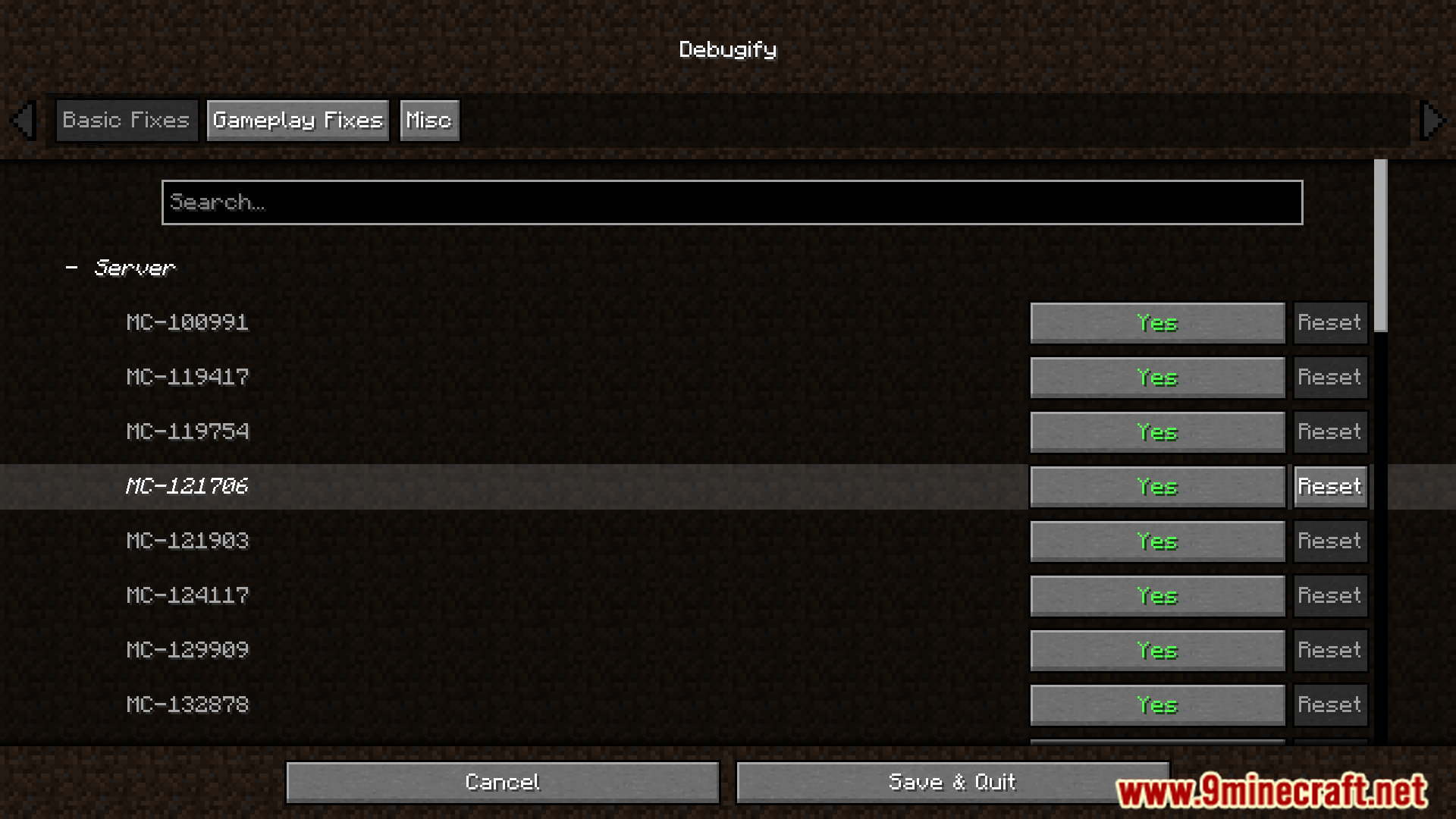
- Lets you turn individual bug fixes on or off through Forge’s built-in mod list or a config file.
- Works alongside the standalone mods it replaces without hard conflicts, so you can still keep them if you want their extra advanced features.
Replaced Mods:
- FastOpenLinksAndFolders: Replaced.
- Shift-Scroll Fix: Replaced.
- ForgetMeChunk: Replaced.
- ChunkSavingFix: Replaced.
- Force-close-world-loading-screen: Replaced, without its advanced features.
- No Telemetry: Replaced.
- ToolTipFix: Replaced using a different method based on Bedrock parity.
- Title Fix Mod: Replaced.
- Entity Collision FPS Fix Refabricated: Replaced.
- TieFix: Semi-replaced, with some fixes included.
Configuration:
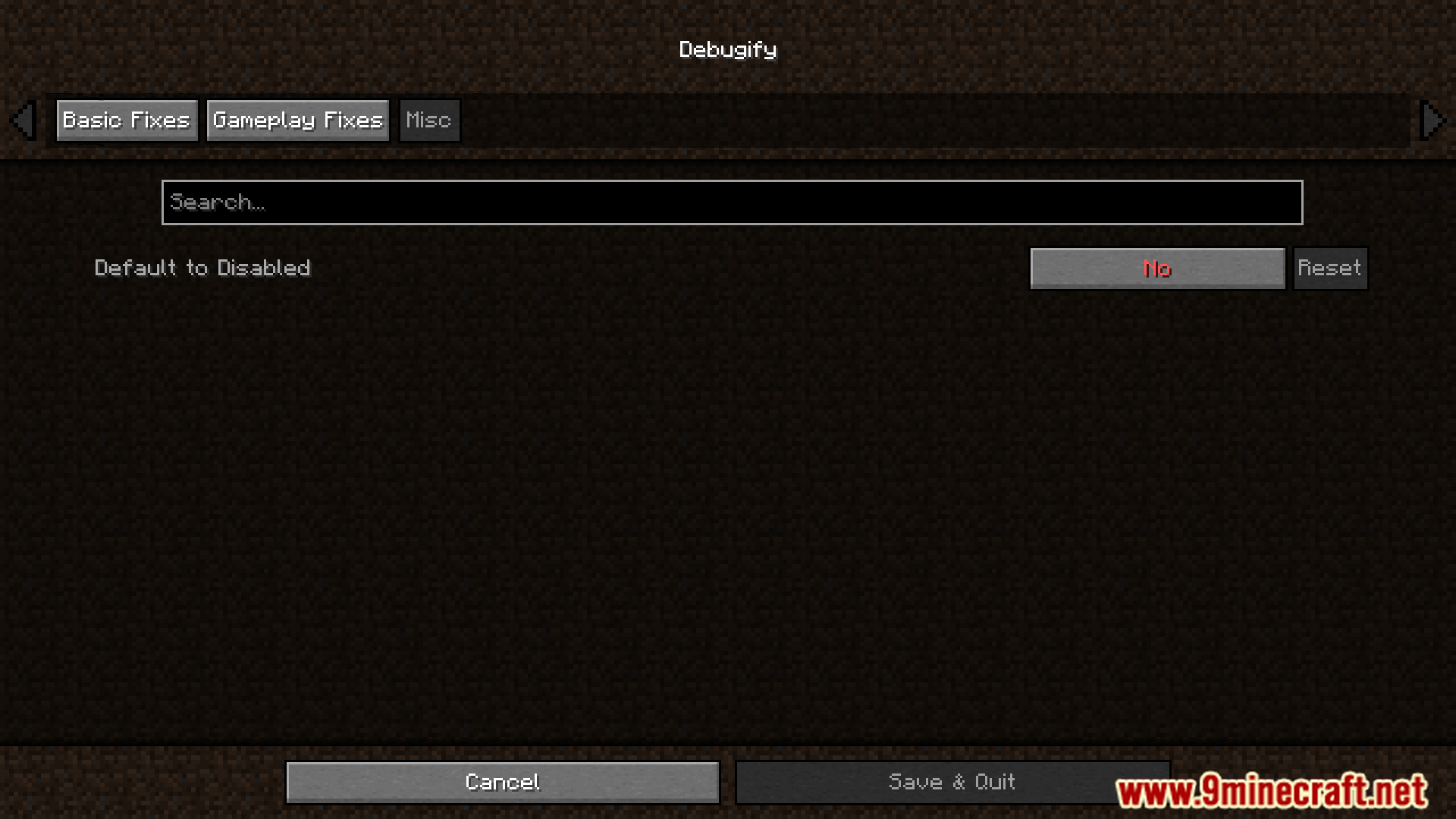
.minecraft/config/debugify.json: Stores all bug-fix toggles and settings so you can edit them directly without opening the in-game menu.default_disabled: Keeps newly added bug fixes turned off by default until you check them, which makes modpacks easier to maintain.
{
  // ...
  "default_disabled": true
}
How to Use:
- Use this mod on both the client and the server so all client and server fixes work together.
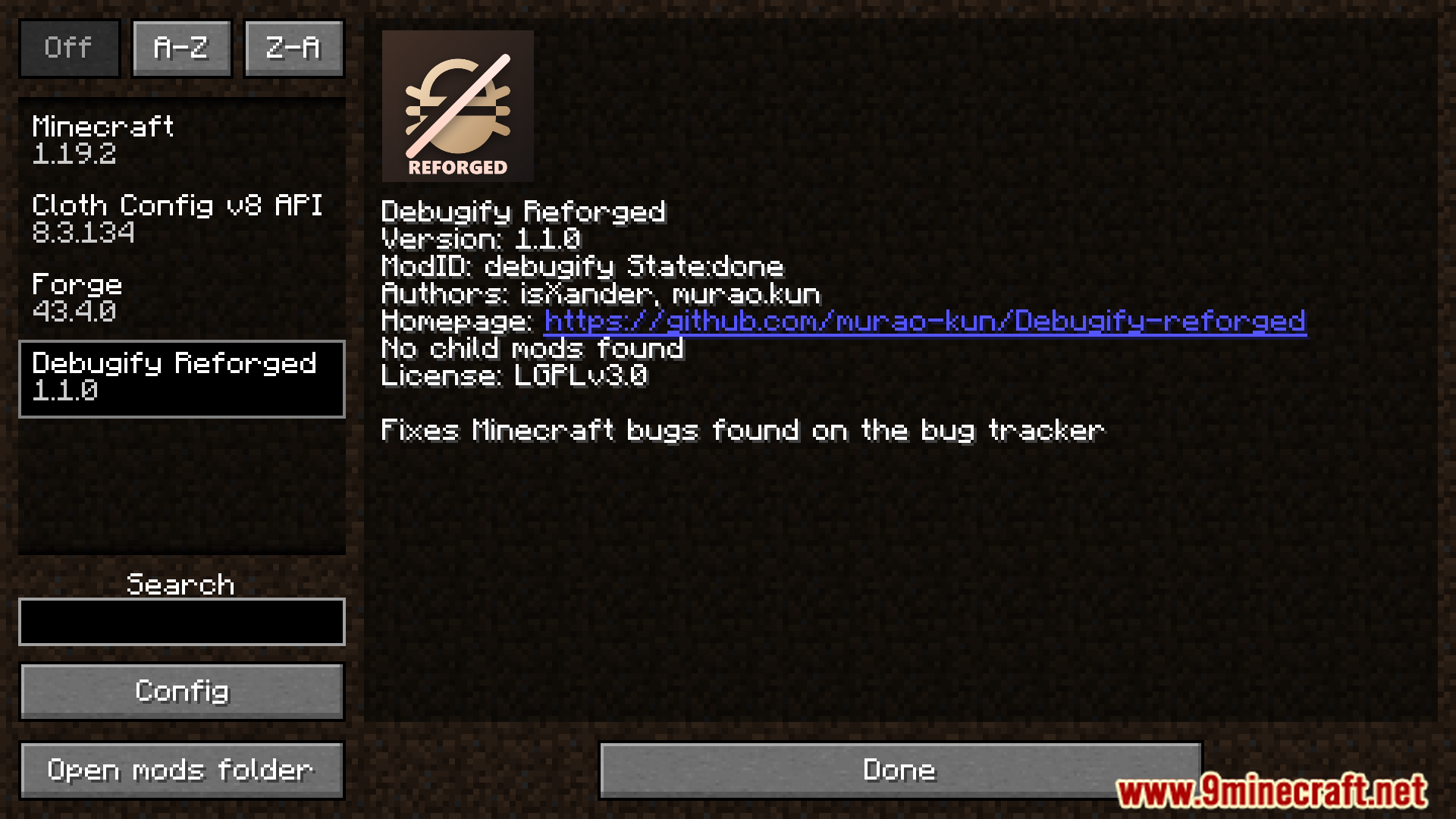
- Open Forge’s built-in mod list from the game menu to see your mods.
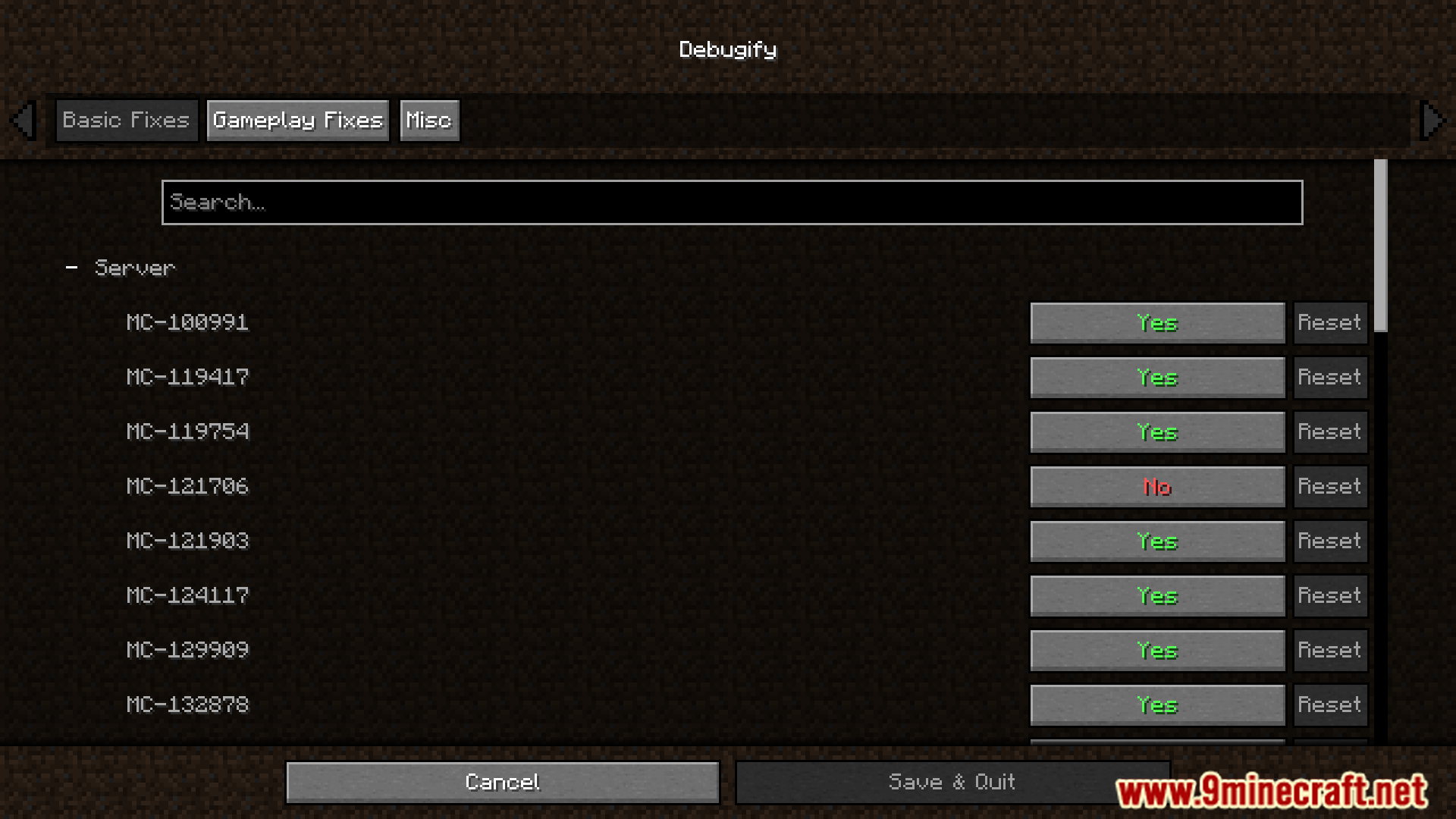
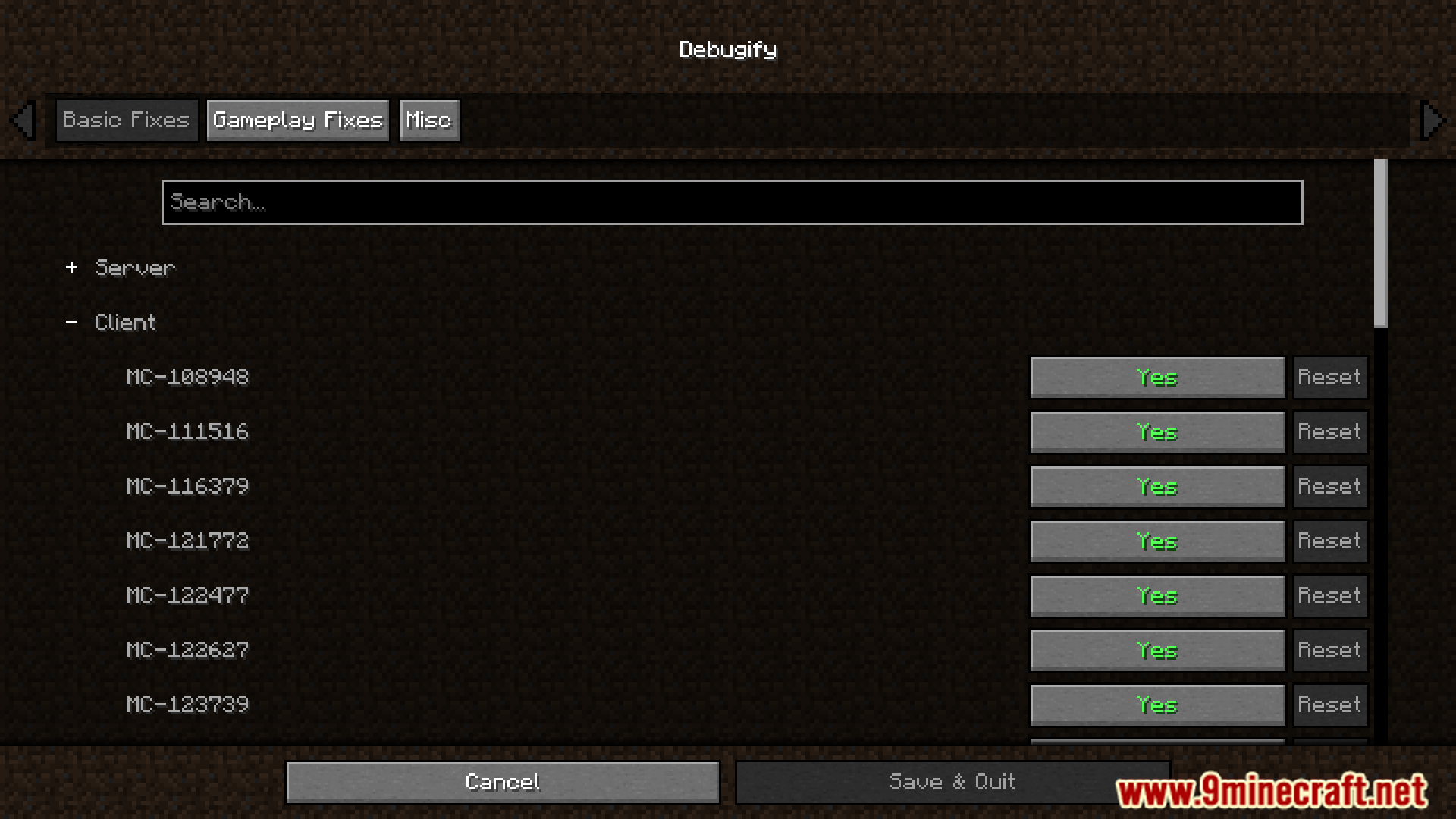
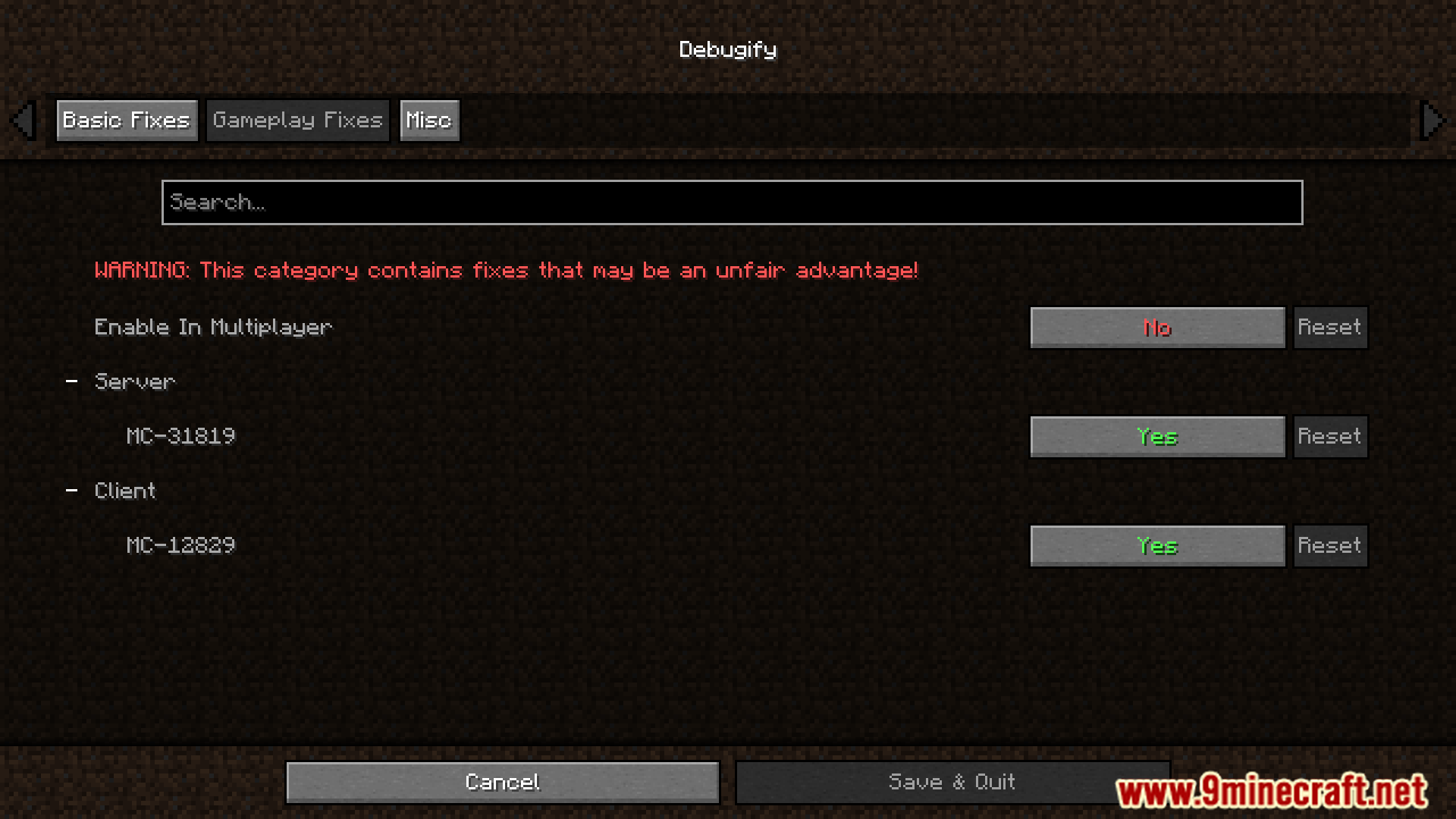
- Select this mod and open its configuration GUI to view the list of available bug fixes.
- Toggle individual bug fixes on or off to control which ones stay active in your game.
- If you prefer editing a file instead, open
.minecraft/config/debugify.jsonin a text editor and change the toggles there. - For modpacks, add
"default_disabled": trueto.minecraft/config/debugify.jsonso new fixes stay off until you review them.
Screenshots:
How to Install:
New to Minecraft? Follow our step-by-step guide to install Mods on your PC.View Guide
Requirements:

Debugify Reforged Mod Download Links
For Minecraft 1.19.2
Forge Version: Download from Server 1 – Download from Server 2
Do you include client-side quality-of-life mods (like inventory tweaks or mini-maps) when playing on public servers?
16 responses · See the full results →
You May Also Like
Picked for this page
 Skin Layers 3D Mod (26.3, 1.20.1) – Render The Player Skin Layer in 3D
 Sounds Mod (26.3, 1.20.1) – Highly Configurable Sound Overhaul
 Grindstone Sharper Tools Mod (26.3, 1.20.1) – Increase The Damage of Tools
 OctoLib Mod (1.21.11, 1.20.1) – Library for SSKirillSS Mods
 Advanced Reborn Mod (26.2, 1.20.1) – A Non-original Tech Reborn Mod
 The Box Trot Mod (1.21.1, 1.20.1) – Disguising yourself
 Boids Mod (26.3, 1.20.1) – Boids Simulation for Flocking Fish
 Portfolio Mod (1.21.11, 1.20.1) – Bunch of Paintings
 Aaron’s Mod (26.2, 1.20.1) – Useful Features for Skyblock and Vanilla
 Hey That’s Mine Mod (26.3, 1.20.1) – Container Claiming and Trusting System
 The Anomaly Rephased Mod (1.20.1, 1.19.4) – Never Feel Safe in the Dark Again
 Blocky Bubbles Mod (26.3, 1.20.1) – Fast Bubbles For Java Edition
Most viewed in Mods over the last 7 days
 Ala Industrial Mod (26.3) – Run Electric Power Grids and Automated Factories
 PleasureCraft Mod (26.3, 1.21.1) – Jenny Mod Remake for Fabric
 Jennycraft Mod (26.3, 1.20.1) – Virtual Girlfriend in Minecraft
 Fapcraft Mod (26.3, 1.12.2) – Comprehensive and Detailed Content
 Jenny Mod (Fapcraft) Official Complete Guide – How to use, Tutorial
 BangCraft Mod (1.20.1) – Jenny, Ellie and Elliot
 Fabric Loader (26.3, 1.20.1) – Fabric Installer for All Minecraft Versions
 Meteor Client Mod (26.3, 1.20.1) – Xray, HUD, Fly
 The Shooting Star Demo Mod (26.3, 1.20.1) – Vaporize Terrain From Orbit
 OptiFine HD (26.3, 1.20.1) – Run Faster, FPS Boost, Shaders Support
 Aristois Client Mod (1.21.4, 1.20.1) – World Class Minecraft Utility
 SchnurriTV Mod (1.12.2) – Characters and Features
More from Mods
 /Sit Mod (26.3, 1.21.1) – Make The Player Sit Down
 Arcane Redstone Dial Mod (26.3, 1.20.1) – Trigger Commands and Shortcuts
 The Graveyard Mod (26.3, 1.20.1) – Cemeteries in Minecraft
 Enhanced Overlay Mod (26.3, 1.21.11) – Remove Screen Clutter
 Flint Mod (1.21.11) – Run DiamondFire Community Addons Without Crashing
 Not Just Sandwich Mod (26.3, 1.20.1) – Edibles, Sandwiches
 Waddles Mod (26.3, 1.20.1) – Make Icy Biomes Feel Alive
 Artemis’ Thin Logs Mod (26.3, 1.20.1) – Build Custom Trees and Detailed Wood
 Asterion Mod (26.3, 1.20.1) – Survive Ancient Mazes and Slay the Legendary Minotaur
 Passthrough Signs Mod (26.3, 1.20.1) – Right-Click Through Wall Signs
 Packing Tape Mod (26.3, 1.20.1) – Move Chests, Machines
 No XP Anvils Mod (26.3, 1.20.1) – Repair And Enchant Without XP

This post has no comments yet. Be the first — your comment will appear here.