
Dimension Access Manager Mod (26.3, 1.20.1) – Control Who Enters Every Portal
 1,035
 0


Dimension Access Manager Mod lets server administrators control player entry to specific dimensions. It adds a simple permission system to lock or grant access to portals. This tool helps manage private worlds and custom server progression.
Features:
- Grants or locks access to any dimension per player or group.
- Controls teleportation through portals based on custom rules.
- Uses a general flag, a whitelist, and a blacklist to manage dimension access.
- Locks dimensions so that only whitelisted players can enter through portals.
- Blocks specific players on the blacklist from entering granted dimensions.
- Applies rules to non-player entities as well as players.
- Stores settings in an easy-to-edit server config file.
Commands:
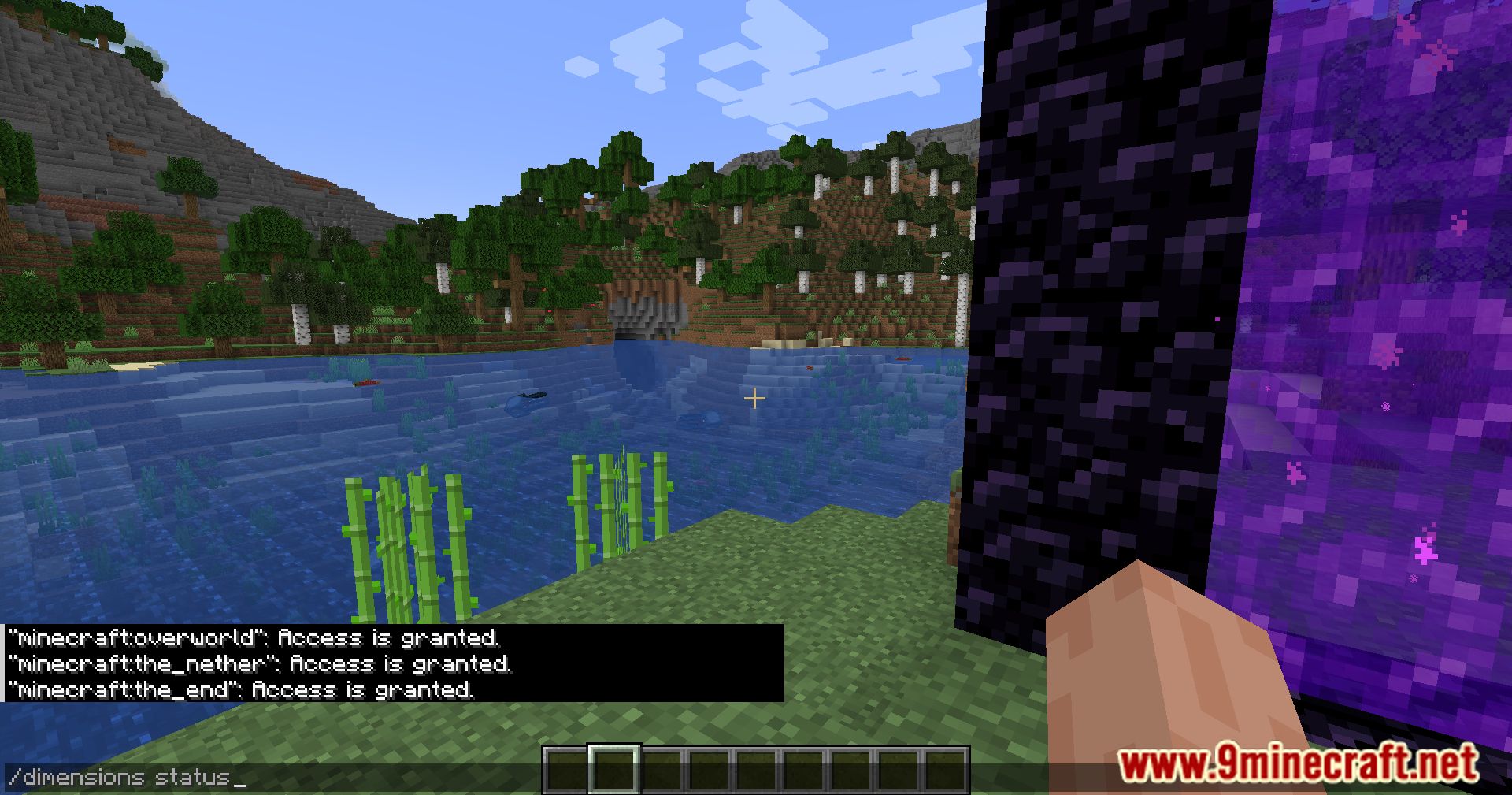
/dimensions status: Shows the status of all dimensions, whether they are granted or locked./dimensions default defaultDimensionAccessType: Shows the current default dimension access type setting./dimensions default defaultDimensionAccessType <dimensionAccessType>: Sets the default access type to GRANTED or LOCKED./dimension <dimension> access status: Shows the status of a selected dimension./dimension <dimension> access grant: Grants access to the selected dimension./dimension <dimension> access lock: Locks the selected dimension./dimension <dimension> players list: Shows players on the whitelist and blacklist of a dimension./dimension <dimension> players whitelist list: Shows players on the whitelist of a dimension./dimension <dimension> players whitelist add <targets>: Adds players to the whitelist of a dimension./dimension <dimension> players whitelist remove <targets>: Removes players from the whitelist of a dimension./dimension <dimension> players blacklist list: Shows players on the blacklist of a dimension./dimension <dimension> players blacklist add <targets>: Adds players to the blacklist of a dimension./dimension <dimension> players blacklist remove <targets>: Removes players from the blacklist of a dimension.
How to Use:
- Locate the server config file named “dimension_access_manager-server.toml” inside the “serverconfig” folder in your world folder.
- Set the default dimension access type to GRANTED or LOCKED before pre-generating new worlds.
- Use chat commands with the required permission level to manage dimension access and player lists in real time.
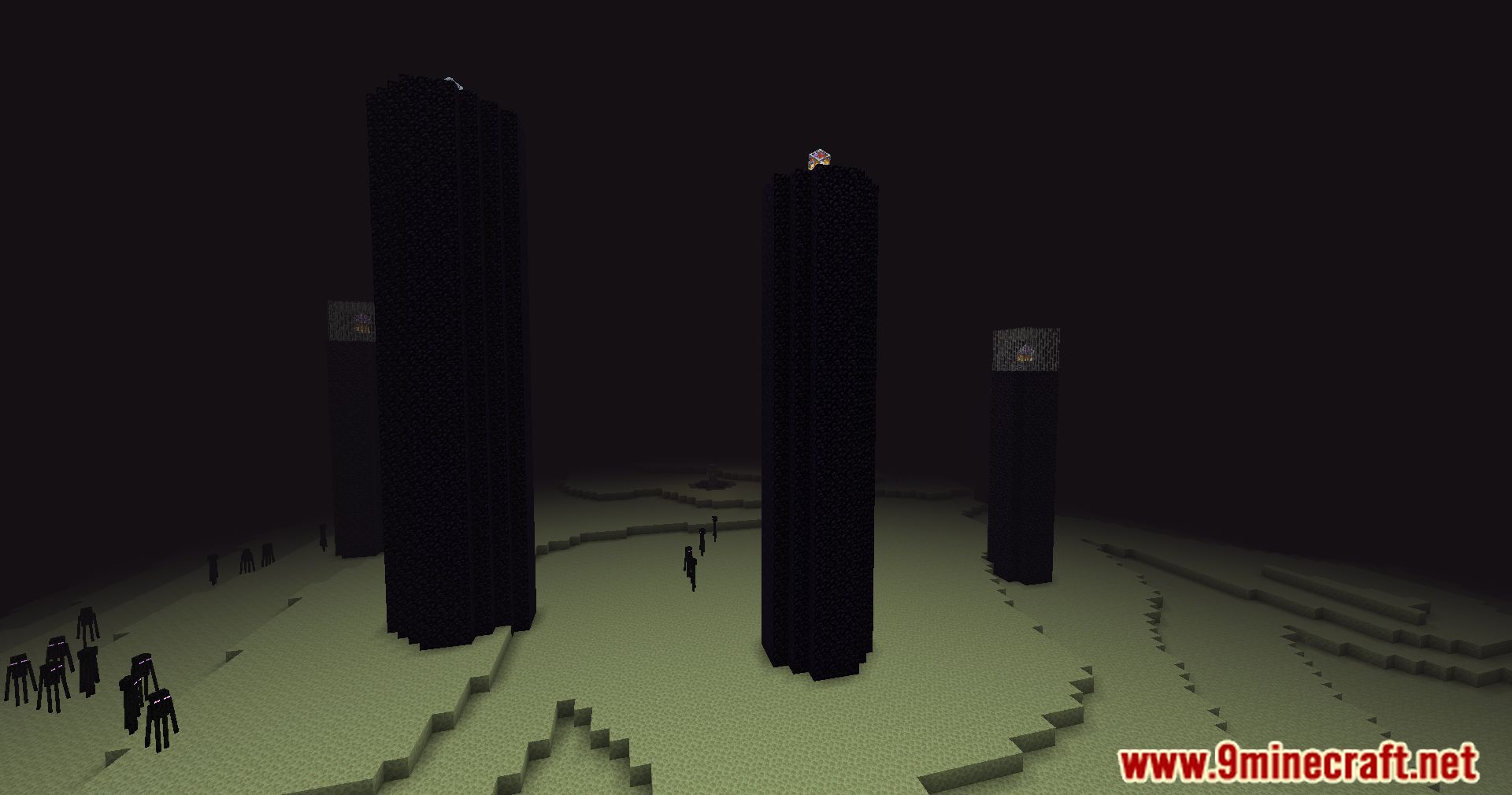
Screenshots:



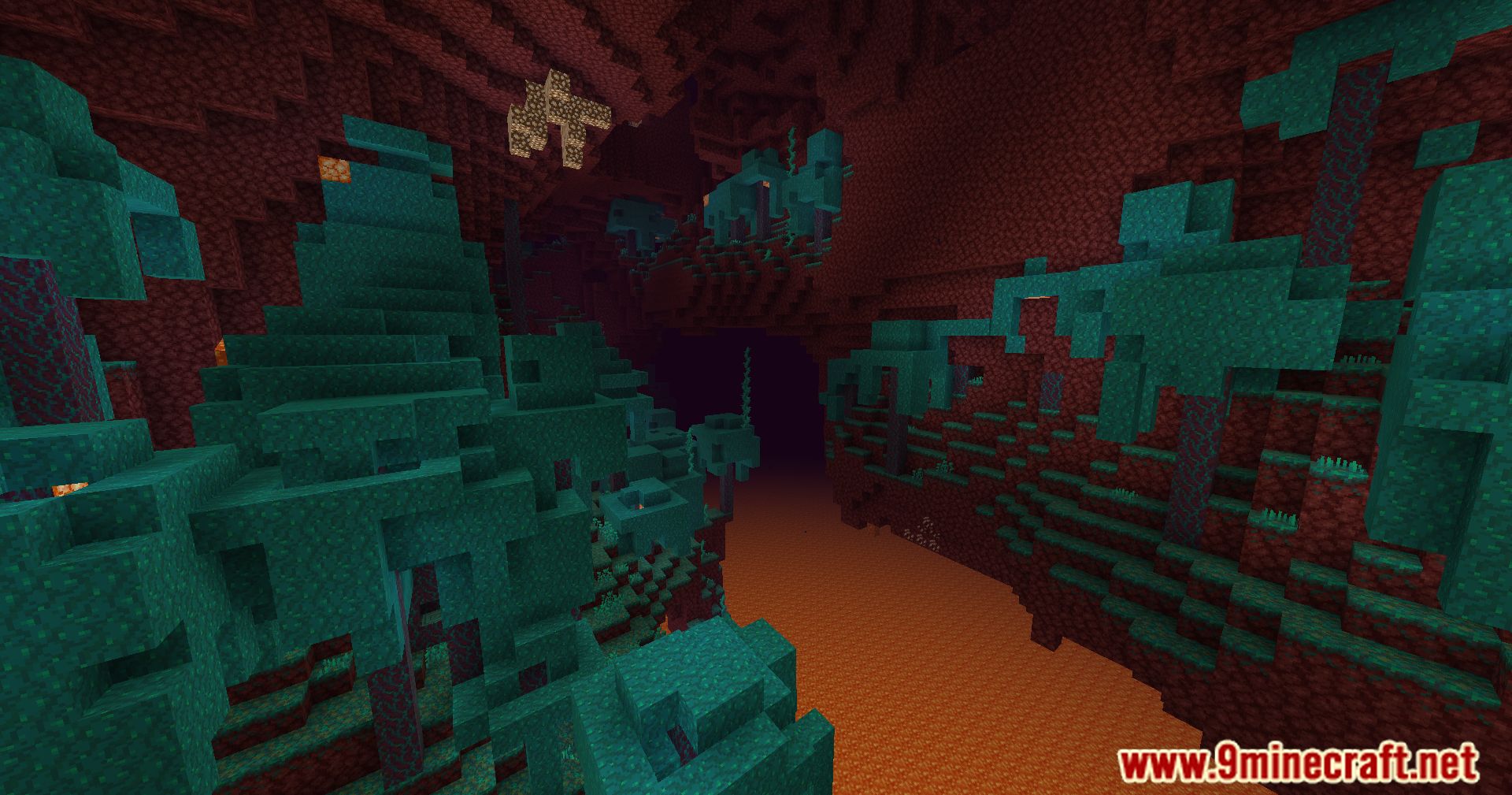
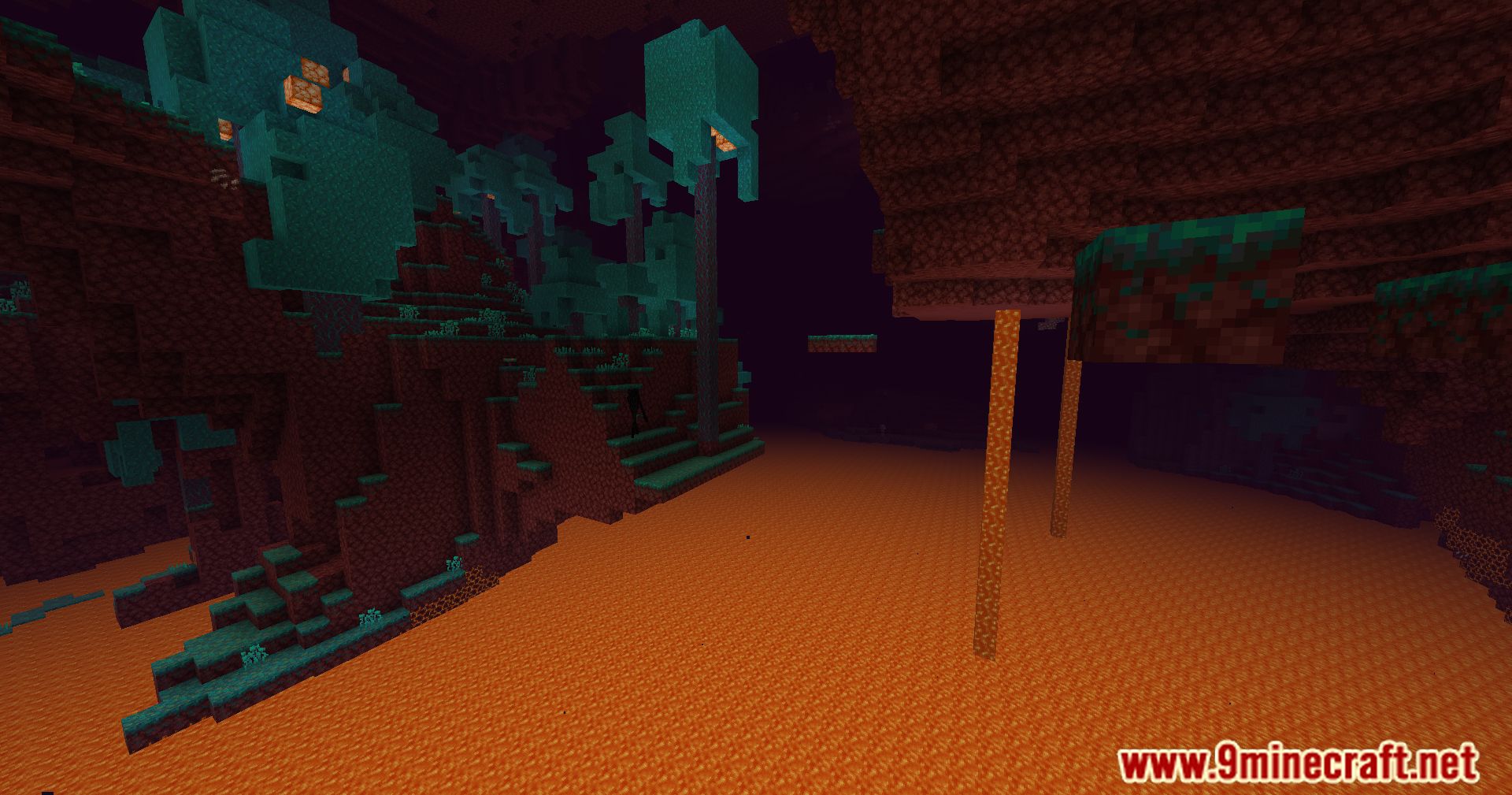
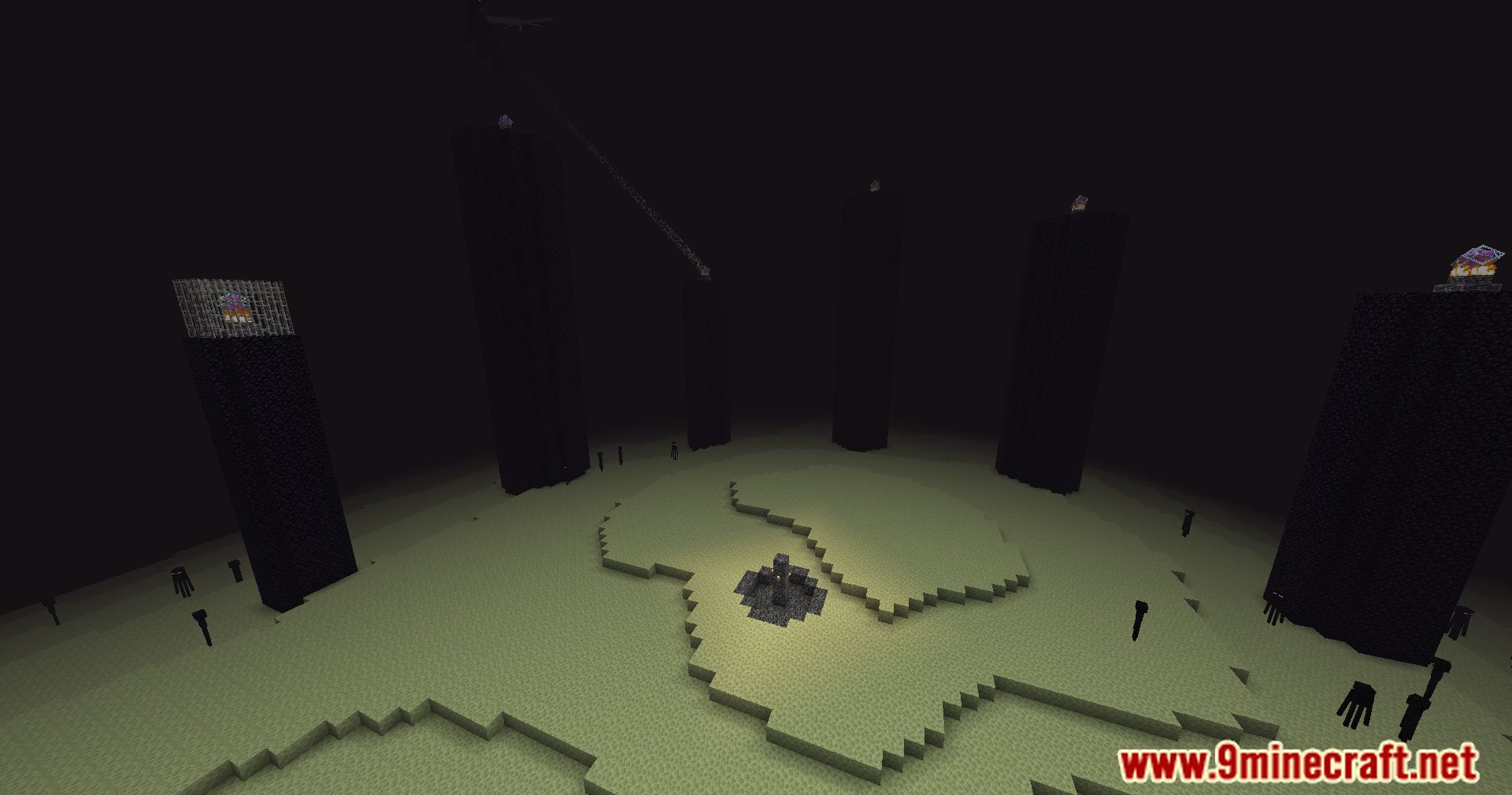
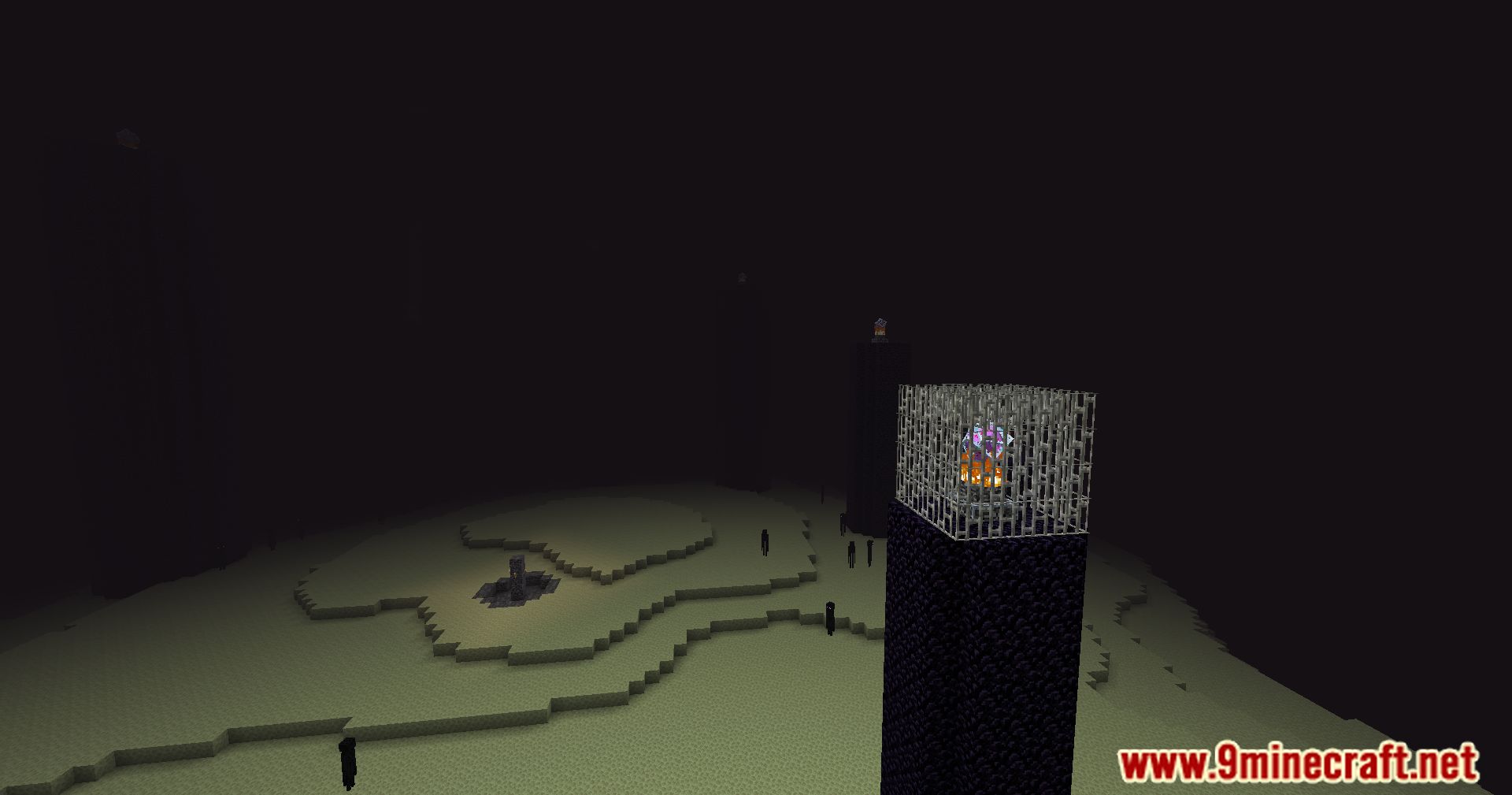
How to Install:
New to Minecraft? Follow our step-by-step guide to install Mods on your PC.View Guide
Requirements:


Dimension Access Manager Mod Download Links
For Minecraft
26.3,
26.2,
26.1.2
All Versions Covered
26.3
26.2
26.1.2
26.1.1
26.1
All Versions Covered
26.3
26.2
26.1.2
26.1.1
26.1
For Minecraft
1.21.11,
1.21.10,
1.21.9
All Versions Covered
1.21.11
1.21.10
1.21.9
1.21.8
1.21.7
1.21.6
1.21.5
1.21.4
1.21.1
1.21
All Versions Covered
1.21.11
1.21.10
1.21.9
1.21.8
1.21.7
1.21.6
1.21.5
1.21.4
1.21.1
1.21
For Minecraft 1.21.10, 1.21.9
For Minecraft 1.21.8, 1.21.7, 1.21.6
For Minecraft 1.21.5
For Minecraft 1.21.4, 1.21.3, 1.21.2
For Minecraft 1.21.1, 1.21
For Minecraft 1.20.6
For Minecraft 1.20.4
For Minecraft 1.20.2
For Minecraft 1.20.1, 1.20
For Minecraft 1.20
For Minecraft 1.19.4
For Minecraft 1.19.3
For Minecraft 1.19.2
For Minecraft 1.19.1
For Minecraft 1.19
For Minecraft 1.18.2
For Minecraft 1.18.1
For Minecraft 1.17.1
For Minecraft 1.16.5
For Minecraft 1.15.2
For Minecraft 1.14.4
Click to rate this post!
[Total: 0 Average: 0]
You May Also Like
Picked for this page
 Enchanting Infuser Mod (26.3, 1.20.1) – New Enchanting System
 Forge Config API Port Mod (26.3, 1.20.1) – Bring Forge Mods to Fabric
 CreativeCore (26.3, 1.20.1) – Library for CreativeMD’s Mods
 Mekanism Tools Mod (1.21.1, 1.20.1) – Powerful Tools and Armor
 MagicLib Mod (1.21.10, 1.20.1) – To Beat Magic with Magic
 Beautified Chat Server Mod (26.3, 1.20.1) – Change The Style and Colour of Chat
 Respackopts Mod (26.3, 1.20.1) – Config Menus for Resource Packs
 Idle Tweaks Mod (1.21.11, 1.20.1) – Reduces Minecraft’s Resource Usage
 Loyal Items Mod (26.2, 1.20.1) – Keep Your Items Safe
 RFTools Control Mod (1.21.1, 1.20.1) – Code Your Own Automation
 Milkable Creepers Mod (1.20.1, 1.20) – Explosive Dairy Delight
 Pv Addon Lavaplayer Lib Mod (26.3, 1.20.1) – Audio Backend Utility
Most viewed in Mods over the last 7 days
 Ala Industrial Mod (26.3) – Run Electric Power Grids and Automated Factories
 PleasureCraft Mod (26.3, 1.21.1) – Jenny Mod Remake for Fabric
 Jennycraft Mod (26.3, 1.20.1) – Virtual Girlfriend in Minecraft
 Fapcraft Mod (26.3, 1.12.2) – Comprehensive and Detailed Content
 Jenny Mod (Fapcraft) Official Complete Guide – How to use, Tutorial
 BangCraft Mod (1.20.1) – Jenny, Ellie and Elliot
 Fabric Loader (26.3, 1.20.1) – Fabric Installer for All Minecraft Versions
 Meteor Client Mod (26.3, 1.20.1) – Xray, HUD, Fly
 The Shooting Star Demo Mod (26.3, 1.20.1) – Vaporize Terrain From Orbit
 OptiFine HD (26.3, 1.20.1) – Run Faster, FPS Boost, Shaders Support
 Aristois Client Mod (1.21.4, 1.20.1) – World Class Minecraft Utility
 Prestige Client Mod (1.21.11, 1.21.4) – Powerful Ghost Features for Crystal & Sword PvP
More from Mods
 MTR Navigation Mod (1.21.1) – Plan Railway Trips and Never Miss a Train Stop
 TheHouse Mod (1.21.11) – Host Casino Tables and Track Every Bet in Real Time
 CinematicInteractions Mod (1.21.1) – Watch Your Hands Work at Every Crafting Table
 Earth Platform Mod (1.21.1) – Travel Across Real Continents in a True Scale World
 Taunahi Mod (26.1.2) – Automate Daily Farming and Slayers in Hypixel Skyblock
 HORROR Fake Join Leave Messages Mod (1.20.1) – Trigger Creepy Chat Scares
 Bons Voyage Mod (1.20.1) – Teleport Across Biomes Through Hidden Waystones
 Orbital Railgun UPDATED Mod (26.3) – Flatten Giant Landscapes From Space
 Automobility Autoradio Mod (26.3, 26.1.2) – Trade Custom Mixtapes with Friends
 Towers of the Wild 9minecraft Mod (26.3, 26.2) – Climb Tall Towers for Loot
 Ender Storage 9minecraft Mod (26.3, 26.2) – Send Loot Back Home From Any Dimension
 Snad 9minecraft Mod (26.3, 26.2) – Build Faster Sugar Cane and Nether Wart Farms

This post has no comments yet. Be the first — your comment will appear here.