


Economy Shop999 Plugin (1.21.11, 1.21.1) – Visual Store Menus So Players Stop
 0
0
 0
0


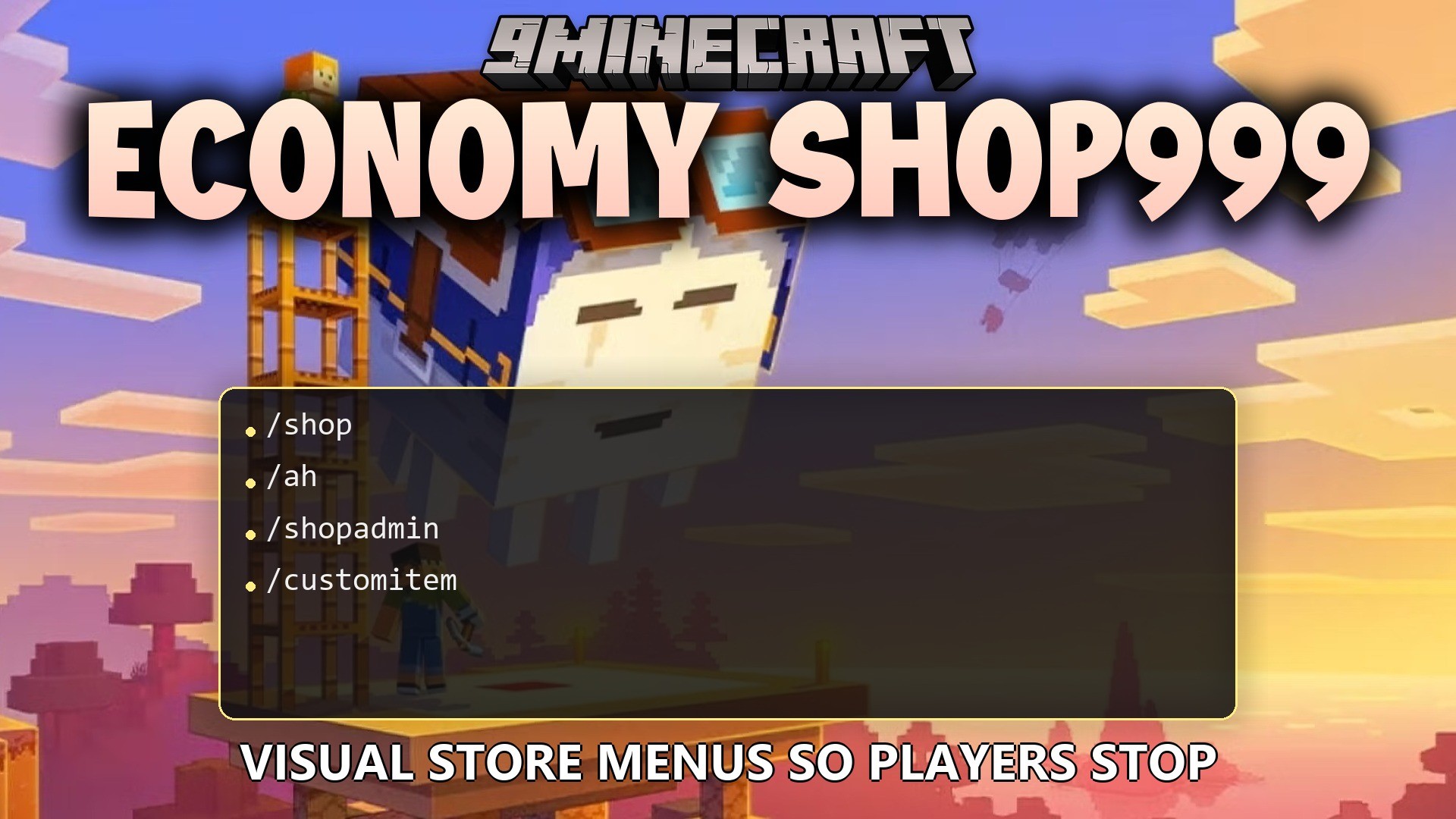
Economy Shop999 Plugin gives your server a visual menu system where players can buy and sell items. It connects directly to your money system so people can spend their cash easily without typing long commands. You get an organized store with categories, search tools, and a built-in player auction house.
Features:
- Players open simple visual menus to buy and sell things instead of memorizing price lists.
- Sorts all shop items into neat categories so players can find blocks, food, and gear quickly.
- Lets you pick exact amounts to buy using plus and minus buttons on the screen.
- Adds a search bar so you can look for specific items across the whole store.
- Players can sell items straight from their inventory if the shop accepts them.
- Includes a wishlist feature that tracks items and tells you when the price drops.
- Empties your bags quickly with a command that sells all allowed items at once.
- Changes prices automatically based on how many people buy or sell an item.
- Runs an auction house where players can trade items with each other safely.
- Supports custom items with special names, lore, and tags.
- Stops players from stealing items out of the shop menus.
- Grants special discount prices to specific groups like VIP members.
Commands:
/shop: opens the main store menu./shop balance: shows how much money you have./shop price <item>: checks the buy and sell cost of an item./shop browse <category>: opens the menu directly to a specific section./shop search <item>: finds items matching your word./shop sell: opens a menu to sell things from your inventory./shop wishlist <item>: adds an item to your tracking list./shop sellall: sells all allowed items from your bags at once./ah: opens the player auction house./ah sell <price> <amount>: puts the item you are holding up for auction./shopadmin add <category> <item_identifier> <buy_price> <sell_price>: adds a new item to the store./customitem add <id>: registers the item in your hand so you can put it in the shop.
Configuration:
economyshop999.admin: gives access to all admin commands.economyshop999.category.<category_name>: lets a player open a specific section.economyshop999.discount.vip: gives the player a VIP price discount.
How to Use:
- Type /shop in the chat to open the main store window.
- Click on a category icon to see the items inside.
- Click on an item to open the buying screen, then use the plus and minus buttons to pick how many you want.
- Confirm the purchase to spend your money and get the items.
- Type /ah to see items that other players are selling.
How to Install:
New to Minecraft? Follow our step-by-step guide to install Plugins on your PC.View Guide
Requirements:
Economy Shop999 Plugin Download Links
For Minecraft
1.21.11,
1.21.10,
1.21.9
All Versions Covered
1.21.11
1.21.10
1.21.9
1.21.8
1.21.7
1.21.6
1.21.5
1.21.4
1.21.3
1.21.2
1.21.1
1.21
All Versions Covered
1.21.11
1.21.10
1.21.9
1.21.8
1.21.7
1.21.6
1.21.5
1.21.4
1.21.3
1.21.2
1.21.1
1.21
Click to rate this post!
[Total: 0 Average: 0]
You May Also Like





This post has no comments yet. Be the first — your comment will appear here.