EconomyShopGUI Plugin (1.20.1, 1.19.4) – Bukkit, Spigot, Paper

 0
0  June 27, 2023
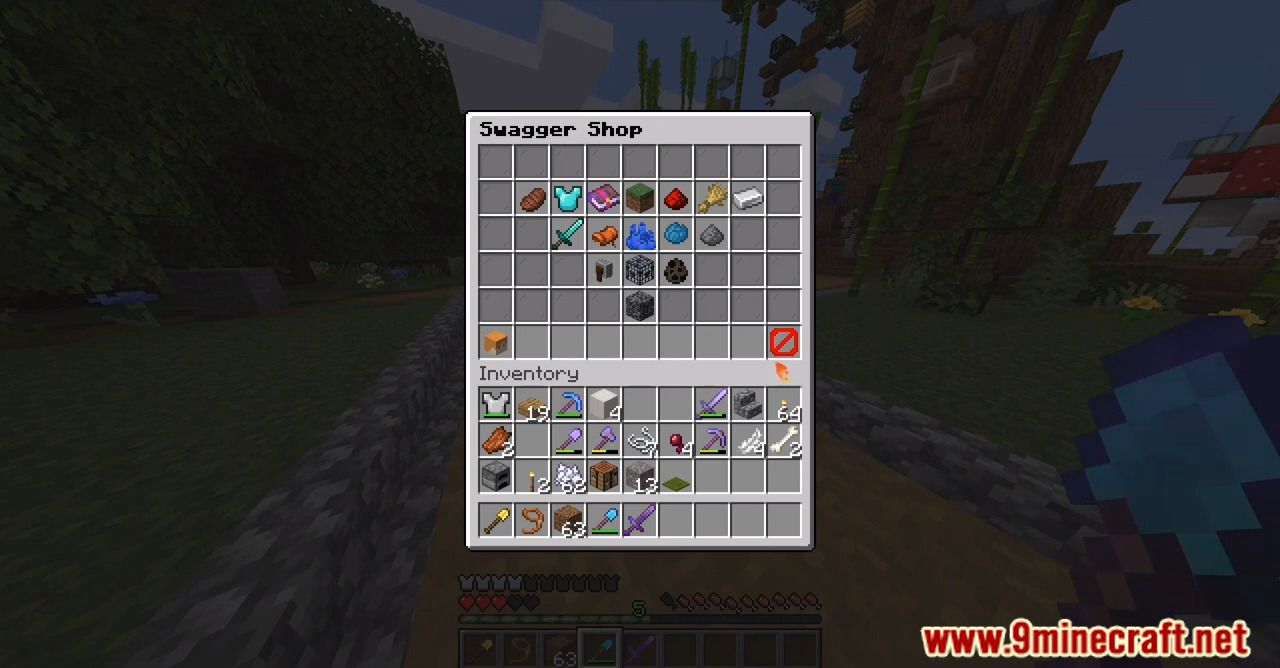
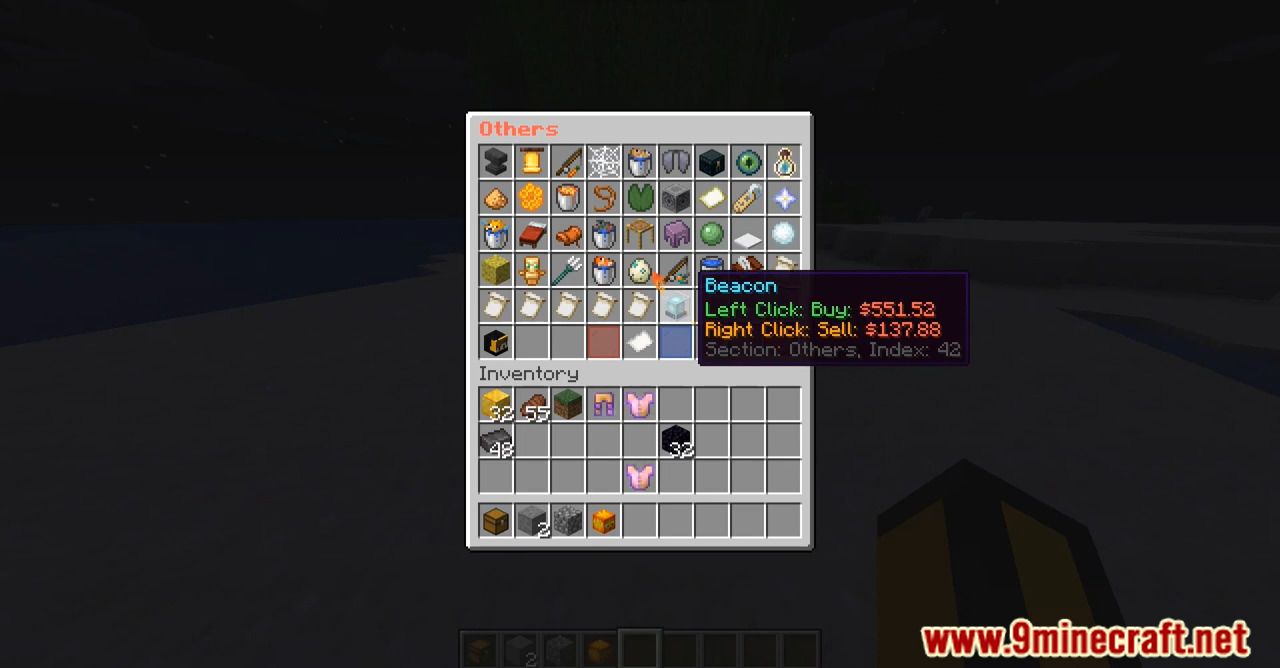
EconomyShopGUI Plugin is a simple and free to use GUI Shop plugin.
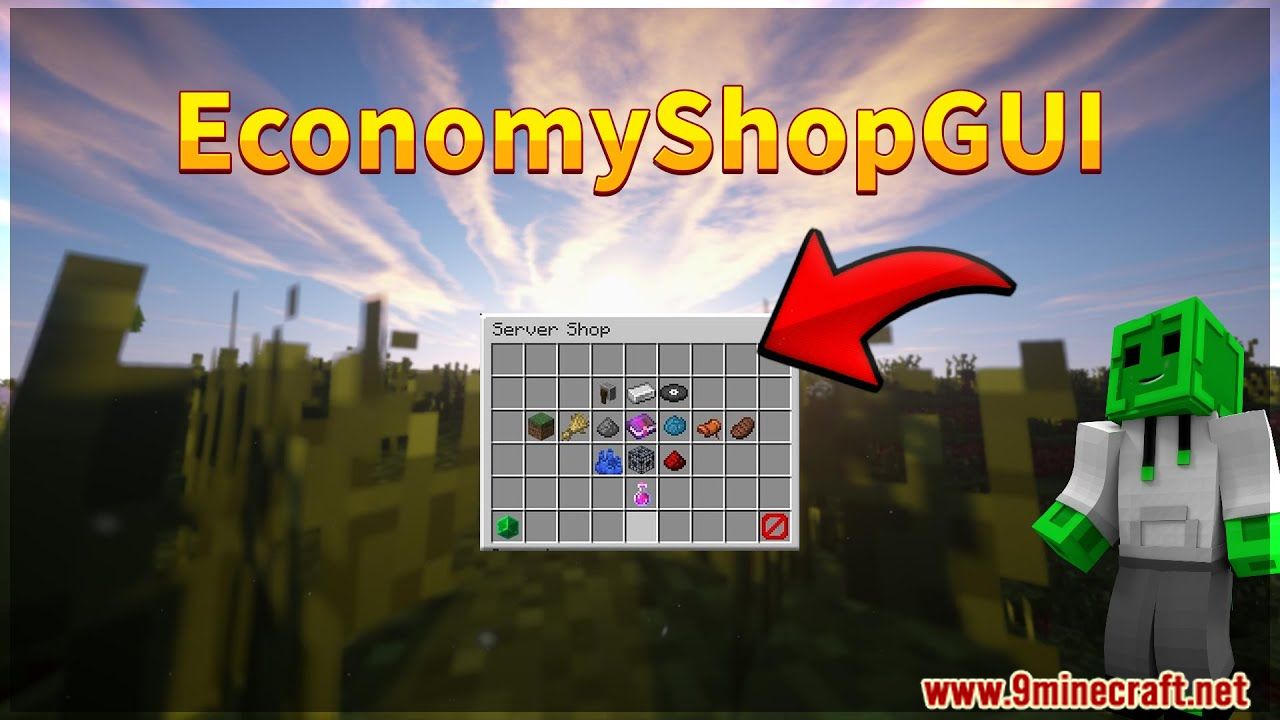
Features:
- 1.8.x – 1.19 minecraft version support
- Fully customizeable items
- Configure shop items/shop section with ingame commands, no config files needed
- Unlimited amount of items supported inside each shop
- Different pages of items are automaticly added
- Setup discounts for a special player/permissions group
- Add unsafe enchantments to items
- Support for Vault, PlayerPoints and GemsEconomy Compatibility with MineableSpawners, RoseStacker, SilkSpawners, WildStacker and
- UltimateStacker
- Support for NPC shops
- Use multiple pre-made language files or customize all messages to your likings
- Premade shop configurations for every supported minecraft version
- Add different types of items. (Enchanted items, Potions/spectral arrows, Spawners ,KnowLedge book with any recipe, PlayerHead with any
- Skull texture, Leather armor with custom RGB colors, firework with effects)
- Transaction log file to keep track of all transactions
Commands
- /shop (Open the main shop)
- /shop(Open a shop section directly from the command instead of typing /shop and choosing a shop section)
- /sellall (Sell all items from your inventory)
- /sellall (Sell all items in your inventory that match the specified material)
- /sellall hand (Sell all items that you are holding in your hand)
- /sreload (Reloads the plugin)
- /editshop additem(This command will add any item from the shop)
- /editshop edititem(This command will edit any item from the shop)
- /editshop deleteitem(This command will remove any item from the shop)
- /editshop addhanditem(With this oommand you can add items from your hand to the shop)
- /sellgui (Opens a GUI where you can drop items in to sell upon closing the inventory)
- /editshop addsection(Used to add empty shop sections to shop)
- /editshop editsection(Used to edit existing shop sections)
- /editshop deletesection(Used to delete shop sections from the sections.yml config)
Permissions
- EconomyShopGUI.shop (This permission allows players to use the shop)
- EconomyShopGUI.shop.(Acces to open a specific shop section by its name)
- EconomyShopGUI.shop.all (Gives you permission to open all shop sections)
- EconomyShopGUI.sellall (Allows you to use the sellall command)
- EconomyShopGUI.sellall.(Gives access to sell items in a specific shop section using the /sellall command)
- EconomyShopGUI.sellall.all (Allows players to sell items using the /sellall command to all shop sections)
- EconomyShopGUI.sellallitem (Allows a player to use the /sellall command)
- EconomyShopGUI.sellallitem.(Allows players to sell items using the /sellall in specific shop sections)
- EconomyShopGUI.sellallitem.all (Allows players to sell items to every shop section using the /sellall item command)
- EconomyShopGUI.sellallhand (Allows to use the /sellall hand command)
- EconomyShopGUI.sellallhand.(Allows players to sell in a specific shop section with the /sellall hand command)
- EconomyShopGUI.sellallhand.all (Allows players to sell items using /sellall hand to evey shop section)
- EconomyShopGUI.reload ((Allows you to reload the plugin))
- EconomyShopGUI.eshop.additem (Allows you to use the additem subcommand)
- EconomyShopGUI.eshop.edititem (Allows you to use the edititem subcommand)
- EconomyShopGUI.eshop.deleteitem (Allows you to use the deleteitem subcommand)
- EconomyShopGUI.eshop.addhanditem (Allows you to use the addhanditem subcommand)
- EconomyShopGUI.eshop.import (Allows you to use the import subcommand)
- EconomyShopGUI.discounts. (The players with this permission node will get a discount that is setup in config)
- EconomyShopGUI.itemindexes (Allows you to see the indexes of the shop items inside the shops.yml for easy customizability)
- EconomyShopGUI.sellgui (Allows players to open the SellGUI)
- EconomyShopGUI.sellgui.(Allows players to sell items using the /sellgui command in specific sections)
- EconomyShopGUI.sellgui.all (Allows players to sell items to all shop sections using /sellgui)
- EconomyShopGUI.eshop.addsection (Allows you to use the /editshop addsection command)
- EconomyShopGUI.eshop.editsection (Allows you to use the /editshop editsection command)
- EconomyShopGUI.eshop.deletesection (Allows you to use the /editshop deletesection command)
API

Screenshots:
How to install:
- Download a plugin of your choice.
- Place the .jar and any other files in your plugins directory.
- Run the server and wait for it to fully load.
- Type stop in your Minecraft server console to bring the server to a clean stop.
- Run the server.
- All done! Your plugin should be installed and ready to be used.
EconomyShopGUI Plugin Download Links
For All Versions from Minecraft Bukkit 1.12 to Minecraft Bukkit 1.19.1
For Minecraft Bukkit 1.19.3, 1.19.2
For Minecraft Bukkit 1.19.4
For Minecraft Bukkit 1.20.1, 1.20
Click to rate this post!
[Total: 0 Average: 0]
You May Also Like