
EditableEdibles Mod (1.12.2) – Turn Daily Snacks Into Useful Potions
 296
 0


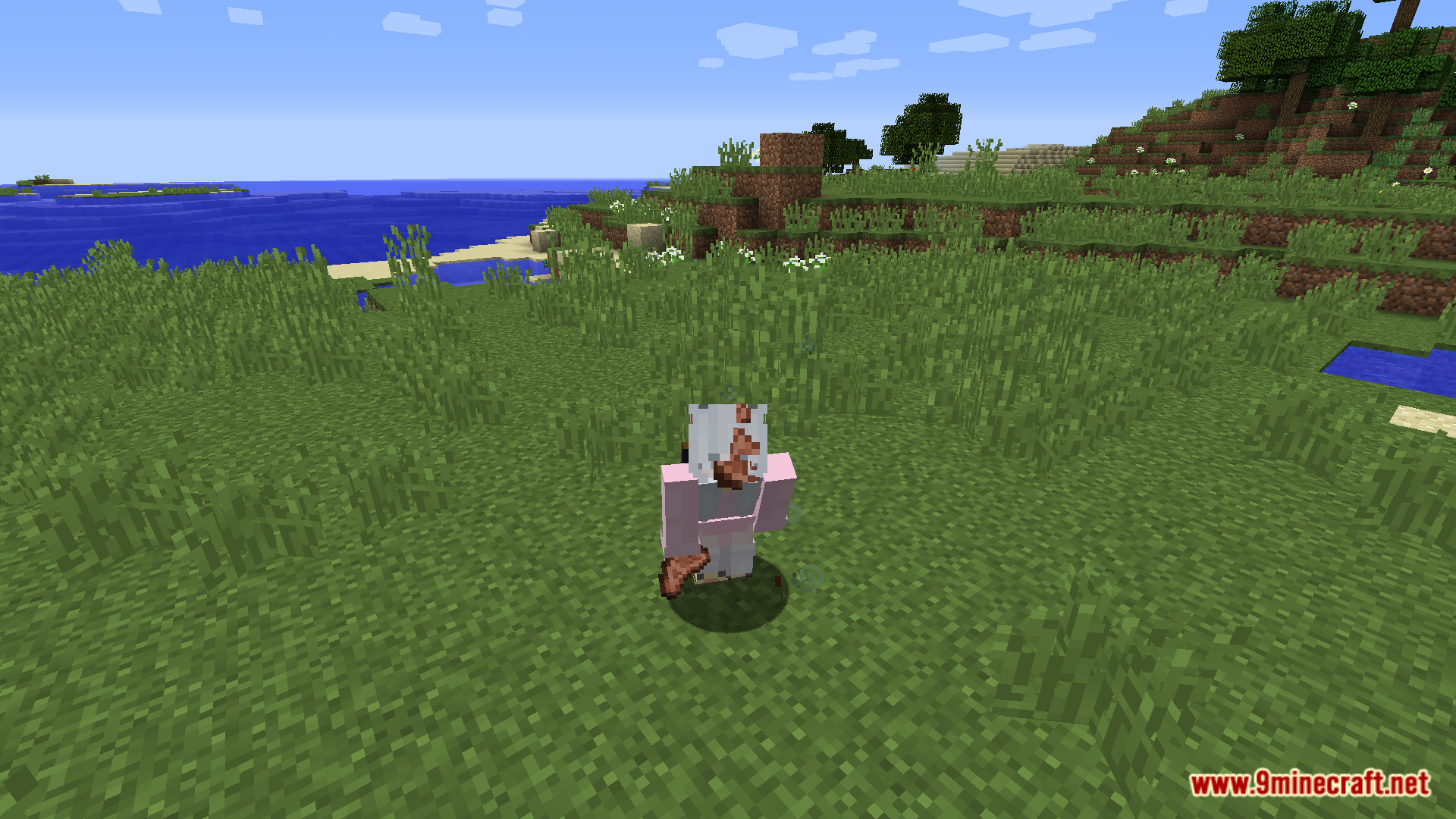
EditableEdibles Mod lets you add custom potion effects to food items in Minecraft without writing any code. Vanilla foods normally carry only one effect, but this modpack utility lets you set multiple effects, durations, strength levels, and trigger chances for each food. It also lets you cancel default food effects, cure active potions, make foods always edible, and target specific item variants like different fish using metadata. All options work through the in-game Forge config menu, and it even includes compatibility settings for MistyWorld.
Features:
- Adds multiple custom potion effects to any food item, letting you choose the potion type, duration, amplifier level, particle visibility, and chance of happening.
- Supports item metadata so you can set different rules for food variants that share an item ID, such as fish, or apply an entry to every variant at once.
- Lets you cancel default food effect handling, such as raw chicken, so you can remove unwanted vanilla effects or replace them with custom ones.
- Allows foods to cure specific potion effects when eaten, with optional limits for maximum duration, maximum amplifier level, and cure chance.
- Cures whole groups of effects by type, letting specific foods remove all, positive, or negative potion effects based on a set chance.
- Makes chosen food items always edible through a custom item list, or enables a global override that makes every food item always edible.
- Updates all changes automatically in the game through the Forge config menu, with formatting guides shown inside the tooltips.
MistyWorld Compatibility:
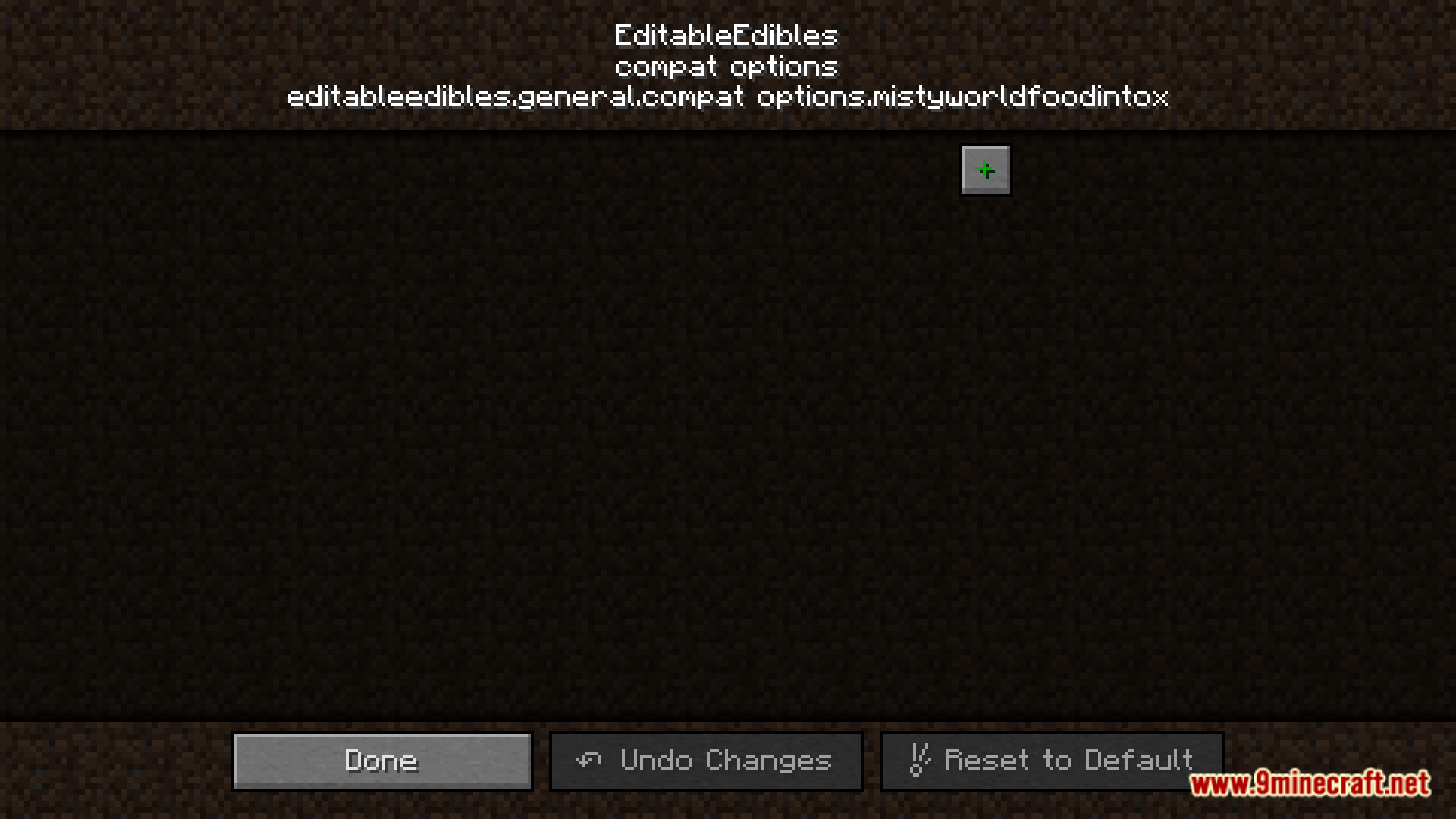
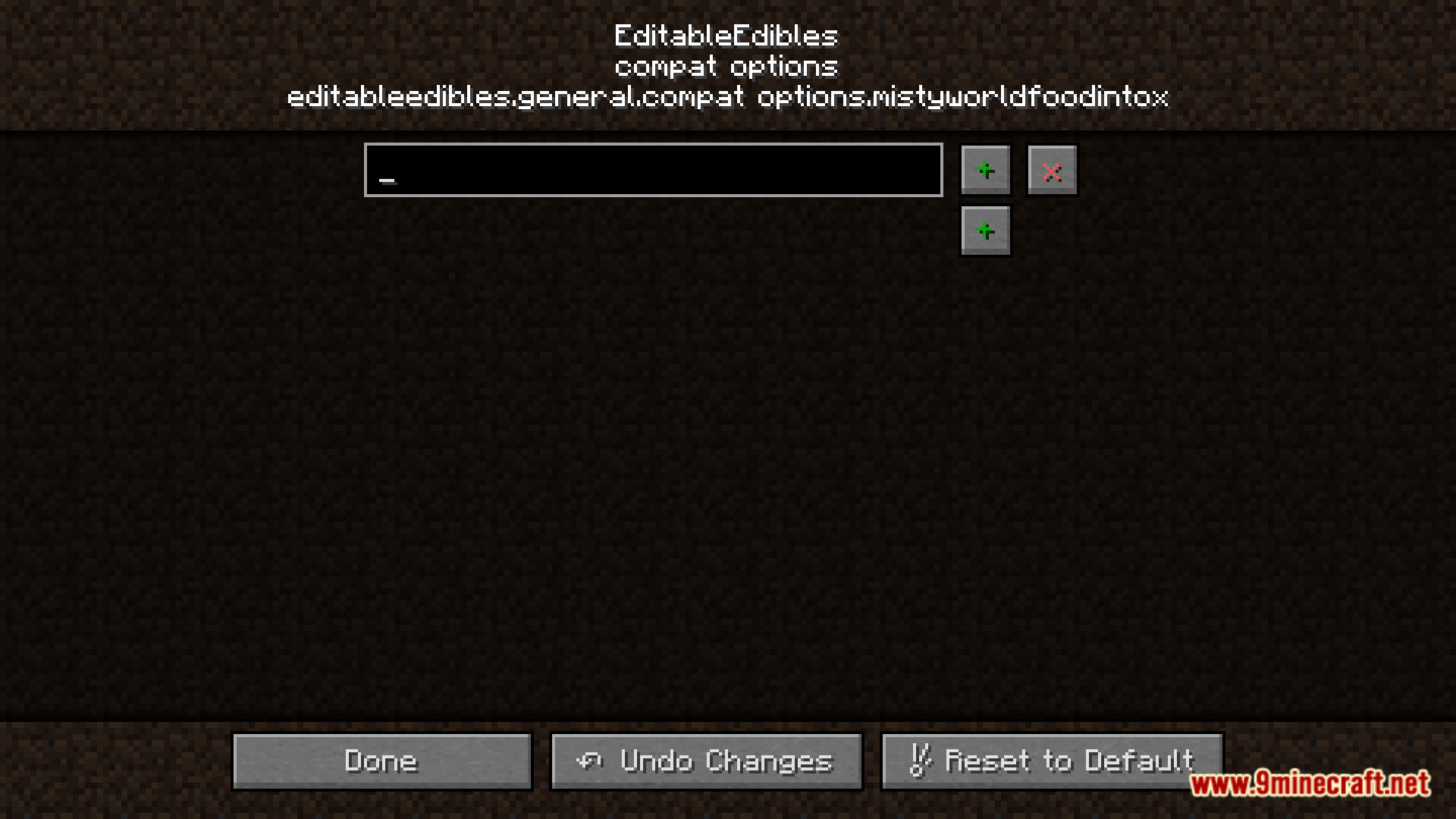
- Adjusts Intoxication values when eating specific foods by adding positive or negative amounts (within a 0 to 10000 range) based on a set chance.
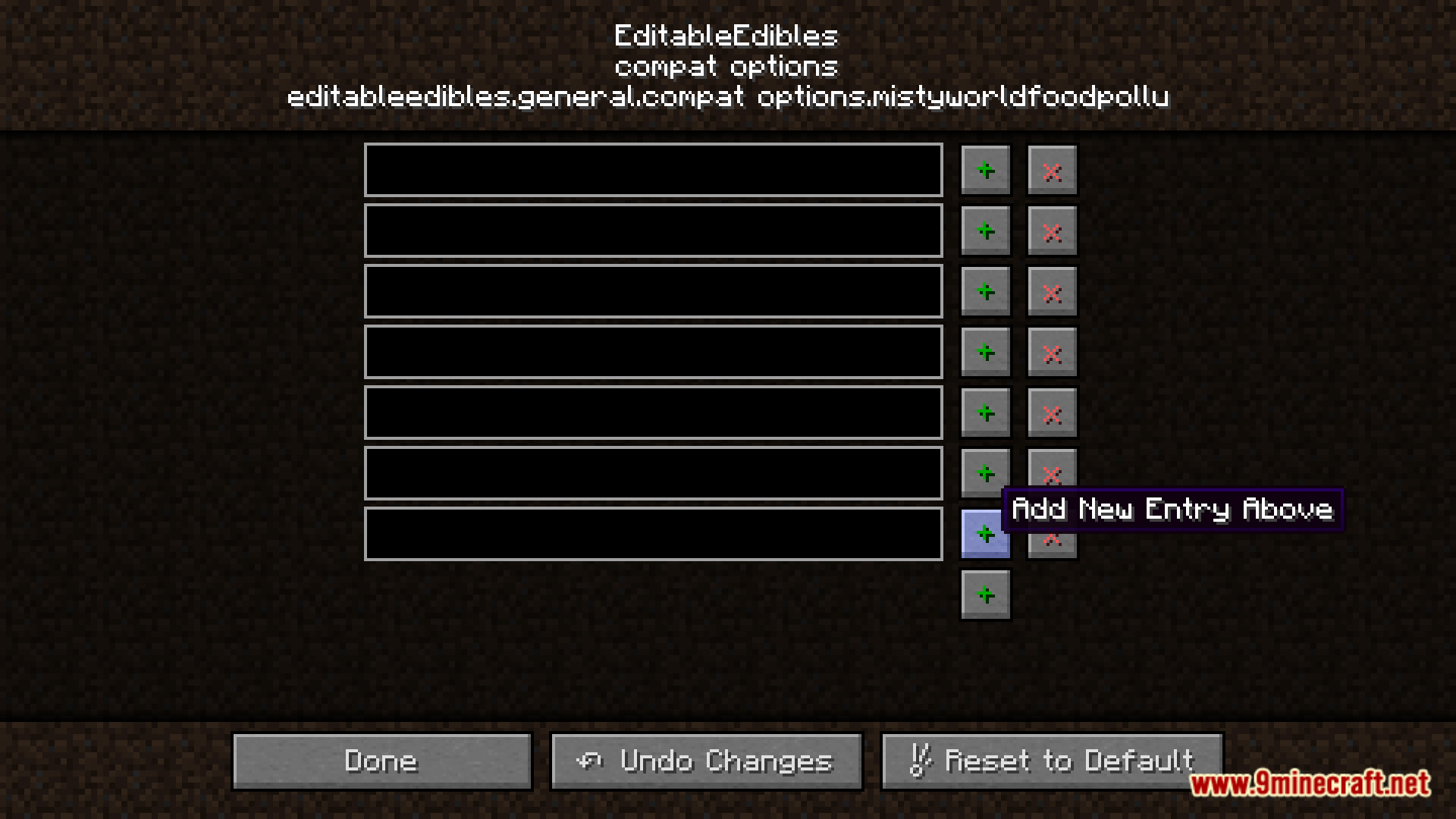
- Adjusts Pollution values when eating specific foods by adding positive or negative amounts (within a 0 to 10000 range) based on a set chance.
Configuration:
Food Effects and Chances: Lists items, potion effects, and chances to apply when eaten. Format:String itemId, Int metadata (-1 for any), String potionId, Int duration, Int amplifier, Boolean showParticles, Float chance. Example:minecraft:chicken, -1, minecraft:hunger, 120, 0, false, 0.25.Food Default Effect Override: Lists items and whether their default effect handling should be cancelled. Format:String itemId, Int metadata, Boolean shouldCancel. Example:minecraft:chicken, -1, true.Food Cure Effects and Chances: Lists items, potion effects, and chances to cure them when eaten. Format:String itemId, Int metadata (-1 for any), String potionId, Int maxDuration (-1 for any), Int maxAmplifier (-1 for any), Float chance. Example:minecraft:carrot, -1, minecraft:blindness, -1, -1, 1.0.Food Cure Types and Chances: Lists items, potion types (ALL,POSITIVE, orNEGATIVE), and chances to cure them when eaten. Format:String itemId, Int metadata (-1 for any), CureType cureType (ALL, POSITIVE, NEGATIVE), Float chance. Example:minecraft:poisonous_potato, -1, POSITIVE, 0.25.Always Edible Food Items: Lists food items that are always edible. Format:String itemId, Int metadata (-1 for any). Example:minecraft:apple, -1.Override Always Edible: Sets all food items to always be edible.MistyWorld Food Intoxication and Chances: Lists items and chances to add a positive or negative value (between 0 and 10000) to Intoxication. Format:String itemId, Int metadata (-1 for any), Int intoxicationAddValue, Float chance. Example:minecraft:poisonous_potato, -1, -2000, 0.75.MistyWorld Food Pollution and Chances: Lists items and chances to add a positive or negative value (between 0 and 10000) to Pollution. Format:String itemId, Int metadata (-1 for any), Int pollutionAddValue, Float chance. Example:minecraft:apple, -1, 1000, 0.5.
How to Use:
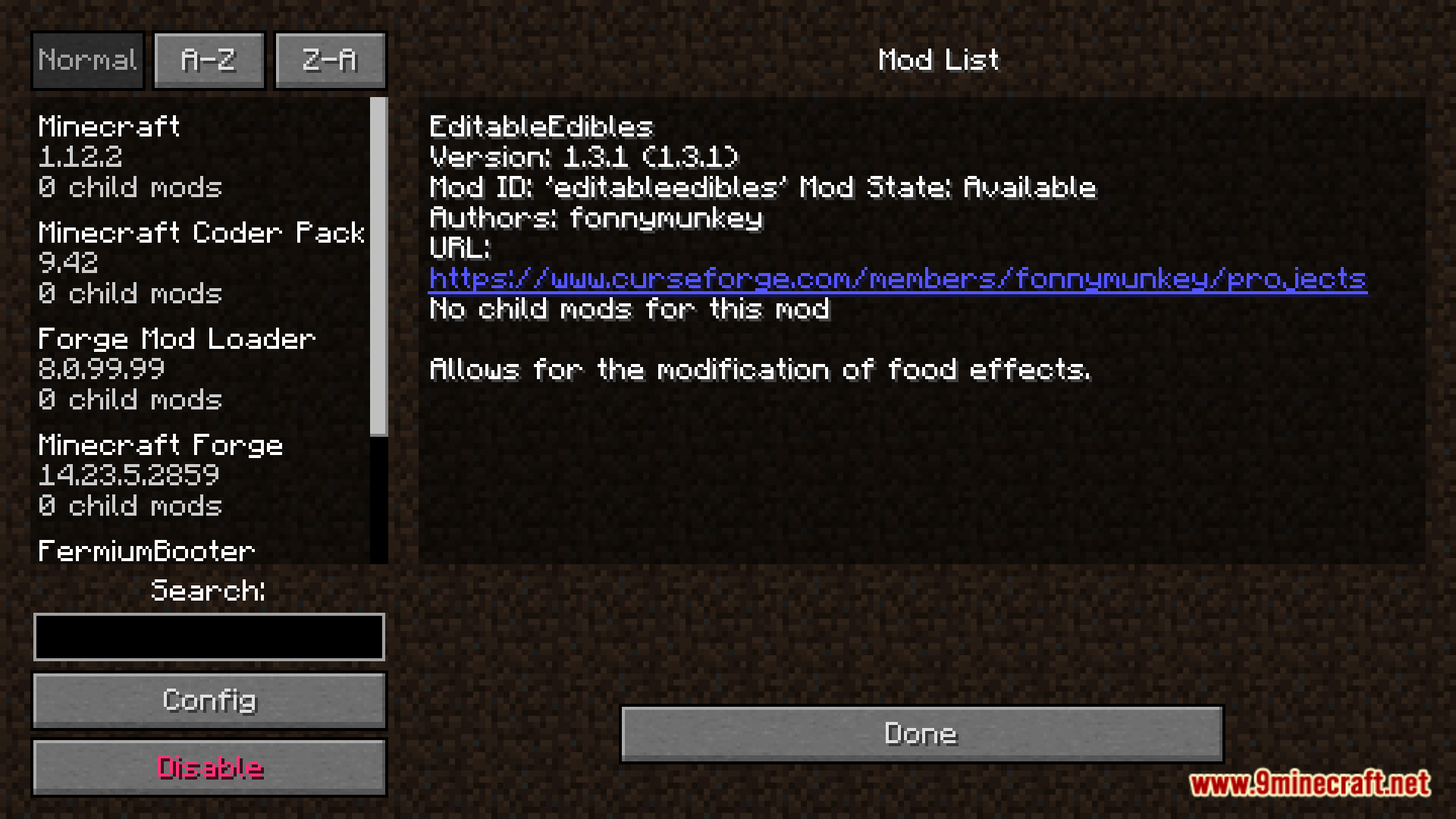
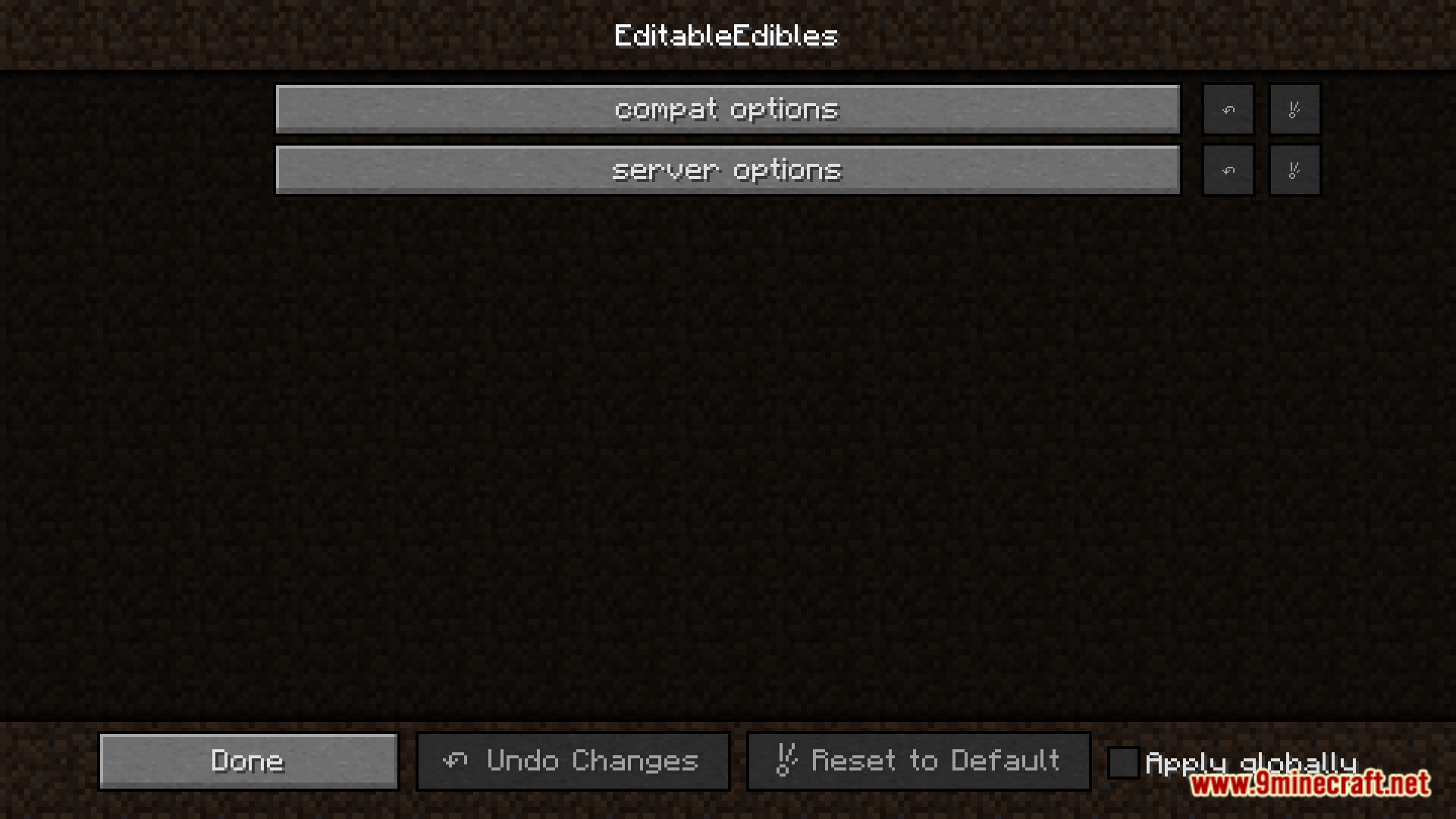
- Open the Forge config menu inside Minecraft and open the settings for EditableEdibles Mod to view all available food options.
- Check the tooltip on each config option to see the exact text format required before typing your entries.
- Add or edit entries for custom food effects, default effect overrides, cure rules, always-edible foods, or MistyWorld values, and set metadata to
-1when you want an entry to match any variant of that item. - Save your changes and eat the edited food in-game to test the results right away, as all settings update automatically.
Screenshots:
How to Install:
New to Minecraft? Follow our step-by-step guide to install Mods on your PC.View Guide
Requirements:
EditableEdibles Mod Download Links
For Minecraft 1.12.2
Forge version: Download from Server 1 – Download from Server 2
What do you prefer for world generation in a modded playthrough?
18 responses · See the full results →
You May Also Like
Picked for this page
 Enchanting Infuser Mod (26.3, 1.20.1) – New Enchanting System
 CreativeCore (26.3, 1.20.1) – Library for CreativeMD’s Mods
 Mekanism Tools Mod (1.21.1, 1.20.1) – Powerful Tools and Armor
 Smart Brain Lib Mod (26.3, 1.20.1) – Mobs That Think and React
 Alex’s Delight Mod (1.21.1, 1.20.1) – Alex’s Mobs + Farmer’s Delight
 Better Command Block UI Mod (26.3, 1.20.1) – Improved Multi-line
 Trade Uses Mod (26.1.2, 1.20.1) – Find the best trades
 In-Game NBTEdit Reborn Mod (1.21.11, 1.20.1) – GUI to Edit NBT of Entities
 Beautified Chat Server Mod (26.3, 1.20.1) – Change The Style and Colour of Chat
 Idle Tweaks Mod (1.21.11, 1.20.1) – Reduces Minecraft’s Resource Usage
 Lullaby’s Graves Mod (1.21.11, 1.21.1) – Your Loot Stays Safe
 Polydex Mod (26.3, 1.20.1) – Recipes And Tooltips Vanilla Style
Most viewed in Mods over the last 7 days
 Ala Industrial Mod (26.3) – Run Electric Power Grids and Automated Factories
 PleasureCraft Mod (26.3, 1.21.1) – Jenny Mod Remake for Fabric
 Jennycraft Mod (26.3, 1.20.1) – Virtual Girlfriend in Minecraft
 Fapcraft Mod (26.3, 1.12.2) – Comprehensive and Detailed Content
 Jenny Mod (Fapcraft) Official Complete Guide – How to use, Tutorial
 BangCraft Mod (1.20.1) – Jenny, Ellie and Elliot
 Fabric Loader (26.3, 1.20.1) – Fabric Installer for All Minecraft Versions
 The Shooting Star Demo Mod (26.3, 1.20.1) – Vaporize Terrain From Orbit
 Meteor Client Mod (26.3, 1.20.1) – Xray, HUD, Fly
 OptiFine HD (26.3, 1.20.1) – Run Faster, FPS Boost, Shaders Support
 Aristois Client Mod (1.21.4, 1.20.1) – World Class Minecraft Utility
 Prestige Client Mod (1.21.11, 1.21.4) – Powerful Ghost Features for Crystal & Sword PvP
More from Mods
 THE SLOPSTROSITY Mod (1.21.1) – Battle a Ridiculous Slime Boss
 Decoween Mod (1.21.1, 1.20.1) – Transform Ordinary Survival Bases
 Simply Light 9minecraft Mod (26.3) – Decorate Builds Without Torches
 Alex’s Caves Continued Mod (26.3, 1.20.1) – Conquer Six Massive Underground
 Anvil Uses Mod (26.3, 1.20.1) – Track Item Anvil Usage
 Animal Info Mod (26.3, 1.21.11) – Quick Stats For Your Animals
 Timber Tales Dynamic Tree System Mod (26.3, 1.20.1) – Watch Entire Trees Topple
 Gabou’s Libs Mod (26.3, 1.20.1) – Keep Custom Weather and Survival Mods Stable
 /Sit Mod (26.3, 1.21.1) – Make The Player Sit Down
 Arcane Redstone Dial Mod (26.3, 1.20.1) – Trigger Commands and Shortcuts
 The Graveyard Mod (26.3, 1.20.1) – Cemeteries in Minecraft
 Enhanced Overlay Mod (26.3, 1.21.11) – Remove Screen Clutter

This post has no comments yet. Be the first — your comment will appear here.