
Eldersson’s PvP Essentials Model – Brings Animated 3D Blocks to PvP Combat

 0


Eldersson’s PvP Essentials Model refreshes your game visuals for both Crystal and Sword PvP battles. This pack packs in 517 custom 3D models along with 3,374 texture files to update blocks and nature elements across your world. It reshapes everyday blocks like acacia doors, bamboo trapdoors, activator rails, and amethyst clusters, and it brings in animated textures that keep the visuals lively during combat.
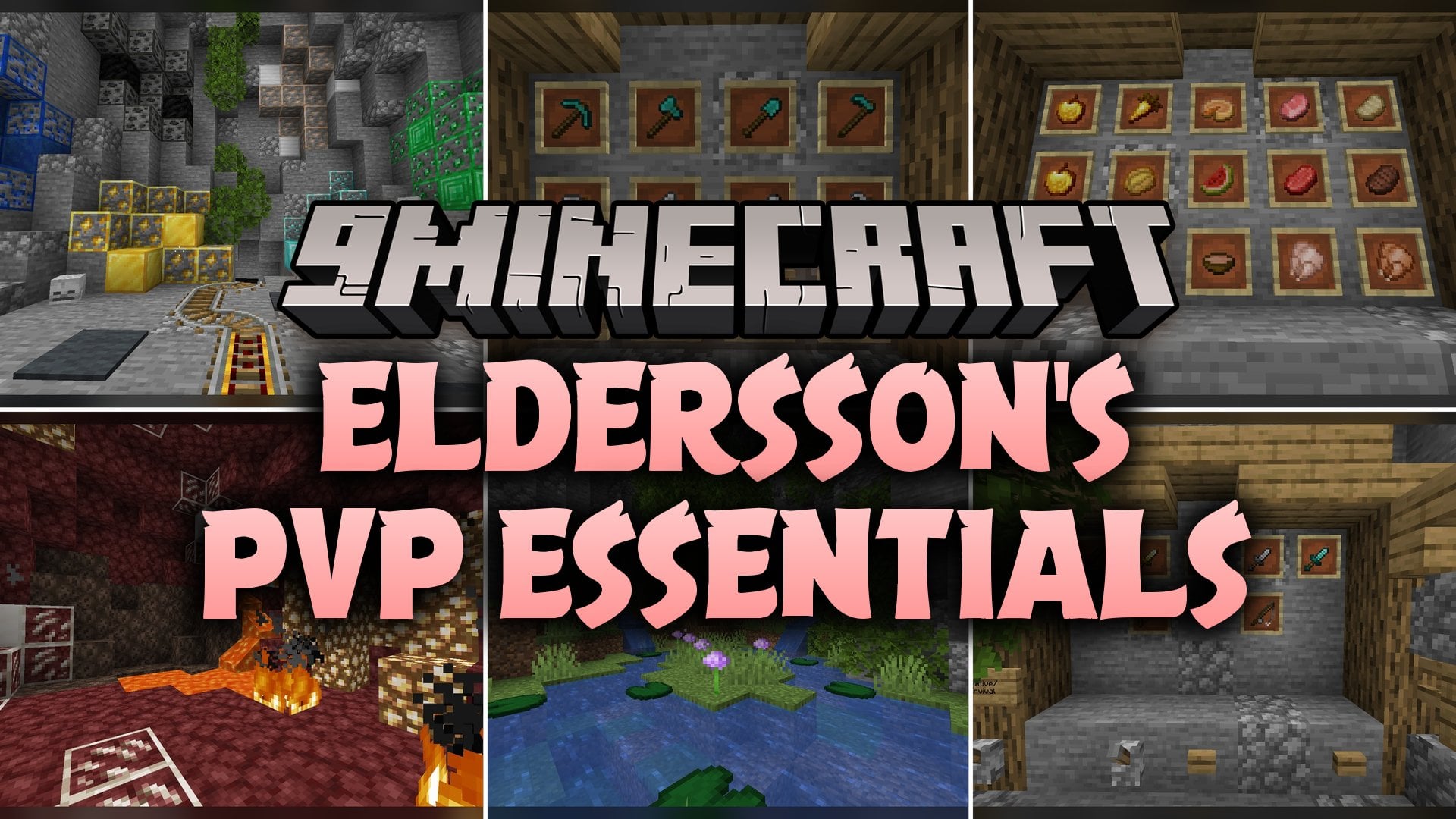
Features:
- Combat Visuals: Updates block and item appearances to fit Crystal PvP and Sword PvP matches.
- 517 Custom 3D Models: Replaces standard block shapes for doors, trapdoors, rails, plants, and crystals.
- 3,374 Texture Files: Repaints a large collection of surfaces across the game world.
- Includes animated textures that add motion to active blocks and items.
Updated Blocks and Plants:
- Acacia Doors and Trapdoors: Features custom models for top and bottom door halves (left and right hinges) as well as bottom, top, and open trapdoor states.
- Bamboo Doors and Trapdoors: Reshapes bamboo doors across all four hinge and half positions, plus bamboo trapdoors in bottom, top, and open positions.
- Bamboo Plants: Updates growing bamboo shoots across multiple growth stages (age 0 and age 1 variants) along with small and large bamboo leaves.
- Activator Rails: Includes distinct 3D models for flat and raised rails (northeast and southwest slopes) in both powered on and unpowered states.
- Amethyst Clusters: Gives fully grown amethyst clusters a fresh 3D shape inside caves.
How to Use:
- Open your Minecraft options menu, go to the Resource Packs screen, and move the pack into the active column to load the new textures and models.
- Craft or grab an acacia door, bamboo door, acacia trapdoor, or bamboo trapdoor, place it on the ground, and right-click it to watch the model switch between open, bottom, and top states.
- Place an activator rail on both flat ground and a one-block slope, then power it with a redstone torch or lever to see the model and texture change from off to on.
- Head into a bamboo jungle or plant bamboo shoots on dirt to watch the custom stalks and small or large leaves change as they grow through age 0 and age 1.
- Explore an underground amethyst geode or pull an amethyst cluster from the Creative inventory to inspect its updated 3D shape and animated textures up close.
Requirements:
- A Minecraft version that supports animated textures
Screenshots:
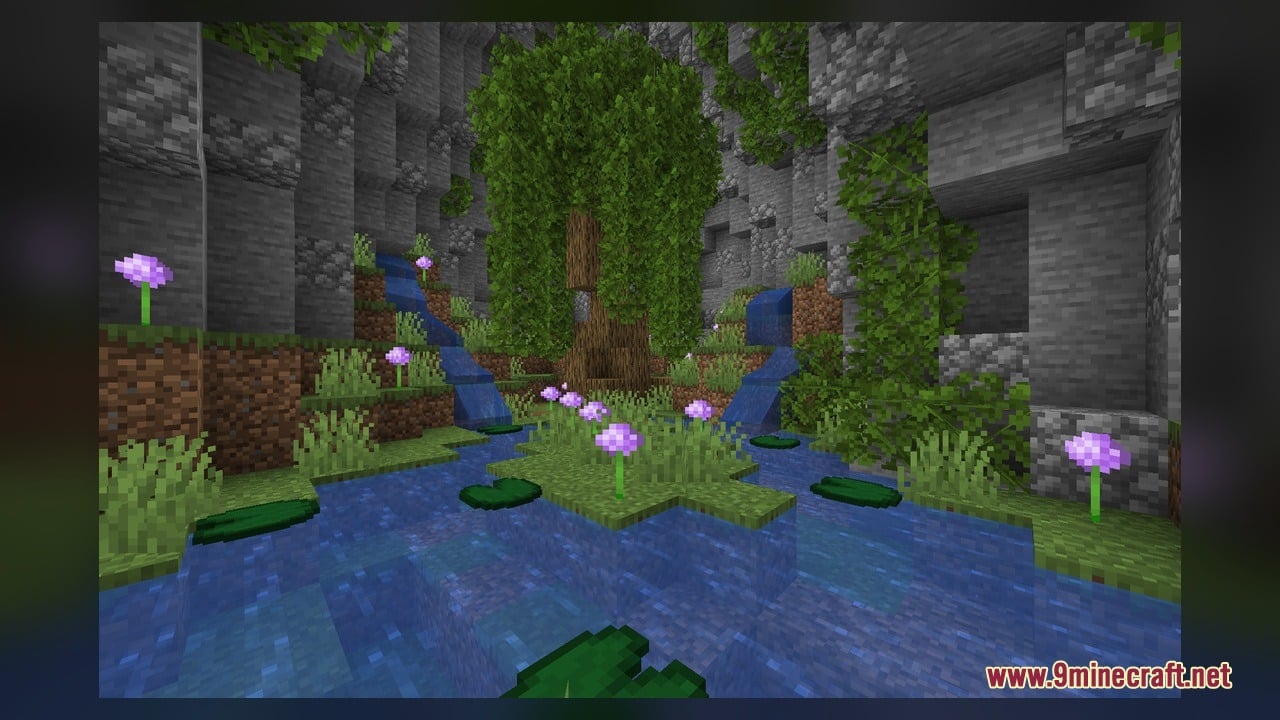
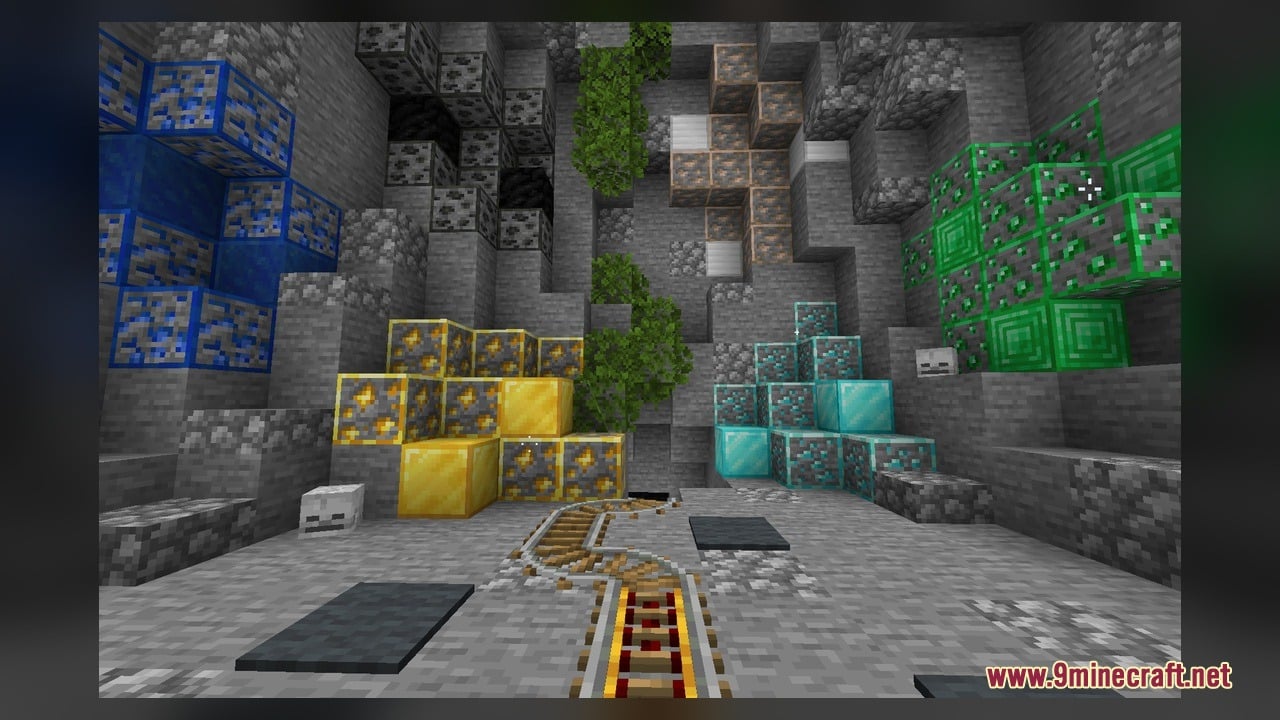
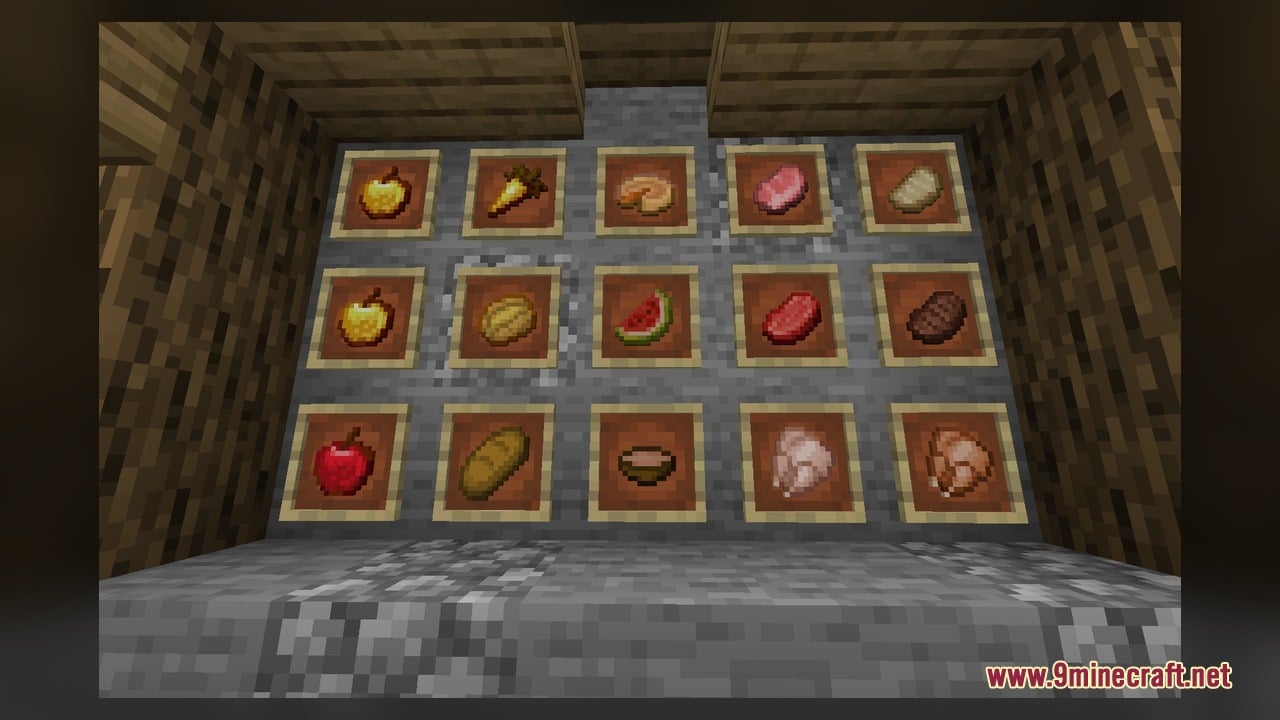
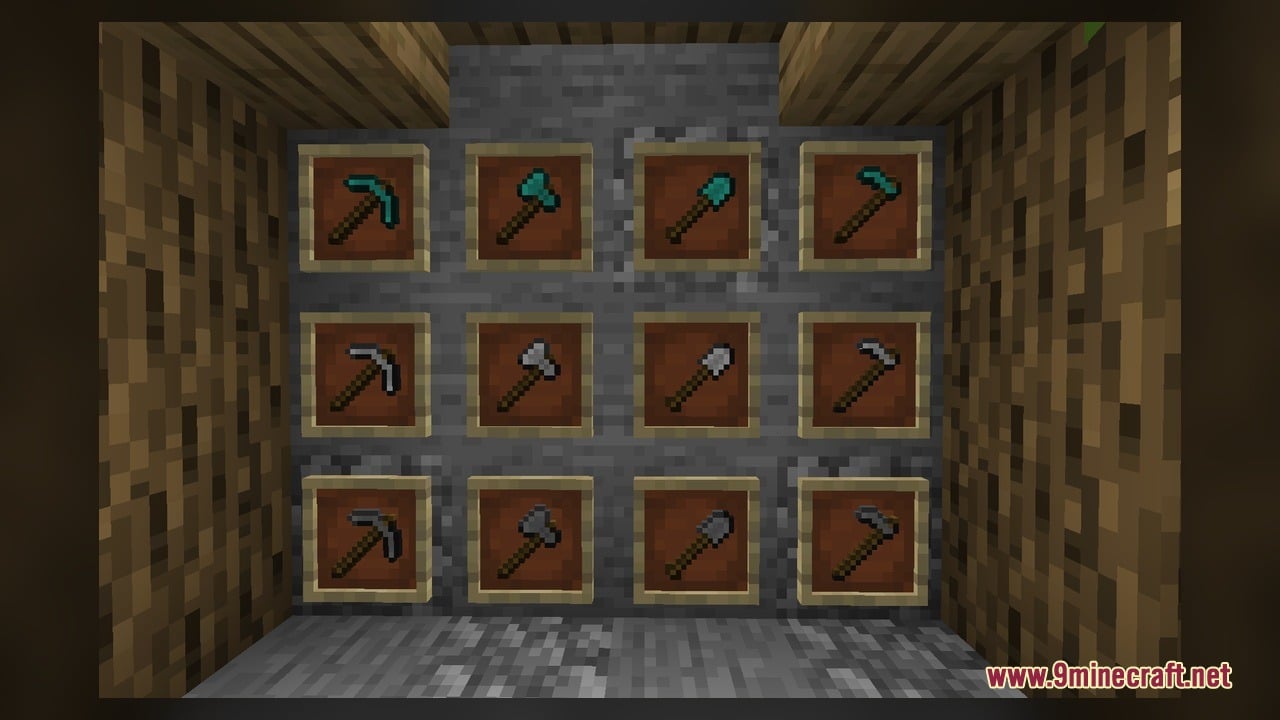
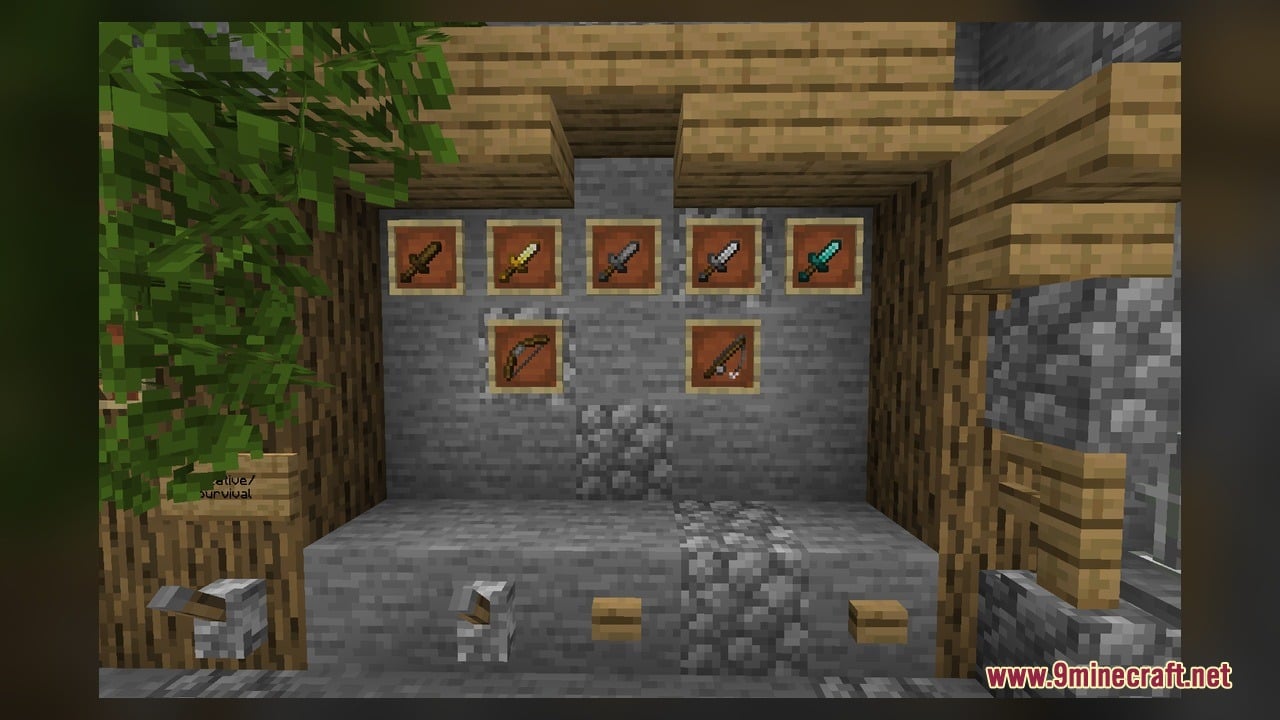
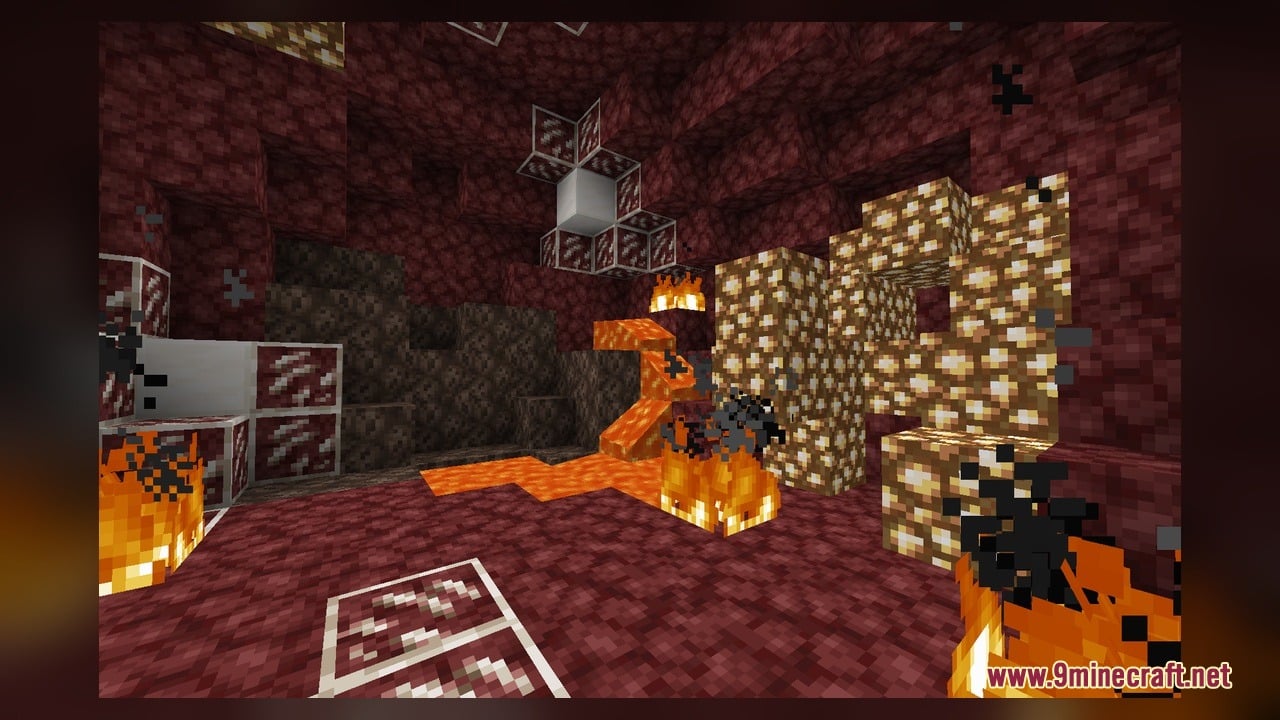
Eldersson’s PvP Essentials Model Download Links
Click to rate this post!
[Total: 0 Average: 0]
You May Also Like
Picked for this page
 Hidyk’s Realm Model – Brings Animated 3D Depth to Vanilla Blocks
 Doc’s Whimscape Additions Friends & Foes Model – Restyles Modded Mobs and Gear
 RealNaman 16x Model – Adds 3D Models and Smooth PvP Animations
 Goose’s Leaves Model – Transforms Flat Leaves Into Bushy 3D Foliage
 ShadowBlade Model – Equips Animated 3D Fantasy Weapons for PvP Combat
 100Follower Bedwars Pack Model – Transforms Arena Blocks for Clearer Fights
 Ying Yang 16x Model – Transforms Bedwars Blocks with Animated 3D Designs
 Slimefun Model – Brings 3D Shields, Solar Panels, and Animated Server Tech
 Vanilla SMP Model – Brings Clear 3D Weapons and Visible Traps to PvP
 Moons Cuter Bedwars Model – Brings Cute 3D Blocks and Clean PvP Visuals
 Drown’s Tool Tweaks Model – Brings Animated 3D Weapons and Glowing Altars
 Mob Cards Nether Model – Transforms Spawn Eggs Into Animated Collectible Cards
Most viewed in Models over the last 7 days
 Jenny Mod Skin Pack Mega Collection – 310+ Characters
 The Most Complete Collection of Jenny Mod Resources – Models, Animations, Structures,…
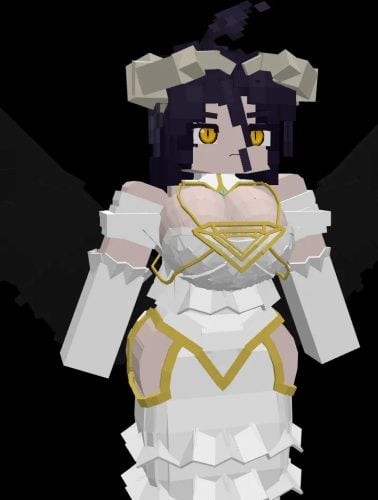 Albedo Rework Jenny Mod Model
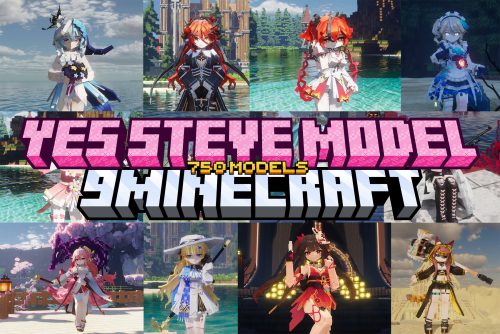 750 Models Addon for Yes Steve Model Mod
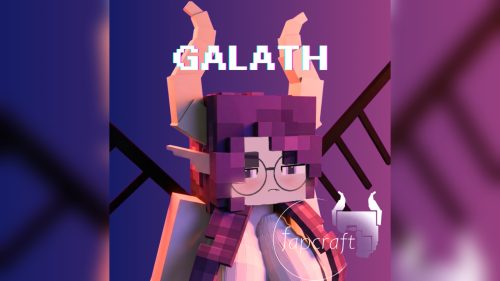 Galath Rework Model – Custom Girl for PleasureCraft Mod
 Power Model – Custom Girl for PleasureCraft Mod
 Pomni Jenny Mod Model
 Ram Model – Custom Girl for PleasureCraft Mod
 Femboy Ellie Rework Jenny Mod Model
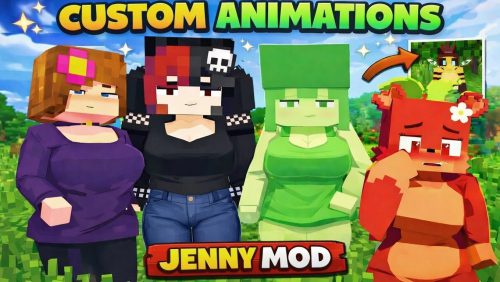 100+ Custom Animations For Jenny Mod
 Ellie Rework Jenny Mod Model
 Steve (Jenny & Zoey) Pack Jenny Mod Model
More from Models
 Sky 16x Model – Brings 3D Maces, Rails, and Animated PvP Visuals
 Torchified Model – Turns Held Torches Into 3D Shapes with Classic 2D Icons
 Resolute 16x Model – Brings Clean 3D Blocks and Smooth PvP Visuals
 Sakura PvP Model – Brings Pink Gear and Grayscale Terrain for NethPot Combat
 Keikyu New 1000 Series Model – Adds Keikyu Commuter Trains to MTR Railways
 700 Series Shinkansen Model – Brings Japanese Bullet Trains to Transit Railways
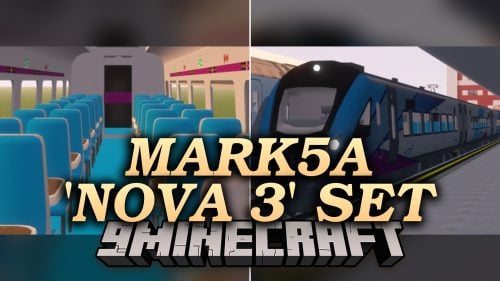 Mark5a ‘Nova 3’ Set Model – Brings TPE Passenger Trains to Your Railways
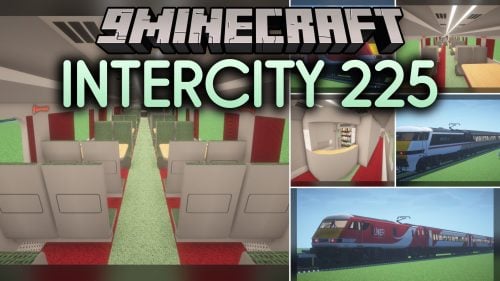 InterCity 225 Model – Brings Classic British Rail Trains to Railway Networks
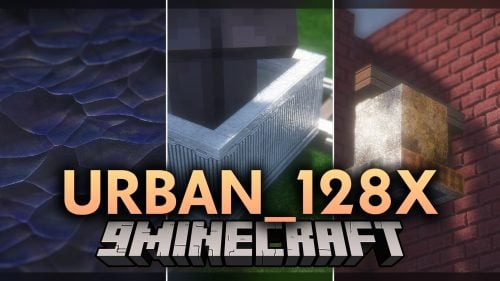 URBAN_128x Model – Transforms Vanilla Blocks with Animated 3D Urban Geometry
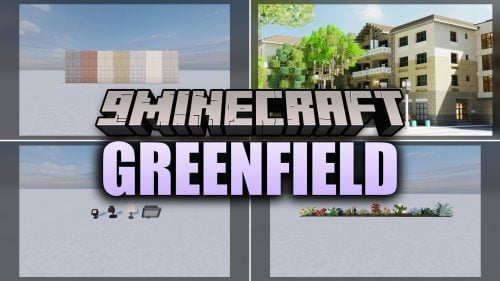 Greenfield Model – Transforms Everyday Blocks Into Detailed 3D Urban Pieces
 Luminous Lanterns X Punchy Model – Brings Detailed 3D Copper and Soul Lanterns
 Powah Pyxal-ated Model – Transforms Powah Mod Machines with Animated 3D Shapes

This post has no comments yet. Be the first — your comment will appear here.