
Enchantment Tooltips Mod (26.2, 1.20.1) – View Weapon Stats Without Opening
 542
 0


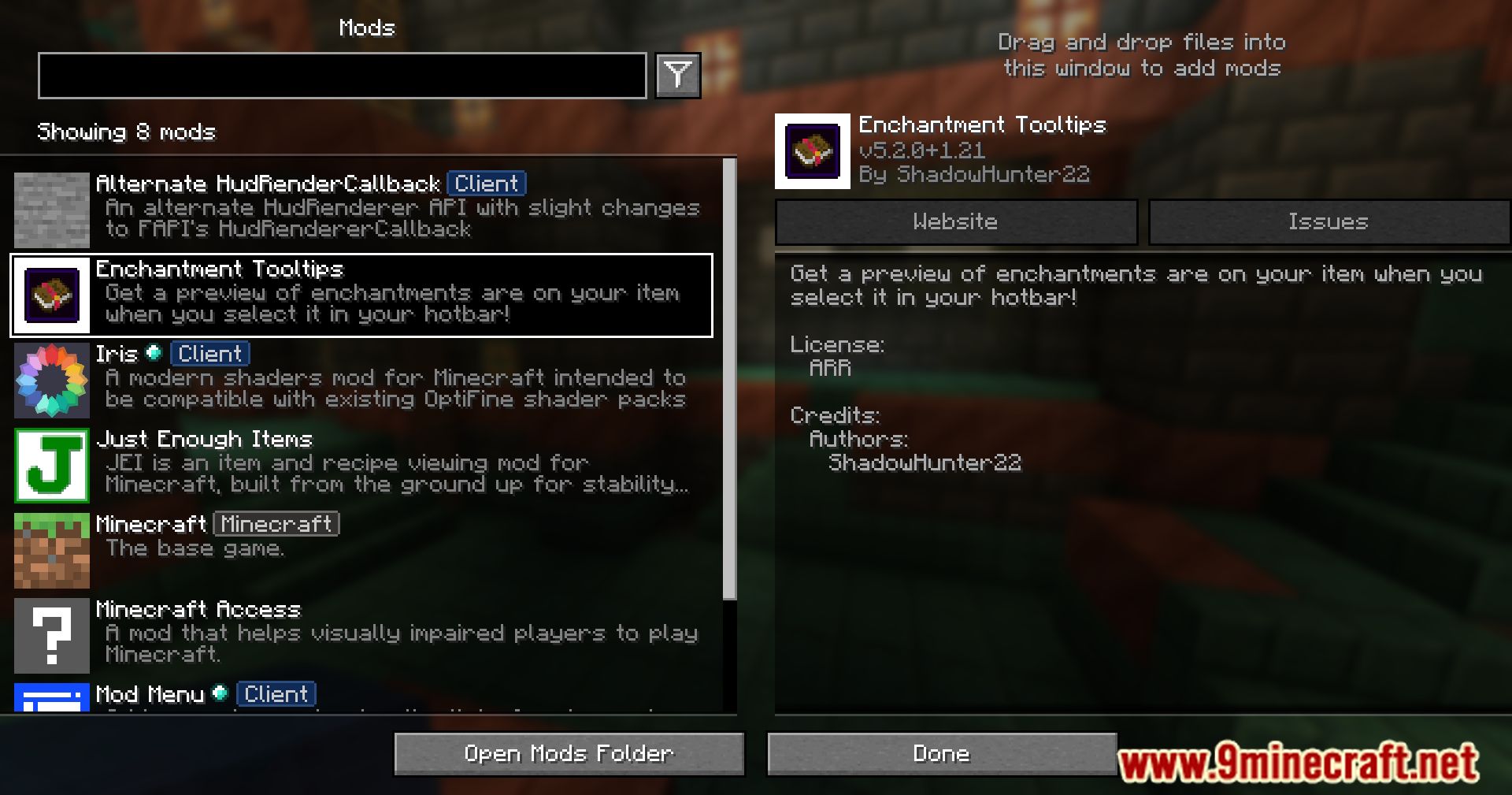
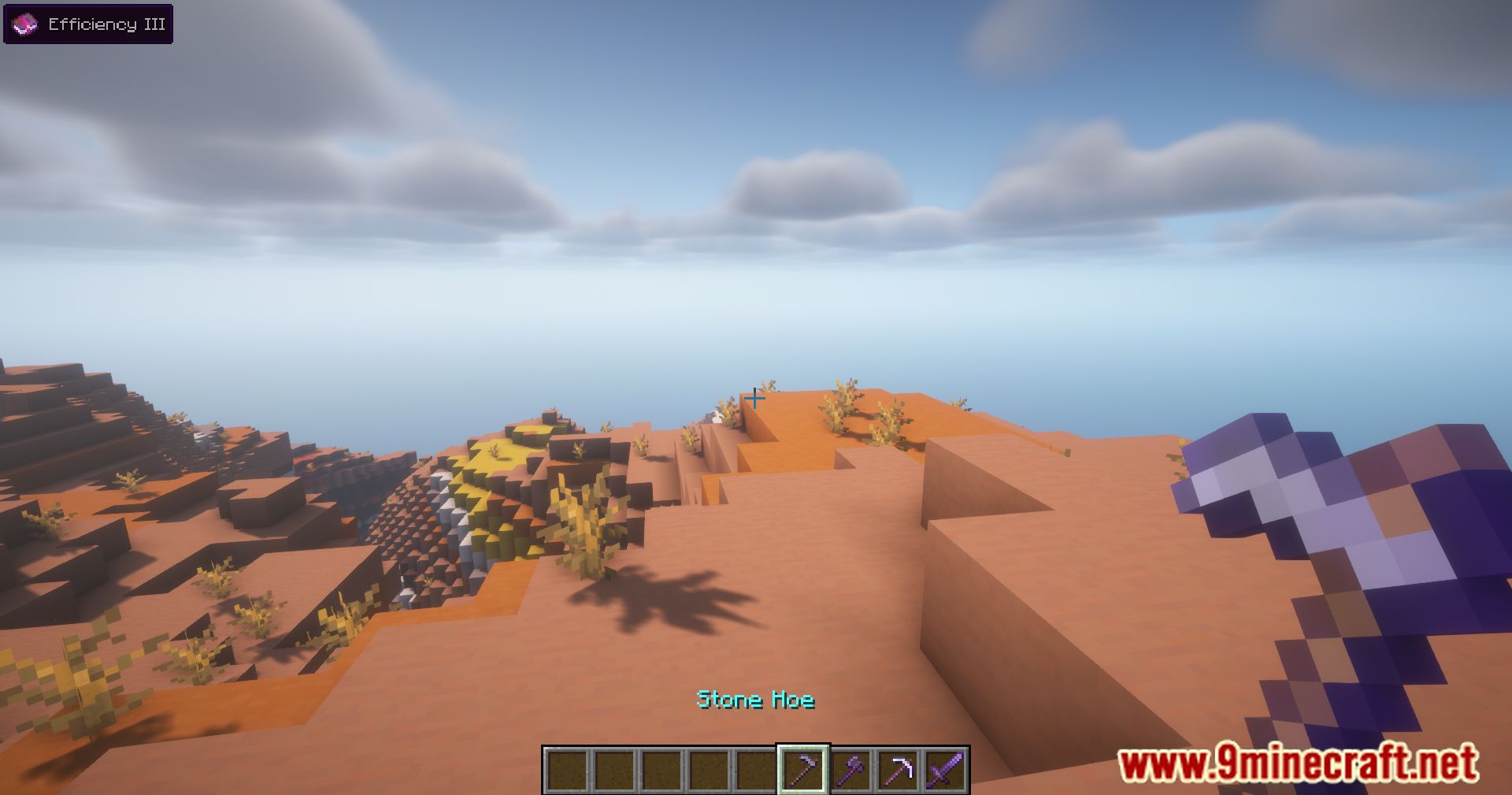
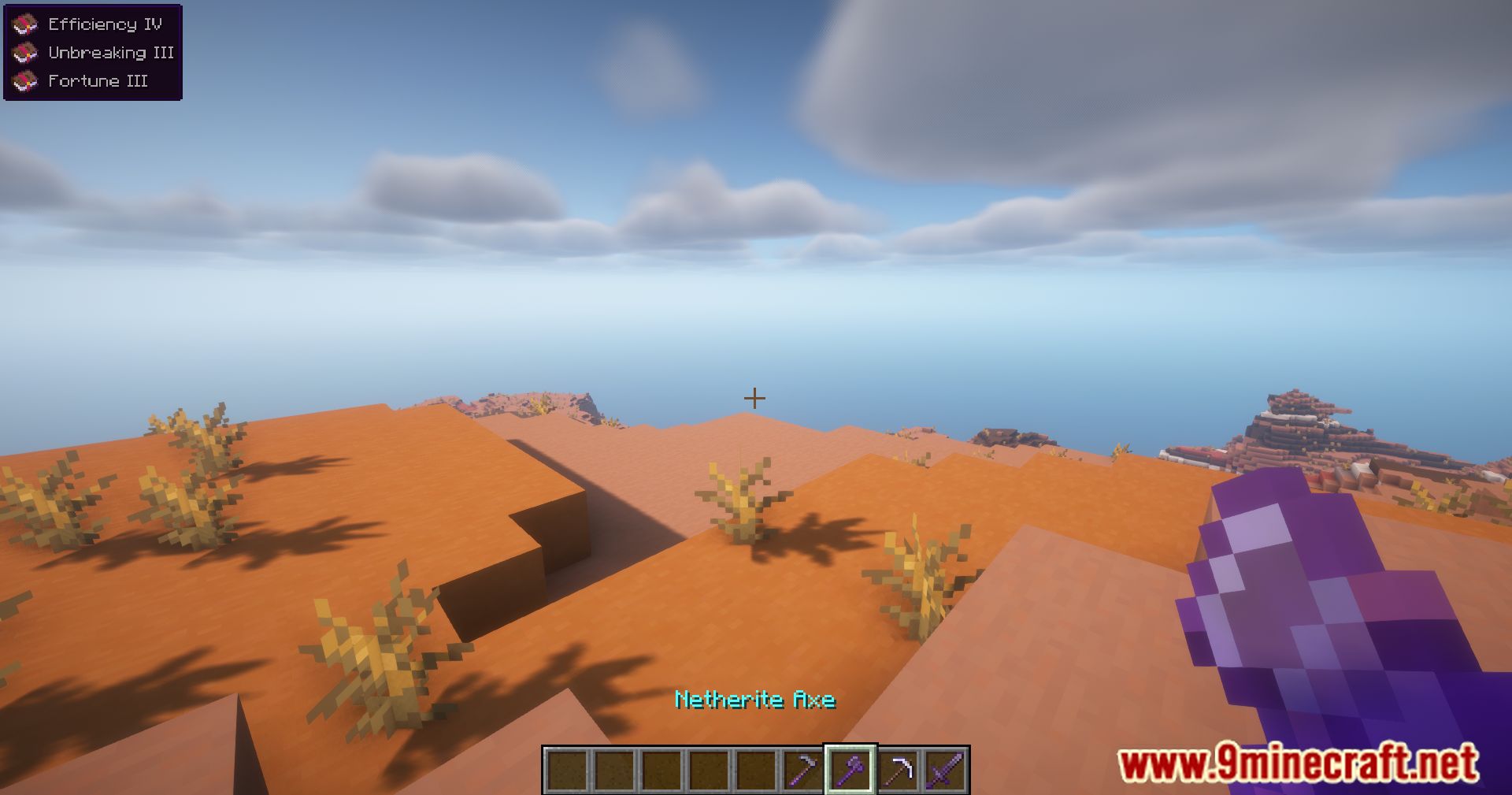
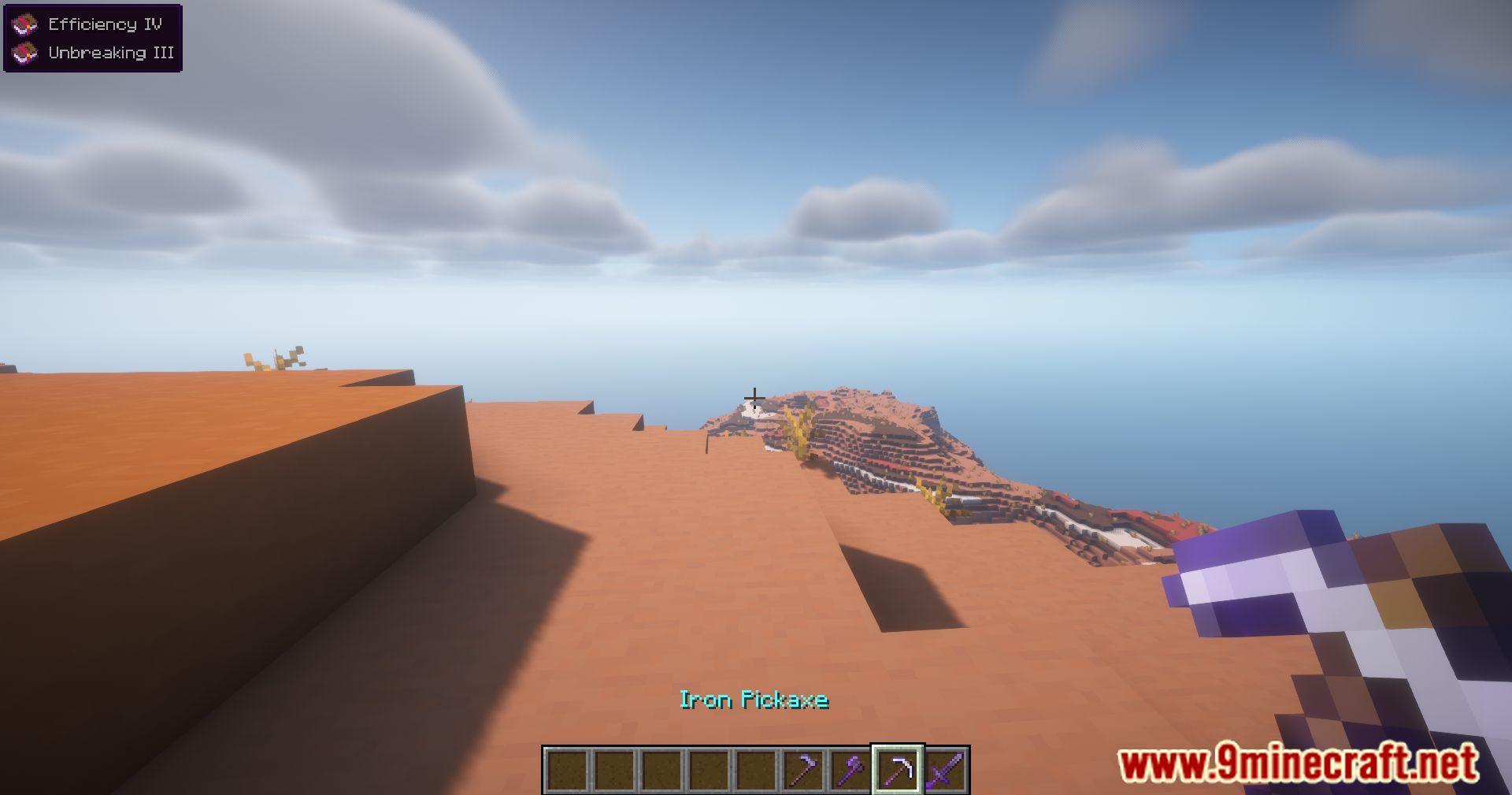
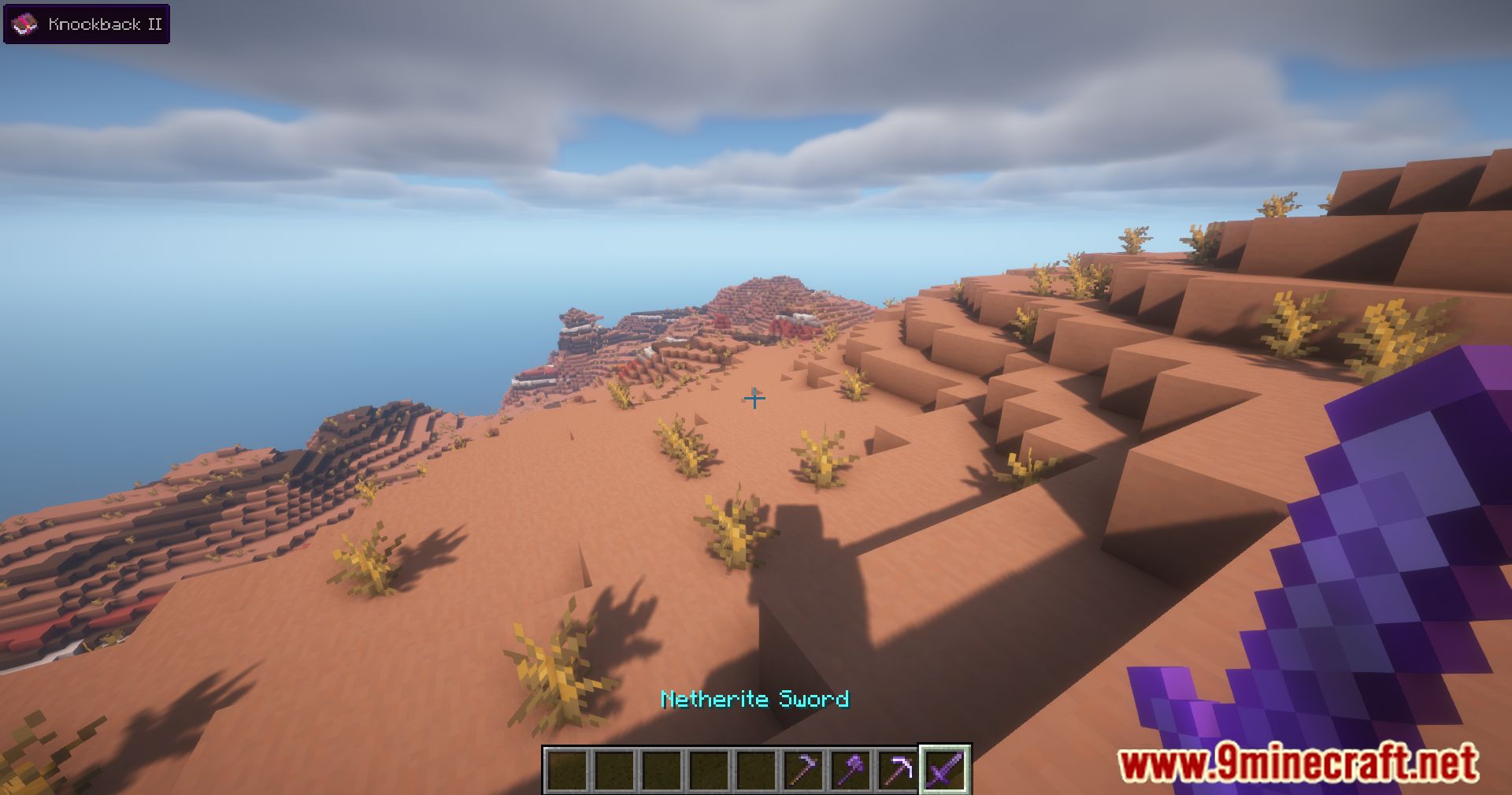
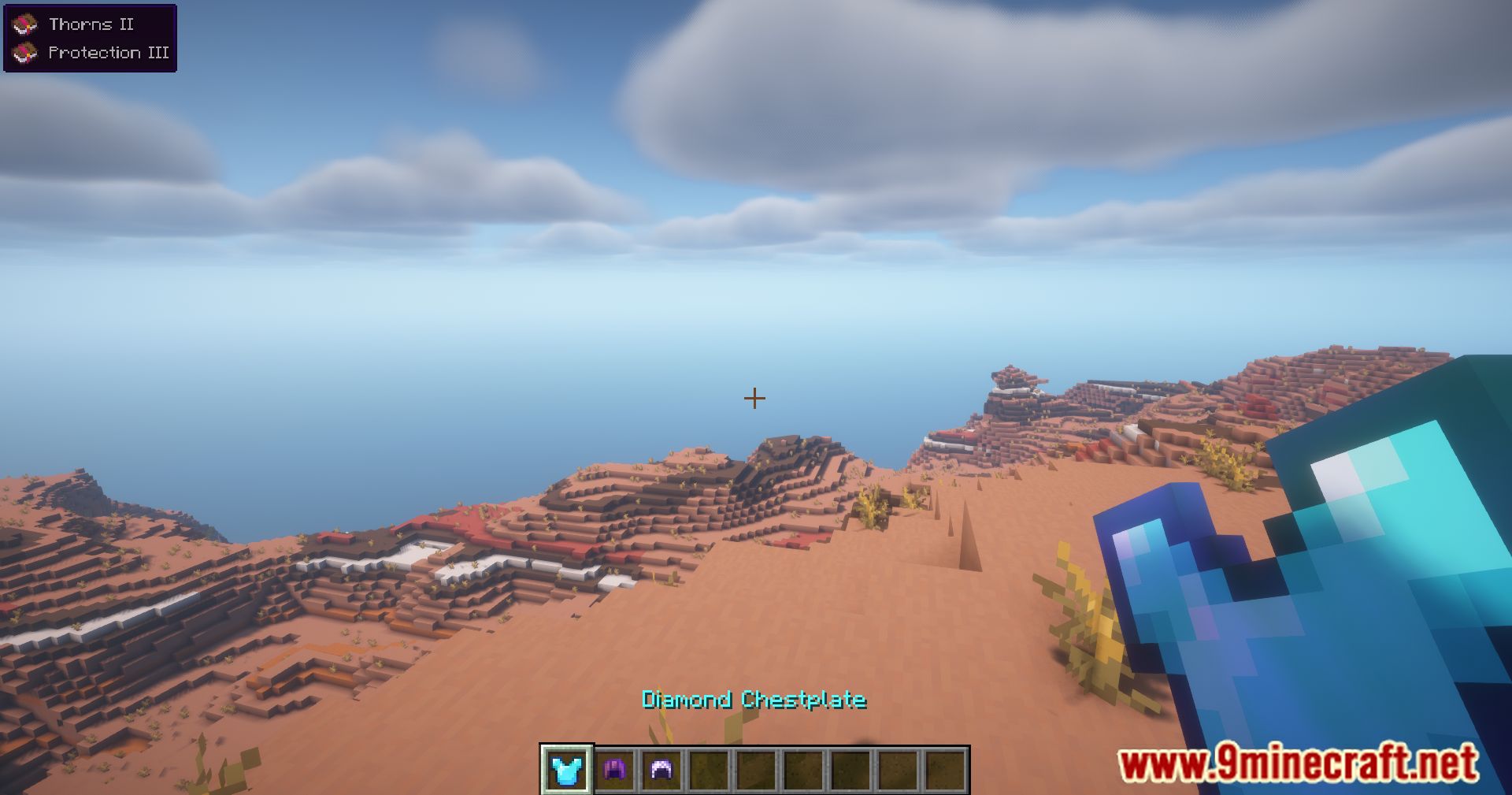
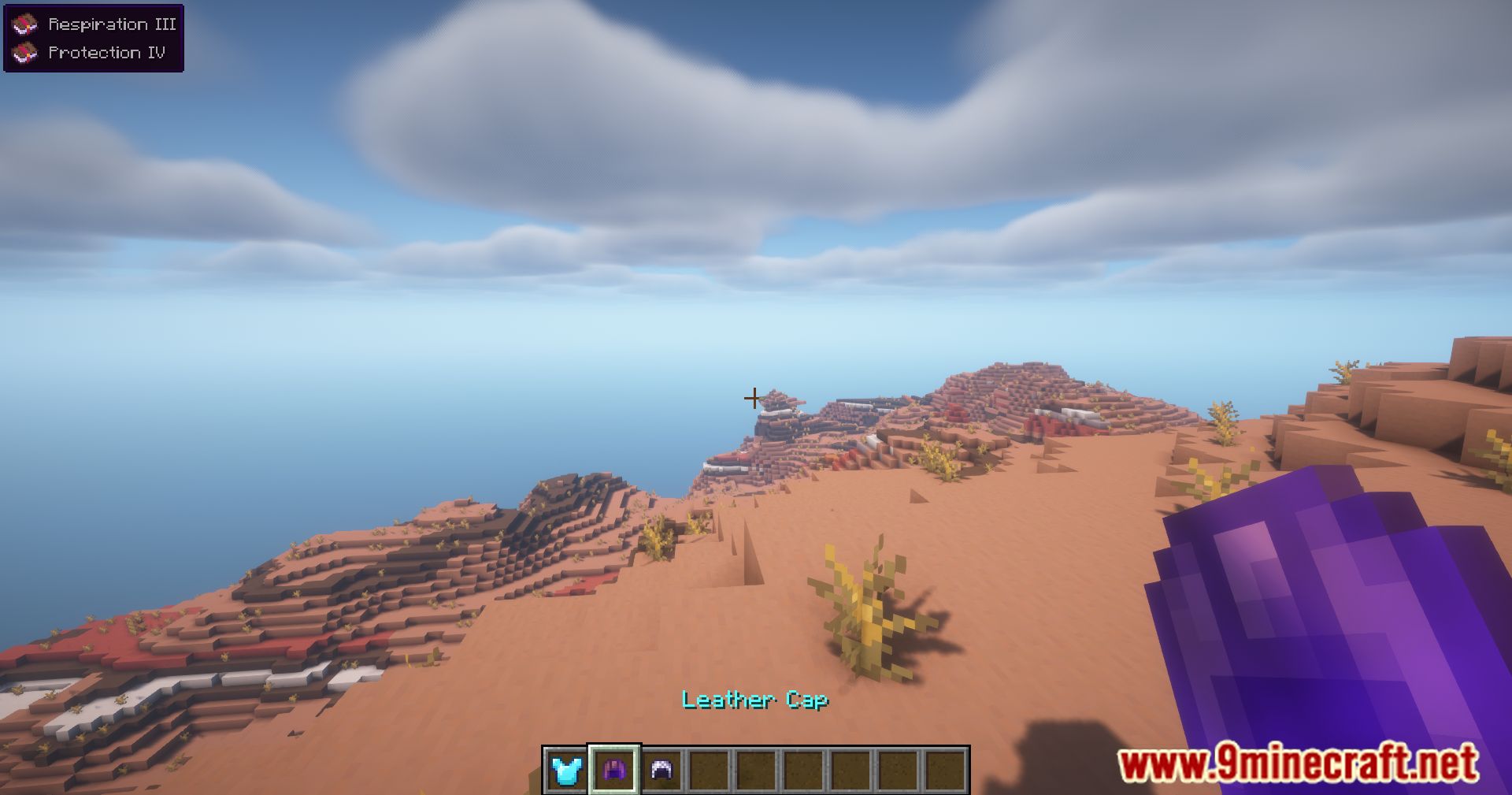
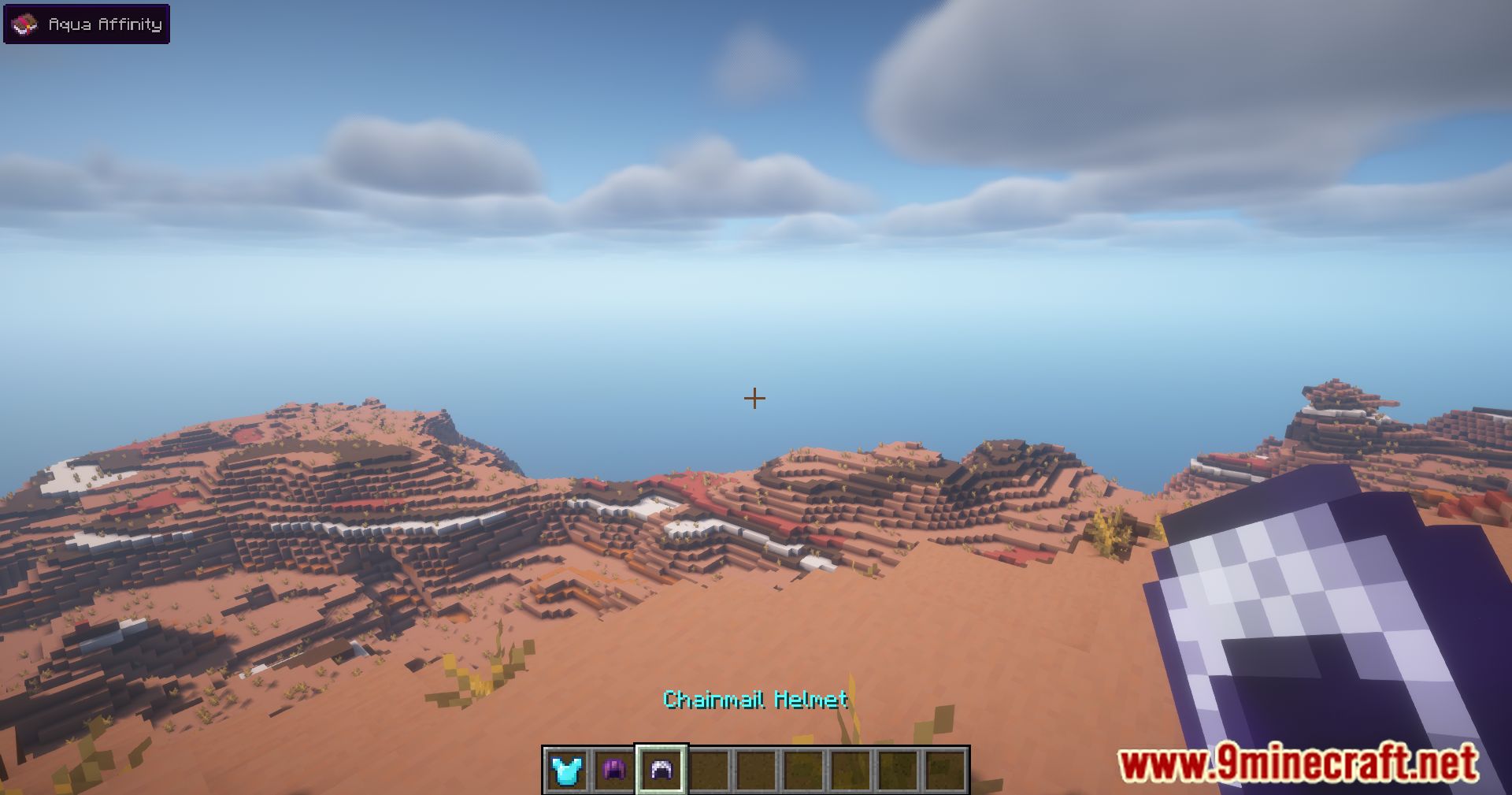
Enchantment Tooltips Mod adds a helpful HUD overlay to the screen that displays the list of enchantments on any item or book whenever it is selected in the hotbar. Players no longer need to open the inventory screen and move the cursor over tools or weapons just to check their enchantment details.
Features:
- Displays a clear HUD list of enchantments on tools, weapons, armor, and books directly on the screen when selected in the hotbar.
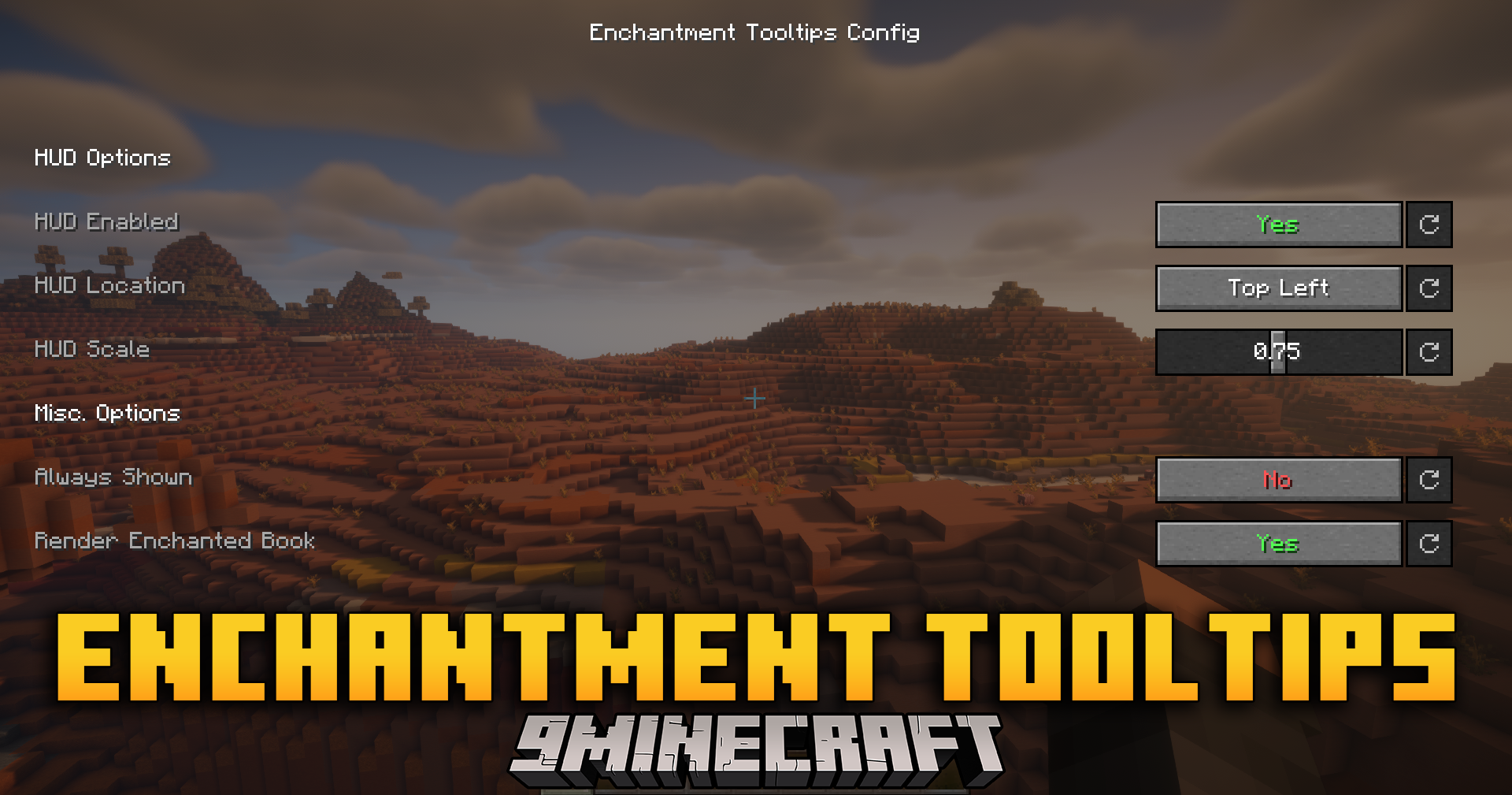
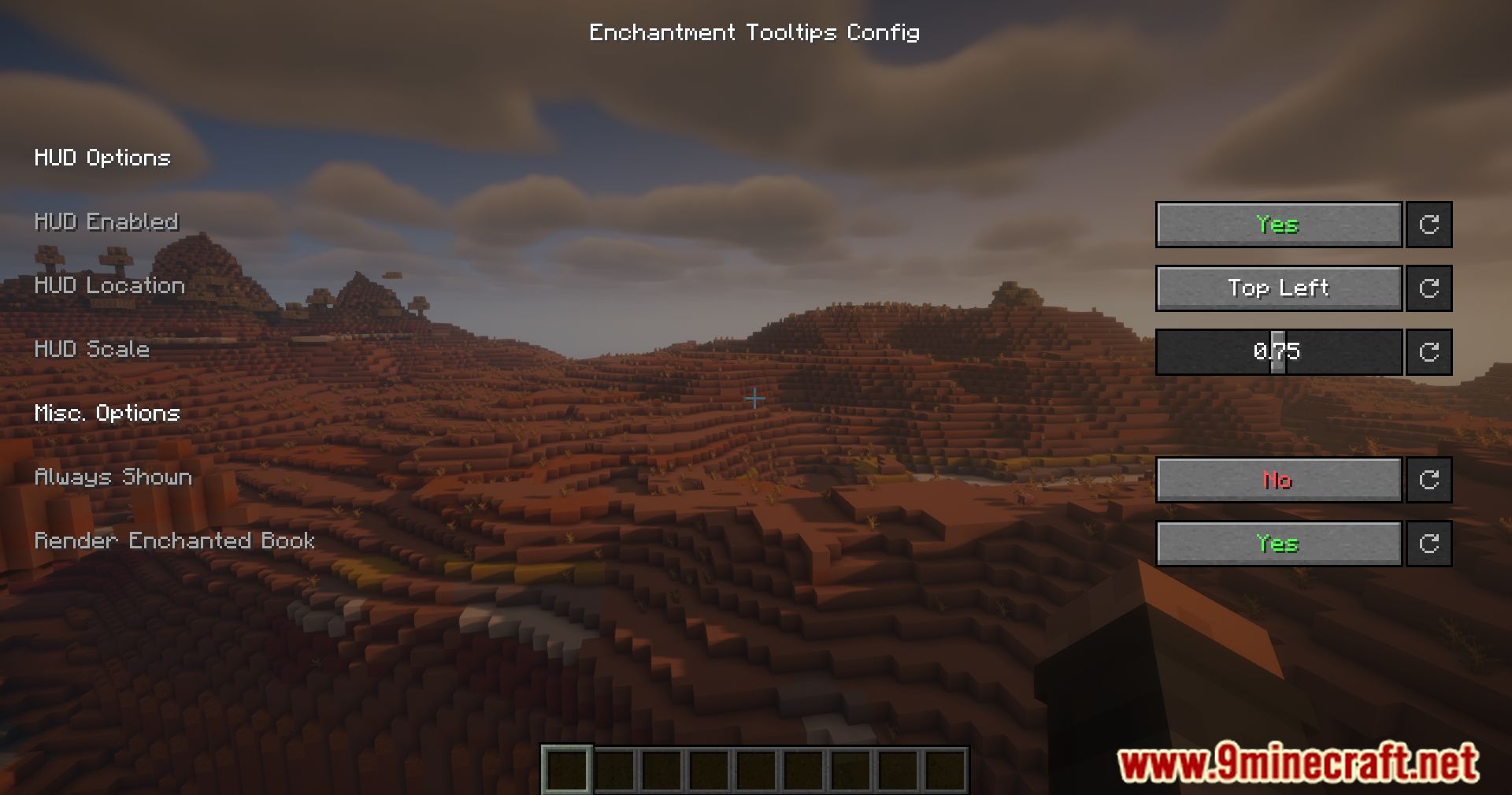
- HUD enabled: Turns the display on or off, and can be assigned to the O keybind by default.
- Display location: Changes where the HUD appears on the screen, with the top-left corner set as the default position.
- Always display: Keeps the enchantment list visible on the screen all the time instead of just showing it for a brief moment.
- Render enchanted books: Shows enchanted books on the screen along with their specific enchantment names.
- Allows players to change display settings, adjust positions, and manage keybinds through the menu.
How to Use:
- Download the mod and place the file into the
.minecraft/modsfolder. - Install the Fabric API jar file so the mod runs correctly in the game.
- Select any enchanted item or book in the hotbar to view its enchantments on the screen.
- Press the I key on the keyboard to open the configuration menu if ShadowHunter22’s Config Library is installed.
- Press the O key to quickly toggle the HUD visibility on or off.
Screenshots:
How to Install:
New to Minecraft? Follow our step-by-step guide to install Mods on your PC.View Guide

Enchantment Tooltips Mod Download Links
For Minecraft 26.2
For Minecraft 26.1.2, 26.1.1, 26.1
For Minecraft 1.21.11
For Minecraft 1.21.10, 1.21.9
For Minecraft 1.21.8, 1.21.7, 1.21.6
For Minecraft 1.21.5
For Minecraft 1.21.4, 1.21.3
For Minecraft 1.21.1, 1.21
For Minecraft 1.20.6
For Minecraft 1.20.4
For Minecraft 1.20.2
For Minecraft 1.20.1, 1.20
Click to rate this post!
[Total: 0 Average: 0]
You May Also Like
Picked for this page
 Additional Lanterns Mod (26.3, 1.20.1) – Lamps Made from New Materials
 Xaero’s Map Server Utils Mod (26.3, 1.20.1) – Fair-Play Mode Controls
 Searchables Mod (26.3, 1.20.1) – Find Any Item in Modpacks
 Animal Pens Mod (26.3, 1.20.1) – Organize Your Mobs
 DarkSpawn Mod (26.3, 1.20.1) – RPG Teleport to Spawn or Lobby
 Endercon Mod (26.3, 1.20.1) – Reimagined Biomes and New Additions
 Copper Hopper Mod (26.3, 1.20.1) – Hopper That Acts as a Simple Item Filter
 Client Maps Mod (26.3, 1.20.1) – Stores Map Data On Client Side
 Improved Grindstone Mod (26.1.2, 1.20.1) – Enhanced Enchantment Management
 FPS Boost Mod (26.1.2, 1.20.1) – Optimize Minecraft For Smoother Gameplay
 Spitting Image Mod (26.3, 1.20.1) – No Combat, Just Spit
 Elytra Swim Fix Mod (26.3, 1.20.1) – Prevents Elytras From Being Activated
Most viewed in Mods over the last 7 days
 Ala Industrial Mod (26.3) – Run Electric Power Grids and Automated Factories
 PleasureCraft Mod (26.3, 1.21.1) – Jenny Mod Remake for Fabric
 Jennycraft Mod (26.3, 1.20.1) – Virtual Girlfriend in Minecraft
 Fapcraft Mod (26.3, 1.12.2) – Comprehensive and Detailed Content
 Jenny Mod (Fapcraft) Official Complete Guide – How to use, Tutorial
 BangCraft Mod (1.20.1) – Jenny, Ellie and Elliot
 Fabric Loader (26.3, 1.20.1) – Fabric Installer for All Minecraft Versions
 The Shooting Star Demo Mod (26.3, 1.20.1) – Vaporize Terrain From Orbit
 Meteor Client Mod (26.3, 1.20.1) – Xray, HUD, Fly
 OptiFine HD (26.3, 1.20.1) – Run Faster, FPS Boost, Shaders Support
 Aristois Client Mod (1.21.4, 1.20.1) – World Class Minecraft Utility
 Prestige Client Mod (1.21.11, 1.21.4) – Powerful Ghost Features for Crystal & Sword PvP
More from Mods
 Ipla Mod (26.3, 1.20.1) – Showcase Your Favorite Items
 MesdagPortLib Mod (1.20.1) – Run Modern Minecraft Mechanics on Older Versions
 Hellion’s API Mod (1.21.11, 1.21.1) – Play Hellion Series Addons Without Crashes
 Terrestria Mod (26.3, 1.20.1) – Highly Detailed Biomes
 Tre’s Tack Library Mod (1.20.1) – Outfit Your Horses with Fully Detailed Tack
 YDM’s coreX Library Mod (1.20.1) – Loot RPG Gear with Random Names
 Gunpowder Recipe Mod (26.3, 1.20.1) – Gunpowder is Craftable
 Villager Timetable Mod (26.3, 1.20.1) – Master Villager Schedules
 Artemis Laboratory Blocks Mod (26.3, 1.20.1) – Lab Blocks And Dynamic Decorations
 Fabric ORM Jimmer Mod (26.3, 1.20.1) – Prevent Sudden Server Crashes
 Cafe Core Mod (26.2, 1.21.1) – Bypass Anvil Limits and Tame Pets in Seconds
 GTNH’s Forgelin Mod (1.7.10) – Play Kotlin-Powered Mods on Minecraft 1.7.10

This post has no comments yet. Be the first — your comment will appear here.