
Ender Bundle Mod (1.19.2, 1.18.2) – Access Remote Storage From Anywhere
 3,294
 0


Ender Bundle Mod brings a smart way to manage inventory items from anywhere in the world. It introduces two special items that connect to each other so players can store excess items or grab supplies remotely. The mod helps keep personal storage clean without needing to carry extra boxes everywhere.

Features:
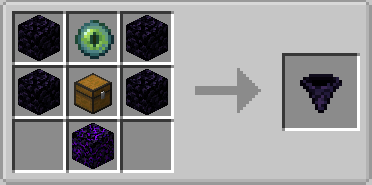
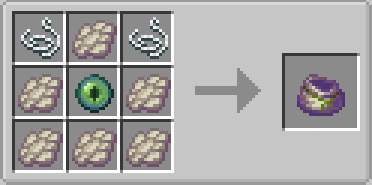
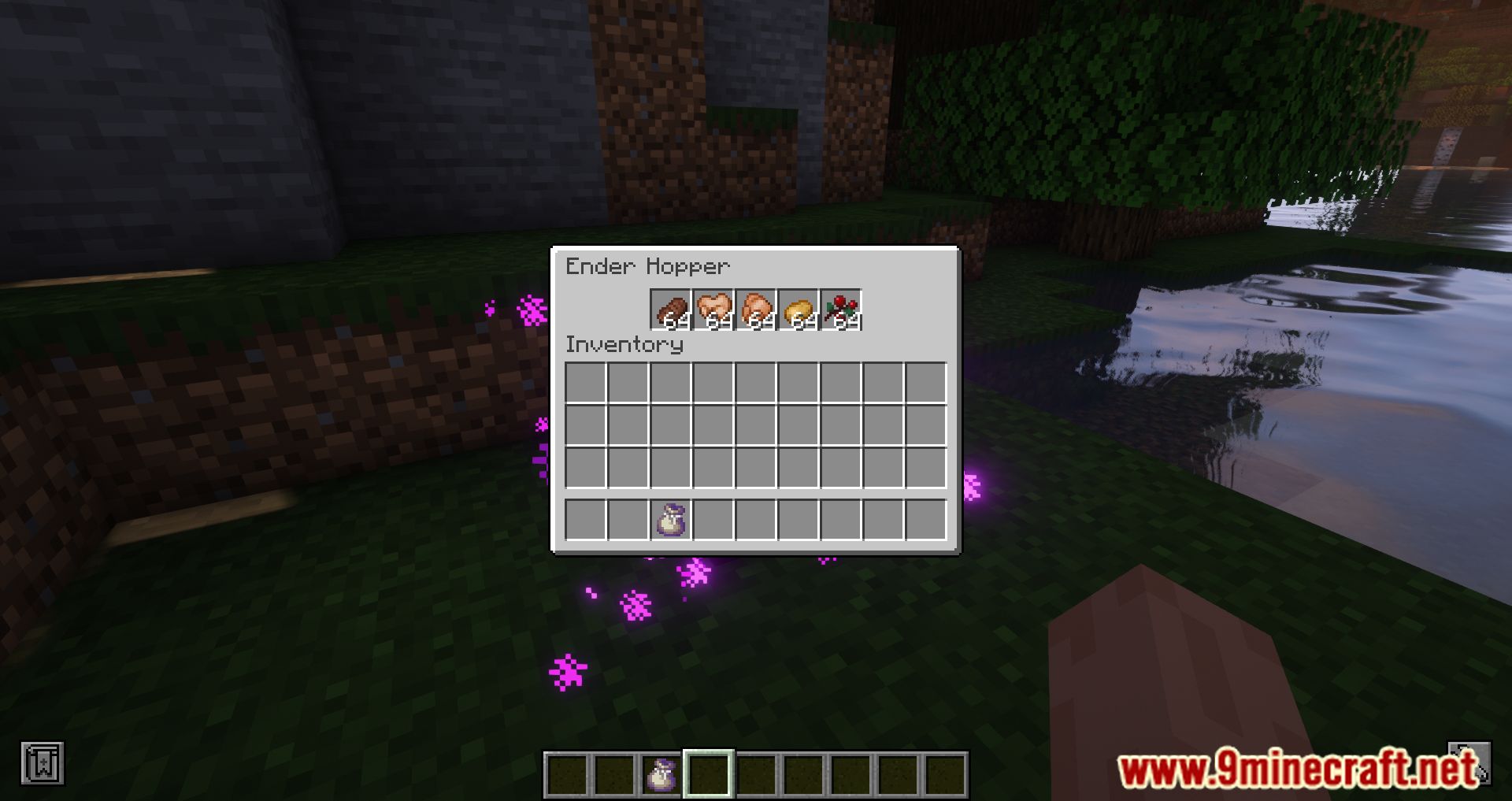
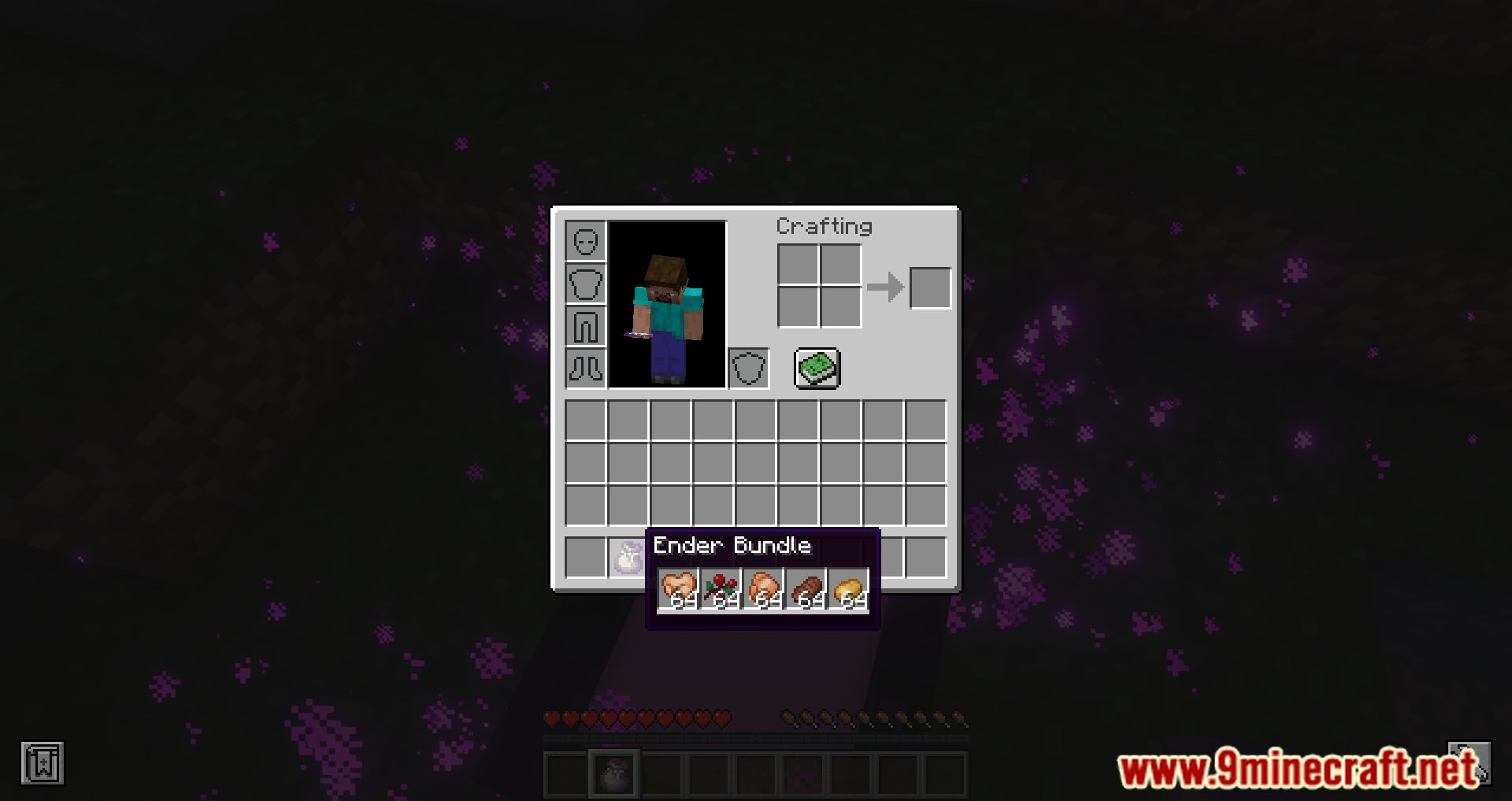
- Adds two new items to the game: the Ender Bundle and the Ender Hopper.
- Lets players link the bundle to a placed hopper by holding Shift and right-clicking.
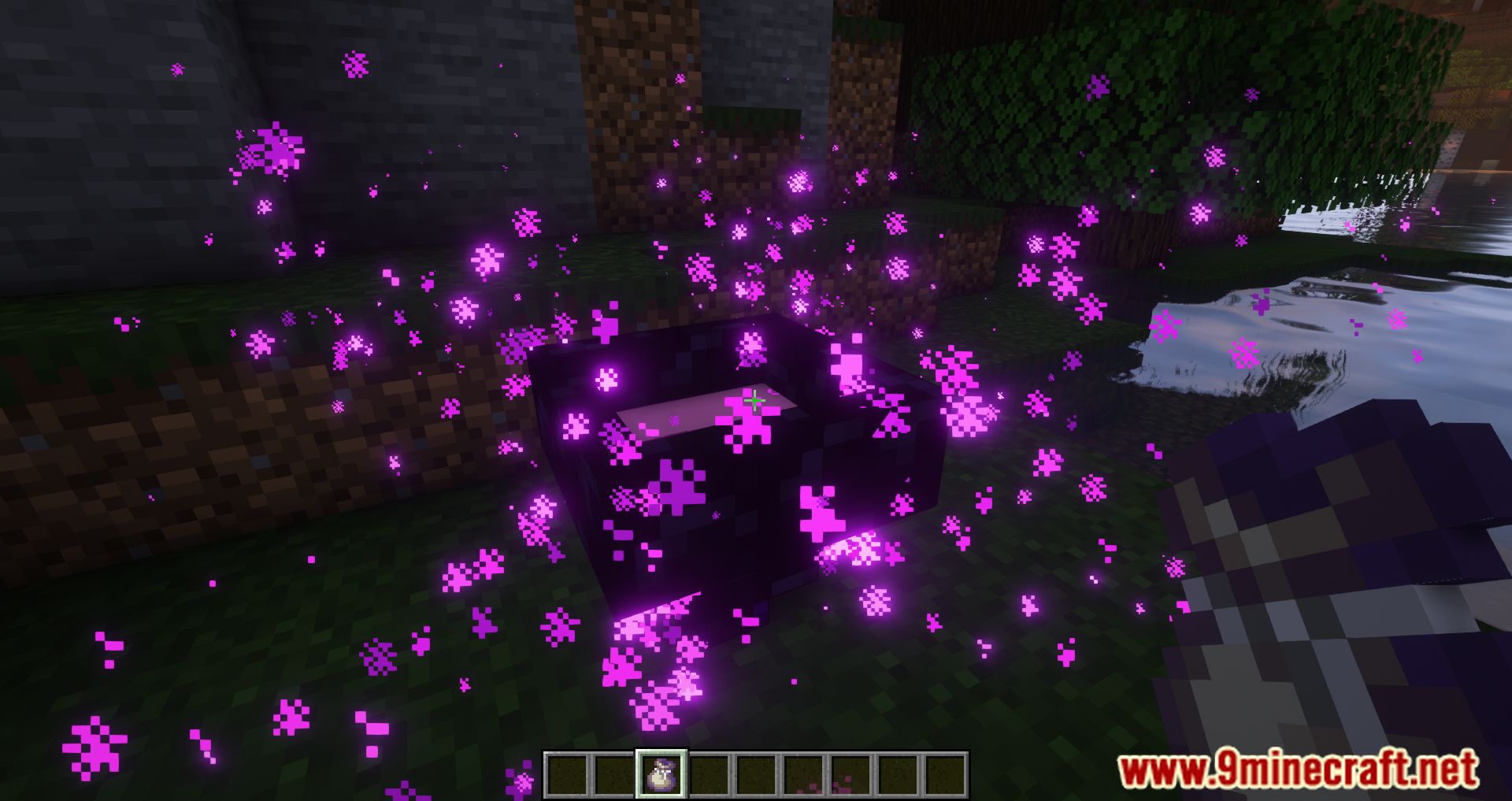
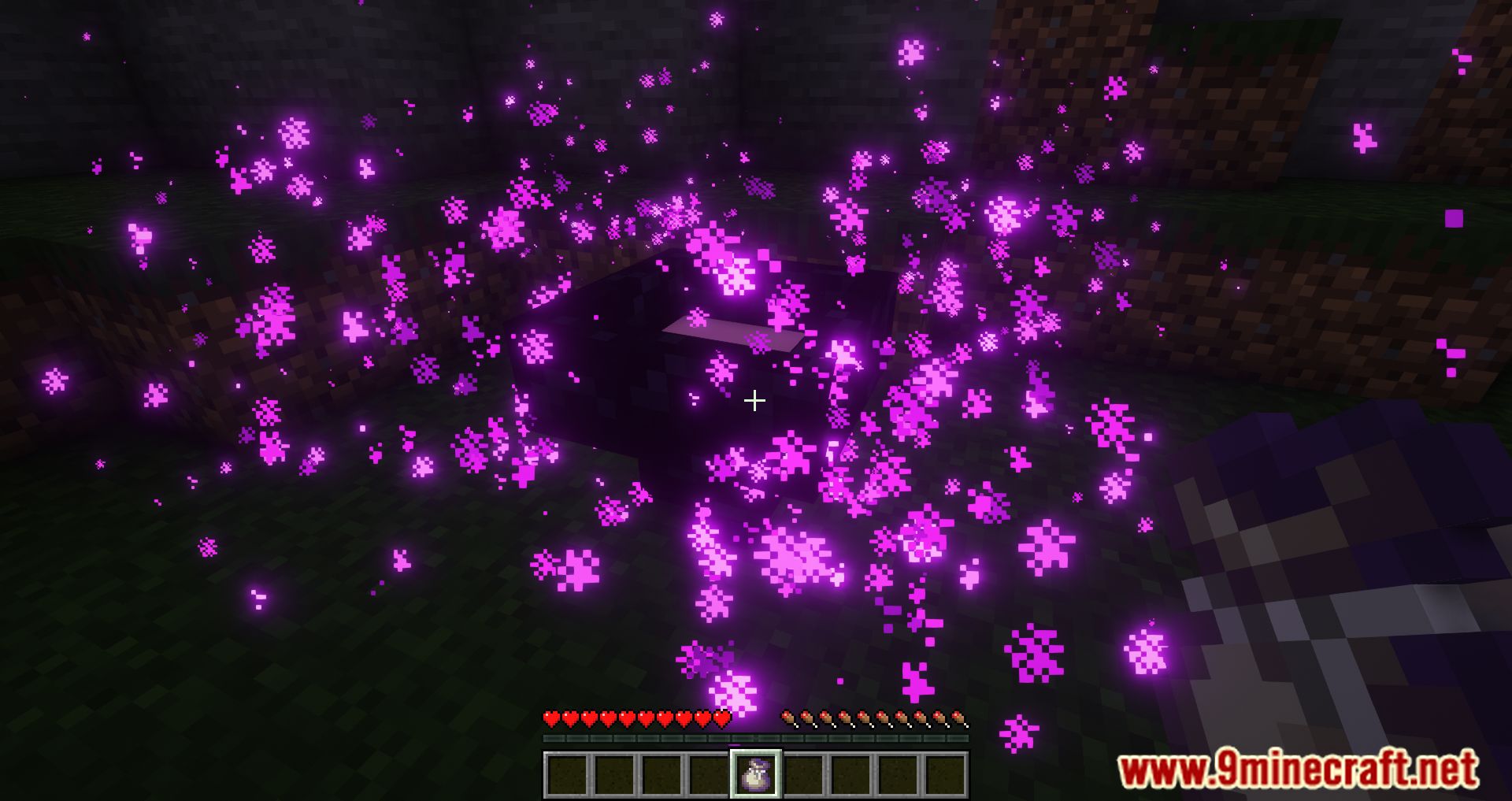
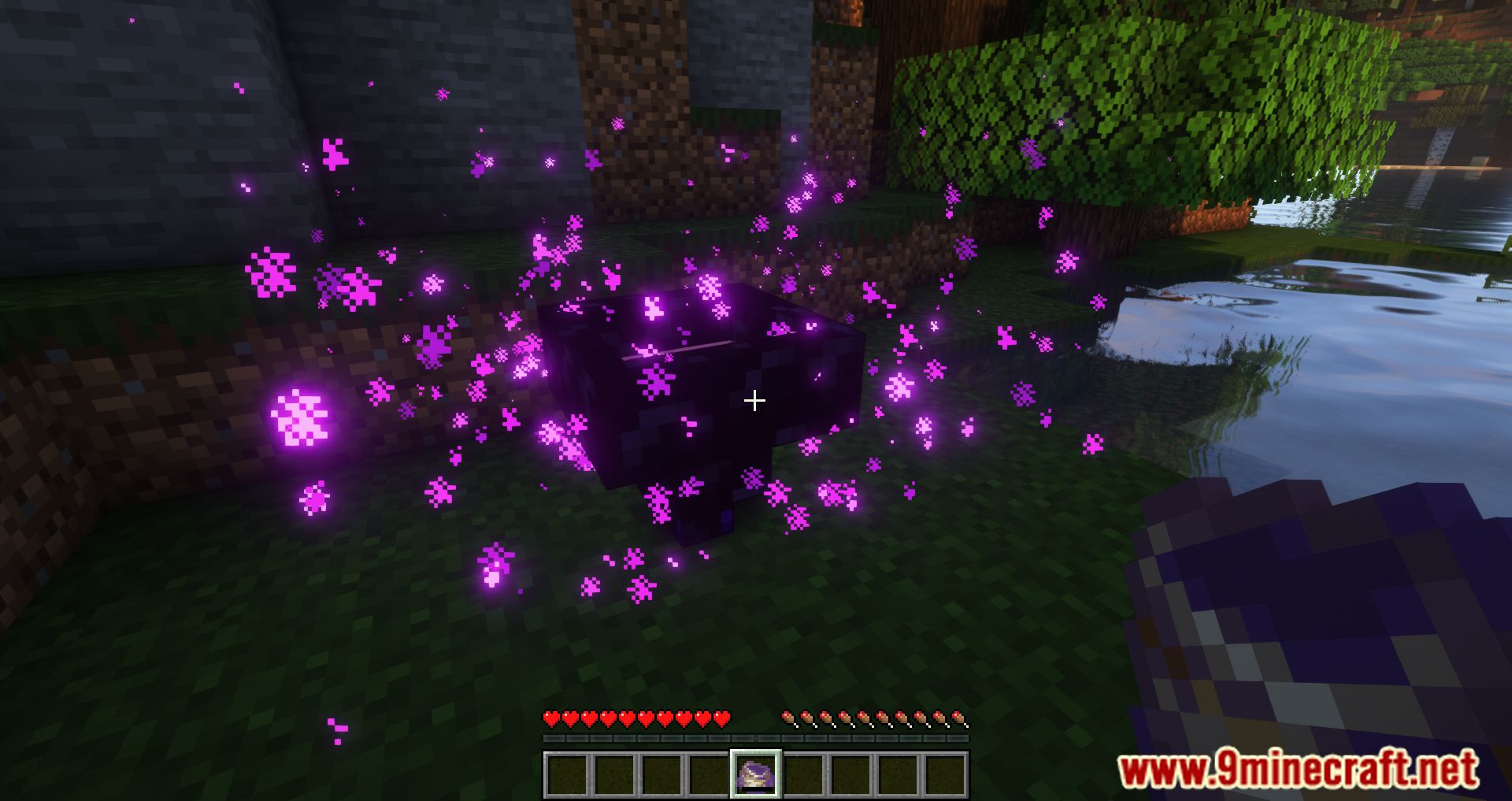
- Shows purple teleportation particles around the hopper when the matching bundle is held close to it.
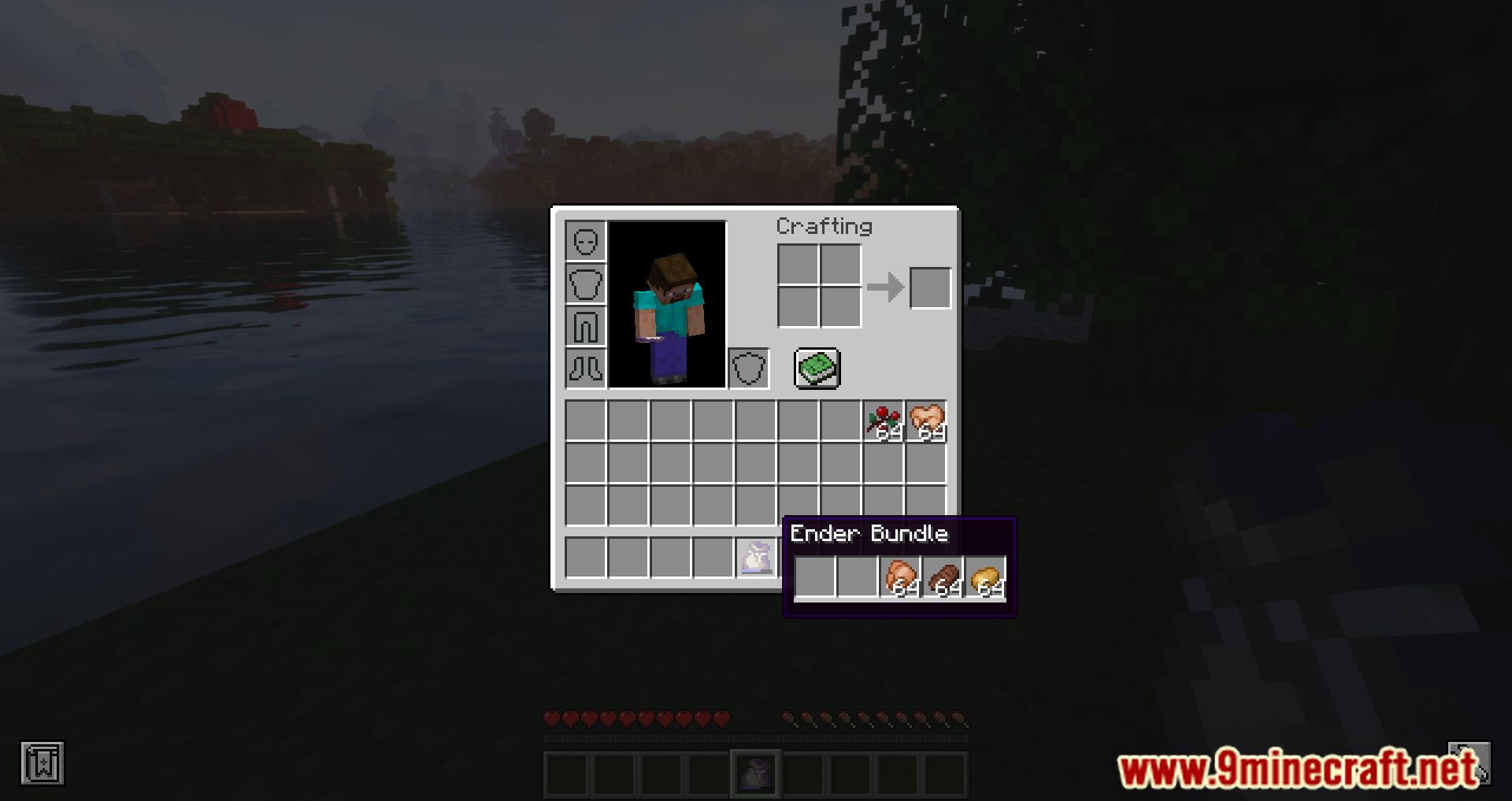
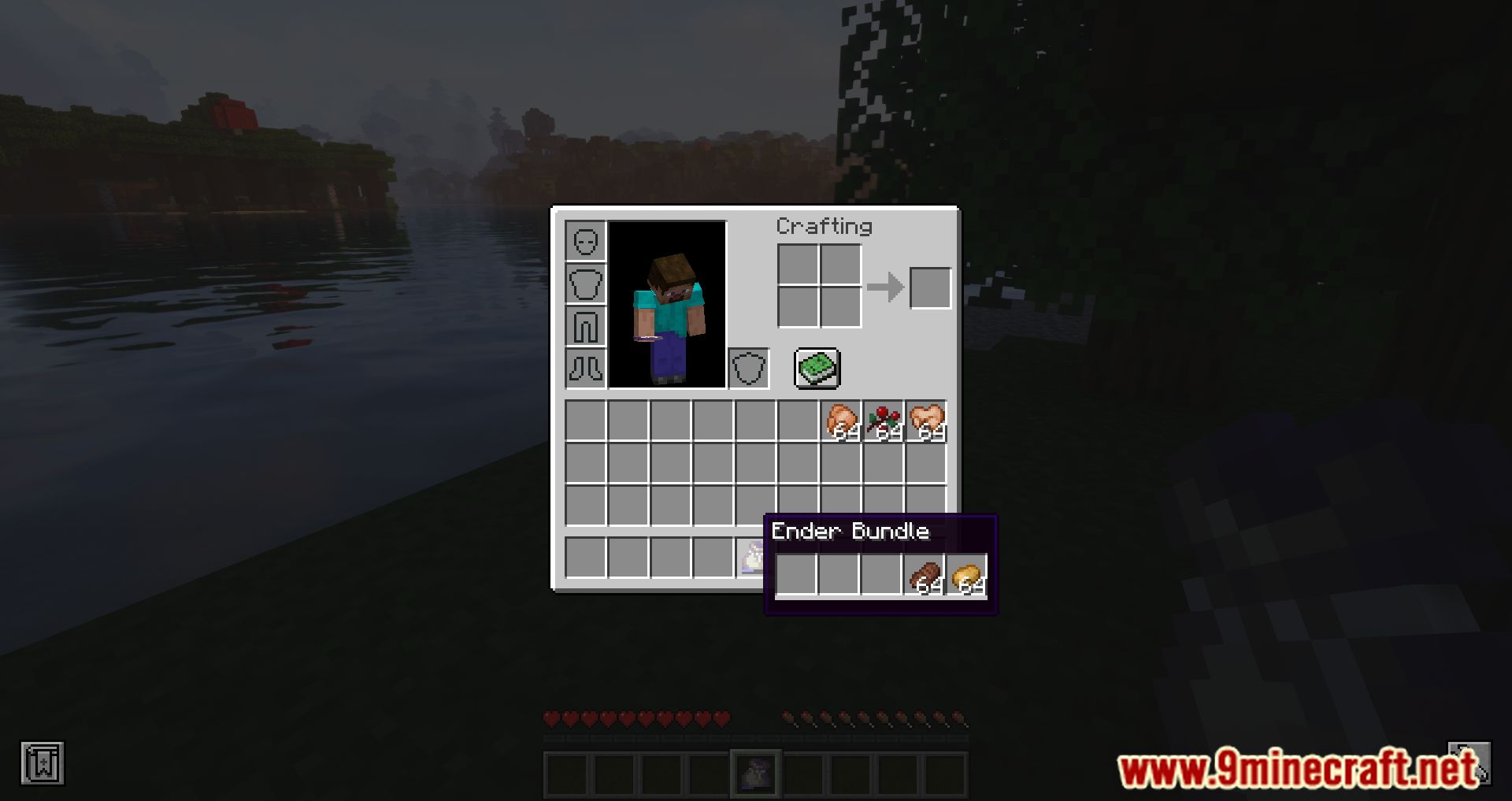
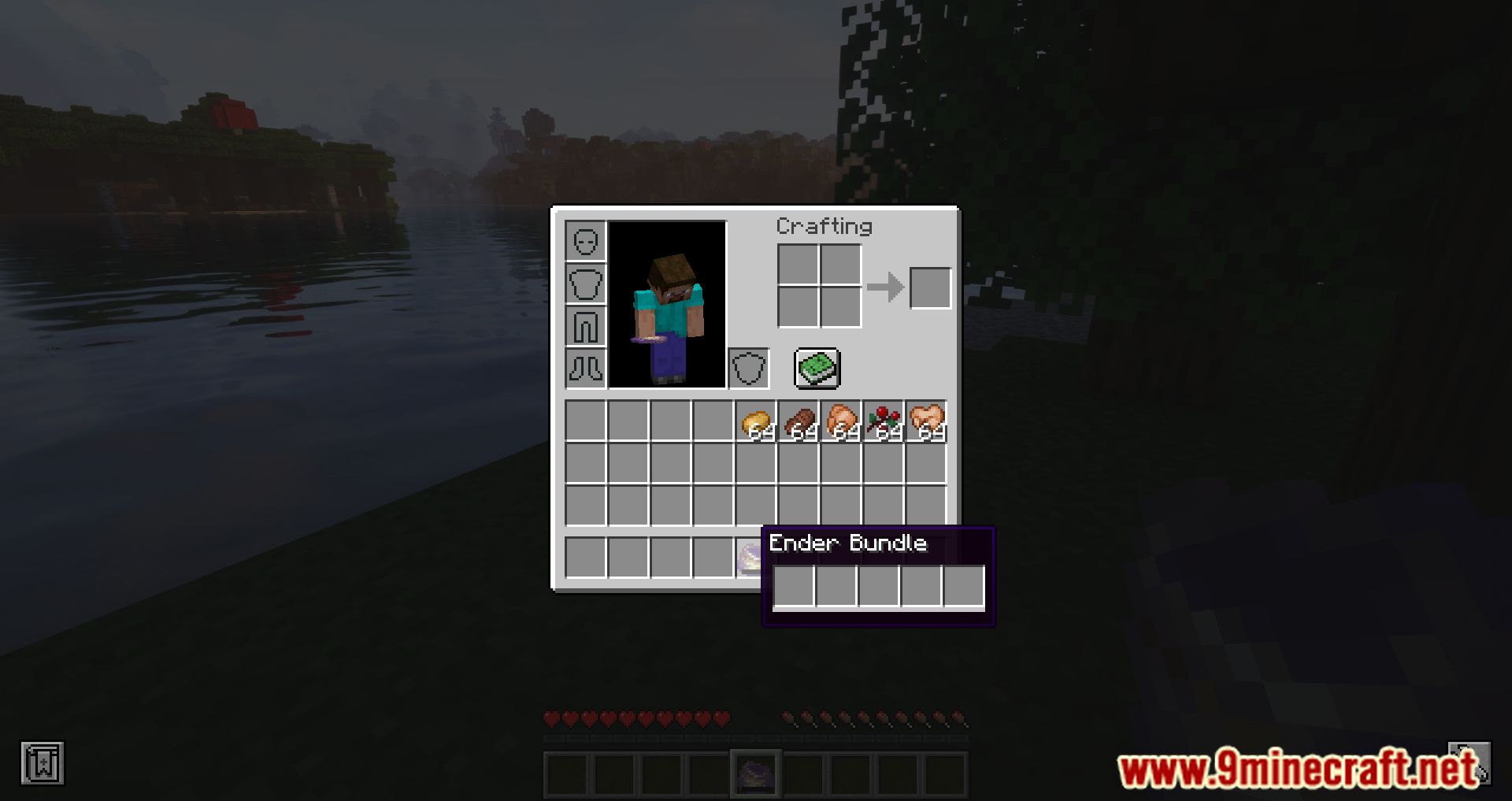
- Shares the same inventory between the connected bundle and hopper so items sync automatically.
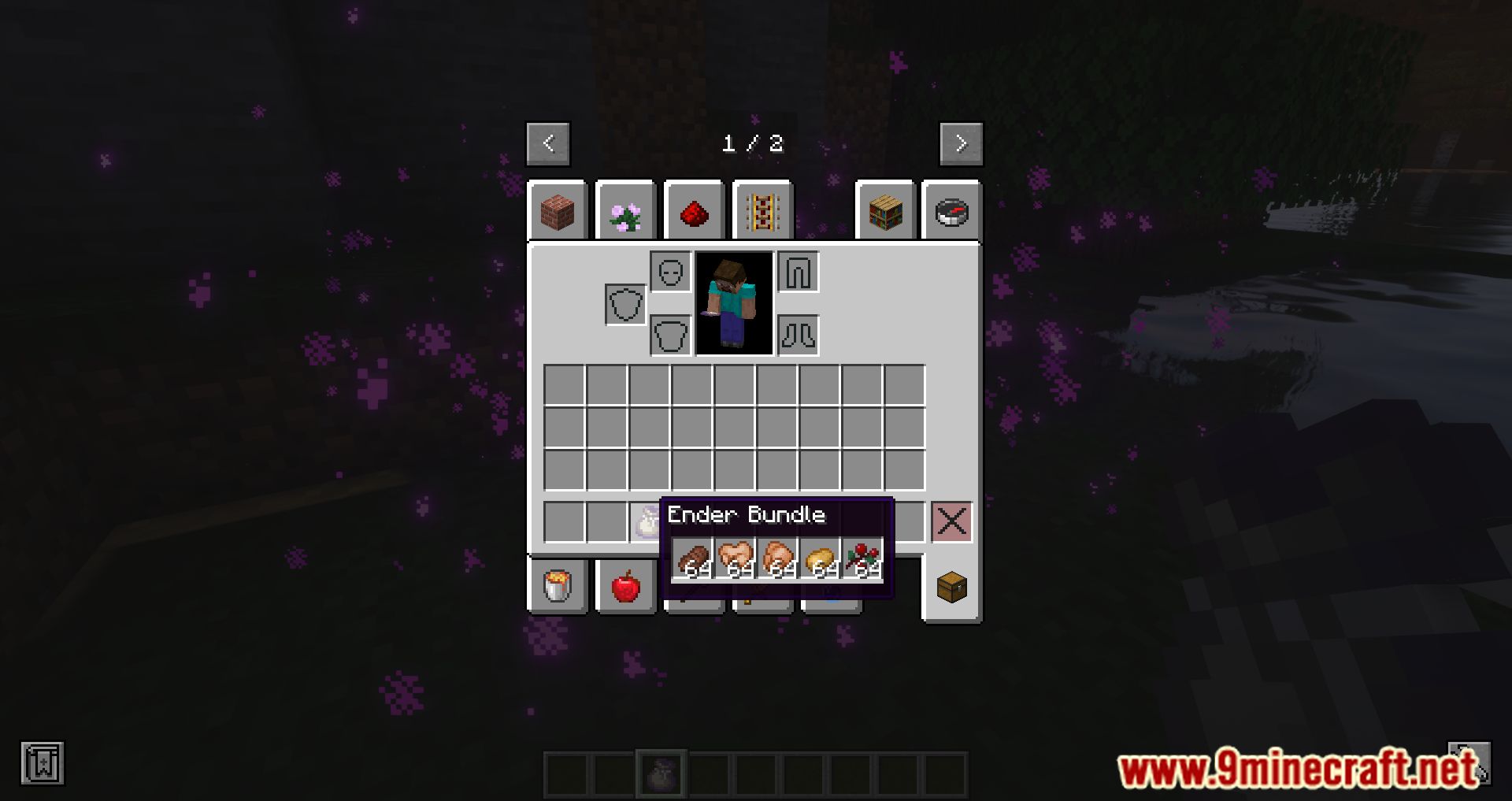
- Allows items placed inside the bundle to appear right in the hopper inventory.
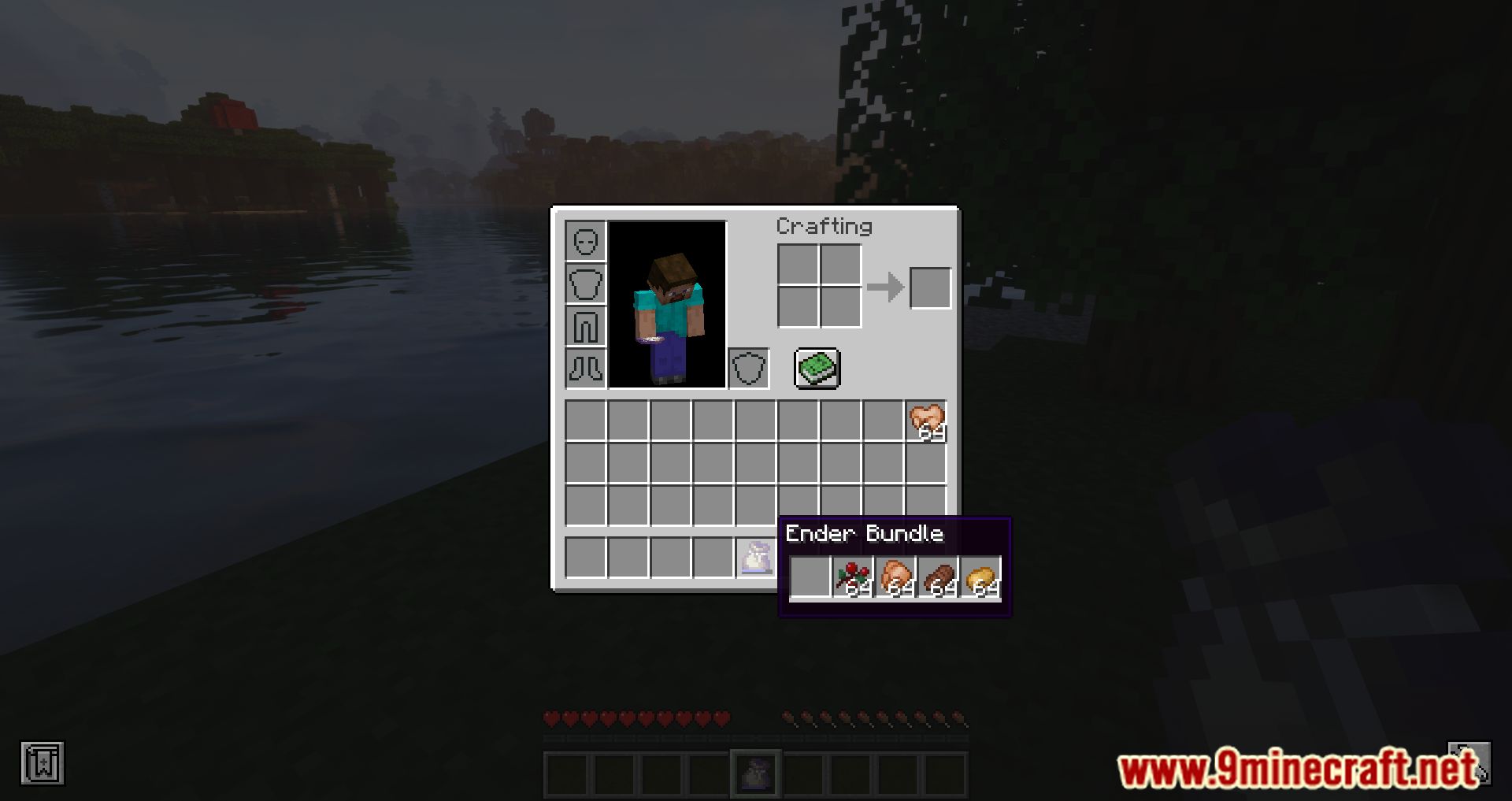
- Enables players to pull items straight out of the hopper using the bundle from far away.
- Stops item sharing if redstone locks the hopper, though items remain visible inside.
How to Use:
- Place the Ender Hopper down anywhere in the world, such as near a storage room or a farm.
- Hold the Ender Bundle in your hand, stand close to the hopper, hold Shift, and right-click to link them together.
- Watch for the purple particles to appear, confirming the link is active.
- Put excess items like cobblestone or crops into the bundle to send them straight home, or pull items out when needed.
Crafting Recipes:
Screenshots:
How to Install:
New to Minecraft? Follow our step-by-step guide to install Mods on your PC.View Guide
Requirements:

Ender Bundle Mod Download Links
For Minecraft 1.19.2
Forge Version: Download from Server 1 – Download from Server 2
Fabric/Quilt Version: Download from Server 1 – Download from Server 2
For Minecraft 1.19
Forge Version: Download from Server 1 – Download from Server 2
Fabric/Quilt Version: Download from Server 1 – Download from Server 2
For Minecraft 1.18.2
Forge Version: Download from Server 1 – Download from Server 2
Fabric/Quilt Version: Download from Server 1 – Download from Server 2
For Minecraft 1.18.1
Forge Version: Download from Server 1 – Download from Server 2
Fabric Version: Download from Server 1 – Download from Server 2
For Minecraft 1.17.1
Forge Version: Download from Server 1 – Download from Server 2
What is your biggest frustration when playing with mods?
22 responses · See the full results →
You May Also Like
Picked for this page
 Better Animations Collection 2 Mod (26.3, 1.20.1) – Change In-Game Models
 Cosmetica Mod (26.2, 1.20.1) – Free Custom Capes and Cosmetics
 Eating Animation Mod (1.21.11, 1.20.1) – Munching and Chewing Animations
 Anthropophagy Mod (26.3, 1.20.1) – Remake of Cannibalism Mod
 Cubes Without Borders Mod (26.3, 1.20.1) – Alt-Tab Without Minimizing
 GUI Followers Mod (26.3, 1.20.1) – Shows A List Of All Tamed, Non-Sitting Mobs
 Destroy Mod (1.20.1) – Chemistry & Carnage
 Looot Mod (26.1.2, 1.20.1) – Loot Functions for Loot Tables
 Item Rename Mod (26.2, 1.20.1) – Edit Item Tooltips
 I Want That Back Mod (26.3, 1.20.1) – Retain Blocks Combined with Minecarts
 Rose Bush Mod (26.3, 1.20.1) – Library Dependency Mod
 Lazyboys No Global Sounds Mod (26.3, 1.20.1) – Stop Global Sounds
Most viewed in Mods over the last 7 days
 Ala Industrial Mod (26.3) – Run Electric Power Grids and Automated Factories
 PleasureCraft Mod (26.3, 1.21.1) – Jenny Mod Remake for Fabric
 Jennycraft Mod (26.3, 1.20.1) – Virtual Girlfriend in Minecraft
 Fapcraft Mod (26.3, 1.12.2) – Comprehensive and Detailed Content
 Jenny Mod (Fapcraft) Official Complete Guide – How to use, Tutorial
 BangCraft Mod (1.20.1) – Jenny, Ellie and Elliot
 Fabric Loader (26.3, 1.20.1) – Fabric Installer for All Minecraft Versions
 The Shooting Star Demo Mod (26.3, 1.20.1) – Vaporize Terrain From Orbit
 Meteor Client Mod (26.3, 1.20.1) – Xray, HUD, Fly
 OptiFine HD (26.3, 1.20.1) – Run Faster, FPS Boost, Shaders Support
 Aristois Client Mod (1.21.4, 1.20.1) – World Class Minecraft Utility
 Prestige Client Mod (1.21.11, 1.21.4) – Powerful Ghost Features for Crystal & Sword PvP
More from Mods
 Minecraft Java MCP Server Mod (1.21.11) – Command Your World Through External AI Tools
 Arcanism Mod (26.2) – Build Magic Factories and Program Custom Spells
 Archangel Client Mod (1.21.11) – Master Every PvP Duel with Clean Screen Stats
 Block Front Survival Patch Mod (1.21.1) – Wage Tactical Warfare in Survival
 Better Enchantment Bookshelf Placement Mod (26.2, 1.20.1)
 SimpleRPGCore Mod (1.21.4, 1.21.1) – Fight with Classic RPG Stats
 Bard RPG Series Plus by Fichte Mod (1.21.1, 1.20.1) – Buff Allies in Combat
 Fabric Gui ImGui Mod (26.3, 1.21.11) – Clean Custom Menus and In-Game Control
 Multi Item Lib Mod (1.20.1) – Wield Custom Gear with Flawless Hand Animations
 Universe3090 Mod (1.20.1) – Survive Corrupted Dimensions Filled
 Wireless Automate Mod (1.21.1) – Automate Base Logistics Without Messy Pipes
 Vaskars Opus Faction War Quests & Bosses Mod (1.21.11, 1.20.1)

This post has no comments yet. Be the first — your comment will appear here.