
Endlink Server Software – Link Bedrock Worlds Into a Single Server Network
 0
0
 0
0

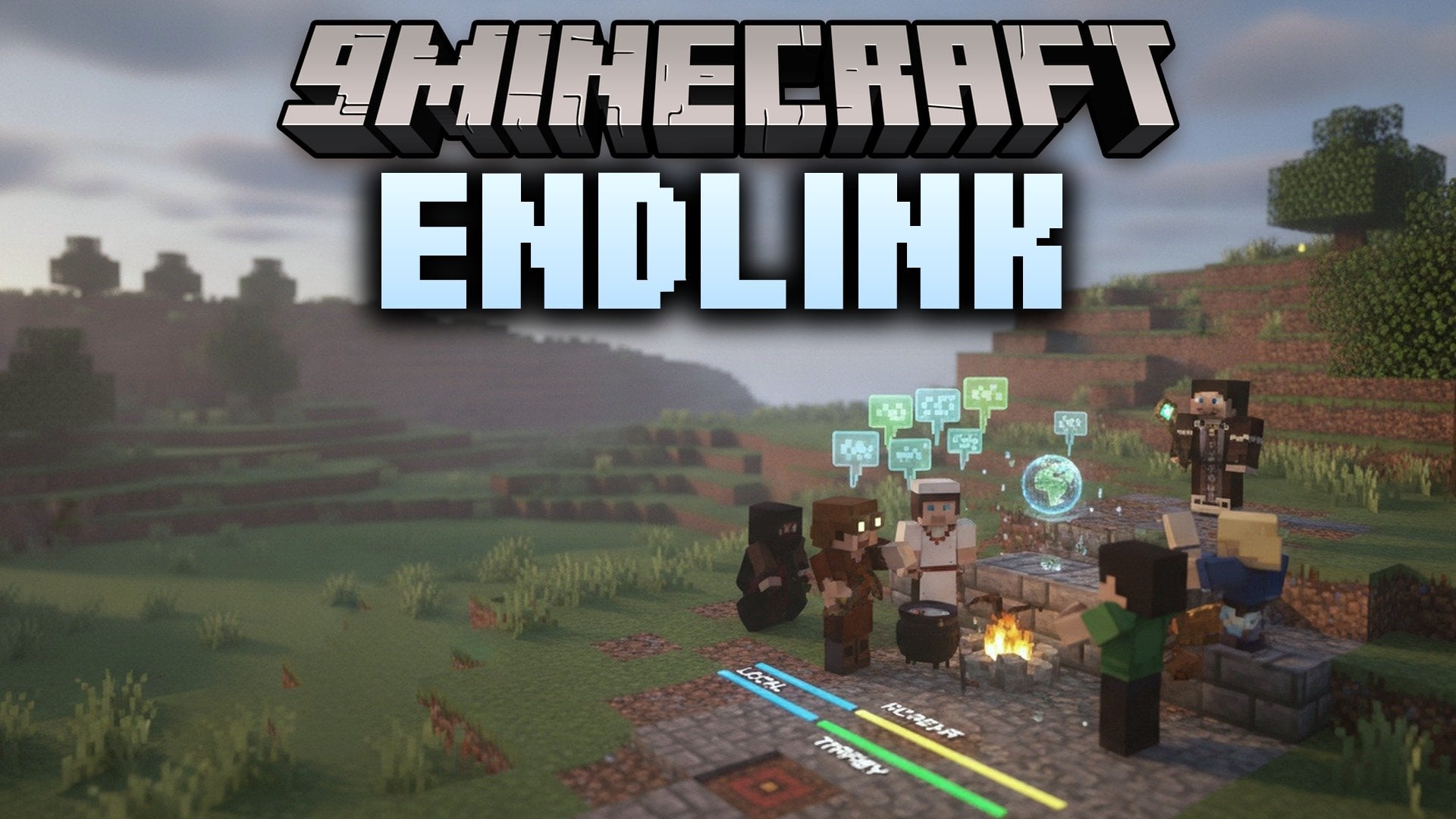
Endlink Server Software connects multiple Minecraft: Bedrock worlds into one network. Players stay connected to the proxy while moving between different backend servers like Endstone or BDS. This tool keeps player identity, permissions, and sessions intact during every server switch. It handles player authentication and sets up offline logins for the backend machines. Server owners get a clean way to build large Bedrock server networks.
Features:
- Network Proxy: Connects Bedrock players to multiple backend servers such as Endstone or BDS without disconnecting them.
- Session Retention: Players keep their identity, active session, and server permissions when moving across backends.
- Login Management: Handles player authentication and creates offline logins for backend instances.
- Failover System: Provides backend failover options, forced host settings, and permission controls.
- Plugin Addons: Includes an addon API and creates a dedicated plugins folder for extra tools.
- Generates a documented settings file on its first run for simple adjustment.
- Renumbers changed block IDs in chunks so newer game clients can view older backend data.
- Splits chunks and answers sub-chunk requests directly when running with PowerNukkitX backends.
- Uses a background log writer to prevent console lag from slowing down active servers.
How to Use:
- Install a Java runtime on the host machine.
- Run the Endlink Server Software file using the command:
java -jar <filename>.jar. - Open the generated settings file and plugins folder to set up your backend servers.
Endlink Server Software Download Links
Click to rate this post!
[Total: 0 Average: 0]
You May Also Like
Picked for this page
 Nukkit Minecraft (26.x, 1.21) – Server Software for Bedrock Edition
 PocketMine-MP (26.x, 1.21) – Lightweight Server Software for Bedrock
 Endstone (1.21, 1.20) – Your Bedrock Experience Elevated
 Cloudburst (26.x, 1.21) – Create A Custom Server for Minecraft Bedrock
 Allay Server Software (1.21, 1.20) – Official Download
 LeviLamina Server Software (1.21, 1.20) – Official Download
 YEssential Plugin – Control Bedrock Server Economy, Teleports and Daily Rewards
 Nukkit Memories Of Time (1.21, 1.20) – Nukkit-MOT Official Download
 Nukkit PetteriM1 Edition Server Software (1.21, 1.20) – Official Download

This post has no comments yet. Be the first — your comment will appear here.