Eroxen MC Paint Mod (1.21.11, 1.21.1) – Create Minecraft Artwork

 0
0  December 27, 2025
Eroxen MC Paint Mod is a Minecraft mod that allows players to create and place custom paintings directly in the game, including various tools for drawing, editing, displaying, and sharing paintings. Paintings are created using text displays with fonts and colors that represent real image pixels.
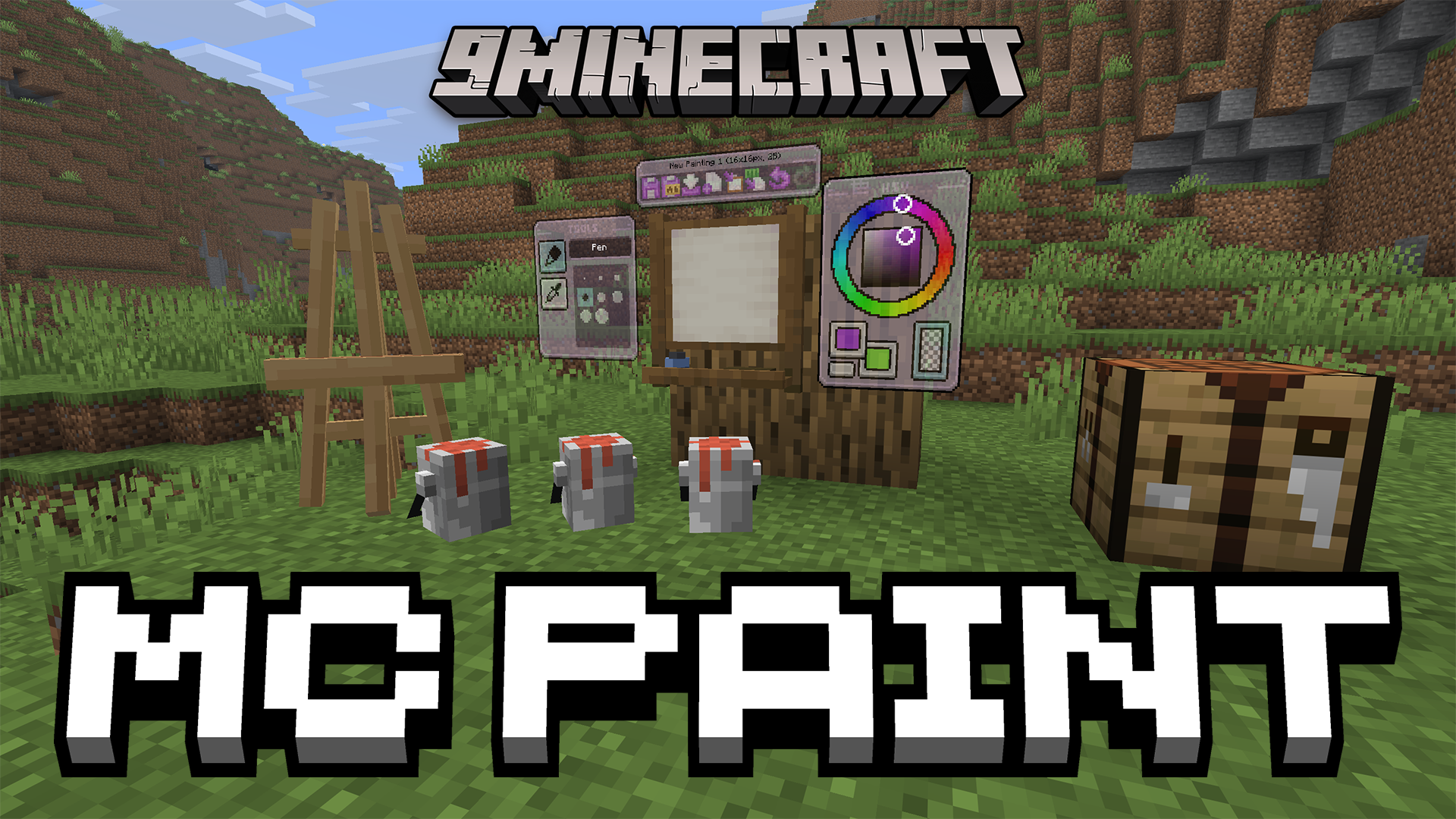
Features:
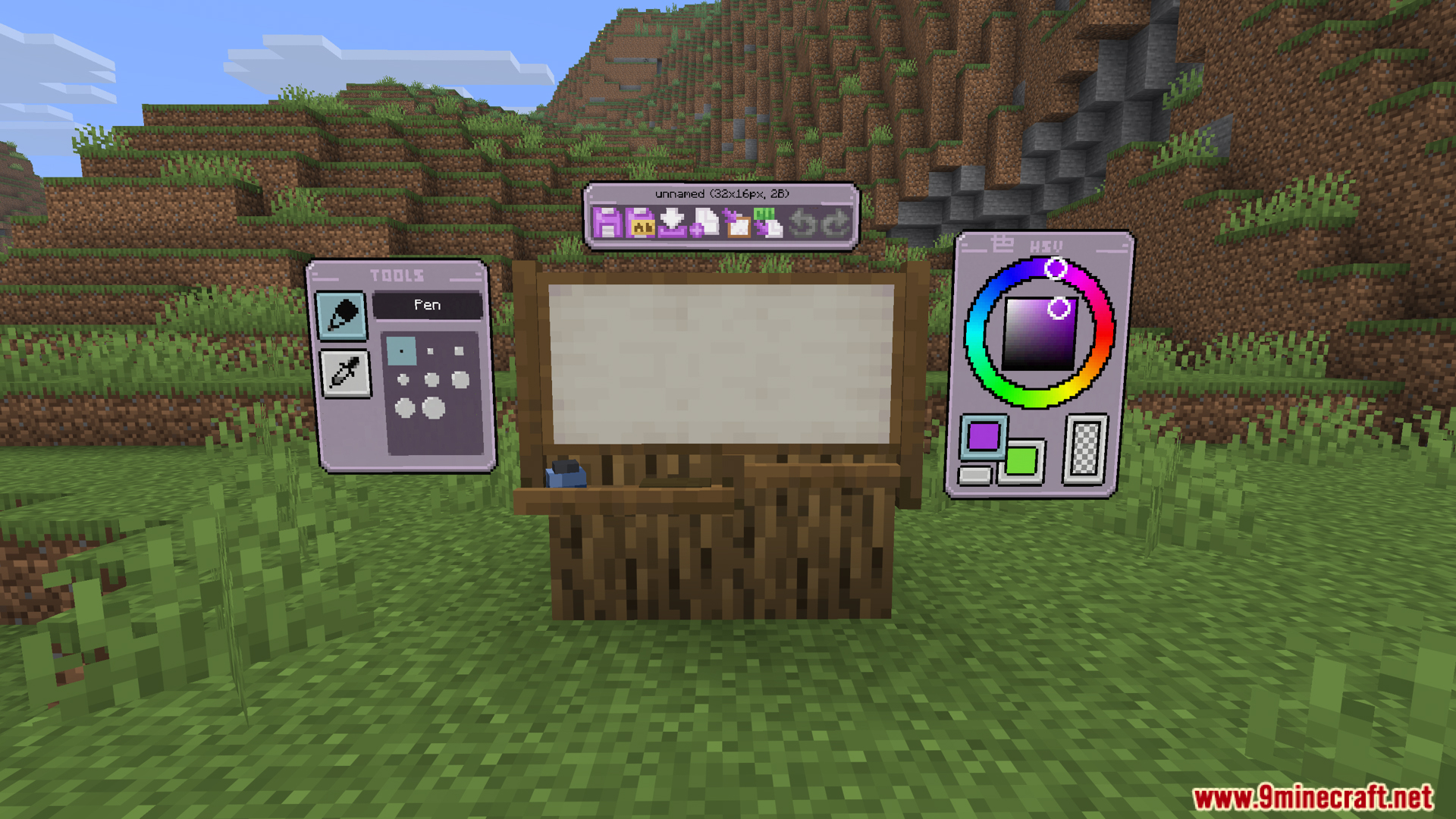
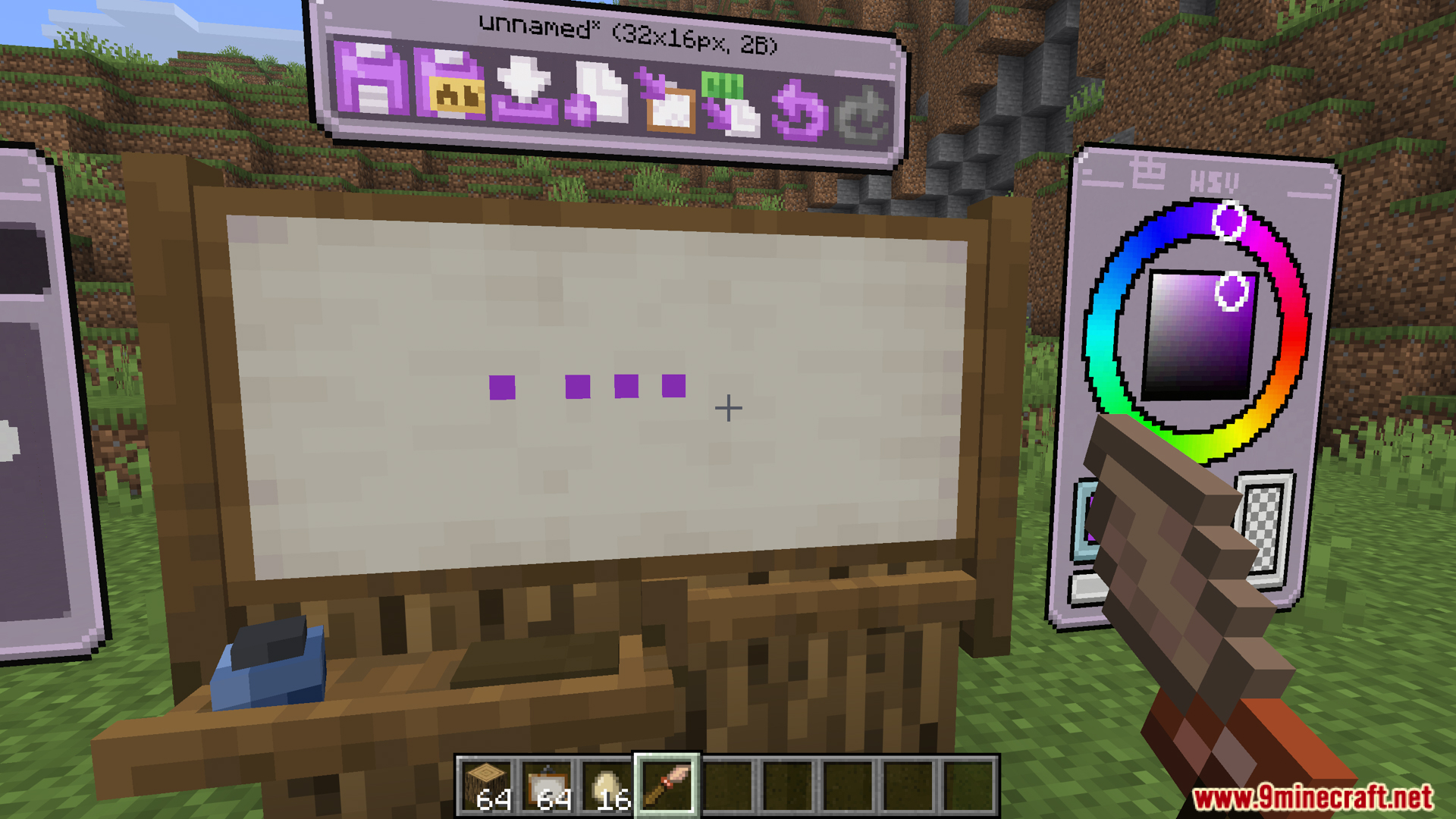
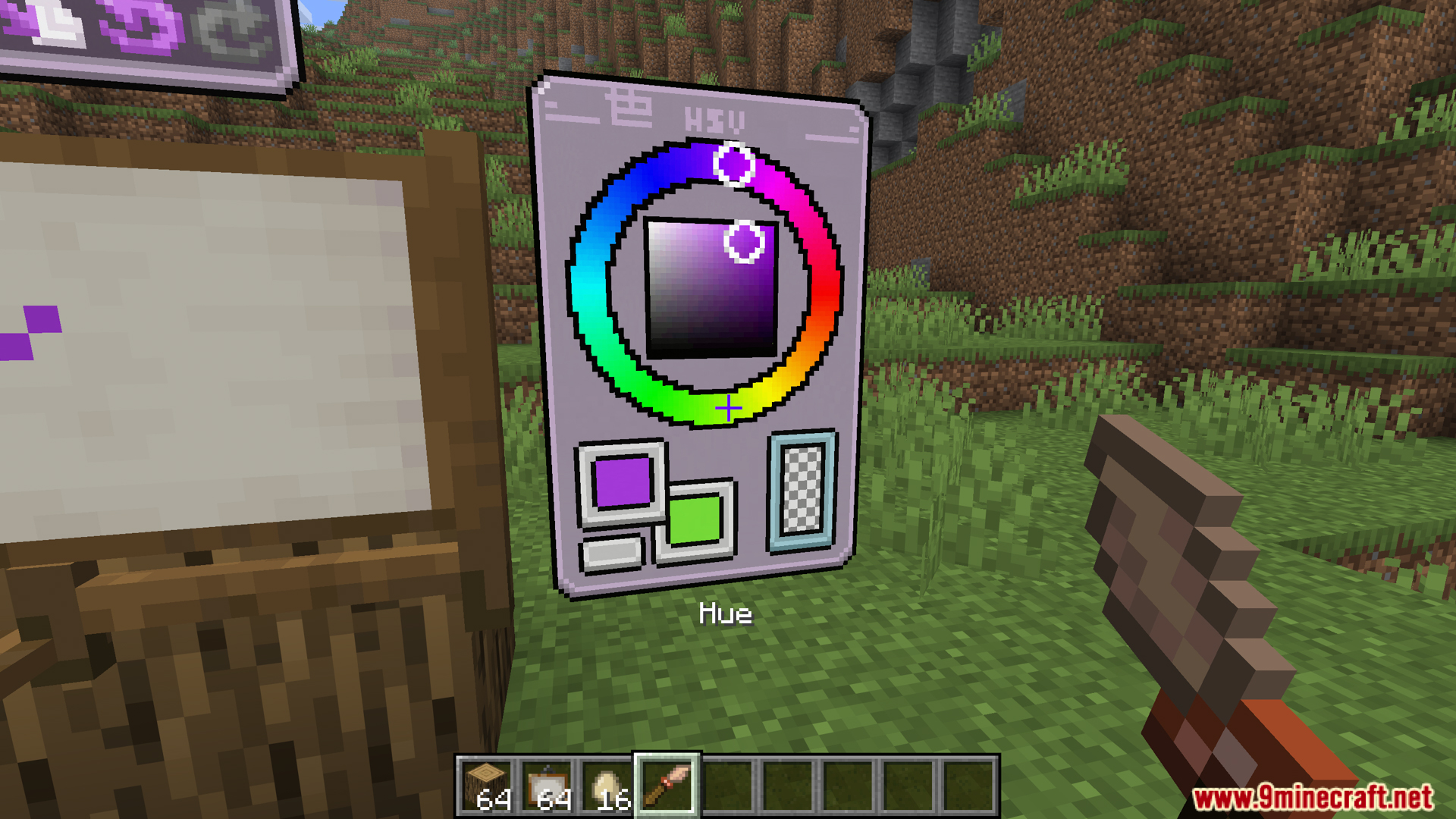
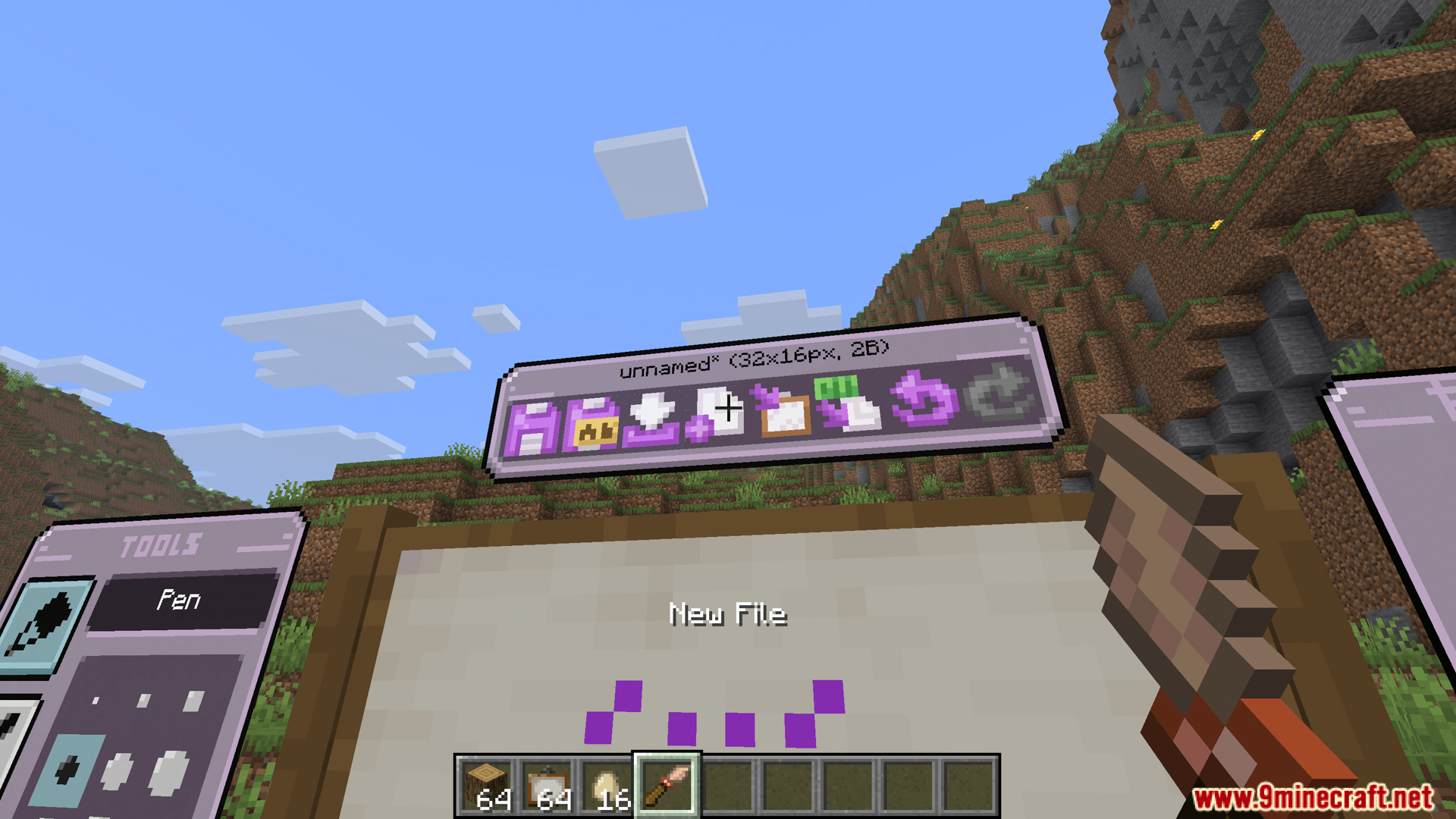
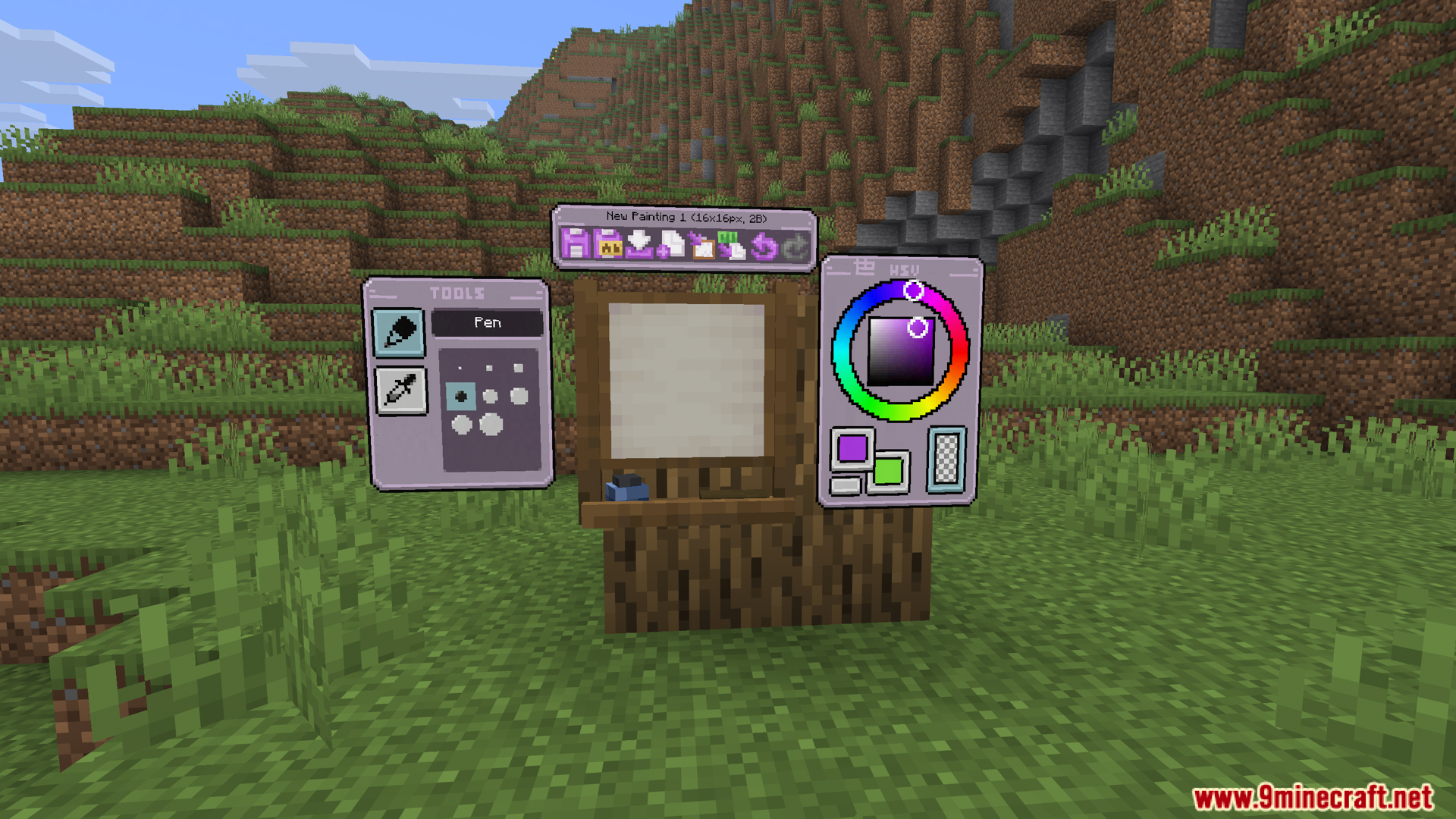
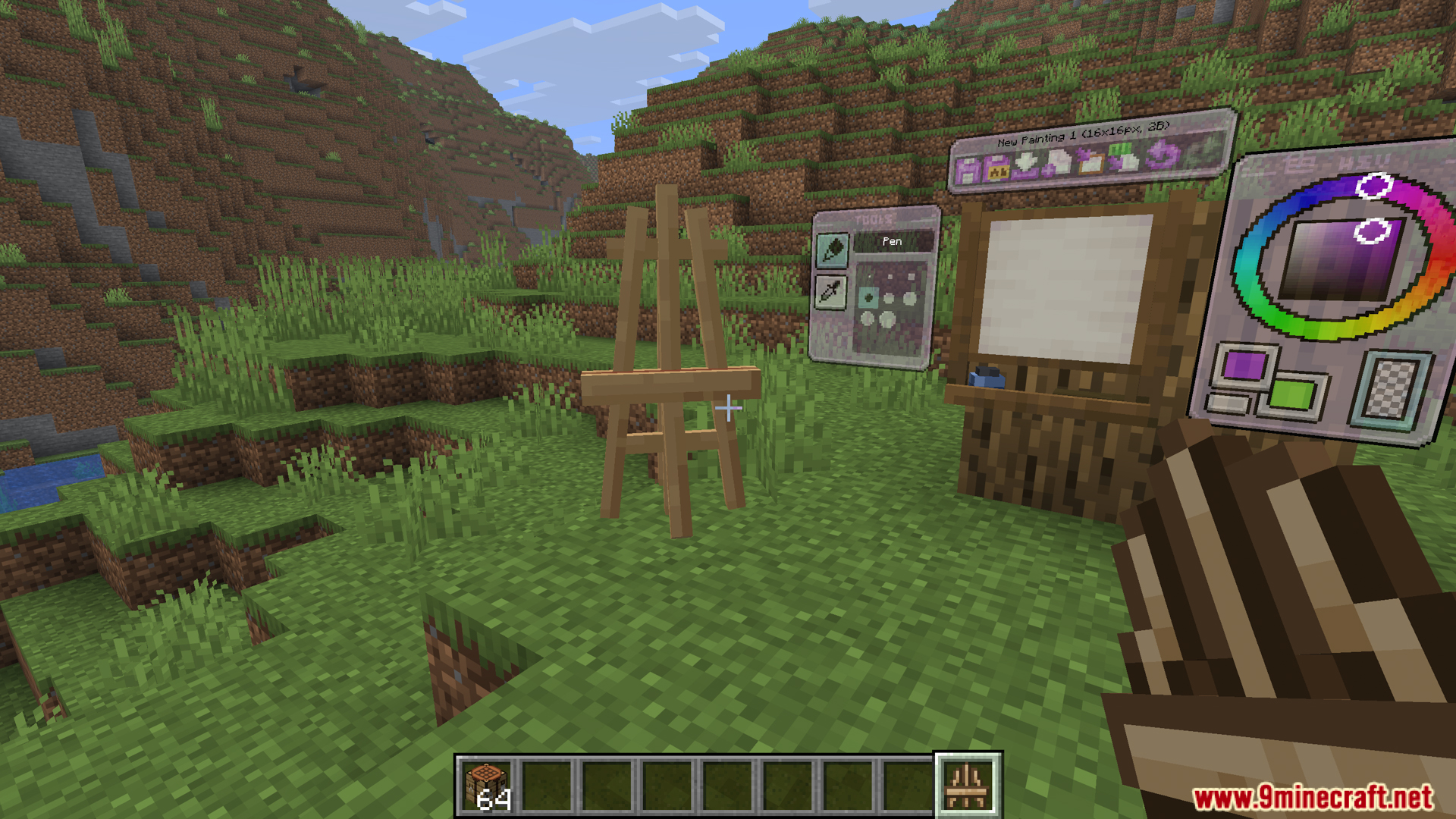
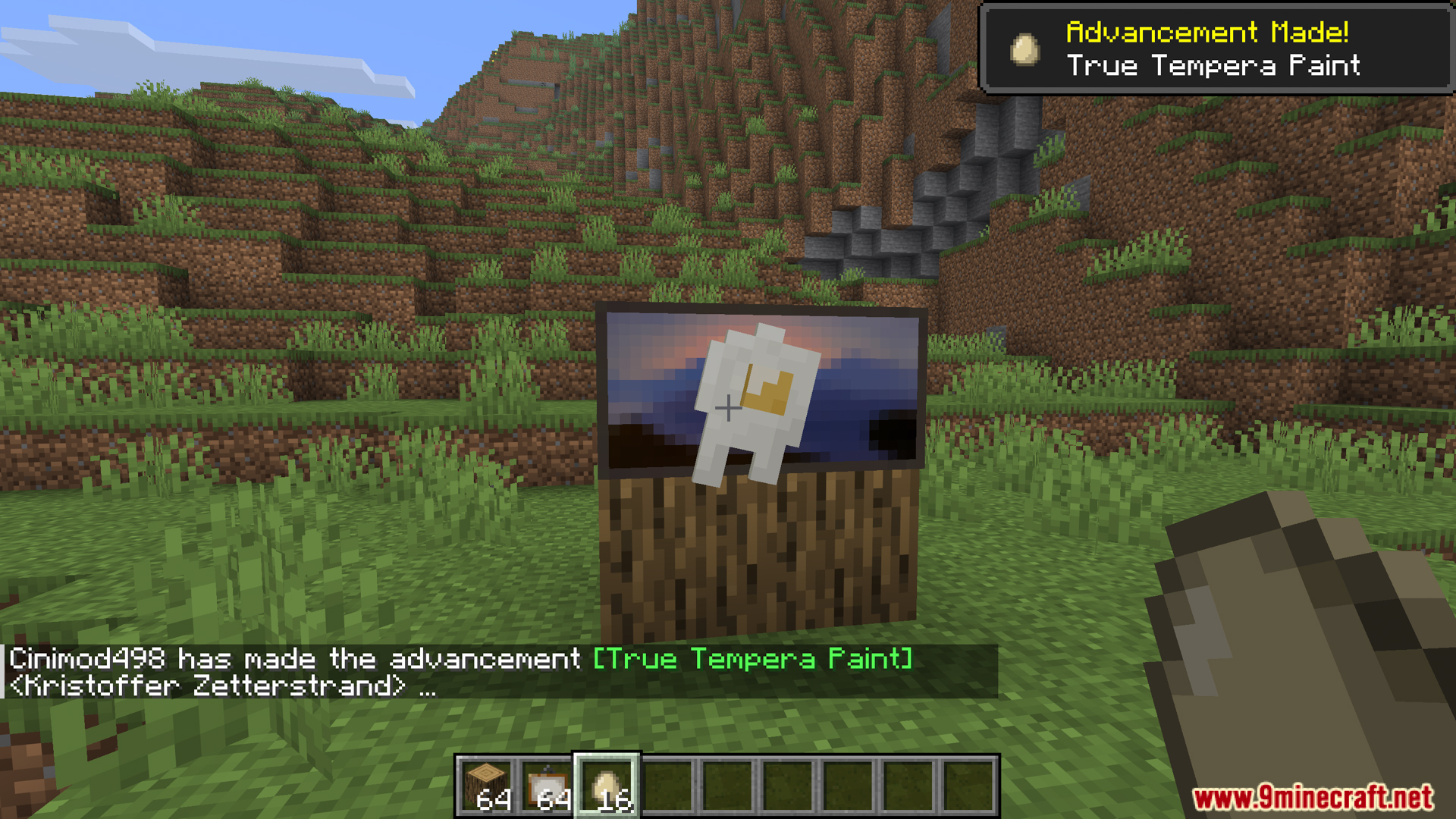
- Studio is the central element of MC Paint, used for drawing directly within the game. To open a new studio, throw an egg to a vanilla painting. You’ll open the drawing interface, which includes a canvas and basic tools. Every painting starts here; survival players can use it without needing creative input or special commands. Studio allows you to draw pixel by pixel and save it as a complete painting.
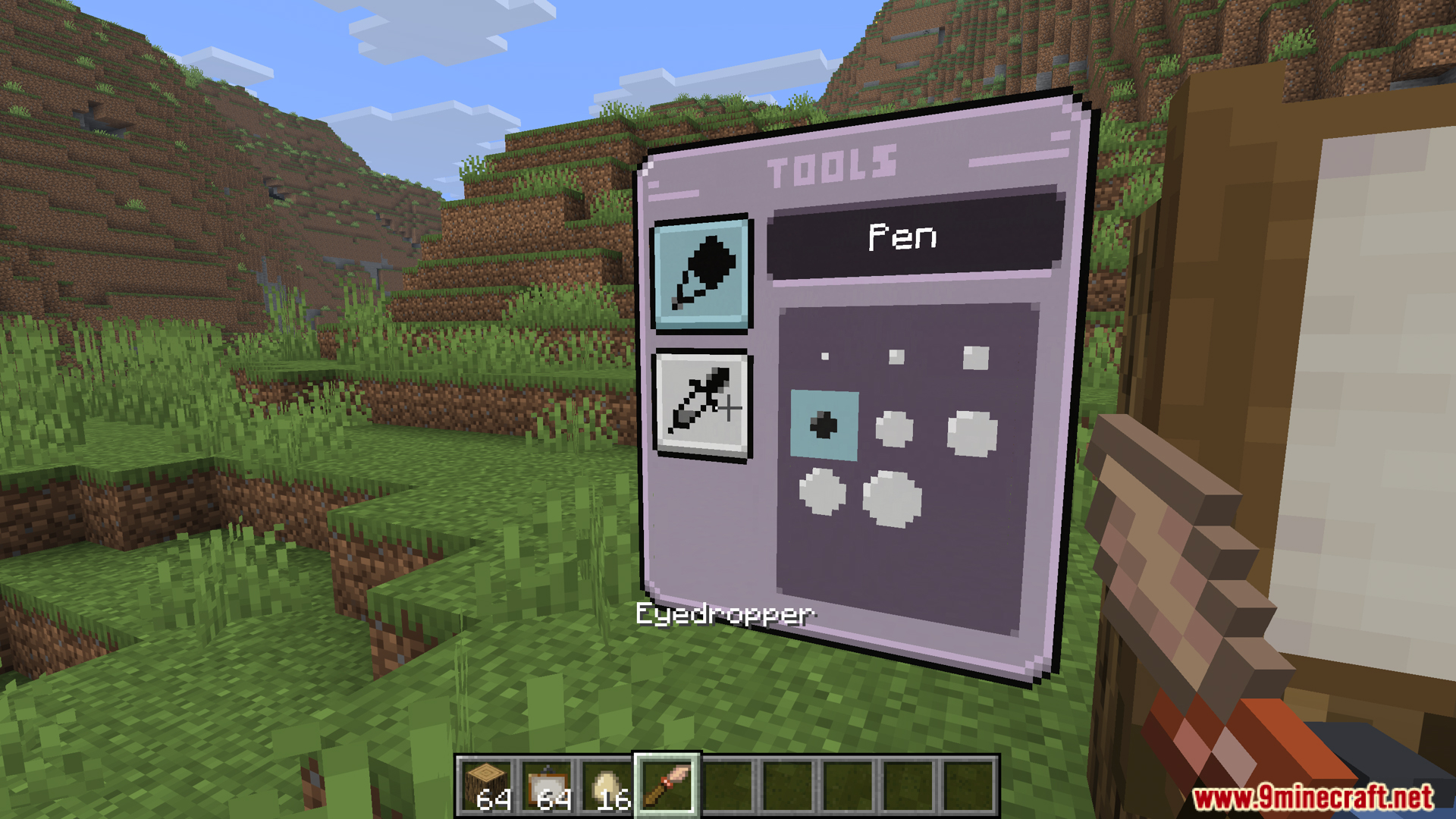
- The Studio interface includes tools such as brushes for painting pixels, erasers for removing drawn pixels, and color droppers for picking colors directly from the painting. These tools work entirely within the Studio interface, eliminating the need for separate items. Beginners simply select a color and click on the canvas to start painting.
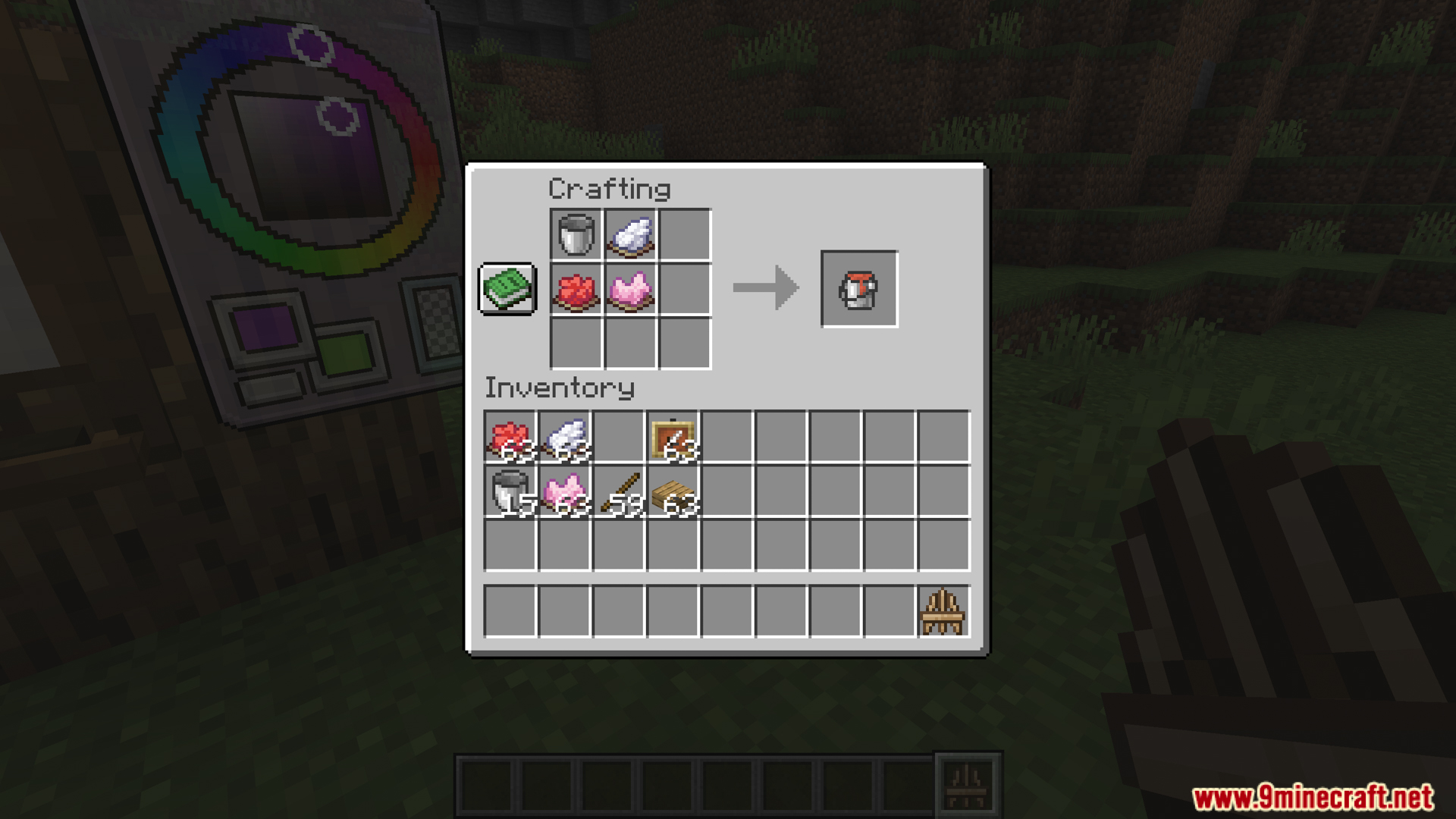
- A paint bucket is a container that helps you store paint in advance for quick use while painting. With a paint bucket, you don’t need to select colors again every time; you can simply use the bucket in the studio. Paint buckets are especially useful when painting large canvases or when you need to use a specific color repeatedly.
- After you finish drawing in the Studio, you can save it to create a Custom Painting, a piece of art that contains exactly what you’ve drawn. Custom Paintings can be placed directly in the world as a decorative block and are not limited to being mounted on walls like vanilla paintings; you can place them on the floor or ceiling as you wish.
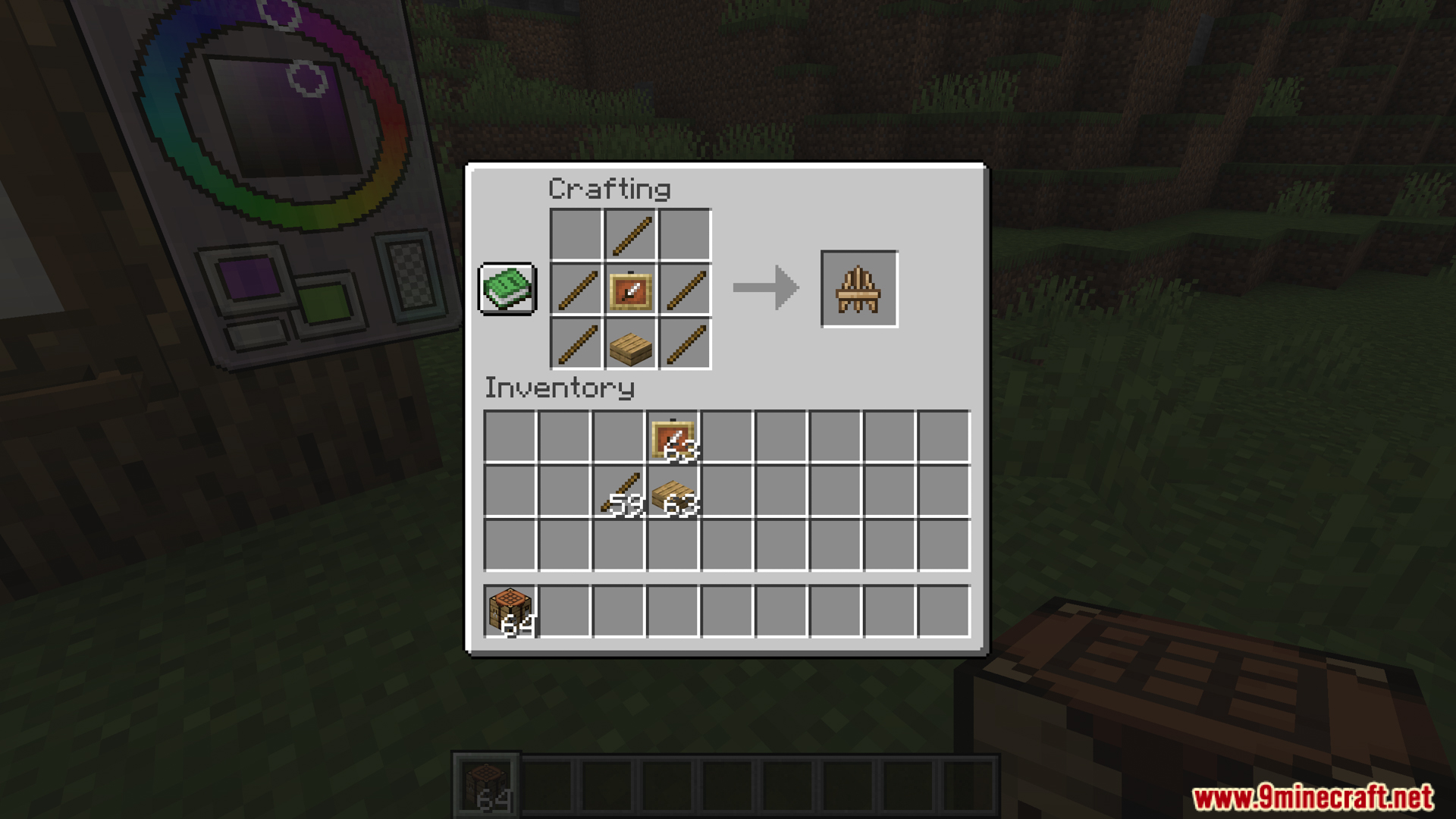
- Easel is a freestanding art display stand that allows you to place custom paintings on it without attaching them to any blocks. Easel functions as a standalone object, affected by gravity, water, or minecarts, allowing you to create art galleries, art carts, or dynamic displays within a world.
- MC Paint allows you to adjust the display effects of the painting after placing it via modifiers. You can rotate the painting using a compass or adjust the transparency using ice, helping the painting blend into the natural surroundings more naturally, instead of just being a rigid flat surface.
- Custom Paintings can be washed in a water-filled cauldron to revert to a vanilla painting. This feature is useful when you want to erase the content of a painted picture without discarding the item, making it convenient for reuse and experimentation.
- MC Paint supports exporting artwork as Base64 strings, allowing for copying and pasting to other worlds or servers. This prevents artwork from being locked to a single world, enabling players to share artwork with friends or take their collection with them wherever they go.
Screenshots:

Crafting Recipes:
Recommend that you should install Just Enough Items (for mods using Forge) or Roughly Enough Items (for mods using Fabric) to view the full recipes included in this mod.
Requires:
Minecraft Forge or Fabric API or Quilt Loader or NeoForge Installer
How to install:
Click the following link to view details: How to Install Mods for Minecraft Java Edition on PC: A Beginner Guide
Eroxen MC Paint Mod Download Links
For Minecraft 1.21.1, 1.21
Forge/Fabric/Quilt version: Download from Server 1 – Download from Server 2
For Minecraft 1.21.3
Forge/Fabric/Quilt/NeoForge version: Download from Server 1 – Download from Server 2
For Minecraft 1.21.4
Forge/Fabric/Quilt/NeoForge version: Download from Server 1 – Download from Server 2
For Minecraft 1.21.8, 1.21.7, 1.21.6
Forge/Fabric/Quilt/NeoForge version: Download from Server 1 – Download from Server 2
For Minecraft 1.21.11
Forge/Fabric/Quilt/NeoForge version: Download from Server 1 – Download from Server 2
You May Also Like