


ESC Extra Special Core Mod (1.21.1, 1.20.1) – Read Modded Menus with Crisp
 0
0
 0
0

🌐 Read this article in your language! Choose your preferred language below.
Or pick the one you like:
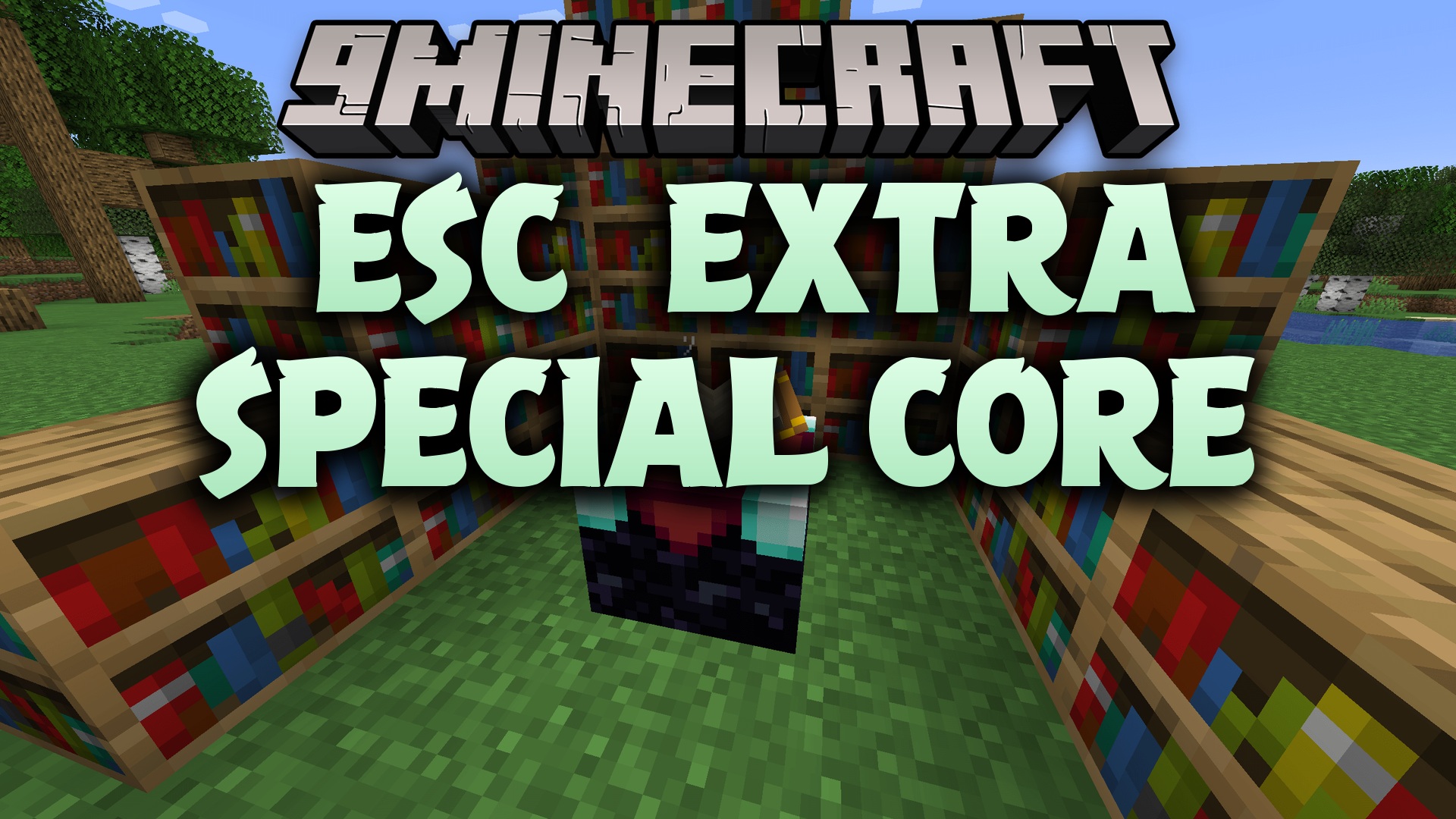
ESC Extra Special Core Mod provides shared fonts and user interface building blocks for compatible mods in the Creatopia ecosystem. This library keeps text rendering clean and makes menus look uniform across different projects without adding clutter or extra gameplay items on its own.
Features:
- Provides bundled font definitions like Fira Code, Monocraft, and Unifont for in-game text.
- Includes custom text wrapping and drawing helpers to make screen labels clean and readable.
- Adds pre-styled buttons that match the custom typography system.
- Offers reusable search boxes for in-game menus and guides.
- Includes lightweight UI layout pieces such as panels, rectangles, and scroll lists.
- Helps other mods build diagnostic screens, settings panels, and guides with less duplicate code.
How to Use:
- Install this library mod into your mods folder whenever another mod requires it.
- Ensure the mod loader and game version match the mods that depend on this library.
- Launch the game to let dependent mods use the shared fonts and menu elements automatically.
How to Install:
New to Minecraft? Follow our step-by-step guide to install Mods on your PC.View Guide
Requirements:


ESC Extra Special Core Mod Download Links
For Minecraft
1.21.1,
1.21,
Client
All Versions Covered
1.21.1
1.21
Client
NeoForge
Server
All Versions Covered
1.21.1
1.21
Client
NeoForge
Server
For Minecraft 1.20.1, 1.20
Click to rate this post!
[Total: 0 Average: 0]
You May Also Like


This post has no comments yet. Be the first — your comment will appear here.