
Extra Gore Mod (1.20.1) – Bloody Hits for Every Mob
 12,999
 0


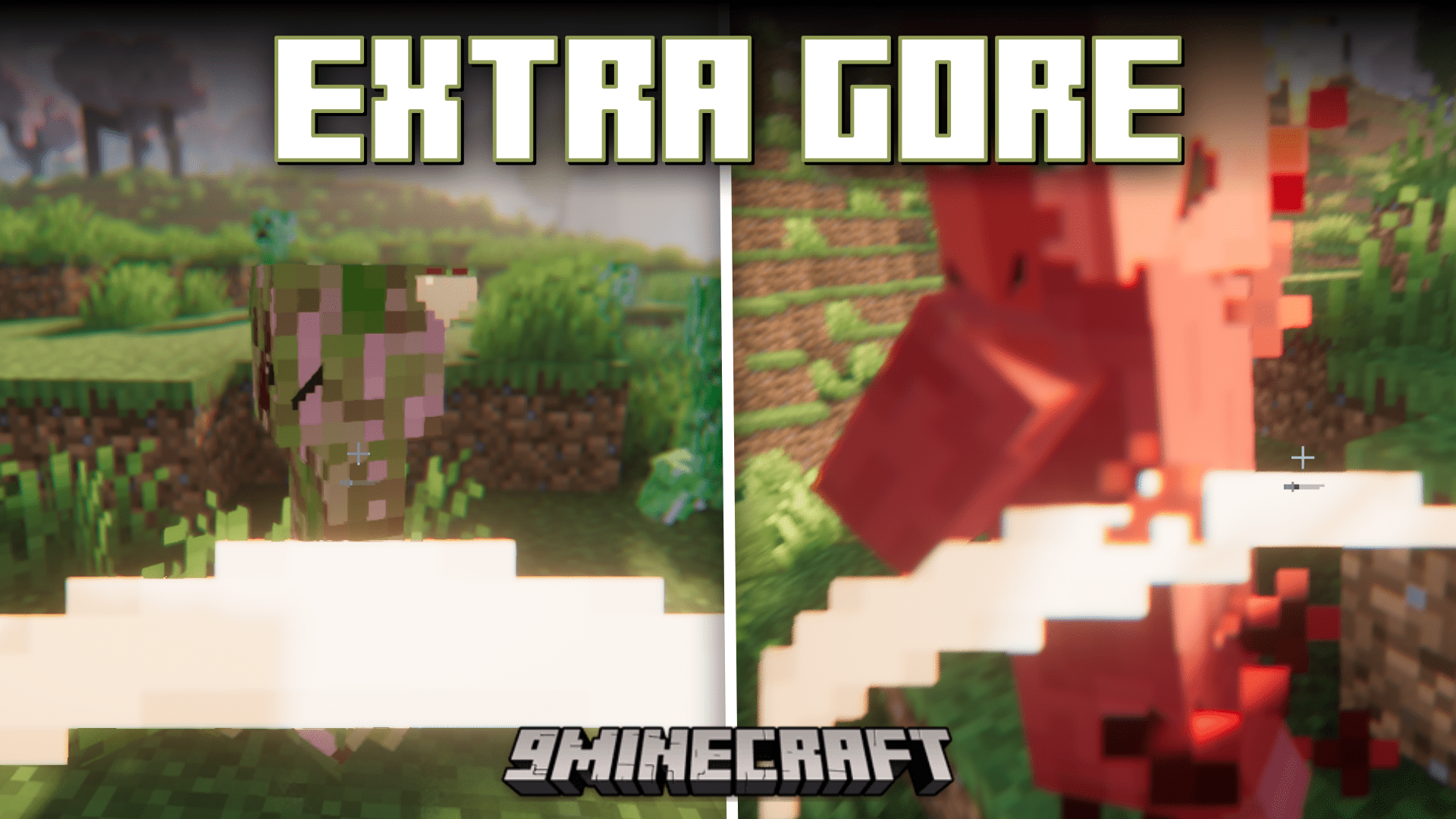
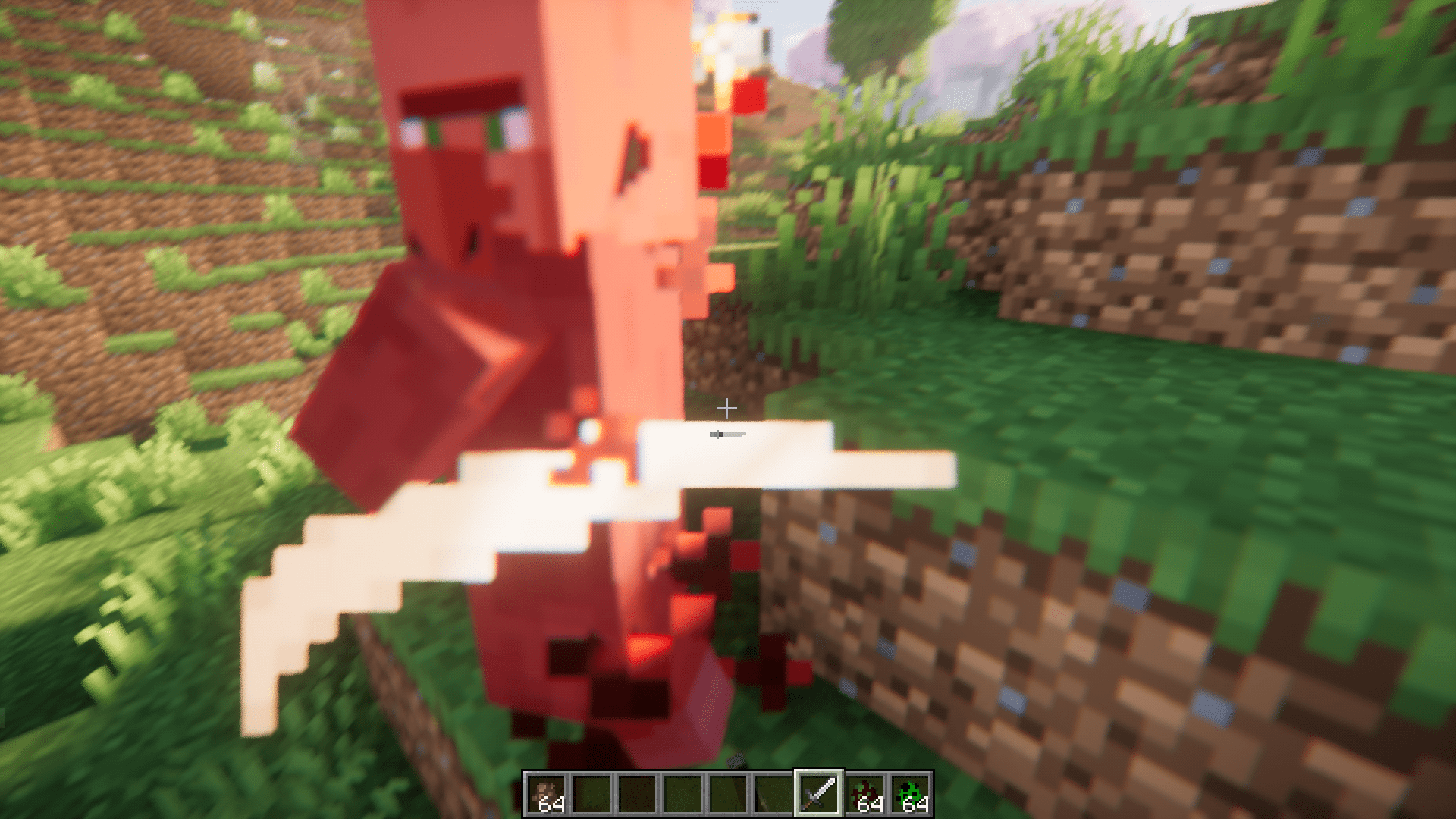
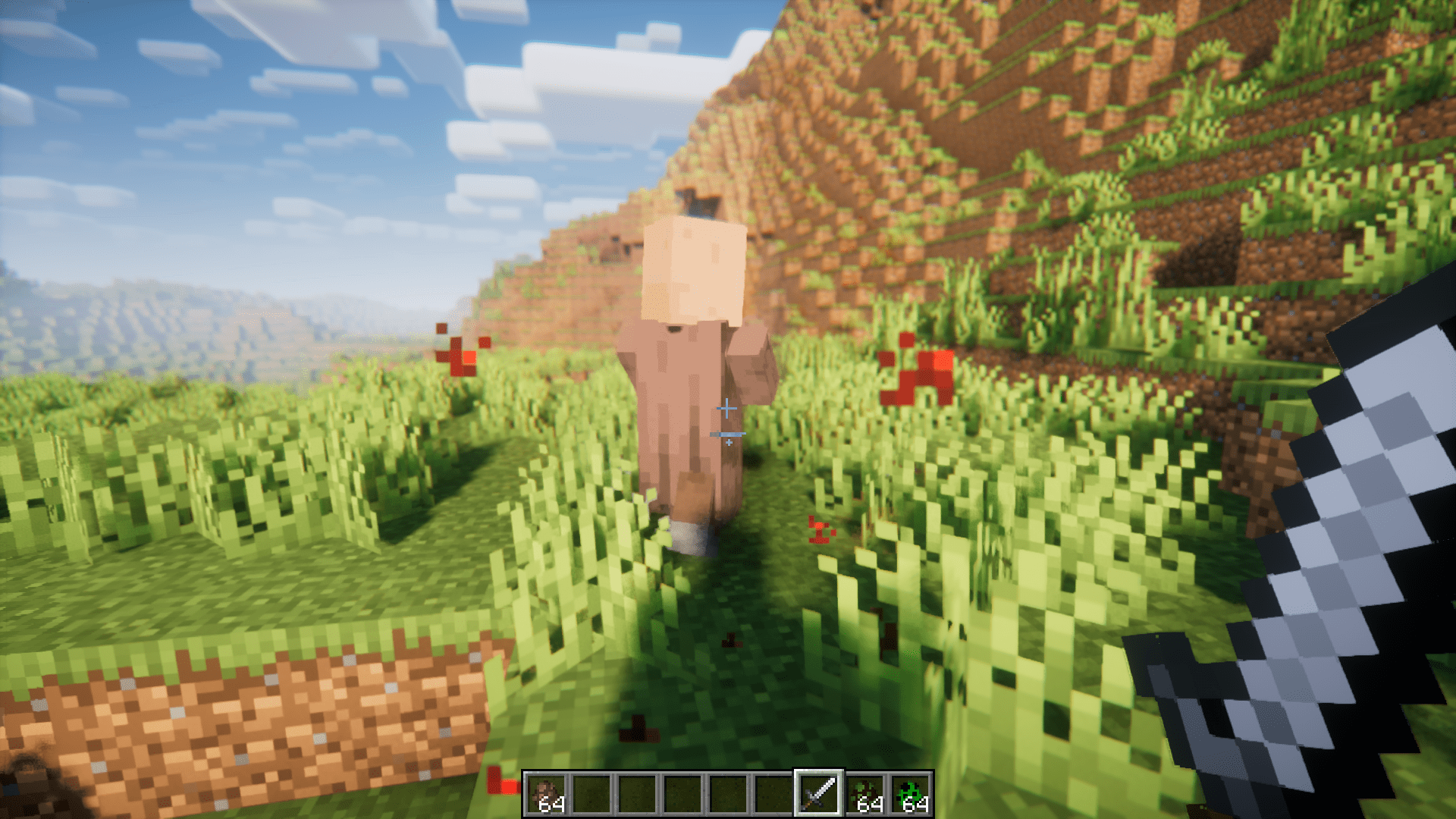
Extra Gore Mod adds blood particles to all mobs and players when they take damage. This lightweight mod also works with 99% of modded mobs to make combat look more bloody. The particles react to hit damage, missing health, and surfaces such as blocks and water. You can change the blood color for any mob through a simple config file.
Features:
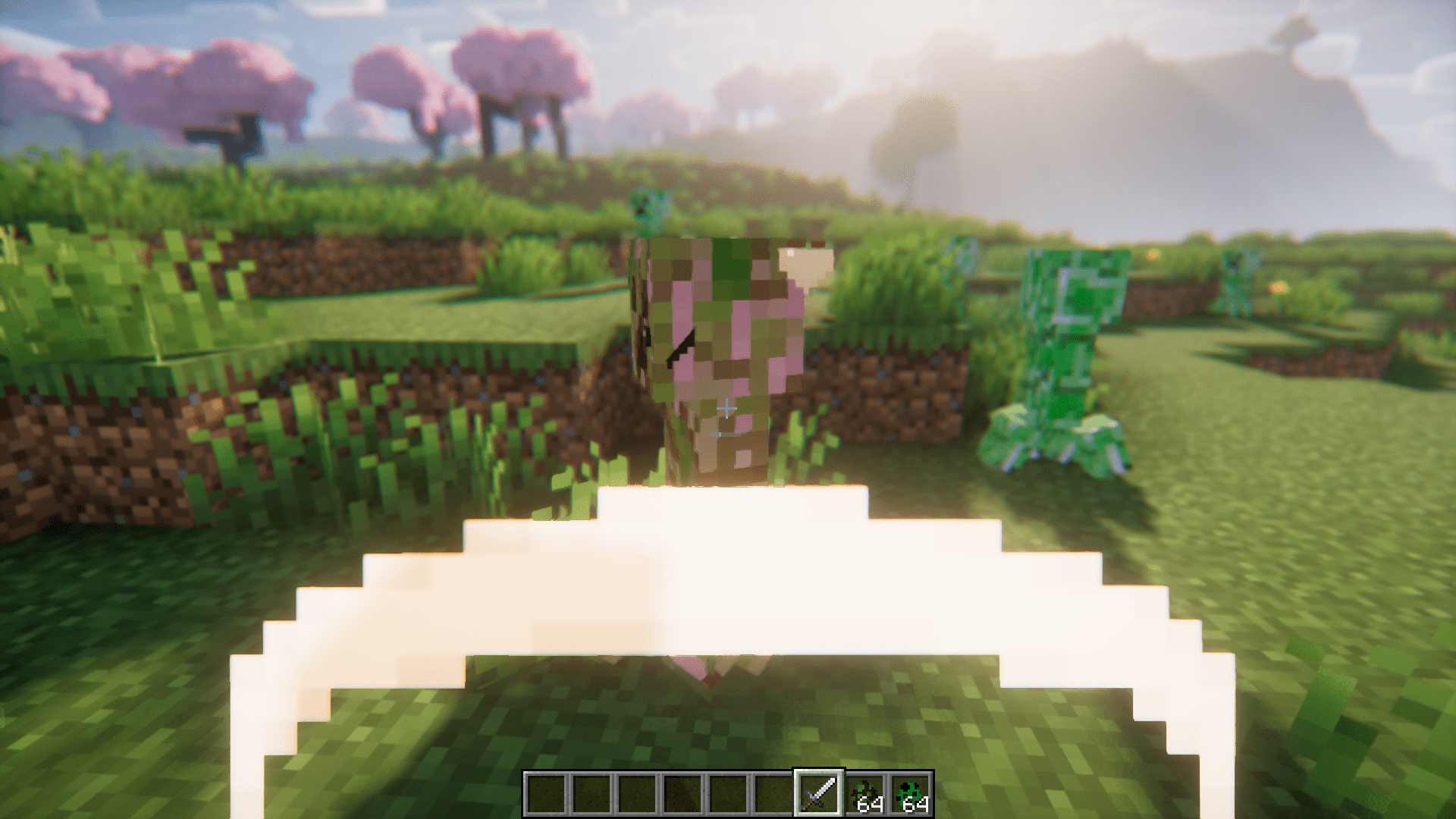
- Adds blood particles to all mobs and players when they get hurt.
- Works with 99% of modded mobs as well as vanilla mobs.
- Changes particle size and amount based on the mob’s missing health.
- Increases how far blood splashes based on the damage of each hit.
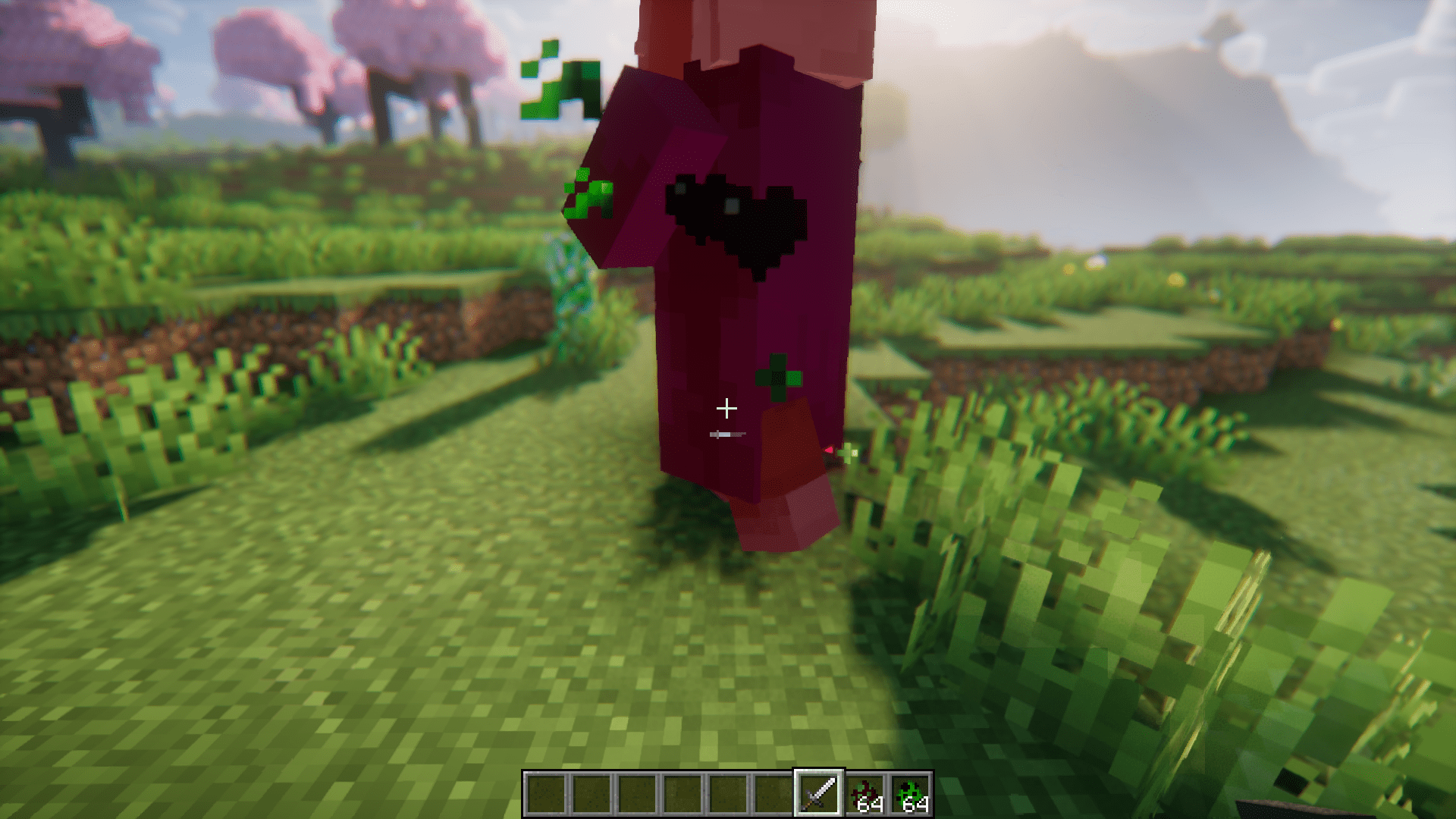
- Renders particles normally in midair and lays them flat once they hit solid blocks or water surfaces.
- Makes particles vibrate under or along the sides of blocks to look like dripping before falling to the ground.
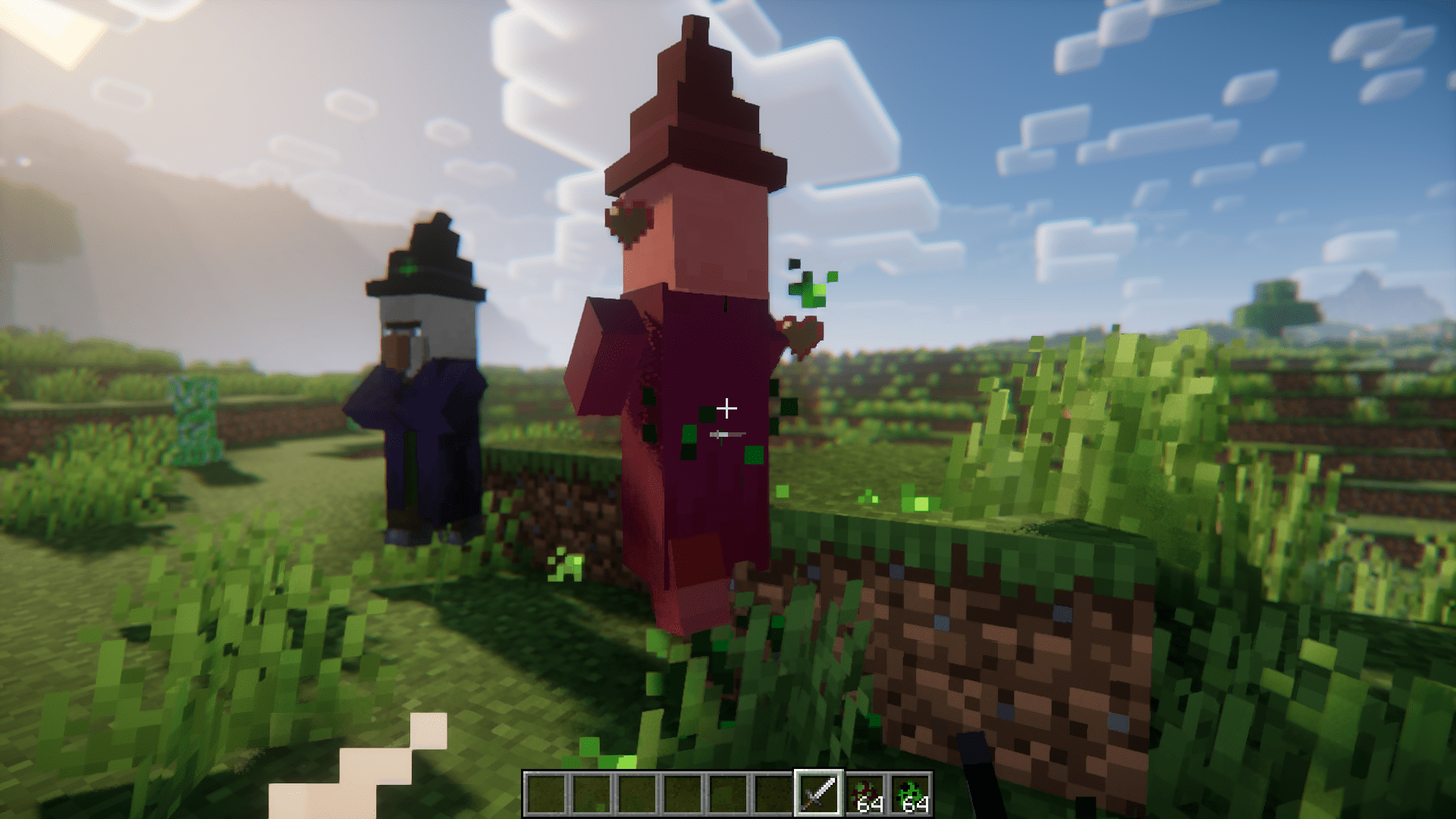
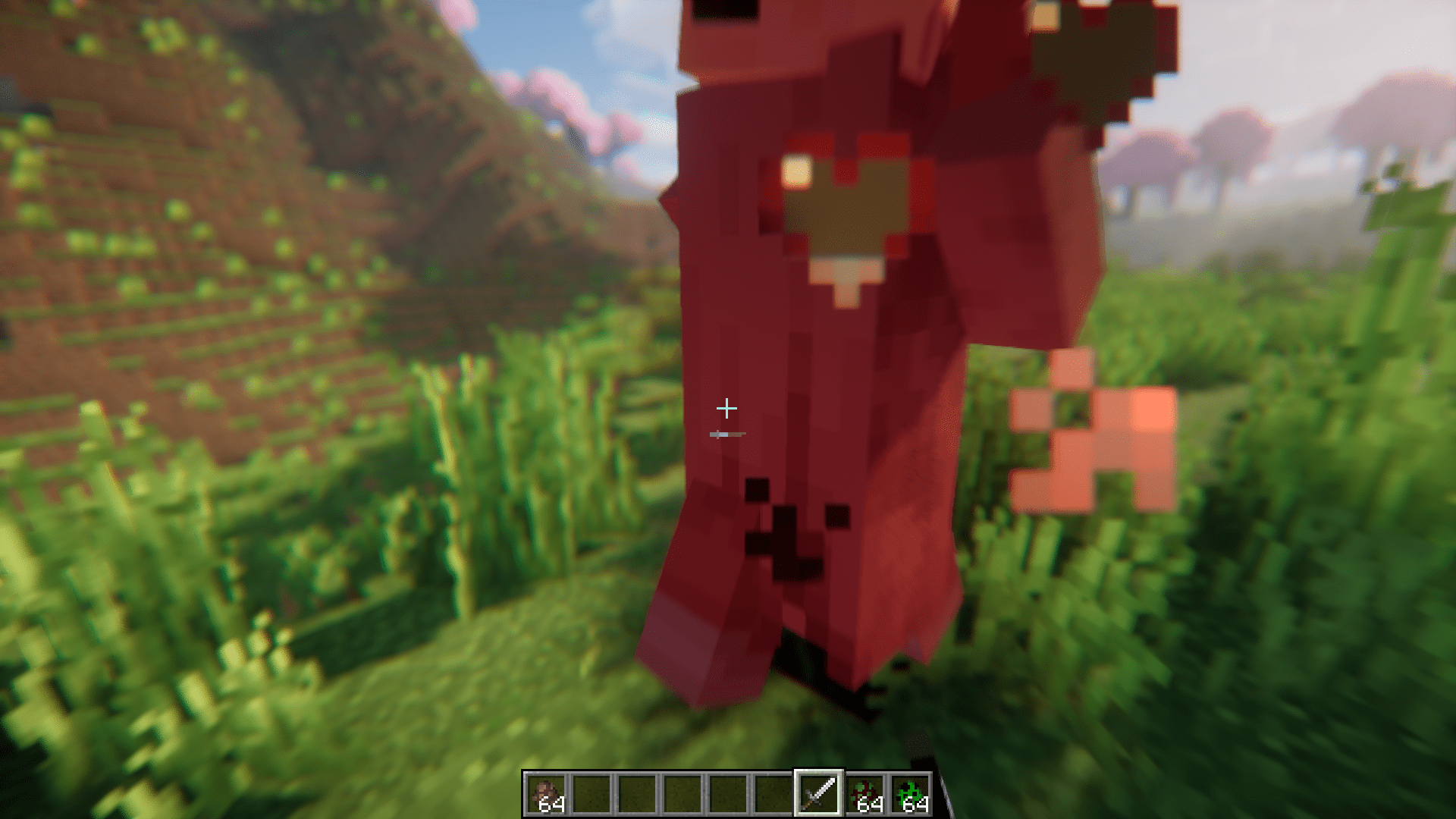
- Displays different blood colors for mobs, such as red for villagers and green for creepers.
- Lets you set a custom blood color for any mob through the mod’s config file.
Extra Gore Mod – Video Showcase
Configuration:
extragore-property.toml: Dedicated config file where you can set your preferred blood particle color for any mob.
How to Use:
- Load your world and hit any vanilla mob, modded mob, or player to spawn blood particles.
- Land stronger hits or attack mobs with low health to trigger bigger particles, more blood, and a wider splash range.
- Open
extragore-property.tomlin your config folder to set a custom blood color for any mob.
Screenshots:
How to Install:
New to Minecraft? Follow our step-by-step guide to install Mods on your PC.View Guide
Requirements:

Extra Gore Mod Download Links
For Minecraft 1.20.1, 1.20
For Minecraft 1.19.4
For Minecraft 1.19.2
For Minecraft 1.18.2
For Minecraft 1.16.5
For Minecraft 1.12.2
Click to rate this post!
[Total: 2 Average: 5]
You May Also Like
Picked for this page
 Biomes O’ Plenty Mod (26.3, 1.20.1) – Ton of New Biomes
 FTB Quests Mod (26.1.2, 1.20.1) – Build a Story for Your Team
 Falling Leaves Mod (26.3, 1.20.1) – Visually Appealing Addition
 Fabric Language Kotlin Mod (26.3, 1.20.1) – Library for modmuss50’s Mods
 Presence Footsteps Mod (26.3, 1.20.1) – New Walking Sounds
 Transcending Trident Mod (26.3, 1.20.1) – Riptide Without Rain
 Wormhole Portals Mod (26.3, 1.20.1) – Interdimensional Portals of Any Size, Shape and Color
 Alex’s Caves Delight Mod (1.21.1, 1.20.1) – Bring The Flavor Of Caves To Your Table
 Smart Completion Mod (26.3, 1.20.1) – Command Typing Supercharged
 Create Automotives Mod (26.1.2, 1.20.1) – Drive Steam Powered Vehicles
 Panoramica Mod (1.20.1) – Capture the World From Every Angle
 Turtle Charging Station Mod (1.21.11, 1.20.1) – Charge CC turtles using Forge Energy
Most viewed in Mods over the last 7 days
 Ala Industrial Mod (26.3) – Run Electric Power Grids and Automated Factories
 PleasureCraft Mod (26.3, 1.21.1) – Jenny Mod Remake for Fabric
 Jennycraft Mod (26.3, 1.20.1) – Virtual Girlfriend in Minecraft
 Fapcraft Mod (26.3, 1.12.2) – Comprehensive and Detailed Content
 Jenny Mod (Fapcraft) Official Complete Guide – How to use, Tutorial
 BangCraft Mod (1.20.1) – Jenny, Ellie and Elliot
 Fabric Loader (26.3, 1.20.1) – Fabric Installer for All Minecraft Versions
 The Shooting Star Demo Mod (26.3, 1.20.1) – Vaporize Terrain From Orbit
 Meteor Client Mod (26.3, 1.20.1) – Xray, HUD, Fly
 OptiFine HD (26.3, 1.20.1) – Run Faster, FPS Boost, Shaders Support
 Aristois Client Mod (1.21.4, 1.20.1) – World Class Minecraft Utility
 Prestige Client Mod (1.21.11, 1.21.4) – Powerful Ghost Features for Crystal & Sword PvP
More from Mods
 Beli’s SkyLyrics Mod (1.21.11) – Sing Along to Desktop Tracks Projected in the Night Sky
 Explainstone and Songmelyn Mod (1.21.1) – Broadcast Custom Music Across Your Base
 Rockstar Shaders Mod (26.3) – Cast Ray-Traced Light Across Vast Distant Horizons
 ERYDON Mod (1.20.1) – Design Grand Courtyards with Carved Marble Pillars
 Infinity Bound Mod (1.21.1) – Snap Away Enemies with Legendary Superhero Gear
 Legacy Gecko Lib Fabric Mod (1.16.5) – Power Animated Creatures in Modpacks
 The Man from the Shadow Horror Mod (1.20.1) – Fight Hallucinations to Survive
 Shade & Saturation Slider Mod (26.2, 1.21.11) – Make Every Biome Vibrant
 Cataclysm X Yung’s Better Nether Fortresses Compat Mod (1.21.1, 1.20.1)
 Patchouli 9minecraft Mod (26.3) – Read Mod Guides Without Leaving Minecraft
 Paintings ++ 9minecraft Mod (26.3) – Pick the Exact Painting You Want
 owo-lib 9minecraft Mod (26.3) – Run Your Favorite Mods Without Errors

This post has no comments yet. Be the first — your comment will appear here.