


Dashboard Mod (1.20.1, 1.19.4) – Kontrolin ang Iyong Mundo Nang Walang Commands
 116
116
 0
0


🌐 Binabasa mo ang artikulong ito sa Filipino. Gusto mong magpalit?
📖 Basahin sa Ingles (orihinal)O pumili ng gusto mo:
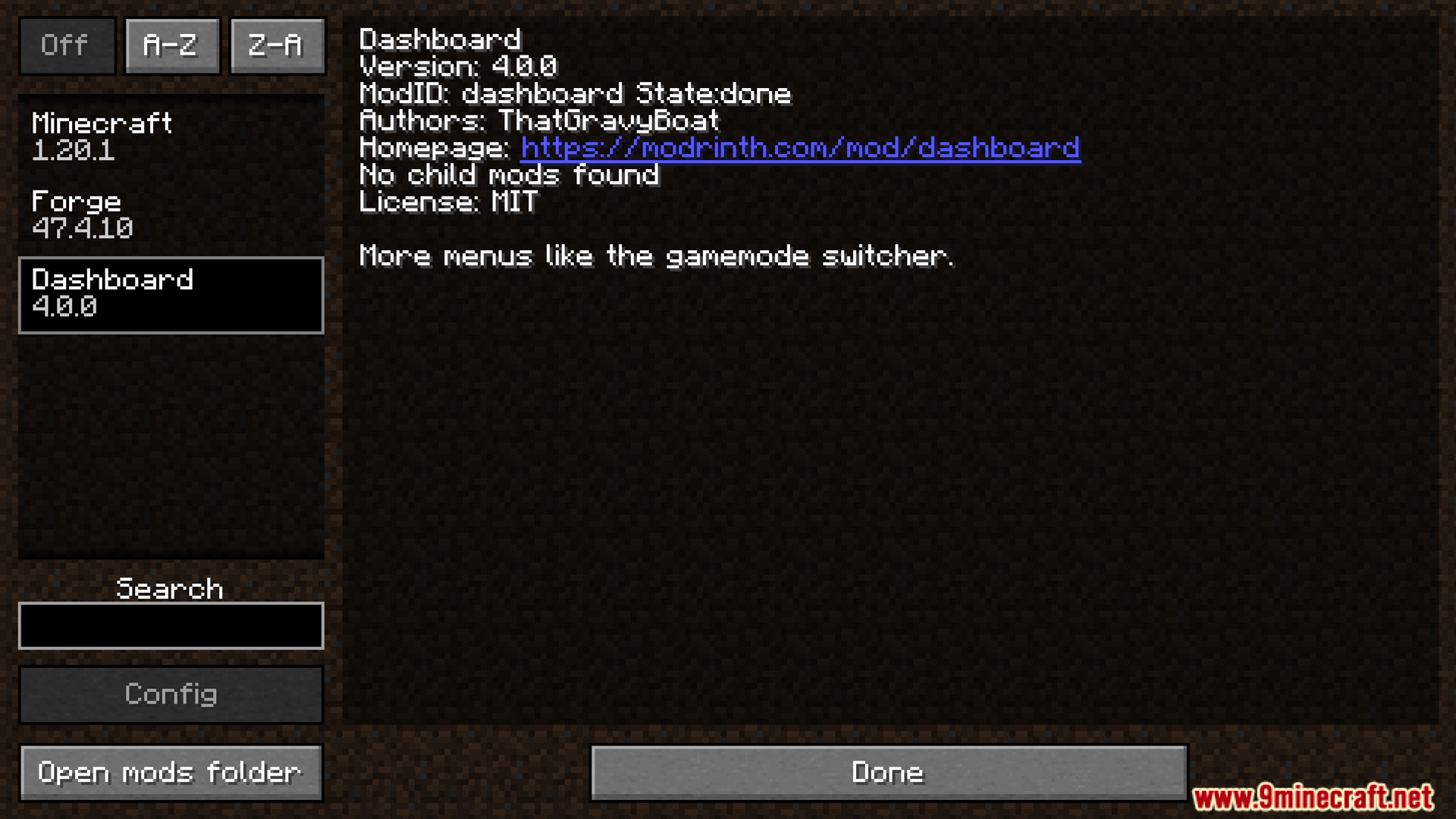
Ang Dashboard Mod ay nagdadagdag ng mga bagong quick menu para makontrol ang panahon, oras, at difficulty. Katulad ito ng normal na gamemode switcher ng laro. Ibig sabihin, pwede mong baguhin ang mga settings na ito nang mabilisan nang hindi na kailangang mag-type ng anumang commands.
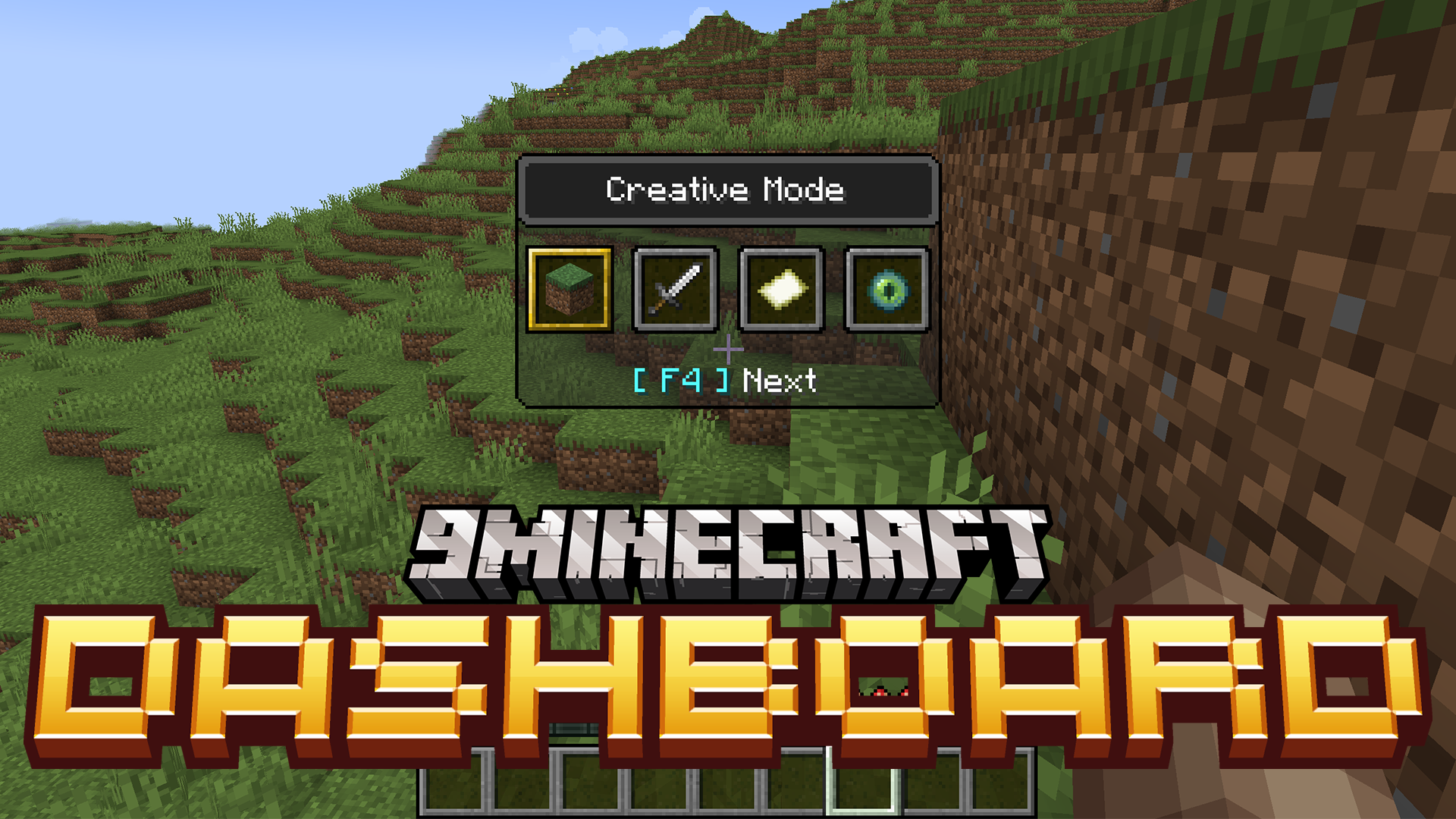
Features:
- Nagdadagdag ng mga bagong quick-access menu para sa weather, time, at difficulty.
- Lilitaw ang mga menu na ito sa iyong screen, katulad ng vanilla game mode switcher (F3 + F4).
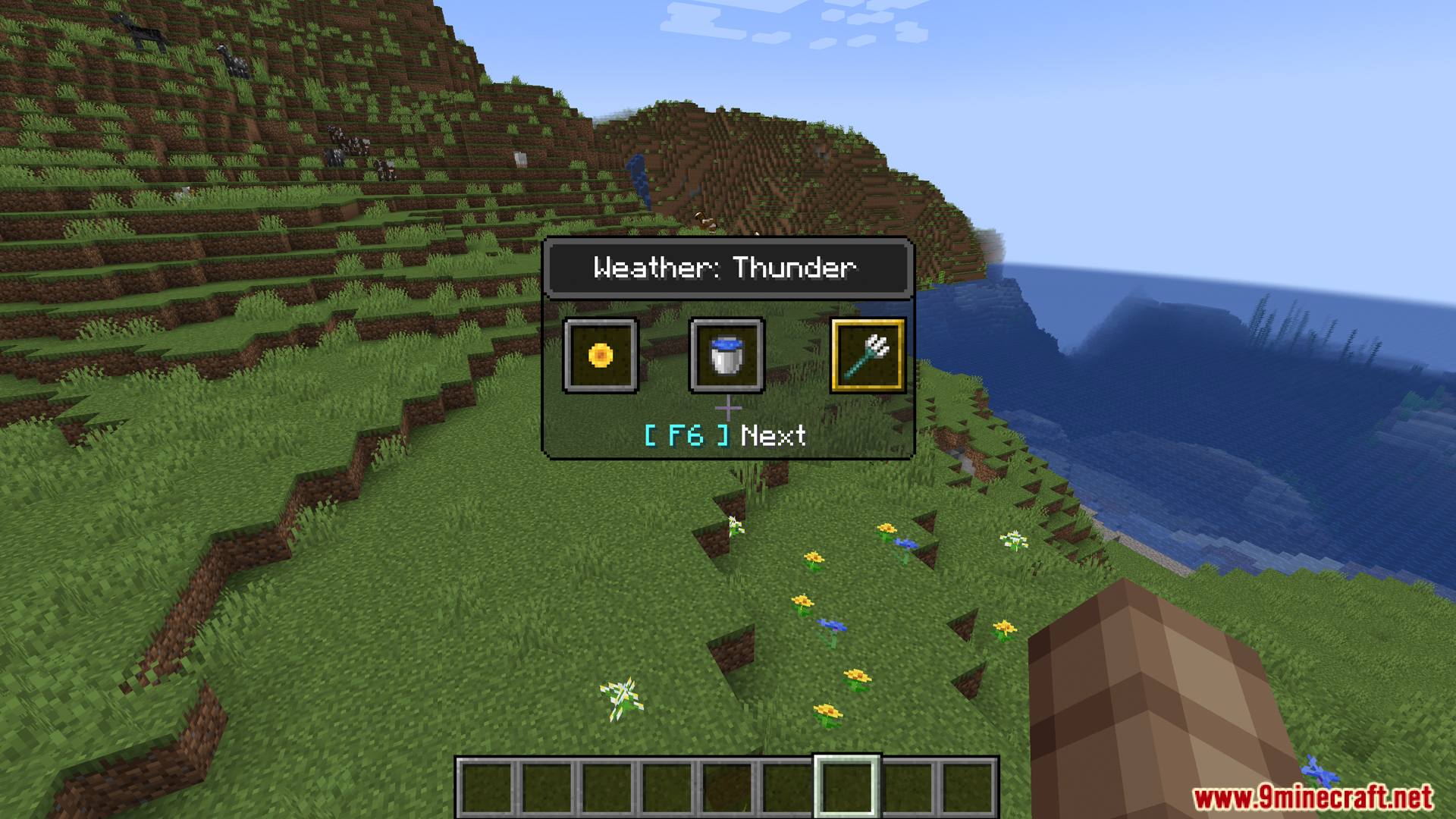
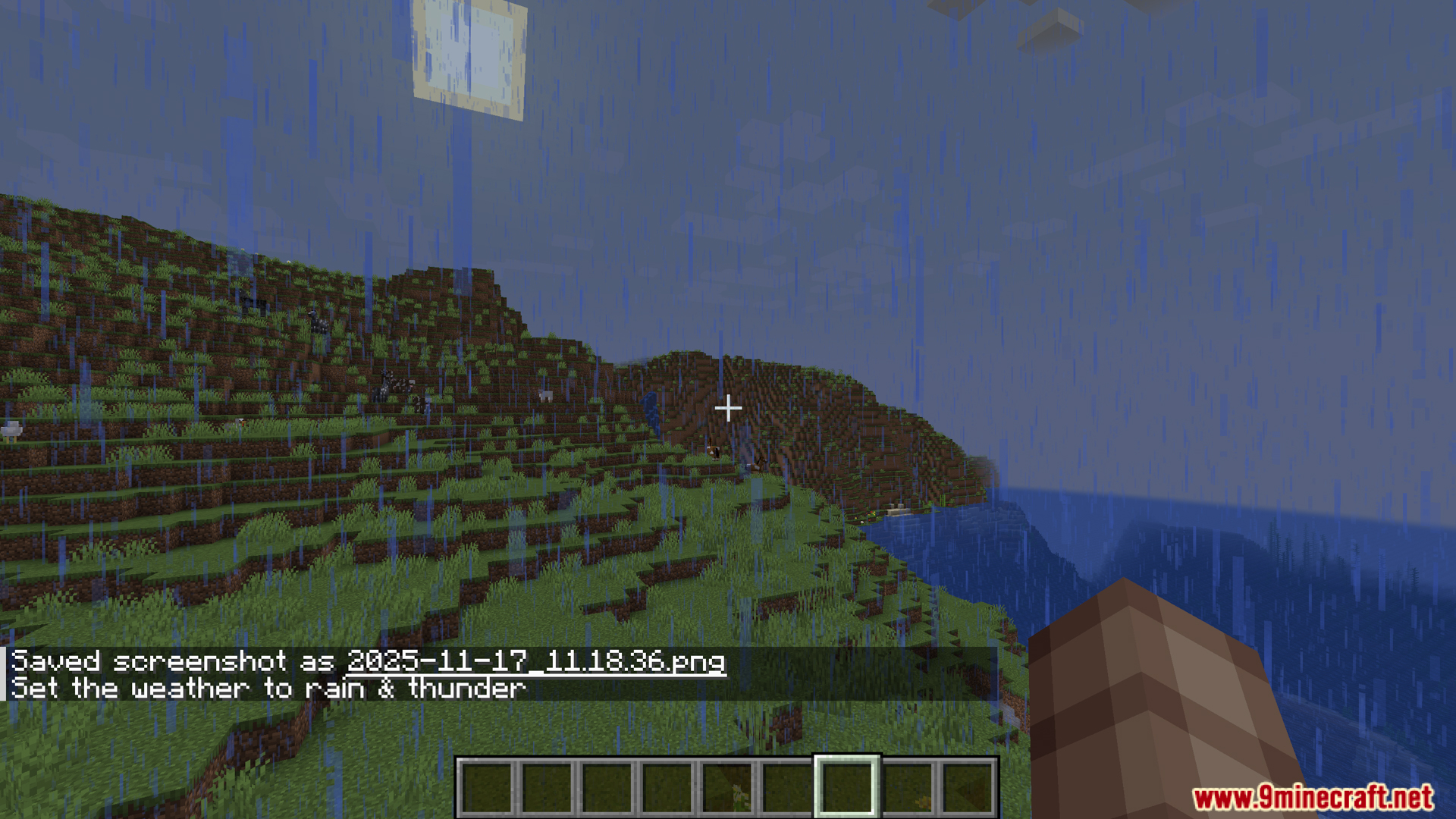
- Pindutin ang F3 + F5 para buksan ang weather menu. Madali kang makakapagpalit sa pagitan ng clear skies, rain, at thunder.
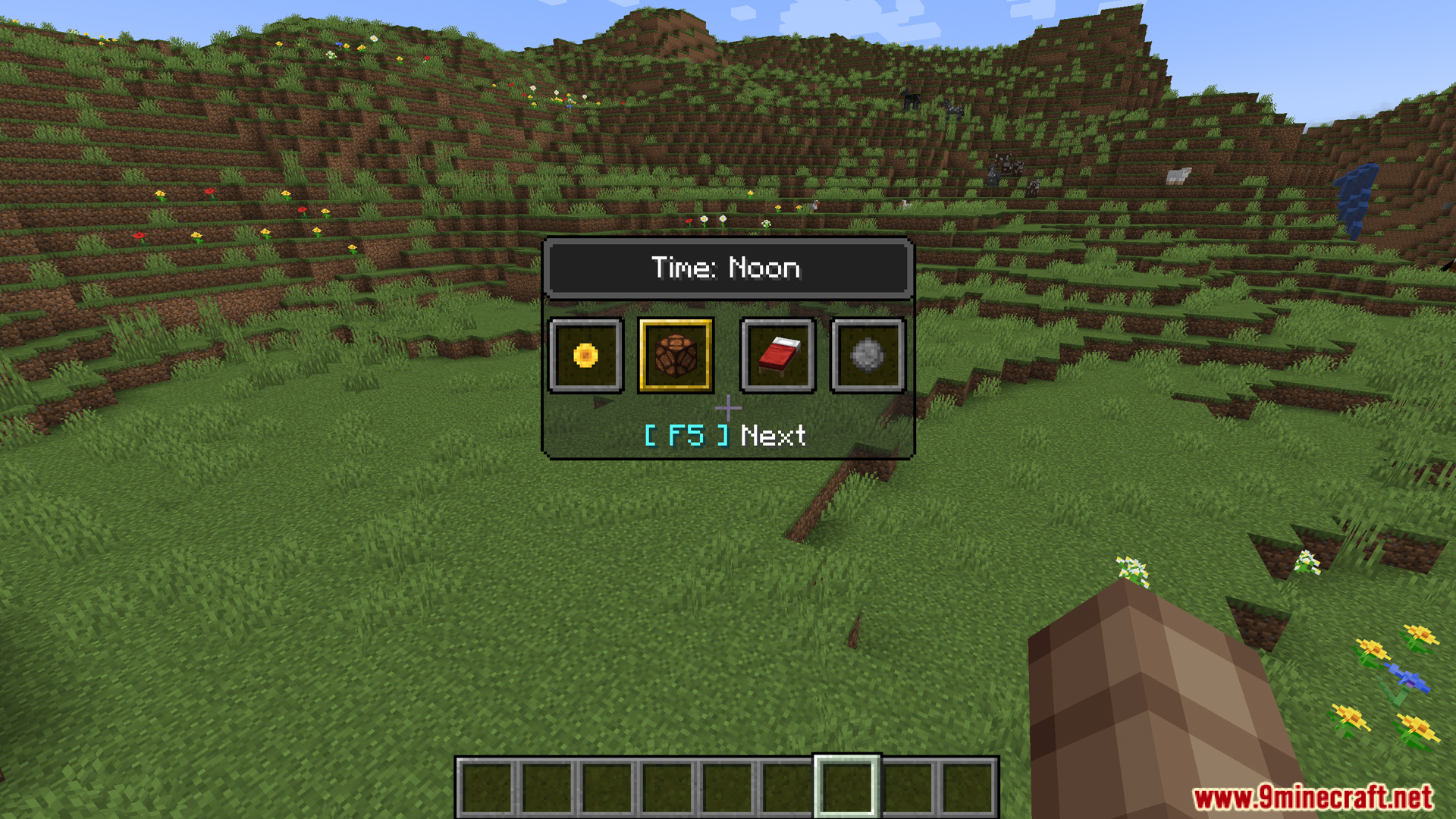
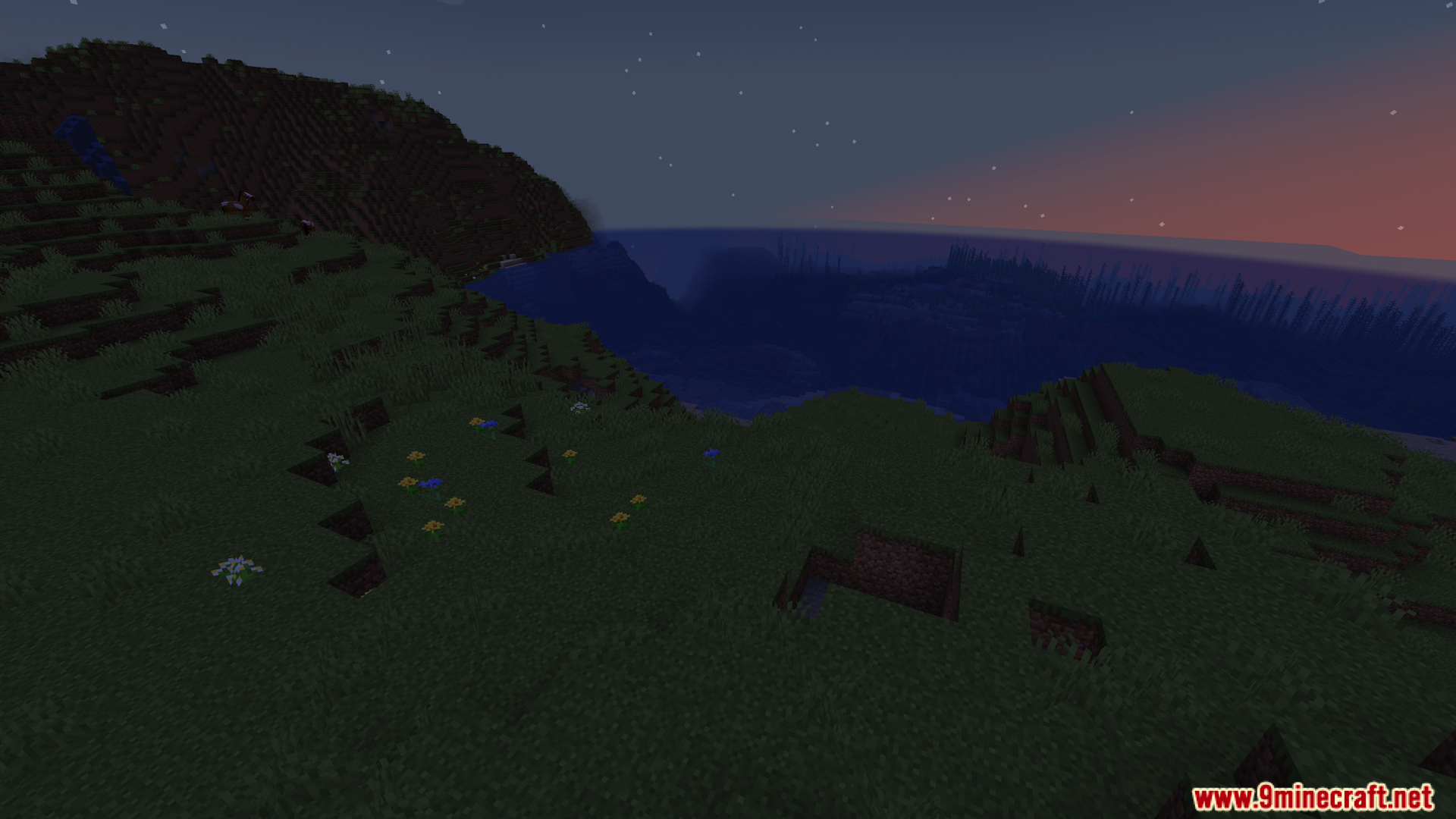
- Gamitin ang F3 + F6 para kontrolin ang oras ng araw. Pumili mula sa mga option gaya ng day, noon, night, o midnight.
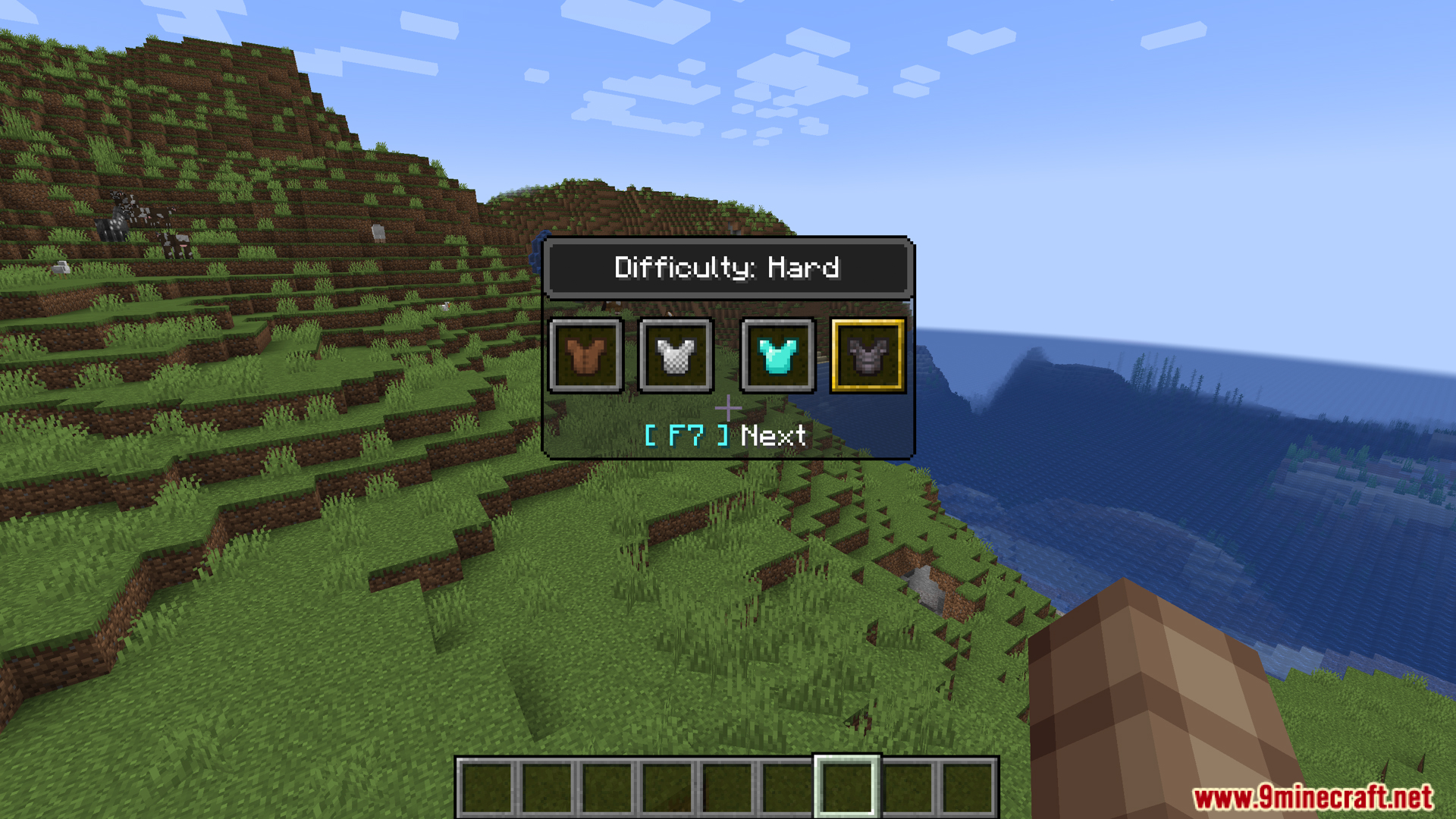
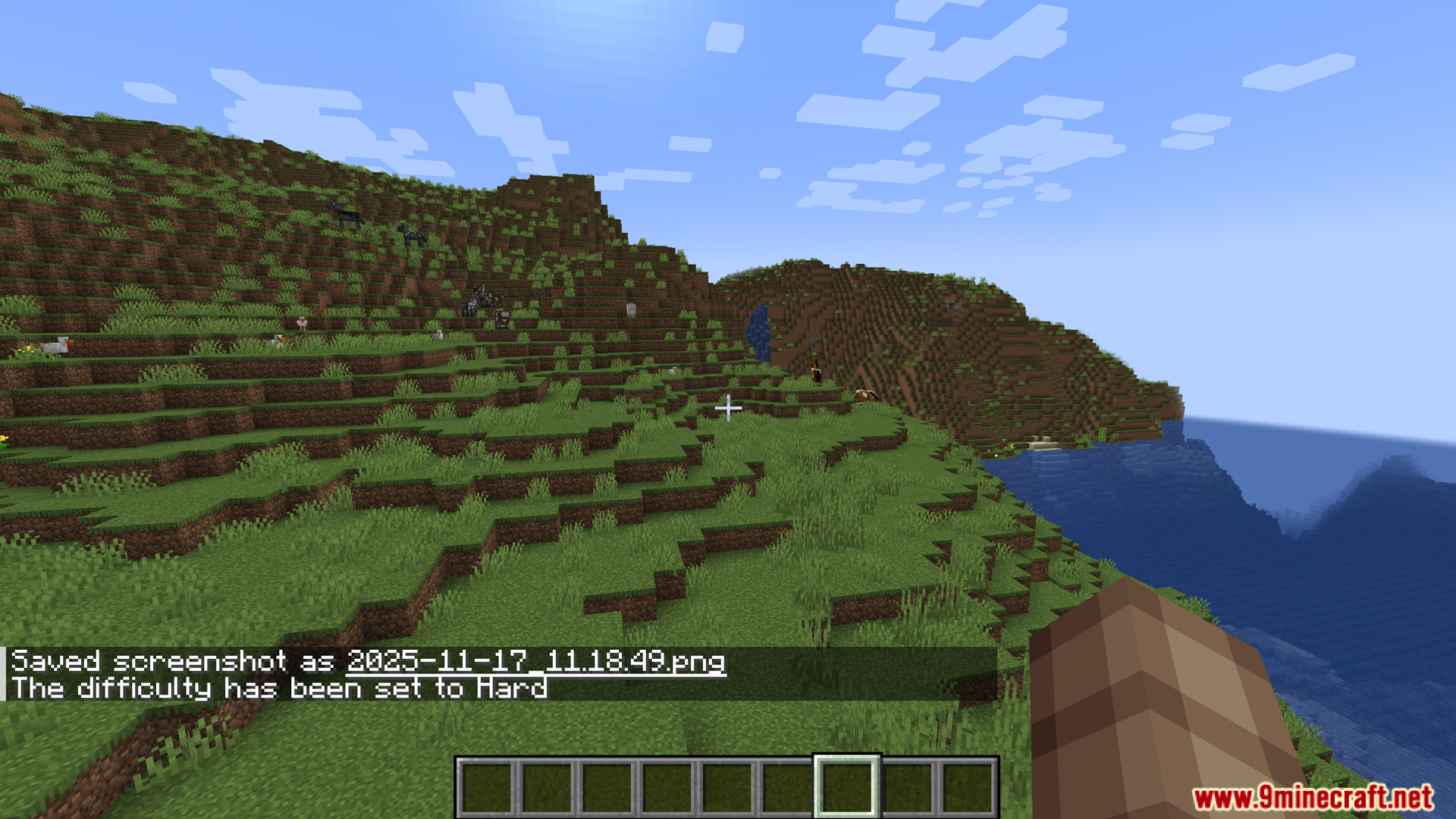
- Baguhin ang difficulty ng laro anumang oras sa pagpindot ng F3 + F7. Magbubukas ito ng menu na may Peaceful, Easy, Normal, at Hard options.
Paano Gamitin:
- Pindutin ang F3 + F5 para buksan ang Weather menu.
- Pindutin ang F3 + F6 para buksan ang Time menu.
- Pindutin ang F3 + F7 para buksan ang Difficulty menu.
Screenshots:
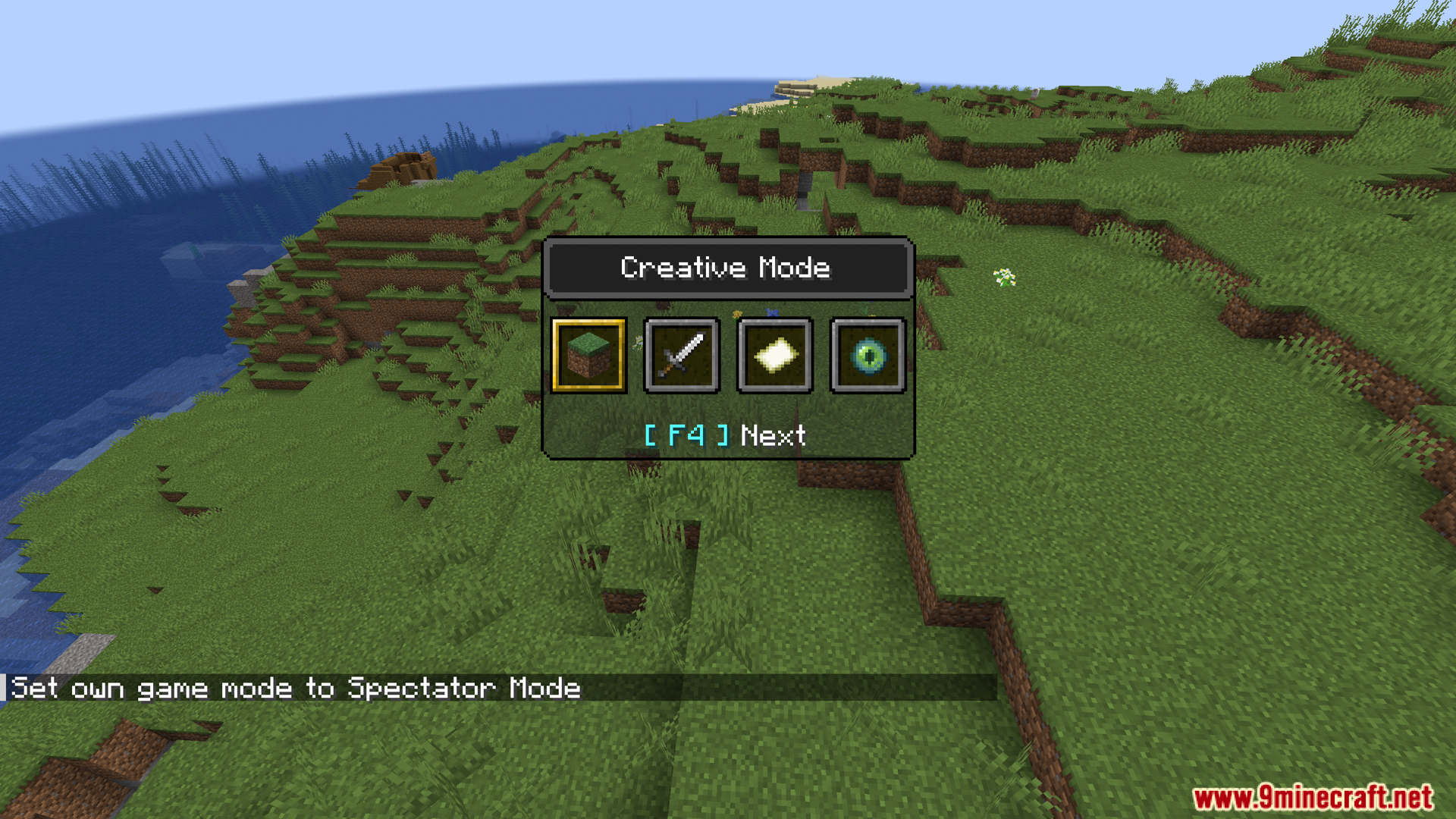
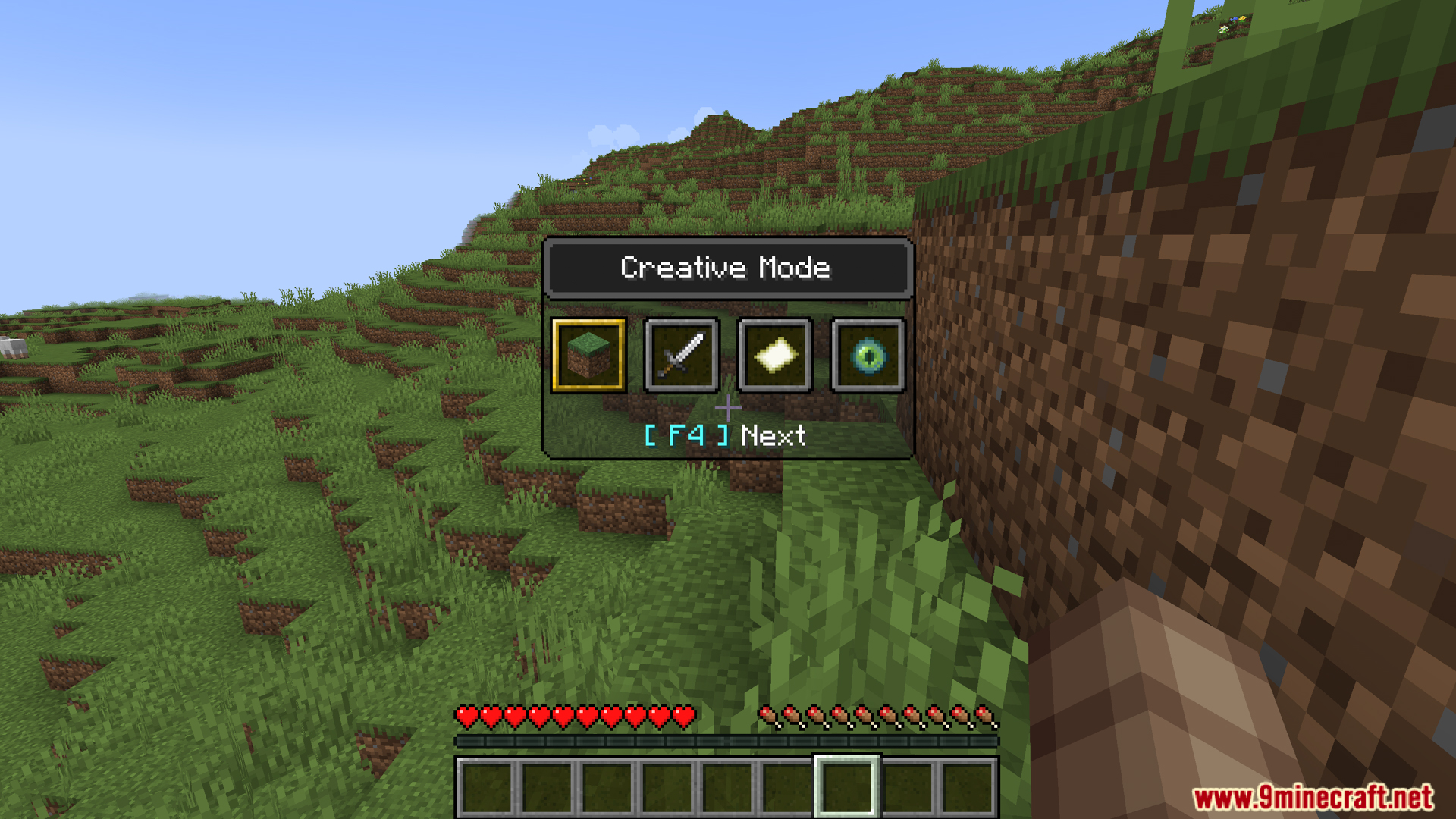
Paano I-install:
Dashboard Mod Download Links
Para sa Minecraft 1.20.1, 1.20
Forge/Fabric/NeoForge version: Download mula sa Server 1 – Download mula sa Server 2
Para sa Minecraft 1.19.4
Forge version: Download mula sa Server 1 – Download mula sa Server 2
Fabric version: Download mula sa Server 1 – Download mula sa Server 2
I-click para i-rate ang post na ito!
[Total: 0 Average: 0]
Baka Magustuhan Mo Rin










Wala pang komento ang post na ito. Maging una — lalabas dito ang iyong komento.