


Chocapic13 Shaders (26.2, 1.20.1) – Optimisé pour toutes les configurations
 428,124
 36
36


Chocapic13 Shaders améliore les graphismes de Minecraft en ajoutant des effets réalistes. Ce pack de shaders introduit des ombres dynamiques, des feuilles qui s’agitent au vent, un soleil éclatant et une eau bien plus esthétique. Il est disponible en plusieurs versions, vous permettant de choisir celle qui correspond le mieux aux performances de votre ordinateur.
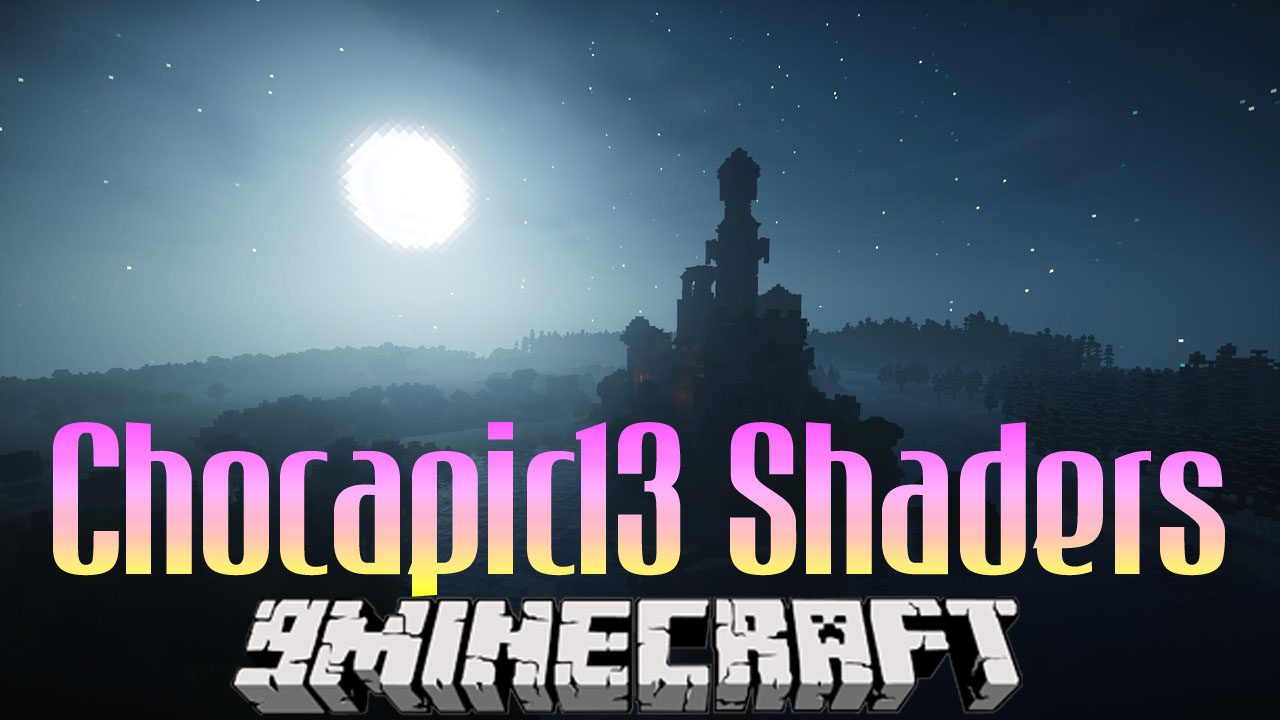
Version Chocapic13′ High Performance Shaders :
L’objectif de ce shaderpack est de proposer les fonctionnalités essentielles tout en maintenant un framerate extrêmement élevé. Par exemple, avec le préréglage Toaster et une distance d’affichage de 8, une RX 480 est totalement limitée par le CPU à environ 300-400fps avec un Ryzen 7 ; il peut également tourner à environ 50-60fps sur un chipset intégré Intel HD620. Il inclut : Ombres, cycle jour/nuit dynamique, dégradé de ciel personnalisé, éclat du soleil/lune, ainsi qu’un Nether et un End personnalisés.
Caractéristiques :
- Ajoute un cycle jour/nuit complet avec des changements d’éclairage réalistes.
- Inclut un système d’éclairage avancé High Dynamic Range (HDR).
- Projette des ombres dynamiques dont la douceur varie selon la source de lumière.
- Génère du brouillard volumétrique avec ses propres ombres, ajoutant de la profondeur au monde.
- Remplit le ciel de nuages réalistes en trois dimensions.
- Améliore l’eau avec des reflets, des réfractions et un brouillard sous-marin.
- Utilise le Screen Space Global Illumination (SSGI) pour un meilleur rebond de la lumière.
- Lisse les bords crénelés des objets pour une image plus nette (anti-aliasing).
- Donne au Nether et à l’End un look personnalisé, avec support des différents biomes.
- Ajoute un effet de bloom (éclat) aux sources lumineuses.
- Ajoute un effet de profondeur de champ (DoF) qui floute les objets lointains.
- Affinage visuel pour faire ressortir davantage les détails.
- Fait onduler les plantes et les feuilles doucement, comme sous l’effet du vent.
Mode d’emploi :
Vous pouvez personnaliser davantage le shader avec ces astuces avancées :
- Dans les dossiers du shaderpack, vous pouvez ouvrir les fichiers .fsh et .vsh avec n’importe quel éditeur de texte pour modifier les paramètres vous-même.
- Vous pouvez augmenter la résolution de rendu dans les options du shader pour une image plus nette, mais cela réduira considérablement les performances.
- La résolution de rendu des ombres peut également être augmentée dans les réglages pour des ombres plus détaillées.
Configuration :
Pour obtenir les meilleurs résultats, vous devrez peut-être ajuster certains paramètres en jeu :
- Old Lighting : Réglez sur OFF ou DEFAULT.
- Vignette : Réglez sur Fast (Rapide).
- Clear Water : Désactivez pour les versions Lite, Low et Medium. Activez pour les versions High, Ultra et Extreme.
- Smooth Lighting Level : Réglez entre 55-75% pour la plupart des versions. Pour Ultra et Extreme, réglez entre 0-20%.
- Clouds : Réglez sur Default ou désactivez-les (OFF).
Ce pack de shaders nécessite un ordinateur puissant. Si Minecraft de base ne tourne pas bien chez vous, ce pack risque d’être trop exigeant.
Captures d’écran :
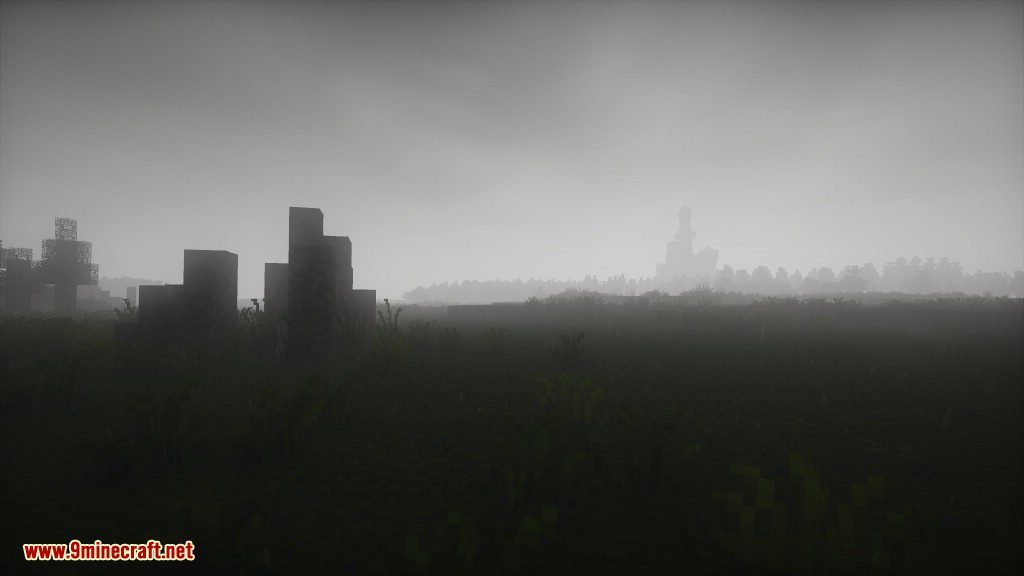
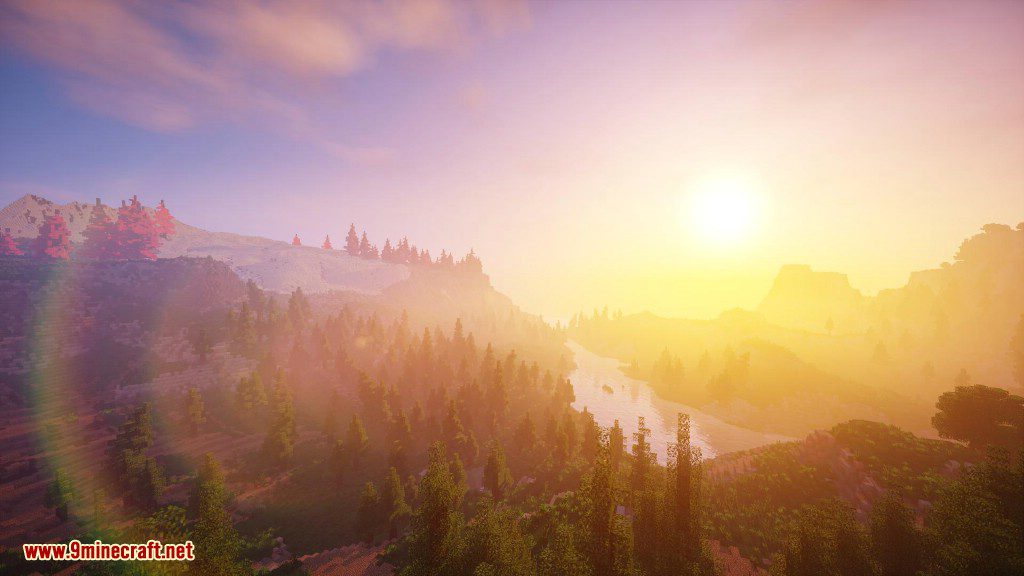
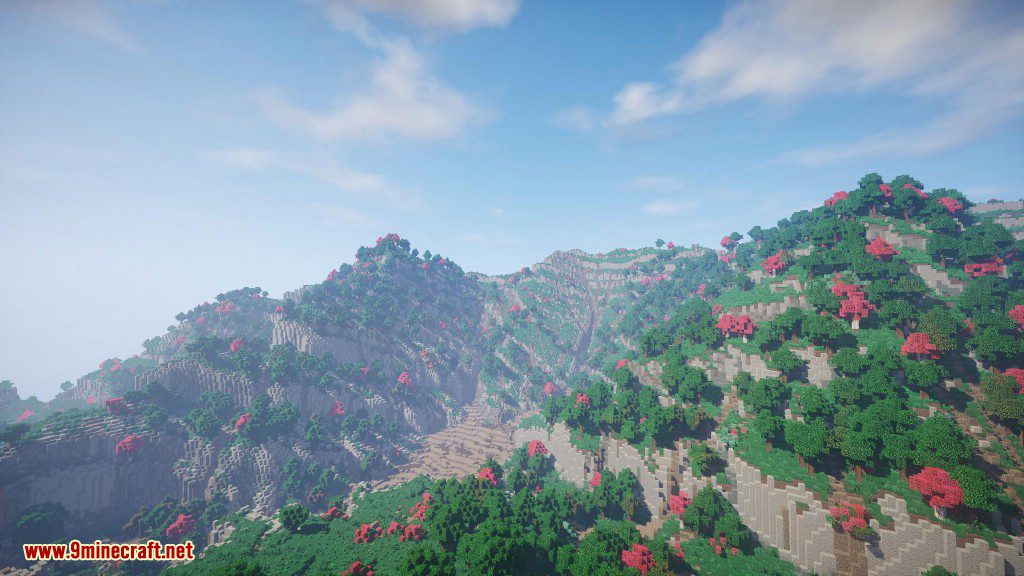
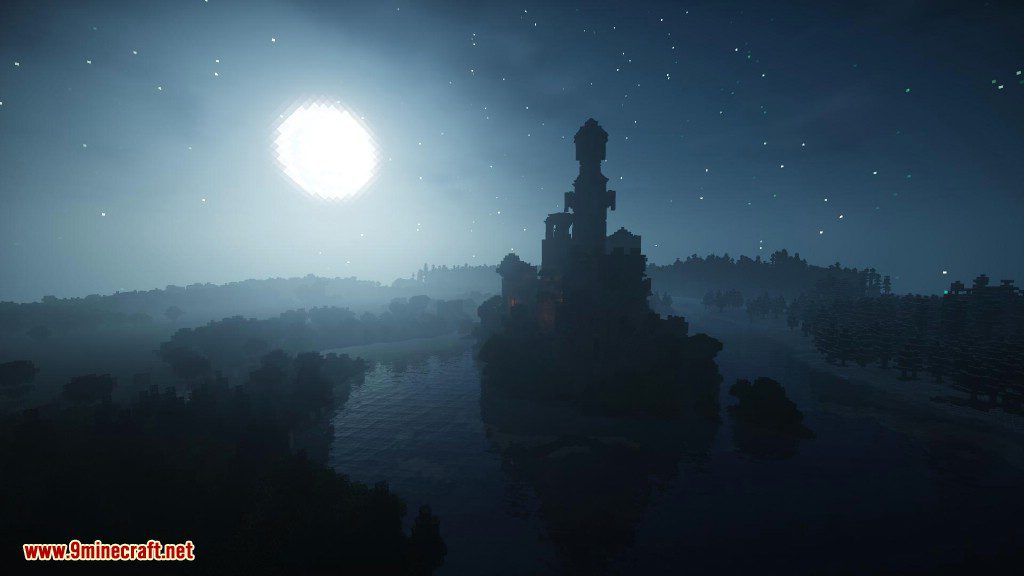
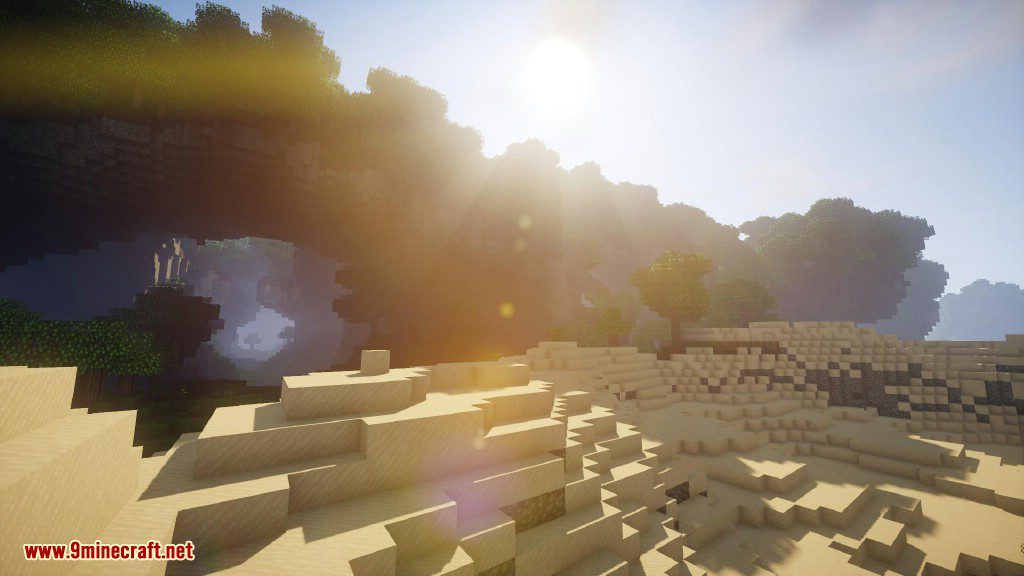
Des nuits incroyables !
Ombres en temps réel, effets de lentille, éclairage volumétrique et reflets !
Les surfaces deviennent mouillées et réfléchissantes lorsqu’il pleut !
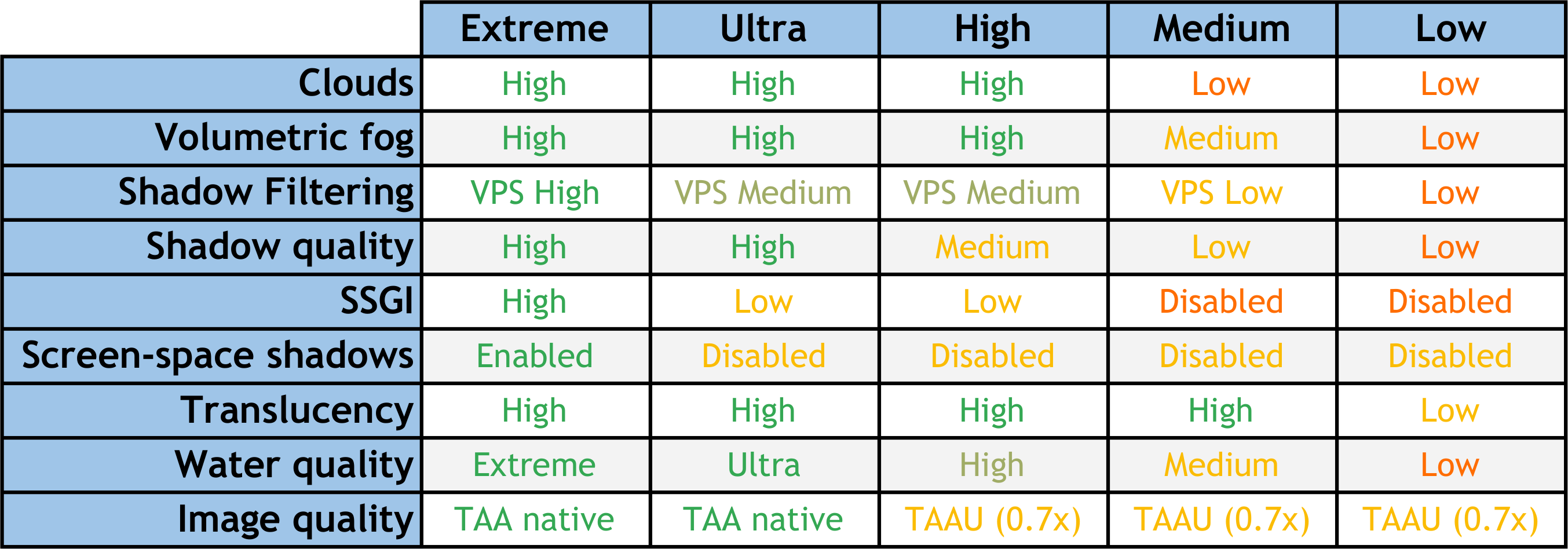
À propos des différentes versions :
Liens de téléchargement de Chocapic13 Shaders
Pour toutes les versions de Minecraft
Version Low : Télécharger depuis le Serveur 1 – Télécharger depuis le Serveur 2
Version Toaster : Télécharger depuis le Serveur 1 – Télécharger depuis le Serveur 2
v9.1 pour toutes les versions de Minecraft 1.12.2 à 1.21, 1.20.6, 1.20.4, 1.20.1, 1.19.2
Télécharger depuis le Serveur 1 – Télécharger depuis le Serveur 2
v9.1 Beta 5 pour toutes les versions de Minecraft 1.12.2 à 1.21, 1.20.6, 1.20.4, 1.20.1, 1.19.2
Télécharger depuis le Serveur 1 – Télécharger depuis le Serveur 2
Comment installer :
Prérequis :
Liens de téléchargement de Chocapic13 Shaders :
Version Low : Télécharger depuis le Serveur 1 – Télécharger depuis le Serveur 2
Version Toaster : Télécharger depuis le Serveur 1 – Télécharger depuis le Serveur 2
Télécharger depuis le Serveur 1 – Télécharger depuis le Serveur 2
Télécharger depuis le Serveur 1 – Télécharger depuis le Serveur 2
Comment installer :
Prérequis :
Vous aimerez aussi

Cet article n’a pas encore de commentaires. Soyez le premier — votre commentaire apparaîtra ici.