


Trailer Shaders (26.2, 1.20.1) – Bloom et RGB personnalisable avec FPS élevés
 810
810
 0
0


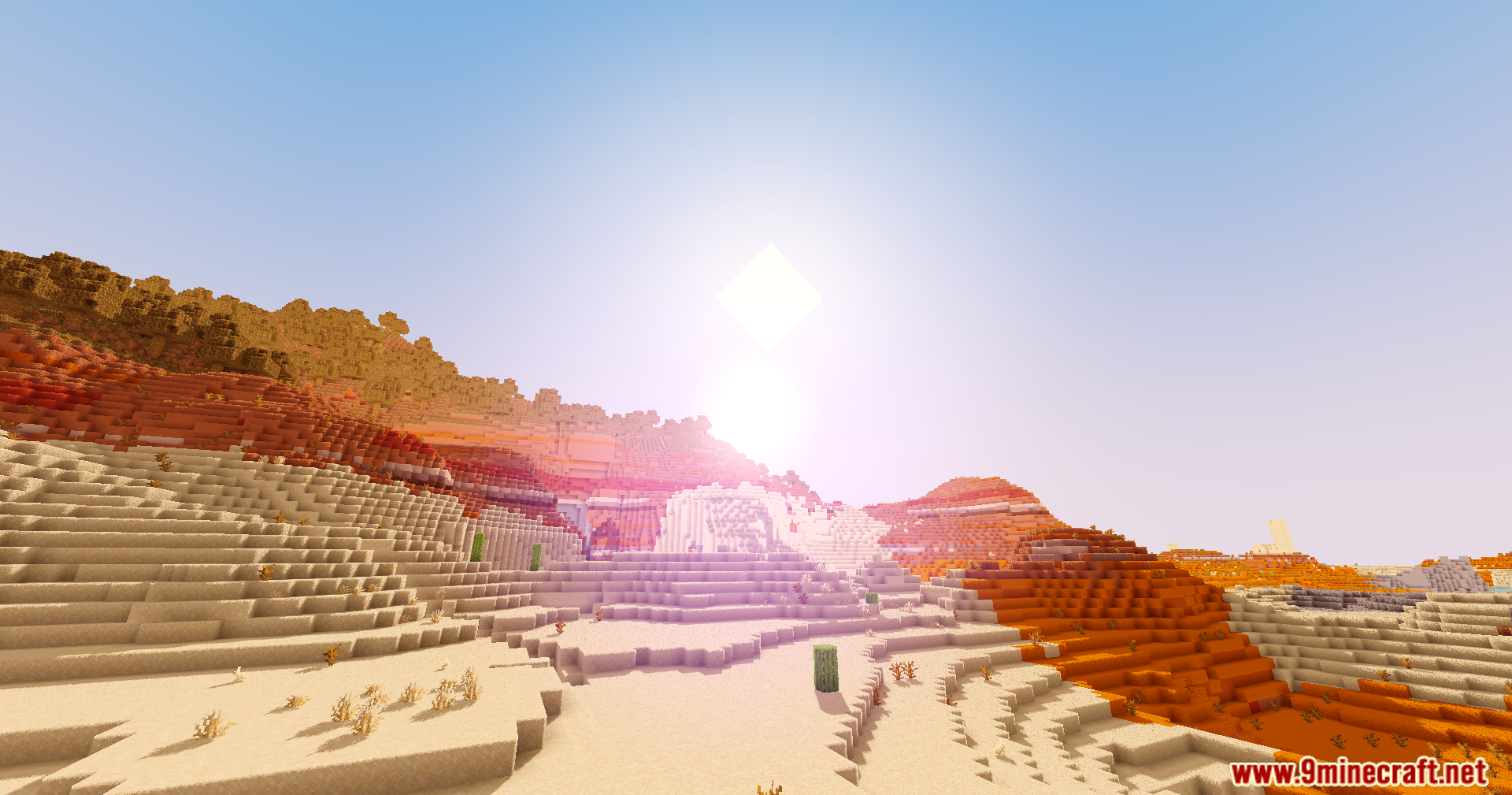
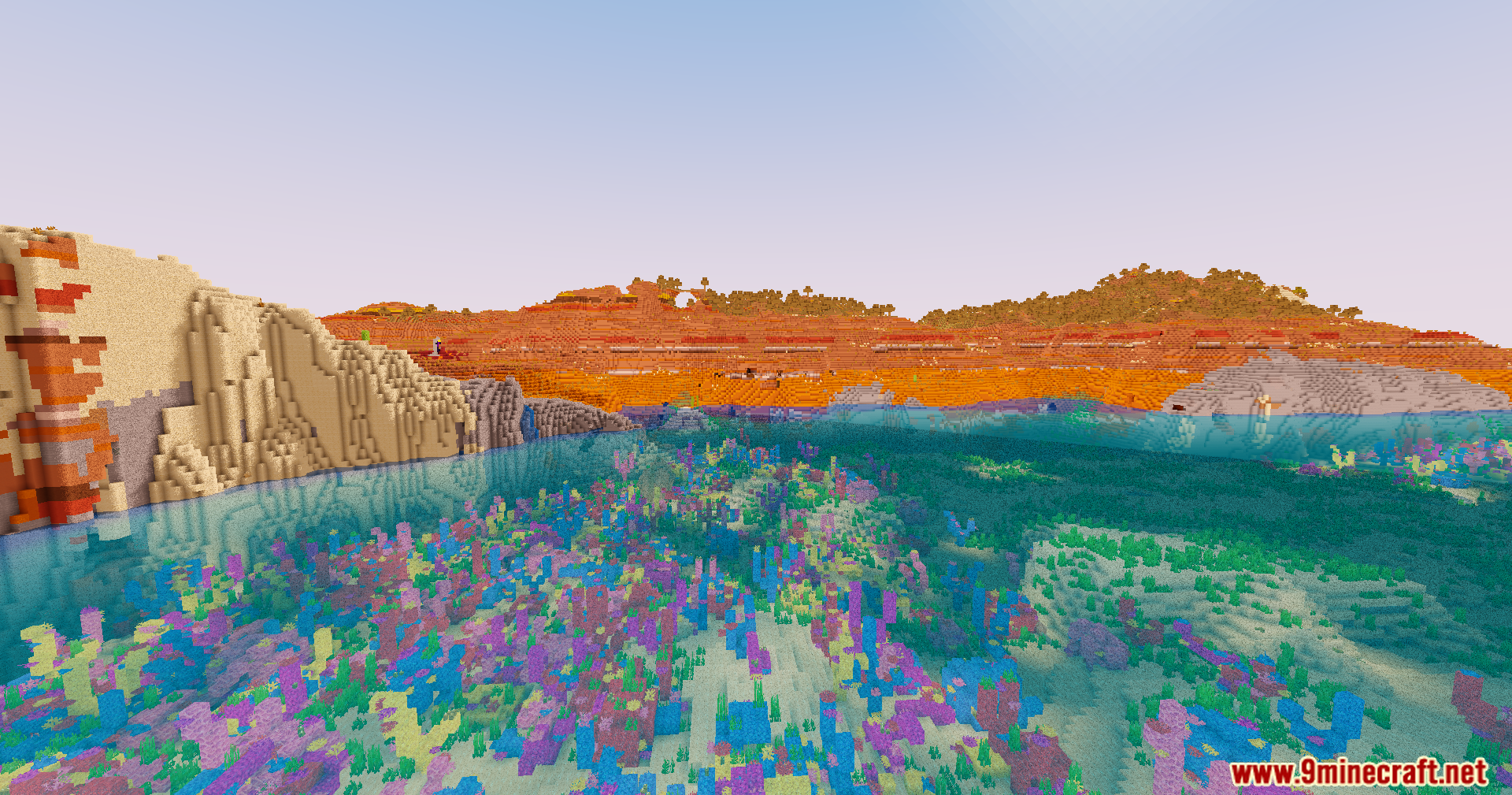
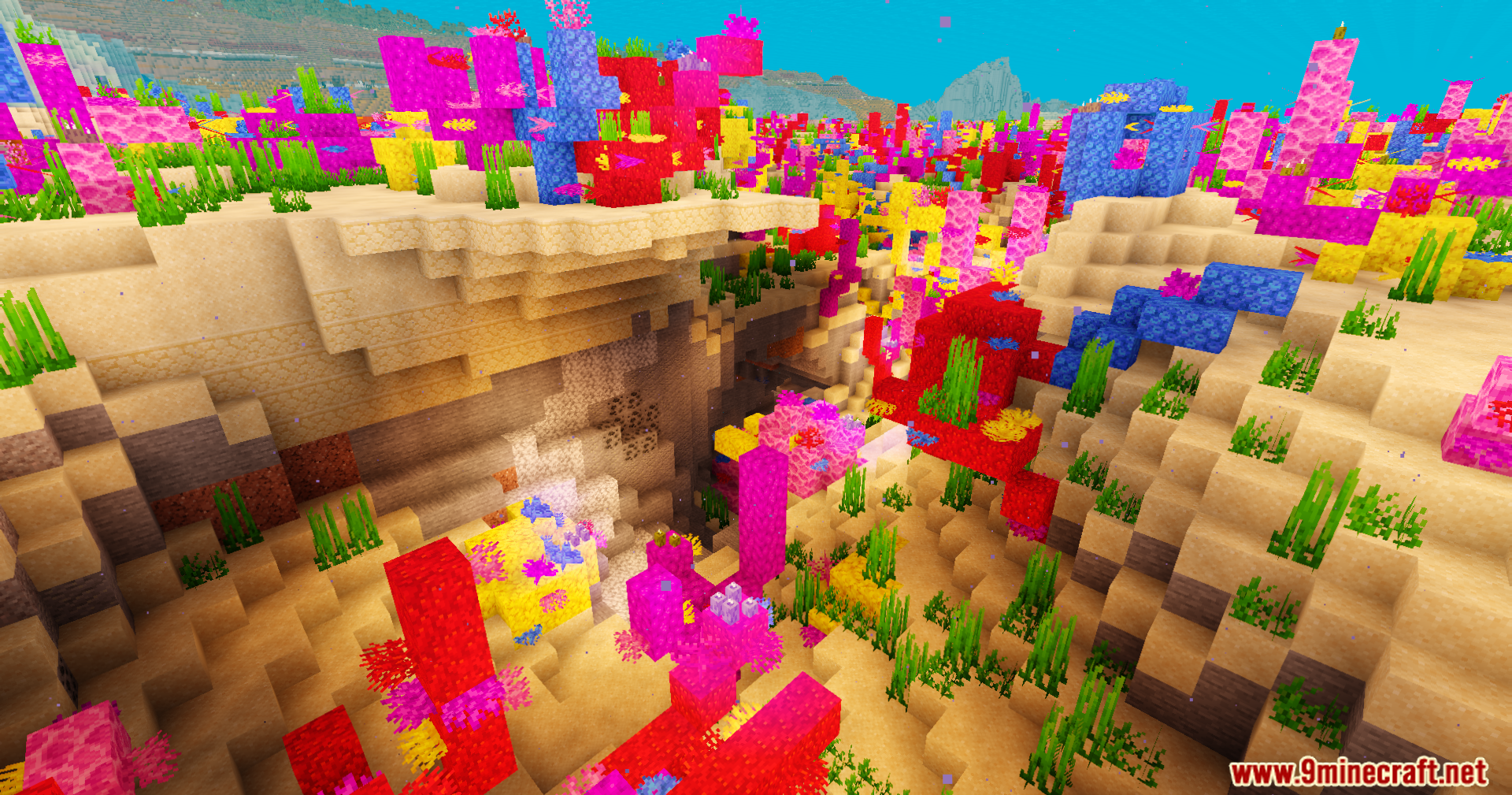
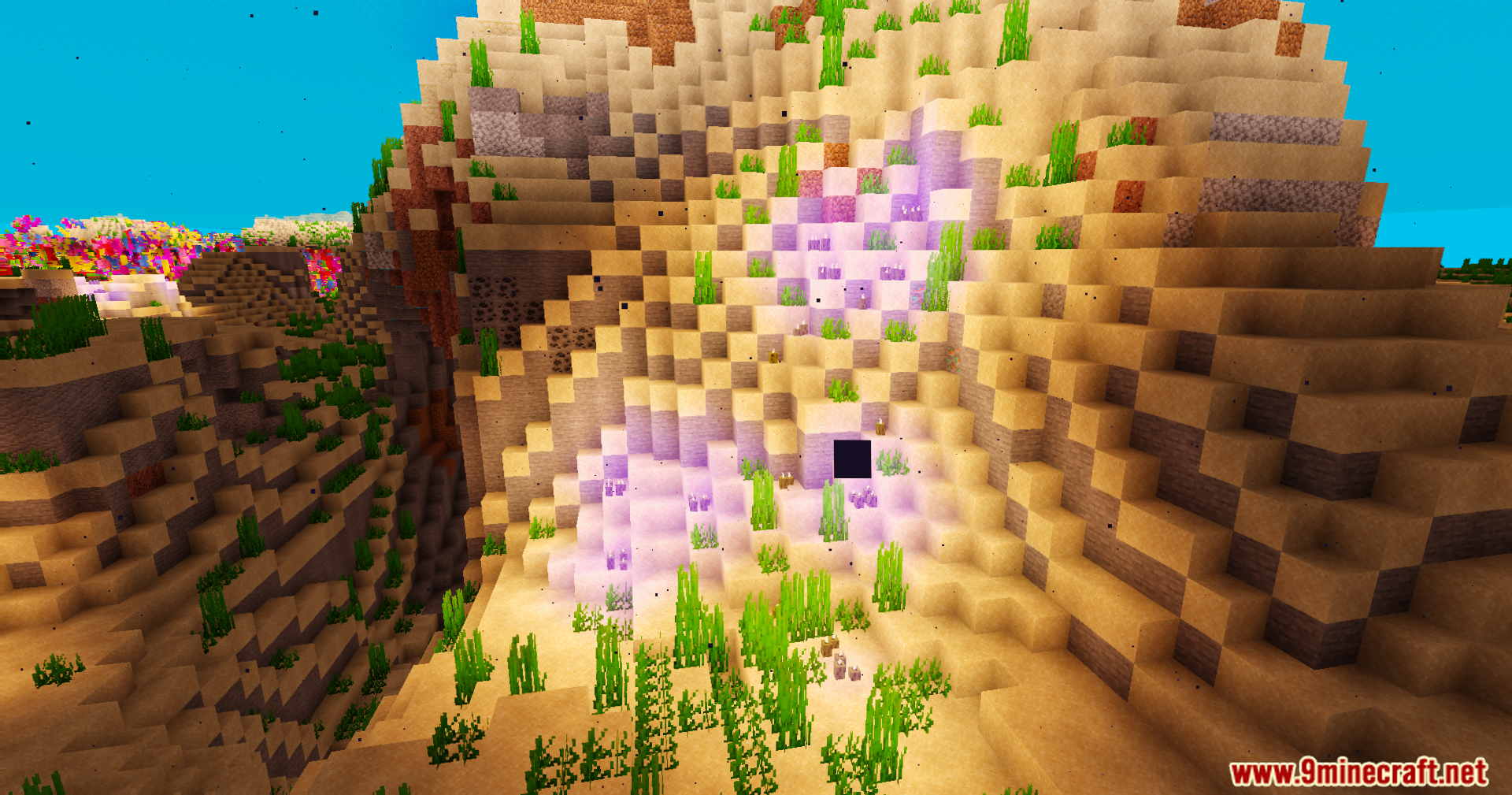
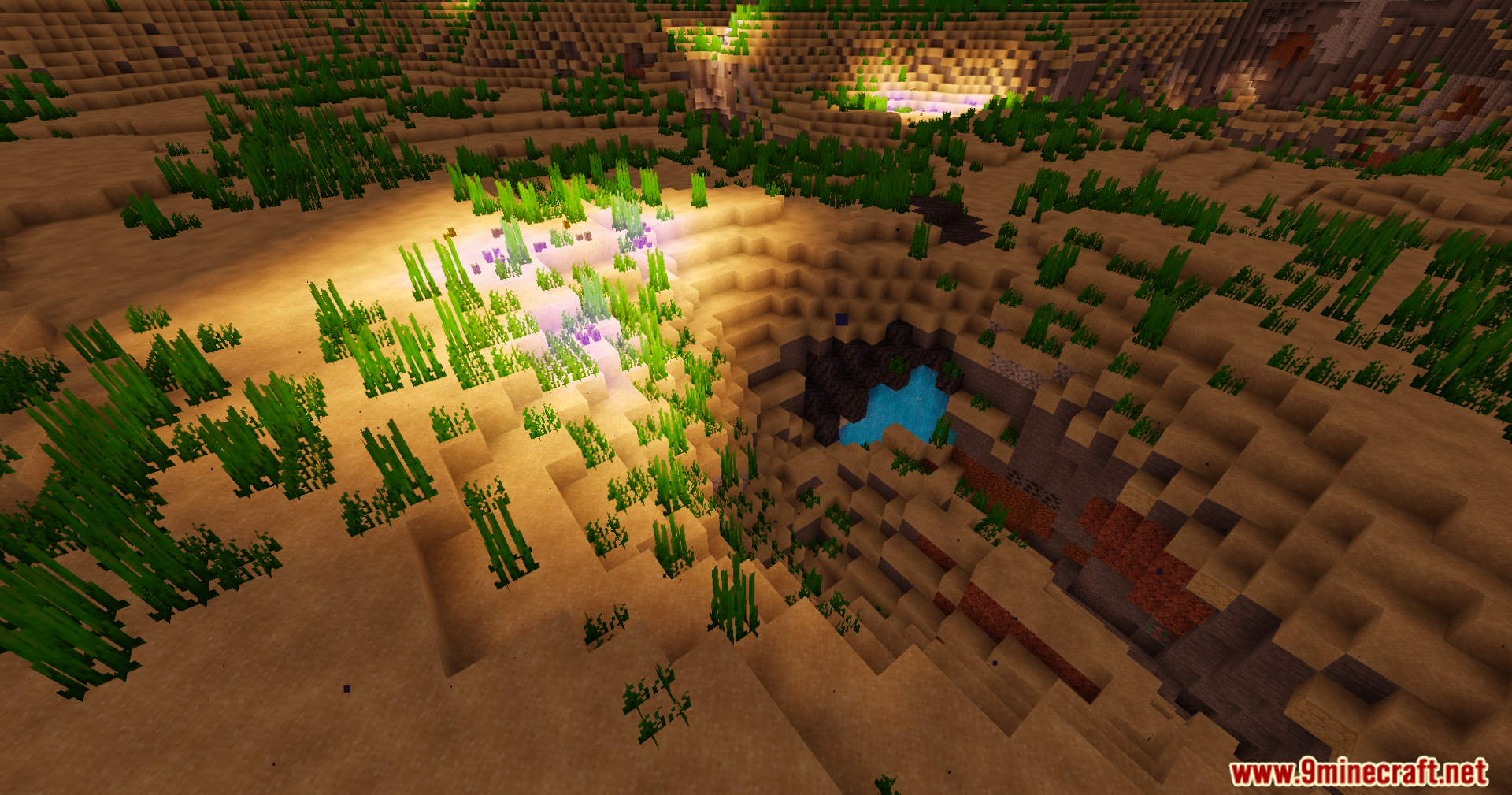
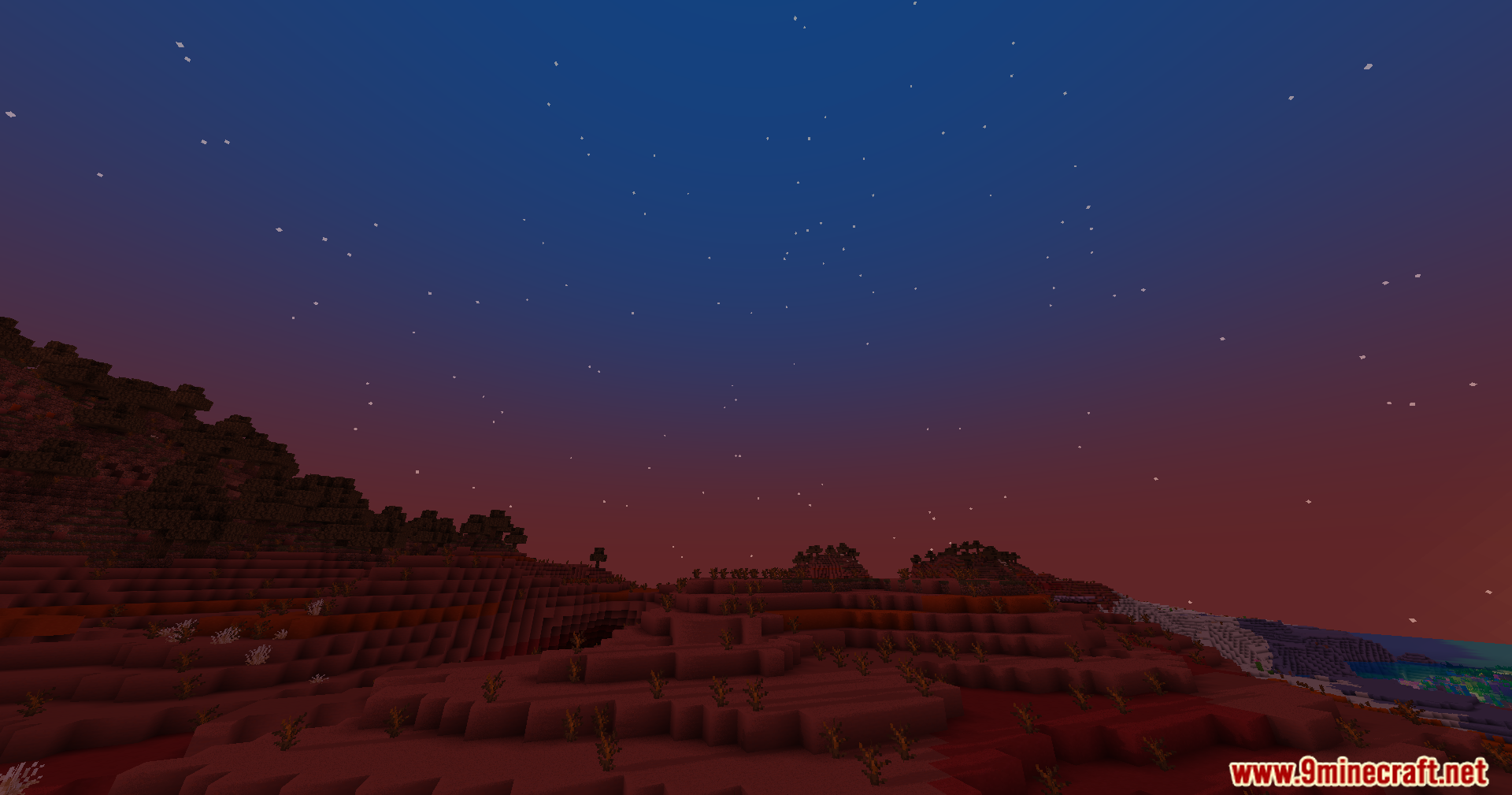
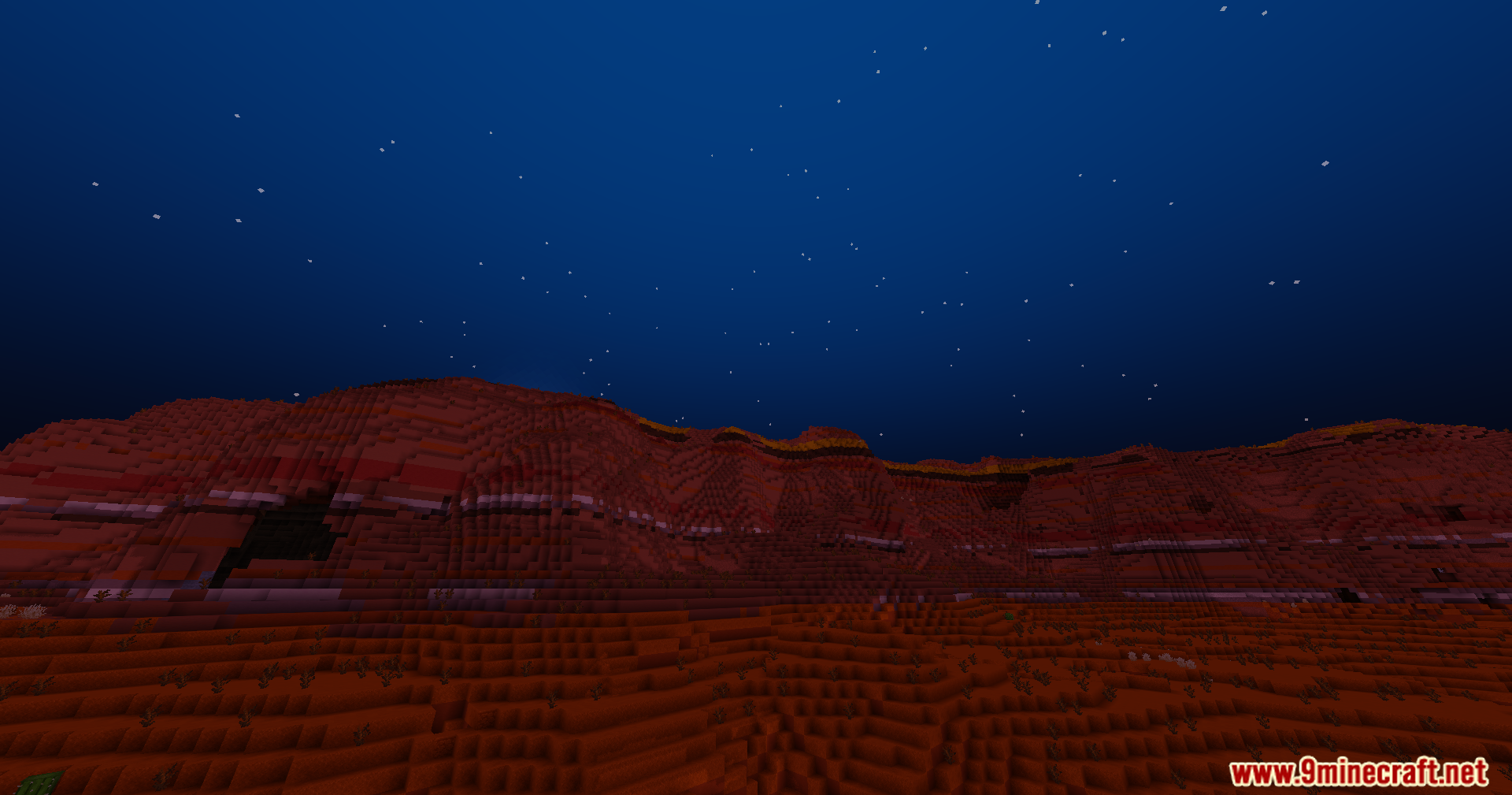
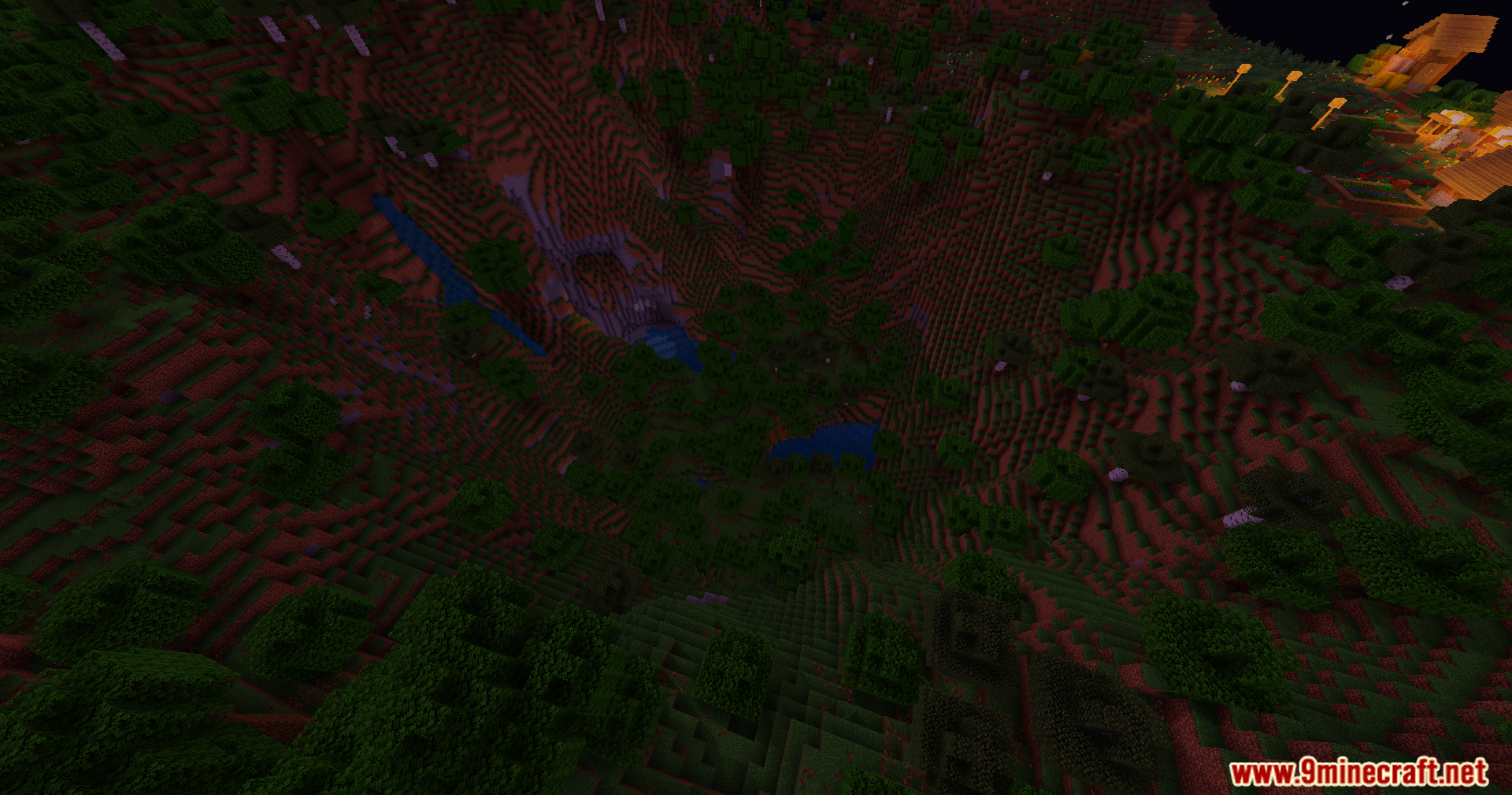
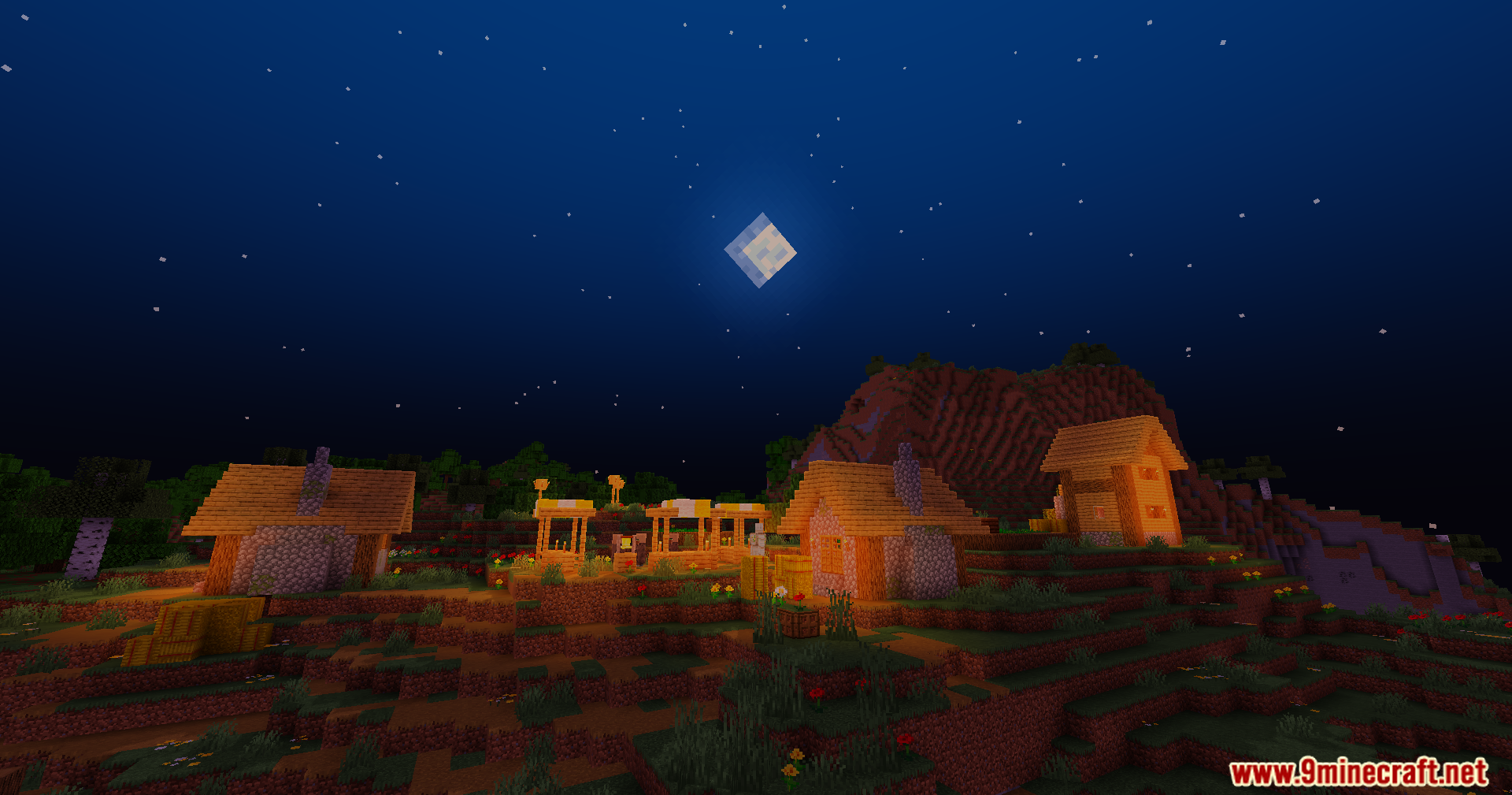
Trailer Shaders transforme l’apparence de votre jeu pour correspondre au style propre et éclatant des vidéos officielles de Minecraft. Ce shader ajoute des ombres douces et un effet de bloom (halo lumineux) tout en permettant à votre jeu de rester fluide sur des PC standards. Il inclut des contrôles de couleur simples qui vous permettent de modifier les niveaux de lumière rouge, verte et bleue. Vous pouvez utiliser ces paramètres pour créer un ciel nocturne bleu profond, des couchers de soleil orange chaleureux sur les badlands, ou une lueur violette unique à l’intérieur des grottes sombres. L’éclairage doux rend également les récifs coralliens sous-marins plus brillants et colorés.
Caractéristiques :
- Effet Bloom : Ajoute un éclat cinématographique doux aux sources de lumière. Peut être facilement activé ou désactivé dans les réglages.
- Contrôle des couleurs personnalisé : Permet d’ajuster les niveaux de rouge, vert et bleu pour créer un look sur mesure pour votre monde.
- Obtenez le style visuel vibrant et net vu dans les trailers officiels de Minecraft.
- Conçu pour bien tourner et maintenir des FPS élevés, même sur des configurations modestes.
- Rend les scènes sous-marines, comme les récifs de corail, plus colorées et vivantes.
- Créez des atmosphères uniques : nuits d’un bleu profond, couchers de soleil chaleureux ou grottes violettes.
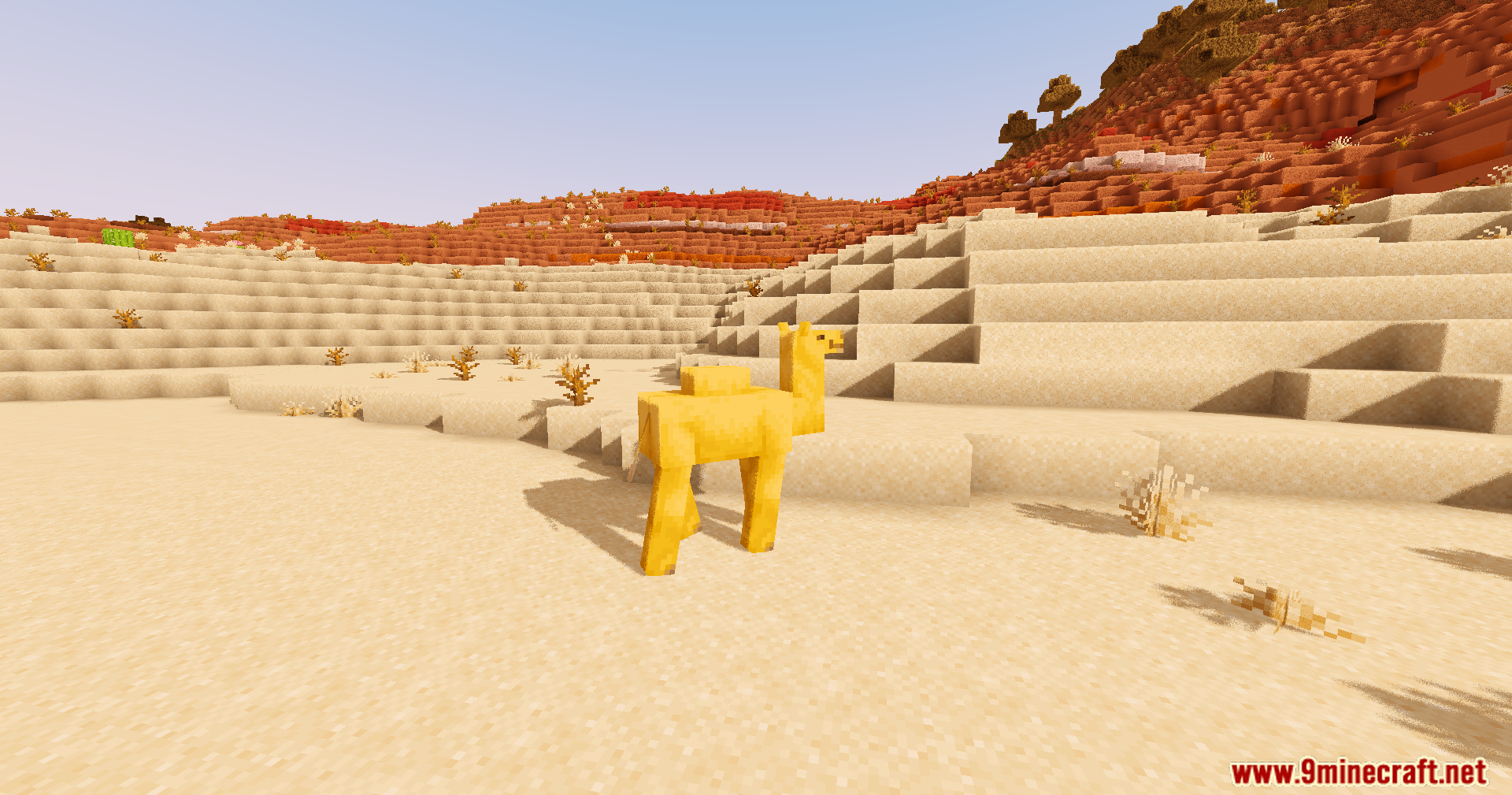
- Modifie les ombres du jeu pour les rendre douces et fluides sur tout le paysage.
Configuration :
- Effet Bloom : Vous pouvez activer ou désactiver le halo lumineux dans les paramètres du shader.
- Paramètres de couleur : Allez dans les options pour modifier les couleurs RGB. Cela vous permet de définir l’ambiance parfaite pour votre session.
Captures d’écran :
Comment installer :
Trailer Shaders Liens de téléchargement
Pour toutes les versions de Minecraft
Télécharger depuis le Serveur 1 – Télécharger depuis le Serveur 2
Vous aimerez aussi


Cet article n’a pas encore de commentaires. Soyez le premier — votre commentaire apparaîtra ici.