


FTB Utilities Mod (1.12.2, 1.11.2) – Protect Your Online Builds
 2,679
2,679
 0
0
 September 17, 2021
🌐 Good news — we've translated this article into other languages!
Or pick the one you like:
FTB Utilities adds a collection of helpful tools for managing Minecraft servers. This mod gives you a friends list, an in-game guide system, and chunk claiming to protect your land. It also includes useful server features like world borders, automatic backups, and scheduled restarts.

Features:
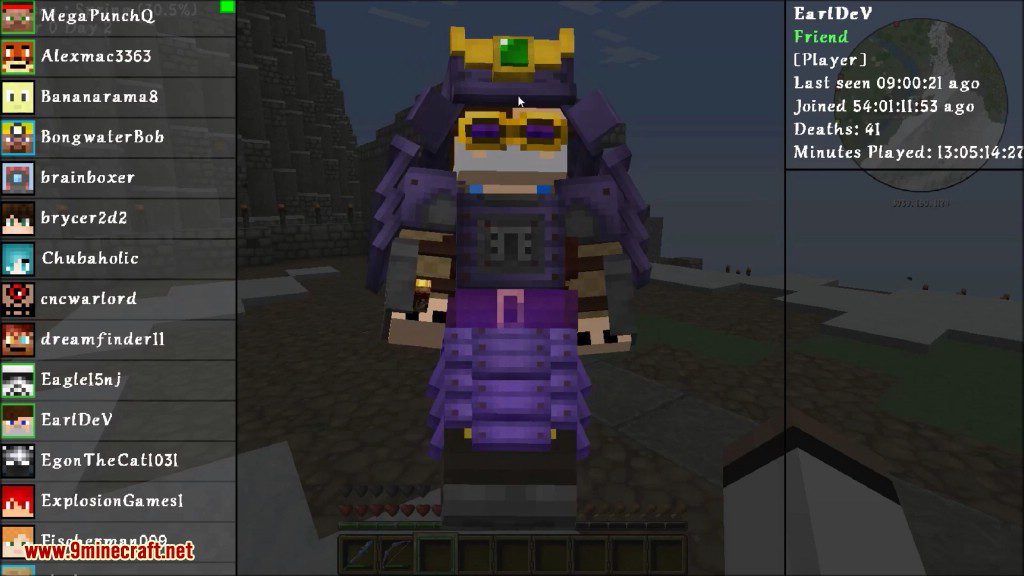
- Friends System: Lets you add other players to an in-game friends list. This is used for other features like sharing claimed land.
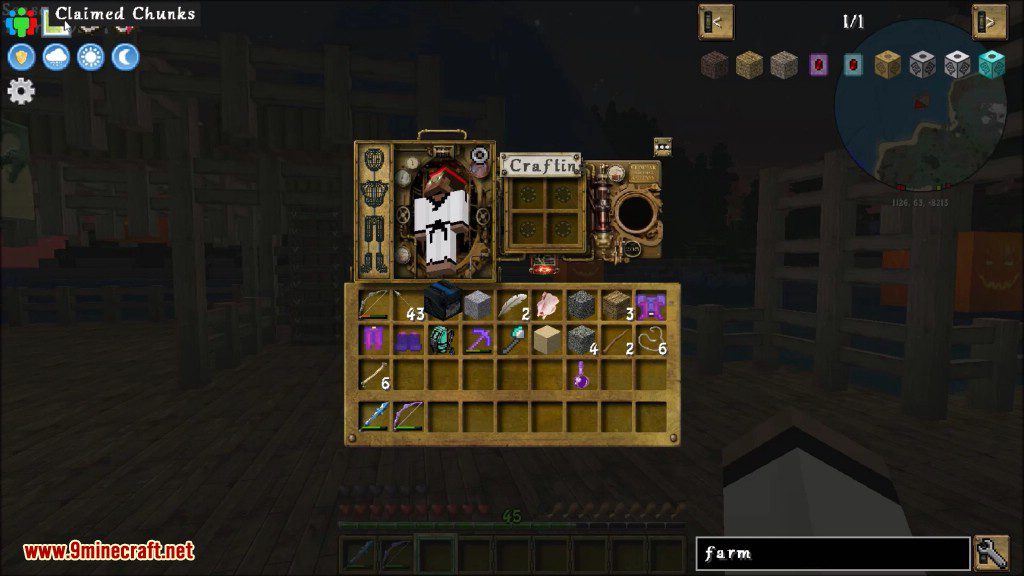
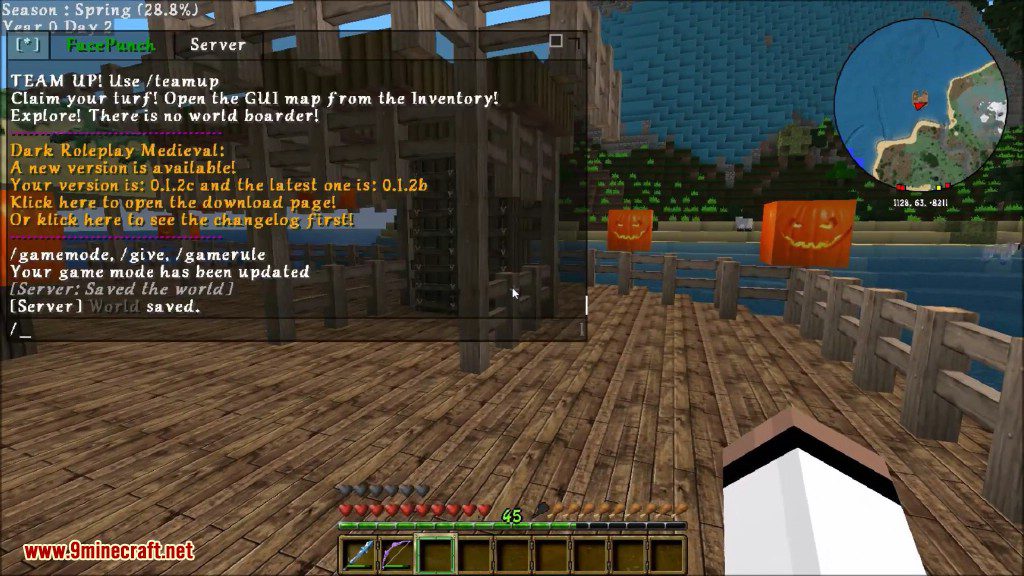
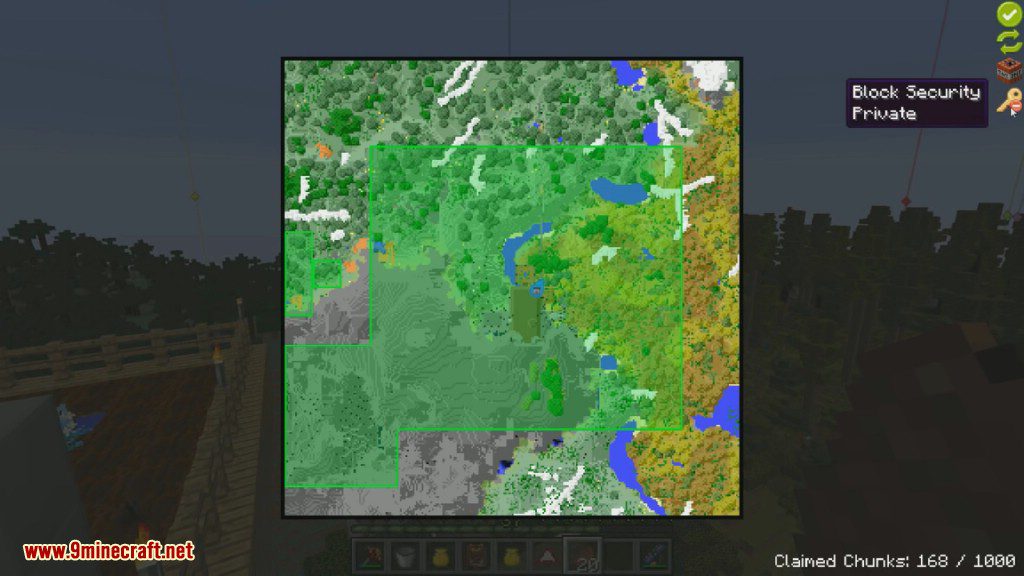
- Chunk Claiming: Protect your base by claiming chunks of land. Only you and your friends can build or break blocks in these areas.
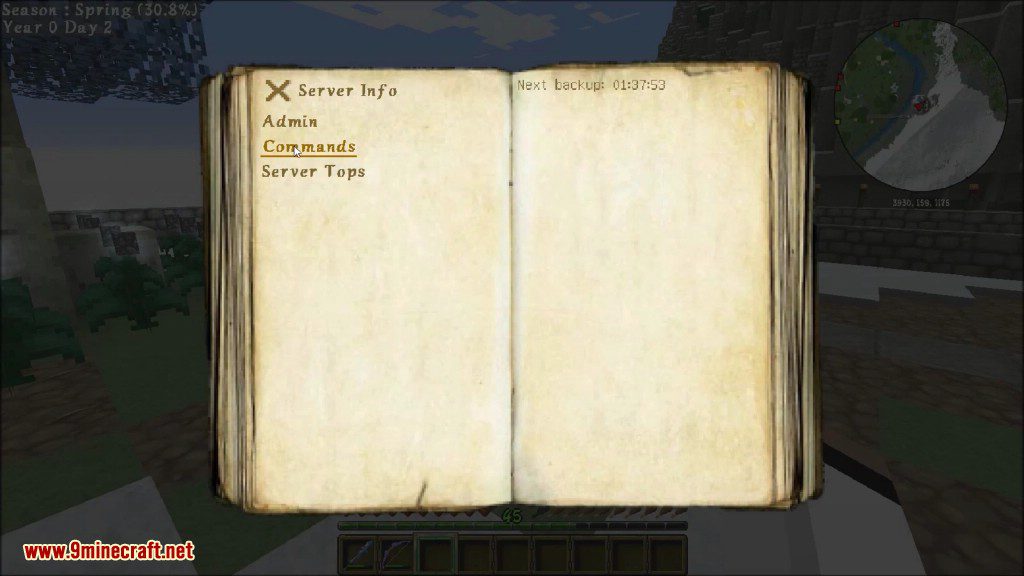
- Adds an in-game guide system, allowing you to write and read text guides directly in Minecraft.
- Automatically creates backups of your world on a regular schedule.
- Allows server admins to set up automatic server restarts to keep it running smoothly.
- You can set up world borders to limit the size of your world, similar to vanilla Minecraft.
- Admins can view any online player’s inventory and add or remove items.
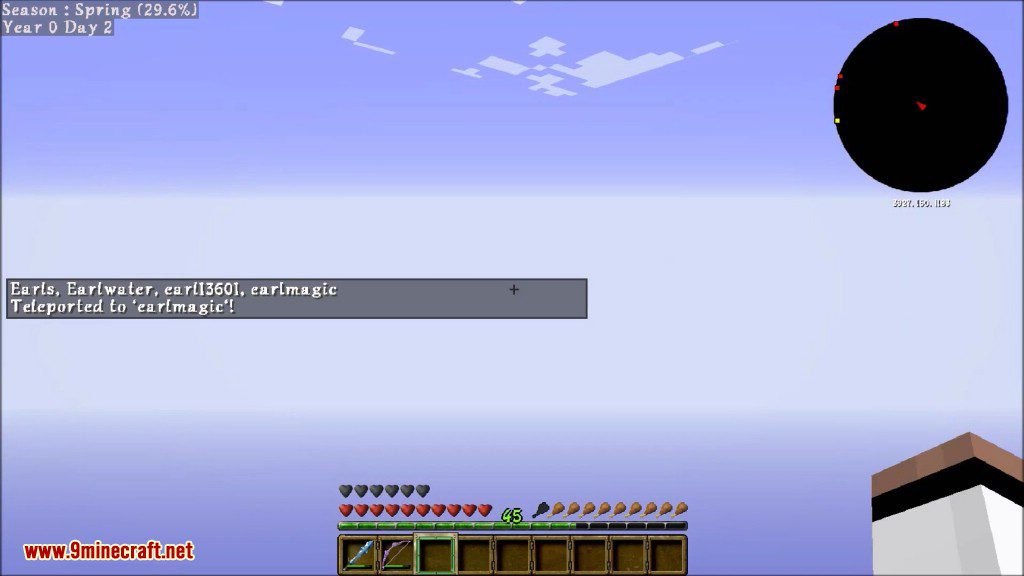
- Set up server-wide warps that players can use to teleport to important locations.
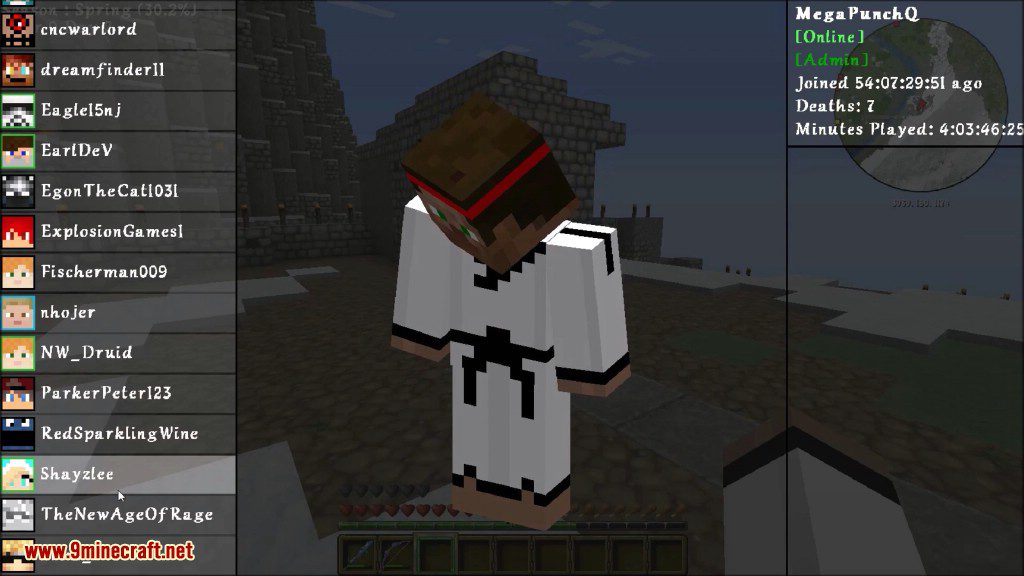
- See different stats for other players, like total playtime, deaths, and when they first joined.
- Makes the spawn area safer by stopping hostile mobs from spawning or attacking players there.
- Gives new players a set of starting items when they first join your server.
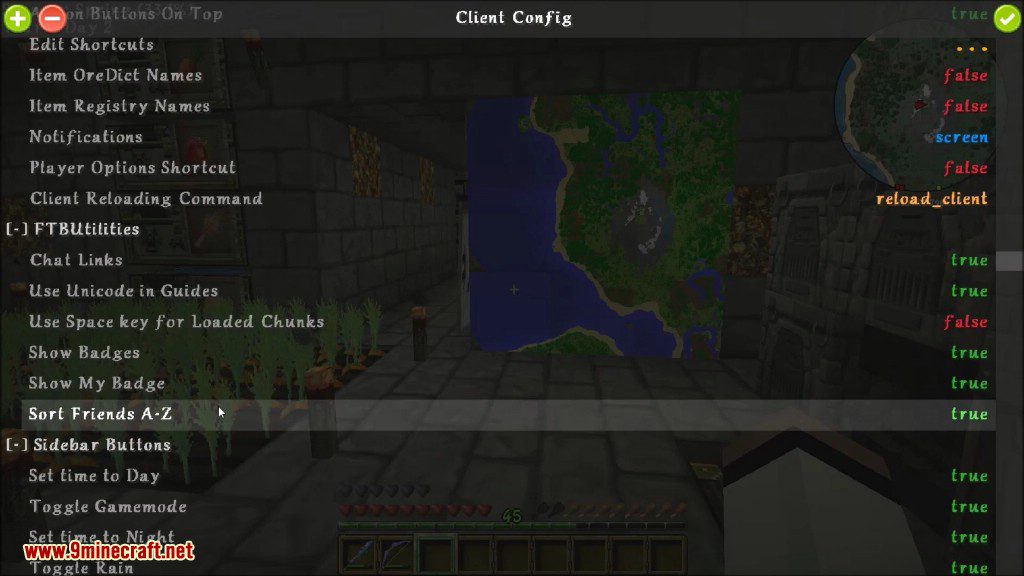
- If someone posts a link in chat, this mod adds a clickable “[Link]” button next to it.
- Admins can create and give custom badges to players.
Commands:
FTBLib
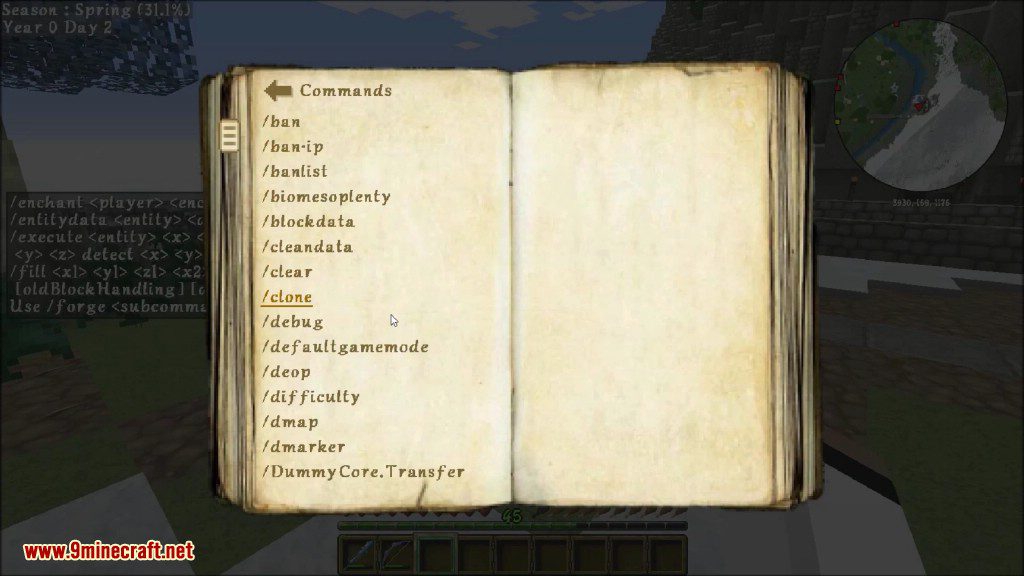
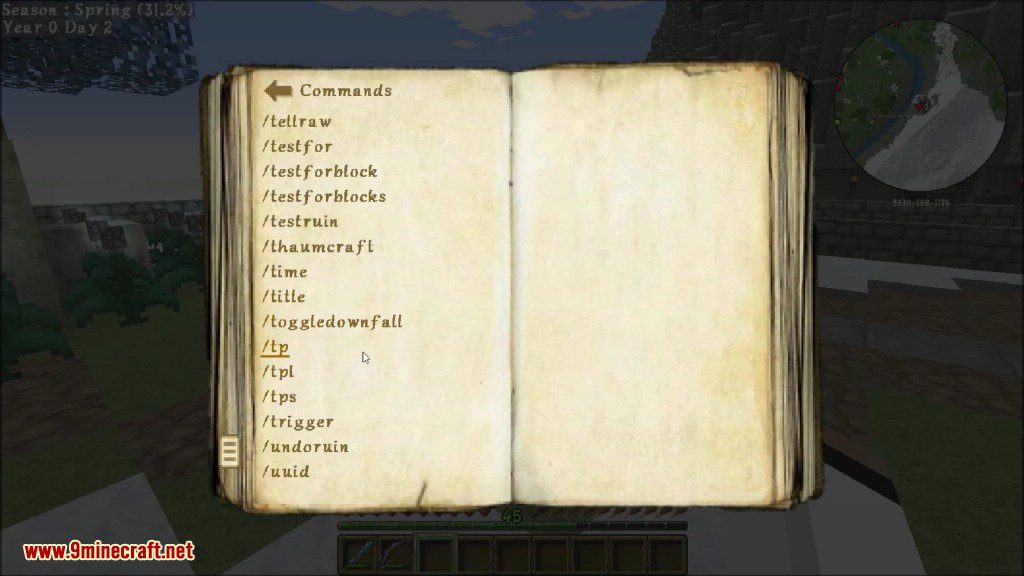
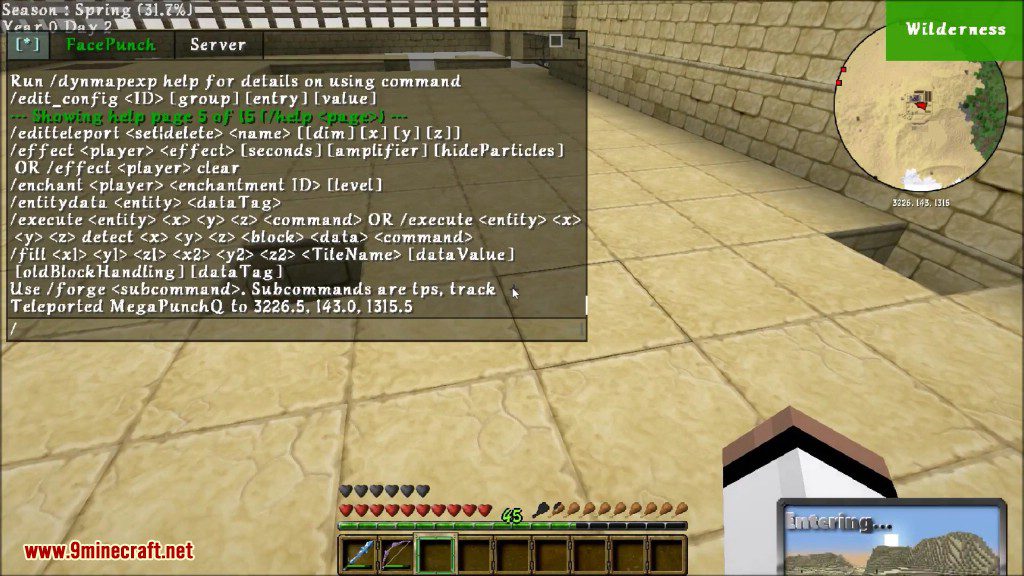
/reload: Reloads server and client configs./ftb_worldID: Shows the current world’s UUID./ftb_mode list: Lists all available modes./ftb_mode get: Shows the current world mode./ftb_mode set [mode]: Changes the world mode./edit_config <ID> [group] [entry] [value]: Opens a configuration GUI./set_item_name [Name...]: Renames the item you are holding./ftb_notify <player|@a> [notification Json...]: Sends a pop-up message to a player.
FTB Utilities
Player Commands
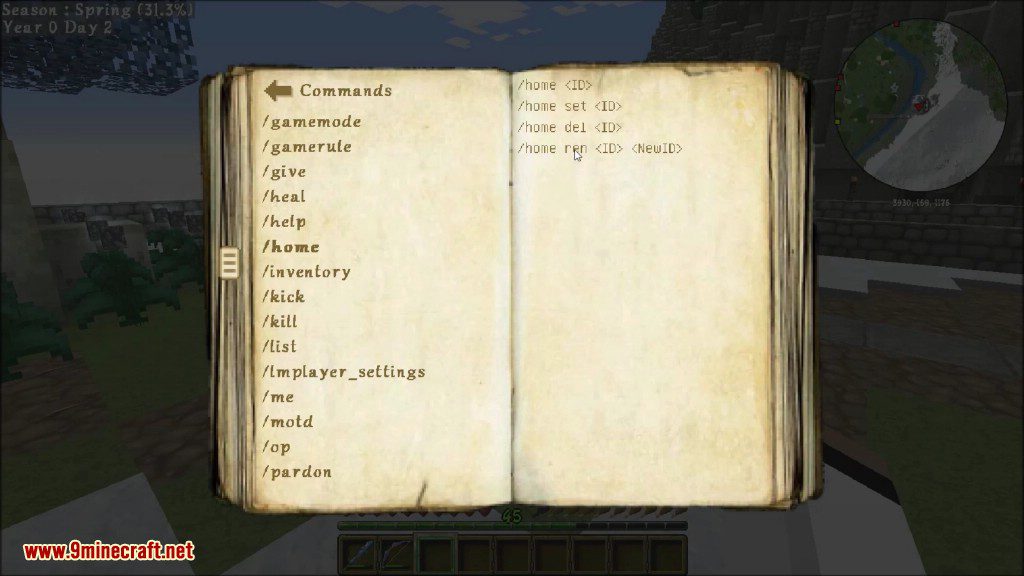
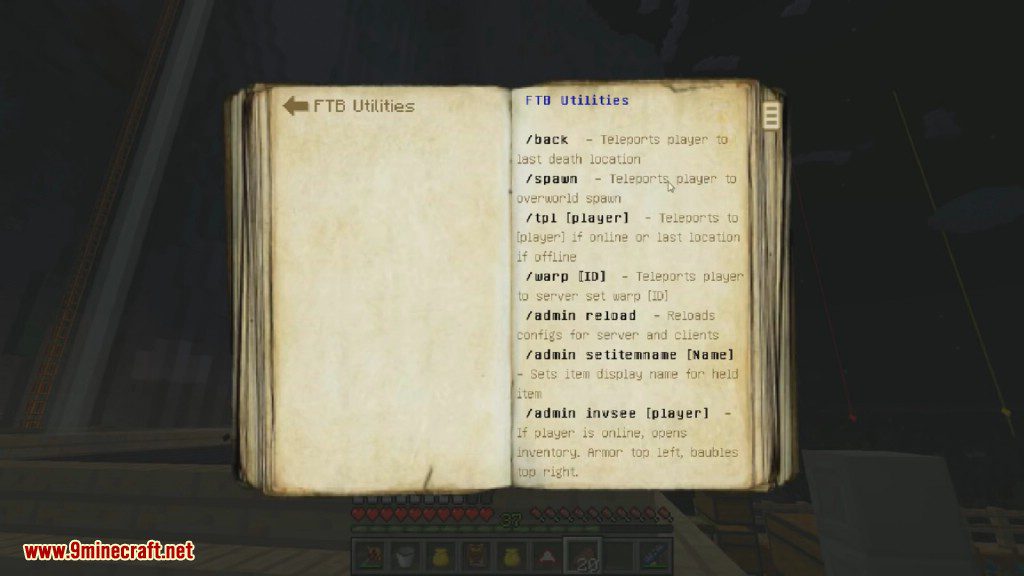
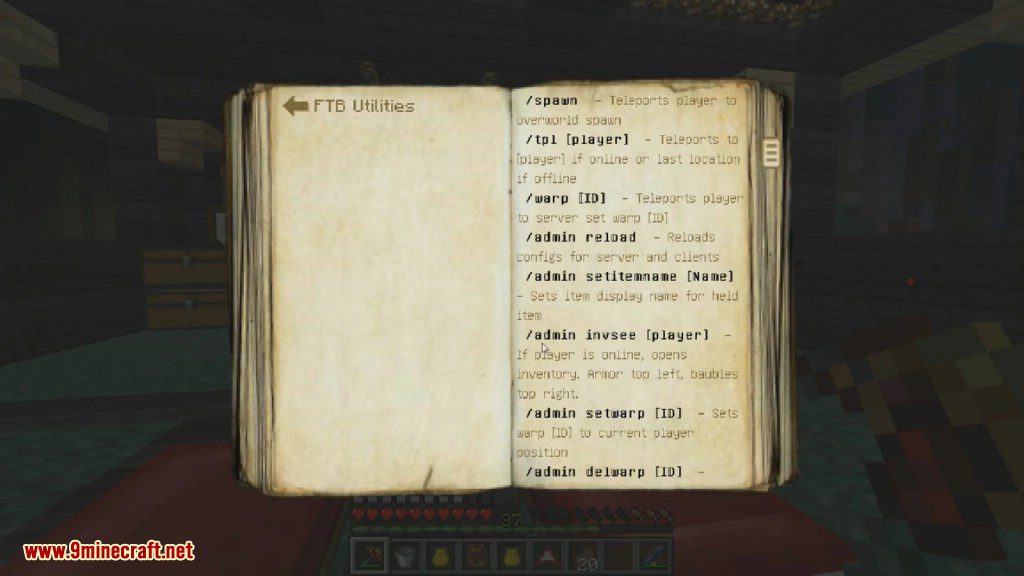
/back: Teleports you to your last death location./spawn: Teleports you to the Overworld’s spawn point./tpl [player]: Teleports you to another player./warp [ID]: Teleports you to a server warp point.
Admin Commands
/admin invsee [player]: Opens an online player’s inventory./admin setwarp [ID]: Creates a new warp point at your current location./admin delwarp [ID]: Deletes a warp point./admin unclaim: Unclaims the chunk you are standing in./admin unclaim_all <player | @a>: Unclaims all chunks owned by a player./admin loaded_chunks: Shows a list of all currently loaded chunks./admin worldborder on|off: Turns the world border on or off./admin worldborder set [dim] [radius]: Sets the world border size for a dimension./admin worldborder center [x] [z]: Sets the center of the world border./admin player saveinv|loadinv <player|@a>: Saves or loads a player’s inventory from a file.
Screenshots:
How to Install:
New to Minecraft? Follow our step-by-step guide to install Mods on your PC.View Guide
Requirements:
FTB Utilities Mod Download Links
For Minecraft 1.7.10
For Minecraft 1.8.0
For Minecraft 1.8.9
For Minecraft 1.9.4
For Minecraft 1.11.2, 1.11 and 1.10.2
For Minecraft 1.12.1, 1.12
For Minecraft 1.12.2
Click to rate this post!
[Total: 0 Average: 0]
You May Also Like












This post has no comments yet. Be the first — your comment will appear here.