GraphUtil Mod (1.20.1, 1.19.2) – Display Graph on The F3 Key

 0
0  June 21, 2023
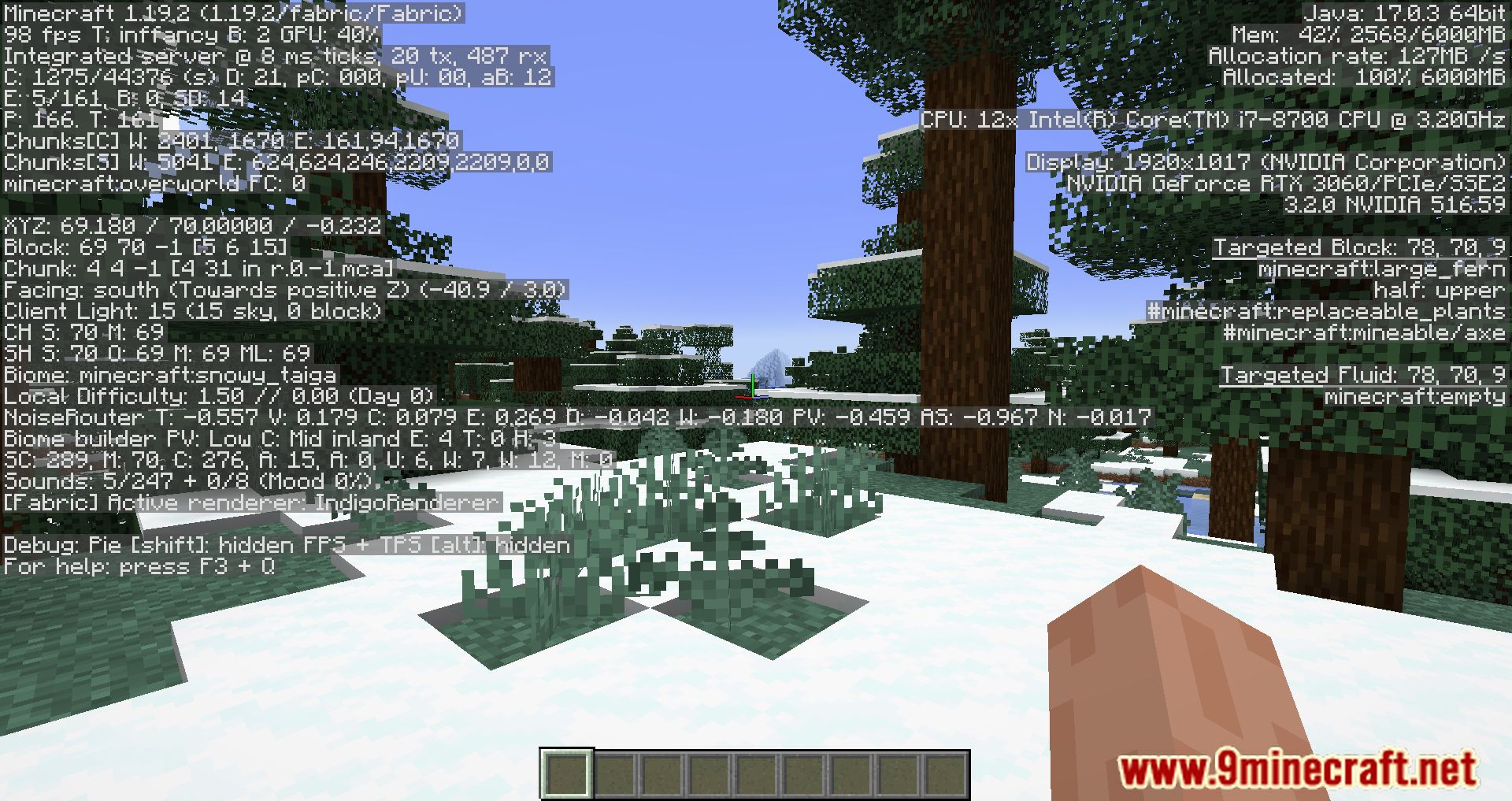
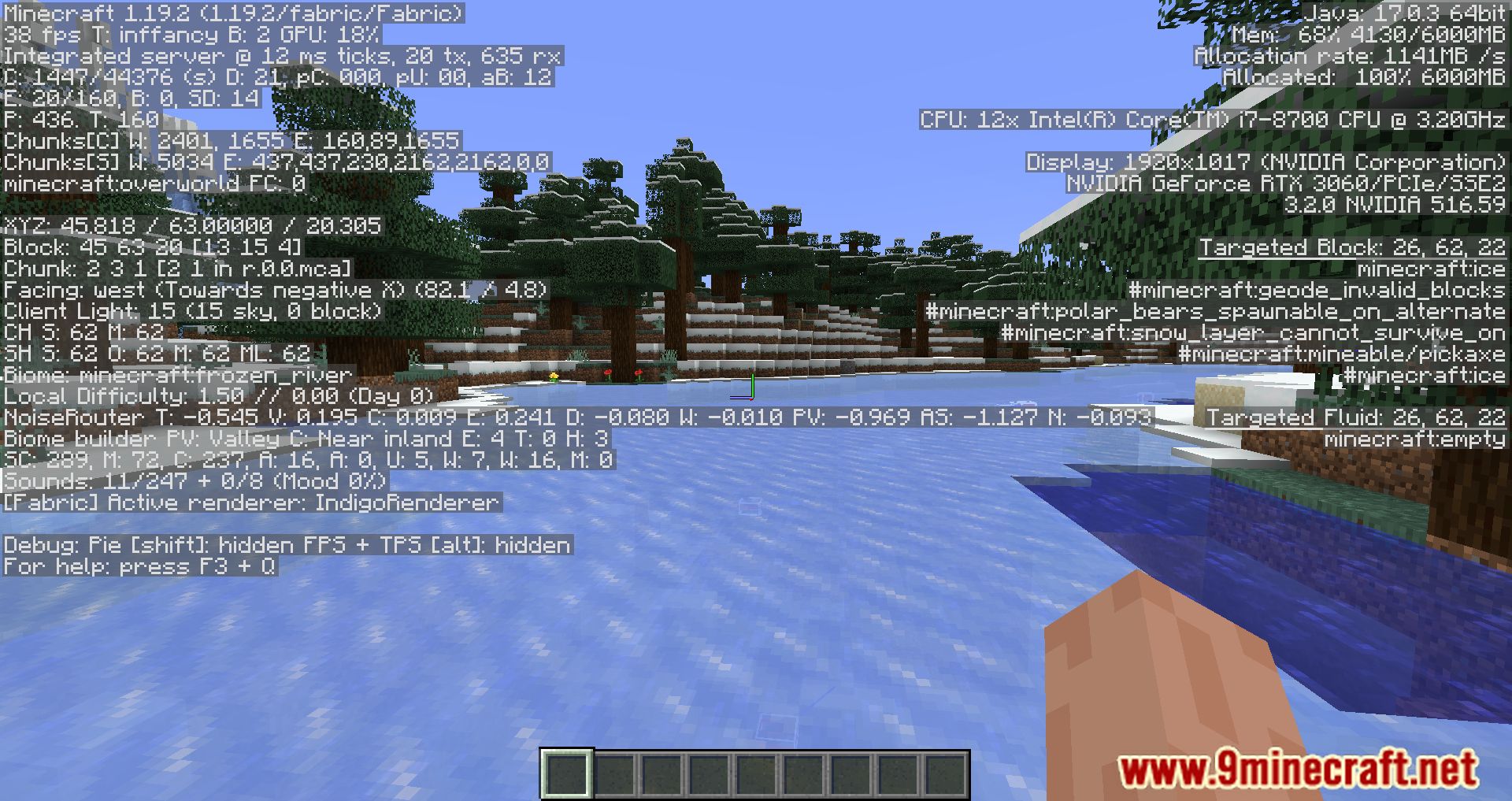
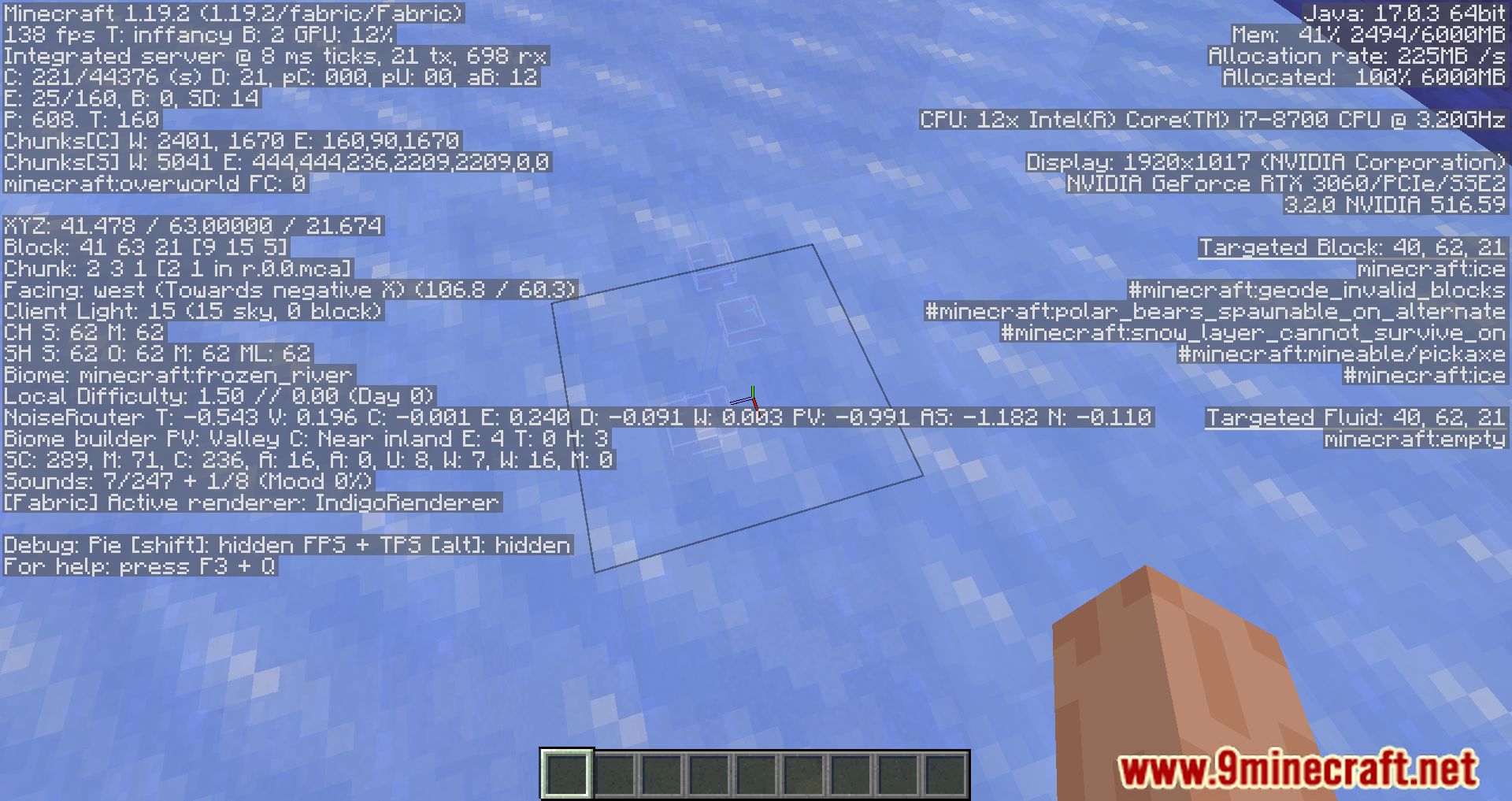
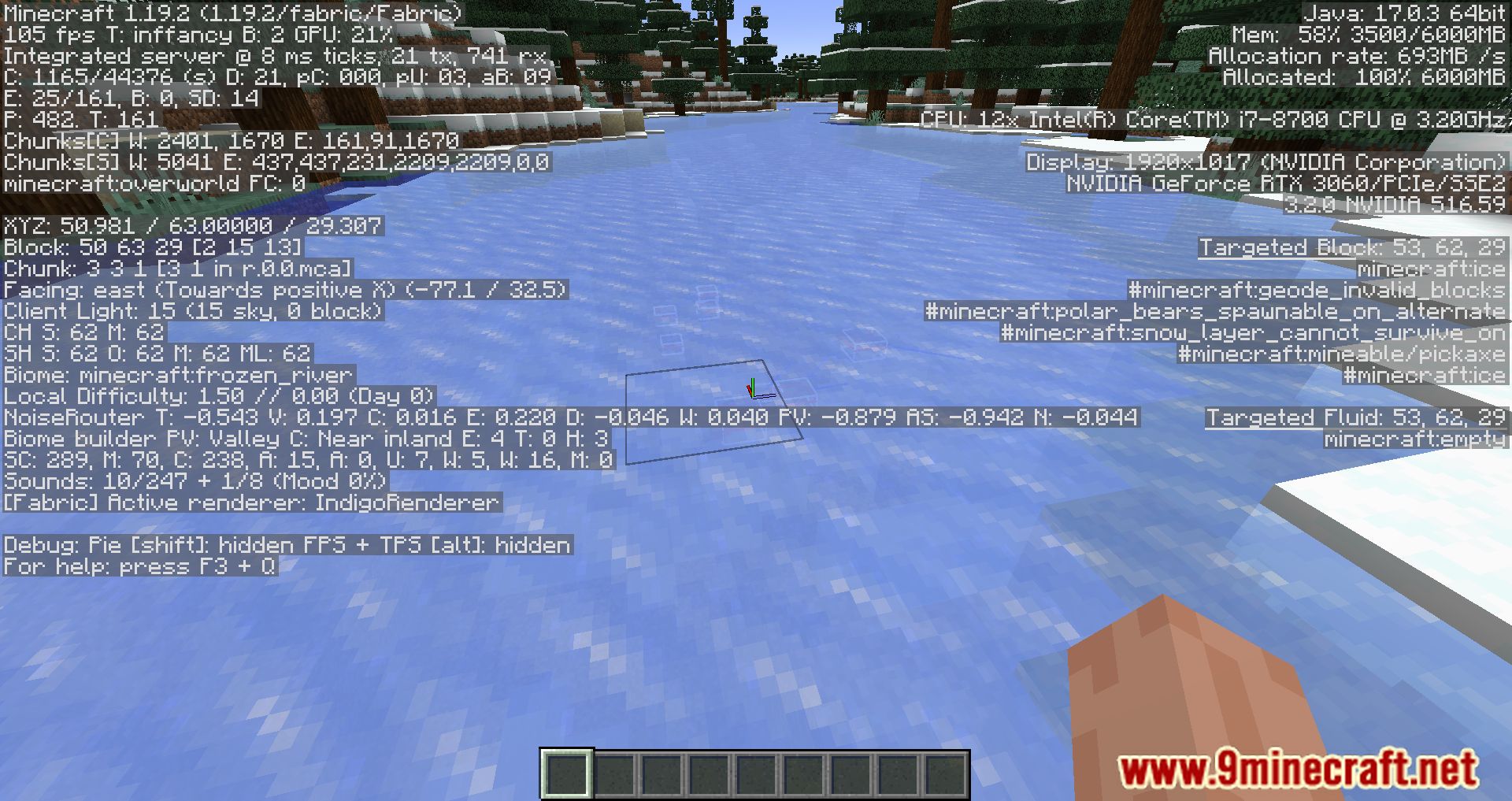
GraphUtil Mod adds the ability in Minecraft to display a graph when pressing the F3 key, showing all the game information – now it will display a graph with average FPS, frame drops, as well as latency. It’s a great addition for those who like to monitor their computer’s performance in the game.

Features:
- Show min/max/avg frame times with decimal points.
- Optionally scale the graph to the min/max size so it’s still readable in the <5ms range.
- Show a line for the avg times.
- Option to always show graphs on the debug screen without ALT+SHIFT+F3.
- Hide the TPS graph.
- Limit the graph to its box (no more red lines filling the screen)
Screenshots:
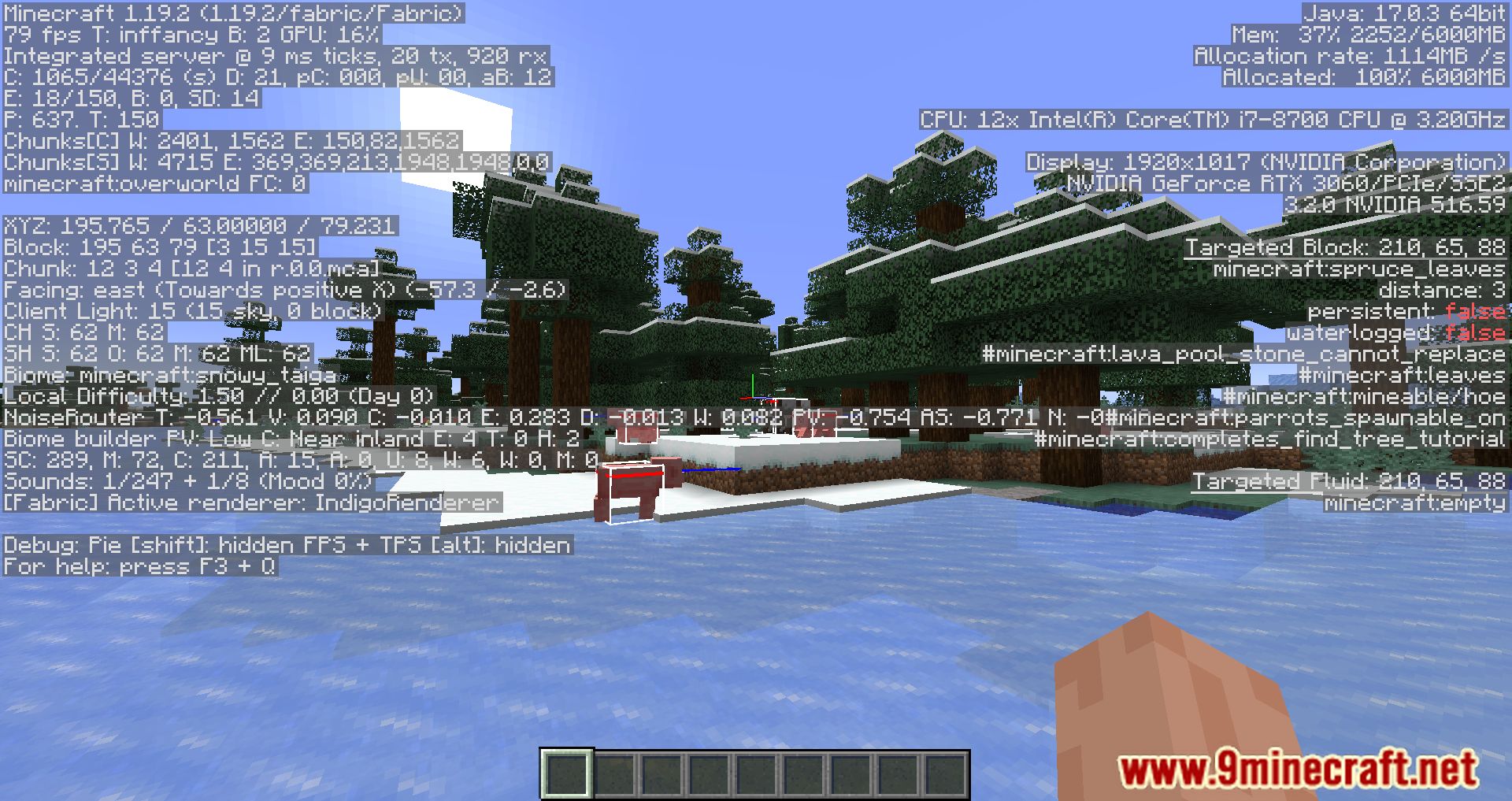
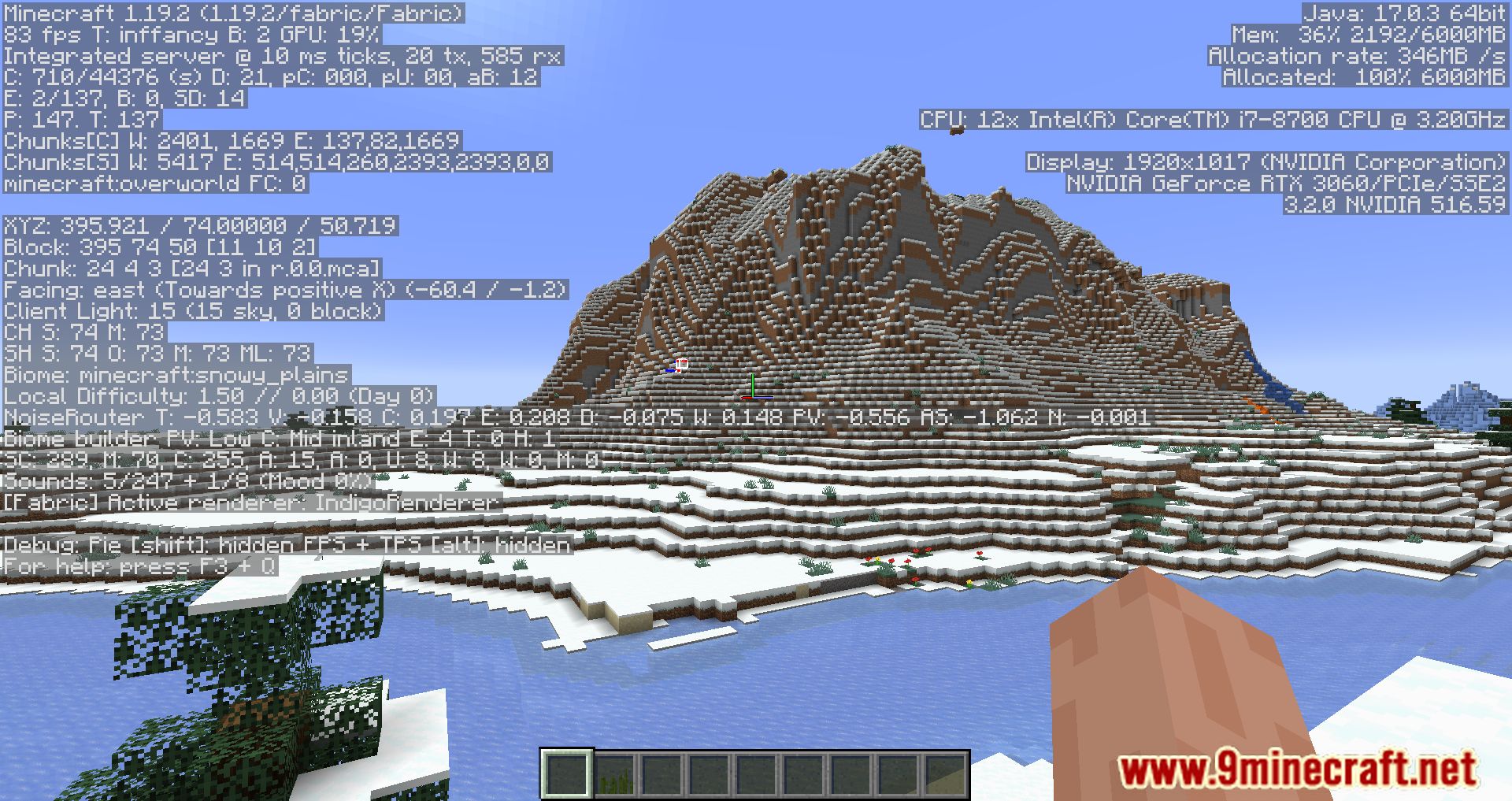
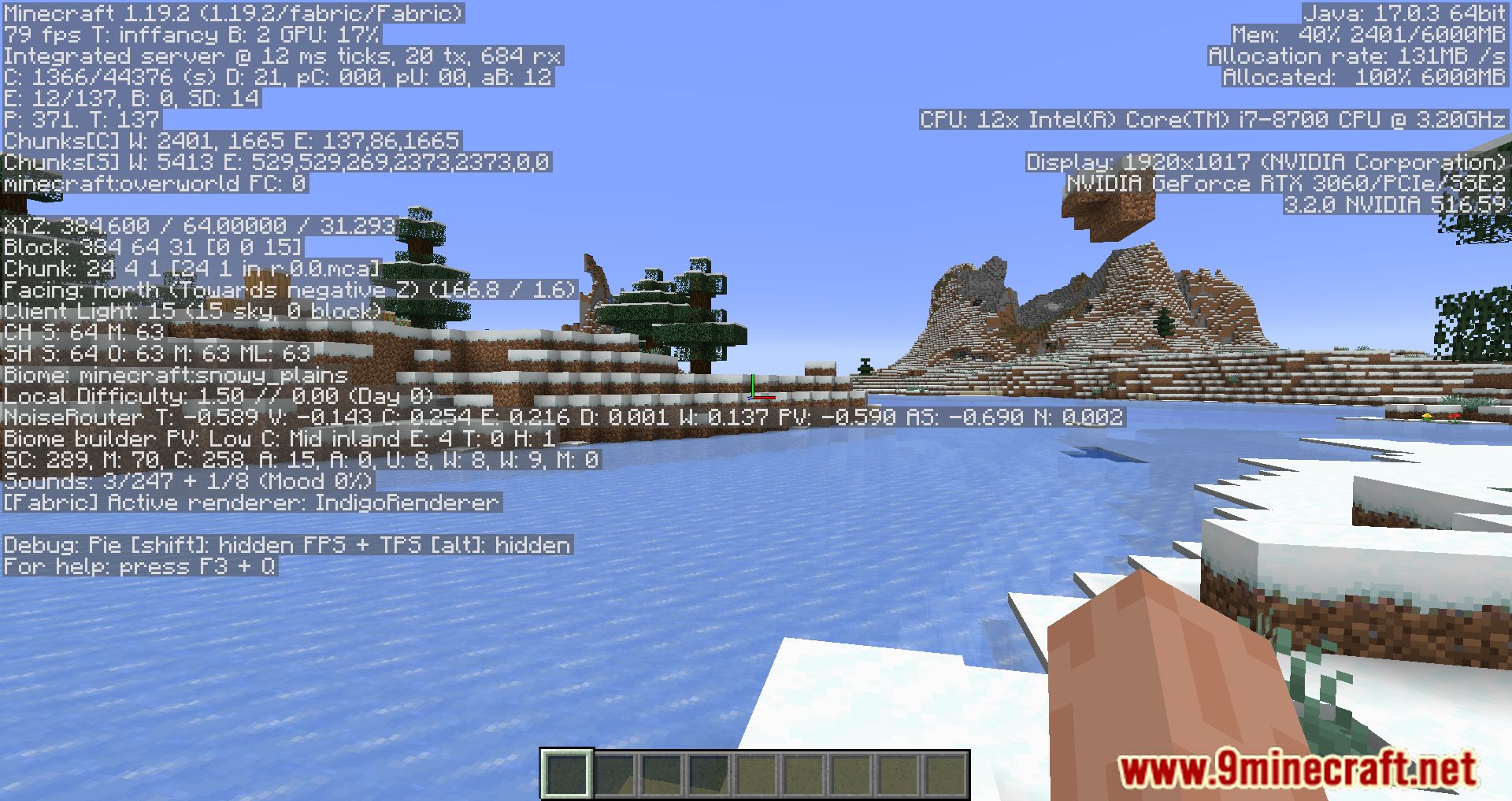
Requires:
How to install:
Click the following link to view details: How to Install Mods for Minecraft Java Edition on PC: A Beginner Guide
GraphUtil Mod Download Links
For Minecraft 1.18.2, 1.18.1
Fabric version: Download from Server 1 – Download from Server 2
Forge version: Download from Server 1 – Download from Server 2
For Minecraft 1.19.2, 1.19.1, 1.19
Fabric version: Download from Server 1 – Download from Server 2
Forge version: Download from Server 1 – Download from Server 2
For Minecraft 1.19.3
Fabric version: Download from Server 1 – Download from Server 2
Forge version: Download from Server 1 – Download from Server 2
For Minecraft 1.19.4
Fabric version: Download from Server 1 – Download from Server 2
Forge version: Download from Server 1 – Download from Server 2
For Minecraft 1.20.1, 1.20
Fabric version: Download from Server 1 – Download from Server 2
Forge version: Download from Server 1 – Download from Server 2
You May Also Like