Gravestone Mod (26.1.1, 1.20.1) – Create a Grave When The Player Dies
 1,333
1,333
 0
0
 6 days ago
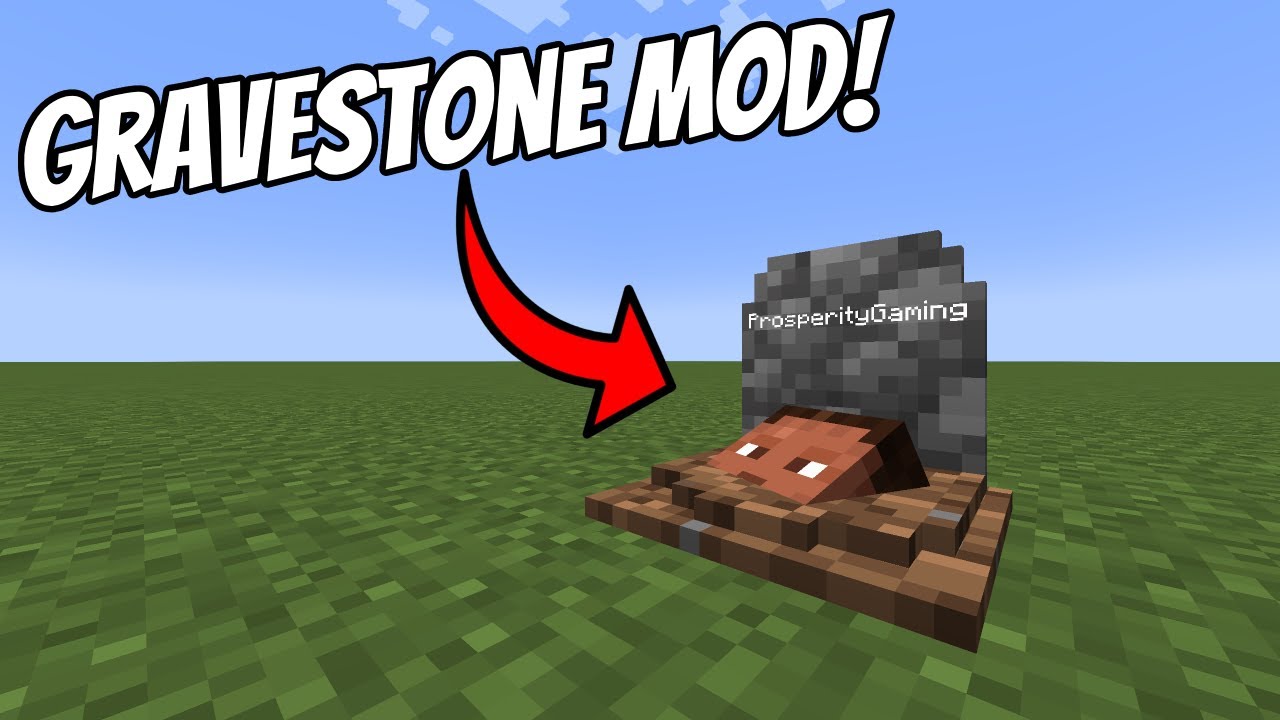
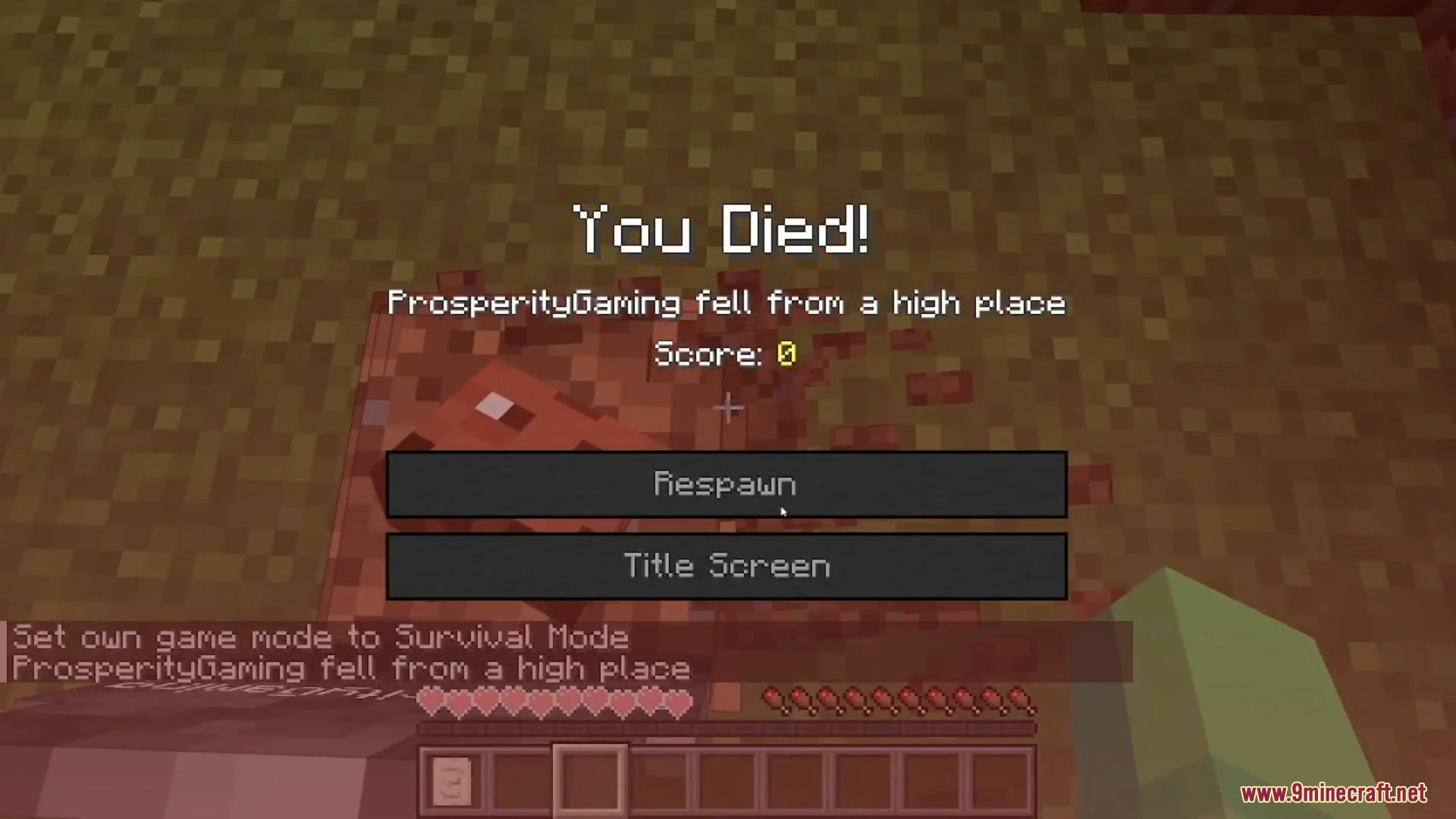
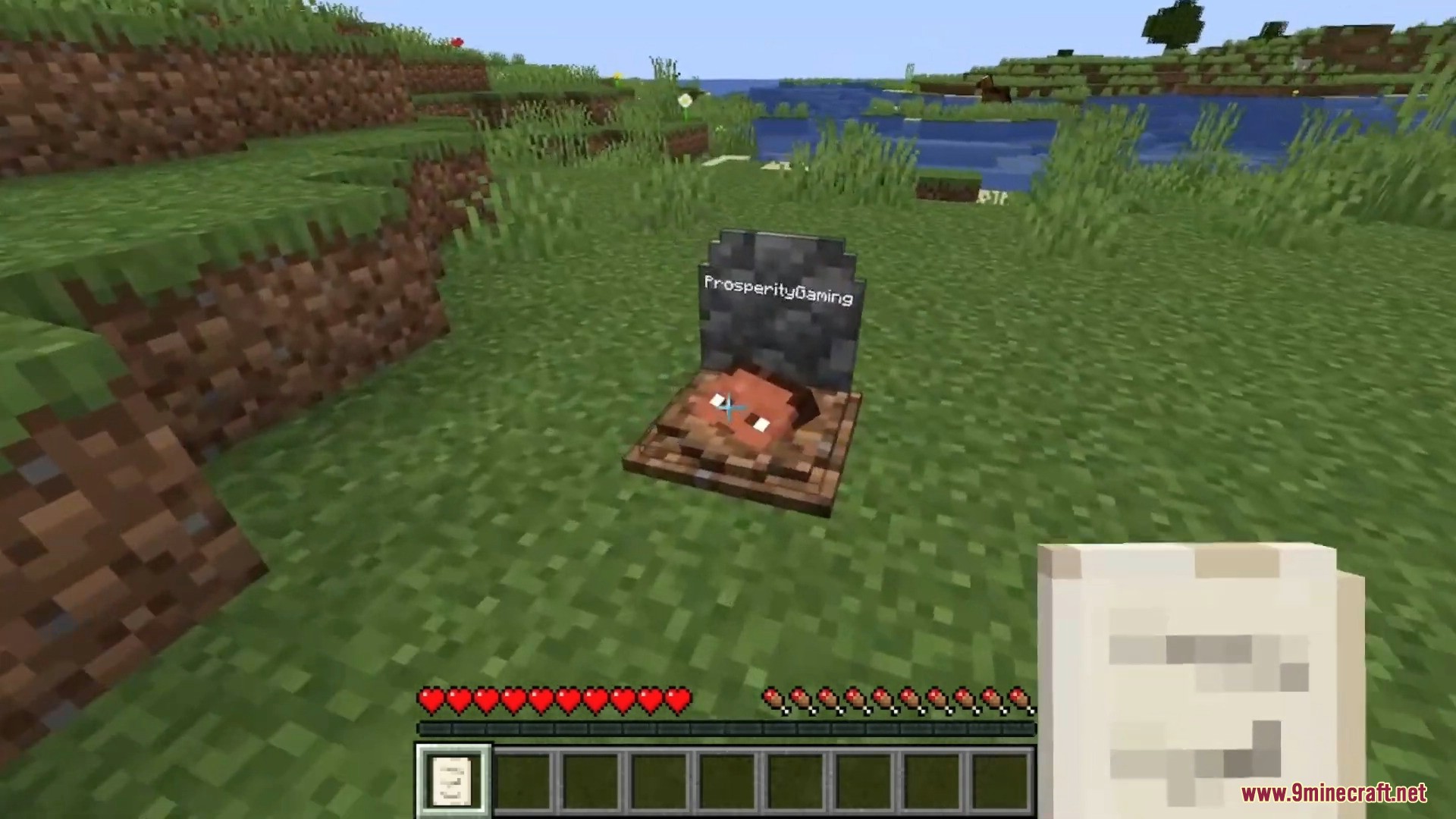
Gravestone Mod places a gravestone with your inventory items inside when you die. To retrieve items, simply break the grave. Items can also be recovered by sneaking on the grave. Right-clicking the grave displays information about the player’s death. Graves can restore items back to their original inventory slots.
Features:
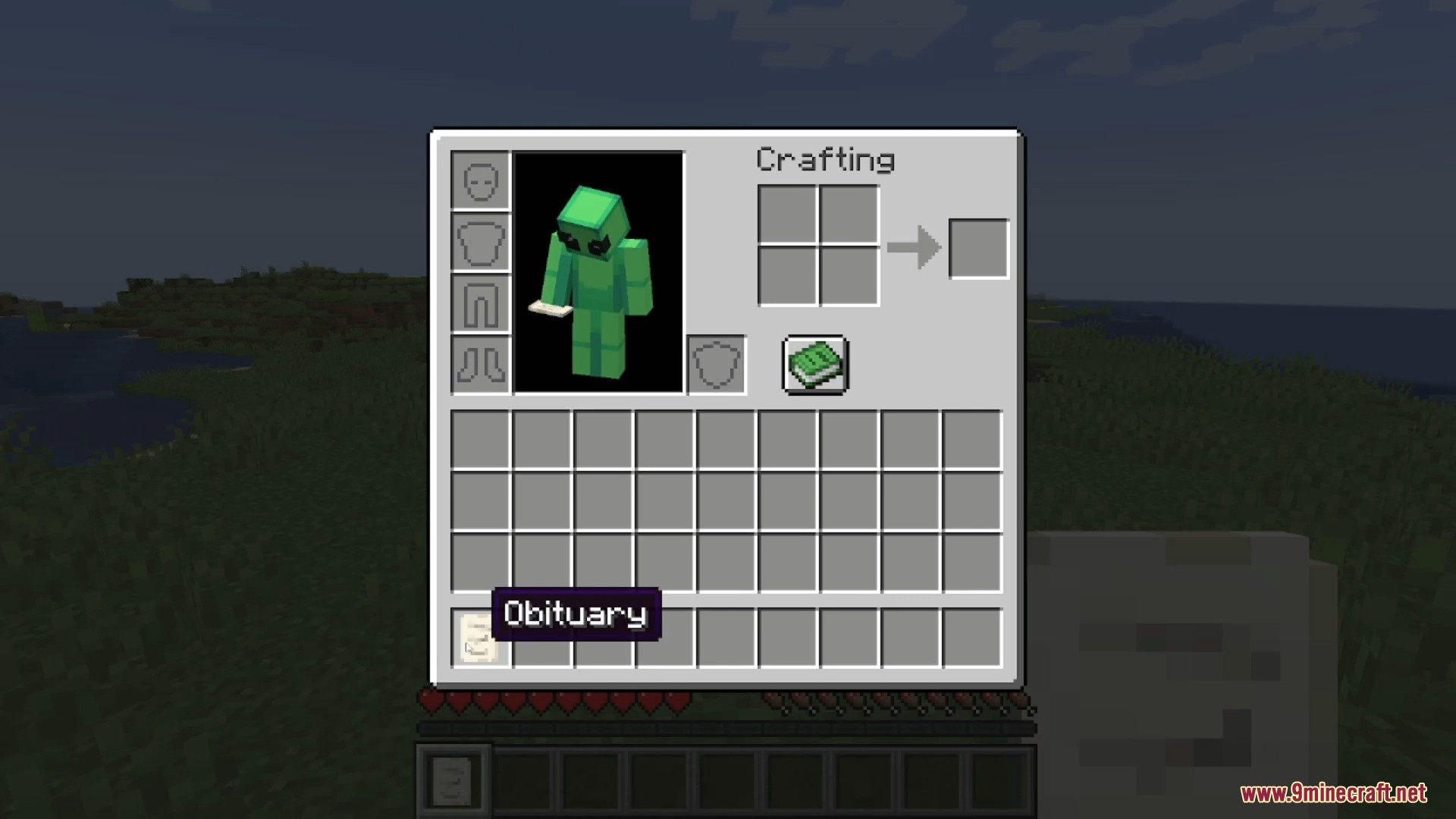
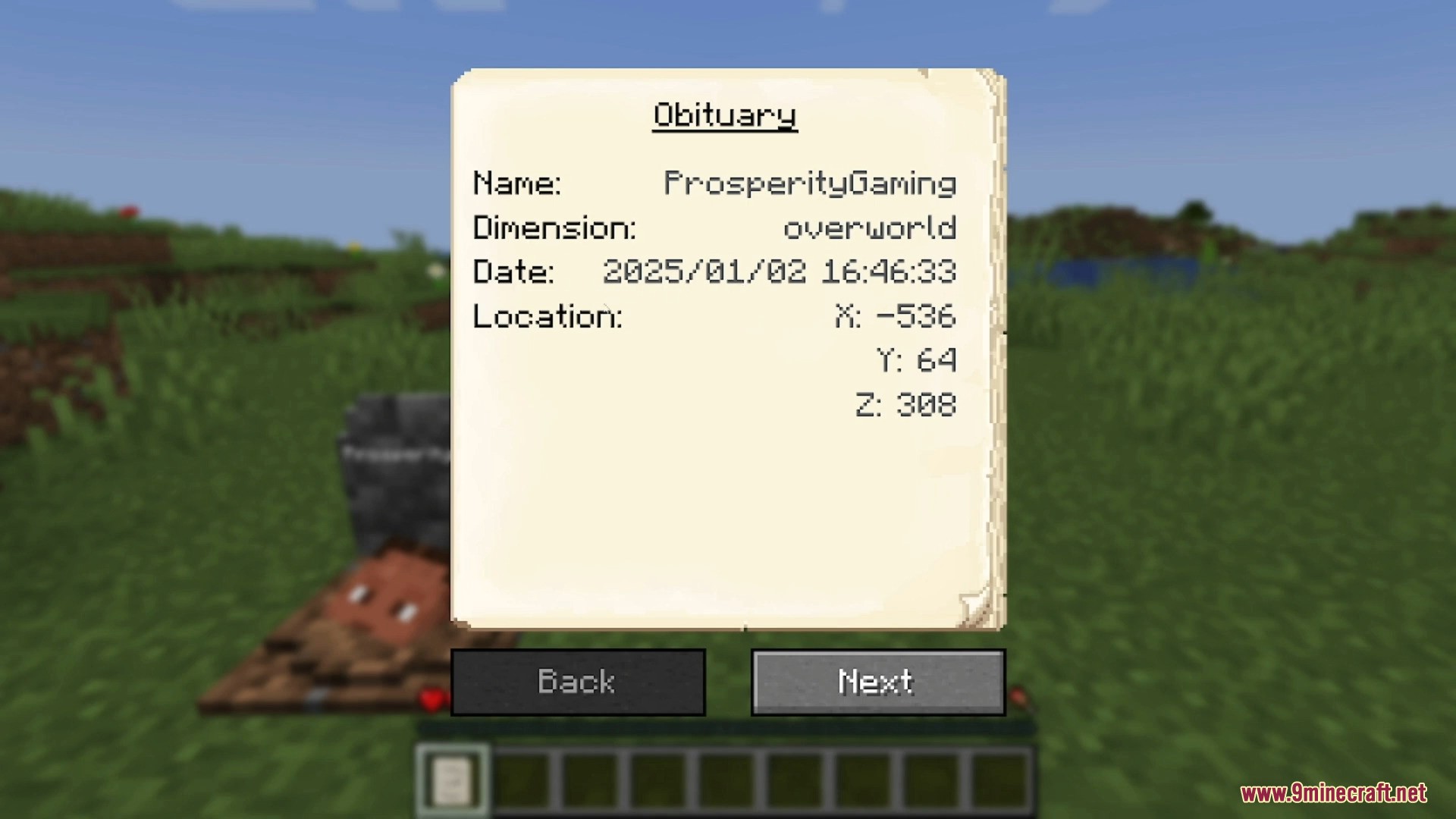
The Obituary
Each time a player dies, an obituary is created. It includes:
- Player name
- Dimension of death
- Date and coordinates of death
- Image of the player with equipment at the time of death
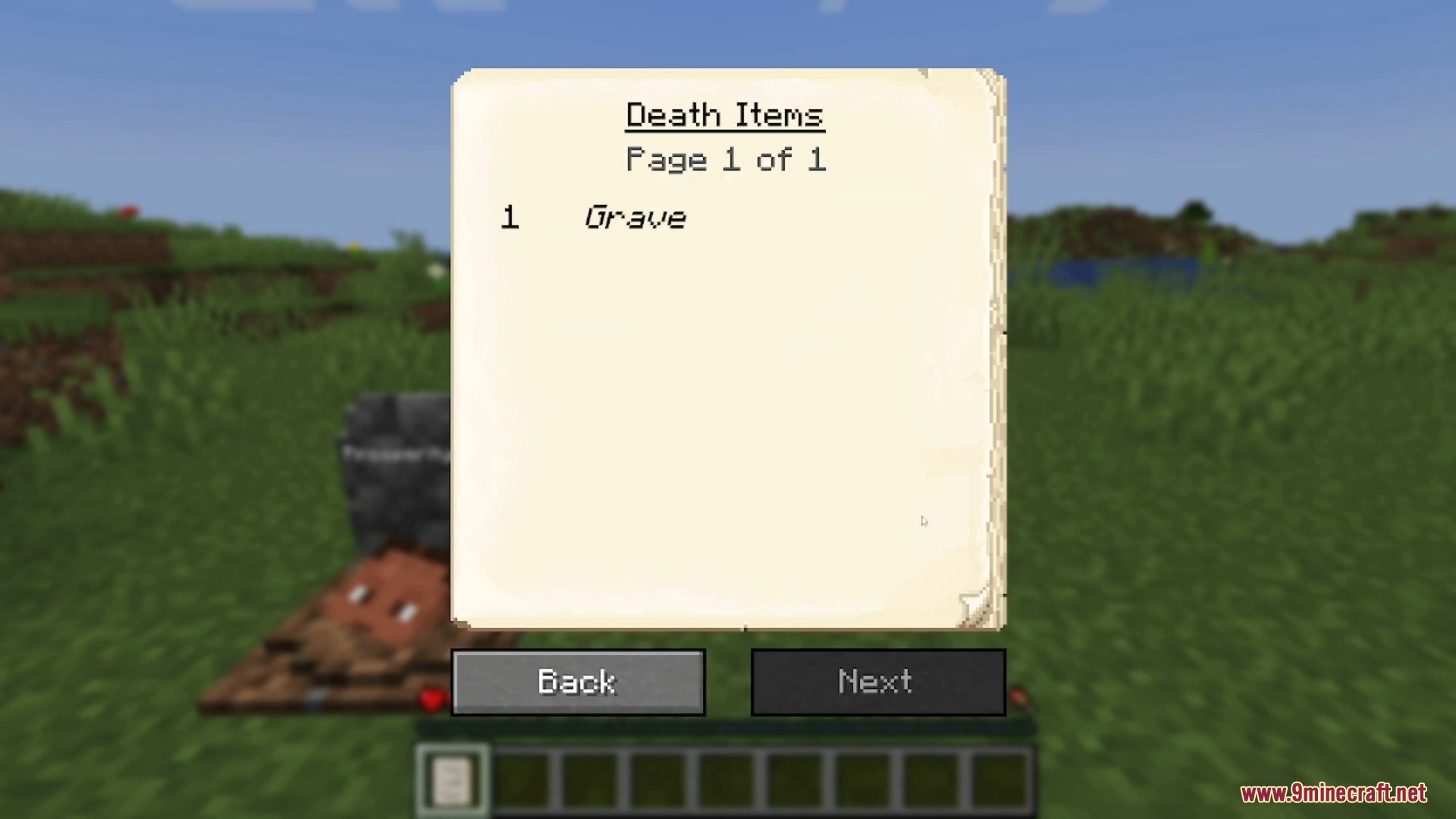
- List of all carried items
The obituary feature can be disabled or set to auto-delete after item recovery.
Naming the Grave
Breaking the grave with Silk Touch drops it as an item. Graves can also be crafted. Renaming a grave in an anvil allows custom text to appear on it.
Customization Options
Config settings allow players to adjust:
- Text color on the grave
- Whether the skull should be displayed
- Whether the obituary should be generated
- Which blocks can be replaced by a grave
- If the death note should be removed after breaking the grave
- If only the grave owner can break it
- If a ghost should spawn upon breaking the grave
- Whether the ghost defends or attacks the player
- If the grave should break when sneaking on it
- If items should return to original inventory slots upon recovery
Recovering Lost Items
If items are lost, they can be recovered using the command:
/restore <player> <death_id> <replace|add>
- player: the player whose inventory will be restored.
- death_id: the ID of the death, found by enabling advanced tooltips (F3 + H) or checking the logs.
- replace|add: whether to overwrite or add items to the inventory.
Admins can obtain a pre-made restore command by sneaking and right-clicking an obituary.
Edge Cases
- If the player dies inside a block, the grave appears at the nearest free space above.
- If there is no available space or the player dies above build height, items drop normally.
- If the player falls into the void, the grave is placed at the lowest valid block position or the next available spot above.
Screenshots:
Requires:
How to install:
Click the following link to view details: How to Install Mods for Minecraft Java Edition on PC: A Beginner Guide
Gravestone Mod Download Links
| Version | Loader | File Name | Size | Date | Download |
|---|---|---|---|---|---|
| 26.1.1 | Neoforge | Gravestone-Mod-NeoForge-26.1.1.jar | 333 KB | Apr 2, 2026 | |
| 26.1 | Neoforge | Gravestone-Mod-NeoForge-26.1.jar | 328 KB | Mar 26, 2026 | |
| 1.21.11 | Neoforge | Gravestone-Mod-NeoForge-1.21.11.jar | 324 KB | Apr 2, 2026 | |
| 1.21.10 | Neoforge | GraveStone-Mod-NeoForge-1.21.10.jar | 328 KB | Mar 26, 2026 | |
| 1.21.9 | Neoforge | GraveStone-Mod-NeoForge-1.21.9.jar | 327 KB | Mar 26, 2026 | |
| 1.21.8 | Neoforge | GraveStone-Mod-NeoForge-1.21.7.jar | 324 KB | Mar 26, 2026 | |
| 1.21.6 | Neoforge | GraveStone-Mod-NeoForge-1.21.6.jar | 321 KB | Mar 26, 2026 | |
| 1.21.5 | Neoforge | GraveStone-Mod-NeoForge-1.21.5.jar | 313 KB | Mar 26, 2026 | |
| 1.21.4 | Neoforge | GraveStone-Mod-NeoForge-1.21.4.jar | 314 KB | Mar 26, 2026 | |
| 1.21.3 | Neoforge | GraveStone-Mod-NeoForge-1.21.2.jar | 315 KB | Mar 26, 2026 | |
| 1.21.1 | Neoforge | Gravestone-Mod-NeoForge-1.21.1.jar | 311 KB | Apr 2, 2026 | |
| 1.20.6 | Neoforge | GraveStone-Mod-NeoForge-1.20.6.jar | 309 KB | Mar 26, 2026 | |
| 1.20.5 | Neoforge | GraveStone-Mod-NeoForge-1.20.5.jar | 312 KB | Mar 26, 2026 | |
| 1.20.4 | Neoforge | GraveStone-Mod-NeoForge-1.20.4.jar | 303 KB | Mar 26, 2026 | |
| 1.20.2 | Forge | GraveStone-Mod-Forge-1.20.2.jar | 306 KB | Mar 26, 2026 | |
| Neoforge | GraveStone-Mod-NeoForge-1.20.2.jar | 302 KB | Mar 26, 2026 | ||
| 1.20.1 | Forge | Gravestone-Mod-Forge-1.20.1.jar | 310 KB | Apr 2, 2026 | |
| 1.19.4 | Forge | GraveStone-Mod-Forge-1.19.4.jar | 245 KB | Mar 26, 2026 | |
| 1.19.3 | Forge | GraveStone-Mod-Forge-1.19.3.jar | 245 KB | Mar 26, 2026 | |
| 1.19.2 | Forge | GraveStone-Mod-Forge-1.19.2.jar | 304 KB | Mar 26, 2026 | |
| 1.18.2 | Forge | Gravestone-Mod-Forge-1.18.2.jar | 243 KB | Apr 2, 2026 | |
| 1.17.1 | Forge | GraveStone-Mod-Forge-1.17.1.jar | 238 KB | Mar 26, 2026 | |
| 1.16.5 | Forge | Gravestone-Mod-Forge-1.16.5.jar | 229 KB | Apr 2, 2026 | |
| 1.12.2 | Forge | Gravestone-Mod-Forge-1.12.2.jar | 126 KB | Apr 2, 2026 | |
| 1.11.2 | Forge | Gravestone-Mod-1.11.2.jar | 907 KB | Mar 26, 2026 | |
| 1.10.2 | Forge | Gravestone-Mod-1.10.2.jar | 905 KB | Mar 26, 2026 | |
| 1.9.4 | Forge | Gravestone-Mod-1.9.4.jar | 904 KB | Mar 26, 2026 | |
| 1.8.9 | Gravestone-Mod-Forge-1.8.9.jar | 68 KB | Apr 2, 2026 | ||
| 1.7.10 | Gravestone-Mod-Forge-1.7.10.jar | 69 KB | Apr 2, 2026 | ||
| — | Gravestone-Mod-1.5.1.zip | 131 KB | Apr 2, 2026 |
You May Also Like