
Head Index Mod (26.3, 1.20.1) – Detail Every Base with Custom Heads
 3,002
 0


Head Index Mod brings thousands of decorative player heads into the game for better base detailing and building. It connects to an online head database so players can spawn custom designs directly in singleplayer worlds or multiplayer servers without needing special op tools. An interactive menu lets everyone browse categories, search for specific styles, and place unique items on the ground.
Features:
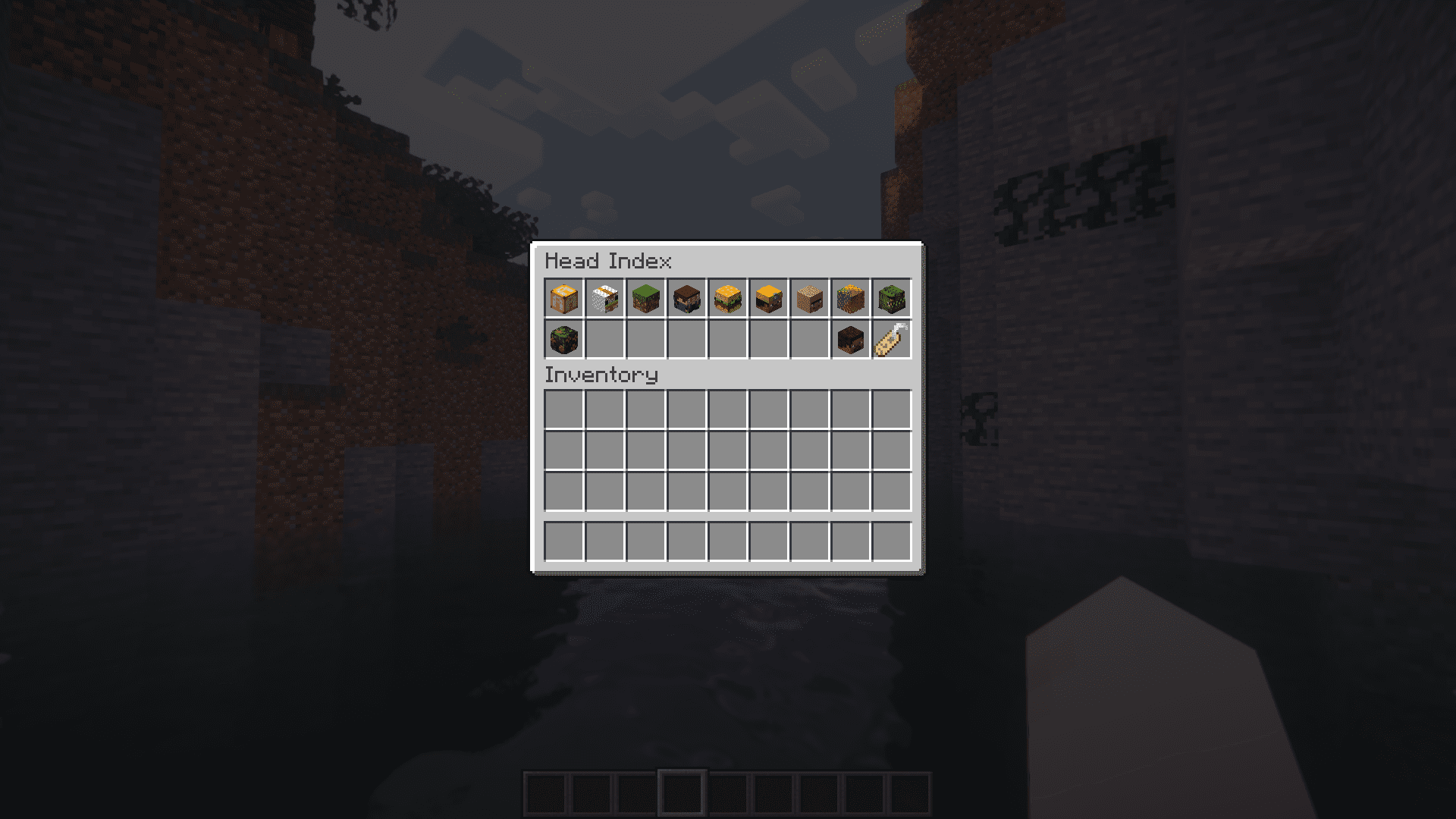
- Easy to use GUI interface: Opens an interactive menu with a simple command to browse through thousands of available player heads.
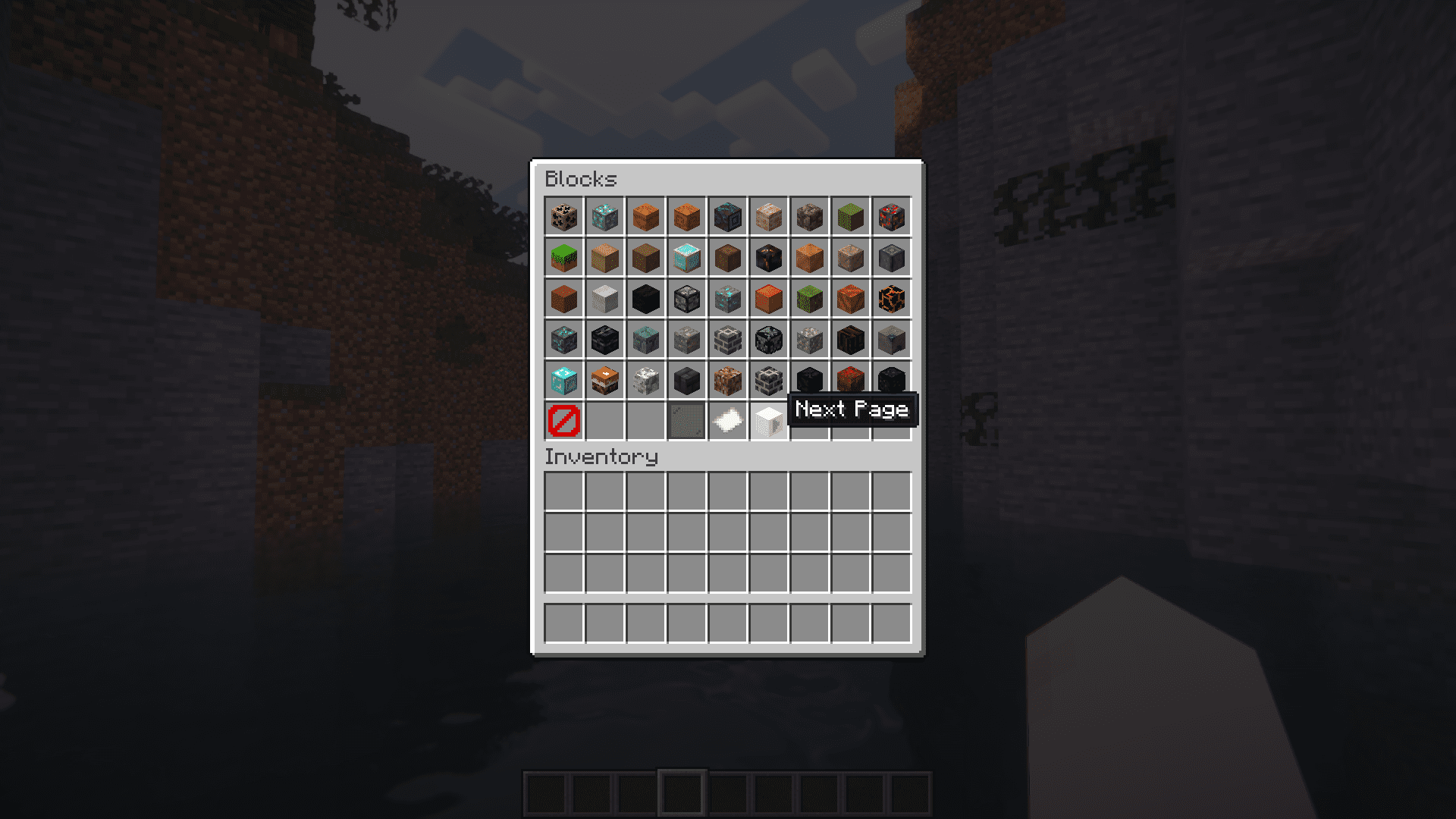
- Many Different Categories: Organizes thousands of custom designs into clear folders so you can find specific blocks, food, or mob heads quickly.
- Searching: Includes a search tool to type keywords and find exact decorative heads without scrolling through pages.
- Custom Player Heads: Spawns player heads with custom textures that stay loaded in the world even after server restarts.
- Customizable Cost: Lets server owners set item, experience, or economy costs for survival players to buy heads.
Commands:
/head: Opens the head GUI menu./head menu: Opens the head GUI menu./head search <search>: Opens the search menu for finding specific heads./head player <playername>: Gets a specific player head.
How to Use:
- Enter a free license key from minecraft-heads.com into the config file before starting the game.
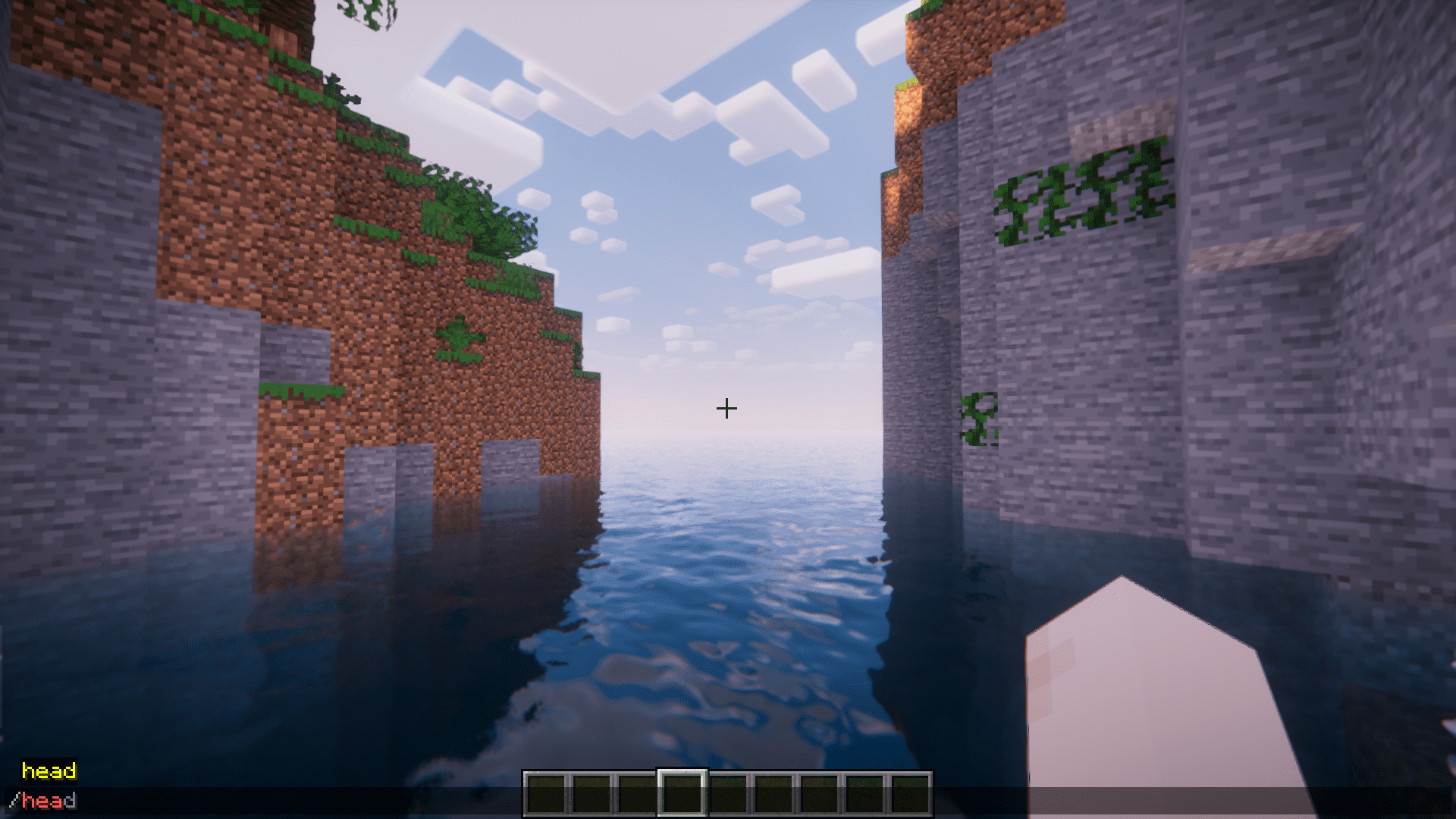
- Type
/headin the chat window to open the main decorative menu. - Browse the categories or use the search bar to find the head you want.
- Select the head from the menu to add it to your inventory and place it anywhere in the world.
Screenshots:

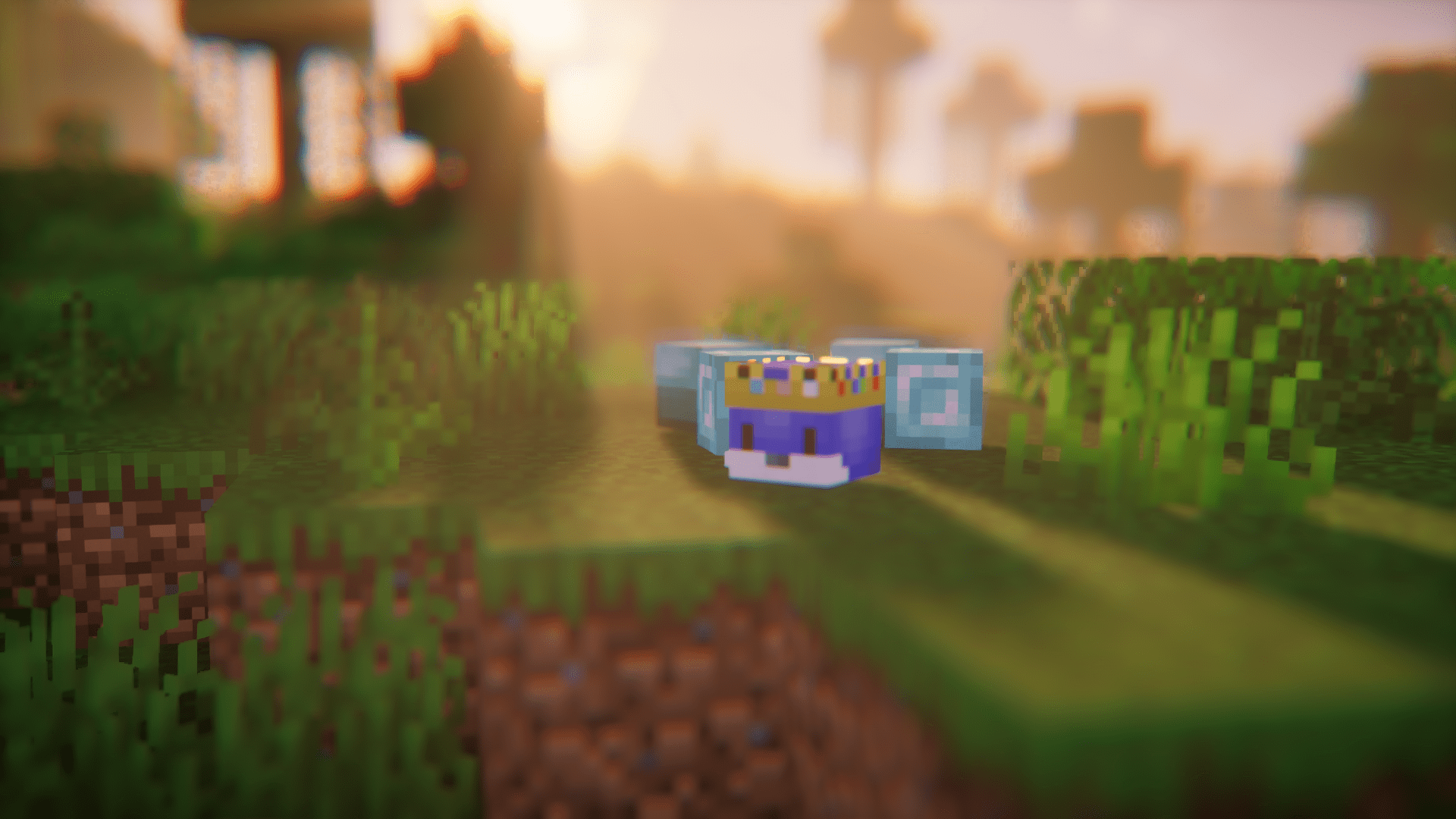
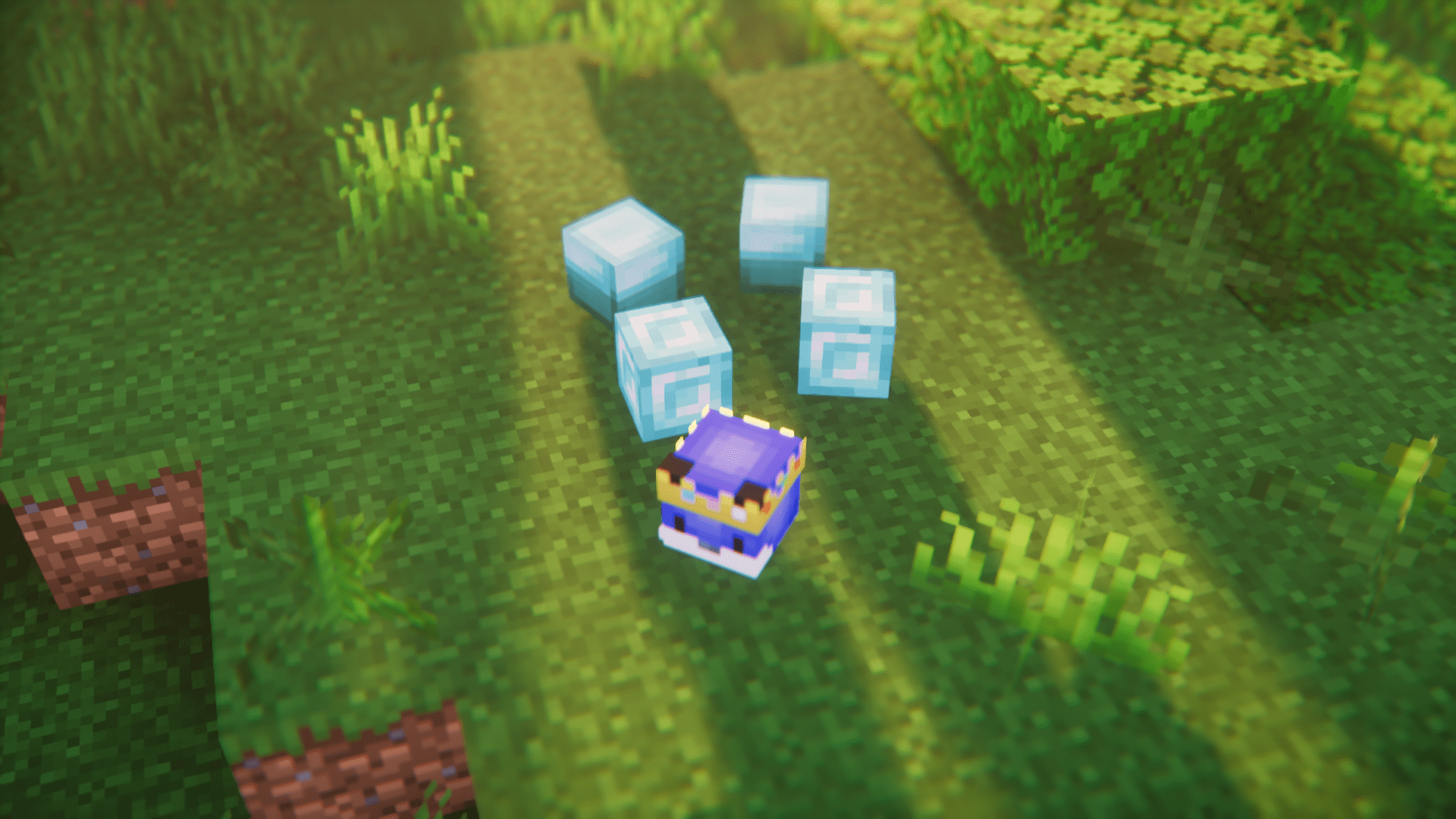
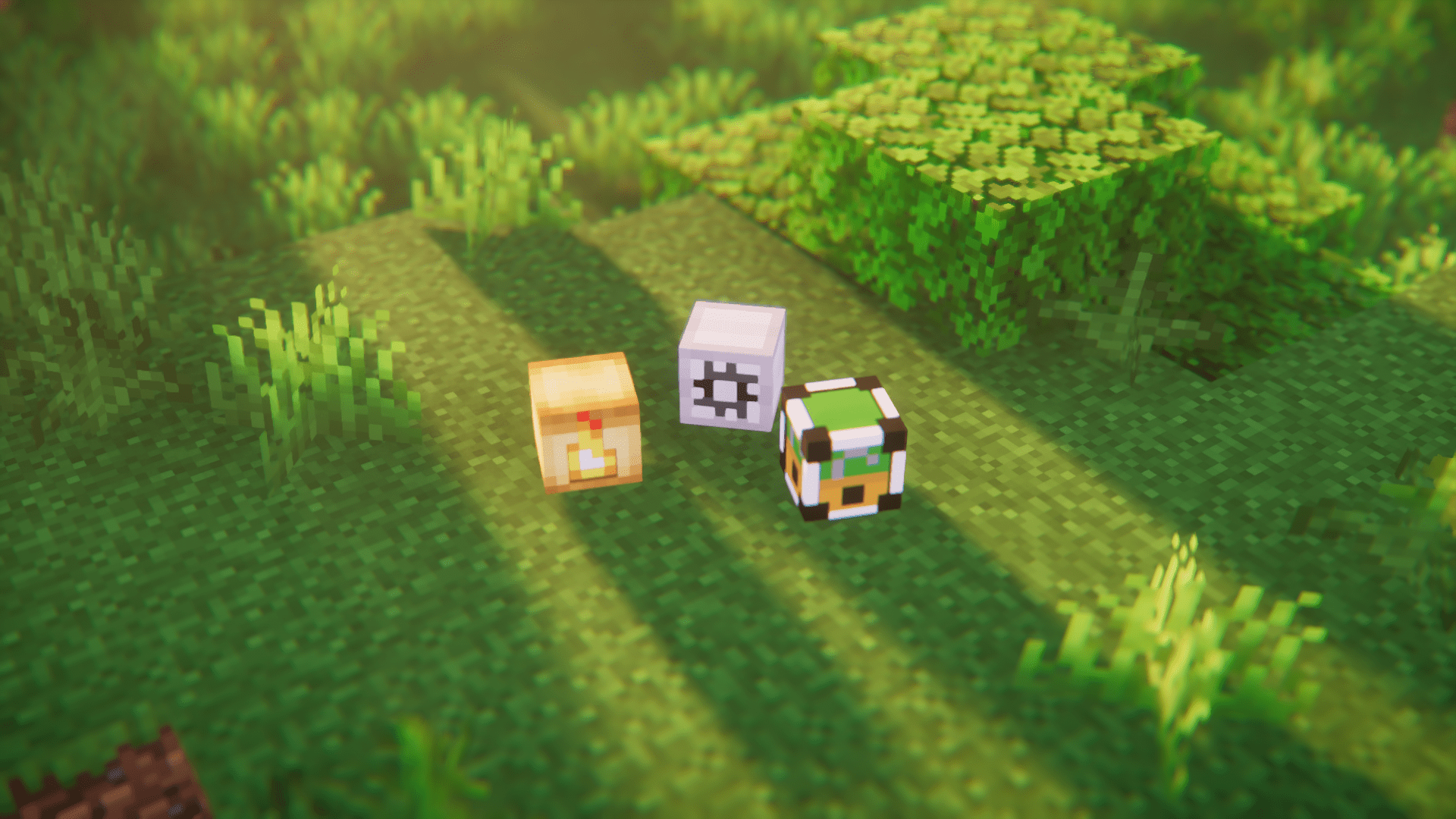
How to Install:
New to Minecraft? Follow our step-by-step guide to install Mods on your PC.View Guide


Head Index Mod Download Links
For Minecraft 26.3
For Minecraft 26.2
For Minecraft 1.21.11
For Minecraft 1.21.10, 1.21.9
For Minecraft 1.21.8, 1.21.7, 1.21.6
For Minecraft 1.21.5
For Minecraft 1.21.4
For Minecraft 1.21.1, 1.21
For Minecraft 1.20.6
For Minecraft 1.20.2
For Minecraft 1.20.1, 1.20
For Minecraft 1.19.4
For Minecraft 1.19.2
For Minecraft 1.18.2
For Minecraft 1.17.1
For Minecraft 1.16.5
Click to rate this post!
[Total: 2 Average: 3.5]
You May Also Like
Picked for this page
 Dynamic Trees Mod (26.1.2, 1.20.1) – Change the Natural Growth of Trees
 Zergatul’s FreeCam Mod (26.3, 1.20.1) – Move Camera Freely
 GlitchCore (26.3, 1.20.1) – Library for Glitchfiend’s Mods
 Player Plates Mod (26.1.2, 1.20.1) – Extra Pressure Plates
 Mob Lassos Mod (26.3, 1.20.1) – Gotta Catch ‘Em All
 ArmoreableMobs Mod (1.21.1, 1.20.1) – Give Armor and Items to Mobs
 Everlasting Abilities Mod (26.3, 1.20.1) – Discover Abilities That Stick
 Four Elemental Swords Mod (26.3, 1.20.1) – Special Sword with Different Power
 Damage Vignette Mod (26.1.2, 1.20.1) – Damage Feedback
 Always Sprint Mod (26.3, 1.20.1) – Sprinting Is Always On
 Craft Spawn Eggs Mod (1.21.11, 1.20.1) – Adds Recipes To Craft Spawn Eggs
 Dark Graph Mod (1.21.11, 1.20.1) – Dark Background for F3 Graphs
Most viewed in Mods over the last 7 days
 Ala Industrial Mod (26.3) – Run Electric Power Grids and Automated Factories
 PleasureCraft Mod (26.3, 1.21.1) – Jenny Mod Remake for Fabric
 Jennycraft Mod (26.3, 1.20.1) – Virtual Girlfriend in Minecraft
 Fapcraft Mod (26.3, 1.12.2) – Comprehensive and Detailed Content
 Jenny Mod (Fapcraft) Official Complete Guide – How to use, Tutorial
 BangCraft Mod (1.20.1) – Jenny, Ellie and Elliot
 Fabric Loader (26.3, 1.20.1) – Fabric Installer for All Minecraft Versions
 The Shooting Star Demo Mod (26.3, 1.20.1) – Vaporize Terrain From Orbit
 Meteor Client Mod (26.3, 1.20.1) – Xray, HUD, Fly
 OptiFine HD (26.3, 1.20.1) – Run Faster, FPS Boost, Shaders Support
 Aristois Client Mod (1.21.4, 1.20.1) – World Class Minecraft Utility
 Prestige Client Mod (1.21.11, 1.21.4) – Powerful Ghost Features for Crystal & Sword PvP
More from Mods
 Flint Mod (1.21.11) – Run DiamondFire Community Addons Without Crashing
 Not Just Sandwich Mod (26.3, 1.20.1) – Edibles, Sandwiches
 Waddles Mod (26.3, 1.20.1) – Make Icy Biomes Feel Alive
 Artemis’ Thin Logs Mod (26.3, 1.20.1) – Build Custom Trees and Detailed Wood
 Asterion Mod (26.3, 1.20.1) – Survive Ancient Mazes and Slay the Legendary Minotaur
 Passthrough Signs Mod (26.3, 1.20.1) – Right-Click Through Wall Signs
 Packing Tape Mod (26.3, 1.20.1) – Move Chests, Machines
 No XP Anvils Mod (26.3, 1.20.1) – Repair And Enchant Without XP
 Naruto Shippuden Mod (26.3, 1.16.5) – Immerse Yourself in The World of Ninja
 Araxer’s Bestiary Mod (26.3, 1.20.1) – Build an In-Game Encyclopedia of Every Mob
 Villagers Plus Mod (26.3, 1.20.1) – Expanded Villager Types and Villages
 Ore Excavation 9minecraft Mod (26.3) – Mine Ores and Chop Trees in a Single Swing

This post has no comments yet. Be the first — your comment will appear here.