
Height Limit Mod (1.8.9) – Track Build Limits During Heated BedWars Matches

 0


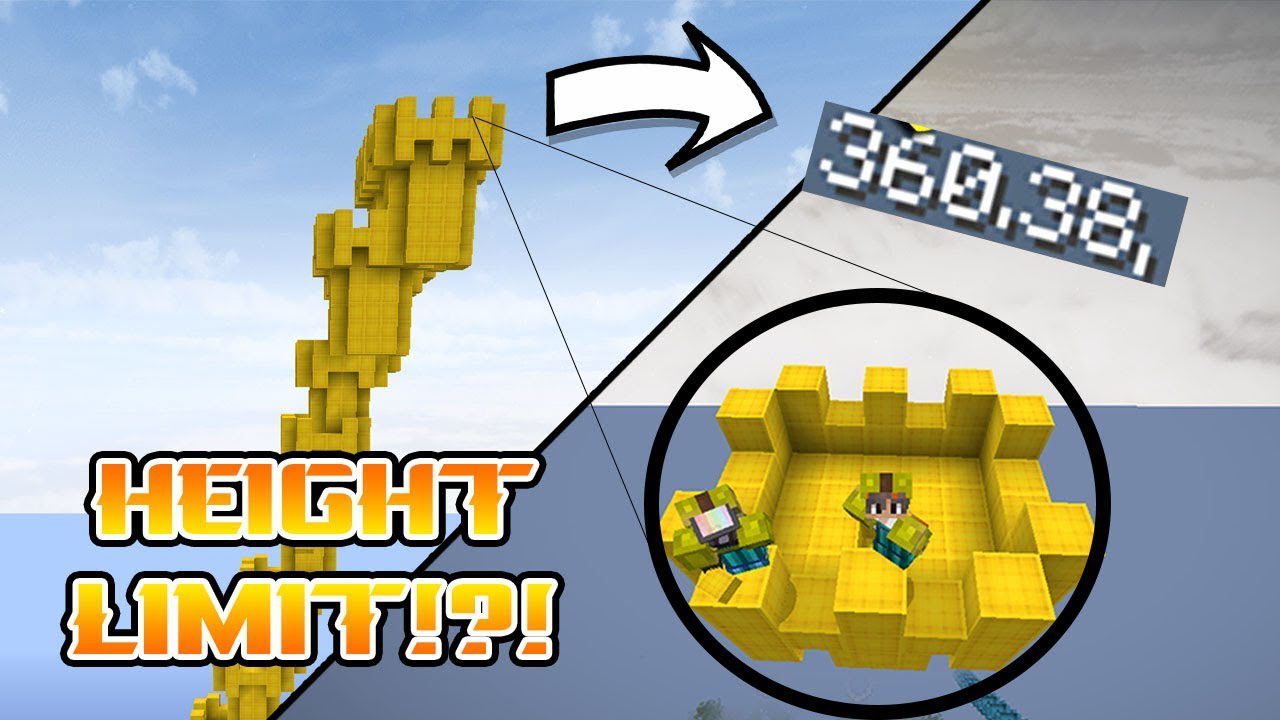
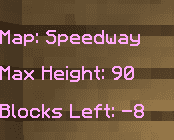
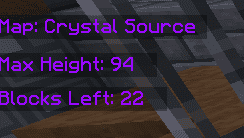
Height Limit Mod displays the build limit on screen while playing on BedWars maps. It shows the active map name, the maximum build height, and the exact distance remaining until the limit is reached. The background color and text color are fully customizable through the settings menu.
Features:
- Renders text on the screen to show how far you are from the maximum build limit.
- Displays the current BedWars map name directly on the HUD.
- Shows the remaining block count before you hit the height ceiling.
- Lets you customize both the background color and the text color to match your preference.
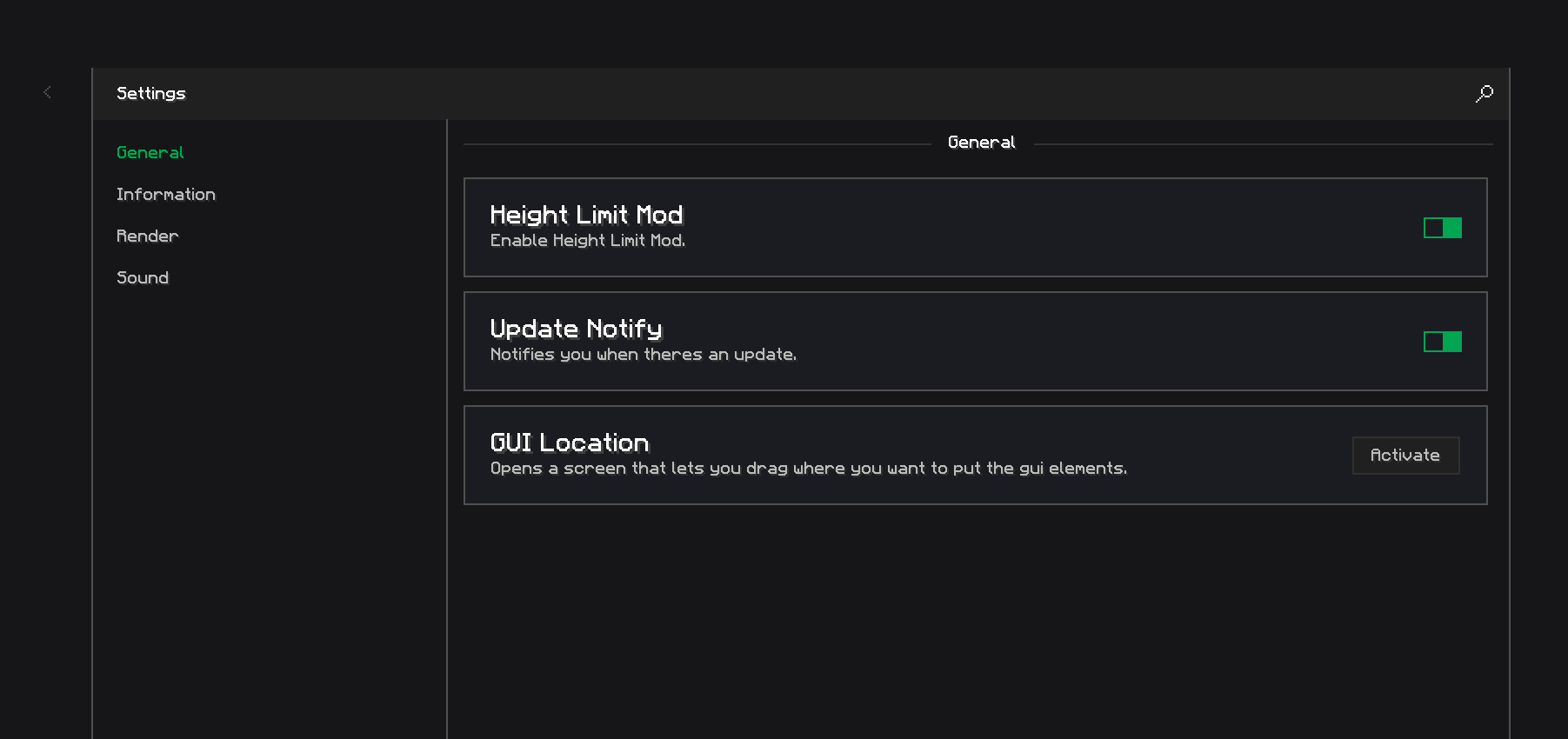
- Includes a dedicated settings menu with options for general use, information, render, and sound.
Commands:
/heightlimitmod config: opens the config screen for the mod/heightlimitmod hud: lets you drag the hud wherever you want/heightlimitmod help: for all the commands
How to Use:
- Join a BedWars match to let the HUD automatically display map details and build limits.
- Type
/heightlimitmod hudin chat to drag and reposition the HUD anywhere on your screen. - Type
/heightlimitmod configto open the settings menu and adjust colors or other preferences.
Screenshots:
The background color and the text color can be customized however you want!
How to Install:
New to Minecraft? Follow our step-by-step guide to install Mods on your PC.View Guide
Height Limit Mod Download Links
For Minecraft 1.8.9
Forge version: Download from Server 1 – Download from Server 2
Click to rate this post!
[Total: 0 Average: 0]
You May Also Like
Picked for this page
 Yes Steve Model Mod (26.1.2, 1.20.1) – Characters, Girlfriends
 Easier Sleeping Mod (26.3, 1.20.1) – Server-Sided Sleeping
 Let’s Do: Vinery Mod (1.21.1, 1.20.1) – A Vineyard Adventure for Minecraft
 Potion of Bees Mod (26.1.2, 1.20.1) – Guaranteed to Cure what Ails You
 I18n Update Mod (1.21.11, 1.20.1) – Localization for Chinese Players
 Korean Chat Patch Mod (1.21.11, 1.20.1) – Korean Chat Mode in Minecraft
 Modify Camera Collision Mod (26.2, 1.20.1) – Customize The Camera’s Interaction
 Dynamic App Icon Mod (26.3, 1.20.1) – Dynamically Updates the Application Icon
 Fabric Exporter Mod (26.2, 1.20.1) – Adds A Prometheus Exporter With General Server Metrics
 Fantastic Remastered Structure Mod (1.21, 1.20.1) – RPG-Style Structure Expansion
 Poly Sprint Mod (26.3, 1.21.1) – Toggle Options For Sprinting and Sneaking
 No More Pop-Ups Mod (26.3, 1.20.1) – Clean UI Without Warnings
Most viewed in Mods over the last 7 days
 Ala Industrial Mod (26.3) – Run Electric Power Grids and Automated Factories
 PleasureCraft Mod (26.3, 1.21.1) – Jenny Mod Remake for Fabric
 Jennycraft Mod (26.3, 1.20.1) – Virtual Girlfriend in Minecraft
 Fapcraft Mod (26.3, 1.12.2) – Comprehensive and Detailed Content
 Jenny Mod (Fapcraft) Official Complete Guide – How to use, Tutorial
 BangCraft Mod (1.20.1) – Jenny, Ellie and Elliot
 Fabric Loader (26.3, 1.20.1) – Fabric Installer for All Minecraft Versions
 The Shooting Star Demo Mod (26.3, 1.20.1) – Vaporize Terrain From Orbit
 Meteor Client Mod (26.3, 1.20.1) – Xray, HUD, Fly
 OptiFine HD (26.3, 1.20.1) – Run Faster, FPS Boost, Shaders Support
 Aristois Client Mod (1.21.4, 1.20.1) – World Class Minecraft Utility
 Prestige Client Mod (1.21.11, 1.21.4) – Powerful Ghost Features for Crystal & Sword PvP
More from Mods
 Chat Guides Mod (26.3, 1.21.11) – Never Memorize Complex Server Commands Again
 TRMT Reimagined the Roads More Travelled Mod (26.3, 1.20.1)
 Morrowless Mod (1.21.1) – Defend Your Shelter From Nightmare Creatures
 THE SLOPSTROSITY Mod (1.21.1) – Battle a Ridiculous Slime Boss
 Decoween Mod (1.21.1, 1.20.1) – Transform Ordinary Survival Bases
 Simply Light 9minecraft Mod (26.3) – Decorate Builds Without Torches
 Alex’s Caves Continued Mod (26.3, 1.20.1) – Conquer Six Massive Underground
 Anvil Uses Mod (26.3, 1.20.1) – Track Item Anvil Usage
 Animal Info Mod (26.3, 1.21.11) – Quick Stats For Your Animals
 Timber Tales Dynamic Tree System Mod (26.3, 1.20.1) – Watch Entire Trees Topple
 Gabou’s Libs Mod (26.3, 1.20.1) – Keep Custom Weather and Survival Mods Stable
 /Sit Mod (26.3, 1.21.1) – Make The Player Sit Down

This post has no comments yet. Be the first — your comment will appear here.