HubThat Plugin (1.17.1, 1.16.5) – Bukkit, Spigot, Paper
 1,650
1,650
 0
0
 September 9, 2022
 mind_overflow
HubThat Plugin is officially supported/tested, but most likely compatible, since the code is very future/past proof and unlikely to be changed from Spigot/Bukkit’s side.

Features:
- Set a Hub (One for all worlds)
- Set a Spawn (One for each world)
- Teleport to a World!
- Multi Language Support!
- Set a Teleport Delay!
- Customizable Prefix!
- Lightweight!
- Make Players chat on a World-Basis! (Per World Chat)
- Set the default Join Gamemode!
Todo:
- Add the possibility to provide Custom Items!
- Add a Tab with Players on every World!
Commands:
- /sethub: Sets the Hub.
- /hub: Teleport to the Hub. Type /hub <player> to teleport someone else to the Hub.
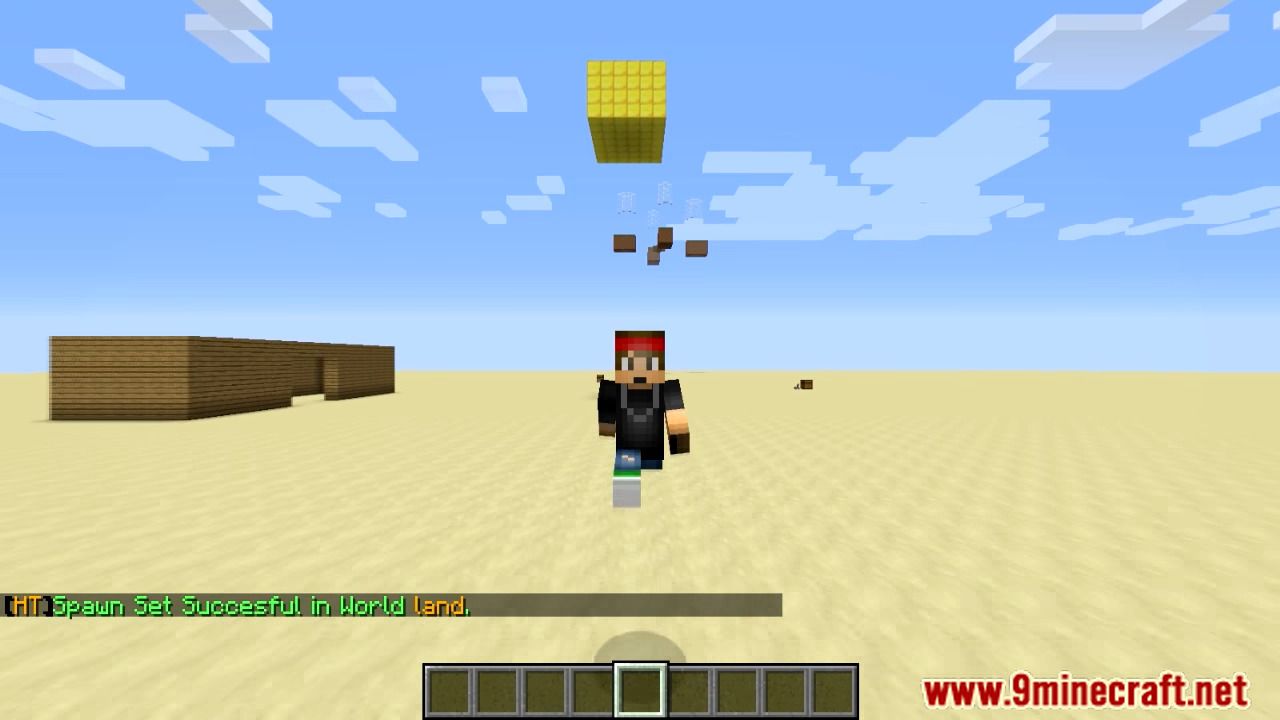
- /setspawn: Sets the Spawn of the current world. Type /setspawn <world> to set the Spawn of the decided world in the current one.
- /spawn: Teleport to the Spawn of the current or another world. Type /spawn <world> to teleport on another world’s Spawn. Type /spawn <world> <player> to teleport someone to the Spawn.
- /hubthat: Read information about the Resource/Plugin.
- /hubthat help: Show help page.
- /hubthat reload: Reload plugin config.
- /worldtp <world>: Teleport in a specific world.
- /worldlist: List all the worlds.
Permissions:
- hubthat.sethub: Allows to set the Hub.
- hubthat.hub: Allows to teleport to the Hub.
- hubthat.hub.others: Allows to teleport other players to the Hub with command /hub <player>.
- hubthat.setspawn: Allows to set the Spawn.
- hubthat.spawn: Allows to teleport to the Spawn of the current world.
- hubthat.spawn.anotherworld: Allow to teleport to the Spawn of another decided world with command /spawn <world>.
- hubthat.spawn.others: Allows to teleport other players to the Spawn with command /spawn <world> <player>.
- hubthat.nospawndelay: Go to the Spawn without waiting.
- hubthat.nohubdelay: Go to the Hub without waiting.
- hubthat.gotoworld: Teleport to a specific world.
- hubthat.listworlds: List all the worlds.
- hubthat.updates: See if there is an update available.
- hubthat.help: Allow usage of /hubthat help.
- hubthat.reloadconfig: Allow a player to reload the config.
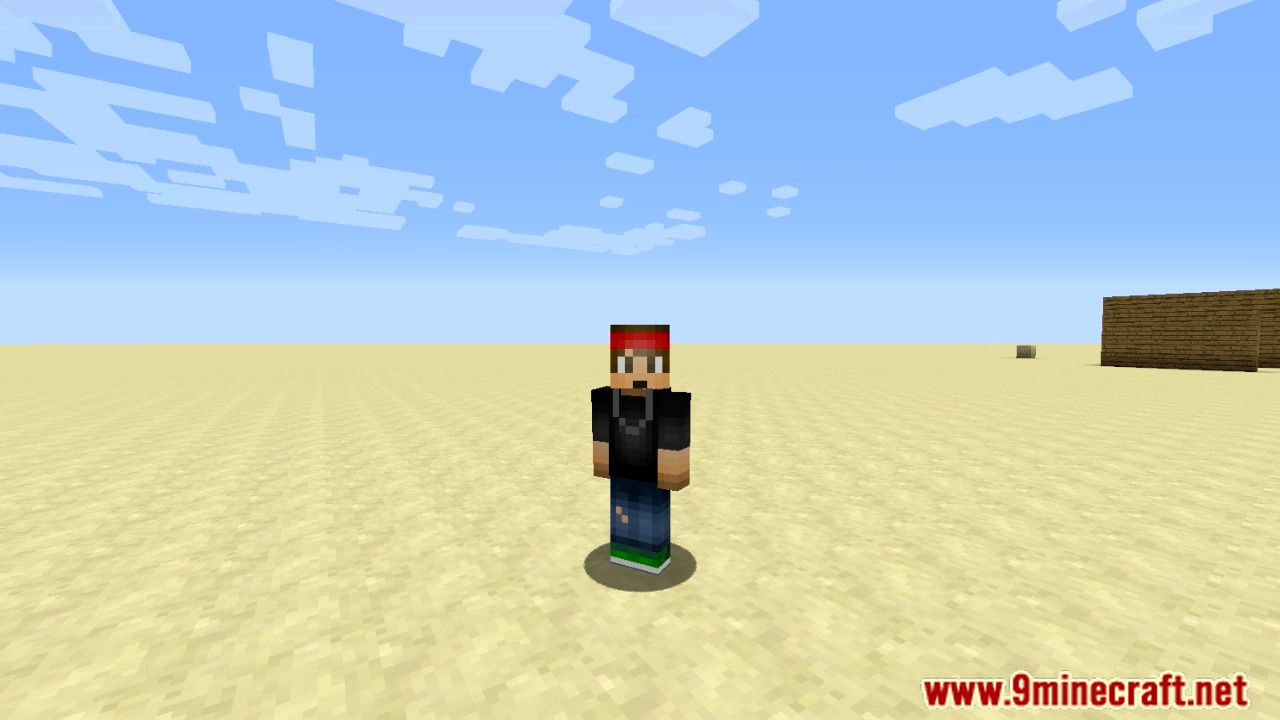
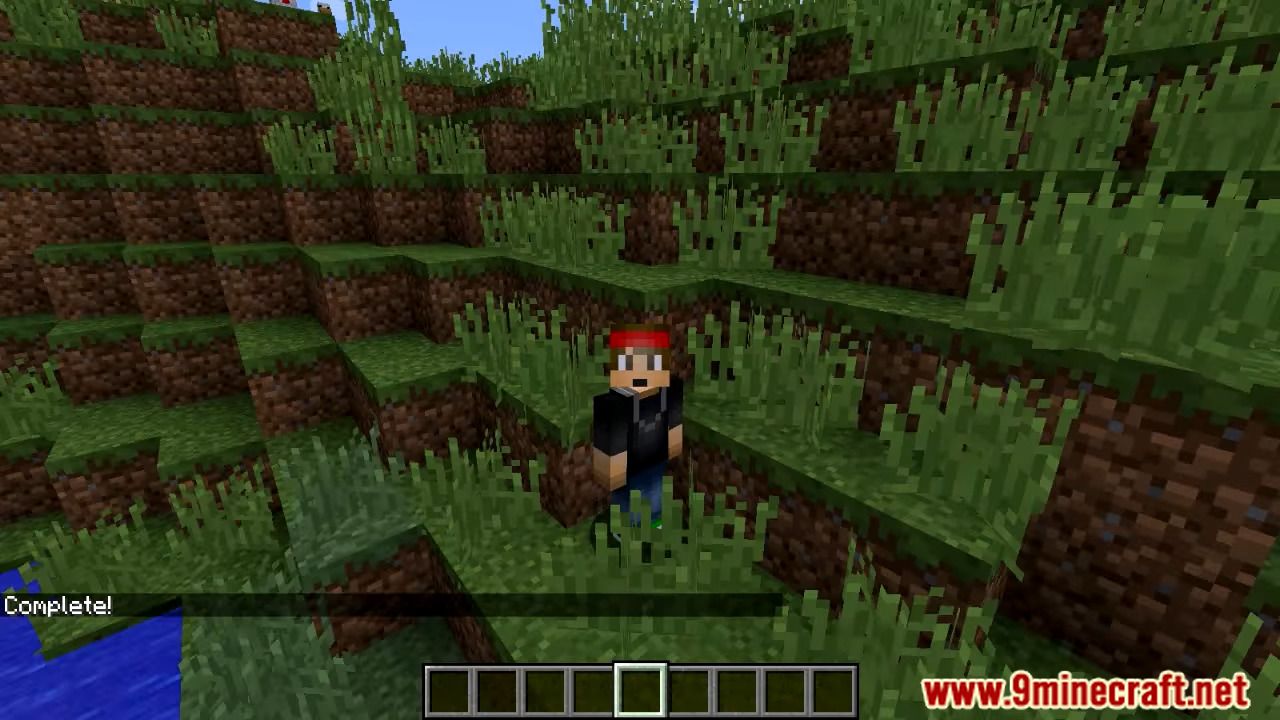
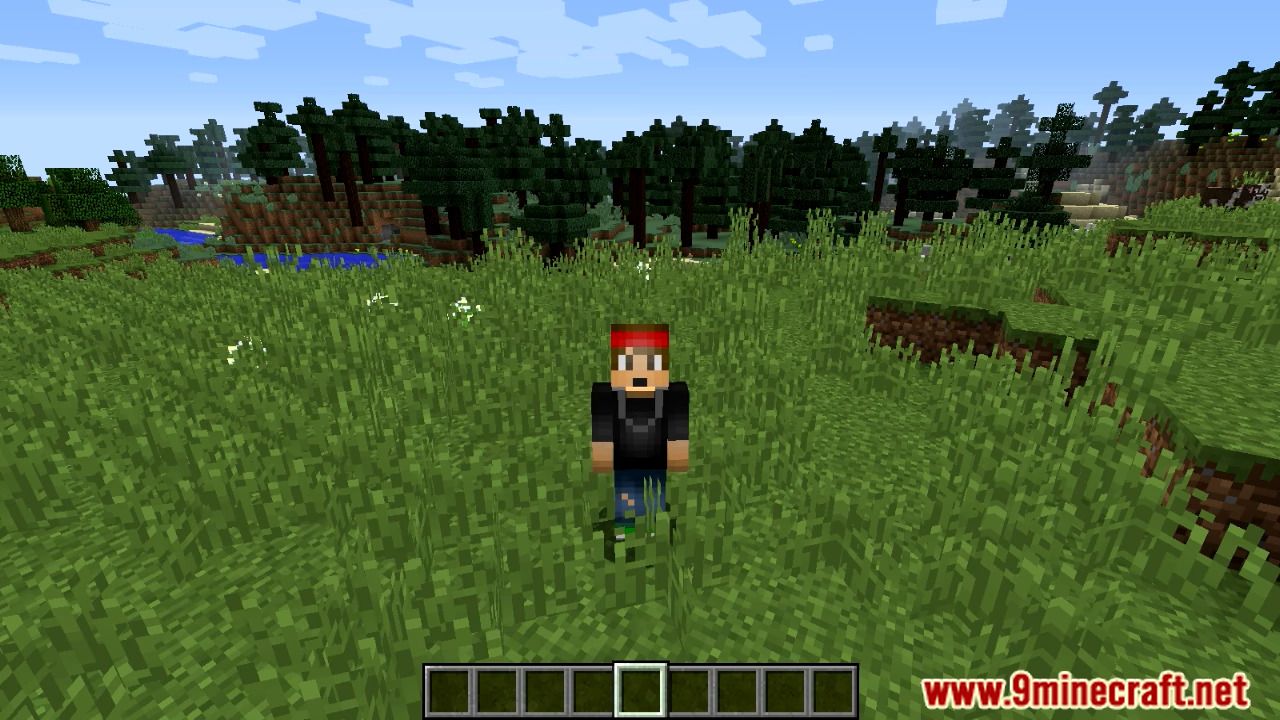
Screenshots:
How to install:
- Download a plugin of your choice.
- Place the .jar and any other files in your plugins directory.
- Run the server and wait for it to fully load.
- Type stop in your Minecraft server console to bring the server to a clean stop.
- Run the server.
- All done! Your plugin should be installed and ready to be used.
HubThat Plugin Download Links
For All Versions from Minecraft Bukkit 1.12 to Minecraft Bukkit 1.17
Click to rate this post!
[Total: 1 Average: 5]
You May Also Like