
Ice and Fire Dragonseeker Mod (1.20.1, 1.19.2) – Locate Elusive Dragon Lairs



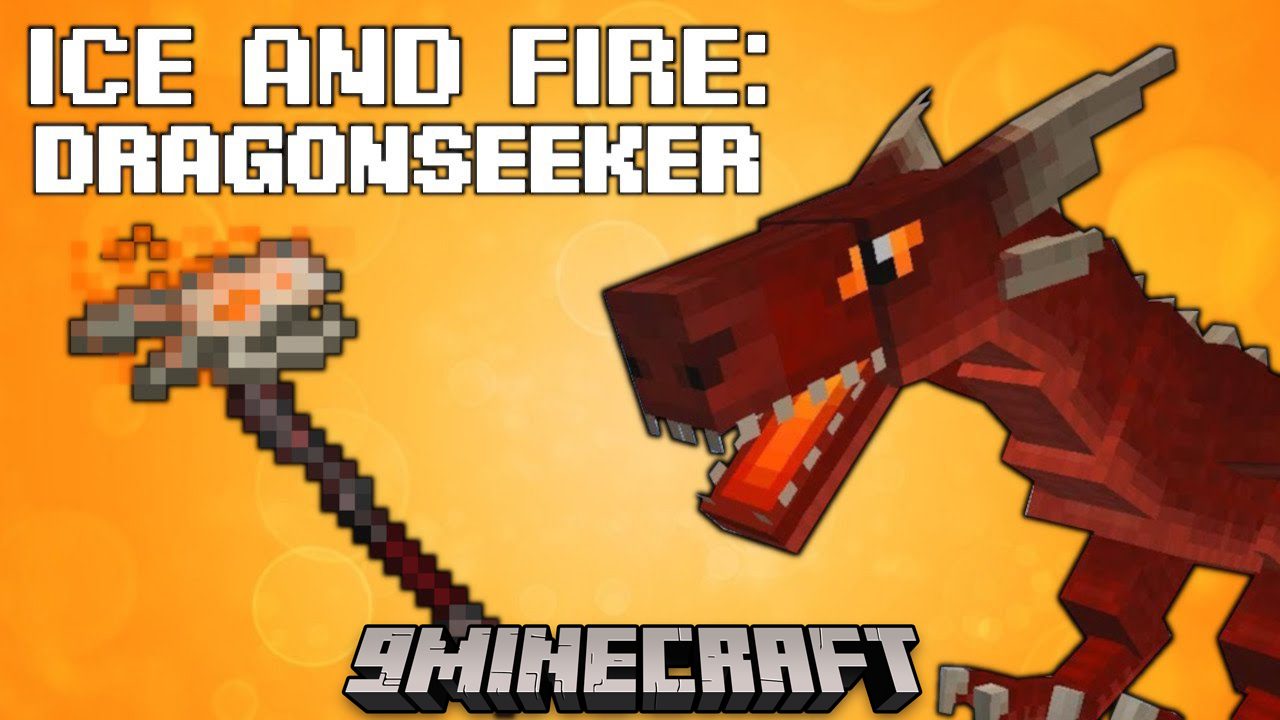
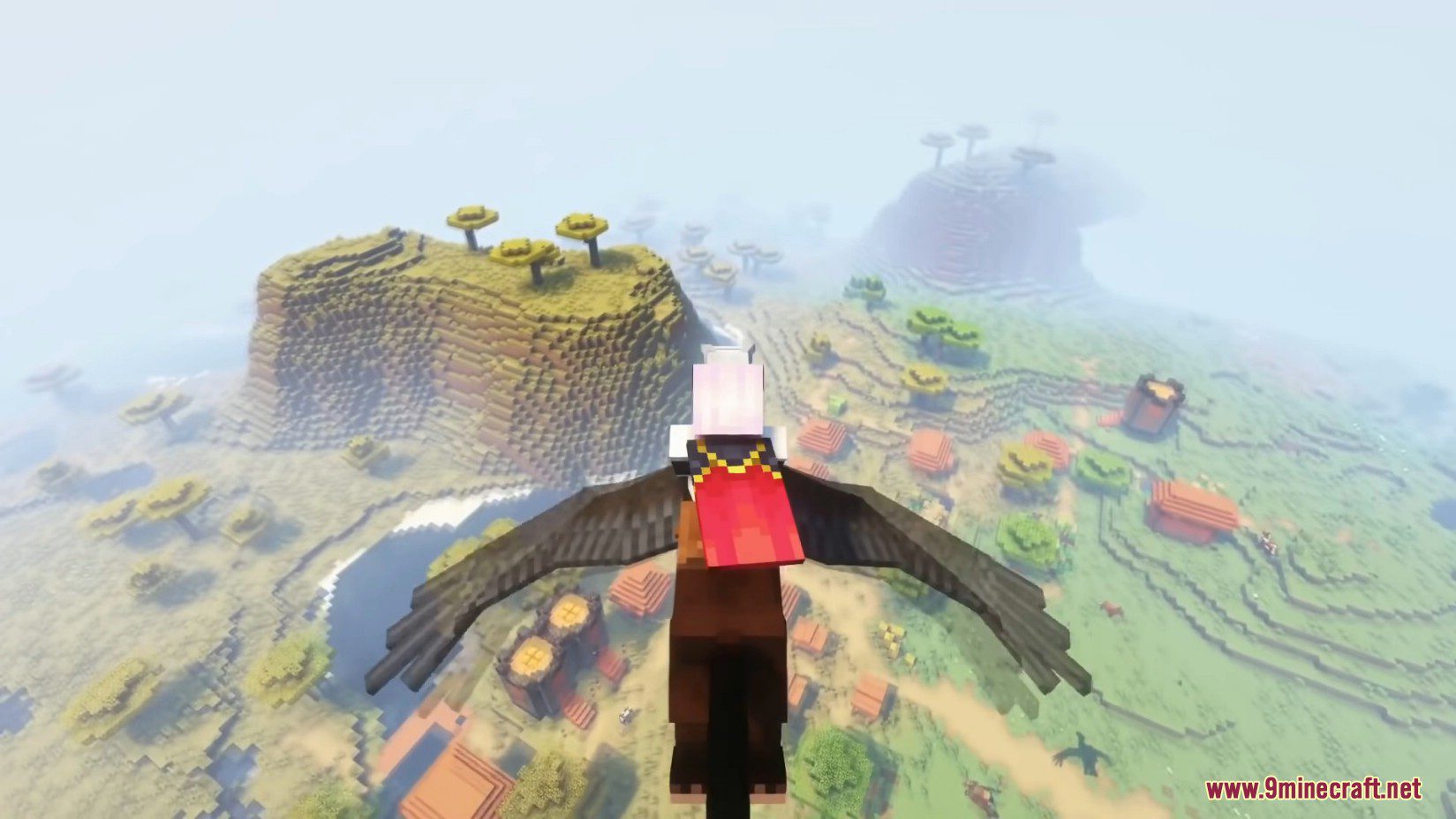
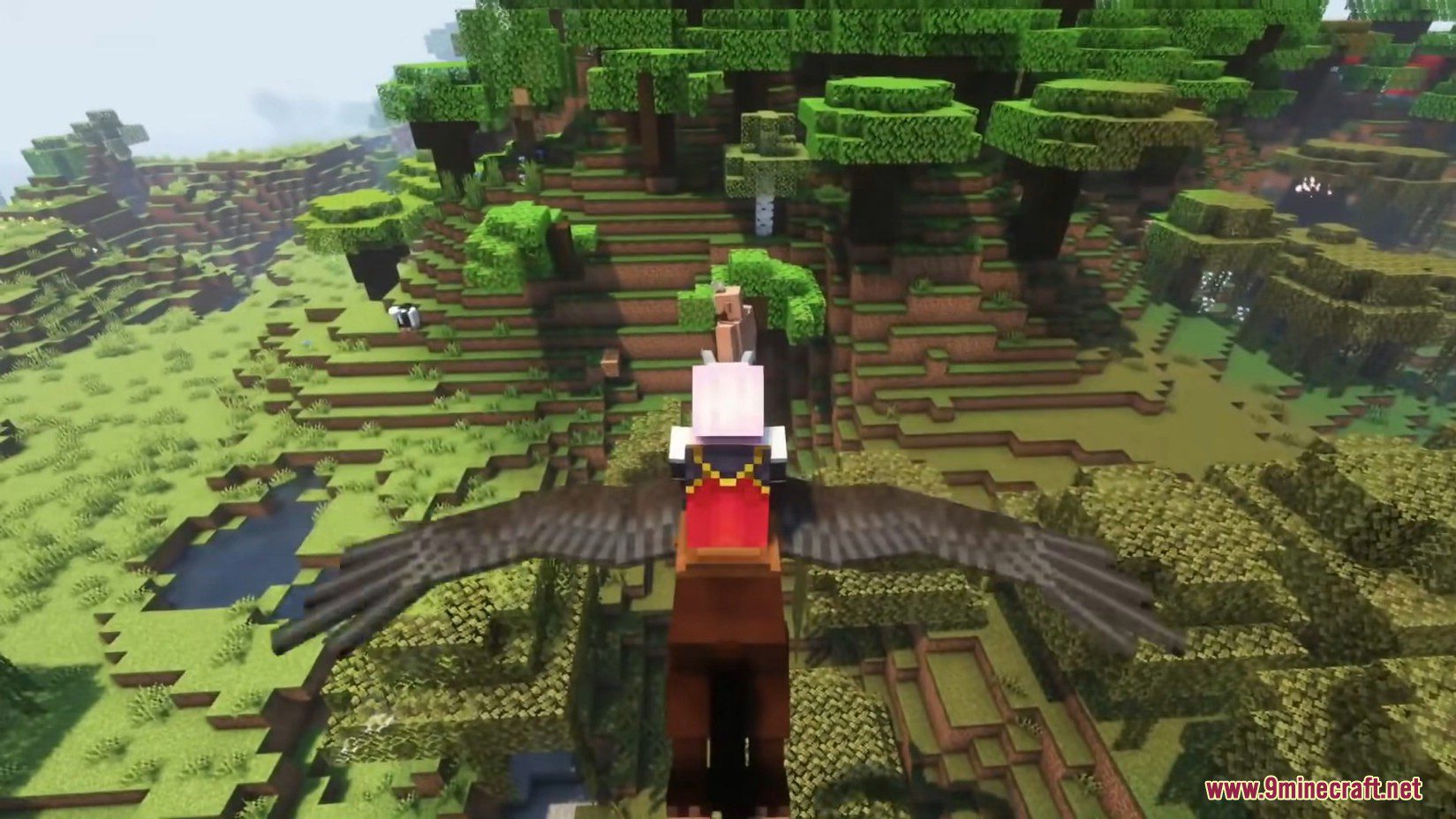
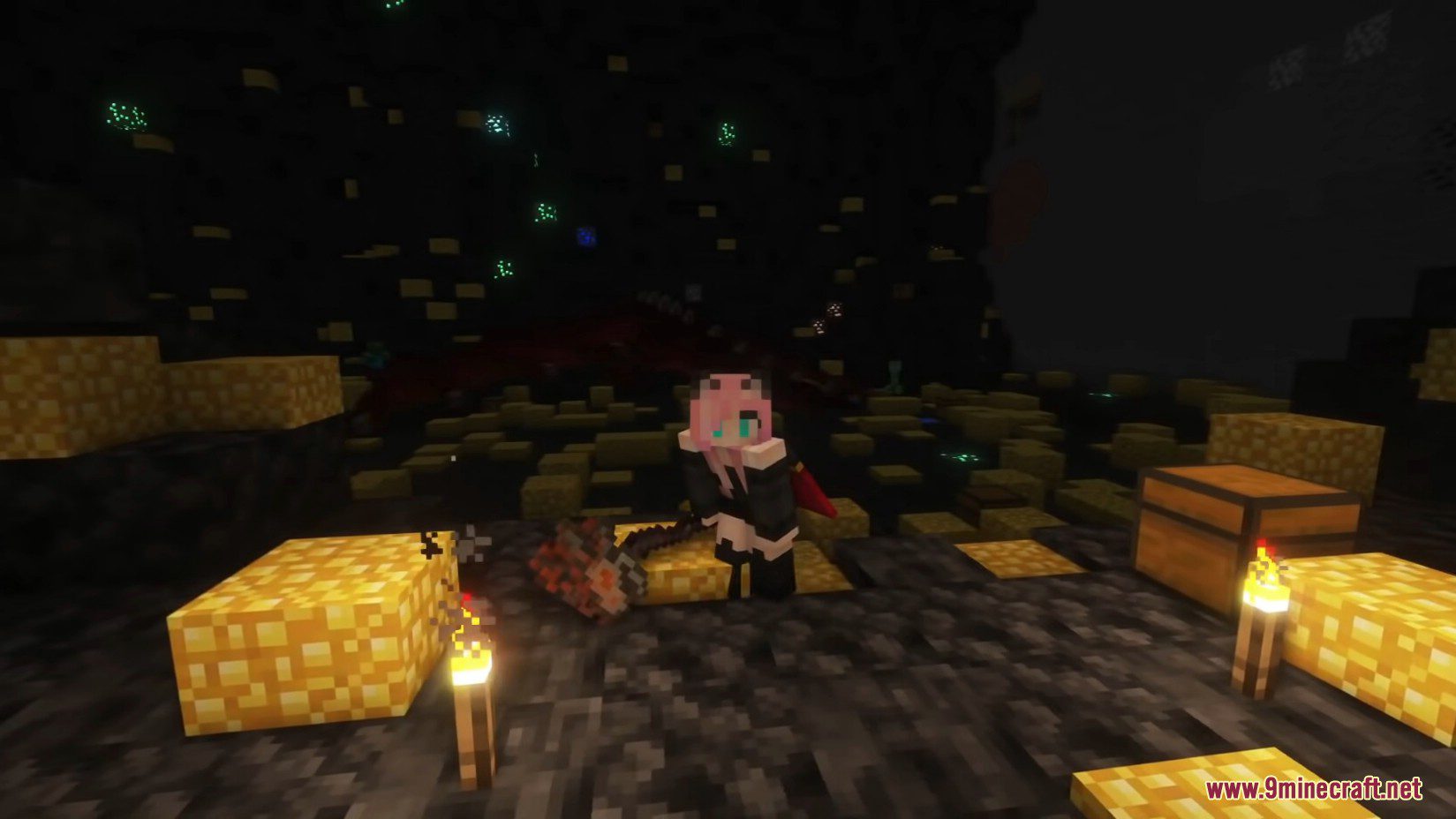
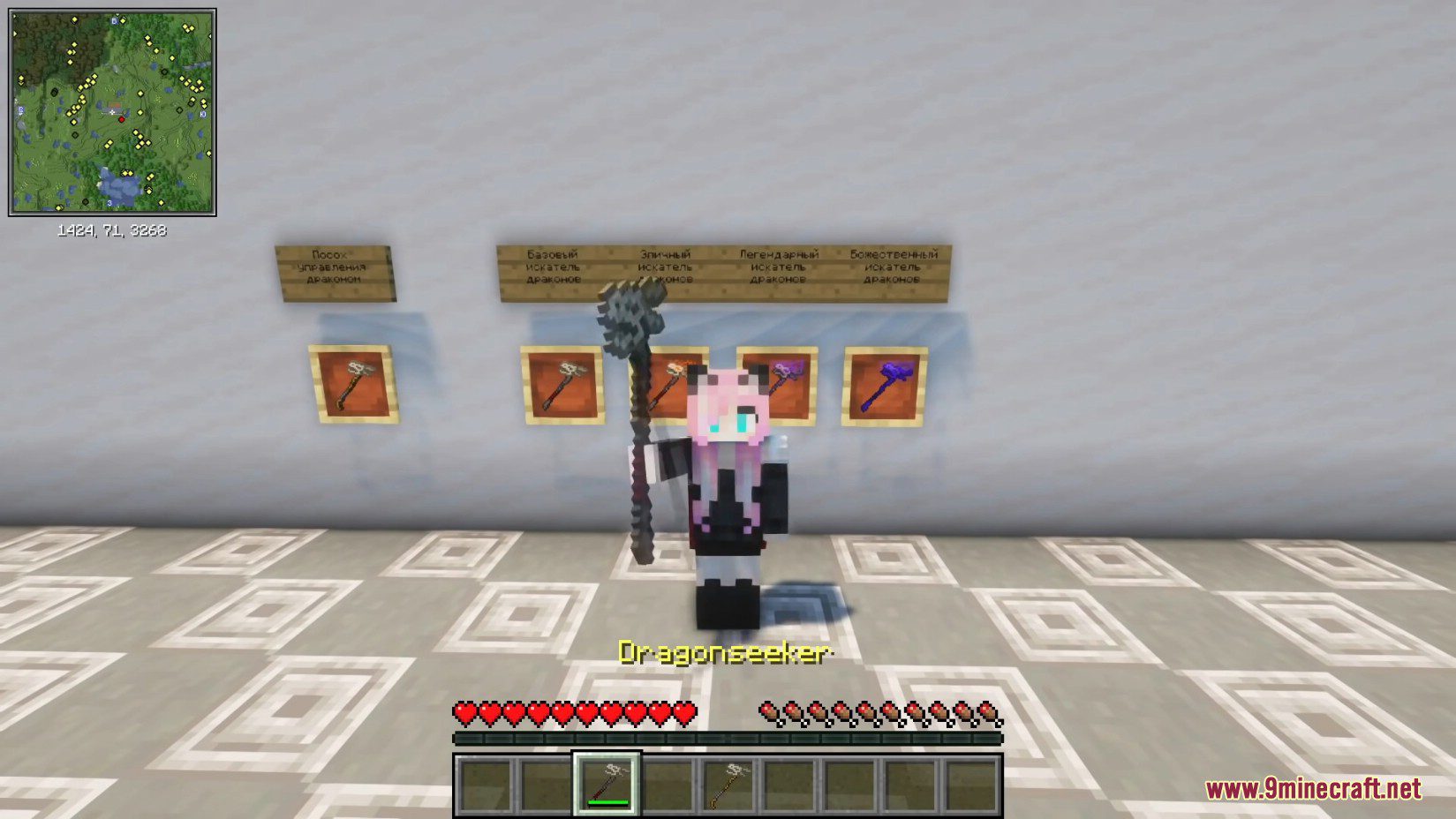
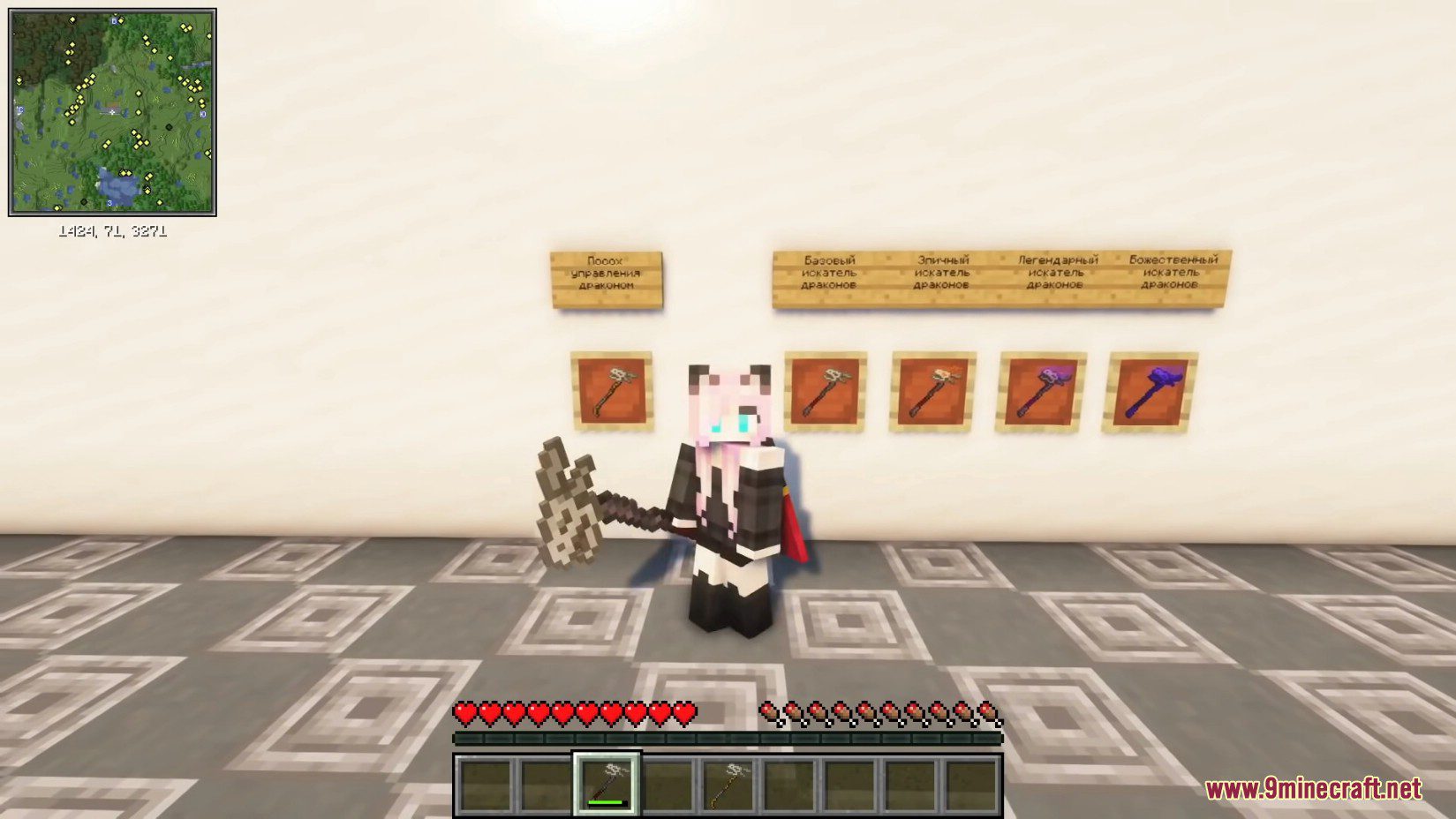
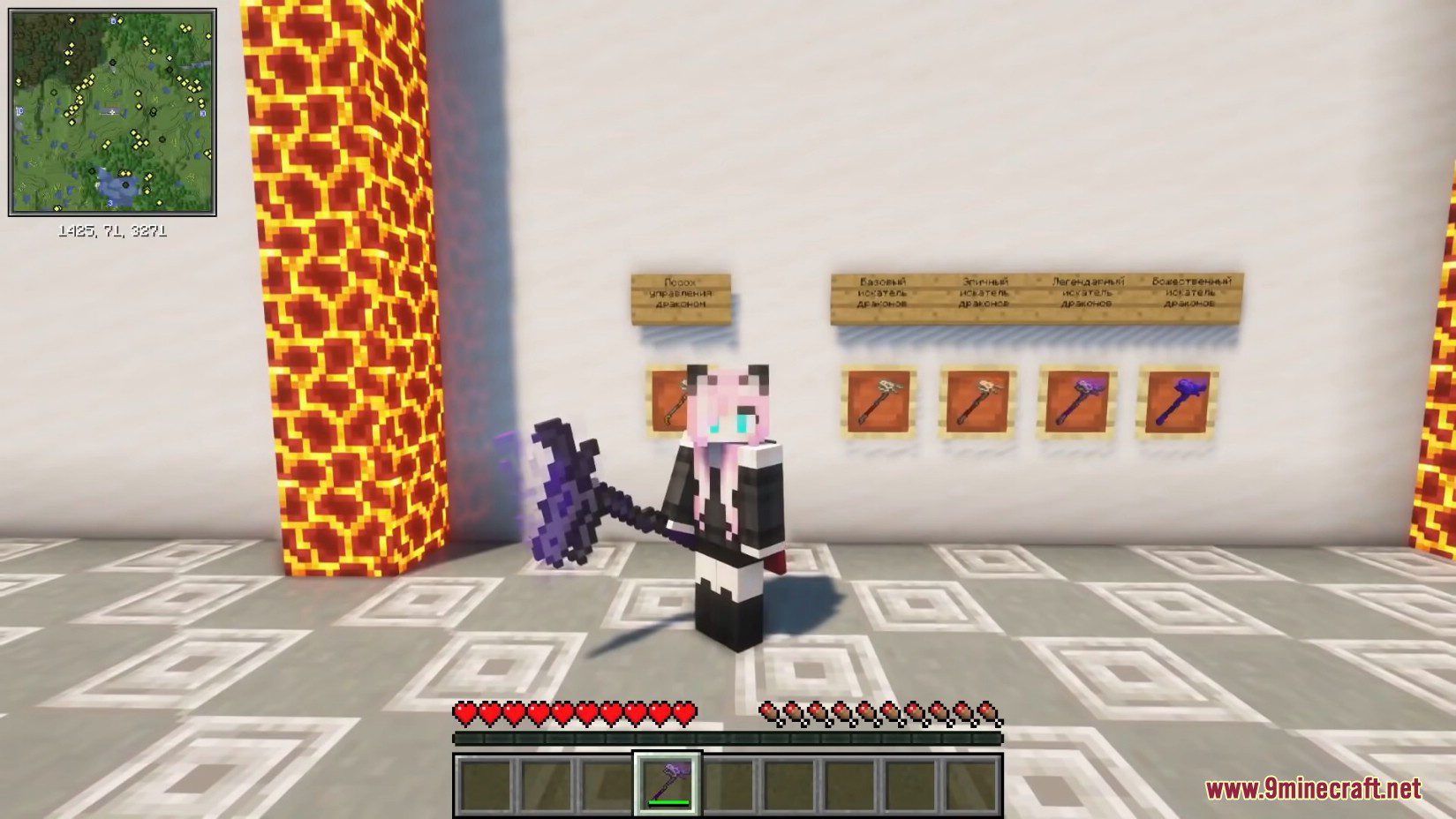
Ice and Fire Dragonseeker Mod adds four tracking tools for Ice and Fire to help you find dragon lairs. It includes the Basic, Epic, Legendary, and Godly dragonseekers, each with its own range, durability, and accuracy. When you right-click a tool, it plays a sound that gets higher or louder as you get closer to a nearby dragon, though you still finish the search yourself. Lower tiers can make mistakes and pick up dead or tamed dragons, higher tiers give clearer clues, and the Creative-only Godly tier prints the exact distance and coordinates in chat.
Features:
- Adds four tracking tools called dragonseekers that help you check if a dragon is nearby and track down its lair.
- Plays a sound when you right-click a tool so you can listen for clues as you move around the world.
- Keeps Survival hunts balanced by showing only a rough area on craftable tiers, so you still complete the final search on your own.
- Improves durability, search range, sound clarity, and accuracy as you upgrade to higher tiers.
Dragonseeker Tiers:
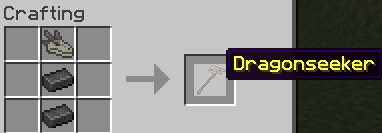
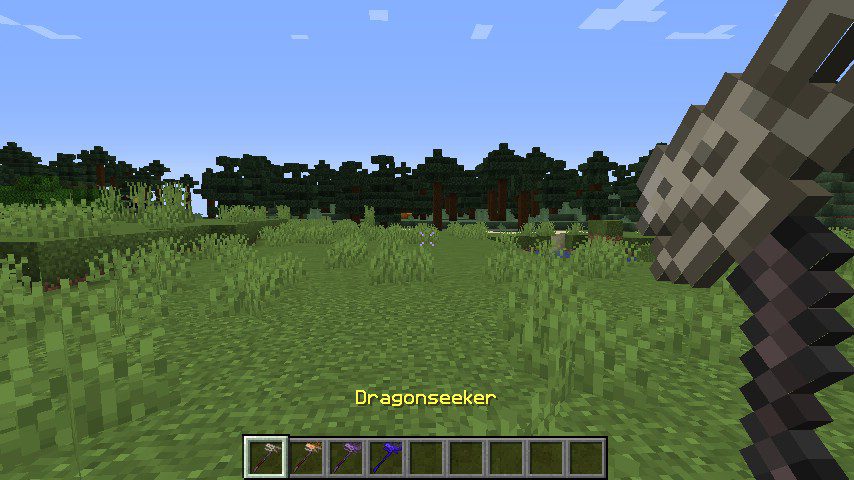
- Basic Dragonseeker: Crafted with two netherite ingots and a dragon skull. It has a 150-block range and plays a slightly higher tone when a dragon is nearby, though it can make mistakes and still detects dead or tamed dragons.
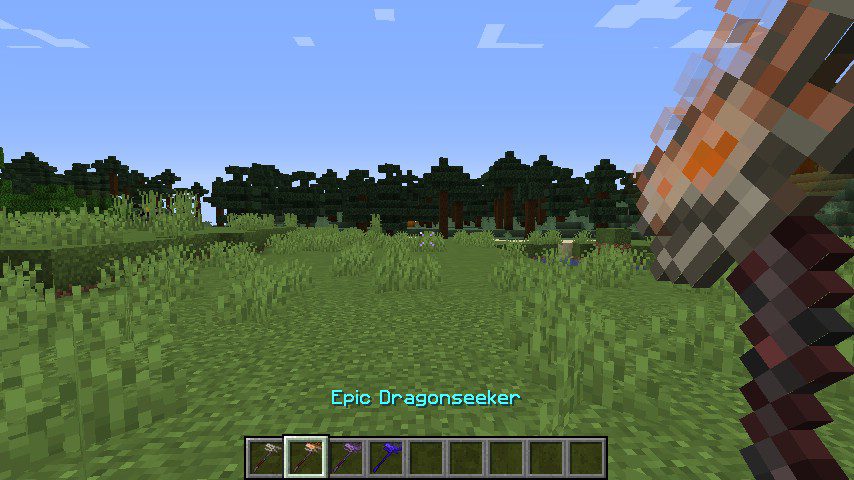
- Epic Dragonseeker: Made by combining a Basic Dragonseeker with a nether star in a smithing table. It has more durability, a longer range, and a lower error chance, makes slightly more noise as you get closer to a dragon, and ignores dead dragons and dragon skeletons.
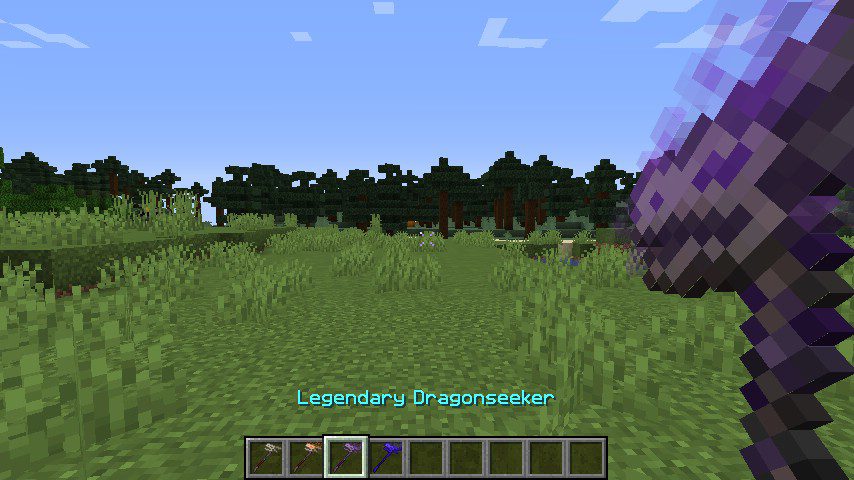
- Legendary Dragonseeker: Crafted with a dragon skull and dragonsteel of any type. It offers more durability, a longer range, a lower error chance, and clearer sound clues than the Epic tier, and it does not detect dead or tamed dragons.
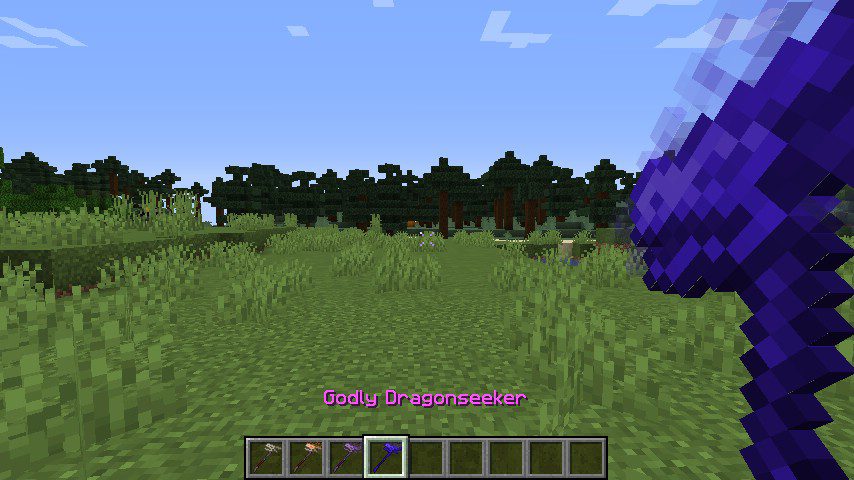
- Godly Dragonseeker: Available only in Creative mode with a 300-block range, a 0% error chance, and infinite durability. It prints the exact distance and coordinates of the nearest dragon directly in chat.
How to Use:
- Craft a Basic Dragonseeker with two netherite ingots and a dragon skull, upgrade it with a nether star in a smithing table for an Epic Dragonseeker, craft a Legendary Dragonseeker with a dragon skull and any dragonsteel, or take a Godly Dragonseeker in Creative mode.
- Clear out any dead or tamed dragons around you before searching with a Basic Dragonseeker so they do not trigger false signals.
- Hold the dragonseeker in your hand and press Right-Click to play a sound that checks for nearby dragons.
- Listen closely as you walk around: the Basic tier plays a slightly higher tone when a dragon is within 150 blocks, while the Epic and Legendary tiers make louder and clearer noise as you get closer.
- Follow the stronger sounds to narrow down the general area, then explore on your own, including underground caves, to find the dragon lair.
- In Creative mode, press Right-Click with the Godly Dragonseeker to print the exact distance and coordinates of the nearest dragon within 300 blocks in chat.
Crafting Recipes:


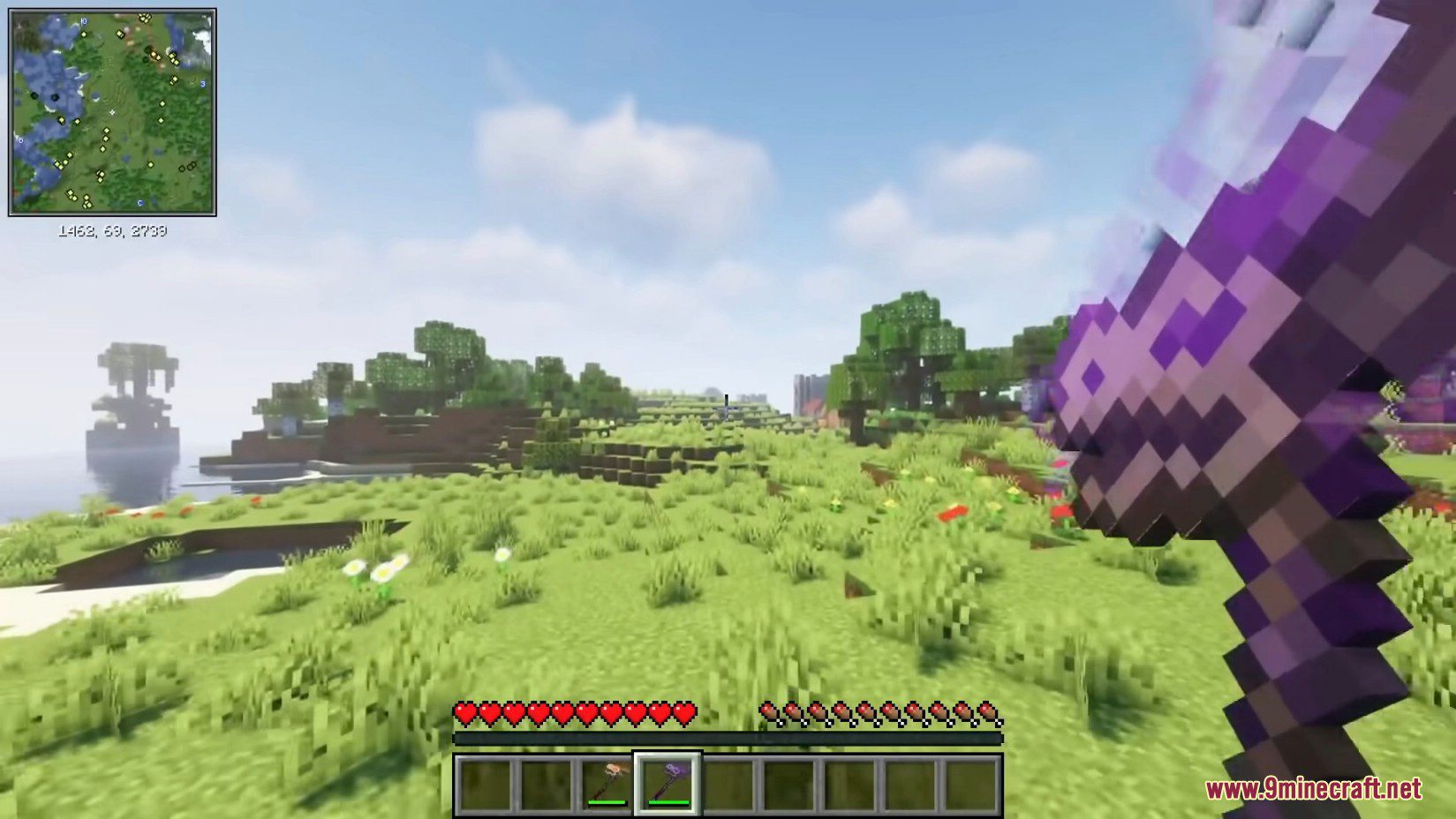
Screenshots:
How to Install:
New to Minecraft? Follow our step-by-step guide to install Mods on your PC.View Guide
Requirements:
Ice and Fire Dragonseeker Mod Download Links
For Minecraft 1.16.5
Forge version: Download from Server 1 – Download from Server 2
For Minecraft 1.18.2
Forge version: Download from Server 1 – Download from Server 2
For Minecraft 1.19.2
Forge version: Download from Server 1 – Download from Server 2
For Minecraft 1.20.1, 1.20
Forge version: Download from Server 1 – Download from Server 2

3 Comments
 What do you think?
Your opinion means a lot - we'd love to hear from you.
You May Also Like
Picked for this page
 No Darkness Effect Mod (26.3, 1.20.1) – Completely Removes Darkness Effect
 Forgiveness Mod (26.2, 1.20.1) – Many Usefull Crafts
 Argentina’s Delight Mod (1.21.1, 1.20.1) – More Food and Plants
 View Distance Fix Mod (26.3, 1.20.1) – Remove Fog Caused by Server Limits
 Server Pinger Fixer Mod (26.3, 1.20.1) – Improves Server Pinging Speed
 Mods Command Mod (26.3, 1.20.1) – Minecraft Mod Management
 Mob Crossing Mod (26.1, 1.20.1) – Mobs Can Walk Across Rails
 Universal Shops Mod (26.3, 1.20.1) – Adds Player Trade Shops
 Warium Mod (1.20.1, 1.20) – Competitive PvP Tech
 Consumable Optimizer Mod (26.3, 1.21.1) – High Ping Eating Optimizer
 Create Logistics Mod (1.20.1, 1.19.2) – Expand Storage
 Nuit Interop Mod (26.3, 1.20.1) – OptiFine Sky Compatibility
Most viewed in Mods over the last 7 days
 Ala Industrial Mod (26.3) – Run Electric Power Grids and Automated Factories
 PleasureCraft Mod (26.3, 1.21.1) – Jenny Mod Remake for Fabric
 Jennycraft Mod (26.3, 1.20.1) – Virtual Girlfriend in Minecraft
 Fapcraft Mod (26.3, 1.12.2) – Comprehensive and Detailed Content
 Jenny Mod (Fapcraft) Official Complete Guide – How to use, Tutorial
 BangCraft Mod (1.20.1) – Jenny, Ellie and Elliot
 Fabric Loader (26.3, 1.20.1) – Fabric Installer for All Minecraft Versions
 The Shooting Star Demo Mod (26.3, 1.20.1) – Vaporize Terrain From Orbit
 Meteor Client Mod (26.3, 1.20.1) – Xray, HUD, Fly
 OptiFine HD (26.3, 1.20.1) – Run Faster, FPS Boost, Shaders Support
 Aristois Client Mod (1.21.4, 1.20.1) – World Class Minecraft Utility
 Prestige Client Mod (1.21.11, 1.21.4) – Powerful Ghost Features for Crystal & Sword PvP
More from Mods
 Patchouli 9minecraft Mod (26.3) – Read Mod Guides Without Leaving Minecraft
 Paintings ++ 9minecraft Mod (26.3) – Pick the Exact Painting You Want
 owo-lib 9minecraft Mod (26.3) – Run Your Favorite Mods Without Errors
 Moonlight 9minecraft Lib (26.3, 26.2) – Run Complex Mods Without Errors
 Load My Tags 9minecraft Mod (26.3) – Mix Mods Without Breaking Recipes
 Kambrik 9minecraft Mod (26.3) – Run Kotlin Mods Without Game Lag
 Fast Paintings 9minecraft Mod (26.3, 26.2) – Place Wall Art Exactly Where You Want It
 Bonsai Trees 9minecraft Mod (26.3, 26.2) – Automate Wood Farming in Tiny Pots
 Enhanced Block Entities 9minecraft Mod (26.3) – Build Lag-Free Storage Rooms
 Better Nether 9minecraft Mod (26.3, 26.2) – Survive Forever in the Nether
 BCLib 9minecraft Mod (26.3, 26.2) – Power Custom Nether and End Overhauls
 ForgedLoaderAPI Mod (1.19.2, 1.18.2) – Bring Ported Fabric Creations

good mods Dragon
good mod Dragon
good mods