


Isocraft Mod (1.21.11) – Play Minecraft Like an Isometric Action RPG
 201
201
 0
0

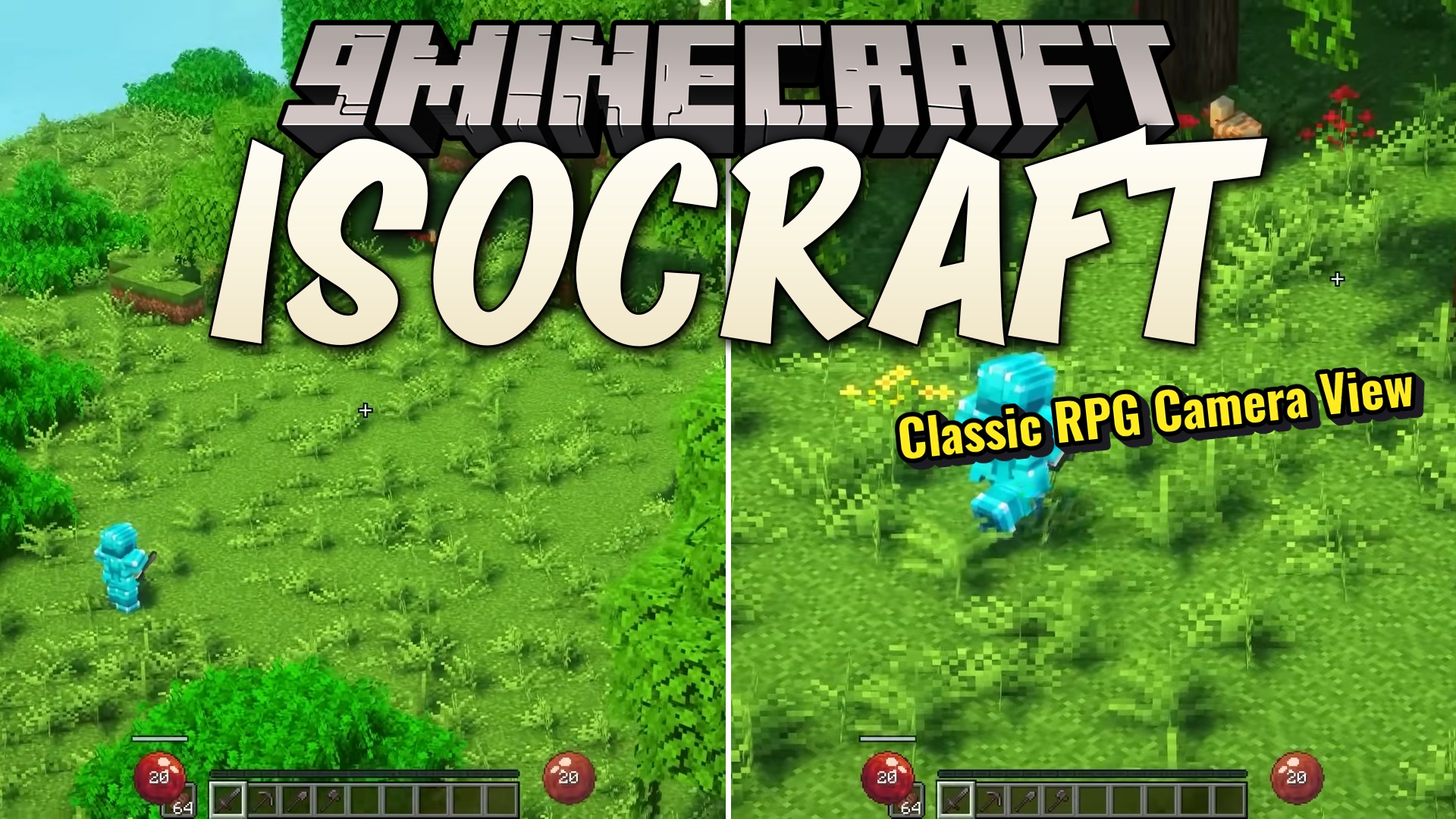
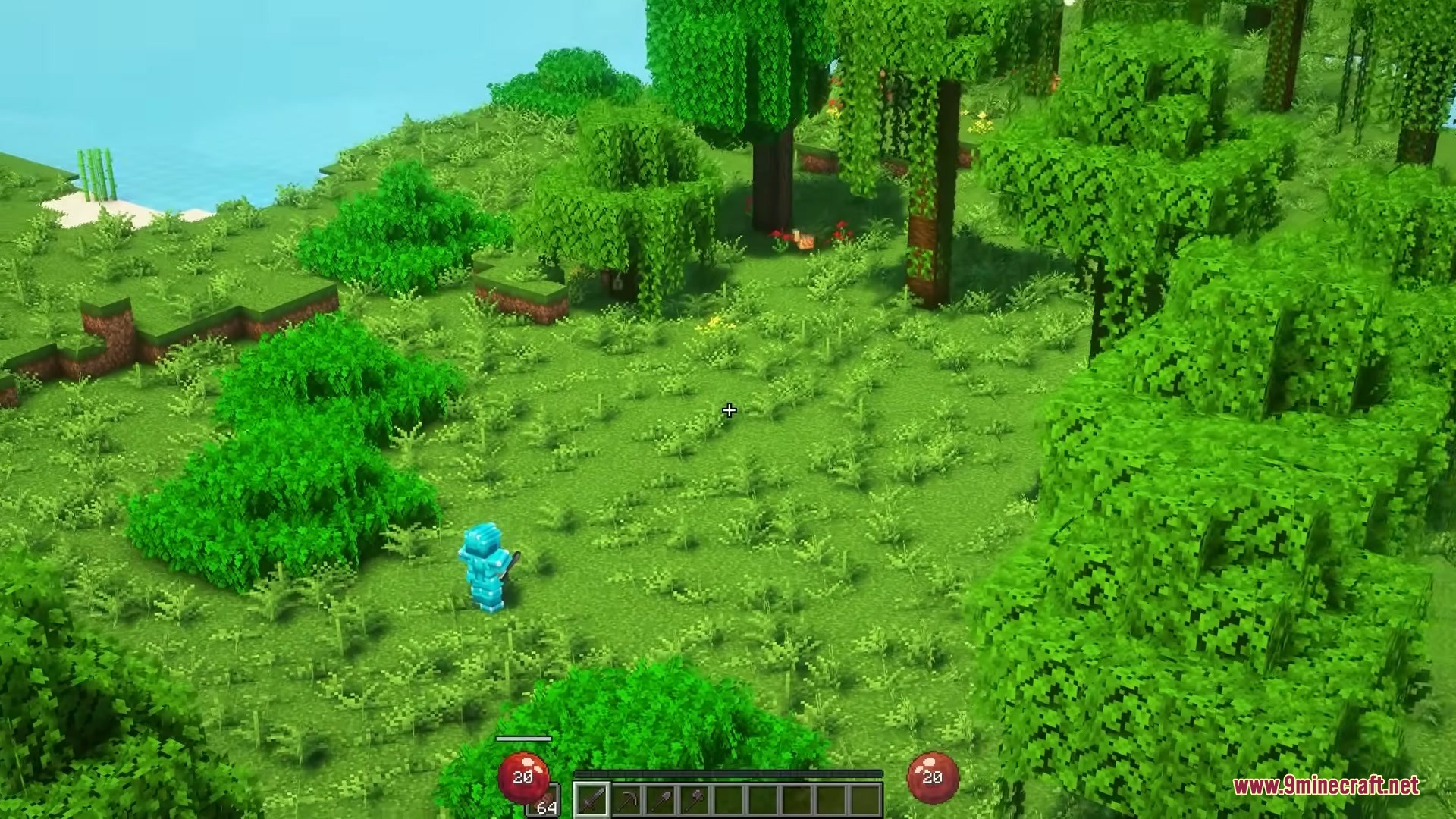
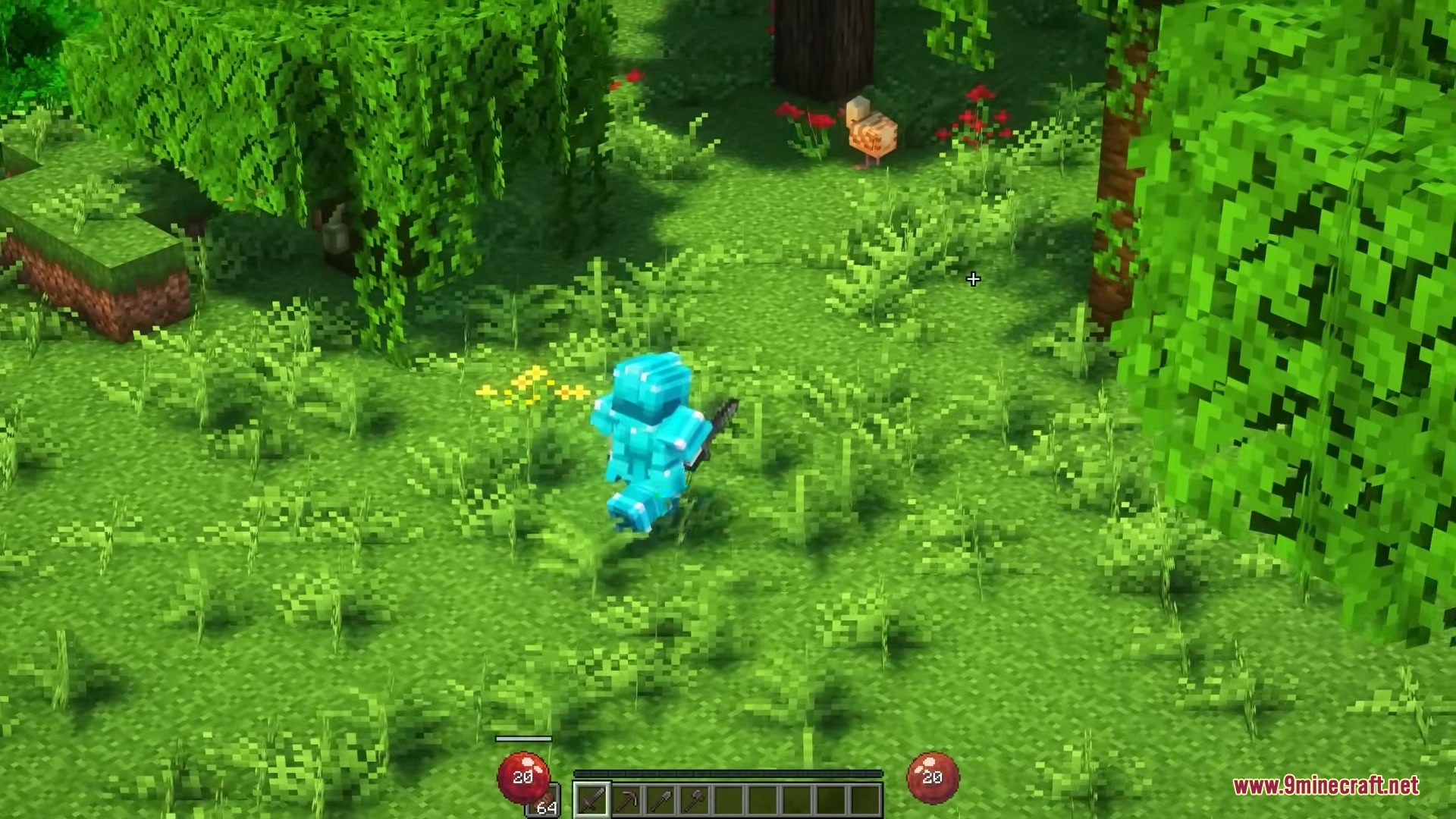
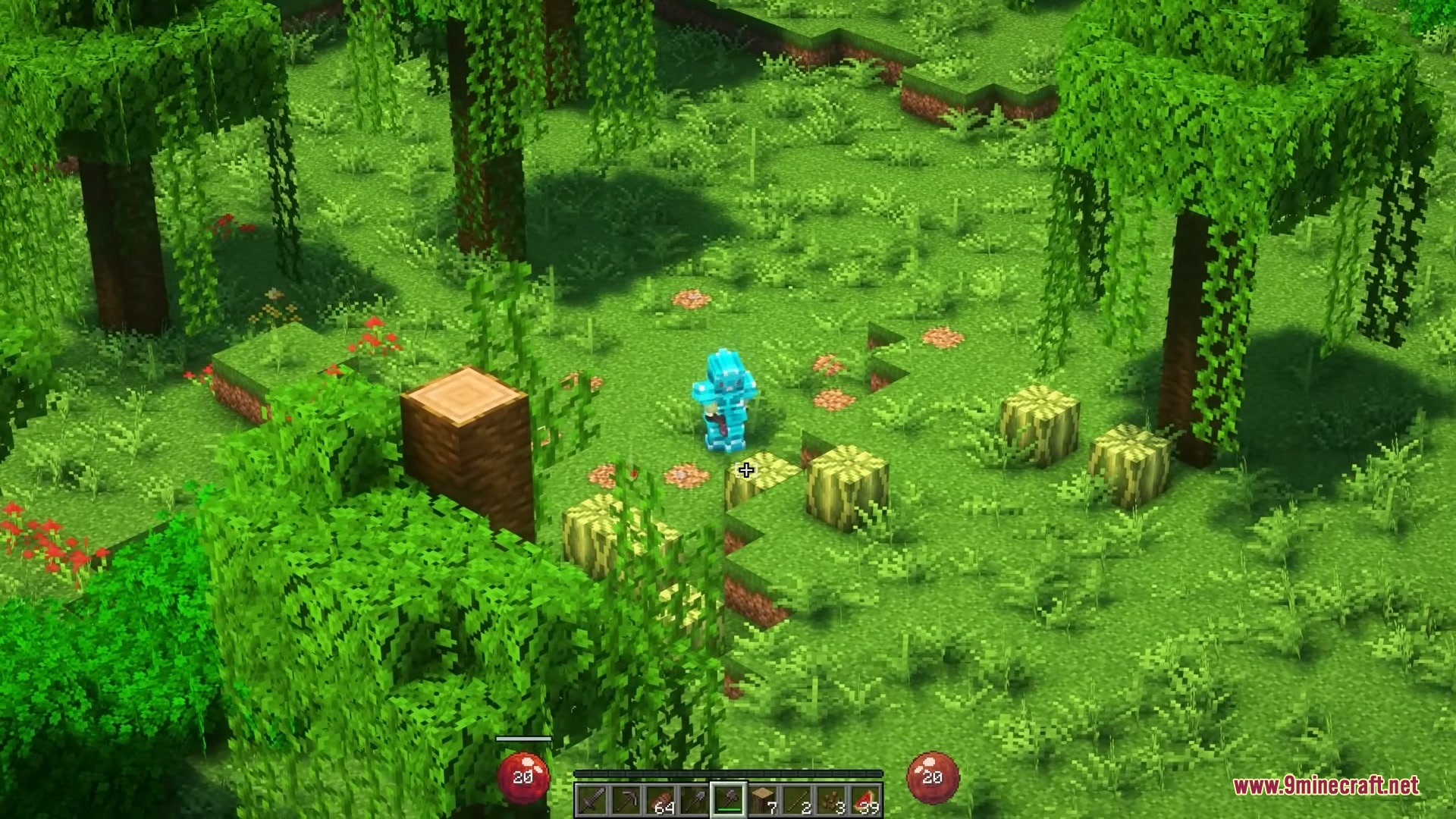
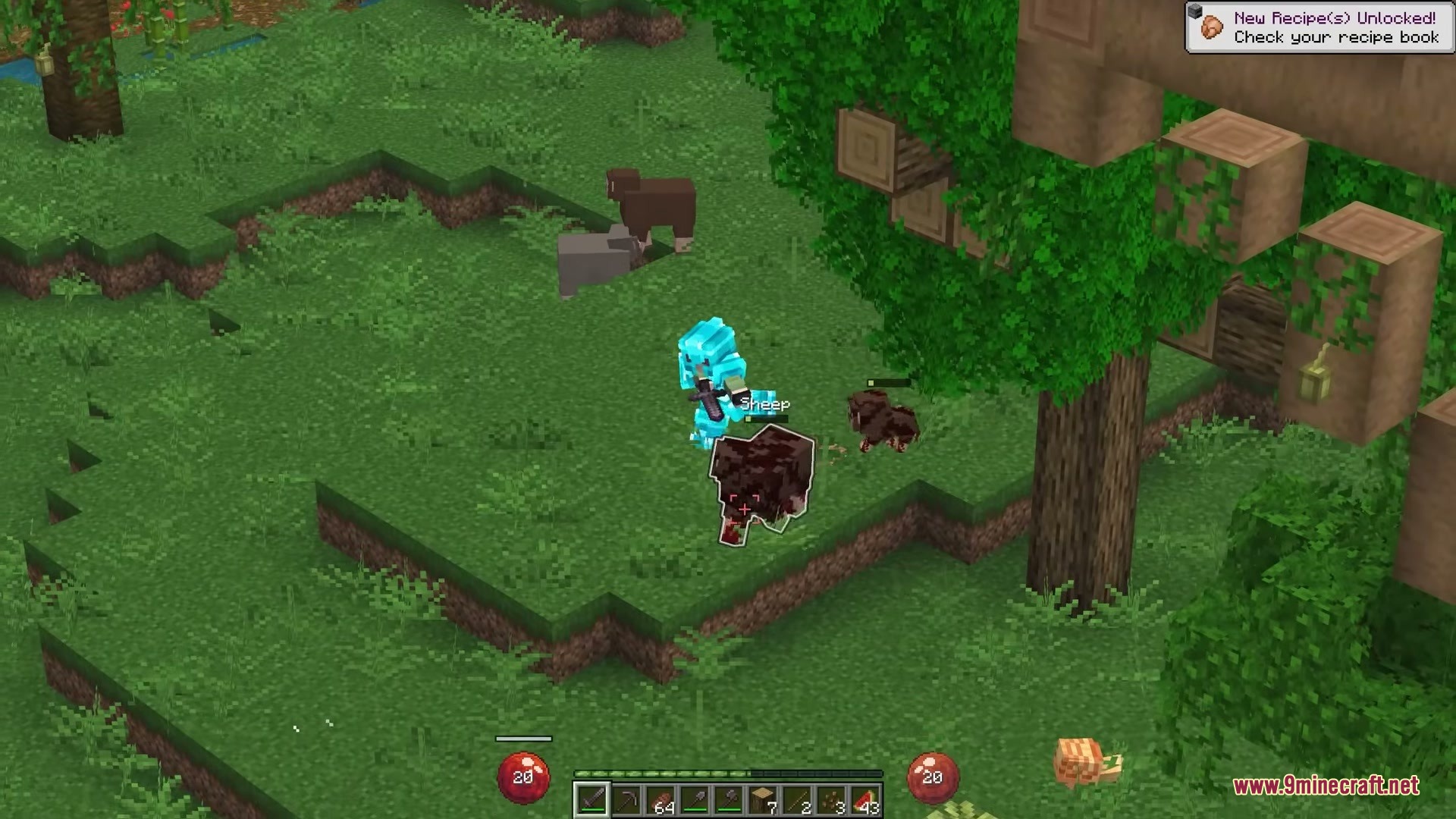
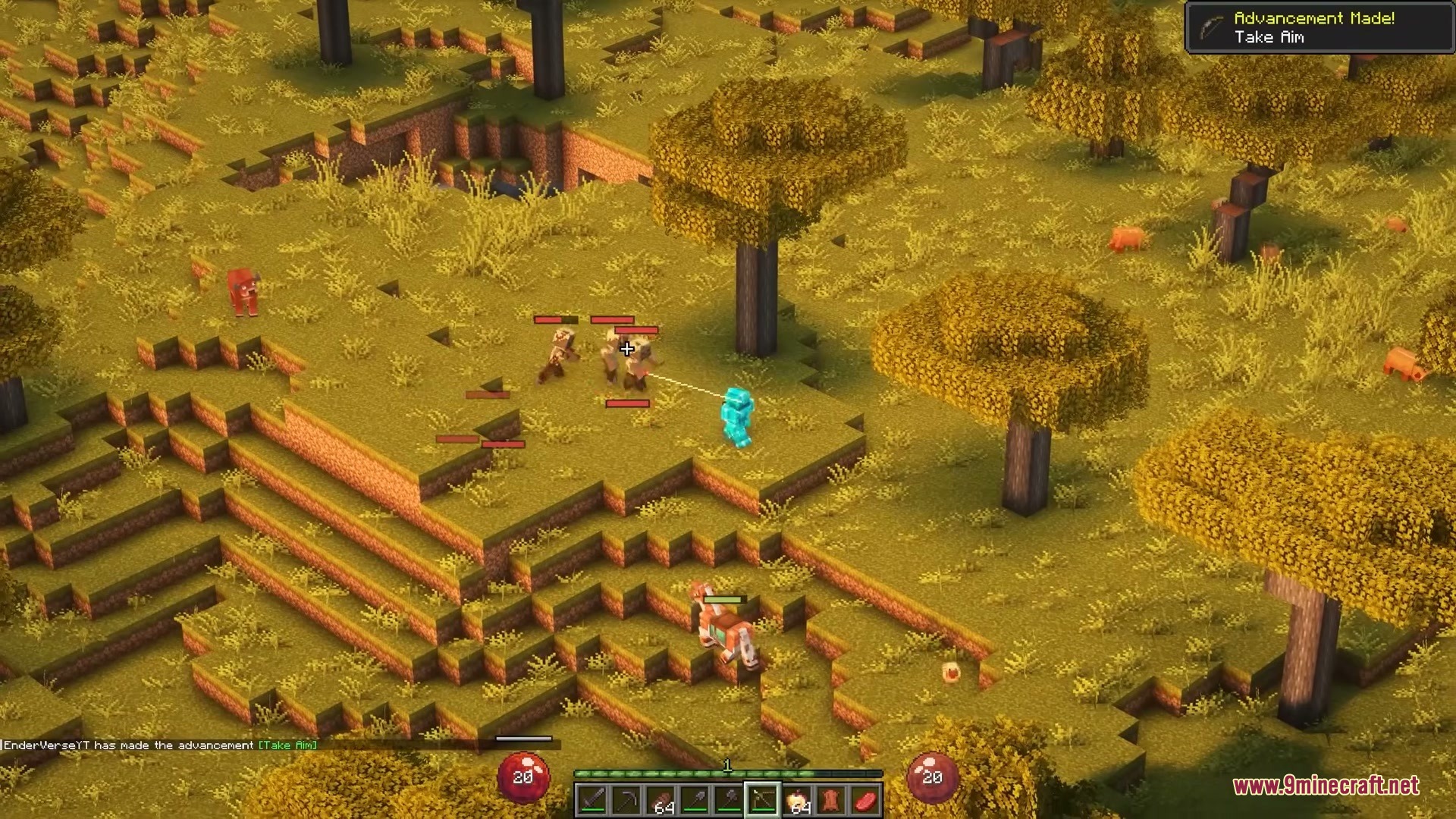
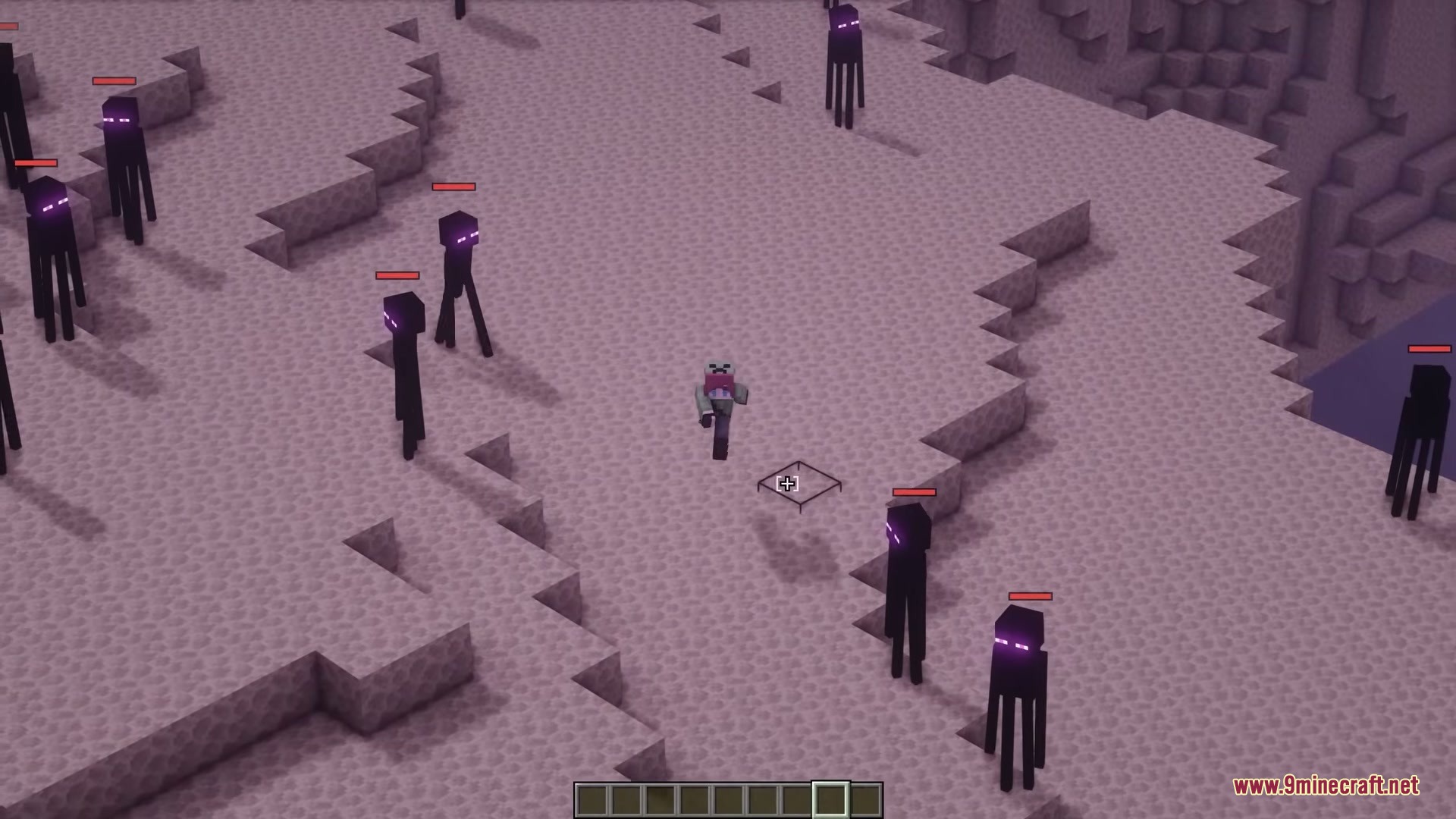
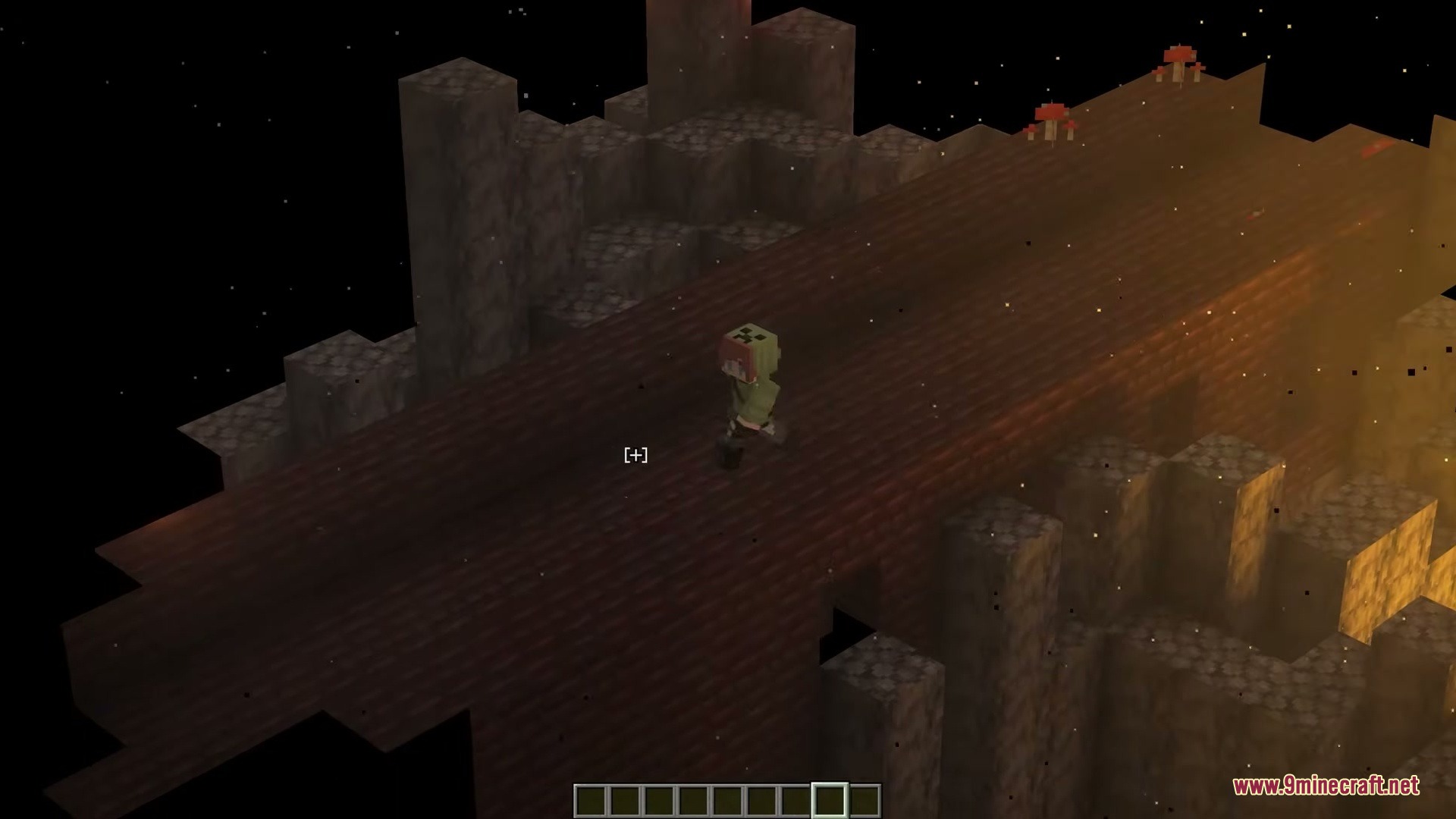
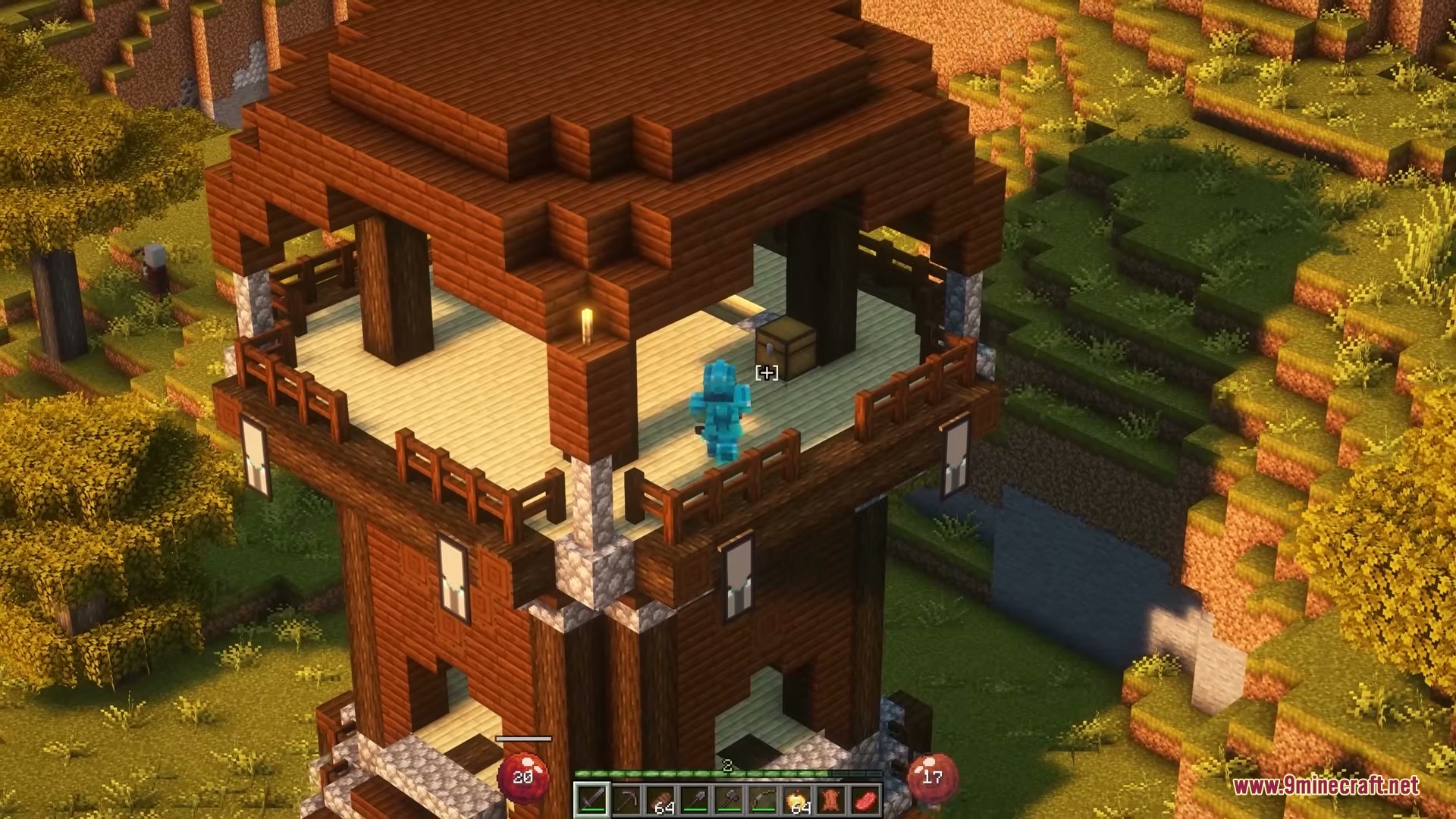
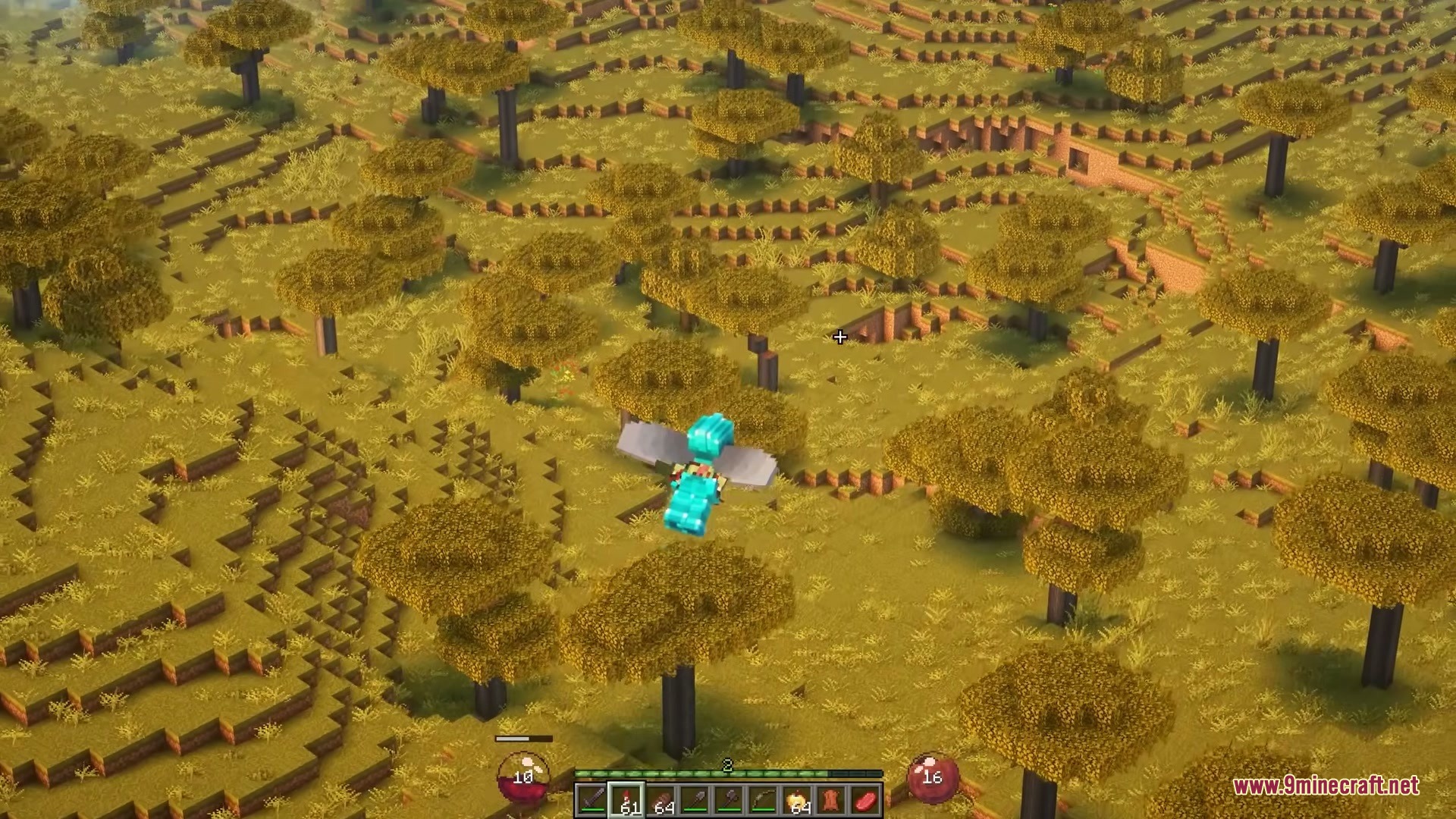
Isocraft Mod transforms your game into an isometric action role-playing game. It pulls the camera back to a top-down angle so you can see your surroundings easily. The mod changes how you move, fight, and build by letting you aim and walk with your mouse cursor. You can switch back to the normal view at any time with a single button press. It works completely on your side, meaning you can use it on any multiplayer server without causing issues for other players.
Features:
- Smart Room Reveal: The mod hides walls and ceilings that block your view when you walk inside buildings or caves.
- Action RPG Movement: You can hold down the mouse button to walk exactly where you point, just like in classic dungeon games.
- Makes trees and hills turn clear when they get between the camera and your character.
- Adds a special bridge assist tool so you can place blocks on hidden sides of ledges without falling.
- Steers boats, horses, and elytra flight directly toward your mouse pointer.
- Muffles sounds coming from outside the room you are currently standing in.
- Includes a diorama mode that hides your menus for taking perfect screenshots of your builds.
Combat and Loot Upgrades:
- Replaces the normal health and hunger bars with glowing orbs on your screen.
- Shows floating numbers that pop up when you deal damage to enemies.
- Shoots colored beams of light into the sky from dropped items so you can spot rare loot.
- Displays health bars and names floating directly above monsters.
- Makes hidden enemies glow through walls so they cannot surprise you.
Quality of Life Changes:
- Opens chests, furnaces, and crafting tables as floating menus in the world instead of filling your whole screen.
- Lets you change settings and see the world update instantly without reloading the game.
- Gives you three quick visual presets to change the mood from a dark survival style to a bright and cozy look.
- Keeps a small circle of light around your character so you can always see in dark caves.
Isocraft Mod – Video Showcase
How to Use:
- Press the O key to switch the camera into isometric mode.
- Use your mouse wheel to zoom the camera in and out.
- Press , or . to rotate your view around the character.
- Hold a block and point your cursor past an edge to see a green outline, then right-click to build outward safely.
- Open the mod settings menu to turn on click-to-move or change the screen brightness.
- Press F6 to take a clean screenshot of your base without any menus showing.
Screenshots:
How to Install:
New to Minecraft? Follow our step-by-step guide to install Mods on your PC.View Guide
Requirements:


Isocraft Mod Download Links
For Minecraft 1.21.11
Click to rate this post!
[Total: 3 Average: 3.3]
You May Also Like



This post has no comments yet. Be the first — your comment will appear here.