Item Count Background Mod (1.21.11, 1.21.5) – Configurable Count Background

 0
0  December 22, 2025
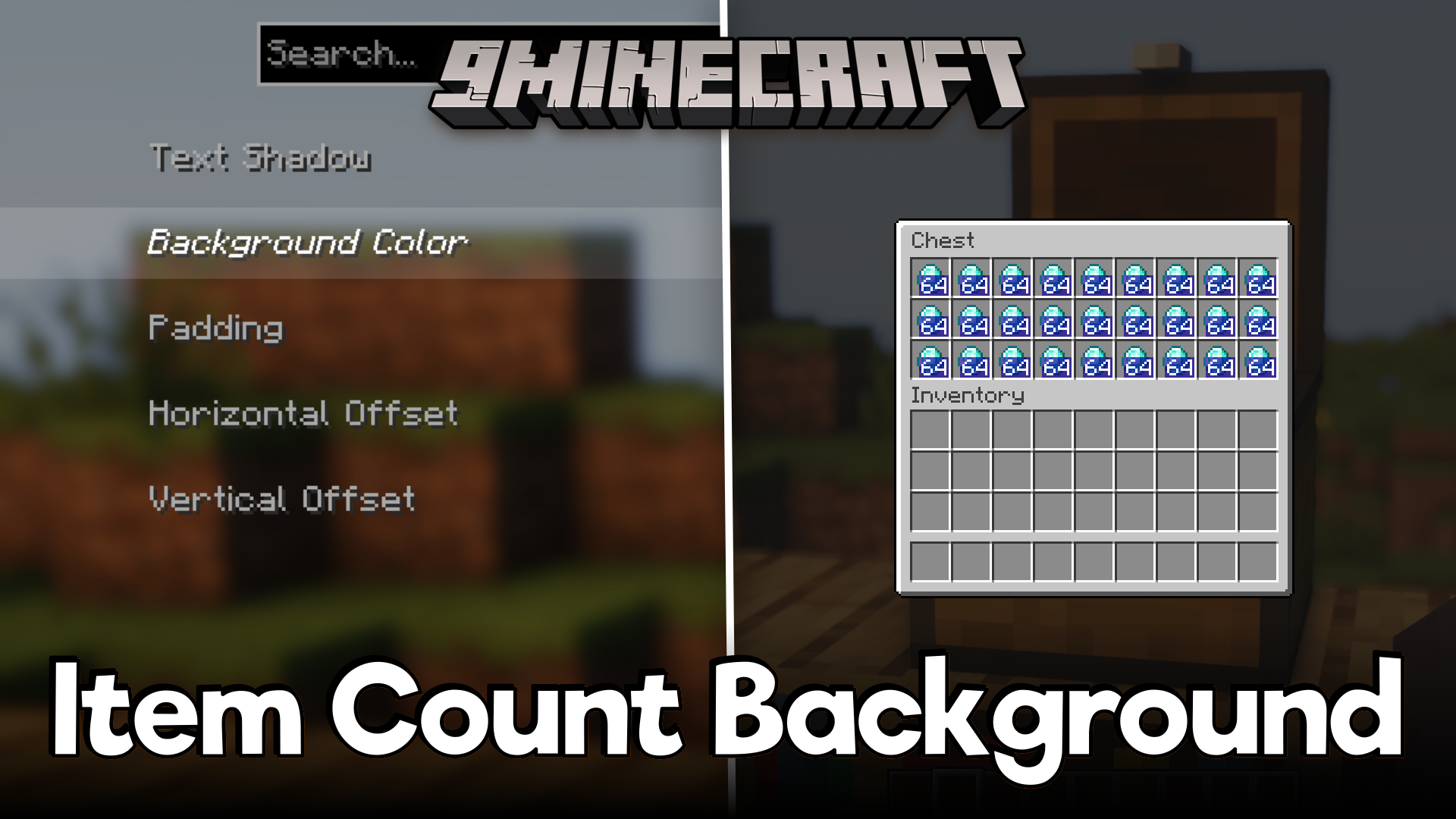
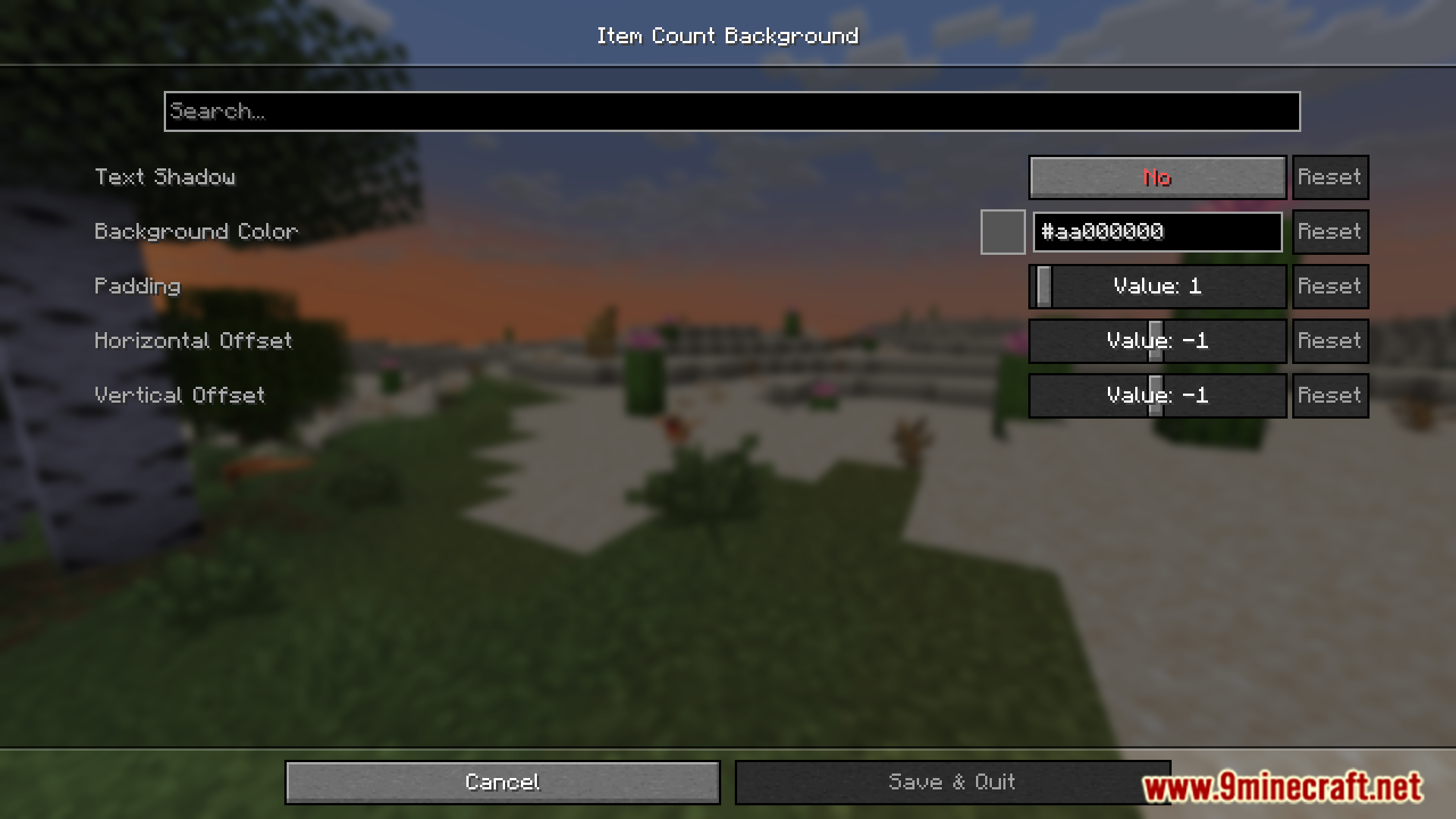
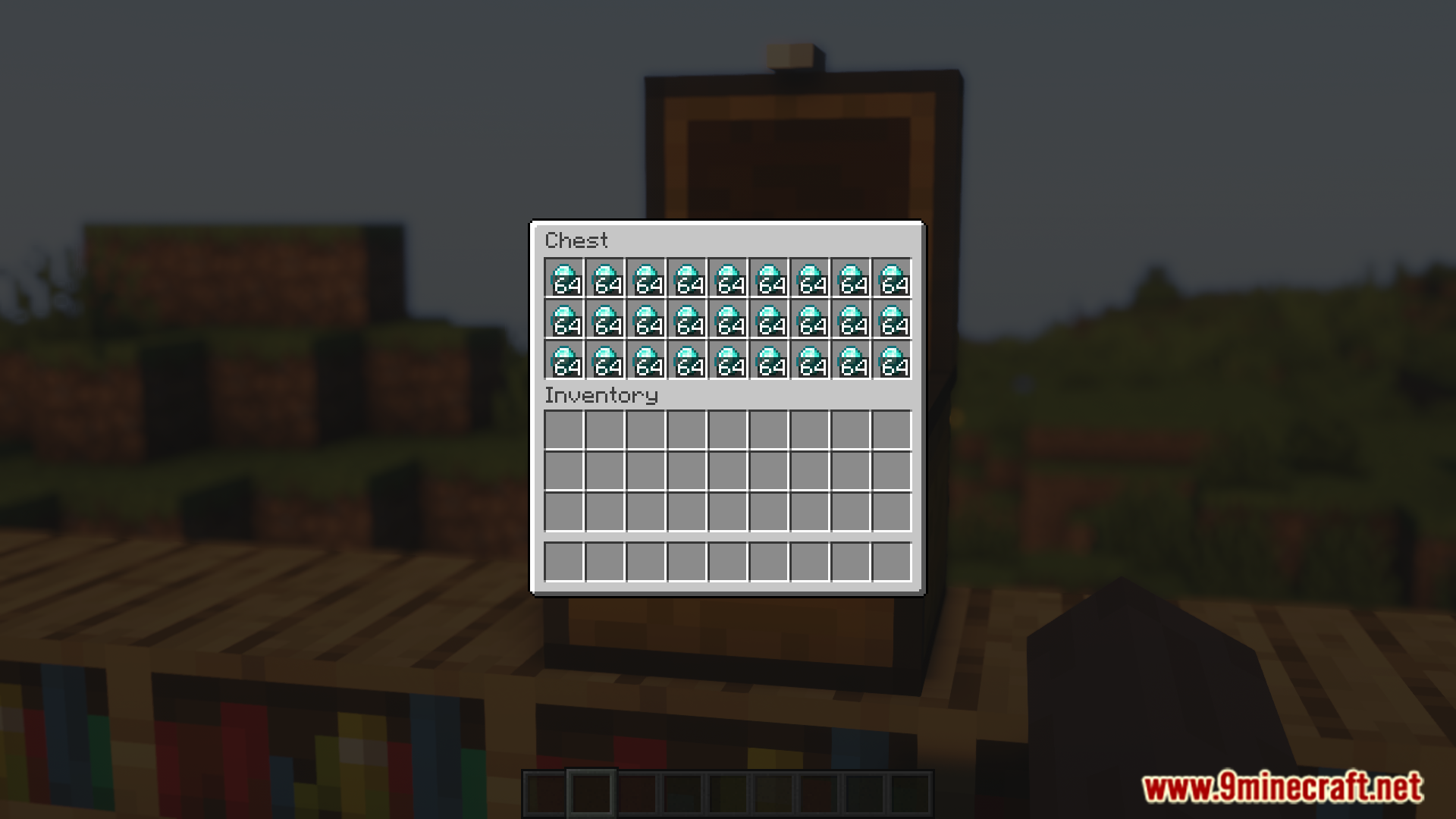
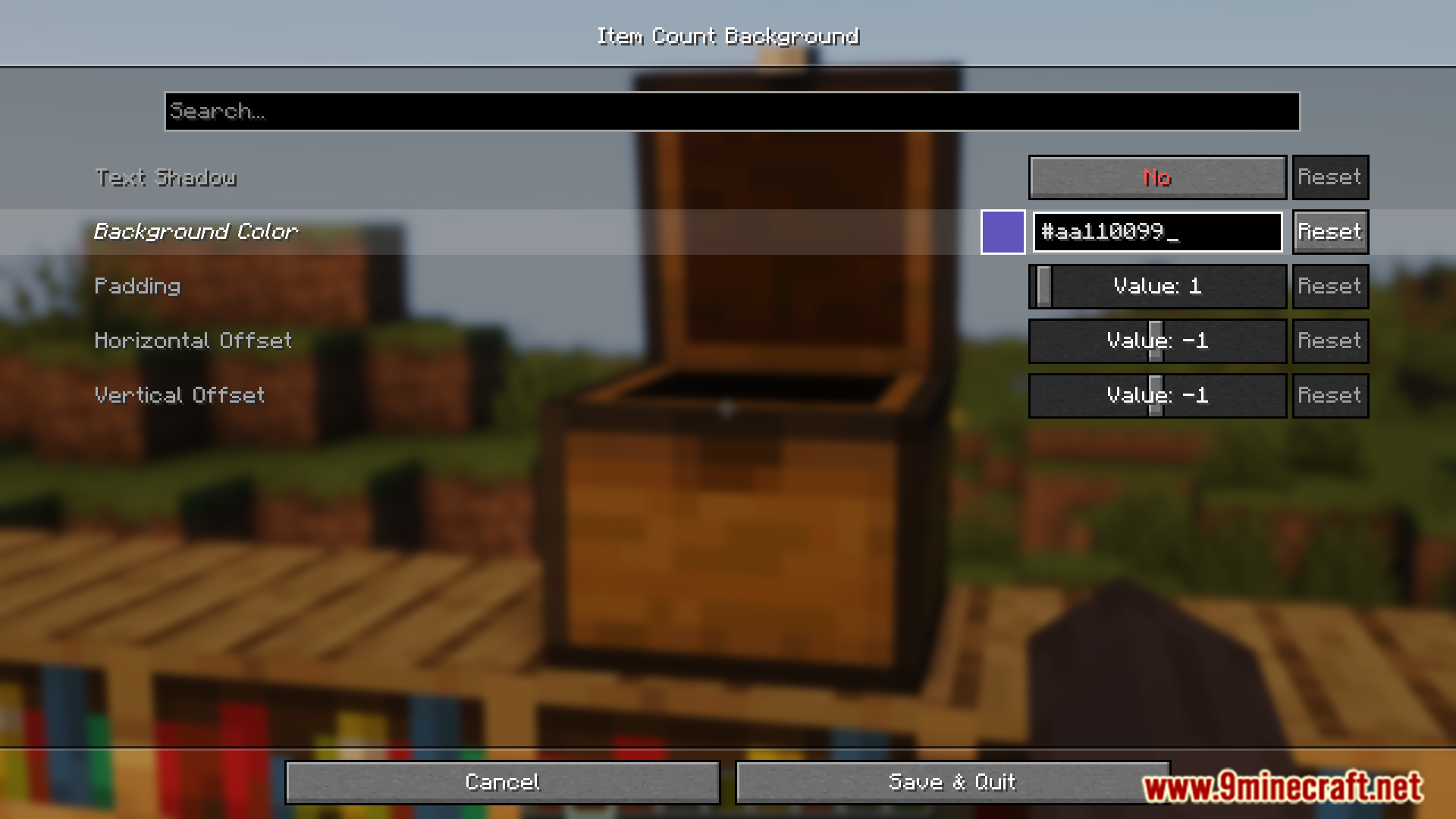
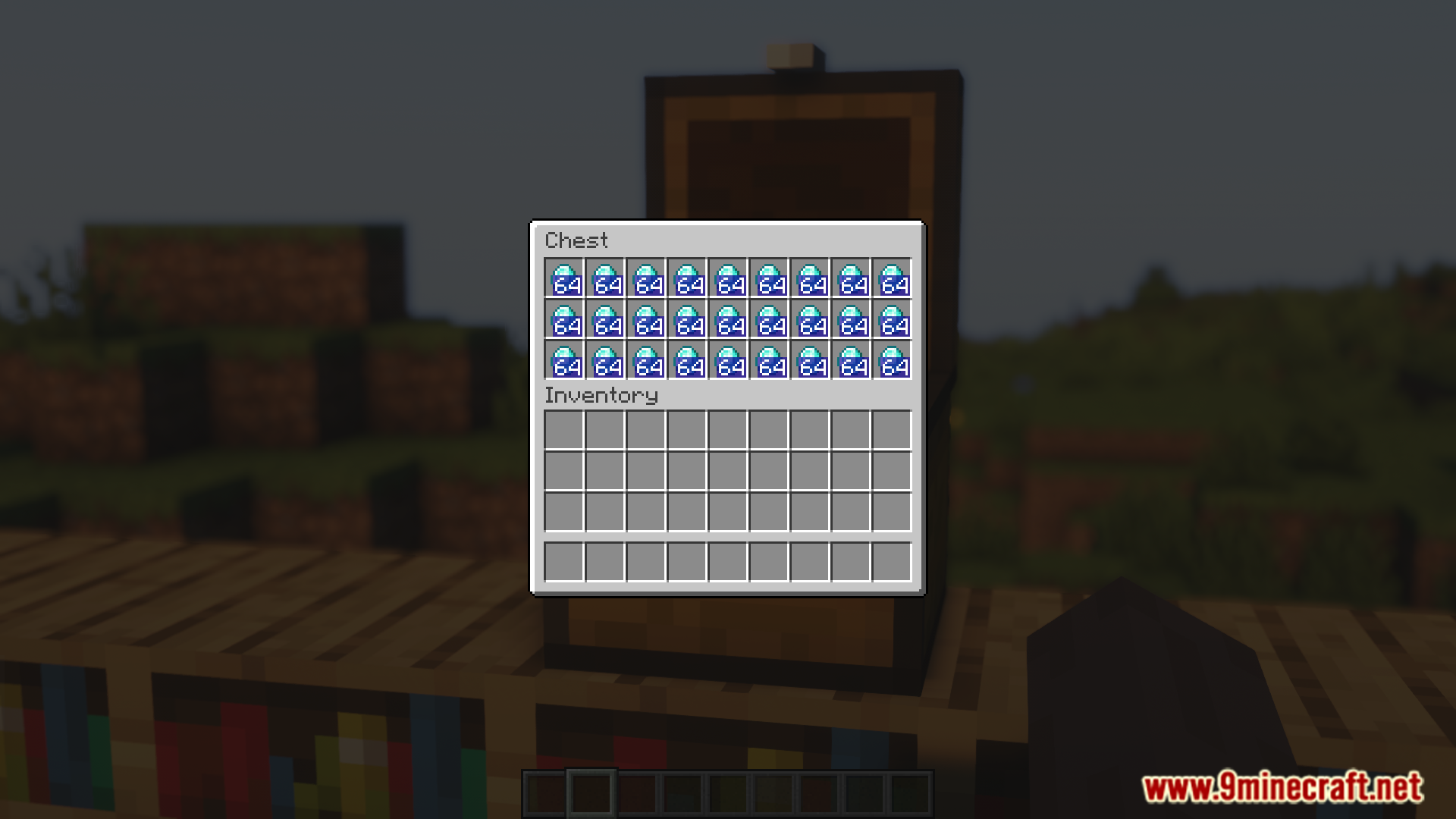
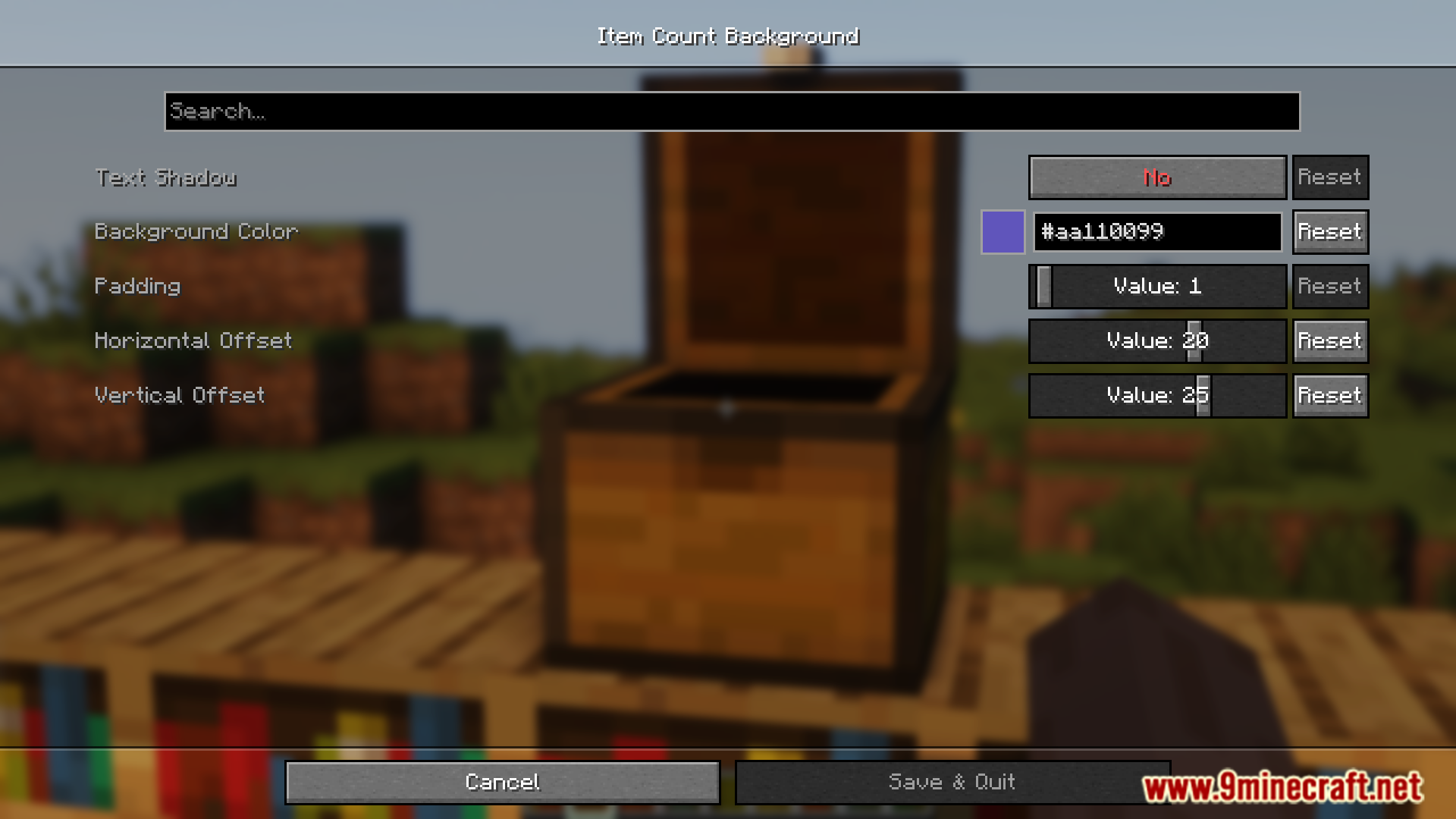
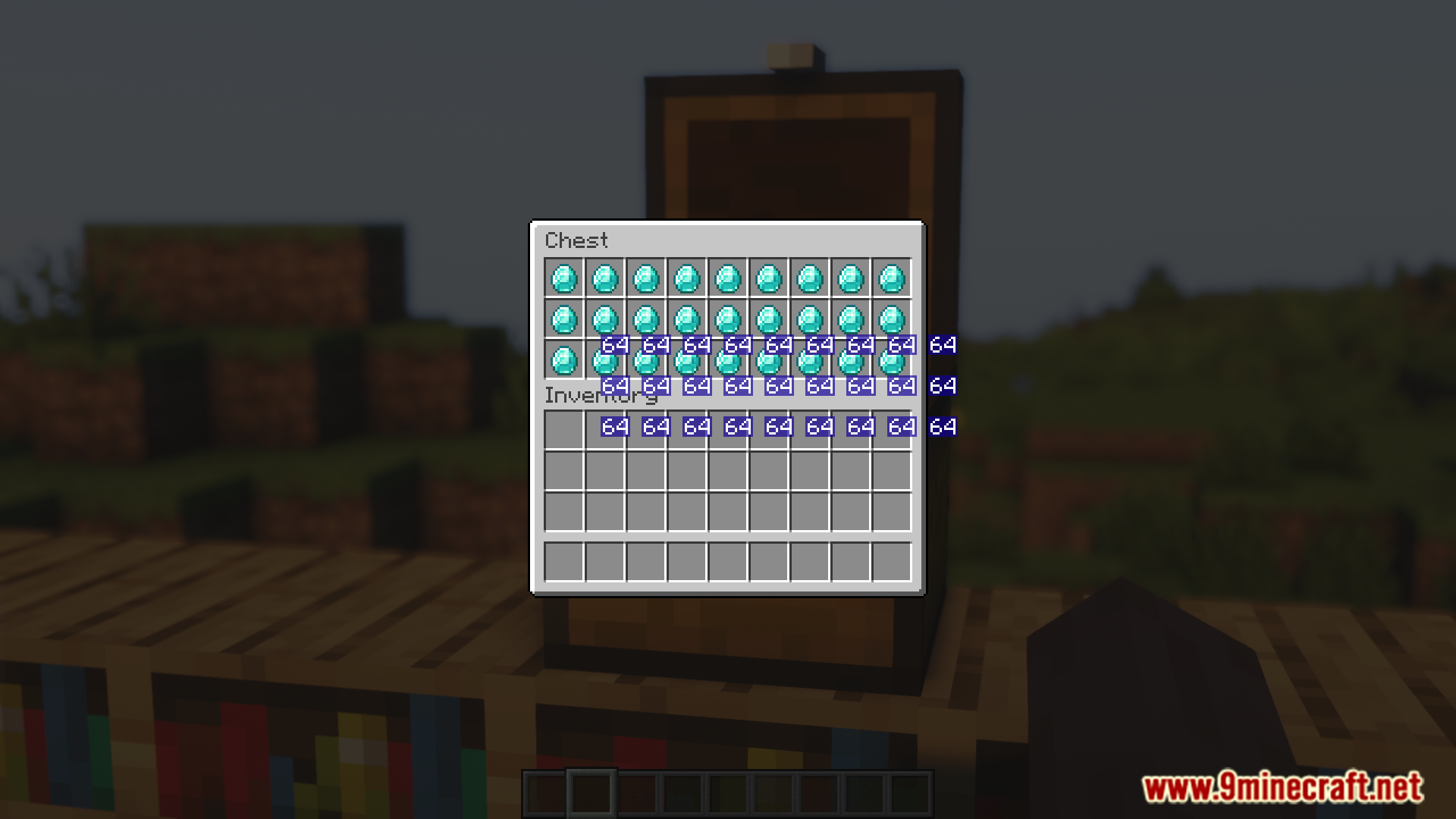
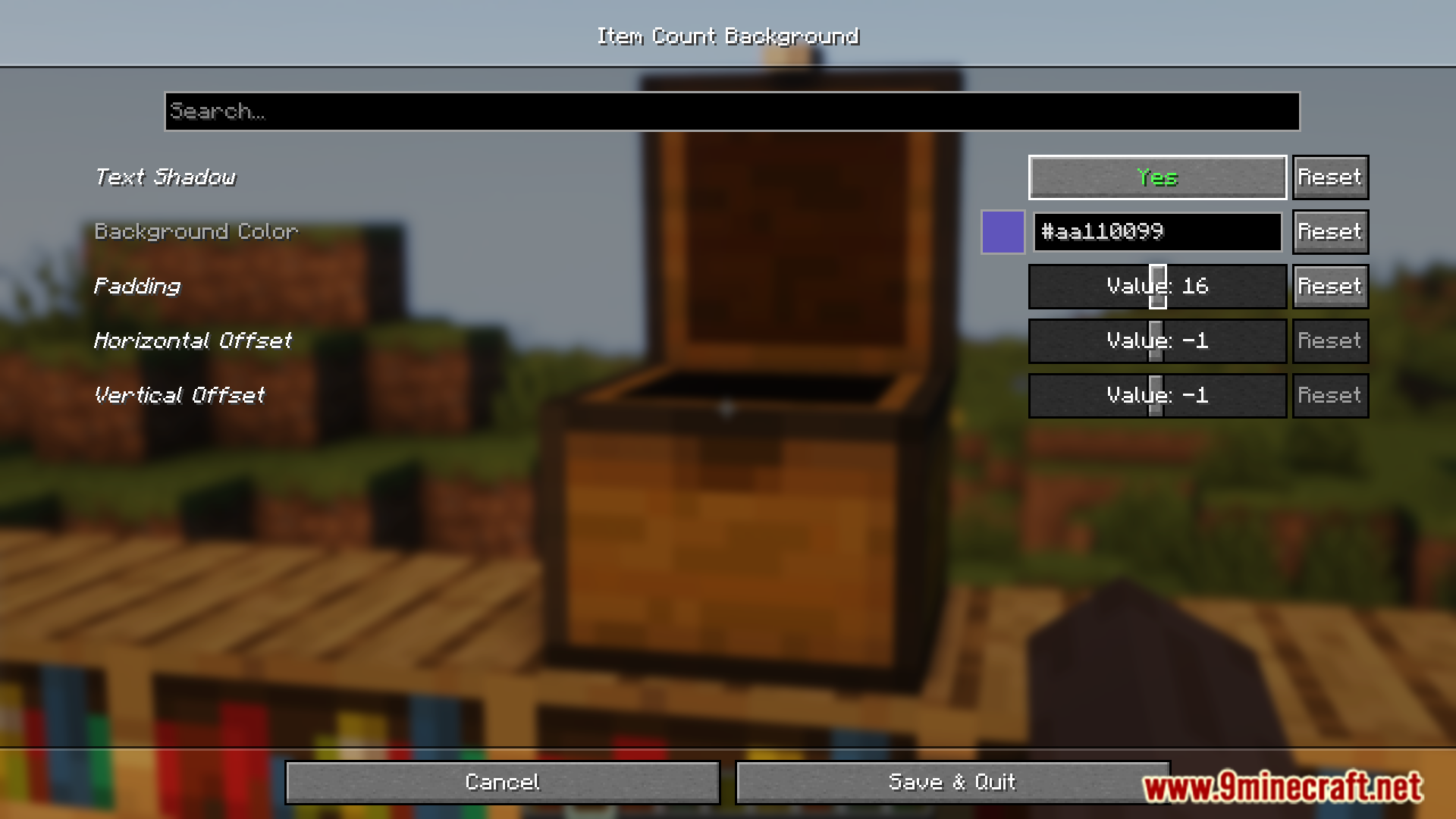
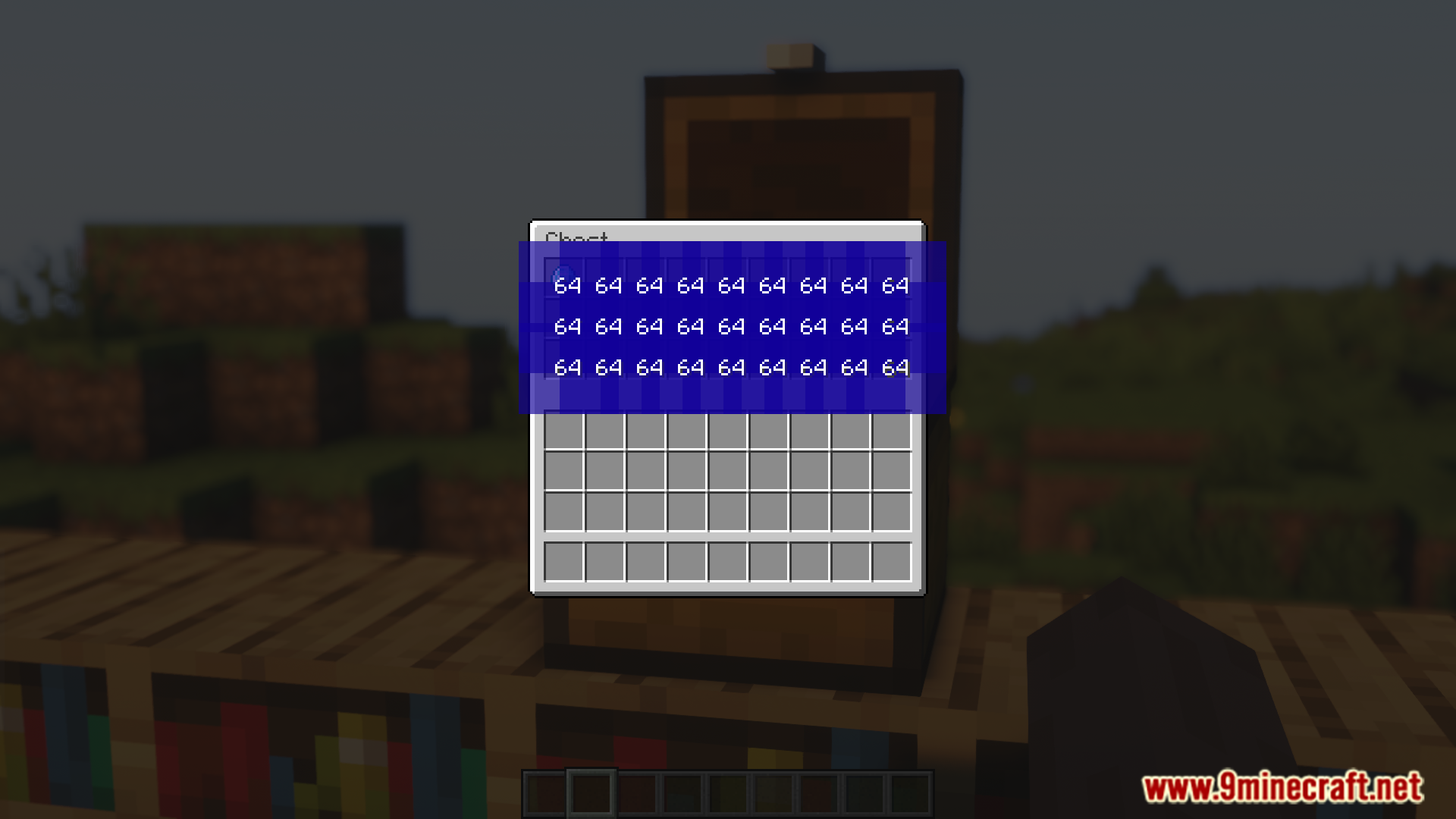
In Minecraft, when you stack two or more items, a number will appear on the bottom-right corner of the slot the item is placed in. This number simply indicates how many of that item is stacked in that slot. The number is in white color and most of the time, you will have no issue reading it. But if the item texture is bright, it might make the text unreadable. Item Count Background Mod is here with the solution. As the name suggests, this mod introduces a background for the item count number. The color, position and transparency of this background can be configured to your liking by accessing the configuration menu of this mod.
Features:
- Item stacks show a white count number by default.
- Bright item textures can make the number hard to read.
- This mod adds a background behind the item count.
- Background color, position, and transparency are configurable.
Screenshots:
Requires:
How to install:
Click the following link to view details: How to Install Mods for Minecraft Java Edition on PC: A Beginner Guide
Item Count Background Mod Download Links
For Minecraft 1.21.5
Fabric version: Download from Server 1 – Download from Server 2
For Minecraft 1.21.8, 1.21.7, 1.21.6
Fabric version: Download from Server 1 – Download from Server 2
For Minecraft 1.21.10, 1.21.9
Fabric version: Download from Server 1 – Download from Server 2
For Minecraft 1.21.11
Fabric version: Download from Server 1 – Download from Server 2
You May Also Like