


Item Disabled Plugin (1.21.11, 1.20.1) – Keep Gameplay Fair By Banning

 0
0 

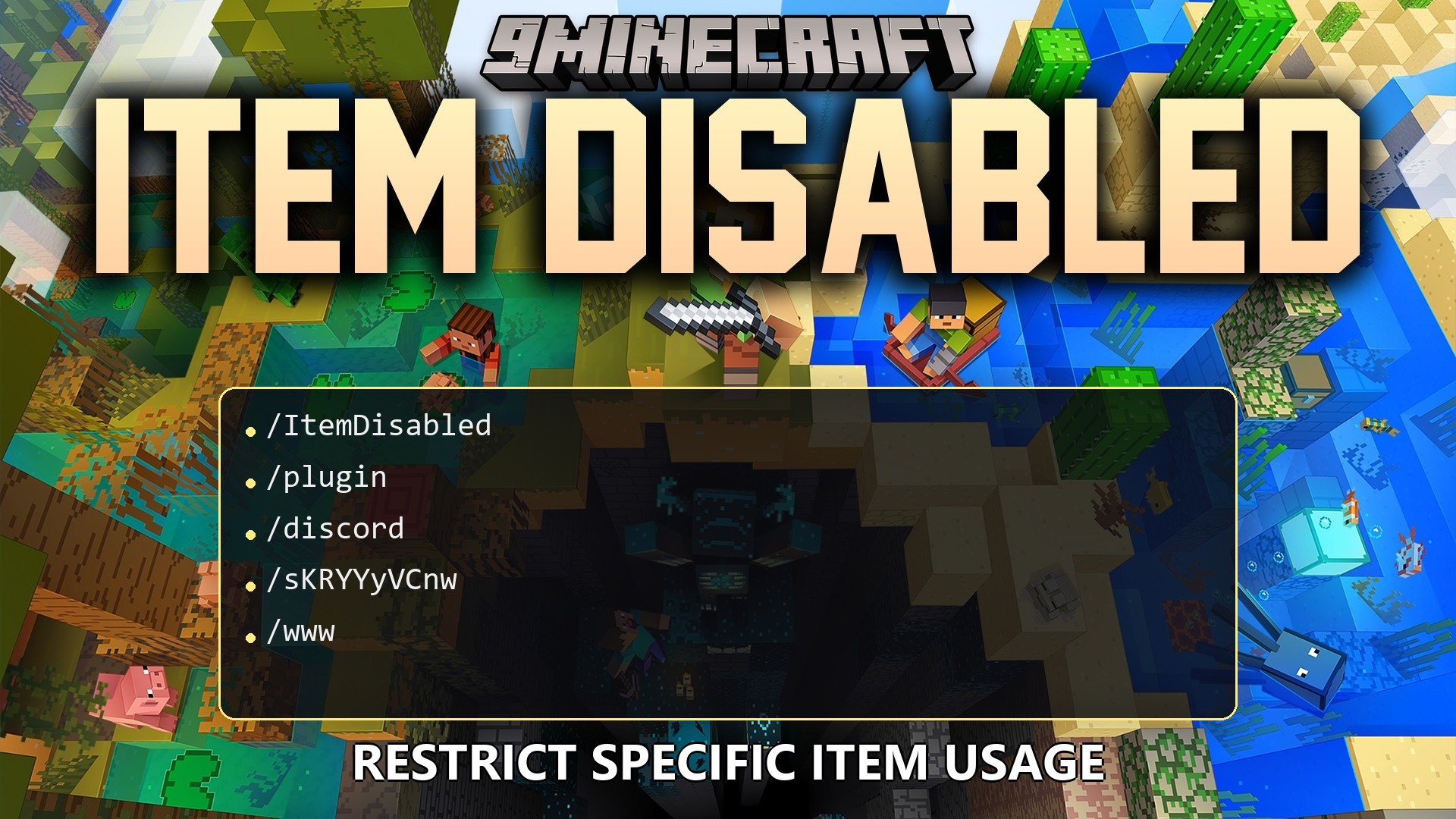
Item Disabled Plugin stops players from using specific items across your Minecraft server. It locks down weapons, tools, armor, food, and blocks with a simple command so you can maintain balanced gameplay. You can choose how long an item stays locked or turn it off forever for chosen players.
Features:
- Blocks the use of chosen Minecraft items, tools, armor, and blocks.
- Lets server operators lock items permanently by setting the duration to -1.
- Applies item restrictions to specific player targets or server-wide.
- Stops left-click and right-click interactions when holding a restricted item.
- Prevents players from attacking mobs or other players with locked weapons.
- Pushes restricted armor back into the normal inventory when players try to wear it.
- Sends an alert message to players whenever they attempt to interact with a locked item.
- Saves all item restriction data into readable JSON files in the plugin folder.
Commands:
/itemdisabled disable <item> [duration] [target]: Disables a specific item ID for a chosen duration and player target./itemdisabled enable <item> [target]: Re-enables the specified item for the target player.
How to Use:
- Find the Minecraft ID of the item you want to restrict.
- Type
/itemdisabled disable <item> [duration] [target]in the server chat or console. - Set the duration in seconds, or use -1 to disable the item without a time limit.
- Use
/itemdisabled enable <item> [target]whenever you want to restore access to the item.
How to Install:
New to Minecraft? Follow our step-by-step guide to install Plugins on your PC.View Guide
Requirements:

Item Disabled Plugin Download Links
For Minecraft
1.21.11,
1.21.10,
1.21.9
All Versions Covered
1.21.11
1.21.10
1.21.9
1.21.8
1.21.7
1.21.6
1.21.5
1.21.4
1.21.3
1.21.2
1.21.1
1.21
1.20.6
1.20.5
1.20.4
1.20.3
1.20.2
1.20.1
1.20
All Versions Covered
1.21.11
1.21.10
1.21.9
1.21.8
1.21.7
1.21.6
1.21.5
1.21.4
1.21.3
1.21.2
1.21.1
1.21
1.20.6
1.20.5
1.20.4
1.20.3
1.20.2
1.20.1
1.20
Click to rate this post!
[Total: 0 Average: 0]
You May Also Like


















This post has no comments yet. Be the first — your comment will appear here.