


Temperature999 Plugin (1.21.11, 1.21.1) – Punish Players Who Ignore the Heat
 0
0
 0
0


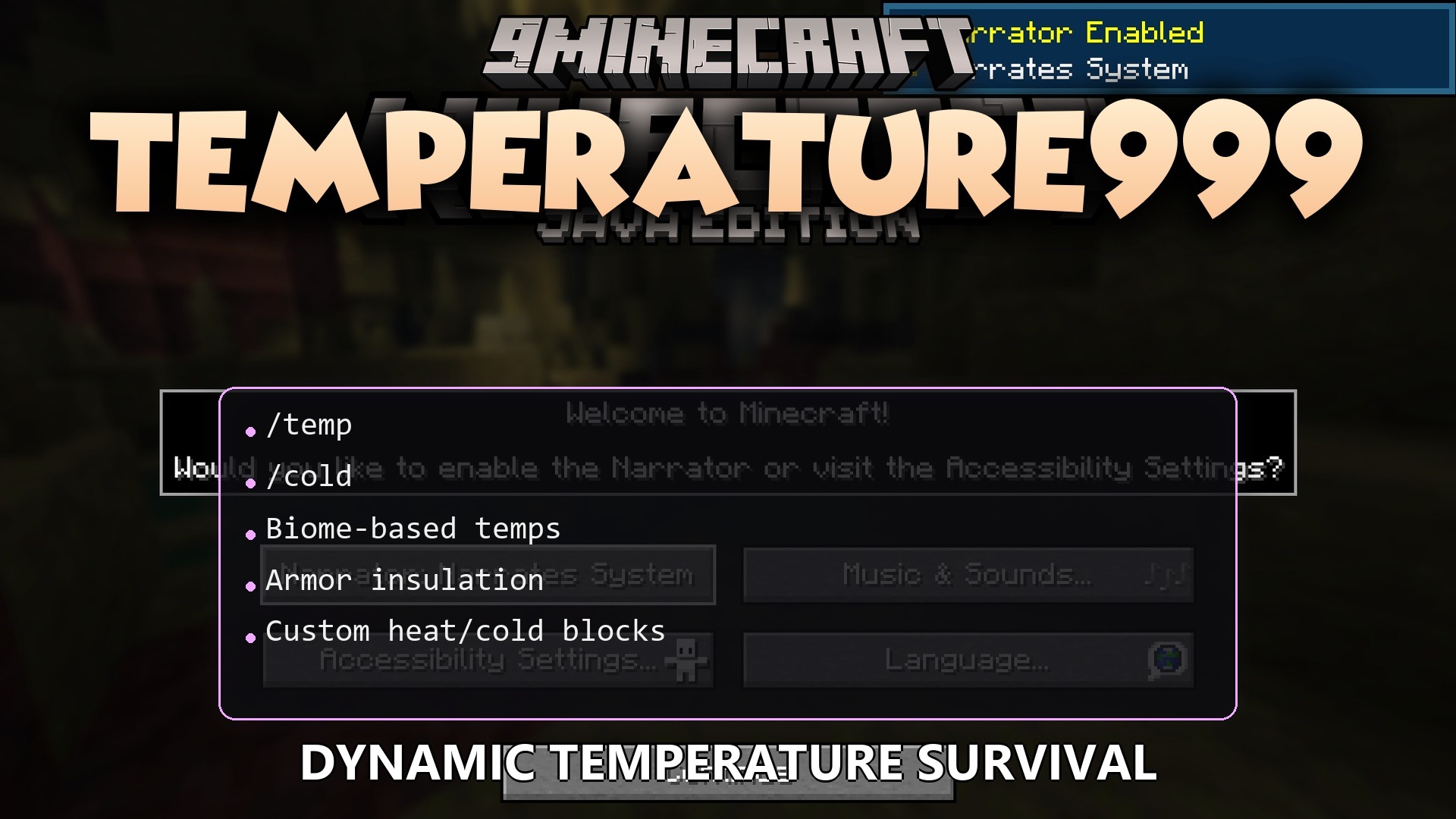
Temperature999 Plugin adds a temperature system to your server that changes how you play. Your body heat goes up or down depending on the biome you stand in, the time of day, and the weather. If you get too hot or too cold, you take damage and move slower. This plugin forces players to think about what armor they wear and where they build their bases to stay safe from the elements.
Features:
- Biome Heat: Deserts make you hot, while snowy taigas make you freeze.
- Armor Warmth: Leather and turtle shells keep you warm, but metal armors like iron and diamond let the cold in.
- Nighttime makes the world colder even in normal biomes, so you need a shelter when the sun goes down.
- Rain makes you wet and drops your body heat faster.
- Standing near campfires, furnaces, or lava warms you up when you are freezing.
- Walking on ice or snow blocks cools you down if you get too hot.
- Players start taking damage and hear a panting sound if they overheat.
- Freezing players take damage, move slower, and hear a freezing sound.
- A boss bar at the top of the screen shows your current body heat and changes color so you always know your status.
- Server owners can change how fast you heat up or cool down in different worlds and biomes.
Commands:
/temp help: shows the help menu./temp check [player]: checks your body heat or another player’s heat./temp toggle: turns the temperature bar on or off on your screen./temp admin set <player> <temp>: sets a player’s heat to a specific number./temp biomes list: shows a list of all hot or cold biomes./temp config reload: reloads the plugin files.
How to Use:
- Look at the boss bar at the top of your screen to see if you are too hot or too cold.
- Wear leather armor when traveling to snow biomes to stay warm.
- Place a campfire or furnace and stand near it if your temperature drops too low.
- Type /temp toggle if you want to hide the boss bar from your screen.
How to Install:
New to Minecraft? Follow our step-by-step guide to install Plugins on your PC.View Guide
Temperature999 Plugin Download Links
For Minecraft
1.21.11,
1.21.10,
1.21.9
All Versions Covered
1.21.11
1.21.10
1.21.9
1.21.8
1.21.7
1.21.6
1.21.5
1.21.4
1.21.3
1.21.2
1.21.1
1.21
All Versions Covered
1.21.11
1.21.10
1.21.9
1.21.8
1.21.7
1.21.6
1.21.5
1.21.4
1.21.3
1.21.2
1.21.1
1.21
Click to rate this post!
[Total: 0 Average: 0]
You May Also Like

















This post has no comments yet. Be the first — your comment will appear here.