
Jonn’s Trophies Mod (1.21.1, 1.20.1) – Turn Mob Hunts Into Custom Trophies
 8,138
 0


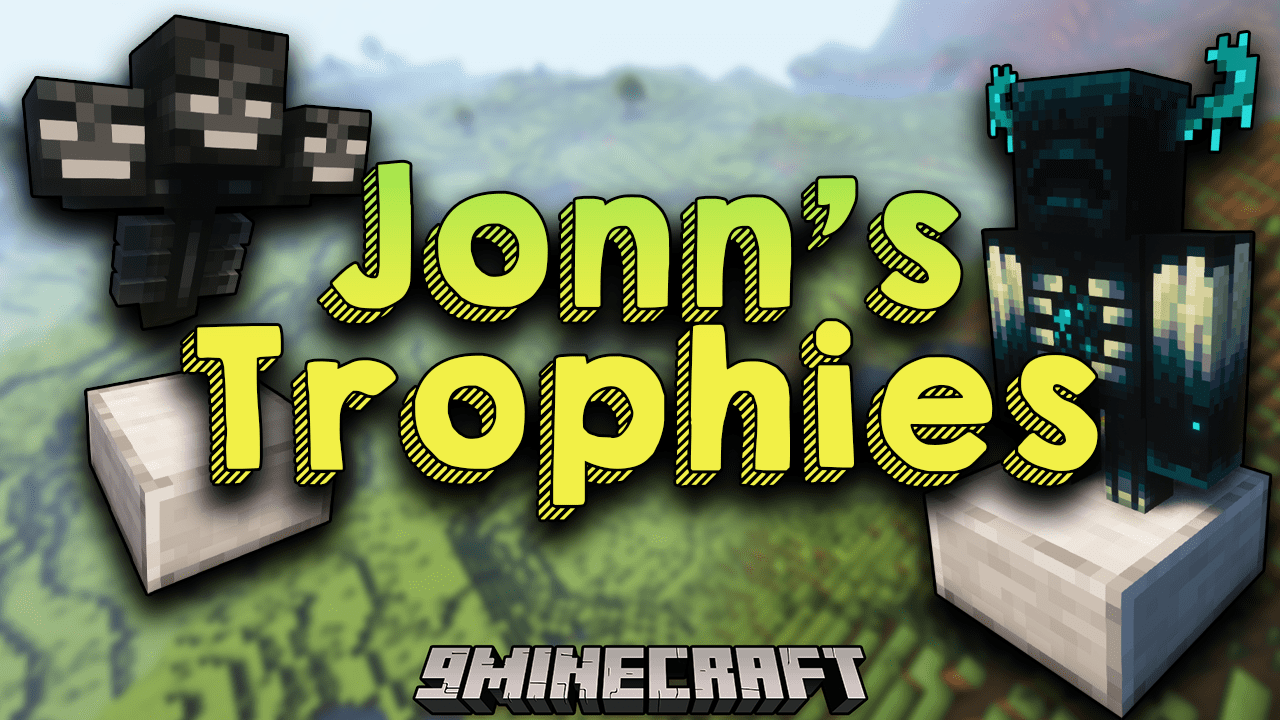
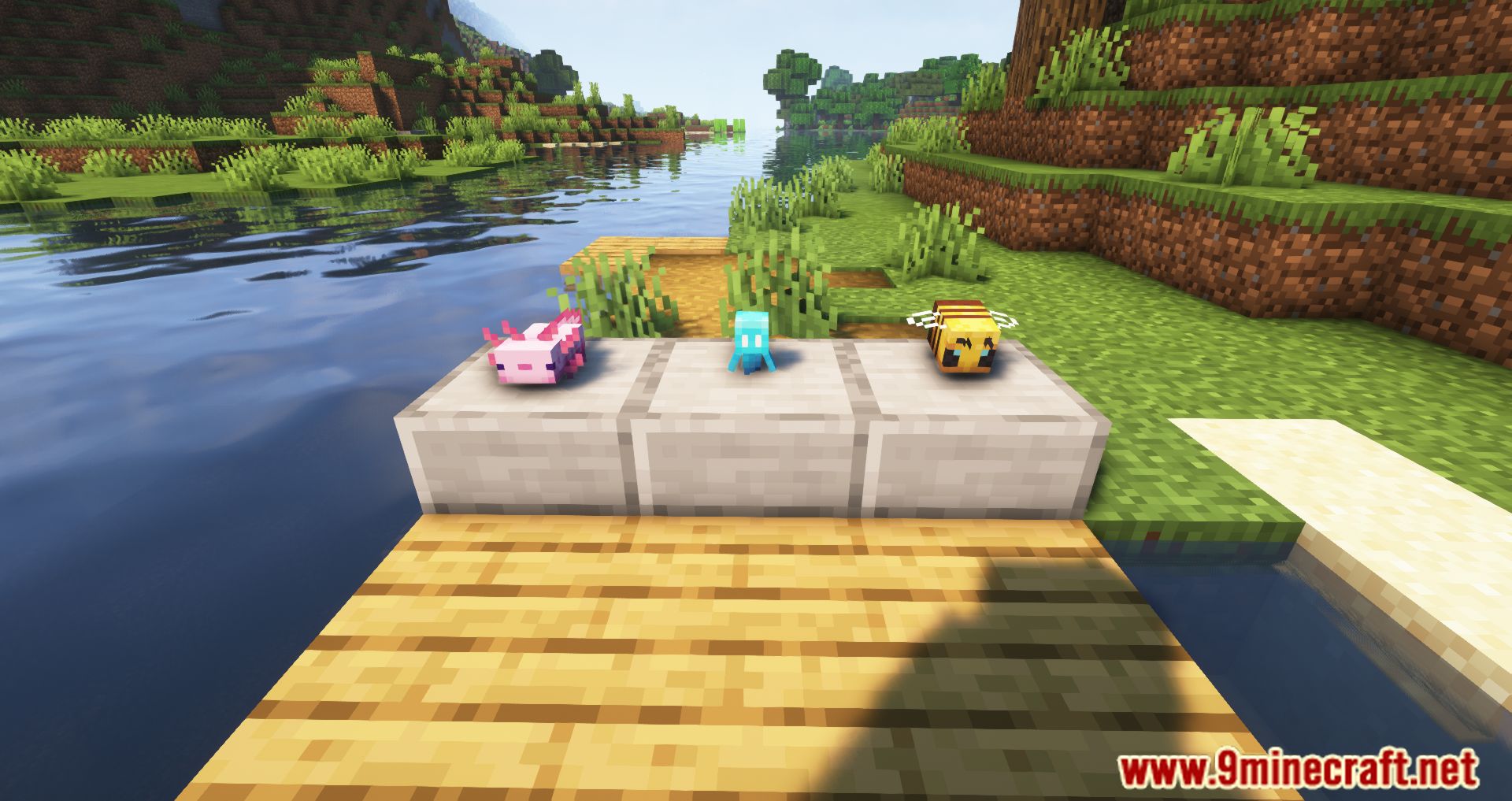
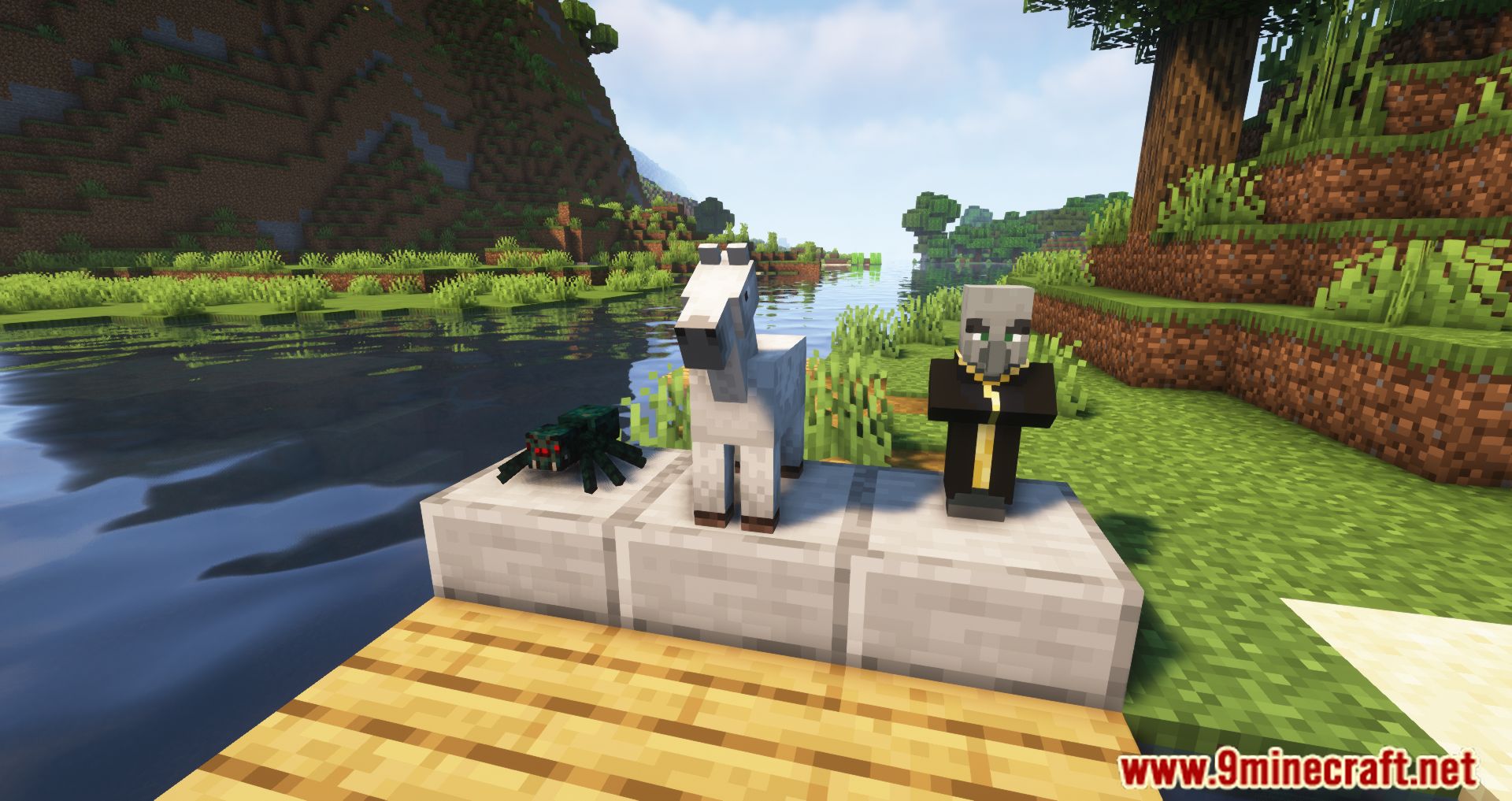
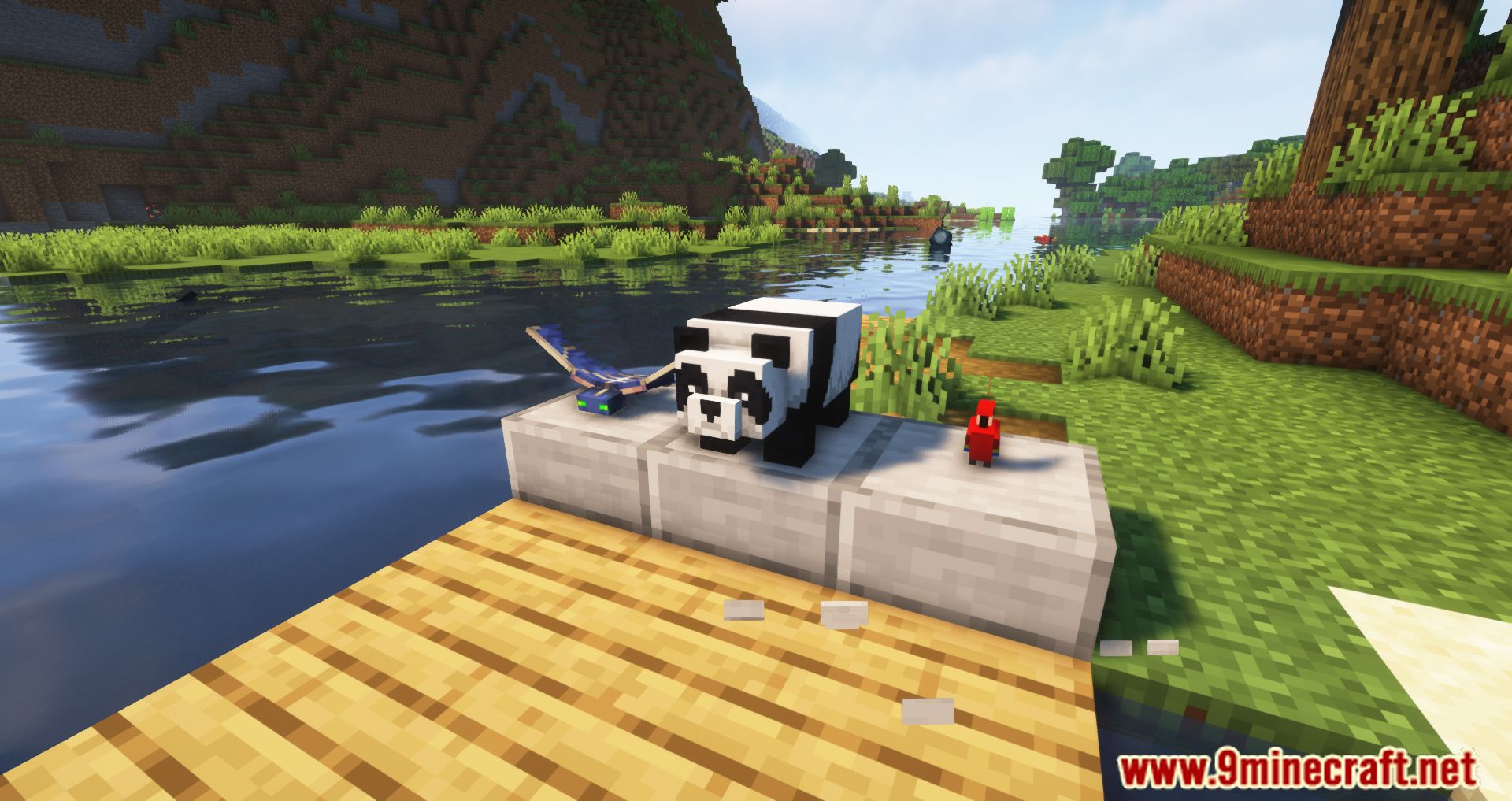
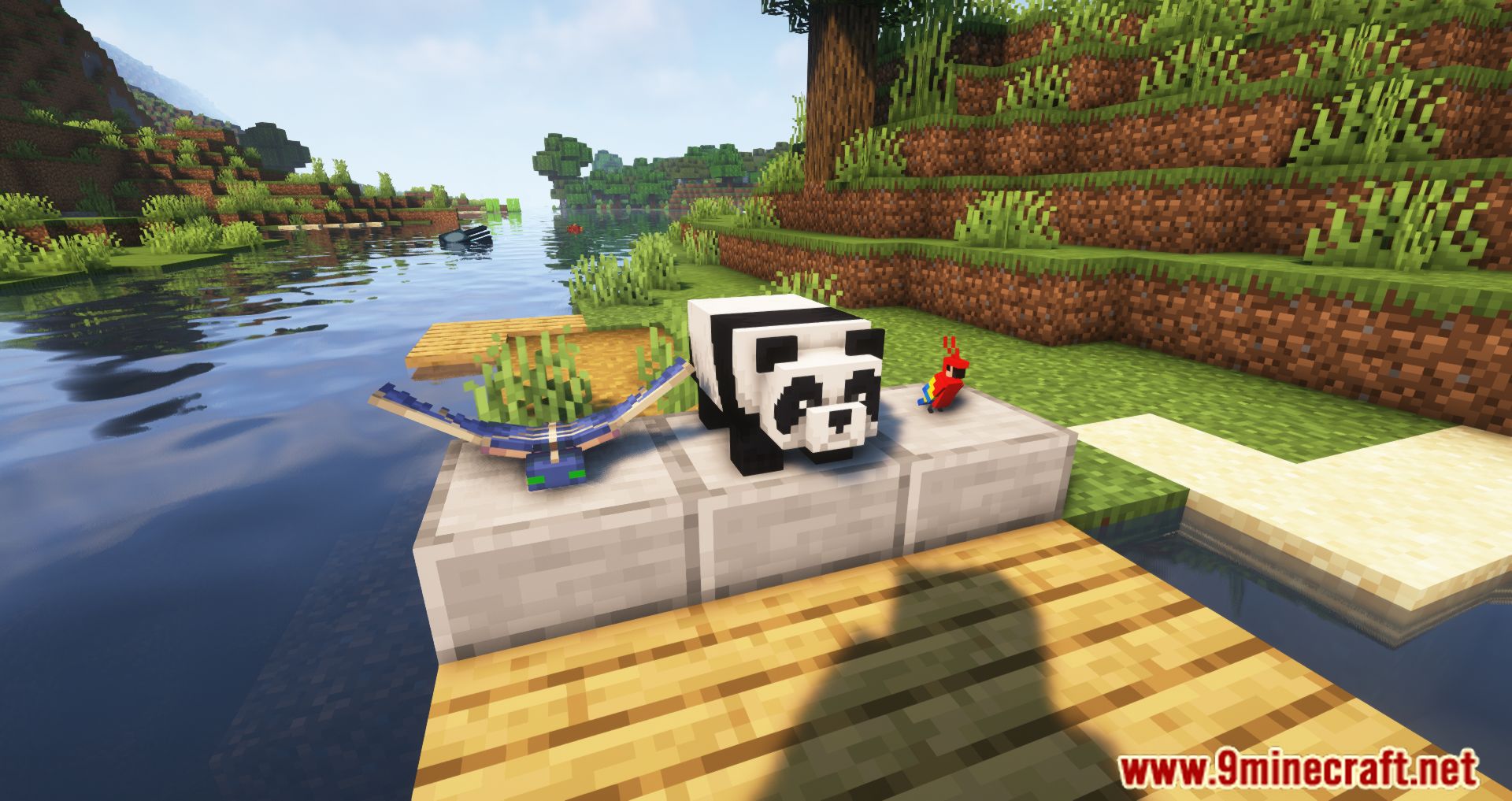
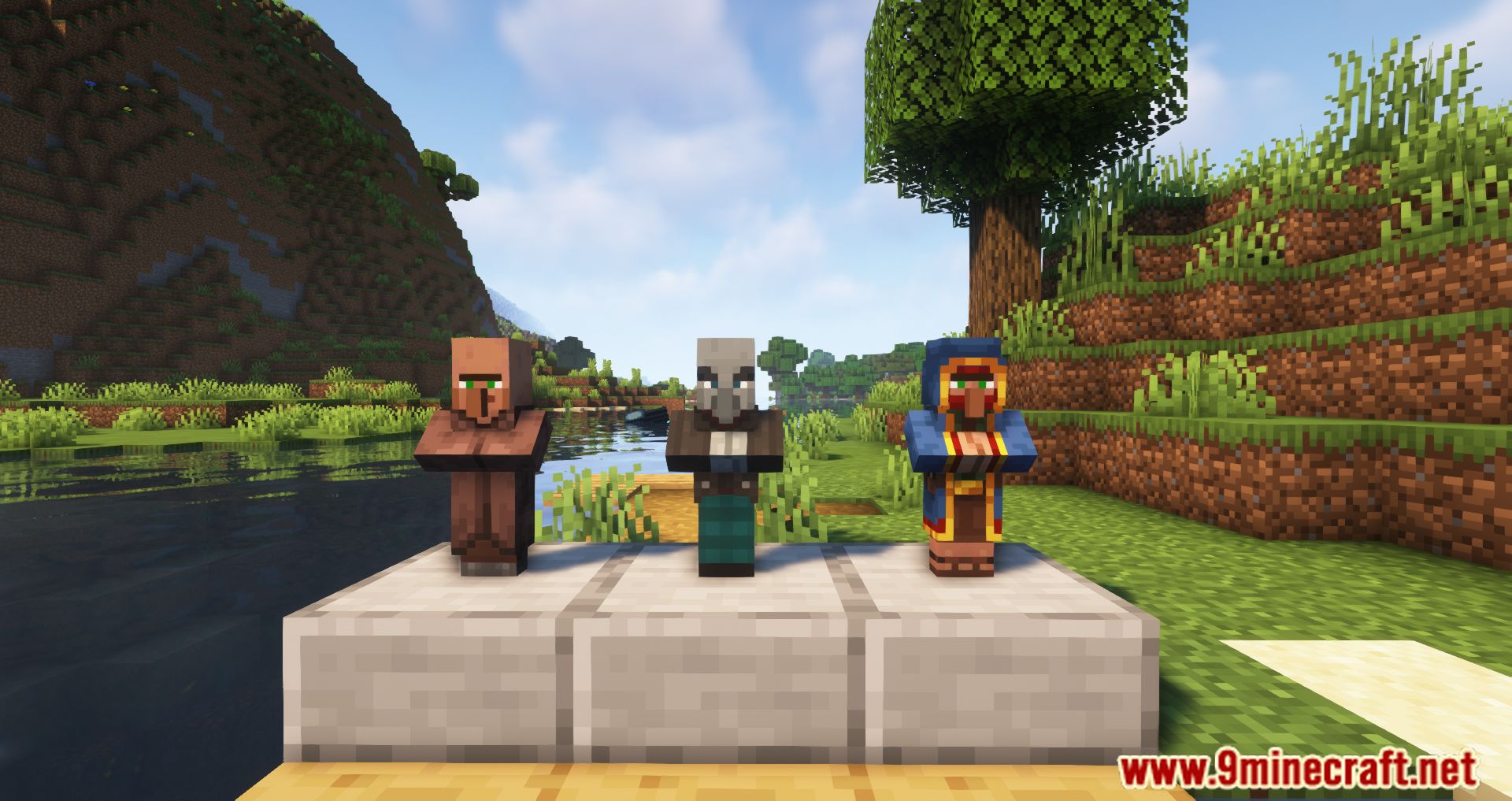
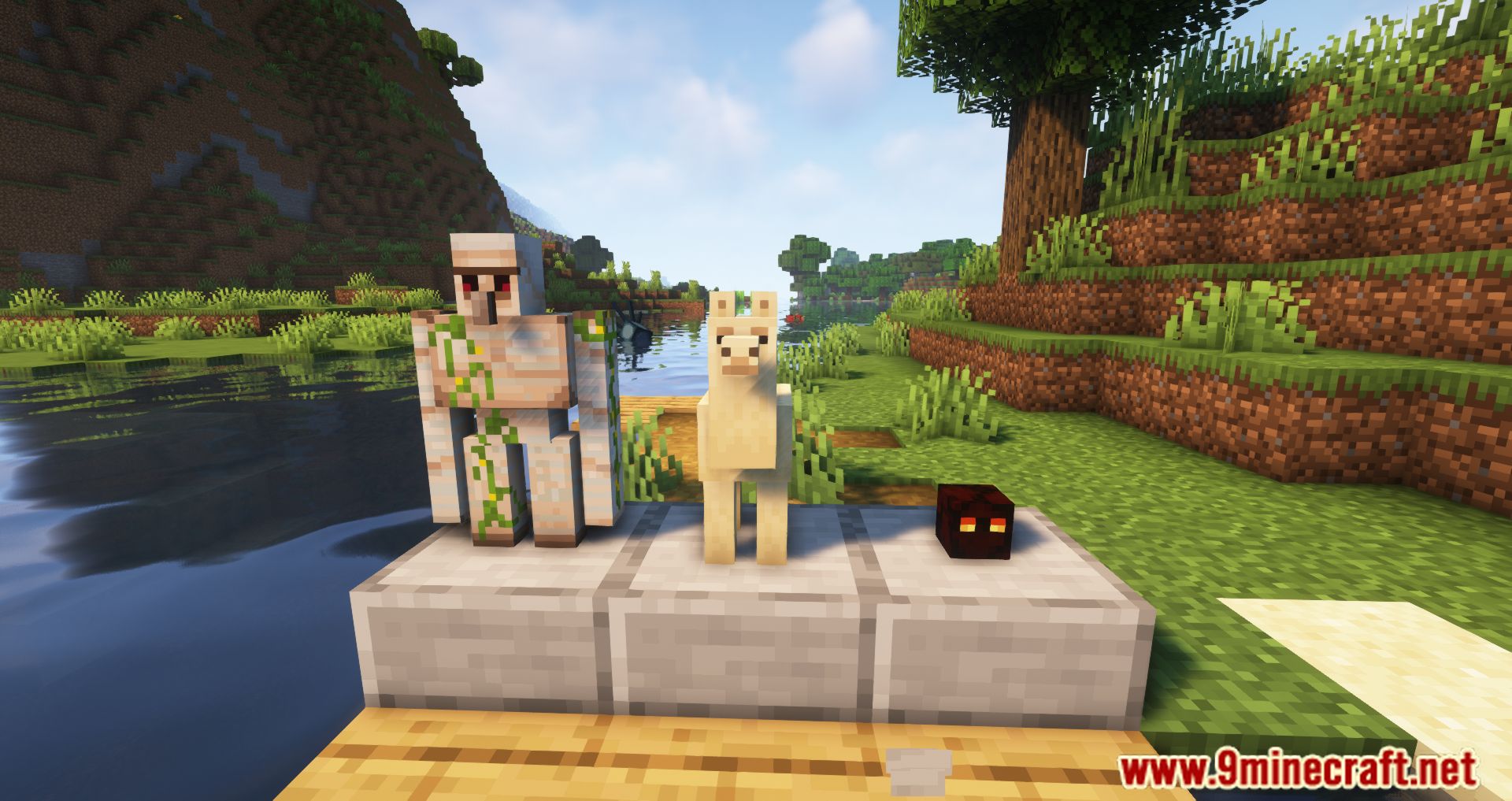
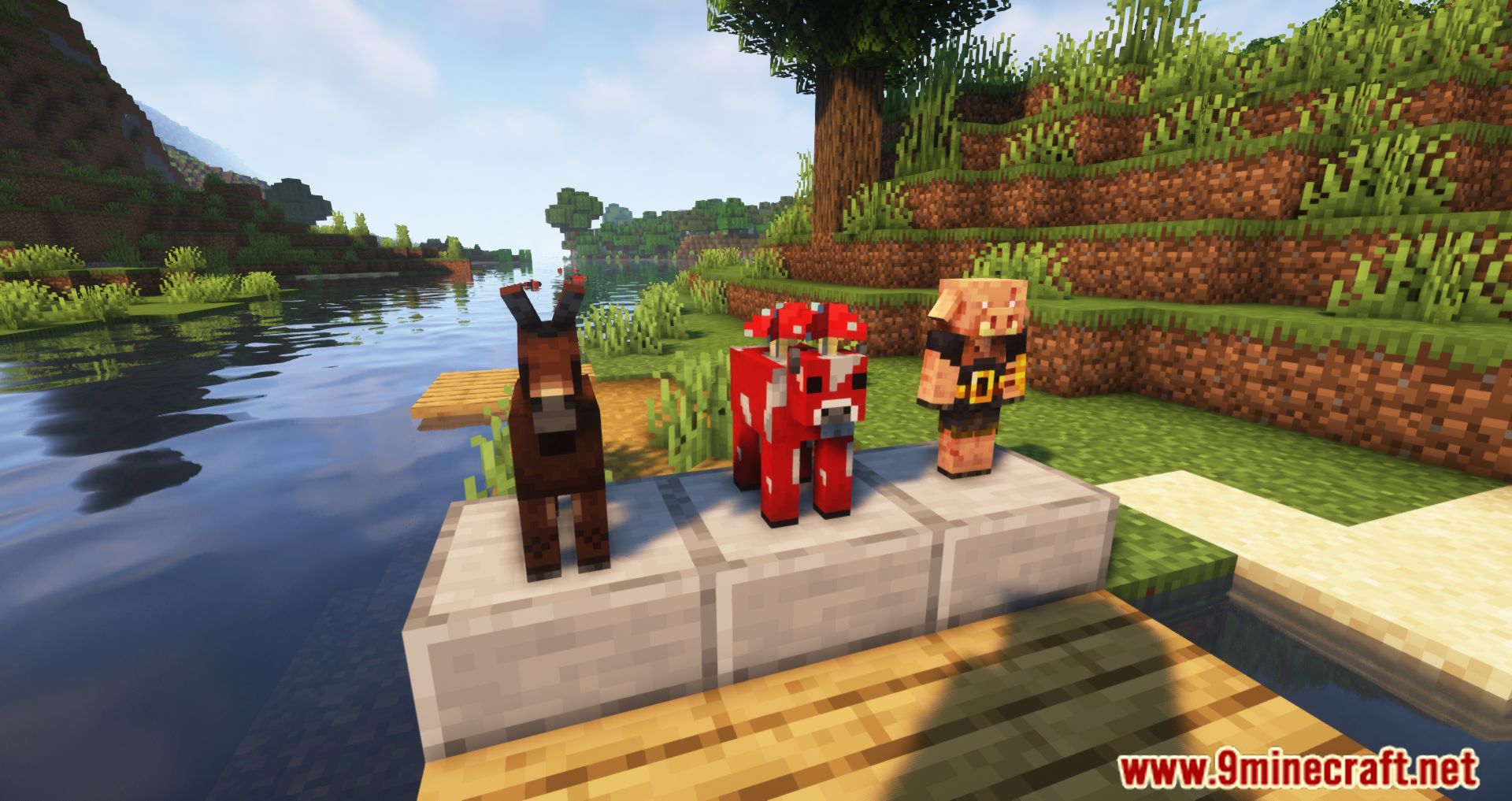
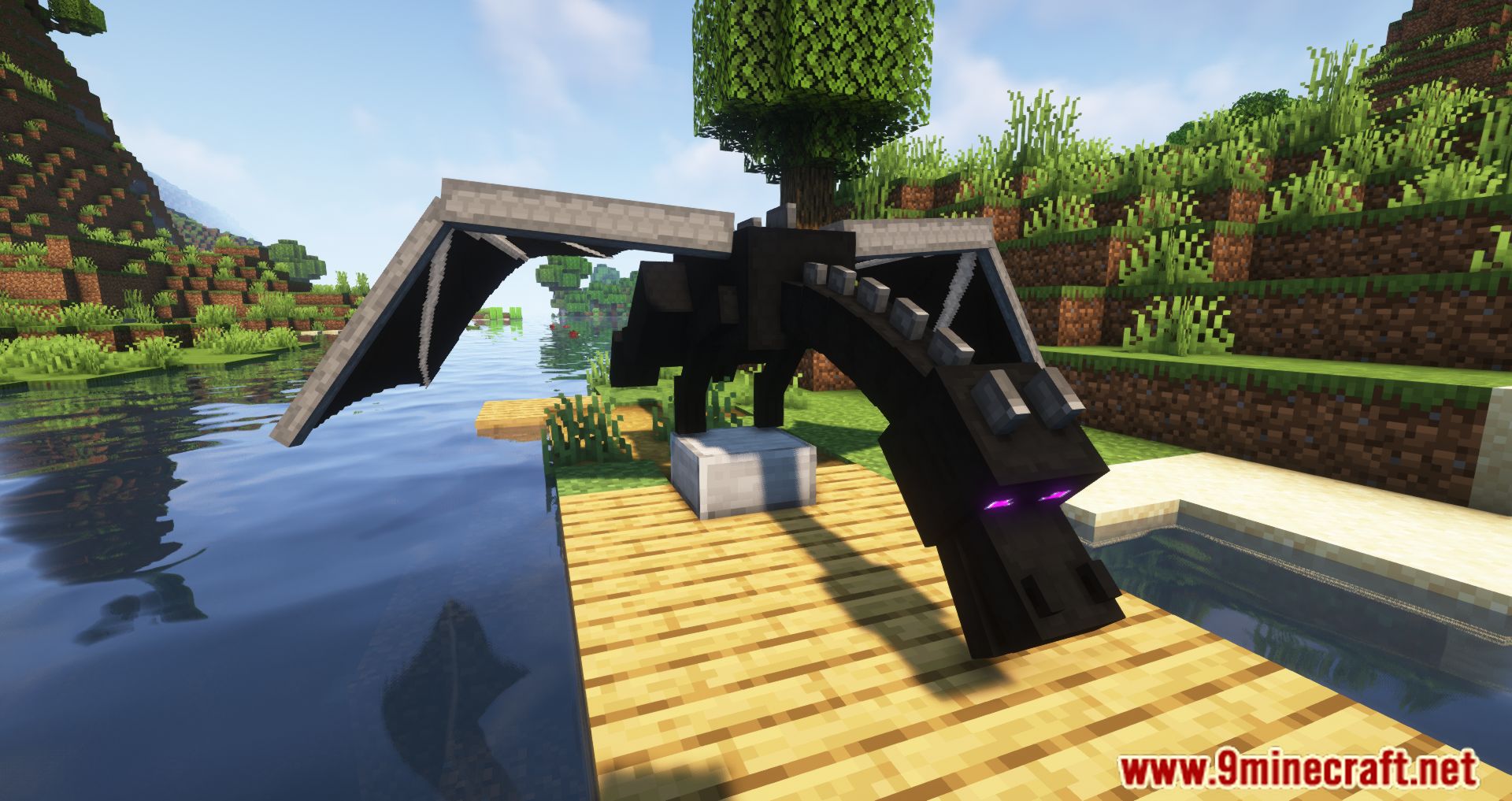
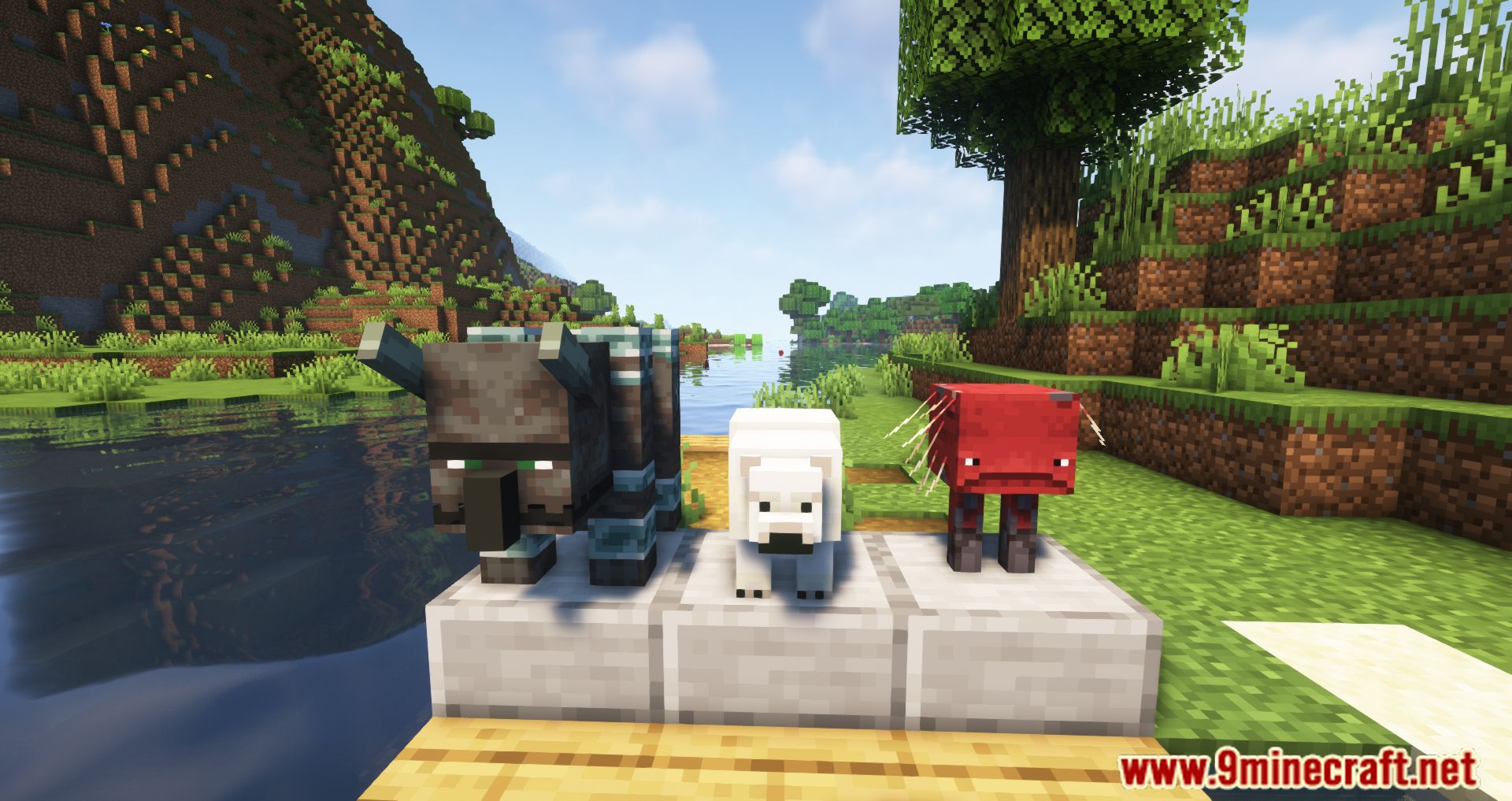
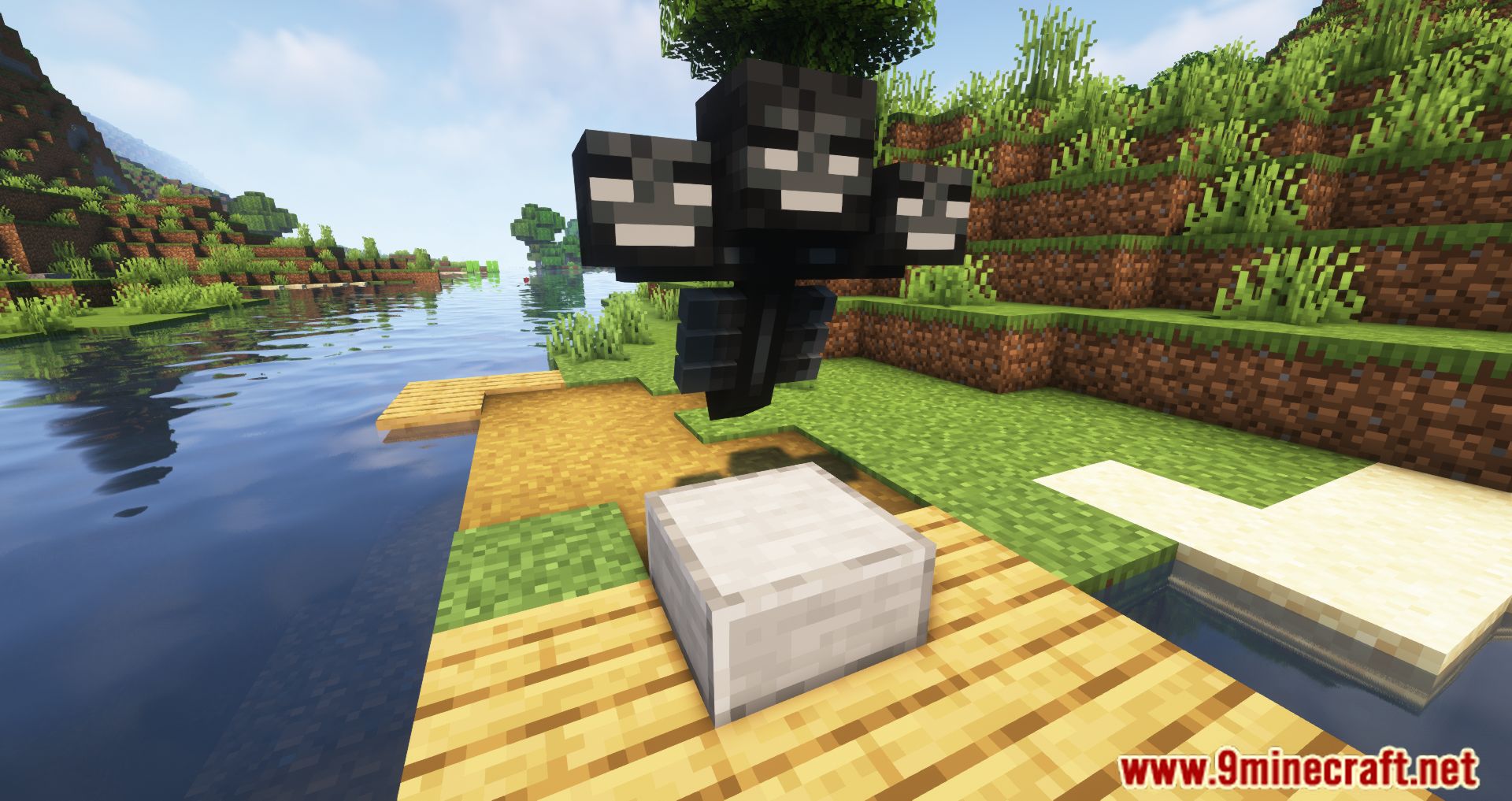
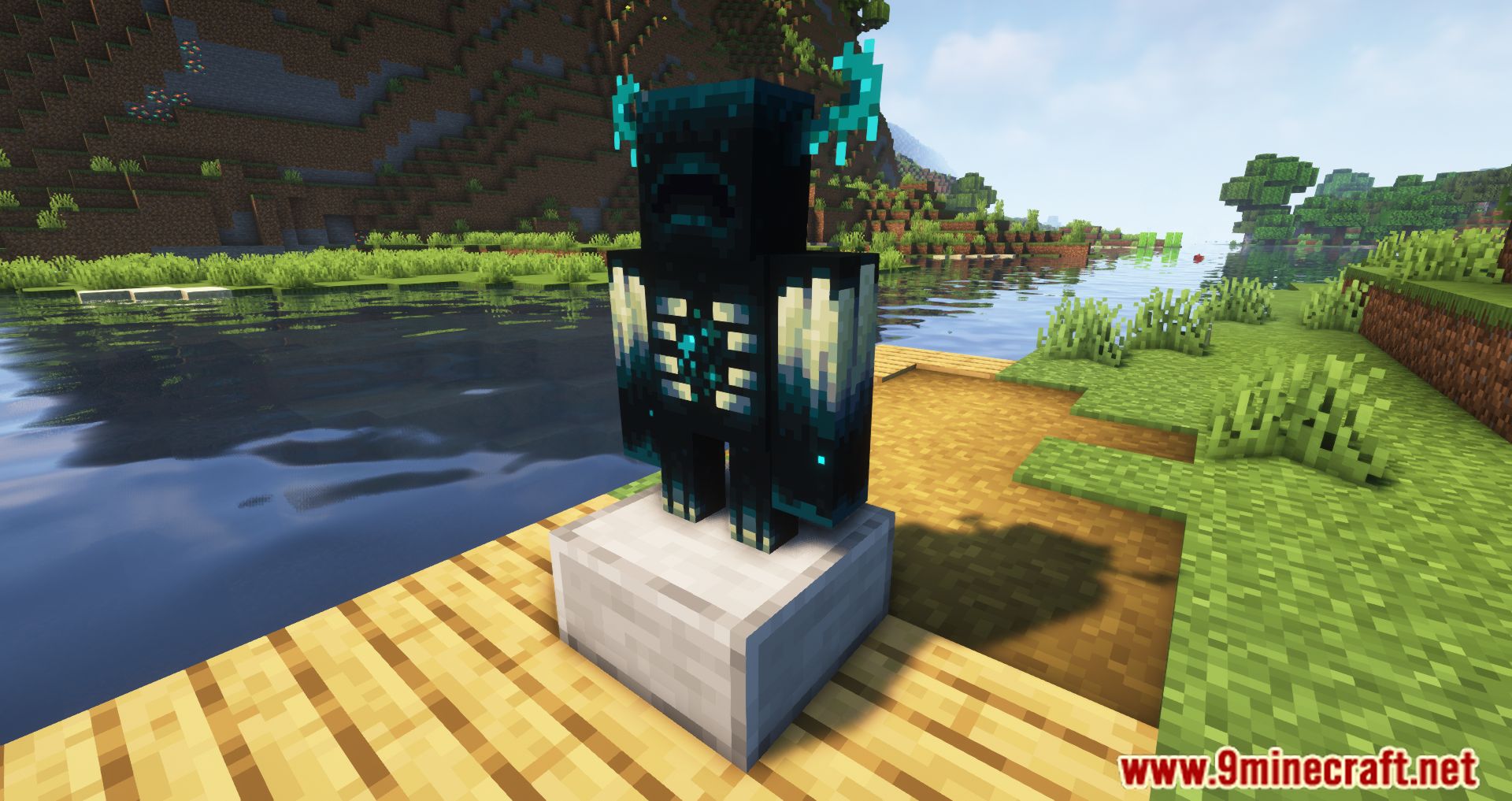
Jonn’s Trophies Mod lets you collect custom trophies when you defeat mobs in Minecraft. It works with every vanilla and modded mob, and you can also build custom trophies that display any item in the game. By default, defeated mobs have a chance to drop their trophy, or you can turn drops off and give trophies through custom recipes and quest mods like FTB Quests. All vanilla mob trophies sit in the creative menu so you can check them out as examples and make your own designs for any world or modpack.
Features:
- Defeating any vanilla or modded mob gives you a configurable chance to get a trophy drop.
- You can turn off mob drops so players only earn trophies through custom recipes or quest mods like FTB Quests.
- Lets you create custom trophies for any vanilla or modded mob or item by adding NBT tags to the
trophymanager:trophyitem. - Includes every vanilla mob trophy in the creative menu so you can use them right away or look at them as examples.
- Players can swap a trophy’s base block by right-clicking it with any slab block.
- Uses the
trophymanager:trophy_baseblock tag to control which blocks work as trophy bases.
NBT Customization Options:
TrophyType: chooses whether the trophy shows a mob (entity) or an item (item).TrophyEntity: sets the mob shown on the trophy using itsentityTypeID and supports extra data such asPassengers.TrophyItem: sets the item shown on the trophy using its itemid, such asminecraft:wooden_hoe.Name: gives the trophy a custom name, such as Super Hoe Trophy, Creeper Trophy, or Wither Trophy.Scale: changes the size of the trophy model and is optional with a default value of0.5.OffsetY: shifts the trophy model up or down and is optional with a default value of0.5.BaseBlock: sets the block under the trophy, such asminecraft:diamond_blockorminecraft:quartz_slab.
Commands:
/give @p trophymanager:trophy[minecraft:custom_data={"TrophyType":"entity","TrophyEntity":{"entityType":"minecraft:chicken", "Passengers":[{"id":"minecraft:zombie",IsBaby:true}]}}]: gives the nearest player a custom trophy of a baby zombie riding a chicken in Minecraft 1.21.1./give <player> trophymanager:trophy{ "TrophyType": "entity", "TrophyEntity": { "entityType": "minecraft:wither" }, "Scale": 0.75, "OffsetY": 0.25, "BaseBlock": "minecraft:quartz_slab", "Name": "Wither Trophy" }: gives the chosen player a custom Wither trophy on a quartz slab in Minecraft 1.20.1.
Example Trophy NBT Data:
Wooden hoe item trophy:
{
    "TrophyType": "item",
    "TrophyItem": {
        "id": "minecraft:wooden_hoe"
    },
    "Name": "Super Hoe Trophy"
}
Big creeper mob trophy:
{
    "TrophyType": "entity",
    "TrophyEntity": {
        "entityType": "minecraft:creeper"
    },
    "Scale": 2.0,
    "Name": "Creeper Trophy"
}
Wither trophy with a diamond block base:
{
    "TrophyType": "entity",
    "TrophyEntity": {
        "entityType": "minecraft:wither"
    },
    "OffsetY": 0.8,
    "BaseBlock": "minecraft:diamond_block",
    "Name": "Wither Trophy"
}
How to Use:
- Defeat any vanilla or modded mob to get a configurable chance at a trophy drop.
- Open the creative menu to grab any vanilla mob trophy or check how the default trophies are built.
- Place a trophy down and right-click it with any slab block to change its base block.
- Edit the
trophymanager:trophy_baseblock tag if you want to change which blocks are allowed as trophy bases. - Run a
/givecommand on thetrophymanager:trophyitem with NBT tags likeTrophyType,TrophyEntityorTrophyItem,Name,Scale,OffsetY, andBaseBlockto spawn your own custom mob or item trophy. - Turn off default mob drops in the config and add custom recipes or FTB Quests rewards if you want full control over how players earn trophies.
Screenshots:
How to Install:
New to Minecraft? Follow our step-by-step guide to install Mods on your PC.View Guide
Jonn's Trophies Mod Download Links
For Minecraft 1.16.5
Forge Version: Download from Server 1 – Download from Server 2
For Minecraft 1.17.1
Forge Version: Download from Server 1 – Download from Server 2
For Minecraft 1.18.1
Forge Version: Download from Server 1 – Download from Server 2
For Minecraft 1.18.2
Forge Version: Download from Server 1 – Download from Server 2
For Minecraft 1.19
Forge Version: Download from Server 1 – Download from Server 2
For Minecraft 1.19.1
Forge Version: Download from Server 1 – Download from Server 2
For Minecraft 1.19.2
Forge Version: Download from Server 1 – Download from Server 2
For Minecraft 1.19.3
Forge Version: Download from Server 1 – Download from Server 2
For Minecraft 1.20.1, 1.20
Forge Version: Download from Server 1 – Download from Server 2
For Minecraft 1.21.1, 1.21
NeoForge Version: Download from Server 1 – Download from Server 2
You May Also Like
Picked for this page
 Artifacts Mod (26.1.2, 1.20.1) – Various Powerful Items
 Pufferfish’s Skills Mod (26.3, 1.20.1) – Level Up Your Abilities
 Mystical Agriculture Mod (26.1.2, 1.20.1) – Grow Diamonds From a Seed
 Level Up Mod (1.21.11, 1.20.1) – Choose Your Class and Role
 Tiny Redstone Mod (26.3, 1.20.1) – Advanced Redstone Systems
 Endertech Infinity Mod (1.21.1, 1.20.1) – Adventure into a New End
 Nomadic Tents Mod (1.21.1, 1.20.1) – Pack Up Your Base and Go
 Simple Magnets Mod (26.3, 1.20.1) – Never Miss a Single Drop
 FirmaLife Mod (1.21.1, 1.20.1) – A Cooking Addon for TerraFirmaCraft
 DarkSleep Mod (26.3, 1.20.1) – Dynamic Night Skipping With DarkSleep
 Insane’s Survival Overhaul Mod (1.21.1, 1.20.1) – A Survival Experience
 Jade Modded Entities Mod (1.21.11, 1.20.1) – See Hidden Modded Entities Info
Most viewed in Mods over the last 7 days
 Ala Industrial Mod (26.3) – Run Electric Power Grids and Automated Factories
 PleasureCraft Mod (26.3, 1.21.1) – Jenny Mod Remake for Fabric
 Jennycraft Mod (26.3, 1.20.1) – Virtual Girlfriend in Minecraft
 Fapcraft Mod (26.3, 1.12.2) – Comprehensive and Detailed Content
 Jenny Mod (Fapcraft) Official Complete Guide – How to use, Tutorial
 BangCraft Mod (1.20.1) – Jenny, Ellie and Elliot
 Fabric Loader (26.3, 1.20.1) – Fabric Installer for All Minecraft Versions
 The Shooting Star Demo Mod (26.3, 1.20.1) – Vaporize Terrain From Orbit
 Meteor Client Mod (26.3, 1.20.1) – Xray, HUD, Fly
 OptiFine HD (26.3, 1.20.1) – Run Faster, FPS Boost, Shaders Support
 Aristois Client Mod (1.21.4, 1.20.1) – World Class Minecraft Utility
 Prestige Client Mod (1.21.11, 1.21.4) – Powerful Ghost Features for Crystal & Sword PvP
More from Mods
 CinematicInteractions Mod (1.21.1) – Watch Your Hands Work at Every Crafting Table
 Earth Platform Mod (1.21.1) – Travel Across Real Continents in a True Scale World
 Taunahi Mod (26.1.2) – Automate Daily Farming and Slayers in Hypixel Skyblock
 HORROR Fake Join Leave Messages Mod (1.20.1) – Trigger Creepy Chat Scares
 Bons Voyage Mod (1.20.1) – Teleport Across Biomes Through Hidden Waystones
 Orbital Railgun UPDATED Mod (26.3) – Flatten Giant Landscapes From Space
 Automobility Autoradio Mod (26.3, 26.1.2) – Trade Custom Mixtapes with Friends
 Towers of the Wild 9minecraft Mod (26.3, 26.2) – Climb Tall Towers for Loot
 Ender Storage 9minecraft Mod (26.3, 26.2) – Send Loot Back Home From Any Dimension
 Snad 9minecraft Mod (26.3, 26.2) – Build Faster Sugar Cane and Nether Wart Farms
 Together Forever Unofficial Mod (1.12.2) – Share Team Advancements
 GroovyDuvet Mod (1.21.11, 1.20.1) – Run Groovy Scripted Addons Without Game

This post has no comments yet. Be the first — your comment will appear here.