
Keeping Inventory Mod (1.12.2, 1.11.2) – Stress-Free Survival Without Losing
 12,984
 0

Keeping Inventory Mod lets you keep all your items when you die and stops creeper explosions from breaking your builds. Every time you start a world, this utility mod automatically enables keepInventory and disables mobGriefing. You can also turn off fire spread or change these settings in the config file. It works well for both survival worlds and modpacks.
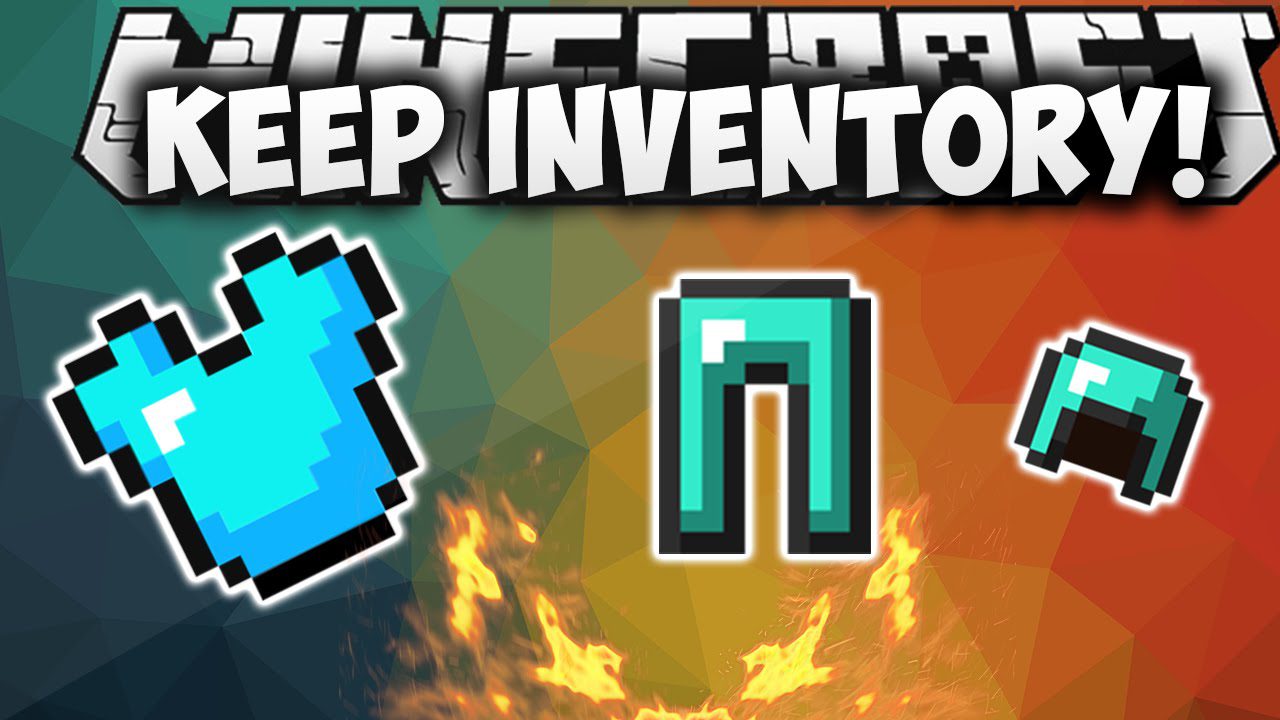
Features:
- Turns on the keepInventory game rule automatically so you keep your items when you die.
- Turns off mobGriefing automatically to stop creeper explosions from breaking blocks in your builds.
- Includes a config option to disable doFireTick and stop fire from spreading.
- Applies its settings on every world start and lets you toggle each rule change in the config file.
Configuration:
keepInventory: Enabled by default on world start so you do not lose your items when you die.mobGriefing: Disabled by default on world start to stop creeper explosions from breaking blocks.doFireTick: Optional config setting you can turn off to stop fire from spreading.
How to Use:
- Start any world in Minecraft; the mod automatically turns on
keepInventoryand turns offmobGriefingright away. - Open the config file if you want to disable
doFireTickto stop fire spread, or turn thekeepInventoryandmobGriefingrules on or off.
How to Install:
New to Minecraft? Follow our step-by-step guide to install Mods on your PC.View Guide
Keeping Inventory Mod Download Links
For Minecraft 1.7.10
For Minecraft 1.8.9
For Minecraft 1.10.2
For Minecraft 1.11.2
For Minecraft 1.12.2
Click to rate this post!
[Total: 4 Average: 3.5]
QUICK MINECRAFT SURVEY · ONE TAP
Mods & Modpacks
How do you handle updating your mods when a new Minecraft version drops?
32 responses · See the full results →
You May Also Like
Picked for this page
 Macro Keybinds Mod (26.2, 1.20.1) – Macro Creation, Keybind Execution
 Universal Enchants Mod (26.3, 1.20.1) – Better Enchantments
 Overpowered Mending Mod (26.3, 1.20.1) – Improving The Mending Enchantment
 TAB Mod (1.21.11, 1.20.1) – An All-In-One Solution That Works
 Alin Perspective Mod (1.21.11, 1.21.1) – 360 Camera Rotation
 Compact Storage Mod (26.2, 1.20.1) – Carry Everything You Find
 Coords Mod (26.3, 1.20.1) – Shows Player Coordinates In Overlay
 AFKFish Mod (26.3, 1.20.1) – Effortless Fishing
 Advanced Loot Info Mod (26.3, 1.20.1) – Clear Loot Insights
 Cliff Tree Mod (26.2, 1.20.1) – Transform Your Minecraft Landscape
 Translucent Glass Mod (26.2, 1.20.1) – Fix Glass Opacity The Right Way
 Cycle Title Screen Splash Mod (26.3, 1.20.1) – Configurable Splash Text
Most viewed in Mods over the last 7 days
 Ala Industrial Mod (26.3) – Run Electric Power Grids and Automated Factories
 PleasureCraft Mod (26.3, 1.21.1) – Jenny Mod Remake for Fabric
 Jennycraft Mod (26.3, 1.20.1) – Virtual Girlfriend in Minecraft
 Fapcraft Mod (26.3, 1.12.2) – Comprehensive and Detailed Content
 Jenny Mod (Fapcraft) Official Complete Guide – How to use, Tutorial
 BangCraft Mod (1.20.1) – Jenny, Ellie and Elliot
 Fabric Loader (26.3, 1.20.1) – Fabric Installer for All Minecraft Versions
 The Shooting Star Demo Mod (26.3, 1.20.1) – Vaporize Terrain From Orbit
 Meteor Client Mod (26.3, 1.20.1) – Xray, HUD, Fly
 OptiFine HD (26.3, 1.20.1) – Run Faster, FPS Boost, Shaders Support
 Aristois Client Mod (1.21.4, 1.20.1) – World Class Minecraft Utility
 Prestige Client Mod (1.21.11, 1.21.4) – Powerful Ghost Features for Crystal & Sword PvP
More from Mods
 Fabric ORM Jimmer Mod (26.3, 1.20.1) – Prevent Sudden Server Crashes
 Cafe Core Mod (26.2, 1.21.1) – Bypass Anvil Limits and Tame Pets in Seconds
 GTNH’s Forgelin Mod (1.7.10) – Play Kotlin-Powered Mods on Minecraft 1.7.10
 Nodeflow Mod (26.1.2, 1.21.1) – Wire Custom Redstone Logic on Visual Graph
 Winter Client Mod (1.21.11) – Survive Ruthless PvP on Anarchy Servers
 LARP Client Mod (1.21.11) – Dominate Crystal PvP on Anarchy Servers
 Berlin Client Mod (1.21.11) – Hunt Stashes and Win Crystal Fights
 Kaleidoscope Cookery Refabricated Mod (26.3, 1.20.1) – Cook Hearty Meals
 Minecraft MusicBox Mod (1.21.12) – Play Your Favorite Songs While Mining and Building
 MTR Navigation Mod (1.21.1) – Plan Railway Trips and Never Miss a Train Stop
 TheHouse Mod (1.21.11) – Host Casino Tables and Track Every Bet in Real Time
 CinematicInteractions Mod (1.21.1) – Watch Your Hands Work at Every Crafting Table

This post has no comments yet. Be the first — your comment will appear here.