


Kill La Kill Custom GUI Pack Resource Pack – Adds Anime Themes To Menus
 3
3
 0
0
 2 hours ago
 mc_projects
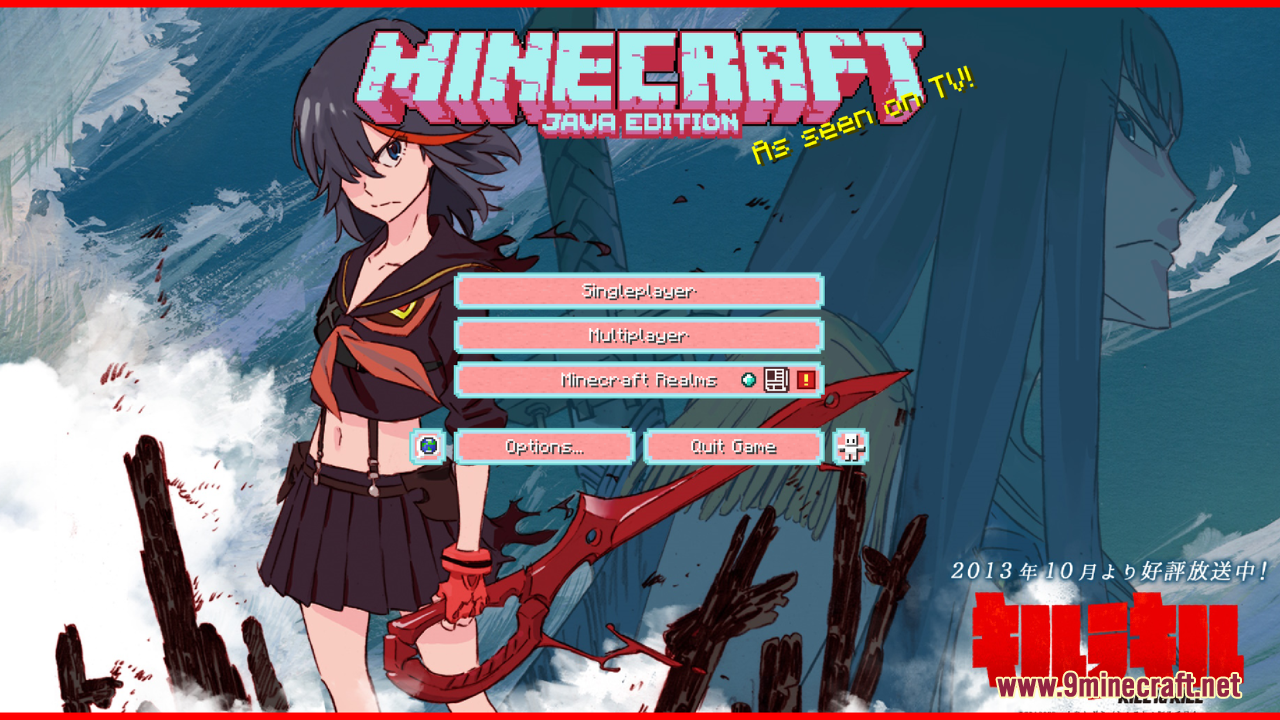
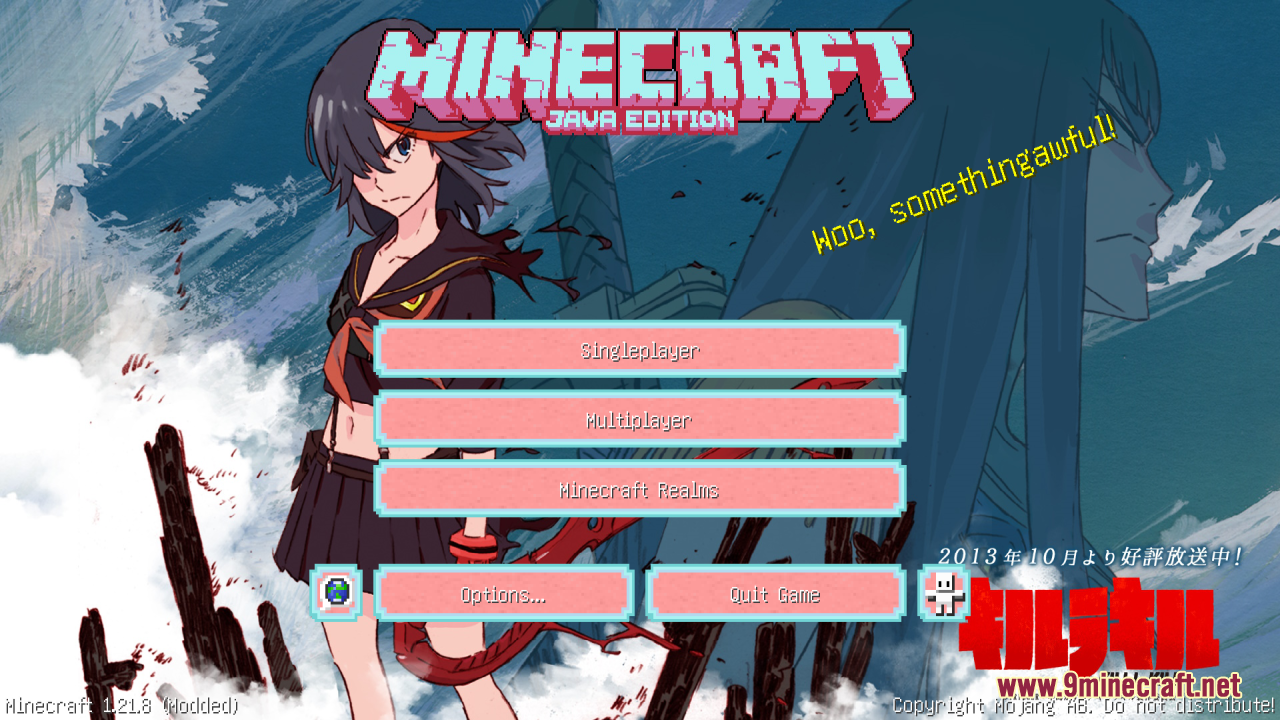
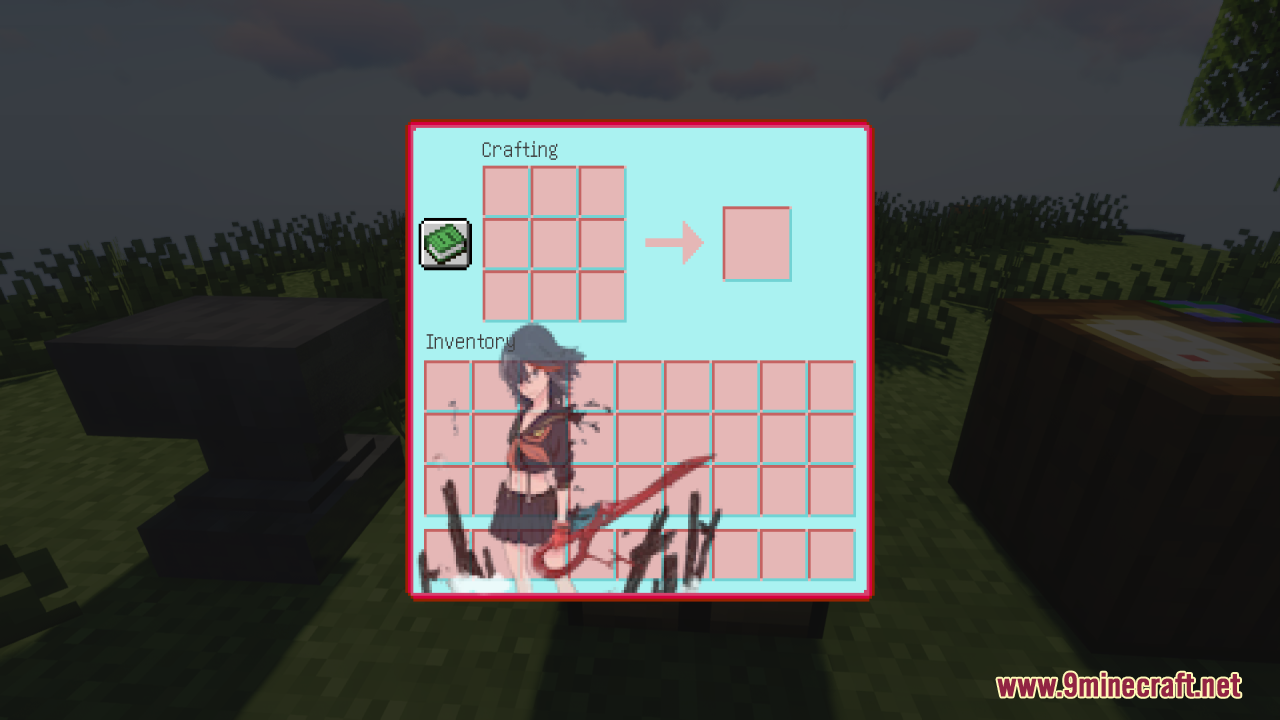
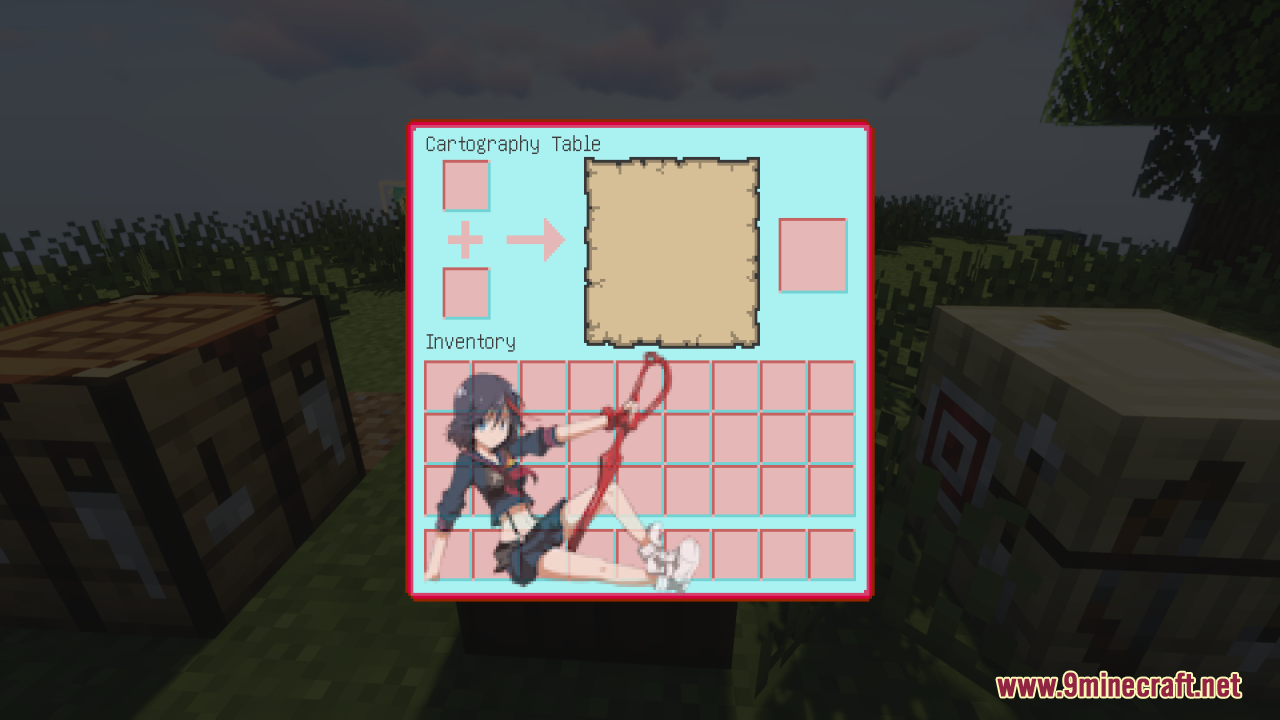
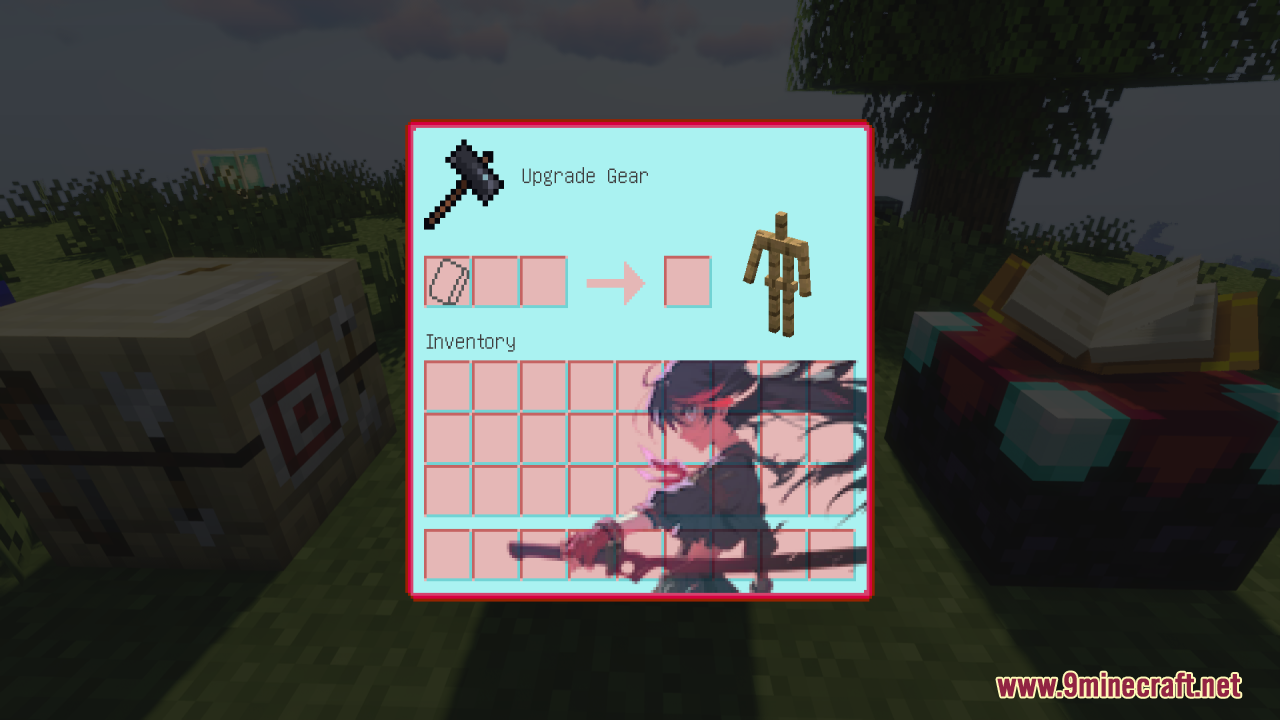
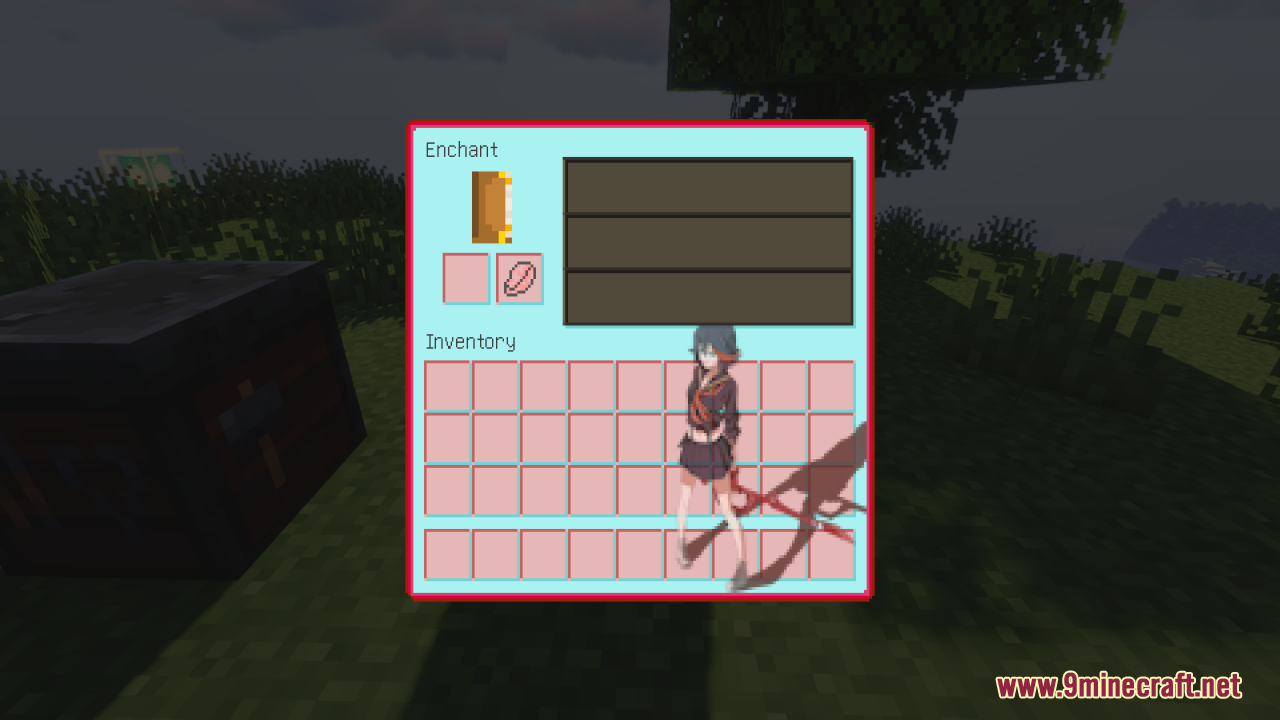
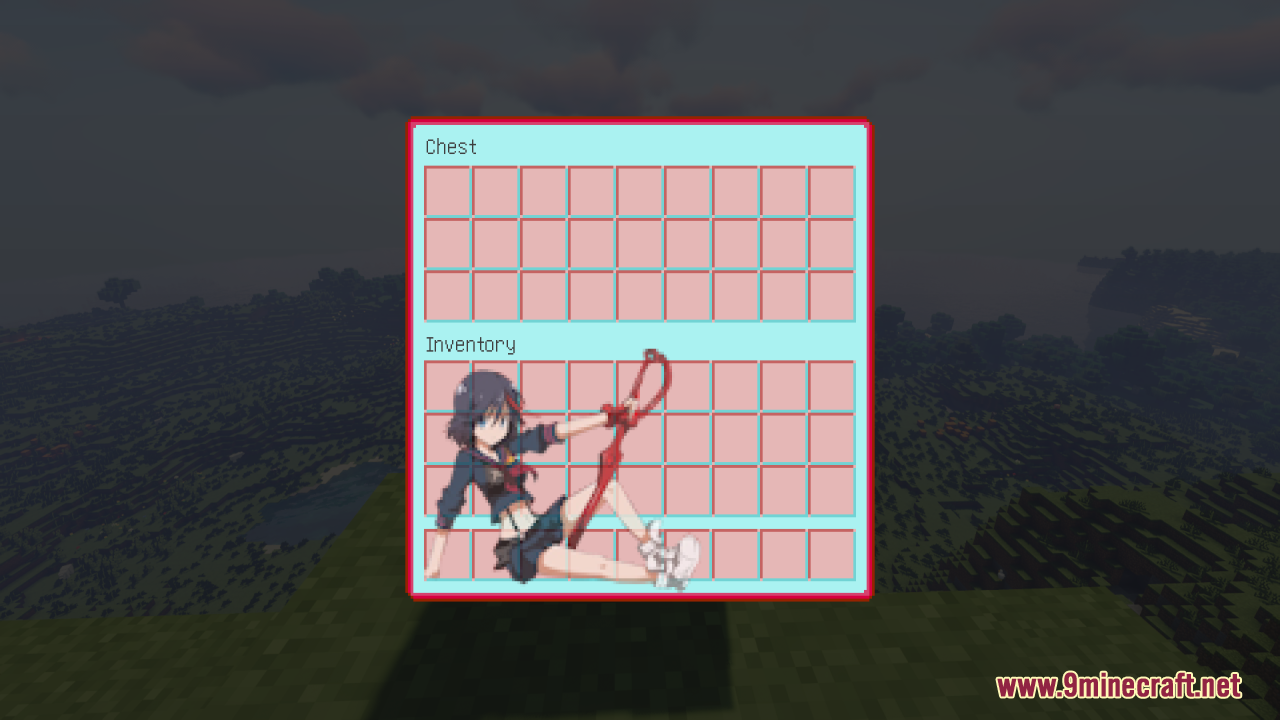
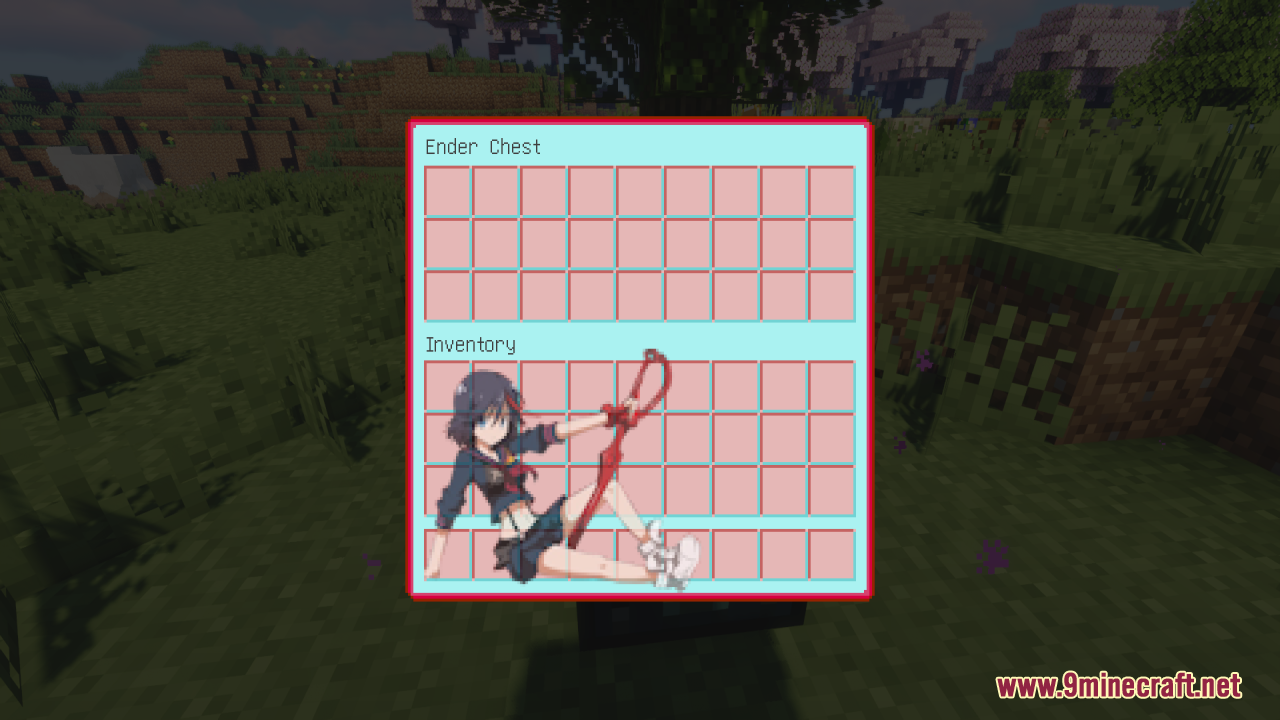
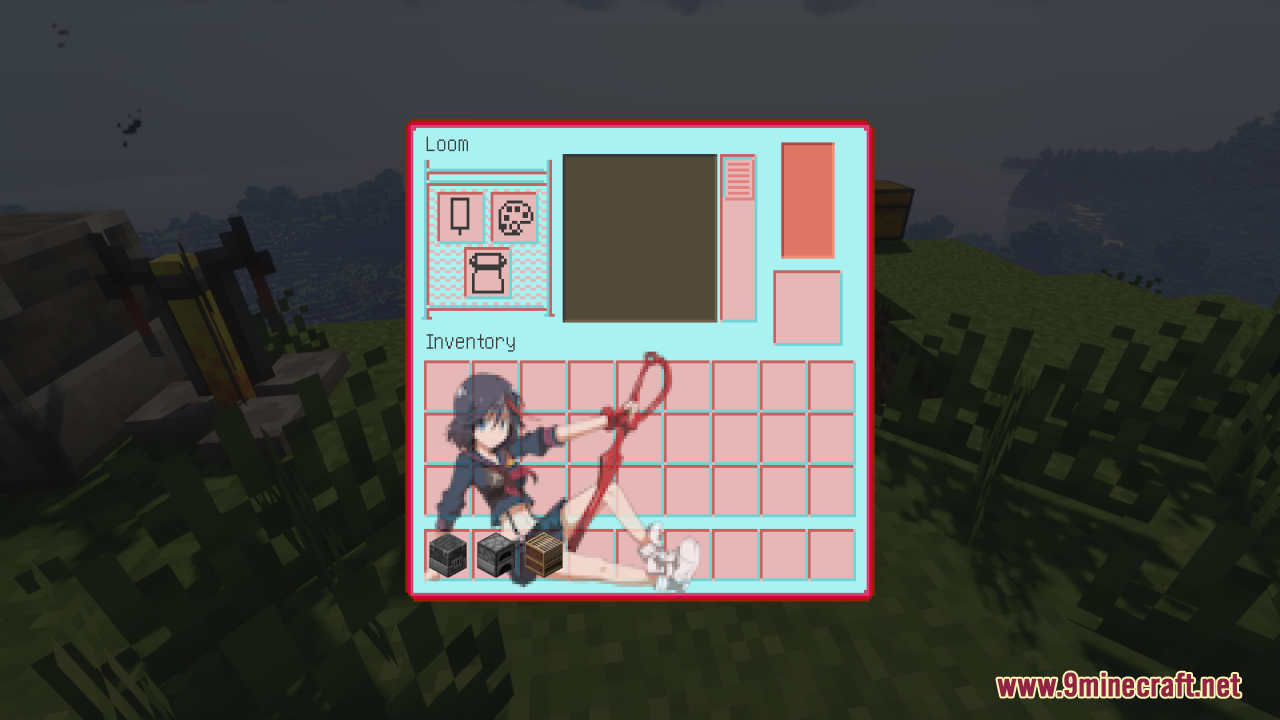
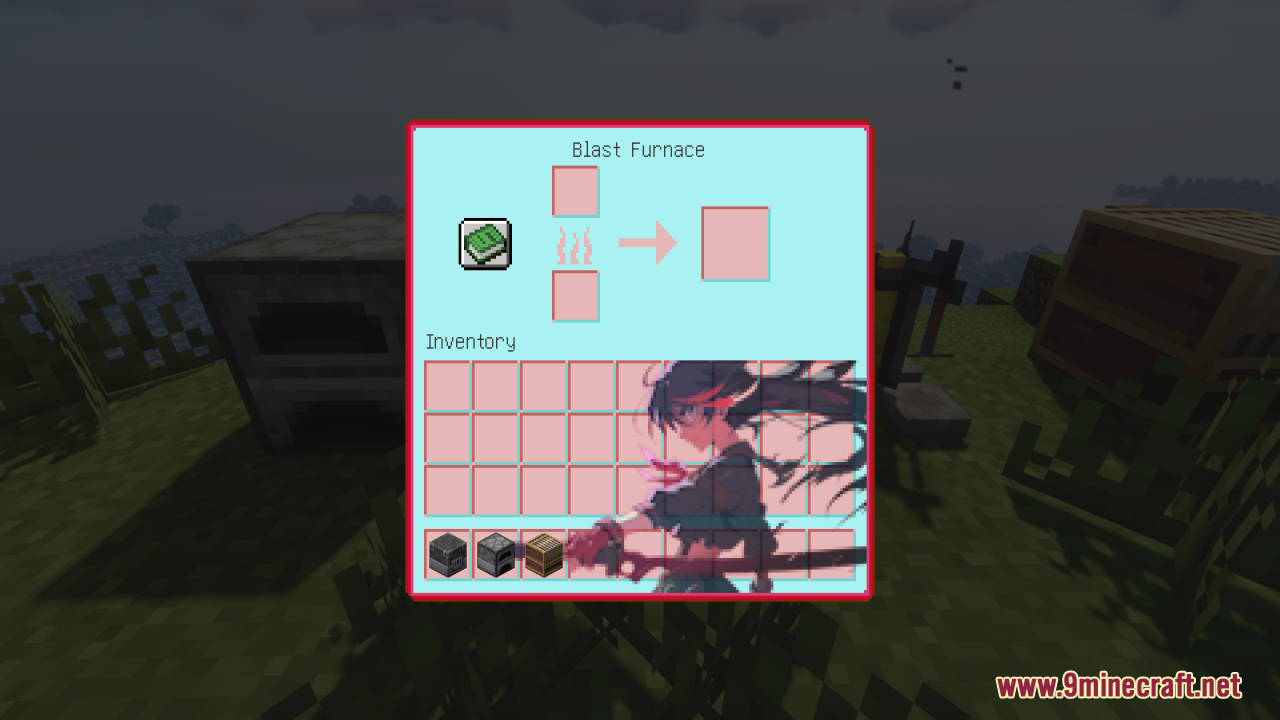
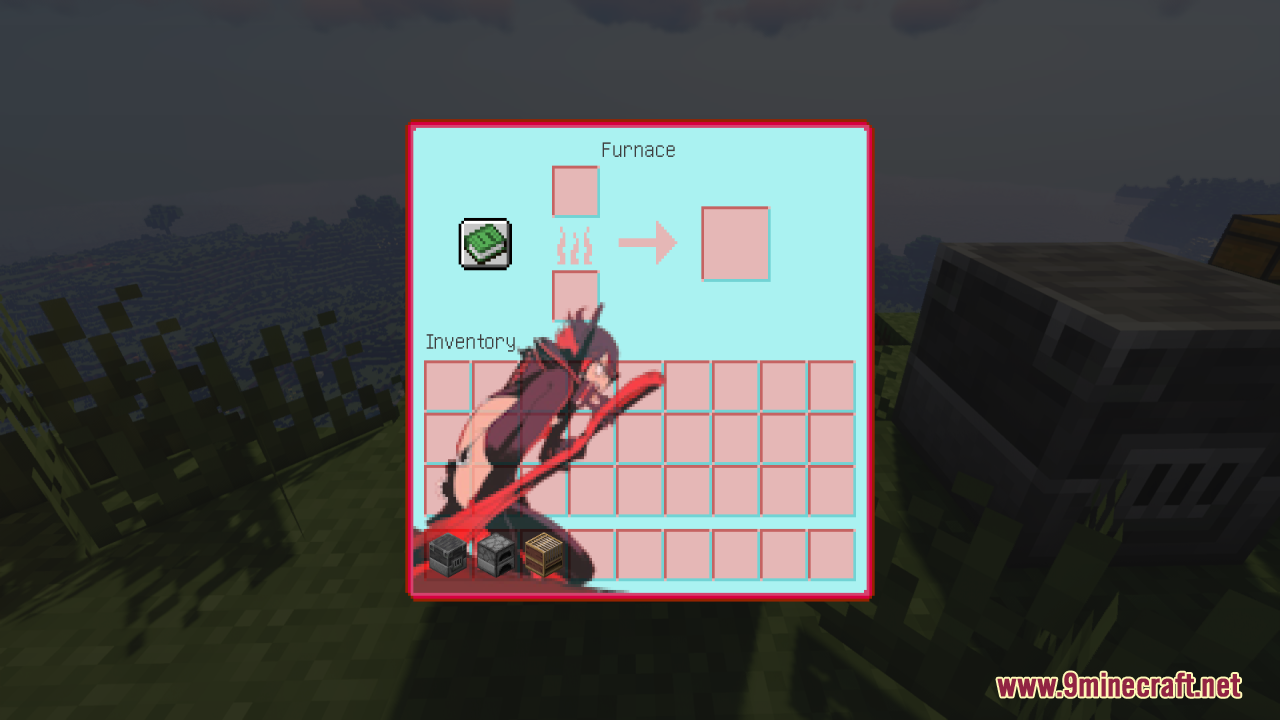
Kill La Kill Custom GUI Pack Resource Pack changes the menus in your game to match the anime show “Kill La Kill”. It gives your screens a blue and red color theme. You can place this pack on top of your other favorite resource packs because it only changes the menus. It updates many screens like your hotbar, crafting tables, and furnaces with new pictures.
Features:
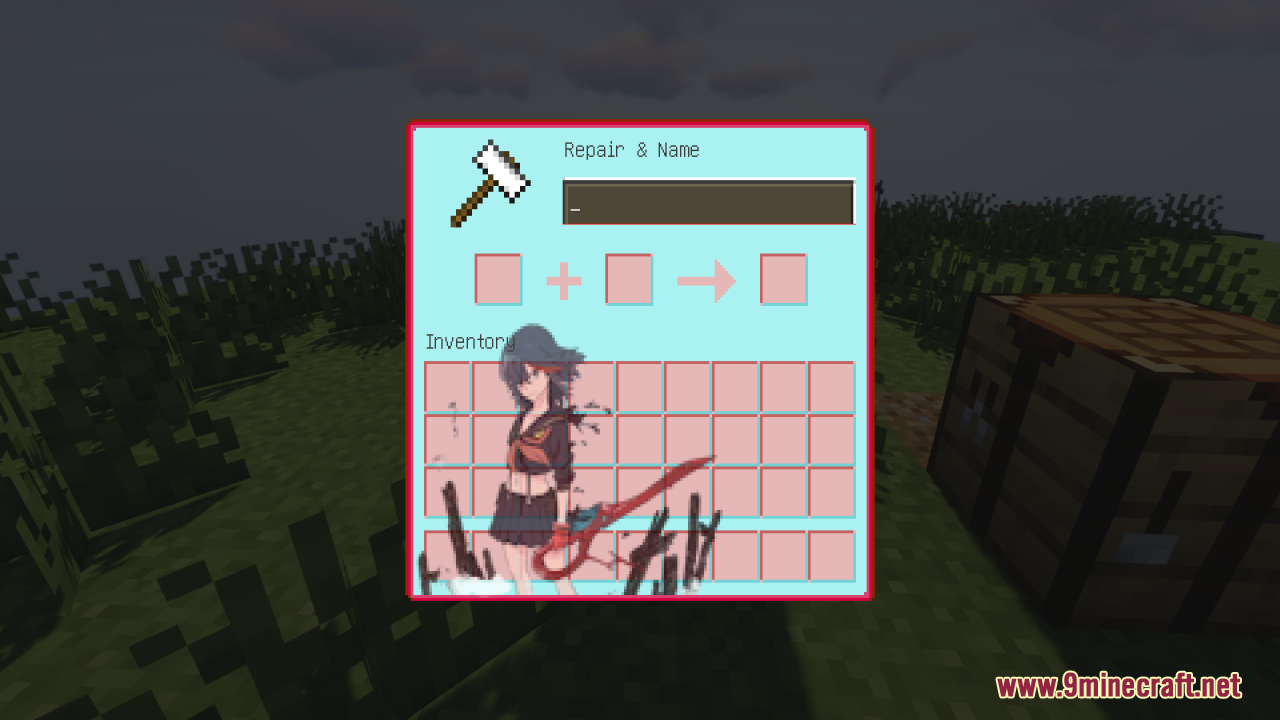
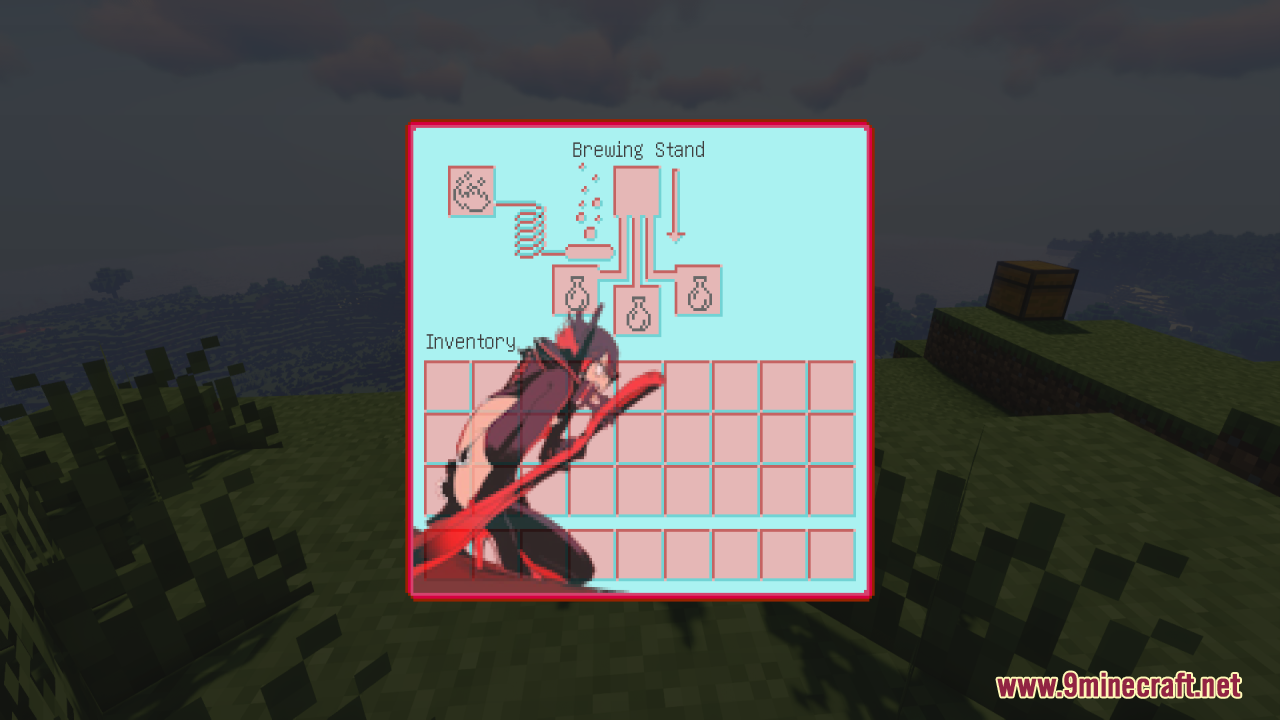
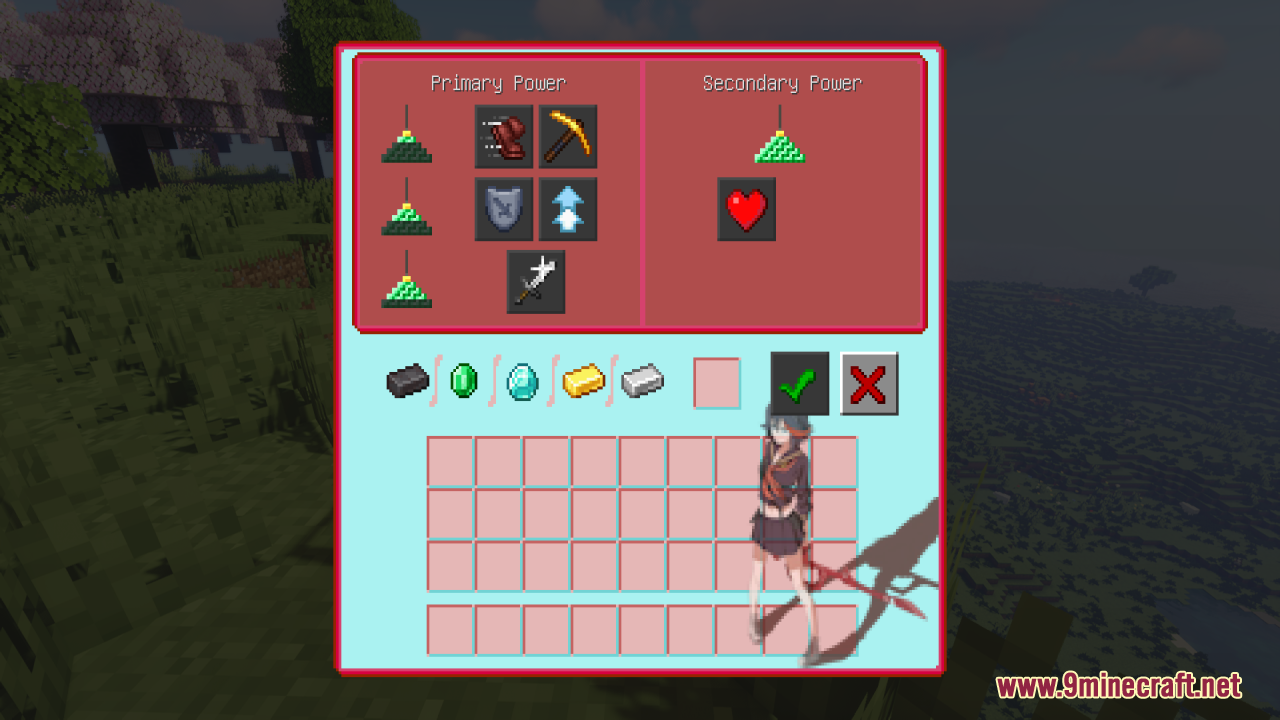
- Unique Anime Pictures: Adds different pictures from the “Kill La Kill” show to every container screen in the game.
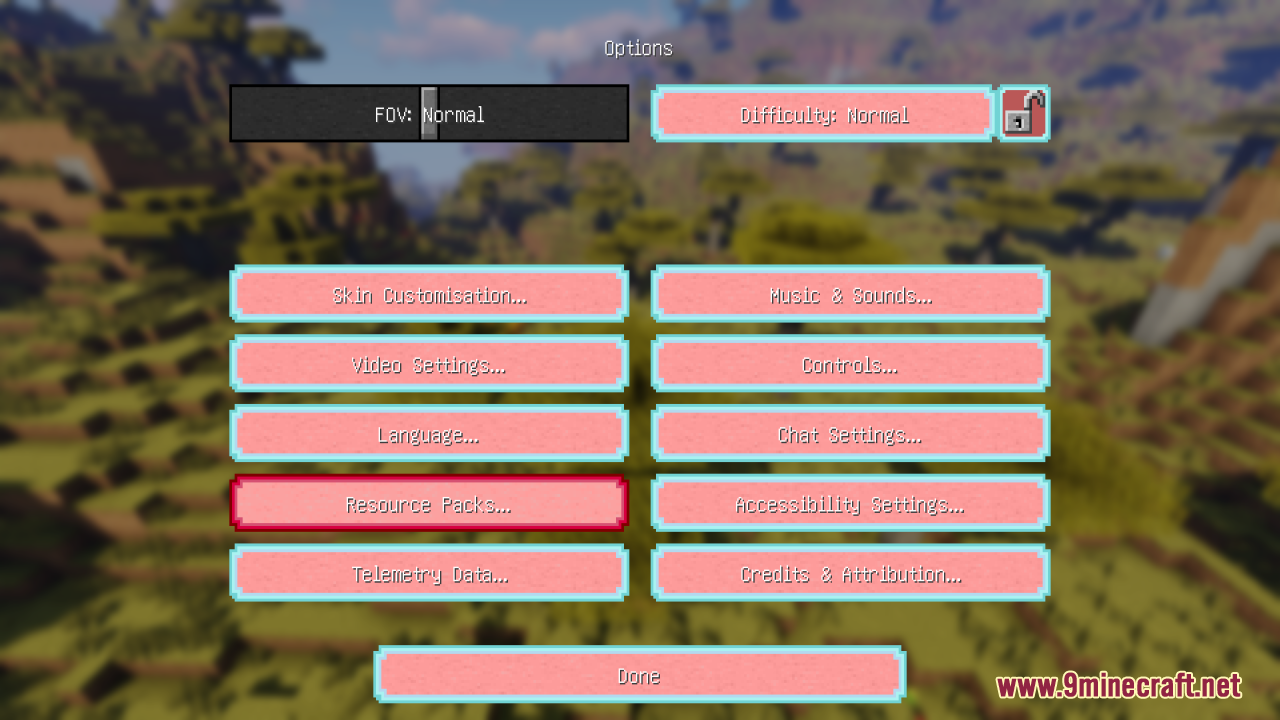
- Blue and Red Theme: Changes the normal gray menu colors to a bright blue and red style.
- Works With Other Packs: You can put this on top of other resource packs because it only changes the menus, not the blocks.
- New Hotbar: Updates the look of your item slots, health hearts, and hunger bar at the bottom of the screen.
- Crafting Screens: Changes the menus for the Crafting Table, Furnace, Smoker, and Blast Furnace.
- Tool Screens: Gives a new look to the Anvil, Cartography Table, and Brewing Stand.
- Extra Menus: Updates the Options menu, Creative inventory, Dispenser, Beacon, and Villager Trading screens.
Screenshots:
How to Install:
New to Minecraft? Follow our step-by-step guide to install Resource Packs on your PC.View Guide
Kill La Kill Custom GUI Pack Resource Pack Download Links
Click to rate this post!
[Total: 0 Average: 0]













