
Konfig Mod (26.3, 1.20.1) – Tweak Your Mod Settings Directly Inside In-Game
 20
20
 0
0

Konfig Mod brings a shared configuration system to Minecraft across Fabric, Forge, and NeoForge. It lets mods create organized settings in one place, sync data between servers and players, and build in-game option menus with visual controls. This mod saves your preferences into neat TOML files with comments and version tracking.
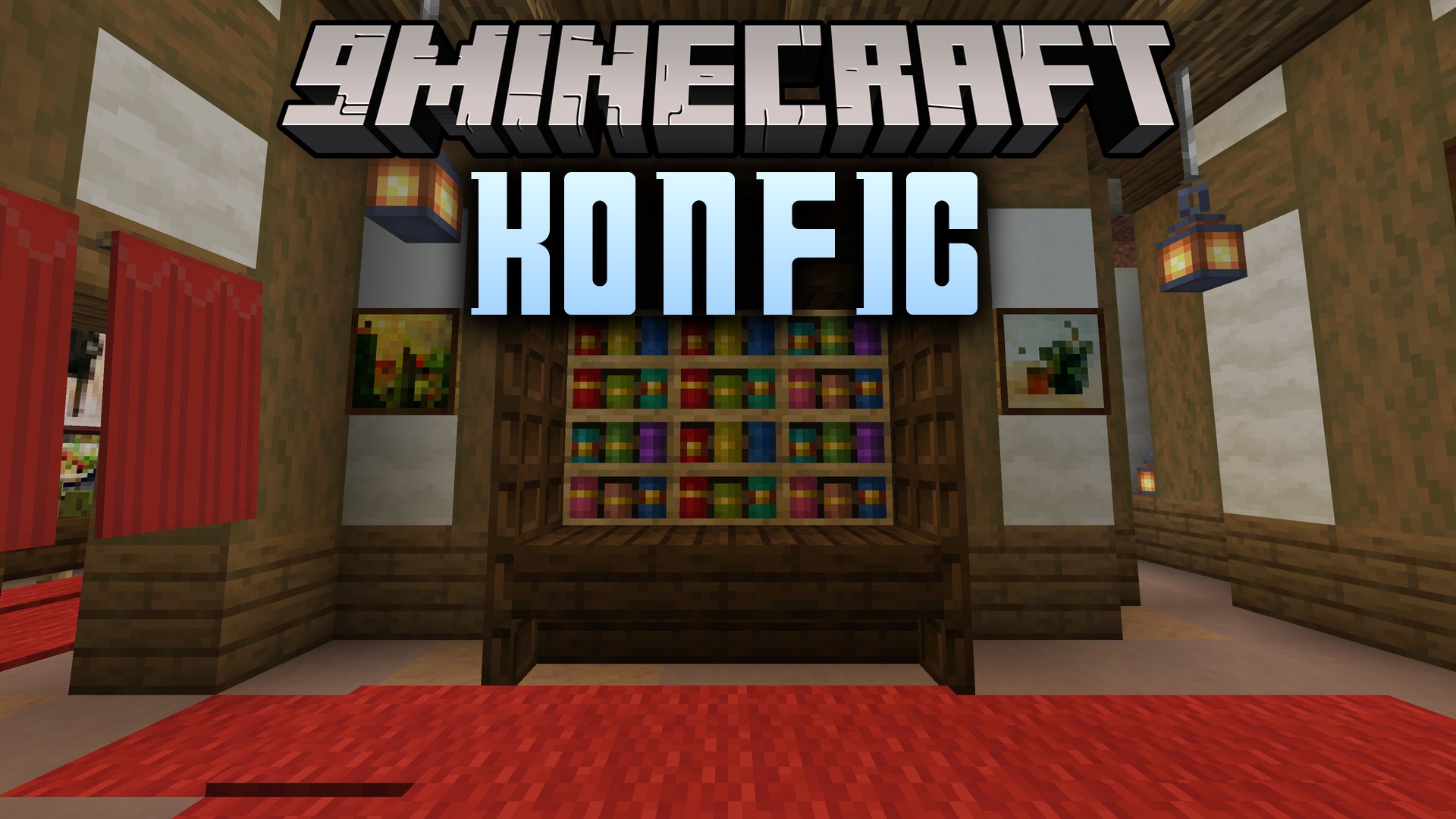
Features:
- Generates in-game settings screens automatically for Fabric, Forge, and NeoForge.
- Saves values into clean, commented TOML files organized by mod folders.
- Syncs important server values to connected clients during login or reloads.
- Offers built-in editors for switches, numbers, lists, registry entries, and ARGB colors.
- Displays tooltips, hover panels, images, and clickable documentation links inside menus.
- Provides scope options to keep client, common, and server settings neatly separated.
- Integrates directly with Mod Menu on Fabric and native menu buttons on Forge loaders.
- Tracks schema versions to migrate older setting values without data loss.
How to Use:
- Install the mod alongside compatible mods on your chosen loader.
- Open your settings through the Mod Menu screen on Fabric or the mod list button on Forge and NeoForge.
- Adjust sliders, buttons, color pickers, and text fields directly in the visual menu.
- Save changes to update your files and apply settings to the game.
How to Install:
New to Minecraft? Follow our step-by-step guide to install Mods on your PC.View Guide



Konfig Mod Download Links
For Minecraft 26.3
For Minecraft
26.2,
Client,
NeoForge
All Versions Covered
26.2
Client
NeoForge
Server
All Versions Covered
26.2
Client
NeoForge
Server
For Minecraft 26.1.2, 26.1.1, 26.1
For Minecraft 1.21.11
For Minecraft 1.21.1, 1.21
For Minecraft 1.20.1, 1.20
For Minecraft 1.18.2
For Minecraft 1.16.5
Click to rate this post!
[Total: 0 Average: 0]
You May Also Like
Picked for this page
 Traveler’s Backpack Mod (26.3, 1.20.1) – A Mobile Base on Your Back
 Ambient Environment Mod (26.3, 1.20.1) – Biome-Specific Color Variations
 Anvil Too Expensive Mod (26.1.2, 1.20.1) – Removes the “Too Expensive” text
 Title Fixer Mod (26.2, 1.20.1) – Customize Your Titles
 The Copper Rail Mod (26.2, 1.20.1) – Directional Rails Crafted Using Copper
 Panorandom Mod (26.3, 1.21.11) – Picks Panorama From All Resource Packs
 Token Ledger Pocket Mod (26.3, 1.20.1) – Buy and Sell Items Anywhere
 MCMod Splashes Plus Plus Mod (26.1.2, 1.20.1) – Read Funny Chinese Memes
 Twin Stack Reach Mod (26.3, 1.20.1) – Swap Any Item Without Opening
 Ethan’s Kotlin Extensions Mod (26.2, 1.20.1) – Run Kotlin Scripts Cleanly
 Vigor Feast Reborn Mod (26.1.2, 1.20.1) – Cook Hearty Meals to Increase
 Veil of Sight Mod (26.3, 1.20.1) – Show Off Your Skin While Staying Fully
Most viewed in Mods over the last 7 days
 Ala Industrial Mod (26.3) – Run Electric Power Grids and Automated Factories
 PleasureCraft Mod (26.3, 1.21.1) – Jenny Mod Remake for Fabric
 Jennycraft Mod (26.3, 1.20.1) – Virtual Girlfriend in Minecraft
 Fapcraft Mod (26.3, 1.12.2) – Comprehensive and Detailed Content
 Jenny Mod (Fapcraft) Official Complete Guide – How to use, Tutorial
 BangCraft Mod (1.20.1) – Jenny, Ellie and Elliot
 Fabric Loader (26.3, 1.20.1) – Fabric Installer for All Minecraft Versions
 Meteor Client Mod (26.3, 1.20.1) – Xray, HUD, Fly
 The Shooting Star Demo Mod (26.3, 1.20.1) – Vaporize Terrain From Orbit
 OptiFine HD (26.3, 1.20.1) – Run Faster, FPS Boost, Shaders Support
 Aristois Client Mod (1.21.4, 1.20.1) – World Class Minecraft Utility
 Prestige Client Mod (1.21.11, 1.21.4) – Powerful Ghost Features for Crystal & Sword PvP
More from Mods
 Universe3090 Mod (1.20.1) – Survive Corrupted Dimensions Filled
 Wireless Automate Mod (1.21.1) – Automate Base Logistics Without Messy Pipes
 Vaskars Opus Faction War Quests & Bosses Mod (1.21.11, 1.20.1)
 Multitools and More Mod (26.3, 1.20.1) – Clear Your Hotbar and Travel
 Luxium Let There Be Light Mod (1.20.1) – Stunning Lighting on Low-End Computers
 Soulscraft Tarnished Legacy Mod (1.21.1) – Hunt Relics to Forge Dark Fantasy
 Fetzi’s Displays Mod (26.1.2, 1.20.1) – Turn Rare Gear and Weapons
 Primal Plushies Paleo Pals Mod (1.21.1, 1.20.1) – Decorate Your Base
 Ipla Mod (26.3, 1.20.1) – Showcase Your Favorite Items
 MesdagPortLib Mod (1.20.1) – Run Modern Minecraft Mechanics on Older Versions
 Hellion’s API Mod (1.21.11, 1.21.1) – Play Hellion Series Addons Without Crashes
 Terrestria Mod (26.3, 1.20.1) – Highly Detailed Biomes

This post has no comments yet. Be the first — your comment will appear here.