


Twin Stack Reach Mod (26.2, 1.20.1) – Swap Any Item Without Opening
 2
2
 0
0

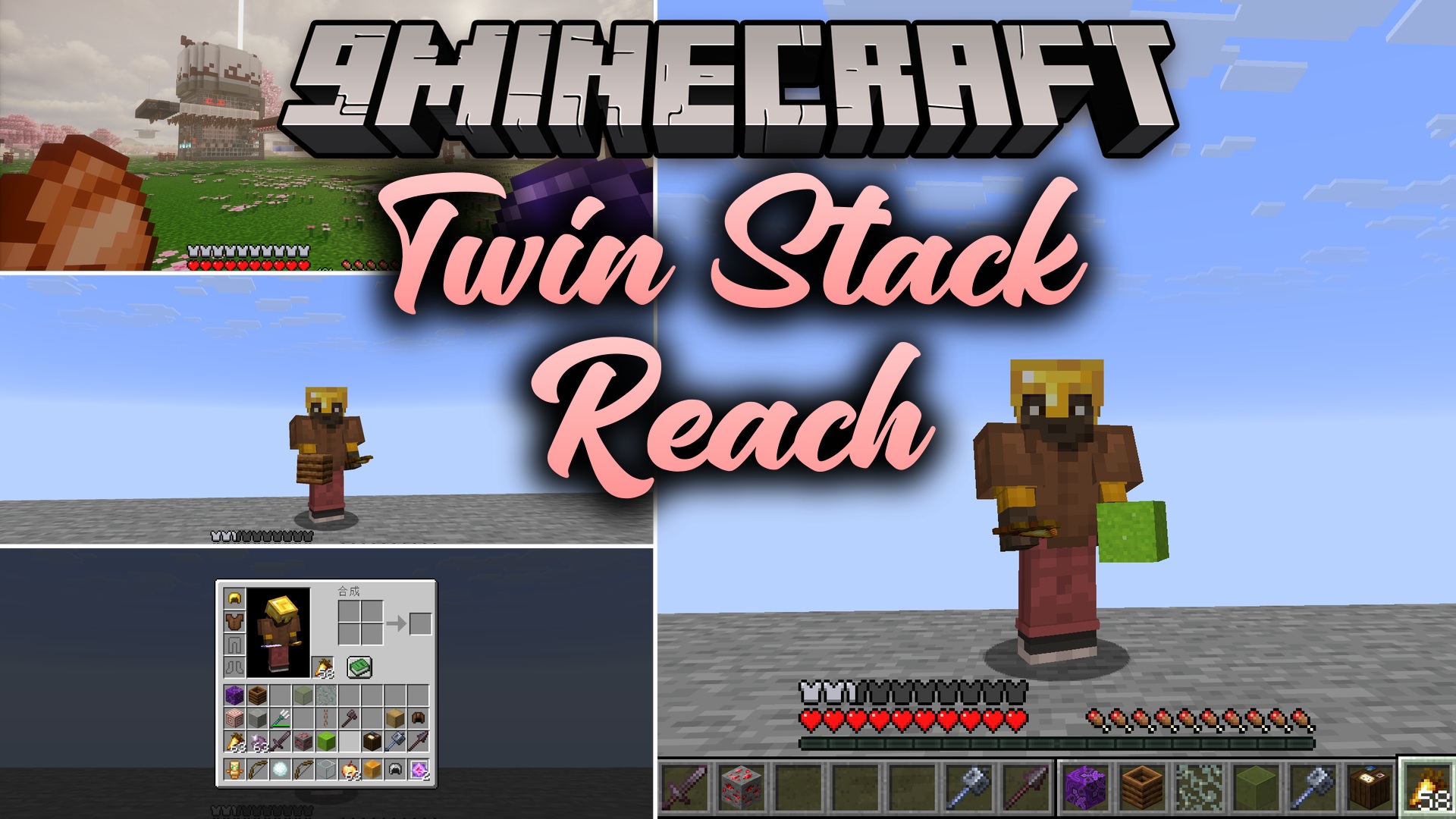
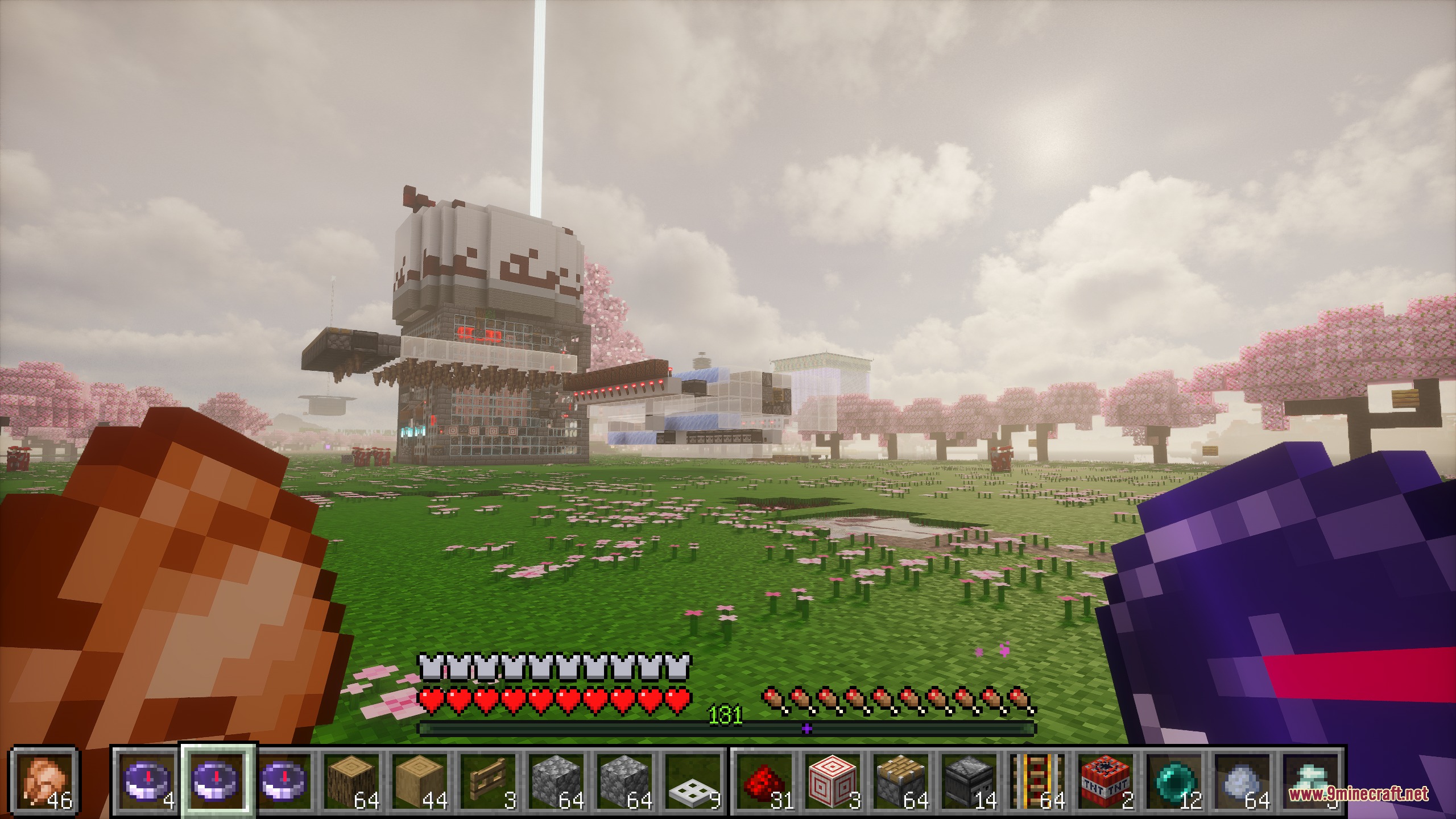
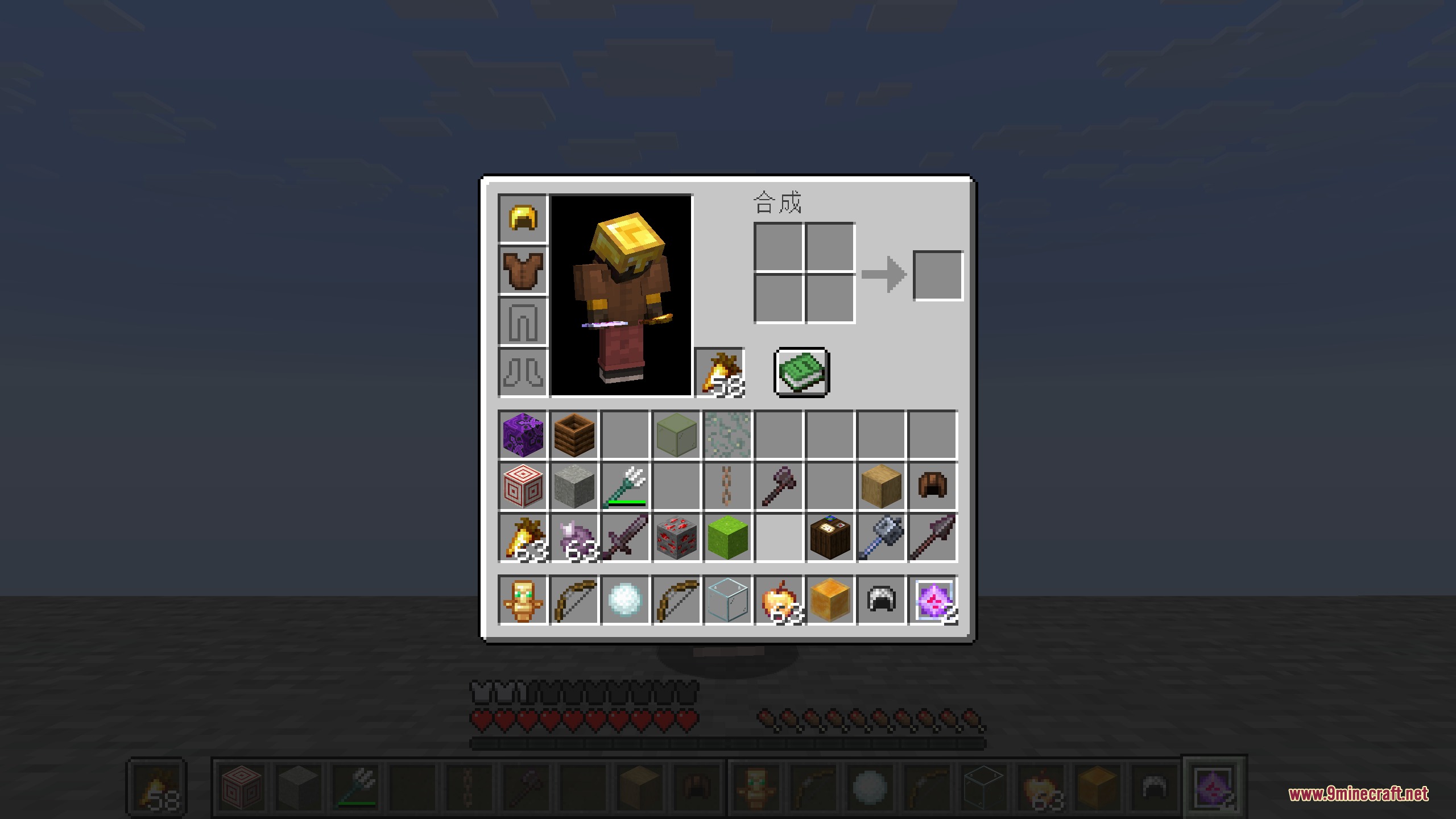
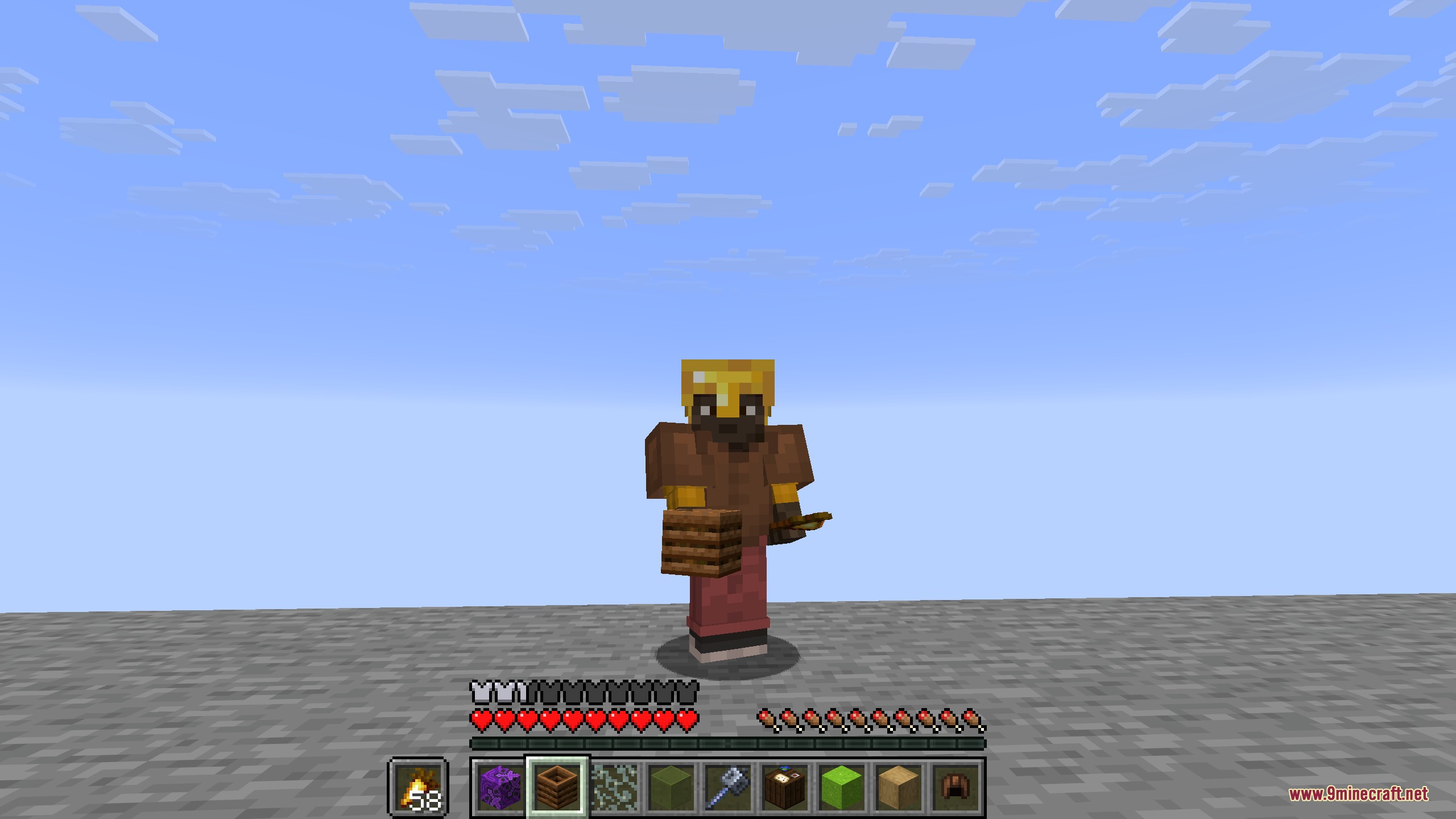
Twin Stack Reach Mod places extra hotbars right on your screen so you can grab backpack items without opening the inventory menu. This mod shows multiple rows of items side by side at the bottom of the screen. You can swap items, switch entire rows, and cycle through your gear with quick hotkeys. It works completely on your client, meaning you can join any multiplayer server and keep the extra hotbars active.
Features:
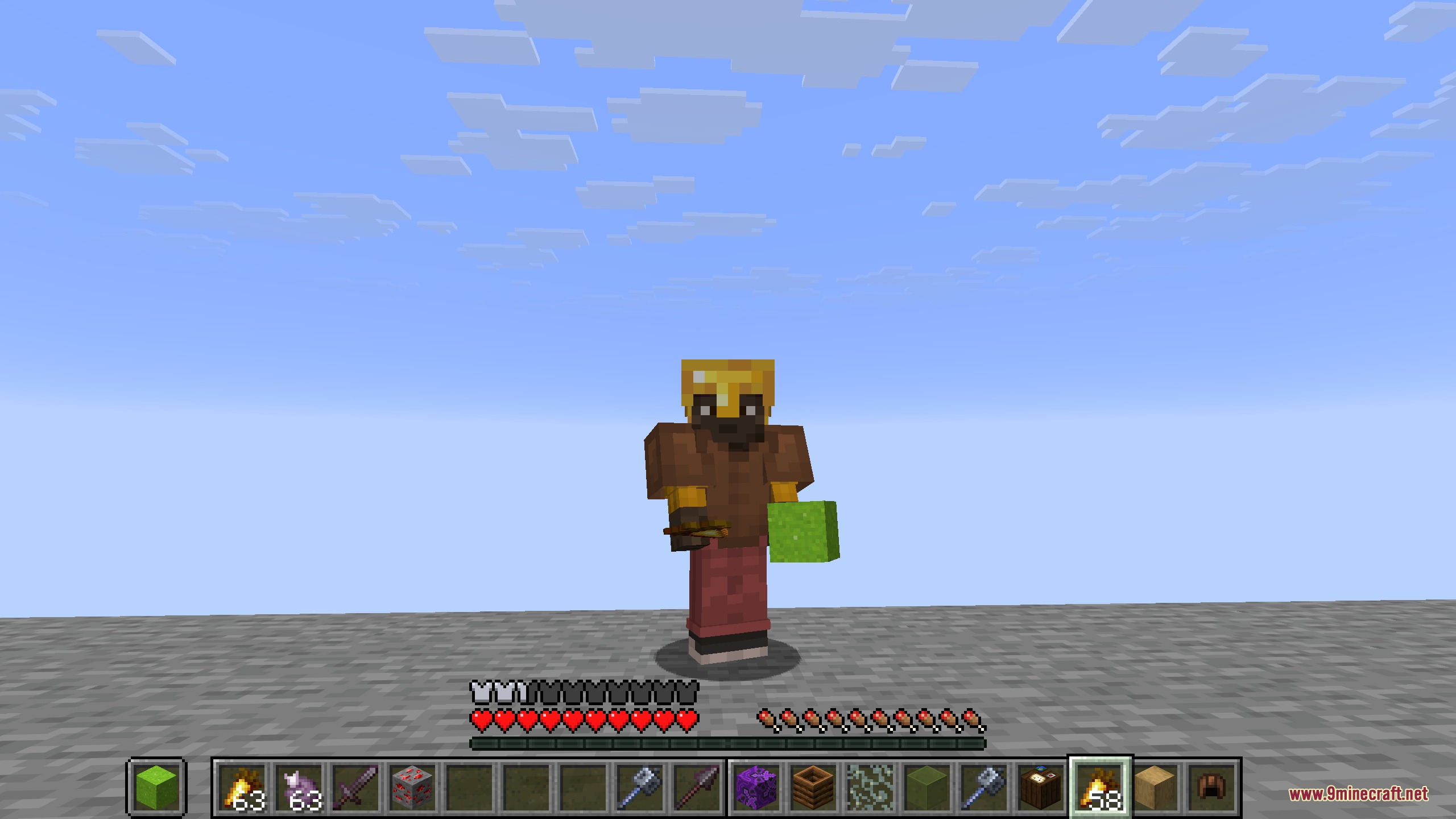
- Places two, three, or four hotbars side by side at the bottom of your screen.
- Lets you swap single items or full inventory rows with a single key press.
- Shows your offhand item directly next to the primary action bar.
- Switches between multi-bar layout and standard single bar with a quick toggle key.
- Auto-swaps full rows when you scroll your mouse wheel past the edge slots.
- Lets you double-tap number keys to trade slots between rows instantly.
- Plays a pickup sound whenever you swap items or rows.
Configuration:
Completely Disable Mod: turns off all extra hotbars and hotkeys.Vanilla Style Mode: shows the single hotbar while keeping key swaps active.Hotbar Mode: switches between dual, triple, or quad hotbar layouts.Hotbar Spacing: changes the pixel gap between each on-screen bar.Offhand Offset: adjusts the screen position of the offhand icon.Single Item Swap Mode (Tap only): sets the swap key to move only the held item.Swap Row: picks which backpack row pairs with the main hotbar.Long press delay (ms): sets how long you hold a key to trigger secondary actions.Play Swap Sound Effect: toggles the sound effect when moving items.
How to Use:
- Look at the bottom of your screen to see your main hotbar and extra inventory rows side by side.
- Press R to swap items between your active bar and the extra row.
- Double-tap any number key from 1 to 9 to trade that specific slot with the connected row.
- Hold = to cycle through different backpack rows.
- Press = quickly to toggle the standard single hotbar view.
- Hold Left Ctrl and press 1 through 4 to switch between display modes.
Screenshots:
How to Install:
New to Minecraft? Follow our step-by-step guide to install Mods on your PC.View Guide
Requirements:






Twin Stack Reach Mod Download Links
For Minecraft 26.2
For Minecraft 26.1.2, 26.1.1, 26.1
For Minecraft
1.21.11,
1.21.10,
1.21.9
All Versions Covered
1.21.11
1.21.10
1.21.9
1.21.8
1.21.7
1.21.6
1.21.5
1.21.4
1.21.1
1.21
All Versions Covered
1.21.11
1.21.10
1.21.9
1.21.8
1.21.7
1.21.6
1.21.5
1.21.4
1.21.1
1.21
For Minecraft 1.21.8, 1.21.7, 1.21.6
For Minecraft 1.21.1, 1.21
For Minecraft 1.20.1, 1.20
Click to rate this post!
[Total: 0 Average: 0]
You May Also Like


This post has no comments yet. Be the first — your comment will appear here.