


Krispy Client Mod (1.21.11) – Track Down Hidden Bases and Survive Anarchy Wars
 2
2
 0
0

Krispy Client Mod brings custom utility modules and combat helpers for Minecraft players on multiplayer worlds. It focuses heavily on economy and anarchy gameplay with specialized tools for base hunting and item trading. You can quickly switch weapons, protect yourself in fights, and spot underground structures. The built-in dashboard gives you full control over every active setting right from your keyboard.

Features:
- Combat Helpers: Swaps totems into your offhand, switches to a mace upon attacking, and triggers respawn anchors during fights.
- Base Hunting: Tracks down underground bases and tunnels across DonutSMP worlds.
- Ore Detection: Spots ancient debris in the Nether even when servers hide blocks.
- Camera Controls: Lets you move the view freely with freecam and freelook without changing character orientation.
- External Alerts: Sends player detection messages directly to a Discord webhook or a Telegram bot.
- Fast Place speeds up block placement actions.
- Auto Tool switches your held item to the best tool for the block you hit.
- Auto Eat consumes food whenever your hunger bar or health drops below a set point.
- Clears blocking armor stands and chest minecarts out of your path with Anti Trap.
- Displays a live module counter and active player card inside the menu.
Combat Modules:
- Elytra Swap switches between an elytra and a chestplate.
- Mace Swap switches to a mace when striking opponents.
- HitBox expands opponent hitboxes to make landing hits easier.
- Auto Totem holds a Totem of Undying in your offhand.
- Auto Crystal and Anchor Macro trigger crystal and anchor attacks automatically.
DonutSMP Modules:
- Chunk Finder detects bases hidden underground.
- Netherite Finder locates ancient debris hidden by anti-xray systems.
- Spawner Order drops mob spawner loot and sells collected bones and arrows.
- Anti Trap clears out blocking armor stands and minecarts to keep you moving.
How to Use:
- Press the Right Shift key to open the Krispy Client Mod interface.
- Press Ctrl + F to search for specific modules by name.
- Click the toggle button next to any module to turn it on or off.
- Click the gear icon on a module card to open its settings and customize values.
Screenshots:


How to Install:
New to Minecraft? Follow our step-by-step guide to install Mods on your PC.View Guide
Requirements:


Krispy Client Mod Download Links
For Minecraft 1.21.11
Click to rate this post!
[Total: 0 Average: 0]
You May Also Like
Picked for this page
 Frost Client Mod (1.21.11) – Dominate Anarchy Servers with Flawless Crystal PvP
 Zyron Client Mod (1.21.11) – Scout Hidden Caves and Rare Geodes
 Water v6 Client Mod (1.21.11) – Read Fast Server Chat Without Clutter
 Goobaa Client Mod (1.21.11) – Dominate Crystal PvP on Anarchy Servers
 Zerio Client Mod (1.21.11) – Win Intense Multiplayer Crystal PvP Fights
 Rasty Client Mod (1.21.11) – Dominate Crystal PvP on Anarchy Servers
 Moon DLC Client Mod (1.21.4) – Dominate Crystal Fights on Anarchy Servers
 BepHax Client Mod (1.21.11) – Hunt Player Stashes on Anarchy Servers
 Enjoyer Addon Client Mod (1.21.11) – Automate Server Auctions and Mining
 Exit Addon Client Mod (1.21.11) – Hunt Hidden Bases on Anarchy Servers
 Kinetic Warworks Mod (1.21.1) – Fight Monsters with Kinetic Weapons and Gadgets
 Cooperative End Access Mod (26.3, 26.1.2) – Unlock the End Portal Together
Most viewed in Clients over the last 7 days
 Baritone 9minecraft Client Mod (26.3, 26.1.2) – Mine and Build Bases Hands-Free
 Meteor Client Mod (26.2, 1.20.1) – Xray, HUD, Fly
 Lunar Patcher (v10) – Using Lunar Client for Free
 CatLean Client Mod (26.2, 1.21.11) – ThunderHack Recode Alternatives
 DoomsDay Client (26.1.2, 1.20.1) – Best Free Injectable Client
- Baritone Client Mod (26.2, 1.20.1) – Autominer, Build with AI, Xray
 OptiFine HD 9minecraft (26.3) – Run Smooth Shaders Without the Lag
 Aristois Client Mod (1.21.4, 1.20.1) – World Class Minecraft Utility
 9minecraft Xray Client (26.3, 1.20.1) – The #1 Ore Finder of 2026
 System Client Mod (1.21.11, 1.21.1) – Powerful CPVP Ghost Client
 4E Client Mod (1.21.11, 1.21.1) – ChunkFinder, Base Finding for DonutSMP
 Wurst Client Mod (26.3, 1.20.1) – The Best Bypass for Minecraft
More from Clients
 Volt Client Mod (1.21.1) – Free Minecraft UHC & CPVP Ghost Client
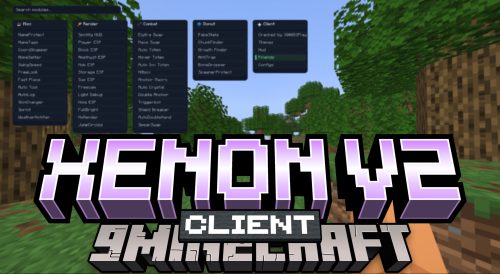 Xenon V2 Client Mod (1.21.11) – See Enemies Through Walls
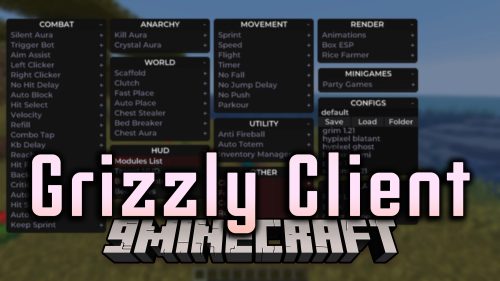 Grizzly Client Mod (26.3, 26.2) – Win Every Multiplayer PvP Fight
 Wurst Modified Client Mod (26.1.2, 1.21.1) – Best Client for Minecraft in 2026
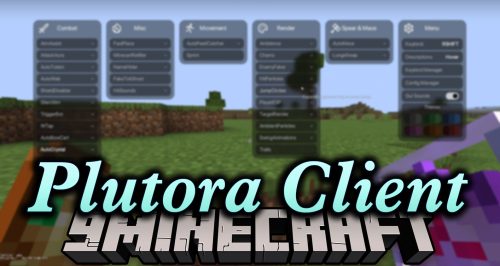 Plutora Client Mod (1.21.11) – Dominate PvP with Automated Crystal Combat
 Fast Client (26.1.2, 1.20.1) – Fast, Smooth and Optimized for Maximum Performance
 CRZ Client Mod (1.21.4) – Find Hidden Bases and Dominate Anarchy PvP
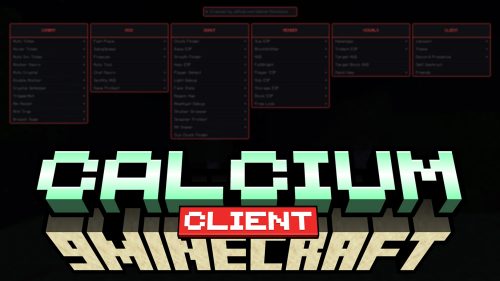 Calcium Client Mod (1.21.11) – Win Crystal Fights and Raid Hidden Bases
 Epitaph Client Mod (1.21.11) – Dominate Anarchy Servers with Automated Combat
 Feather Patched Launcher (26.3, 1.20.1) – Get Full Features with No License
 Exoware Client Mod (1.21.4) – Adds 60+ Combat Ghost Utilities
 AstraWare V5 Client Mod (1.21.4) – Automates Crystal and Anchor Combat

This post has no comments yet. Be the first — your comment will appear here.