


Wimpy Client Mod (26.2) – Hunt Hidden Stashes on Anarchy Servers
 0
0
 0
0

Wimpy Client Mod equips you with utility tools for exploring, scouting, and surviving in anarchy worlds. It provides stash finders, combat helpers, and visual radars to track hidden bases across the map. An on-screen display tracks your movement speed, coordinates, and nearby surroundings at all times. This mod also includes pathfinding automation and quick visual toggles to make long journeys easier.

Features:
- Scans chunks around height Y=30 to detect unusual block activity and locate hidden bases.
- Storage ESP highlights chests, barrels, and shulker boxes through solid terrain.
- Finders locate monster spawners, holes, and amethyst geodes across underground tunnels.
- Heatmap records previous random-teleport locations to reveal active player clusters.
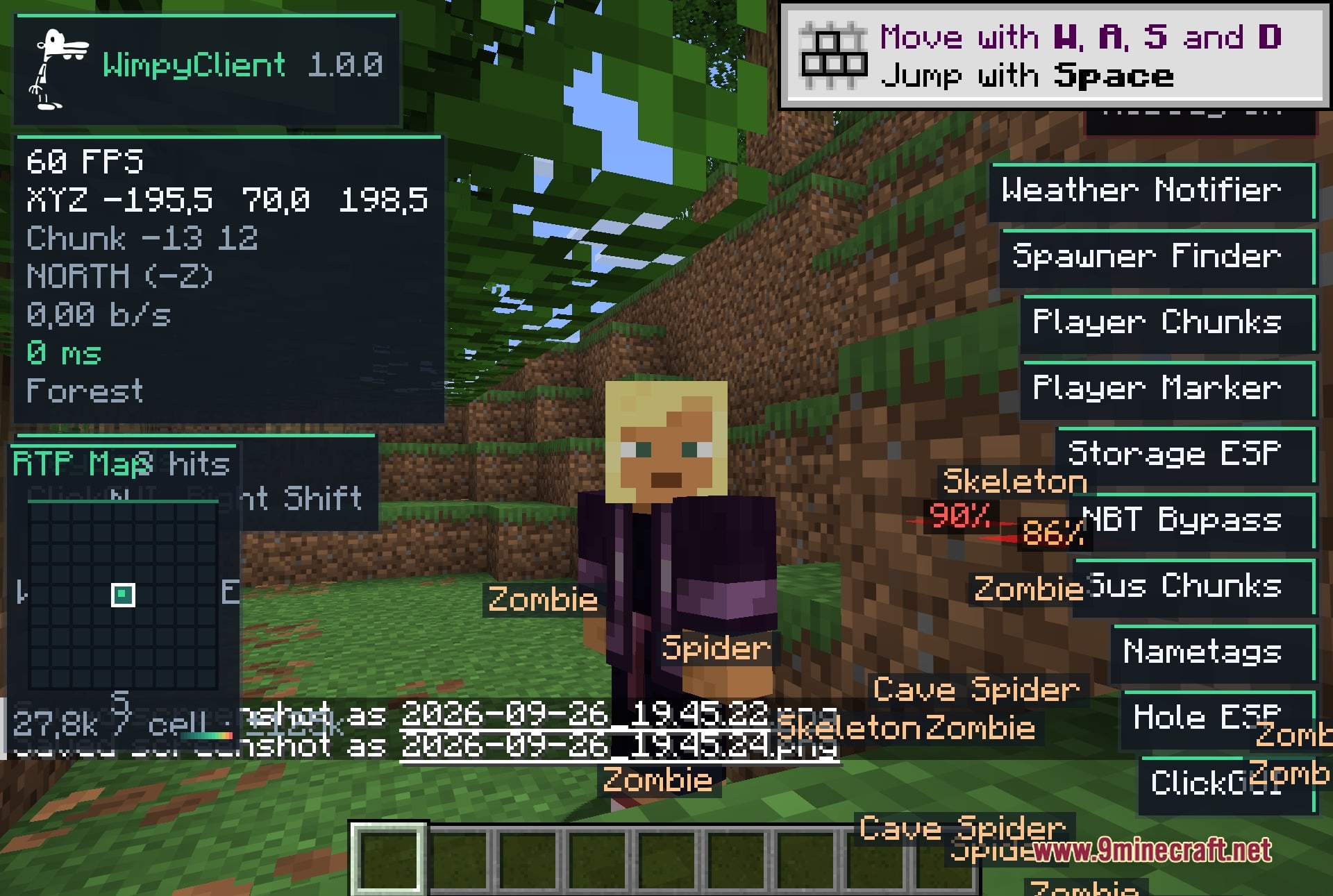
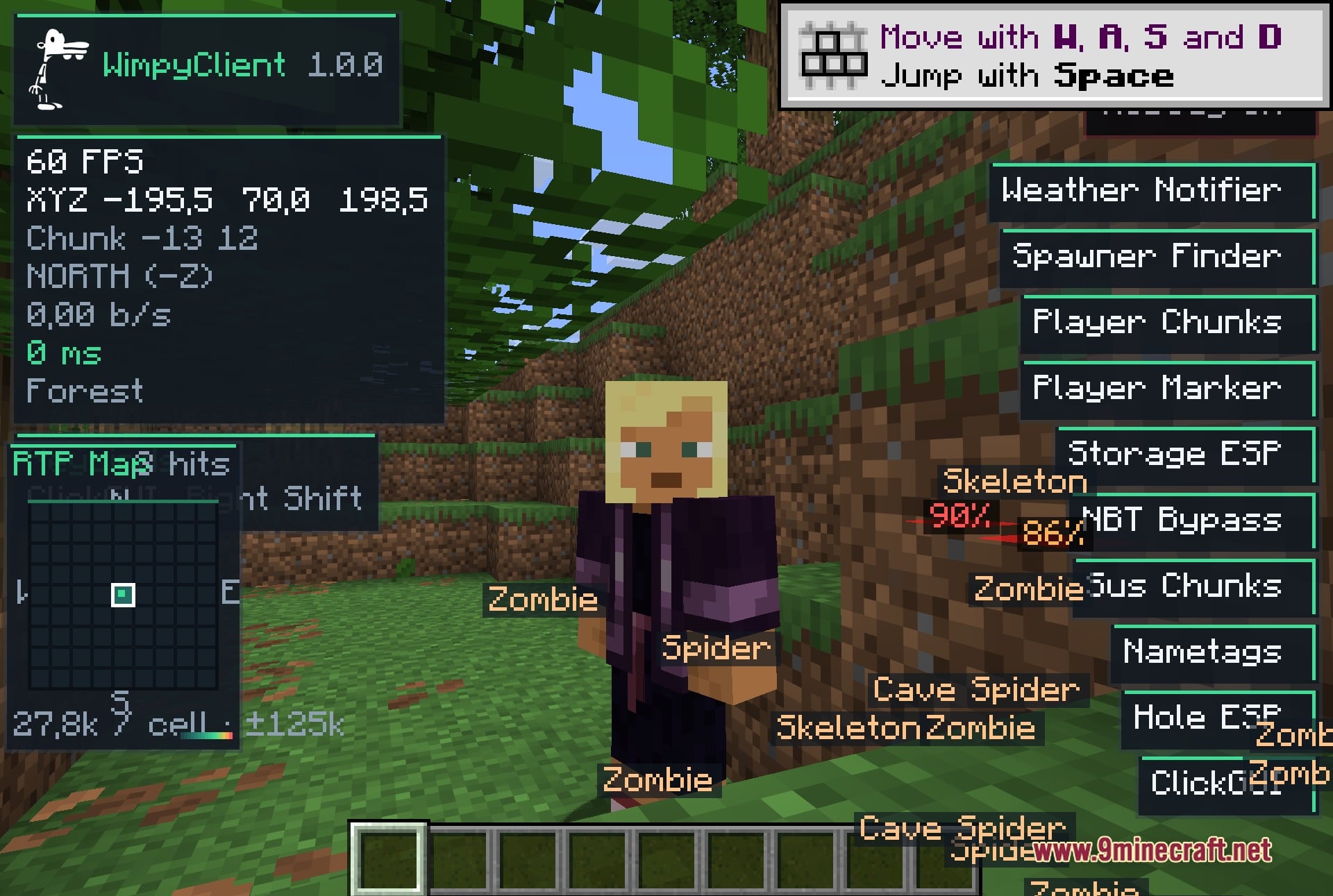
- Nametags, visual tracers, and chunk trackers alert you whenever other players are nearby.
- Staff detector alerts you when server staff members appear online or in your area.
- Combat tools include auto crystal placement, auto respawn anchor, and auto totem replenishment.
- Includes a trigger bot and auto tool switcher for fast combat and mining.
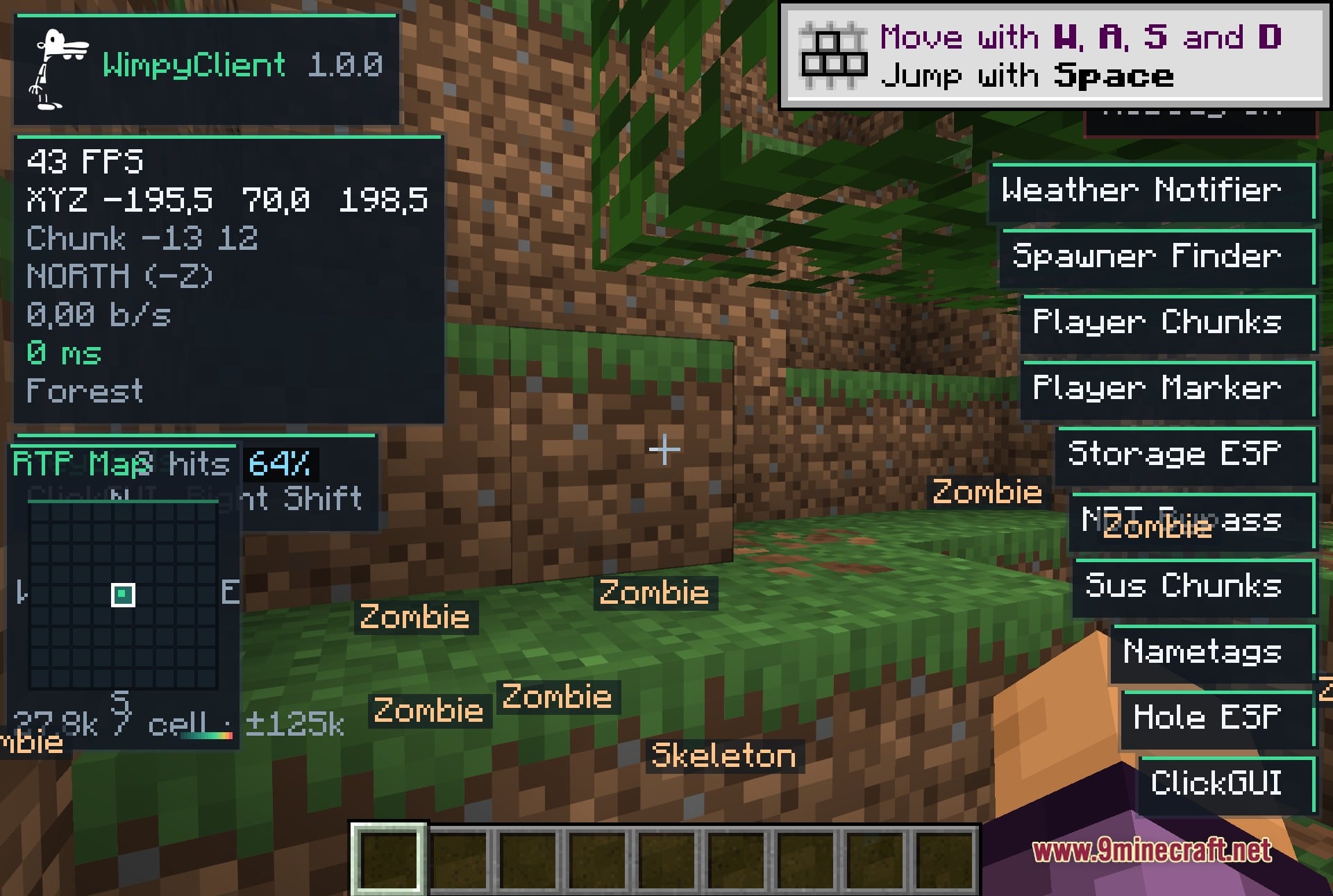
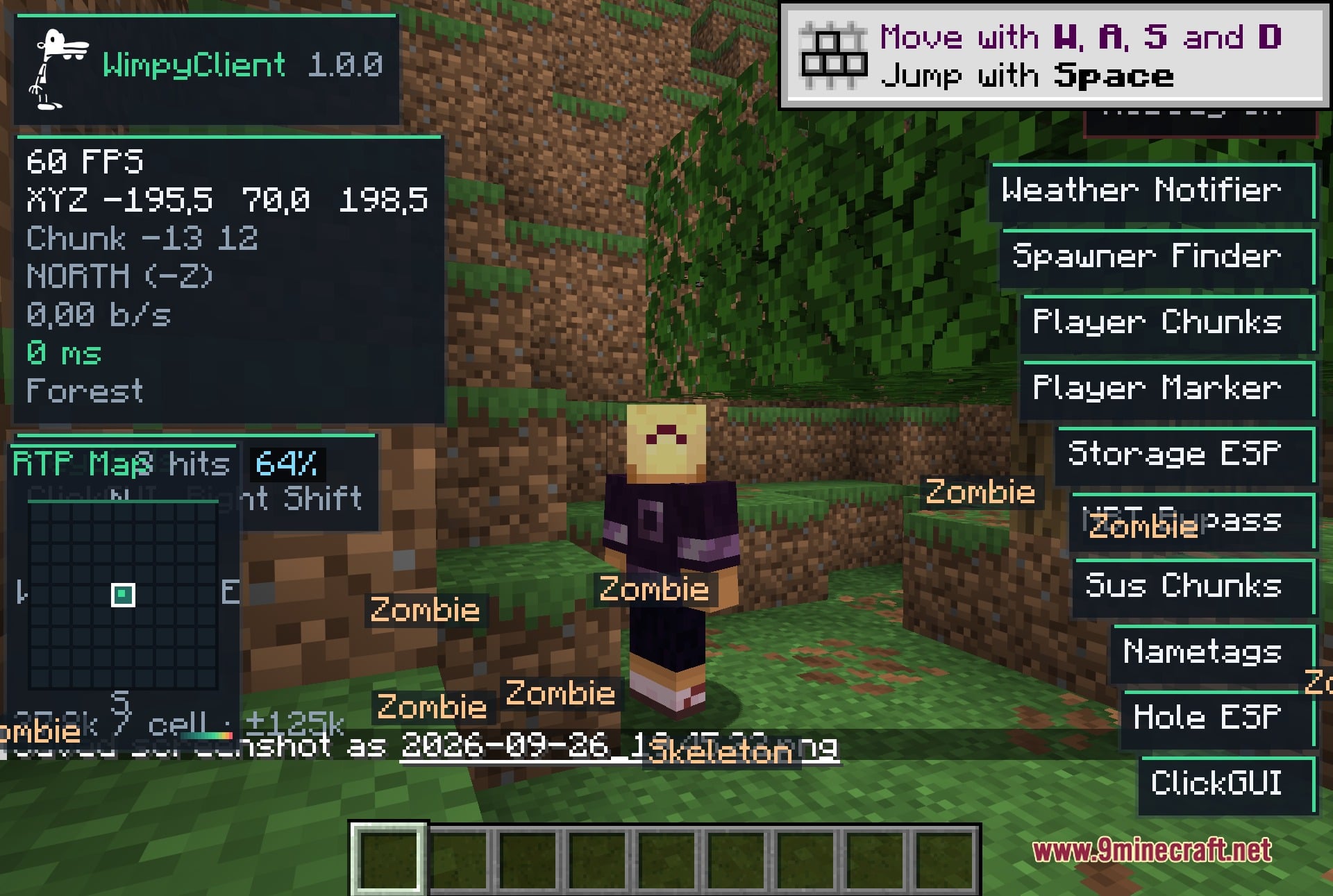
- HUD displays real-time coordinates, speed in blocks per second, facing direction, biome, and FPS.
- Visual toggles provide fullbright lighting, freecam viewing, and freelook camera angles.
- Built-in Baritone integration automates walking, mining, and pathfinding to waypoints.
- Extra utilities offer custom skins, fake names, fake statistics, and auto re-logging.
How to Use:
- Press Right Shift on your keyboard to open the ClickGUI menu.
- Click on individual modules across the menu categories to turn them on or off.
- Check the HUD on your screen to view your active coordinates, biome, and speed.
Screenshots:
How to Install:
New to Minecraft? Follow our step-by-step guide to install Mods on your PC.View Guide
Requirements:


Wimpy Client Mod Download Links
For Minecraft 26.2
Click to rate this post!
[Total: 0 Average: 0]
You May Also Like








This post has no comments yet. Be the first — your comment will appear here.