


Enjoyer Addon Client Mod (1.21.11) – Automate Server Auctions and Mining
 0
0
 0
0

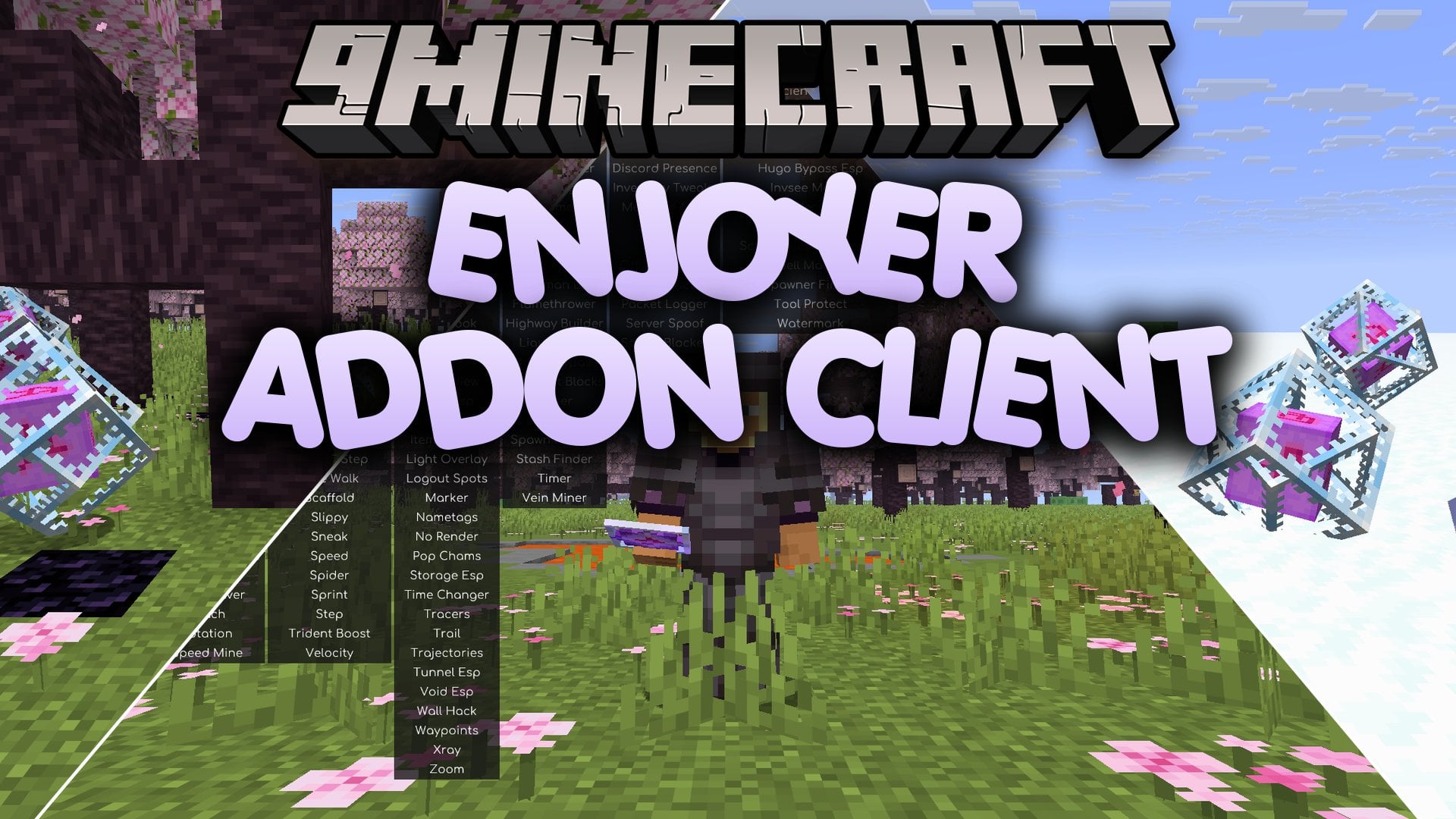
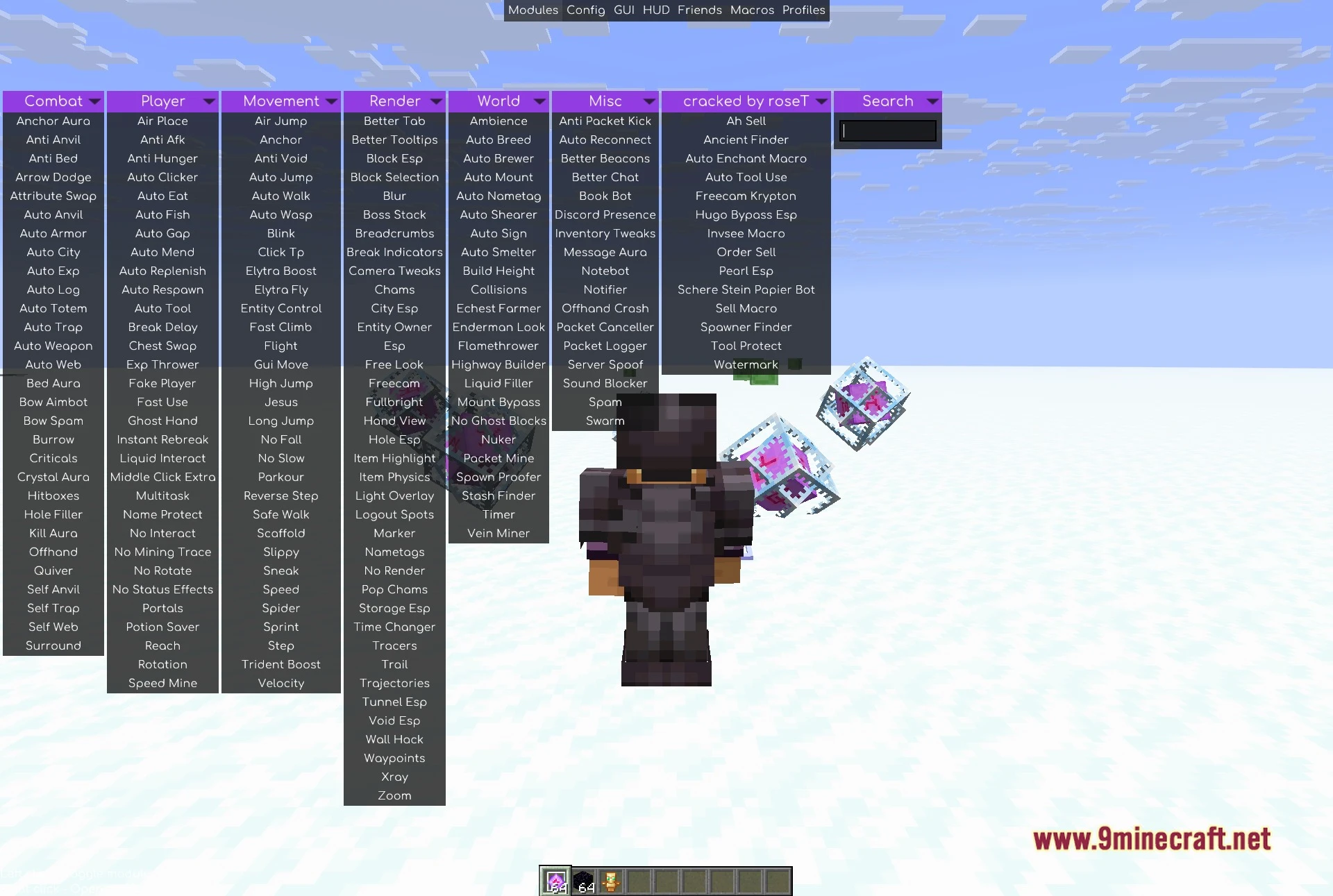
Enjoyer Addon Client Mod extends Meteor Client with utility modules focused on server economy tasks and finding rare items. It adds a dedicated tab inside the client interface with tools for automated selling, crafting, and enchanting. The mod helps you locate spawners and ancient debris with visual tracers and custom scan ranges. It also includes protection settings that prevent your favorite tools from breaking during routine jobs.
Features:
Automation and Economy:
- Ah Sell and Order Sell put items up for auction and check for successful trade confirmations.
- Auto Enchant Macro enchants items continuously until reaching your chosen target level.
- Auto Tool Use automatically switches to the correct tool for any block and swaps back after mining.
- Tool Protect stops tool actions before durability drops below your safety limit.
- Auto Craft builds items in repeat cycles and places the finished goods into nearby chests.
- Schere Stein Papier Bot automatically plays rock-paper-scissors minigames using custom action delays and move choices.
Visual Finders and Tracers:
- Ancient Finder points lines directly to buried ancient debris blocks.
- Spawner Finder highlights mob spawners across a customizable scan radius.
- Pearl Esp tracks thrown ender pearls in mid-air.
- Highlights dropped items, tridents, potions, fireworks, and wind charges with custom box colors.
- Freecam Krypton lets you detach your camera from your player model to look around freely.
How to Use:
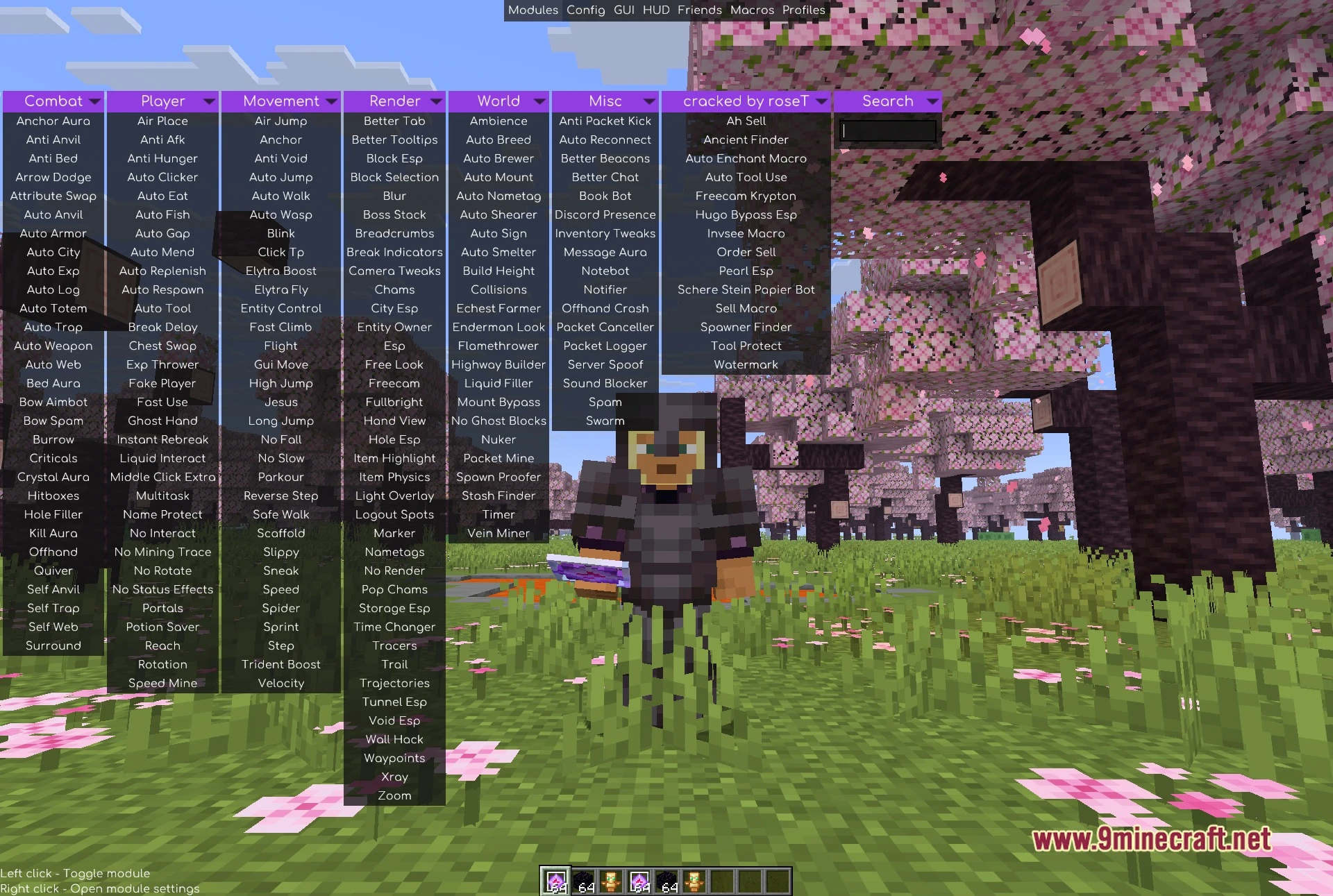
- Open the Meteor Client ClickGUI menu in-game.
- Click the dedicated addon tab to see the list of modules.
- Toggle your desired economy, automation, or ESP module.
- Right-click any module to adjust settings like price, durability limits, or scan ranges.
Screenshots:
How to Install:
New to Minecraft? Follow our step-by-step guide to install Mods on your PC.View Guide
Requirements:


Enjoyer Addon Client Mod Download Links
For Minecraft 1.21.11
Click to rate this post!
[Total: 0 Average: 0]
You May Also Like
Picked for this page
 Wurst Client Mod (26.3, 1.20.1) – The Best Bypass for Minecraft
 Client Crafting Mod (26.3, 1.20.1) – Instant Crafting
 Cartcore Client Mod (1.21.11, 1.21.1) – Faster Cart Tech Execution
 Hydra Client Mod (1.21.11) – See Through Walls and Dominate Server PvP
 Frost Client Mod (1.21.11) – Dominate Anarchy Servers with Flawless Crystal PvP
 Splendid Slimes Mod (1.20.1, 1.20) – Manage Your Own Slime Ranch
 Vie Client Mod (1.21.11) – Automate Grinding and Dominate SMP Servers
 Vexon Client Mod (1.21.11) – Automate Crystal PvP on Anarchy Servers
 Zyron Client Mod (1.21.11) – Scout Hidden Caves and Rare Geodes
 Goobaa Client Mod (1.21.11) – Dominate Crystal PvP on Anarchy Servers
 Zerio Client Mod (1.21.11) – Win Intense Multiplayer Crystal PvP Fights
 Rasty Client Mod (1.21.11) – Dominate Crystal PvP on Anarchy Servers
Most viewed in Clients over the last 7 days
 Baritone 9minecraft Client Mod (26.3, 26.1.2) – Mine and Build Bases Hands-Free
 Meteor Client Mod (26.2, 1.20.1) – Xray, HUD, Fly
 CatLean Client Mod (26.2, 1.21.11) – ThunderHack Recode Alternatives
 OptiFine HD 9minecraft (26.3) – Run Smooth Shaders Without the Lag
 9minecraft Xray Client (26.3, 1.20.1) – The #1 Ore Finder of 2026
 Lunar Patcher (v10) – Using Lunar Client for Free
- Wurst Client Mod (26.3, 1.20.1) – The Best Bypass for Minecraft
 Item Dupe 9minecraft Mod (26.3, 26.1.2) – Clone Any Item Without Grinding
- Baritone Client Mod (26.2, 1.20.1) – Autominer, Build with AI, Xray
 DoomsDay Client (26.1.2, 1.20.1) – Best Free Injectable Client
 67 Client Mod (1.21.11) – Survive Anarchy Servers with Custom PvP Tools
 Aristois Client Mod (1.21.4, 1.20.1) – World Class Minecraft Utility
More from Clients
 Exoware Client Mod (1.21.4) – Adds 60+ Combat Ghost Utilities
 AstraWare V5 Client Mod (1.21.4) – Automates Crystal and Anchor Combat
 Quantrum Client Mod (1.21.11) – Finds Hidden Bases and Stashes
 Thorium Client Mod (1.21.1) – Rename of Xenon
 Water V2 Client Mod (1.21.4) – Radium v3 Renamed
 22qq Client Mod (1.21.11) – Auto Modules for Crystal PvP
 MaceCore Client Mod (26.1.2, 1.21.11) – Configurable Lock Assist And Tech Automation
 Reaper Client Mod (1.21.11) – Automates Combat and PvP Actions
 Astral Client Mod (1.21.11) – Auto Crystal PvP Tools
 CRE Client Mod (1.21.11) – Crystal PvP Auto Combat
 Noxx Client Mod (1.21.11) – God Mode PvP Tools
 Radon Backport Client Mod (1.21.1) – Next-Level PvP Utility Client

This post has no comments yet. Be the first — your comment will appear here.