


Land Developer Mod (26.1.2, 1.20.1) – Manage Custom Towns and Trade Protected

 0
0 

🌐 Good news — we've translated this article into other languages!
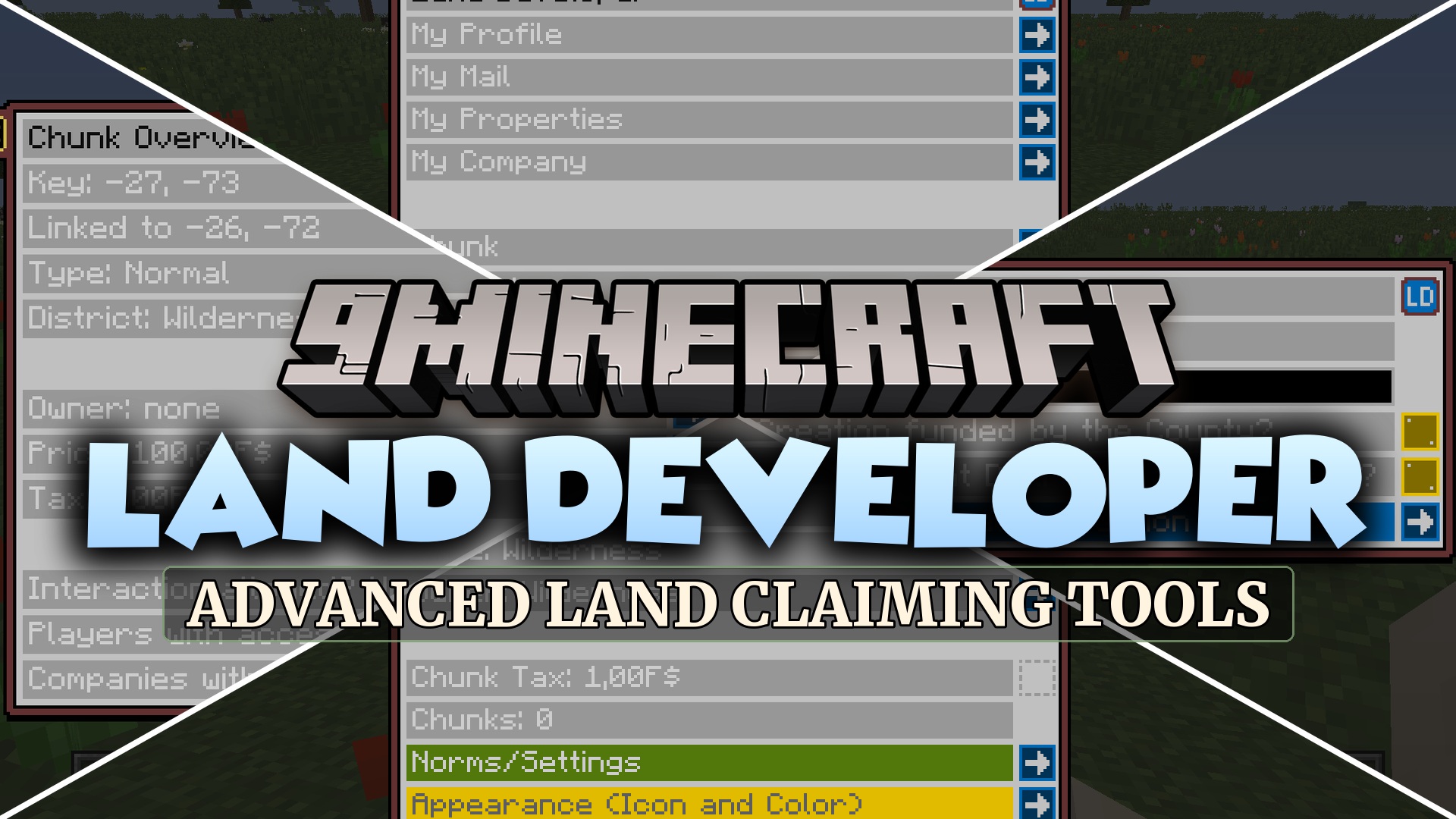
Land Developer Mod brings structured land protection and town management systems to Minecraft. It divides territory into structured layers ranging from individual chunks up to full regions. Server administrators and players can buy, sell, and trade plots while managing settlement growth through in-game menus.
Features:
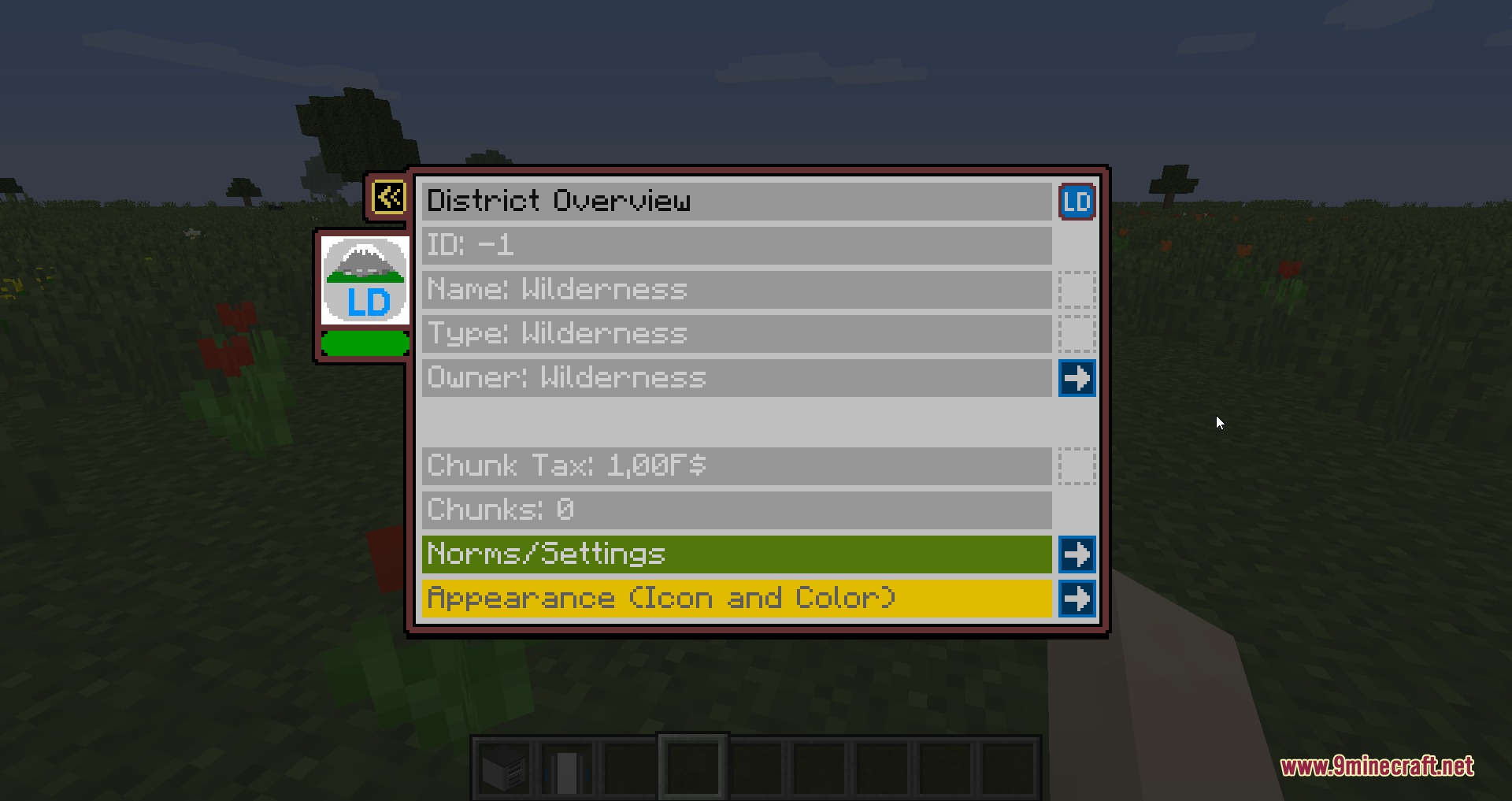
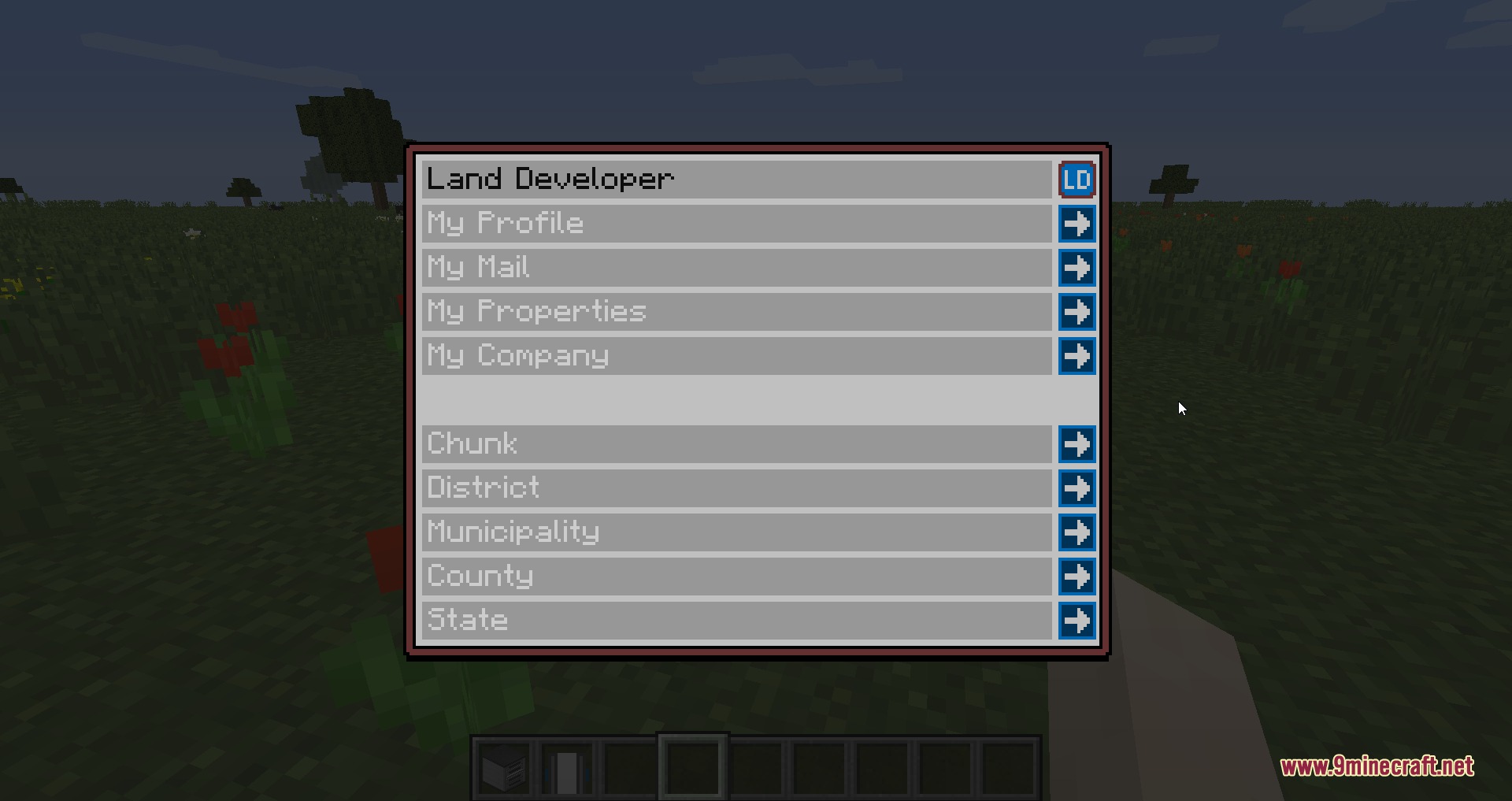
- Divides territory into hierarchical layers including chunks, districts, municipalities, counties, and regions.
- Lets players and groups buy, sell, or trade claimed land across all territory tiers.
- Includes an option to disable explosion damage on a per-district basis.
- Allows custom icons and colors for districts, towns, counties, and regions.
- Connects directly with FSMM currency to handle plot purchase costs and management fees.
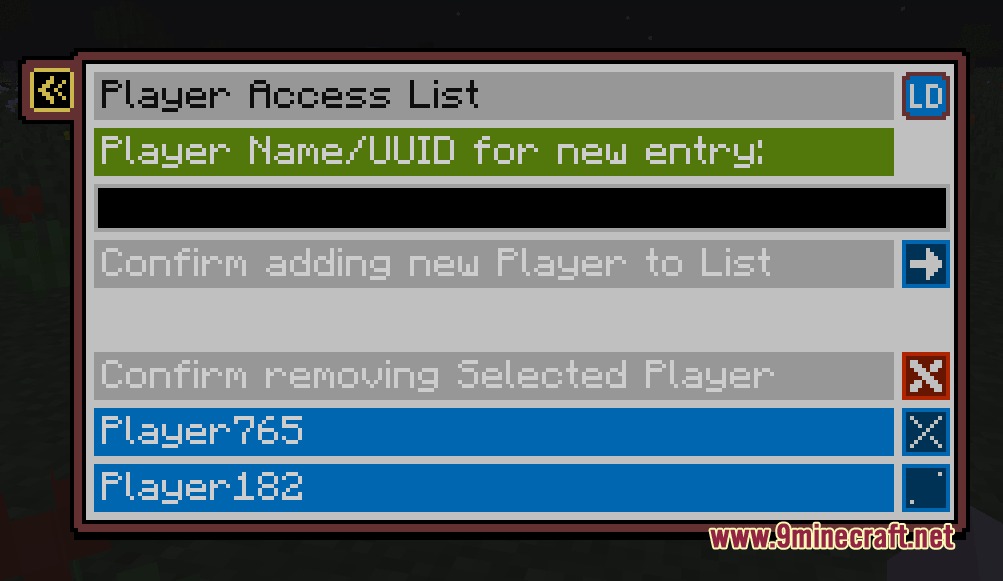
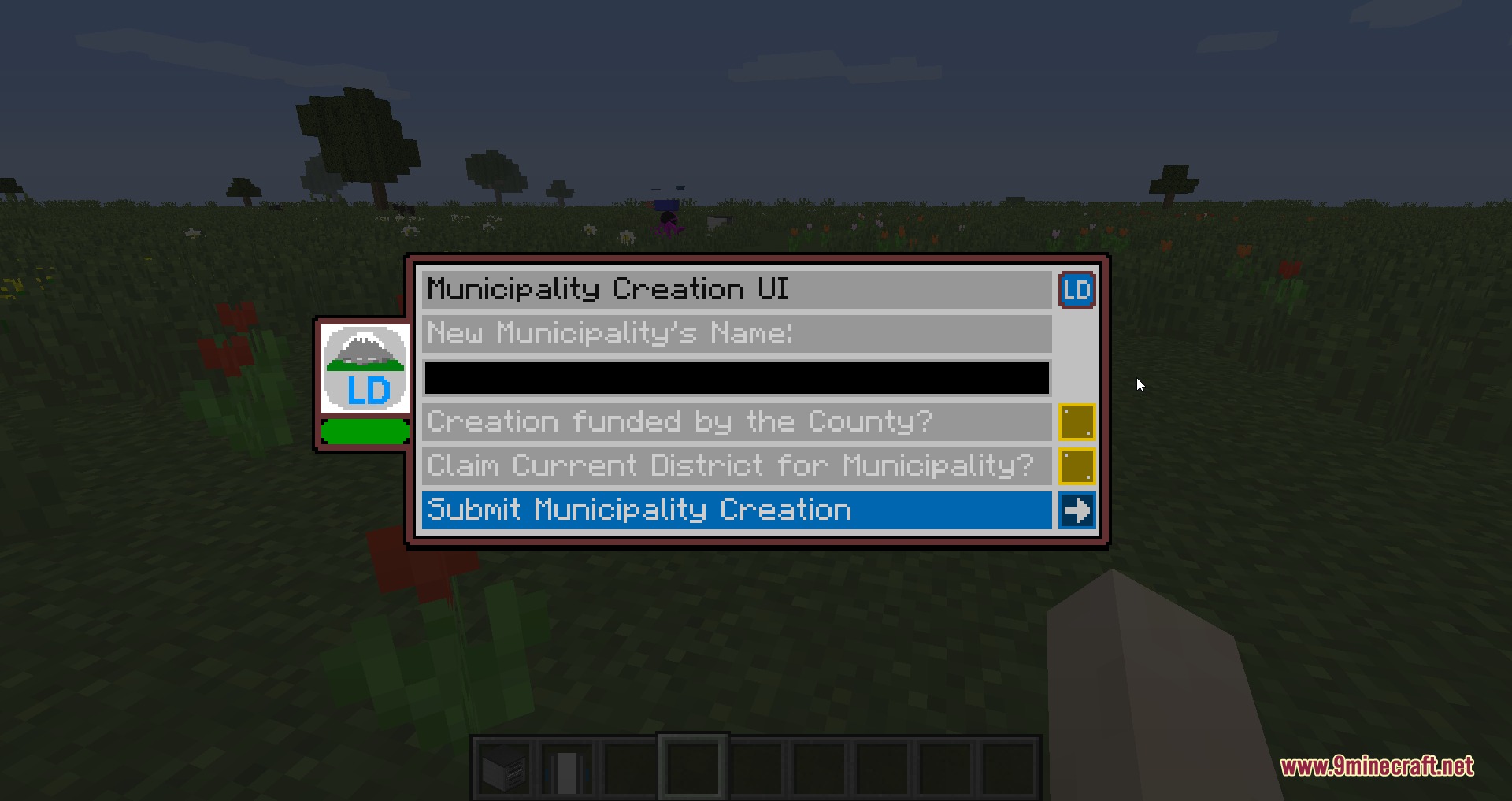
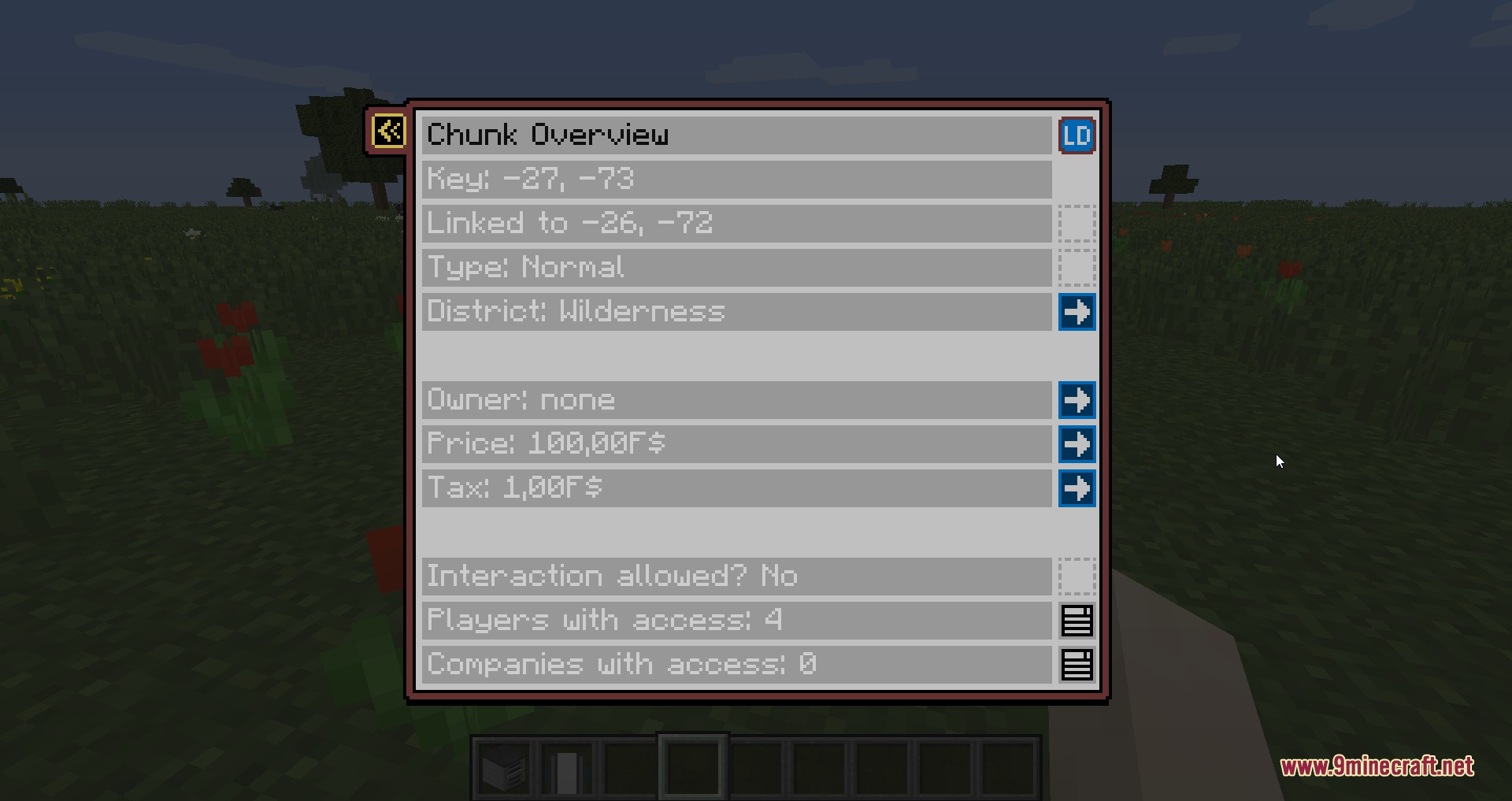
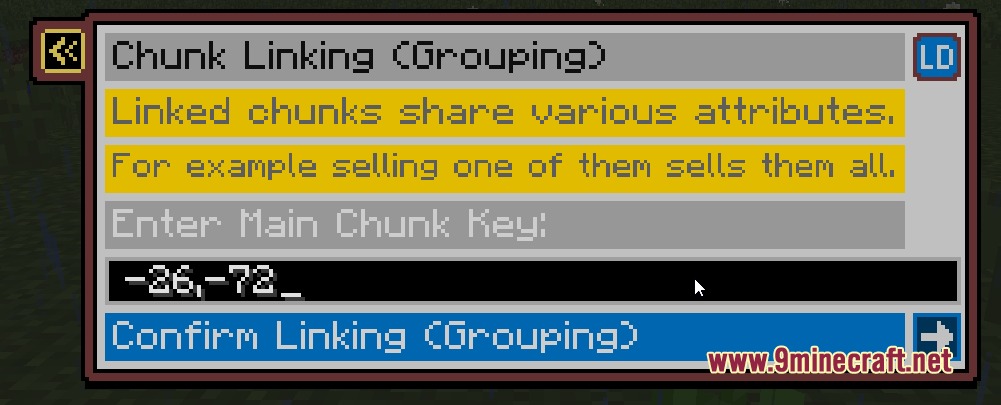
- Replaces text-heavy command workflows with clear in-game menu windows.
- Offers optional chat formatting with custom color options and nicknames.
- Works with Dynmap and Discord bots for remote territory tracking.
Commands:
/ld: Opens the main menu screen and mailbox interface./ld fees: Displays current creation and upkeep fees for settlements./ld admin: Toggles administrator override mode on or off./mun: Opens the municipality overview and settlement mail window./mun create: Establishes a new municipality and starter district at your location./dis: Opens the interface for the district you are standing in./ck: Opens the chunk property and ownership window./ck claim: Claims the current chunk for your active district./ck claim <district_id>: Claims the chunk under a specific district ID.
How to Use:
- Check creation costs by typing
/ld feesin the chat window. - Stand on unclaimed ground and type
/mun createto set up a new town. - Type
/ck claimwhile standing in surrounding territory to claim extra chunks. - Open menus anytime using
/mun,/dis, or/ckto manage ownership and settings.
Screenshots:
How to Install:
New to Minecraft? Follow our step-by-step guide to install Mods on your PC.View Guide
Requirements:
 Fabric Loader Required
 Fabric API Required
 Minecraft Forge Required
FSMM Shop Block Required
FSMM – Fex's Small Money Mod Required
Land Developer Mod Download Links
For Minecraft 26.1.2, 26.1.1, 26.1
For Minecraft 1.21.8, 1.21.7, 1.21.6
For Minecraft 1.20.1, 1.20
For Minecraft 1.12.2
Click to rate this post!
[Total: 0 Average: 0]
You May Also Like

This post has no comments yet. Be the first — your comment will appear here.