


Librarian Trade Finder Mod (26.1.2, 1.20.1) – Auto Reroll Trade Librarian
 12,942
 0
0


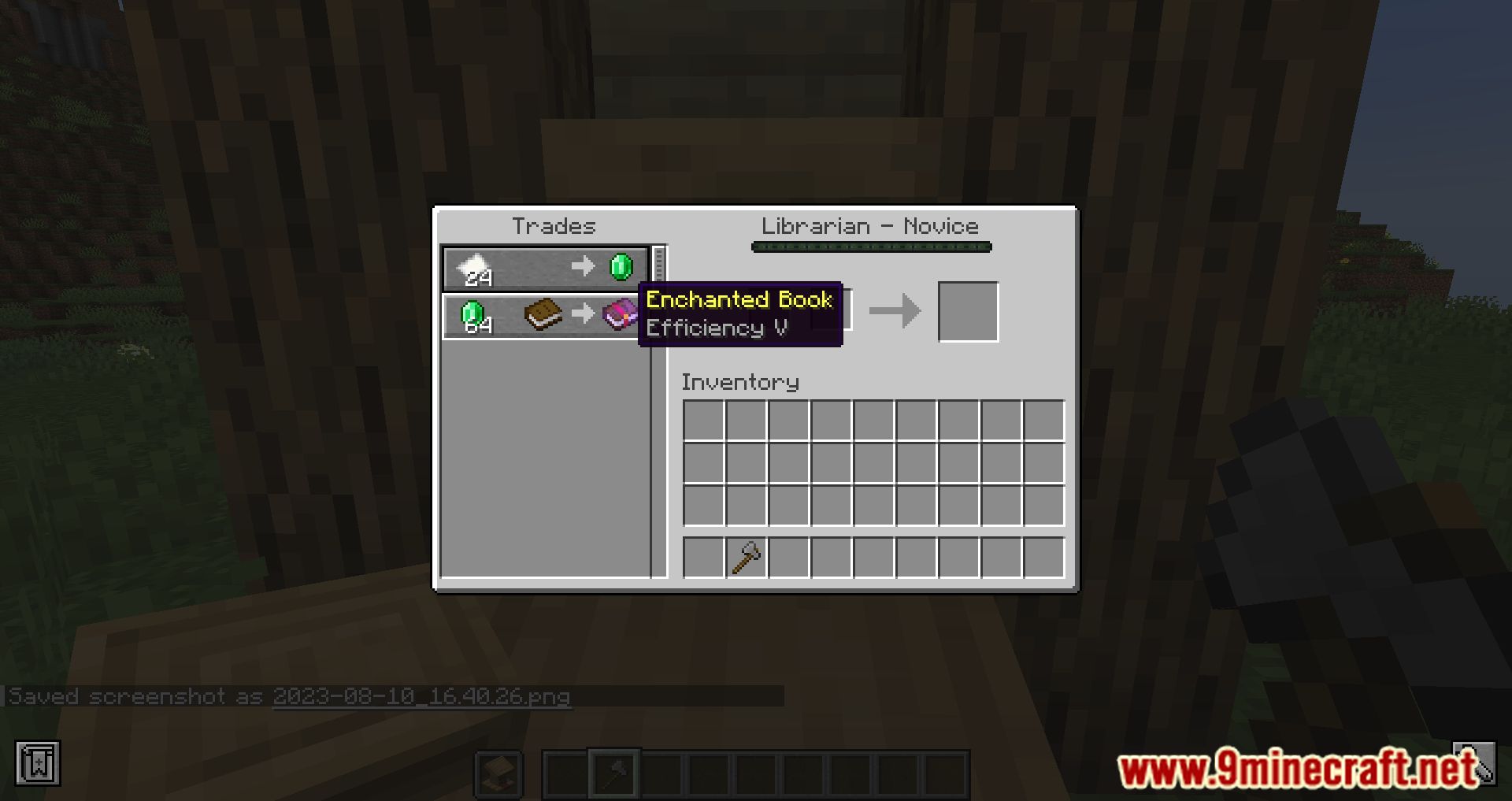
Librarian Trade Finder Mod helps you automatically reroll Librarian Villager trades to get the enchantments you want (Mending, Sharpness V, Fortune III, etc.). Instead of having to: Place a lectern → check the trade → break the lectern → place it again → repeat this hundreds of times… the mod will do all of that for you automatically.

Features:
Basic Usage
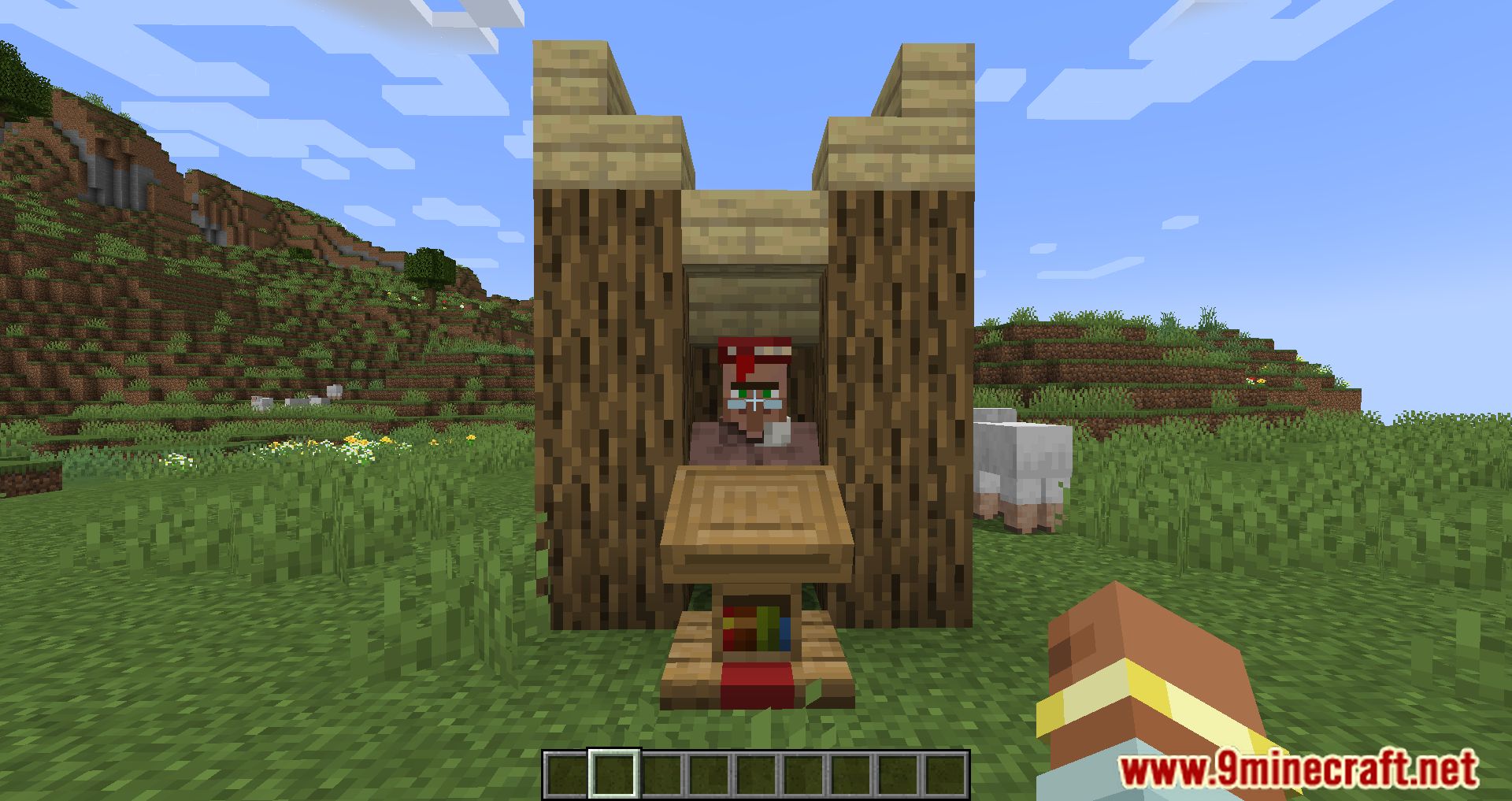
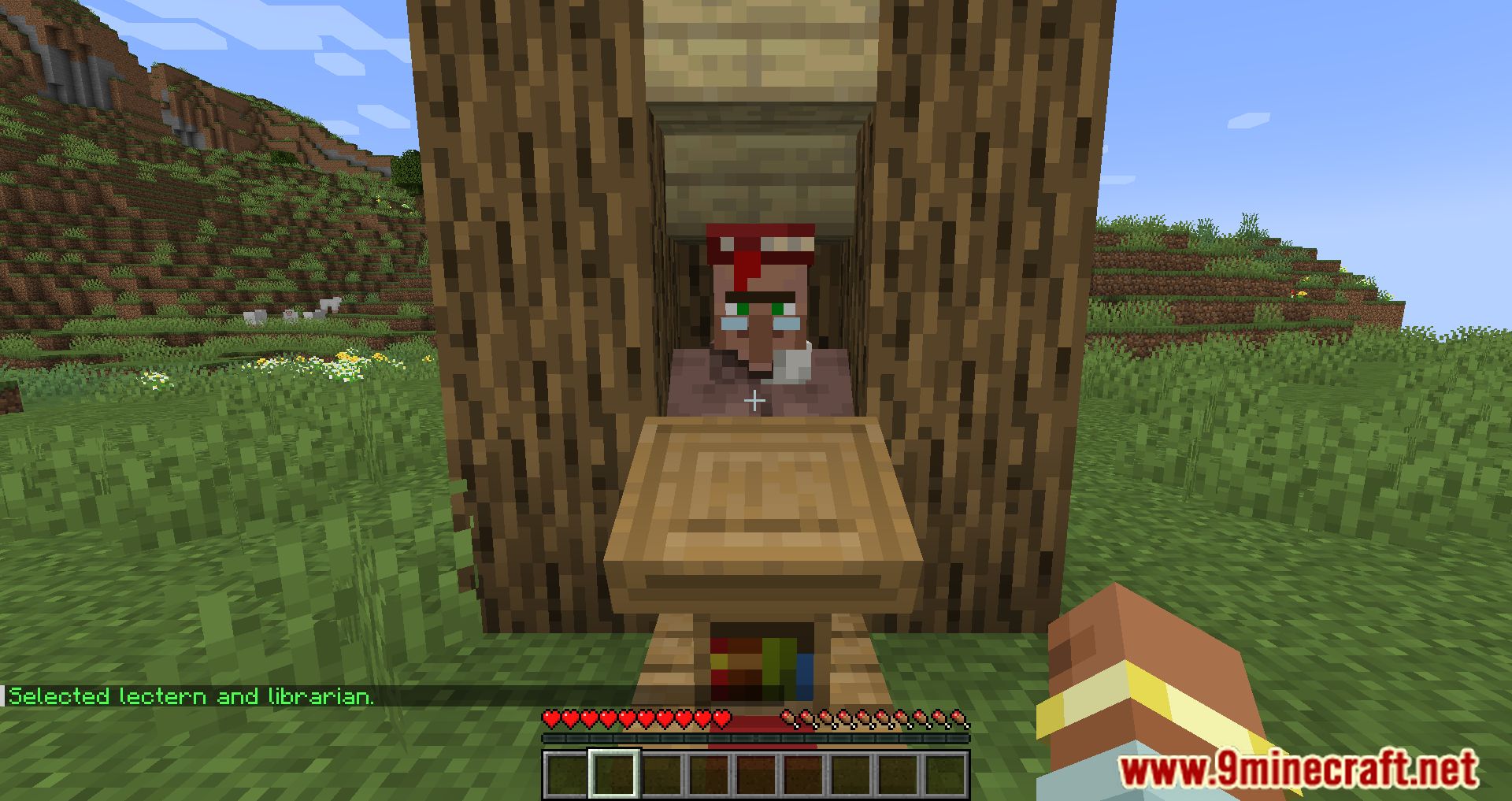
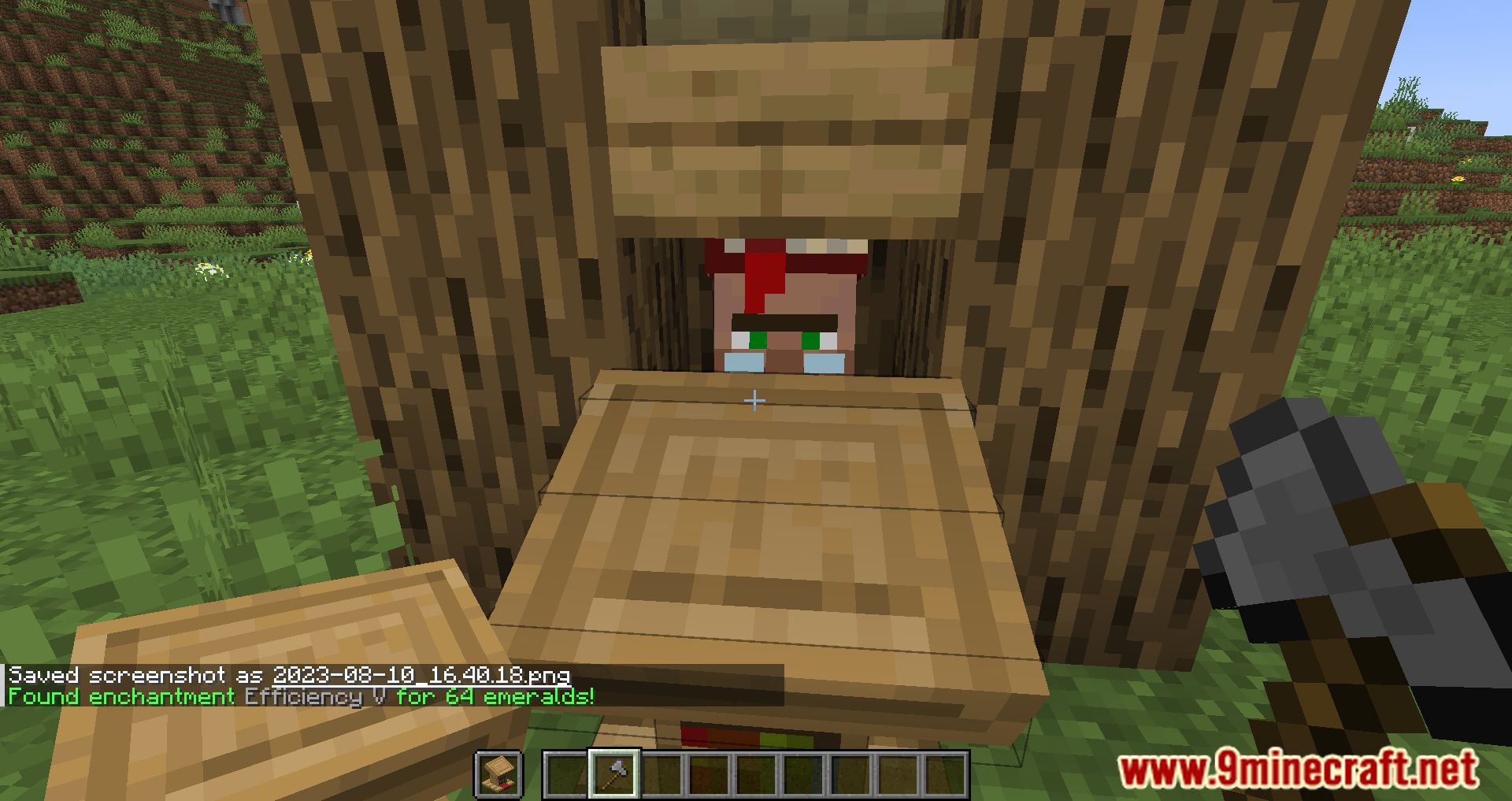
- Encase the Librarian Villager in a 1×1 area.
- Place a Lectern in front of the villager.
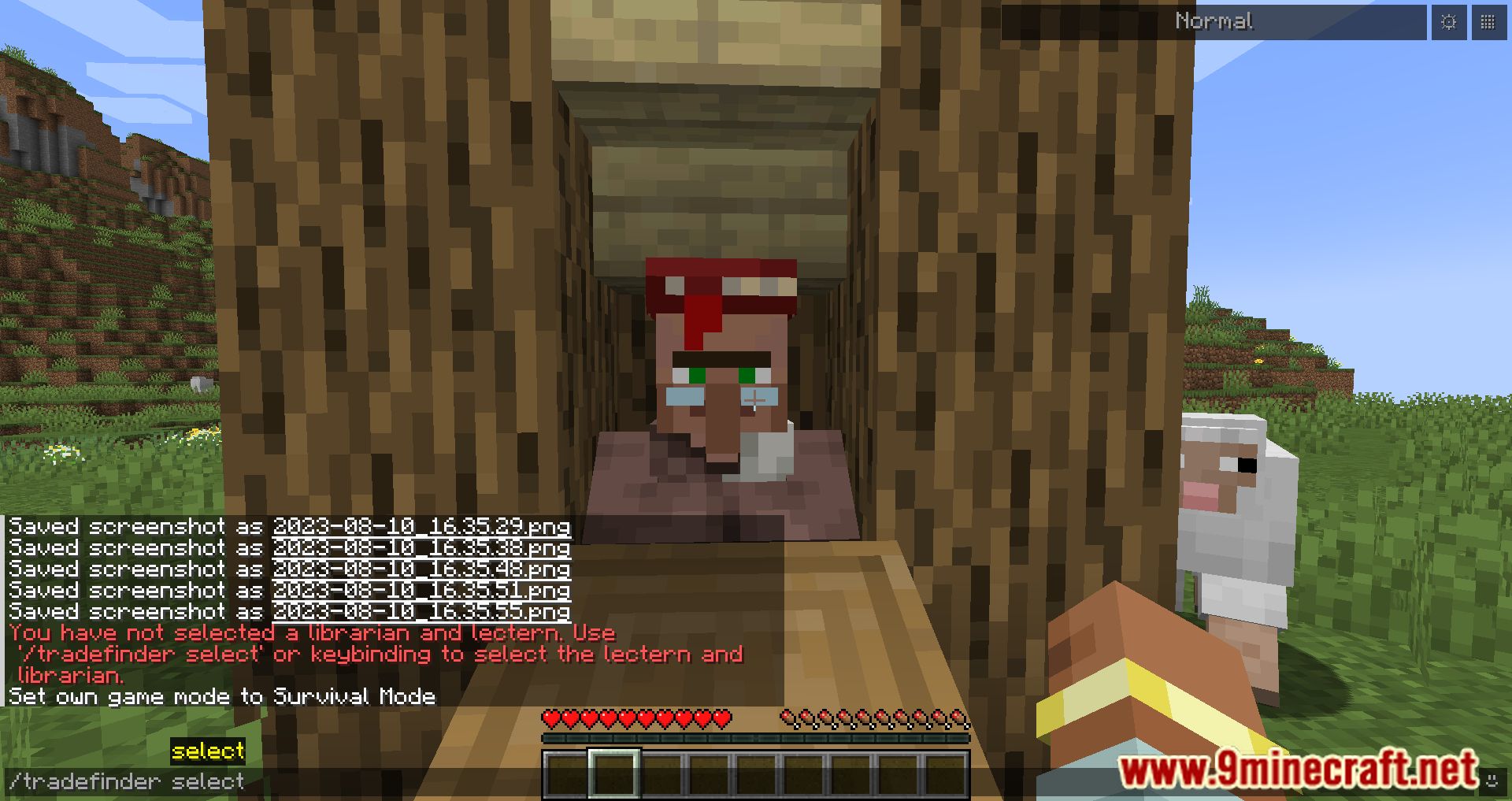
- Look at the lectern and select it by:
- Using the keybinding Select Lectern (default: I), or
- Executing the command: /tradefinder select.
- Hold lecterns in your off-hand and an axe in your main-hand. A faster axe increases the search speed.
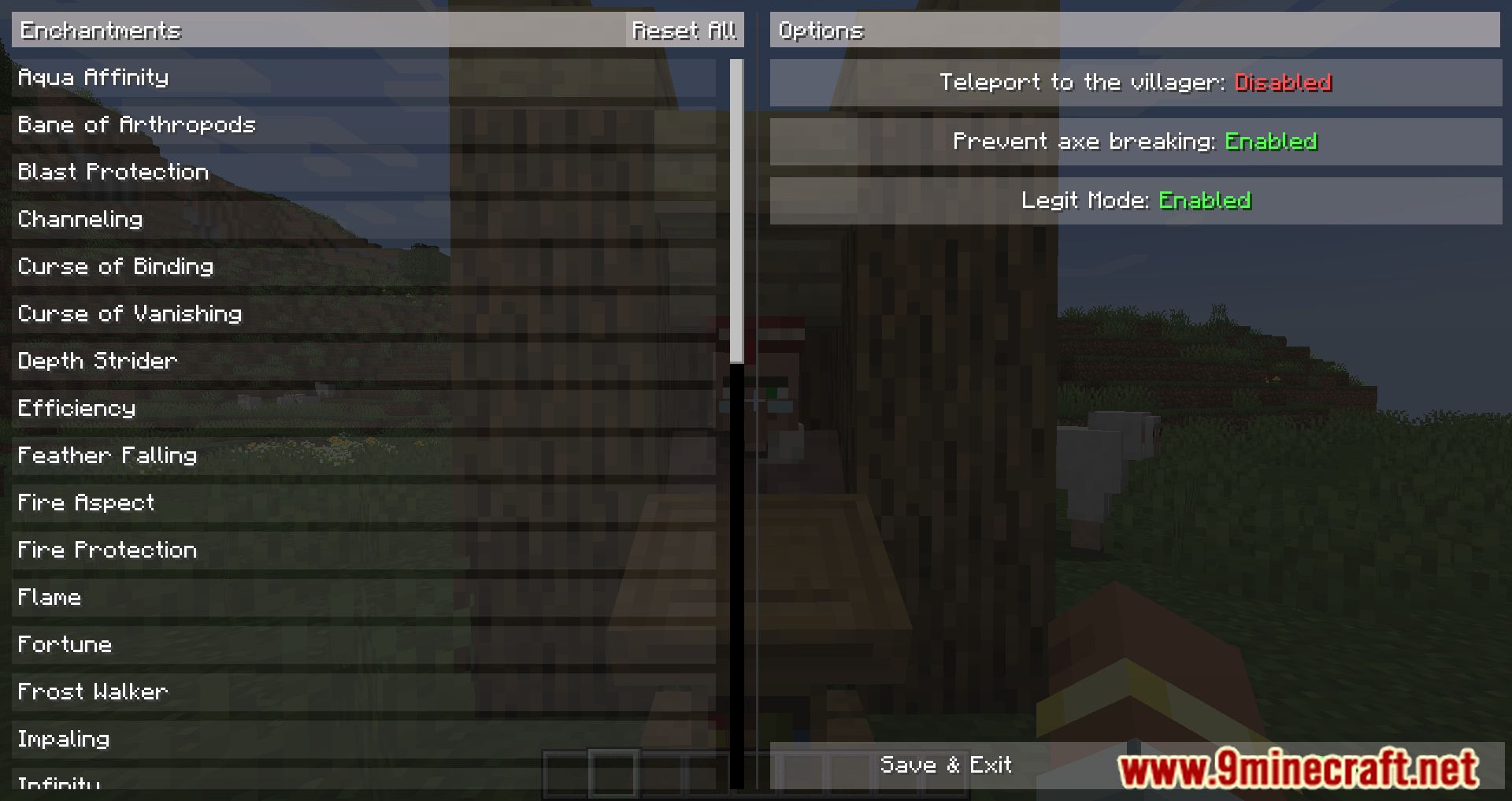
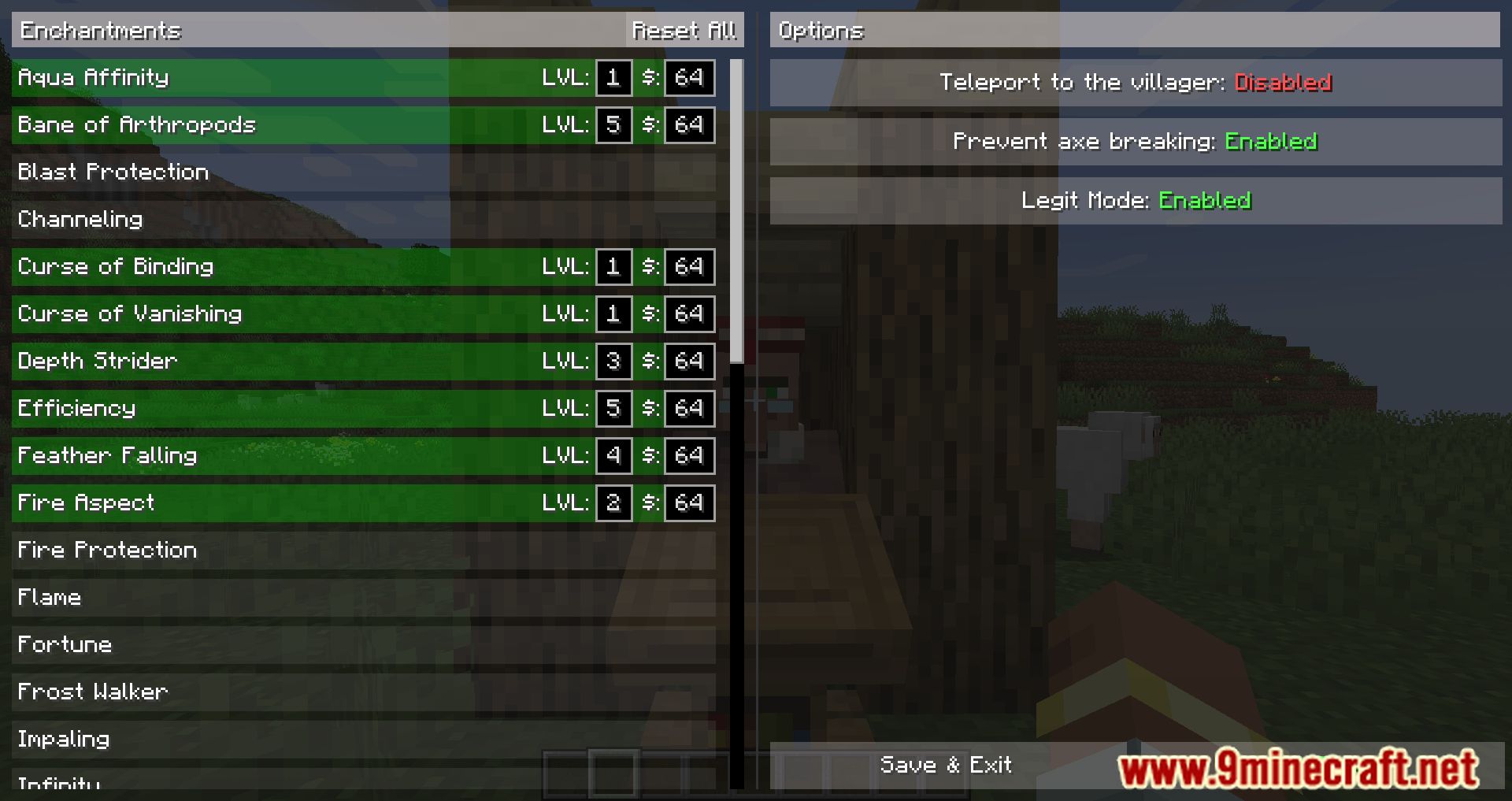
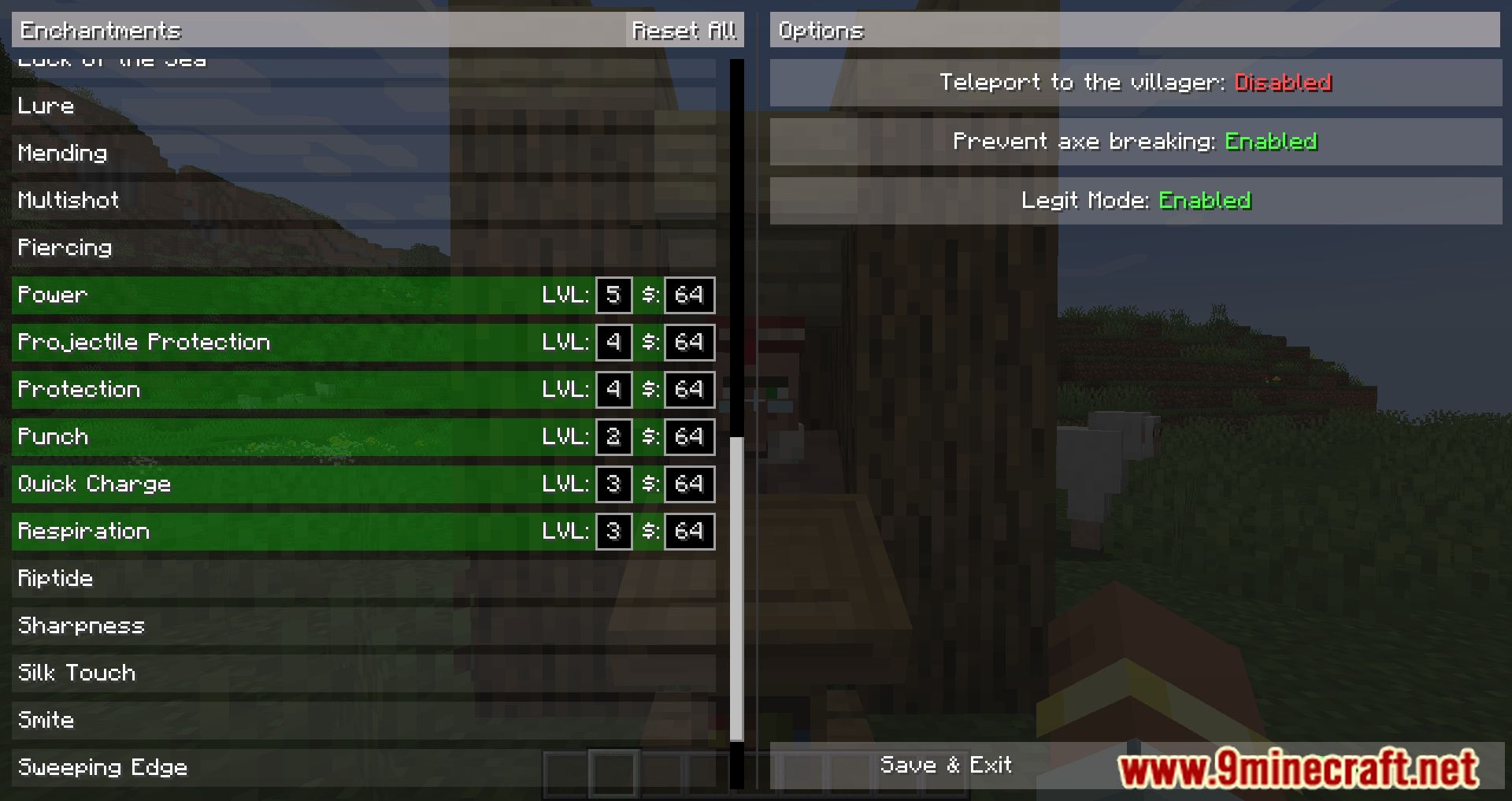
- Open the configuration:
- Press the keybinding Open Config Screen (default: C), or
- Execute the command: /tradefinder config.
- In the configuration:
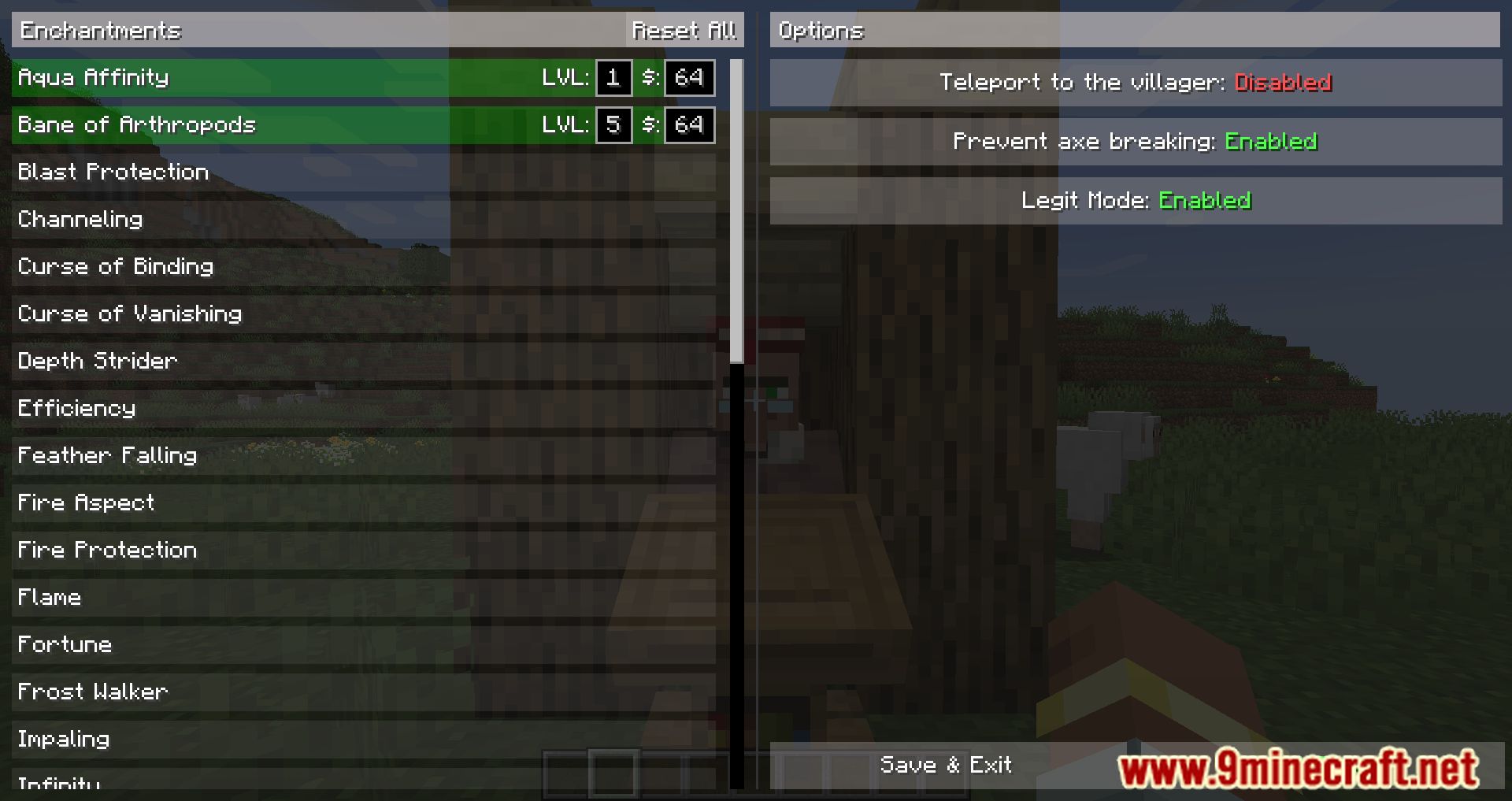
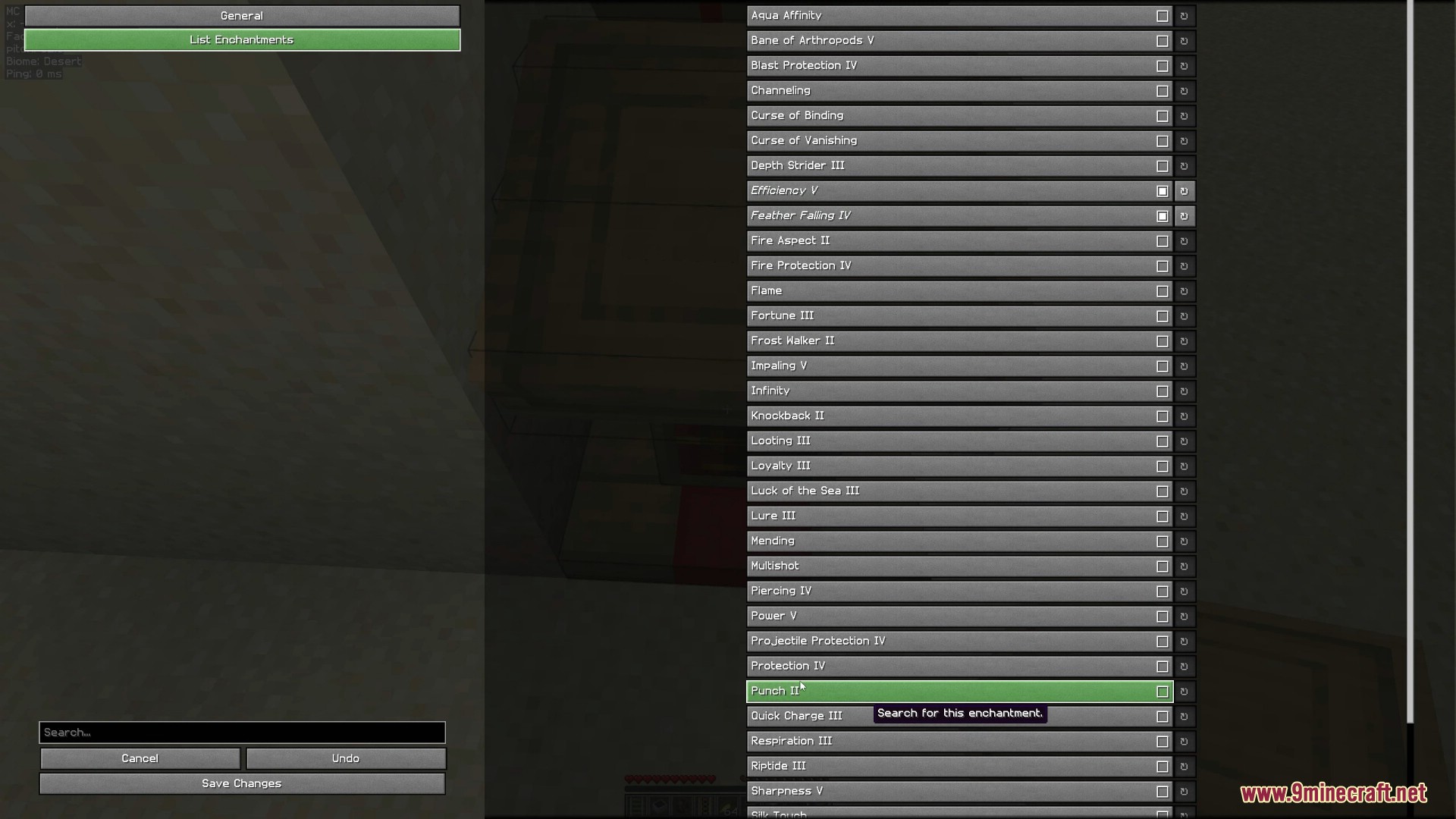
- Select the enchantments you want to search for.
- Set the desired maximum price and maximum level.
- Adjust any additional settings to your preference.
- Start the search by:
- Pressing the Start Search button in the config screen, or
- Pressing the keybinding Start/Stop Search (default: O), or
- Executing the command: /tradefinder start.
- To stop the search at any time, press the Start/Stop Search keybinding (default: O) or execute /tradefinder stop.
Command Usage
Common setup steps
- Encase the villager in a 1×1 area.
- Place a lectern in front of the villager.
- Look at the lectern and execute /tradefinder select.
- Hold lecterns in your off-hand and an axe in your main-hand.
Single Enchantment Search
- Execute: /tradefinder searchSingle <enchantment> <maxPrice>
- The mod will search until it finds the specified enchantment at or below the given price, then stop and notify you.
- To cancel before it finds the enchantment, execute /tradefinder stop.
List Enchantment Search
- Open the configuration with /tradefinder config or via the config GUI (for example, through Mod Menu).
- Switch to the List Enchantments tab and select all enchantments you want to search for.
- Execute: /tradefinder searchList
- The mod will search until it finds any of the selected enchantments, then stop and notify you.
- To cancel the search, execute /tradefinder stop.
Common Issues
- Error: “You are not looking at a lectern.”
Ensure your crosshair is pointing at the lectern, not the villager. - Lectern is not breaking
Some anti-cheat systems may block automatic breaking or interaction if you are not directly looking at the block. Try adjusting your position or server settings. - Lecterns disappear
Dropped lecterns may fall behind or around the lectern. Stop the search, break the lectern manually, collect all lecterns, then restart the search.
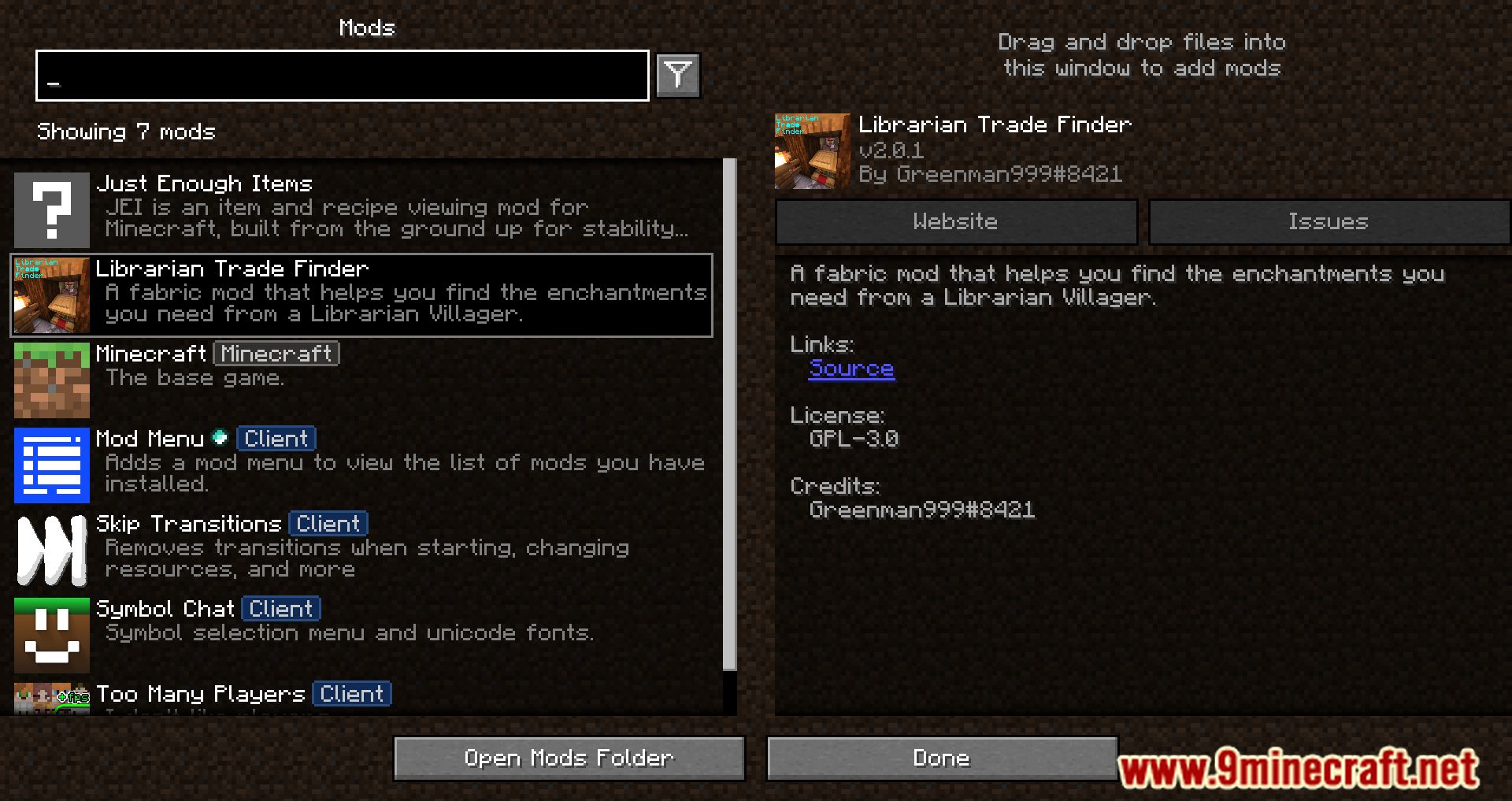
Screenshots:
How to Install:
New to Minecraft? Follow our step-by-step guide to install Mods on your PC.View Guide
Requirements:



Librarian Trade Finder Mod Download Links
For Minecraft 26.1.2, 26.1.1, 26.1
For Minecraft 1.21.11
For Minecraft 1.21.10, 1.21.9
For Minecraft 1.21.8, 1.21.7, 1.21.6
For Minecraft 1.21.5
For Minecraft 1.21.4
For Minecraft 1.21.3, 1.21.2
For Minecraft 1.21.1, 1.21
For Minecraft 1.20.6
For Minecraft 1.20.4, 1.20.3
For Minecraft 1.20.2
For Minecraft 1.20.1, 1.20
For Minecraft 1.19.4, 1.19.3
For Minecraft 1.19.2
Click to rate this post!
[Total: 1 Average: 5]
You May Also Like


















This post has no comments yet. Be the first — your comment will appear here.