Load Support Mod (1.21.8, 1.21.1) – Showing Too Less Java Memory Allocated

 0
0  November 2, 2025
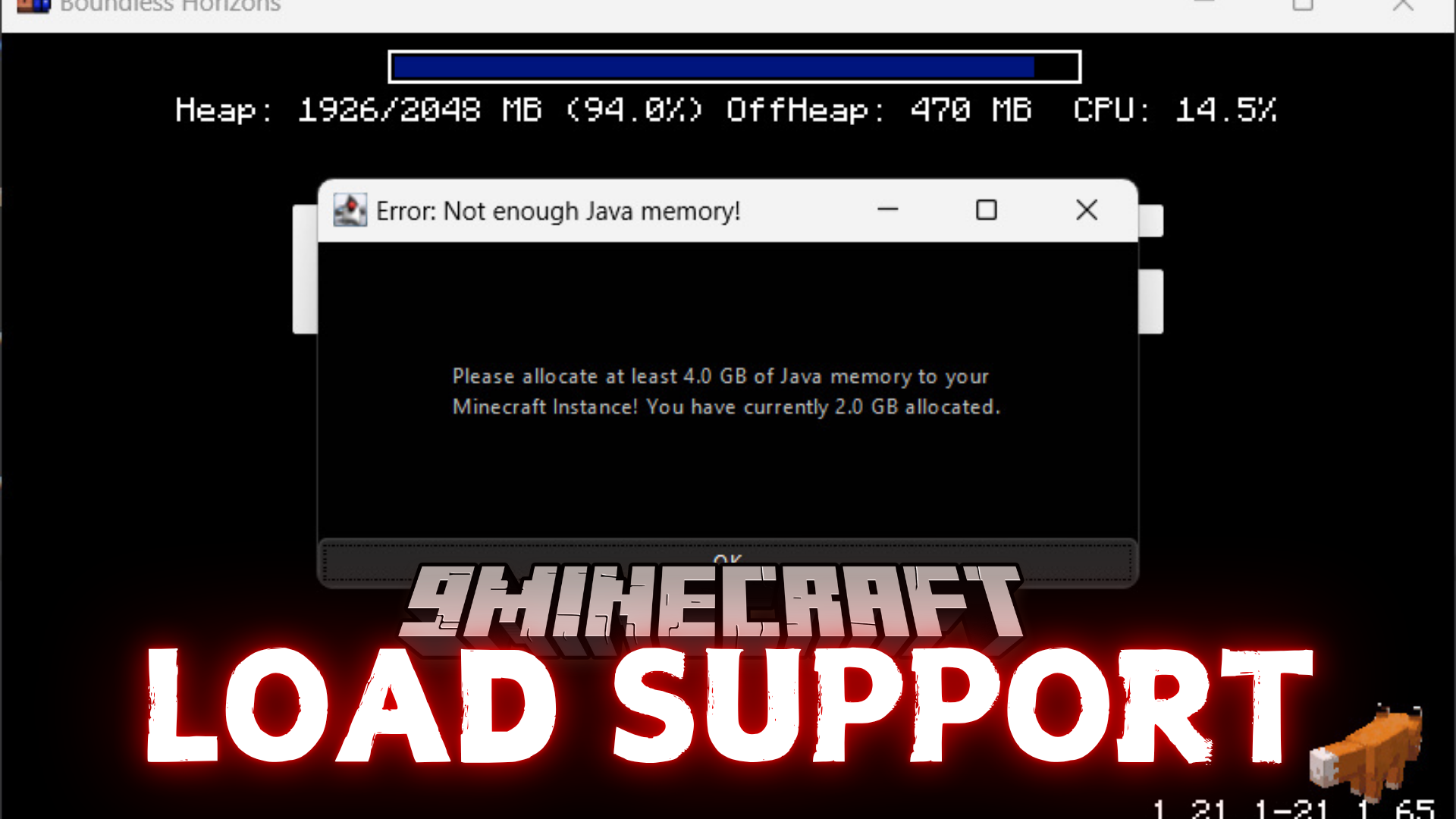
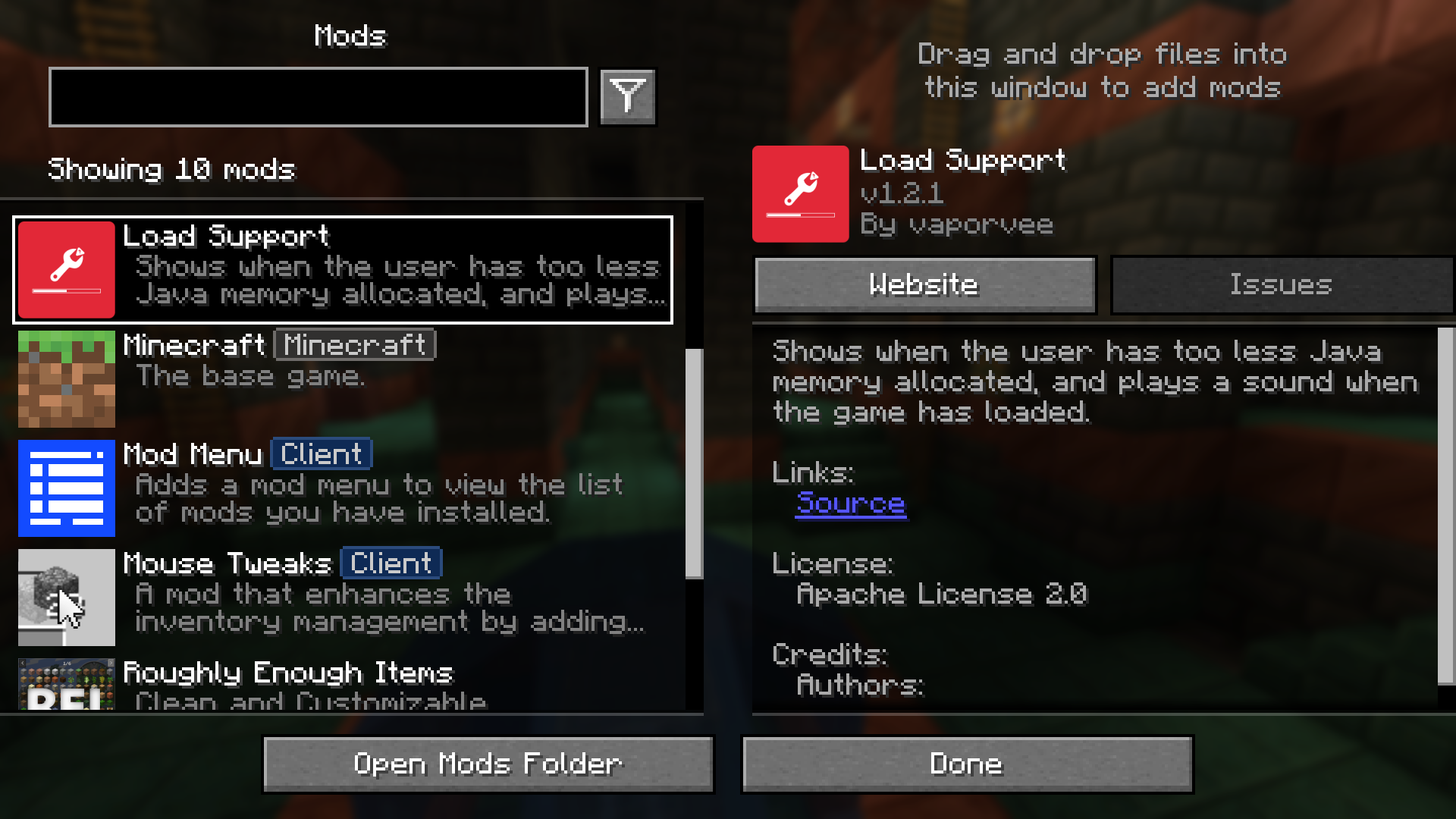
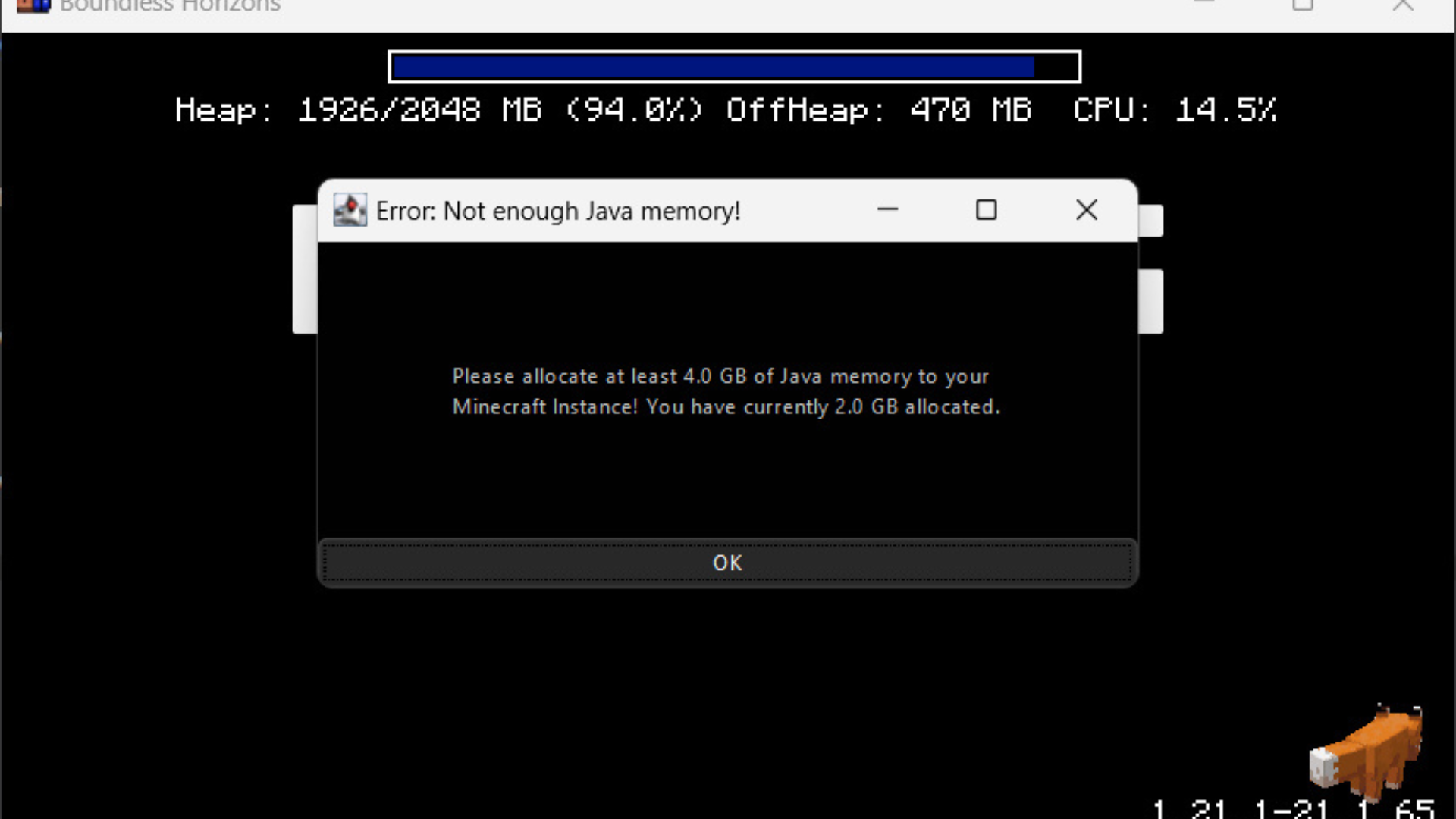
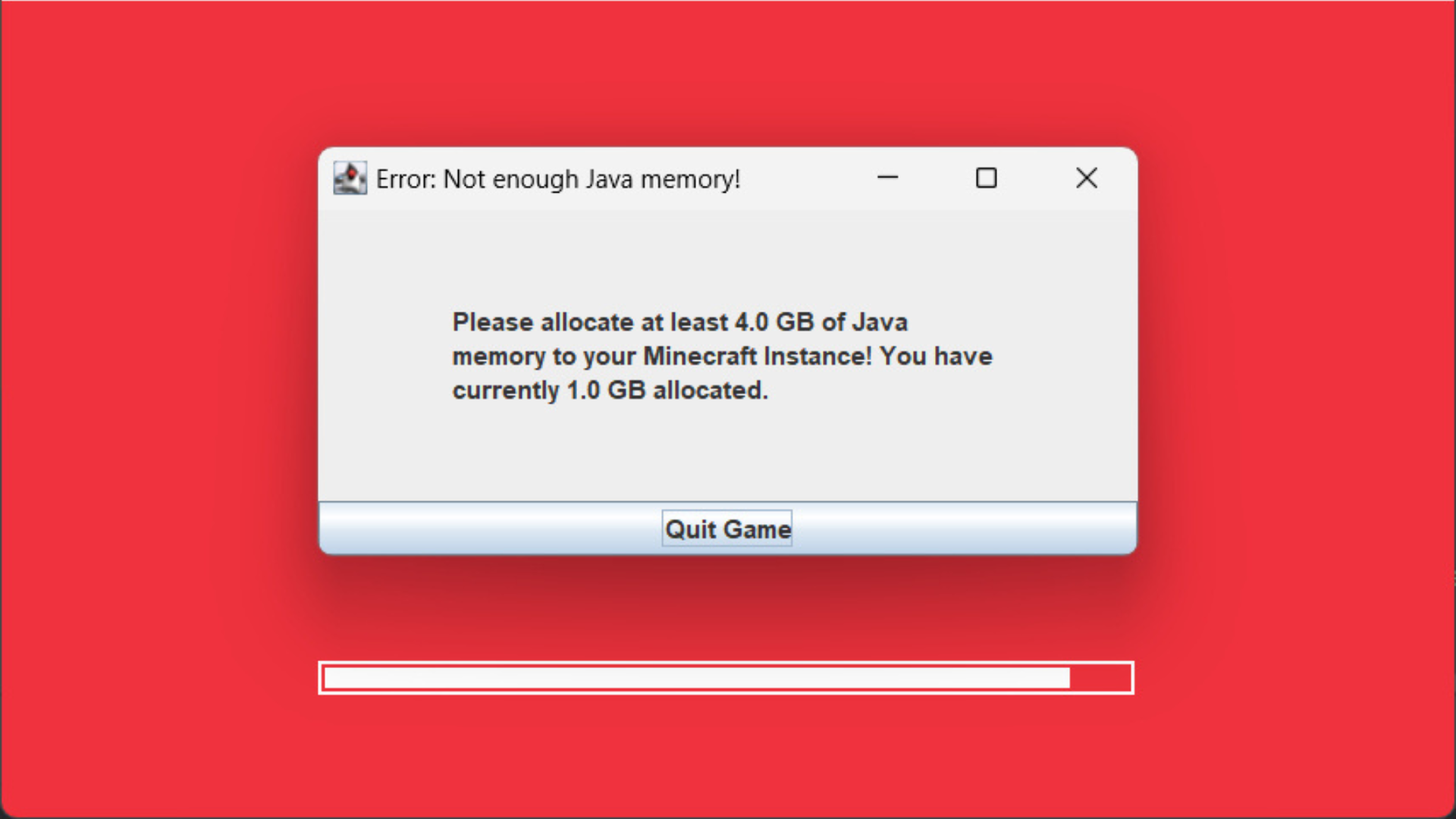
Load Support Mod (1.21.8, 1.21.1) focuses on addressing Java memory issues and the loading screen. It displays a warning if the game detects that too little Java memory has been allocated. It also plays a sound to signal when Minecraft has fully loaded. The mod can block the game window to ensure the memory warning is noticed.
Features:
- Displays a clear warning if Java memory allocation is too low.
- Blocks the game window to highlight the memory issue.
- Plays a sound to indicate when Minecraft has completely loaded.
Configs:
The config in config/loadsupport.toml is pretty self explainatory:
loadFinishSound = "minecraft:ui.toast.challenge_complete"
minMemory = 4.0
errorTitle = "Error: Not enough Java memory!"
errorMinMemory = "Please allocate at least {minMemory} GB of Java memory to your Minecraft instance!"
errorCurrentMemory = "You have currently {currentMemory} GB allocated."
memoryInfoLink = "https://github.com/vaporvee/LoadSupport/wiki/How-to-allocate-more-memory-to-your-Minecraft-instance"
{minMemory} and {currentMemory} get replaced by their actual values.
Screenshots:

Requires:
How to install:
Click the following link to view details: How to Install Mods for Minecraft Java Edition on PC: A Beginner Guide
Load Support Mod (1.21.8, 1.21.1) Download Links
For Minecraft 1.21.5, 1.21.4, 1.21.3, 1.21.1, 1.21
Fabric Version: Download from Server 1 – Download from Server 2
NeoForge Version: Download from Server 1 – Download from Server 2
For Minecraft 1.21.8, 1.21.7, 1.21.6
Fabric Version: Download from Server 1 – Download from Server 2
NeoForge Version: Download from Server 1 – Download from Server 2
You May Also Like