


Luma Light Mod (26.2, 1.20.1) – Give Your World Vibrant Colors

 0
0 

🌐 Good news — we've translated this article into other languages!
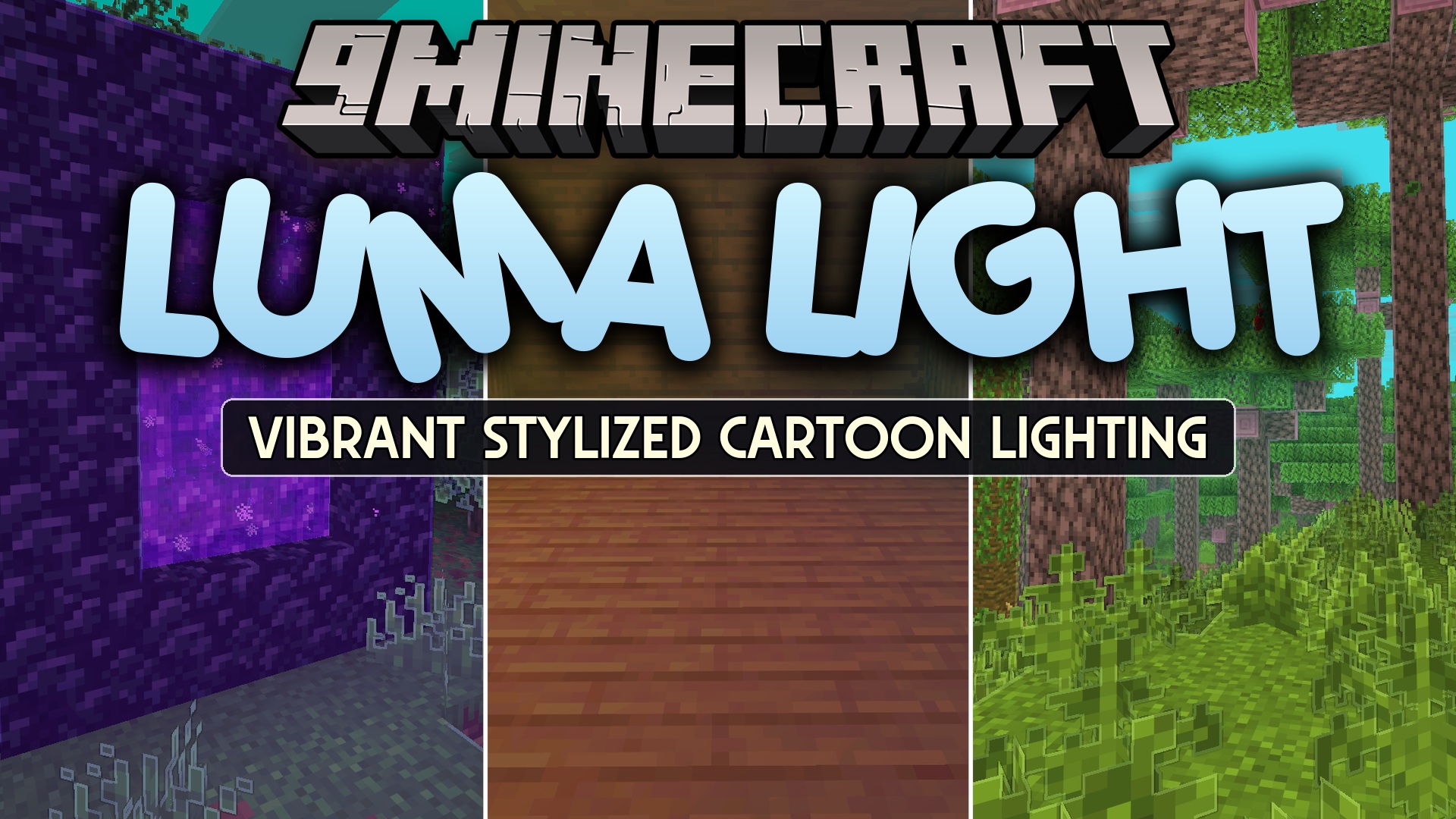
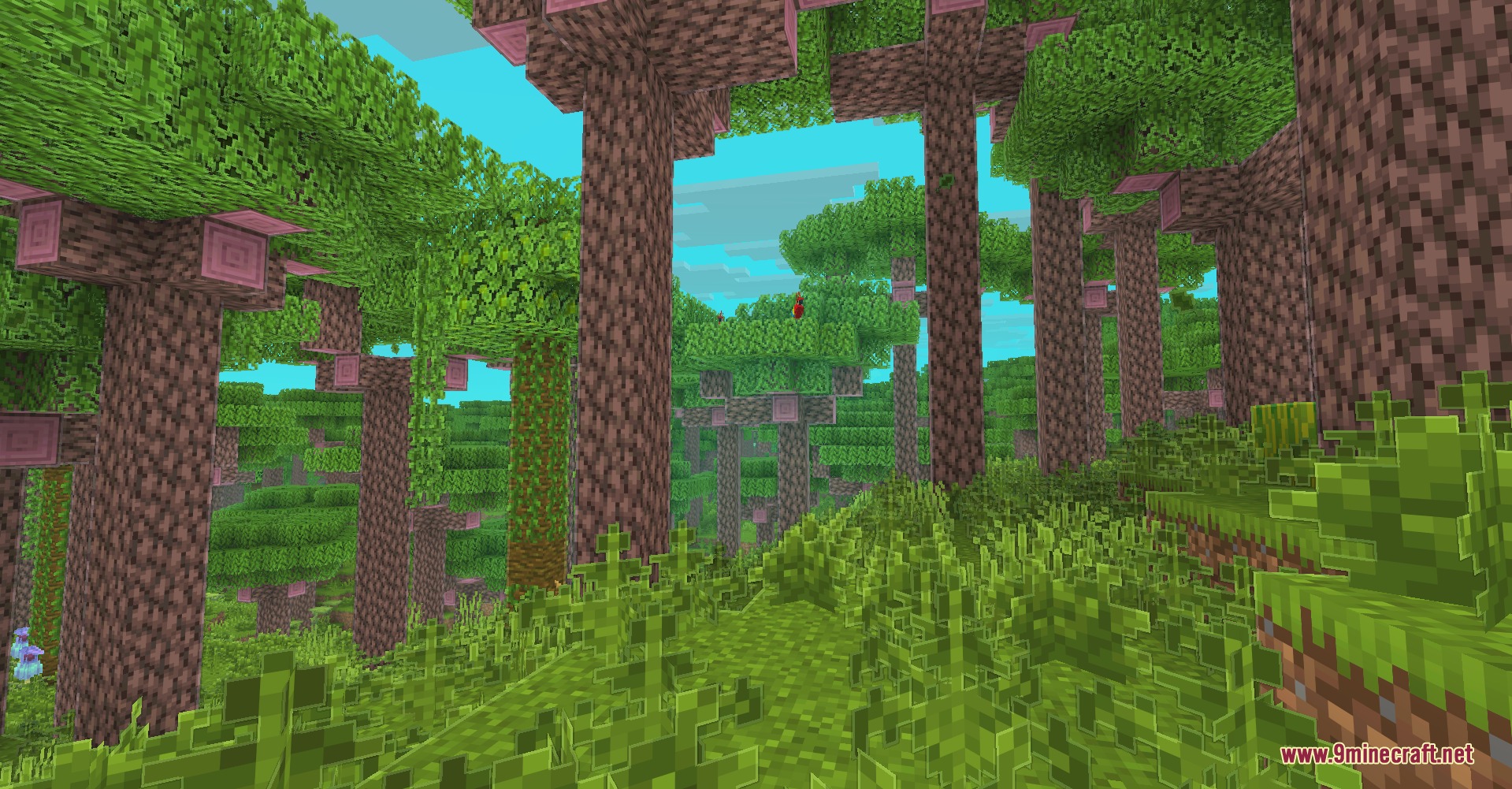
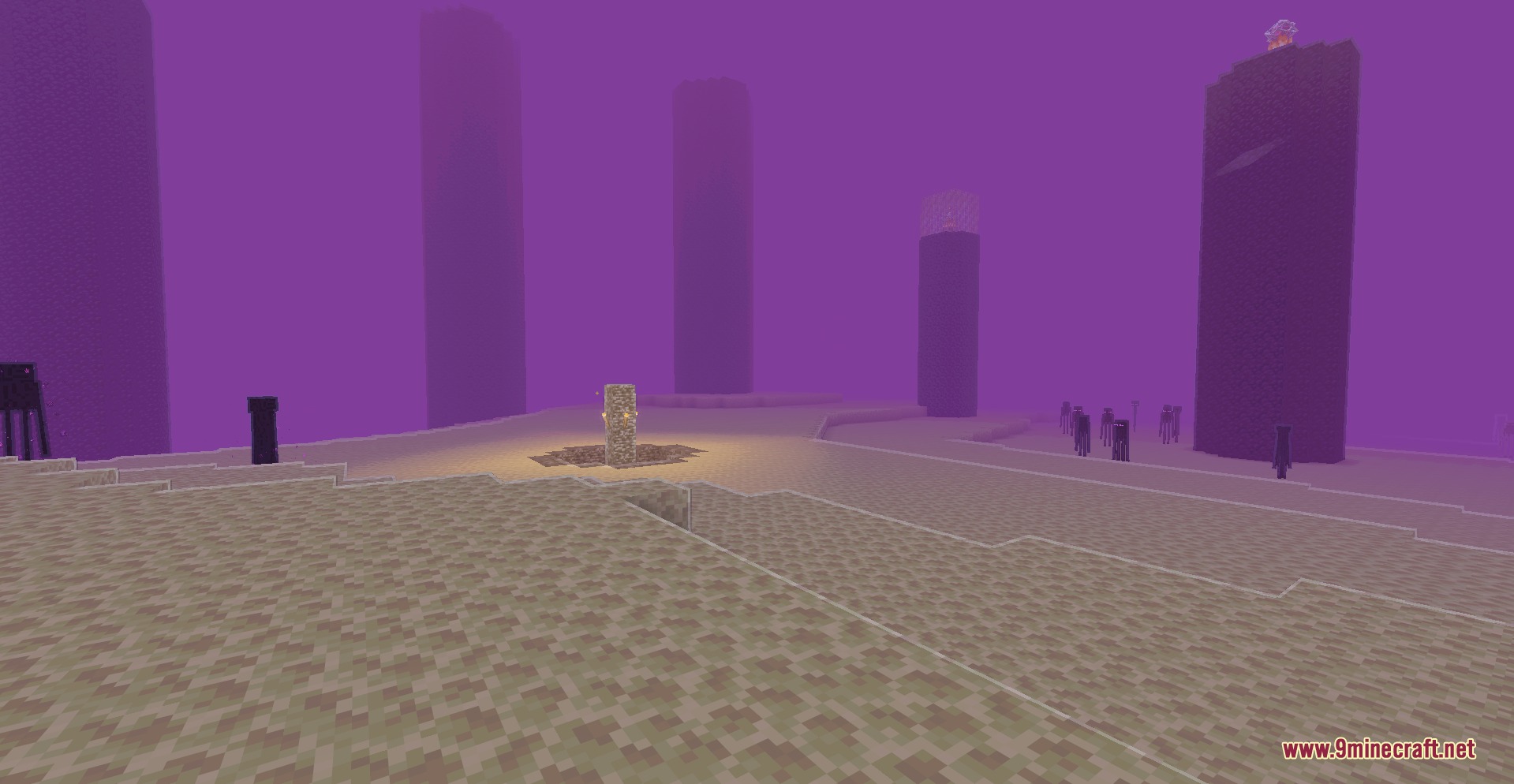
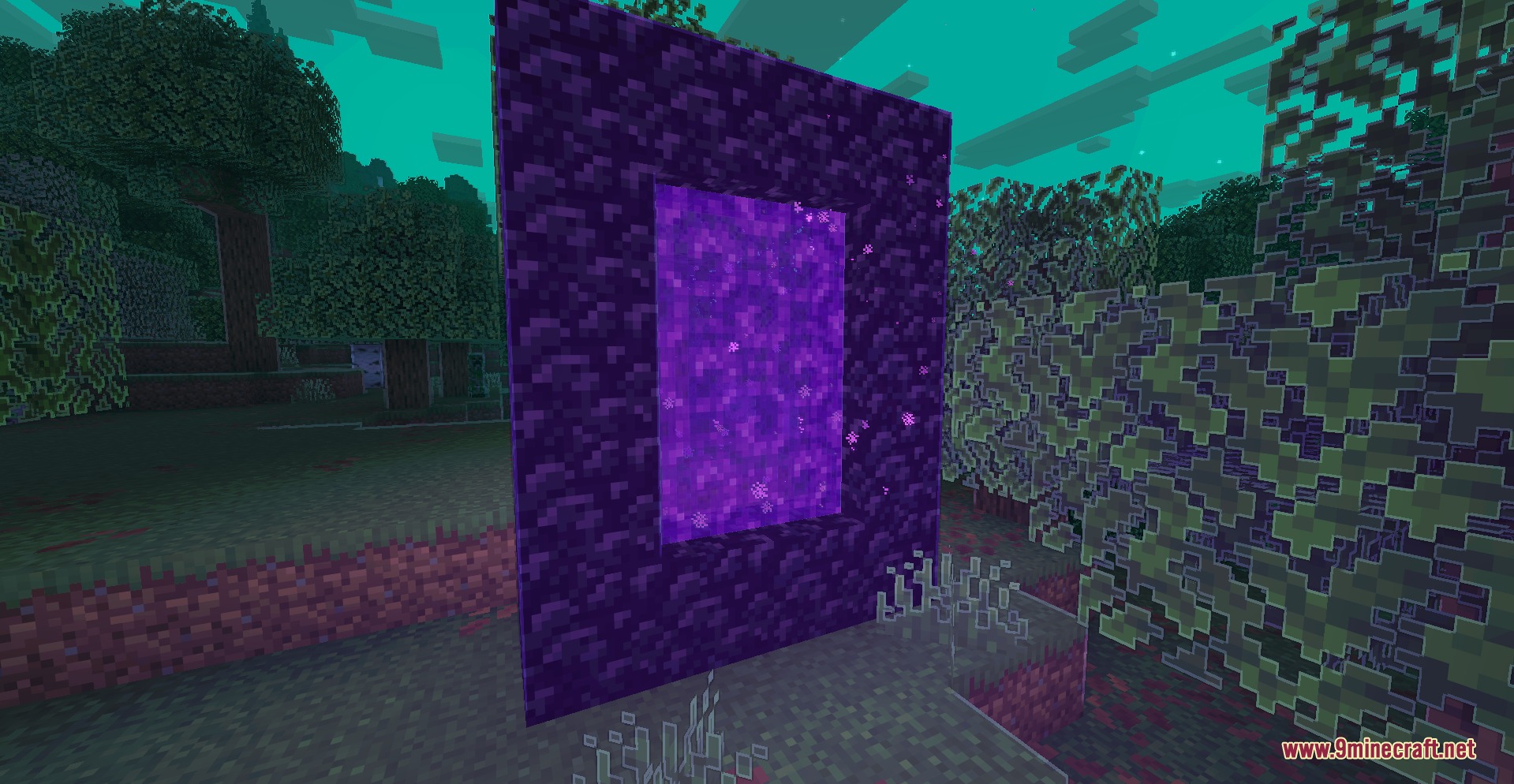
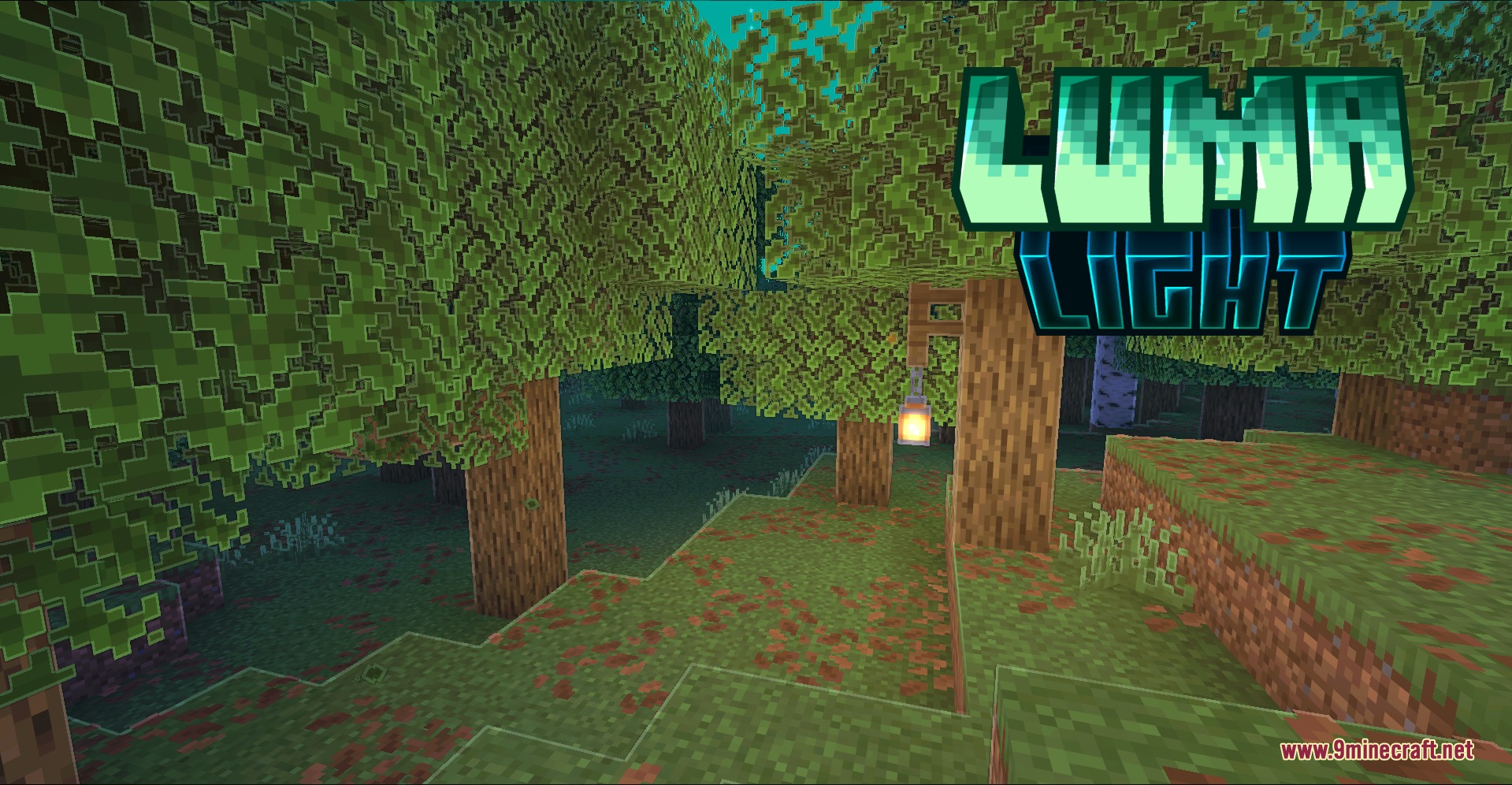
Luma Light Mod adds colorful lighting, sharp outlines, and a cartoon visual style to the game without needing shader packs. It generates glowing colors straight from block textures and paints skies with biome-matching tones. Sunlight shifts naturally from warm daytime beams to cool moonlight at night. The mod works directly on the client side, letting you join vanilla multiplayer servers without visual conflicts.
Features:
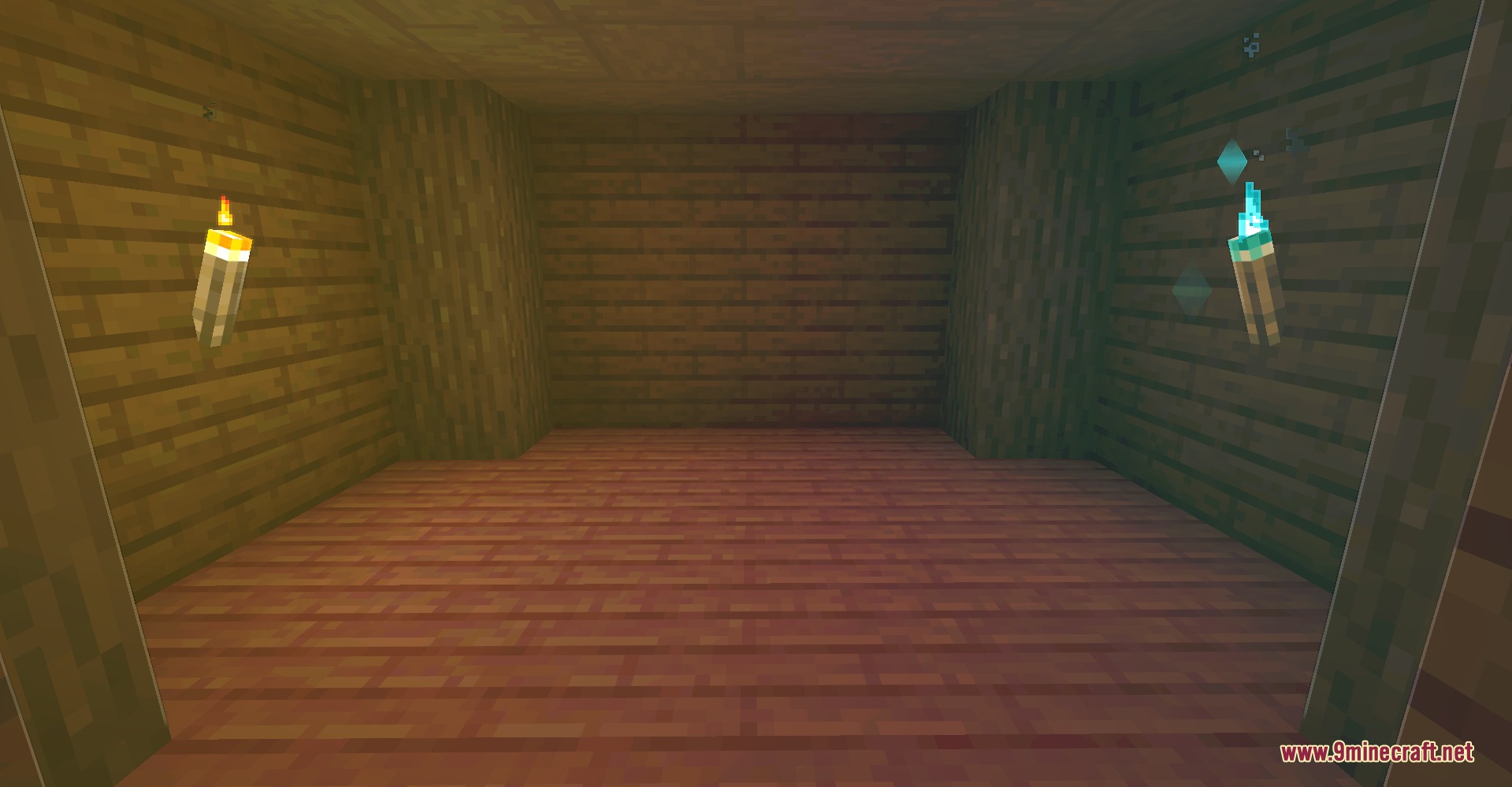
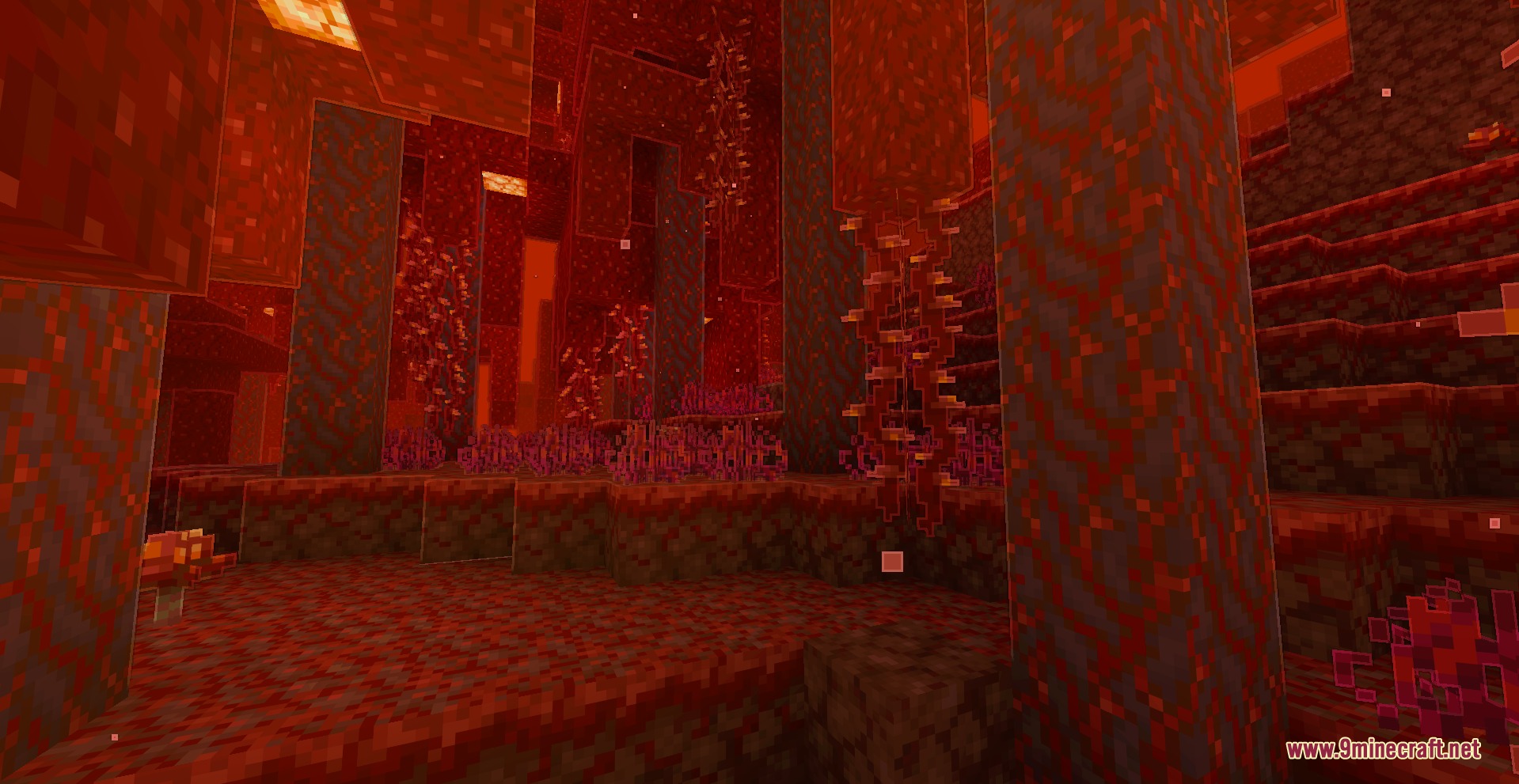
- Generates colored light directly from luminous block textures.
- Works automatically with modded blocks and custom resource packs.
- Adds outlines around terrain, mobs, first-person hands, and held items.
- Brings warm sunlight during the day and cool moonlight during the night.
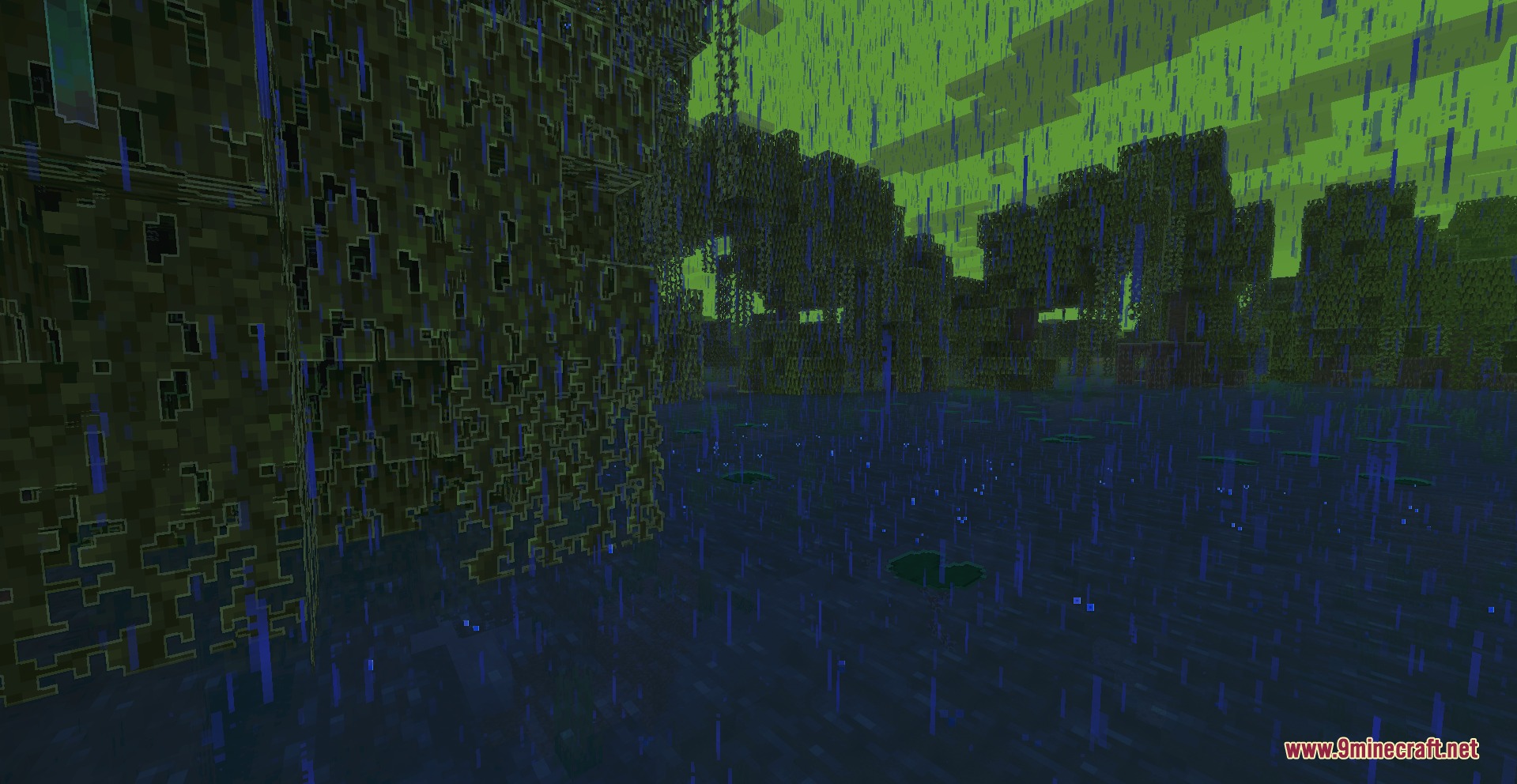
- Changes fog, sky, clouds, haze, and weather colors based on your current biome.
- Includes selective bloom and cartoon post-processing effects.
- Adds water rims, highlighted leaves, projectile trails, and small light sparks.
- Outlines visible ore surfaces without showing ores through solid walls.
- Gives dropped items colored outlines and smooth animations.
- Provides smooth lighting changes without sudden pops or visual glitches.
- Includes performance limits for crowded areas with many lights.
How to Use:
- Press U in game to open the settings menu.
- Pick ready-made visual presets or adjust individual effects like bloom and outlines.
- Adjust performance settings and color values to fit your personal taste.
- Press the reset button at any point to restore default values.
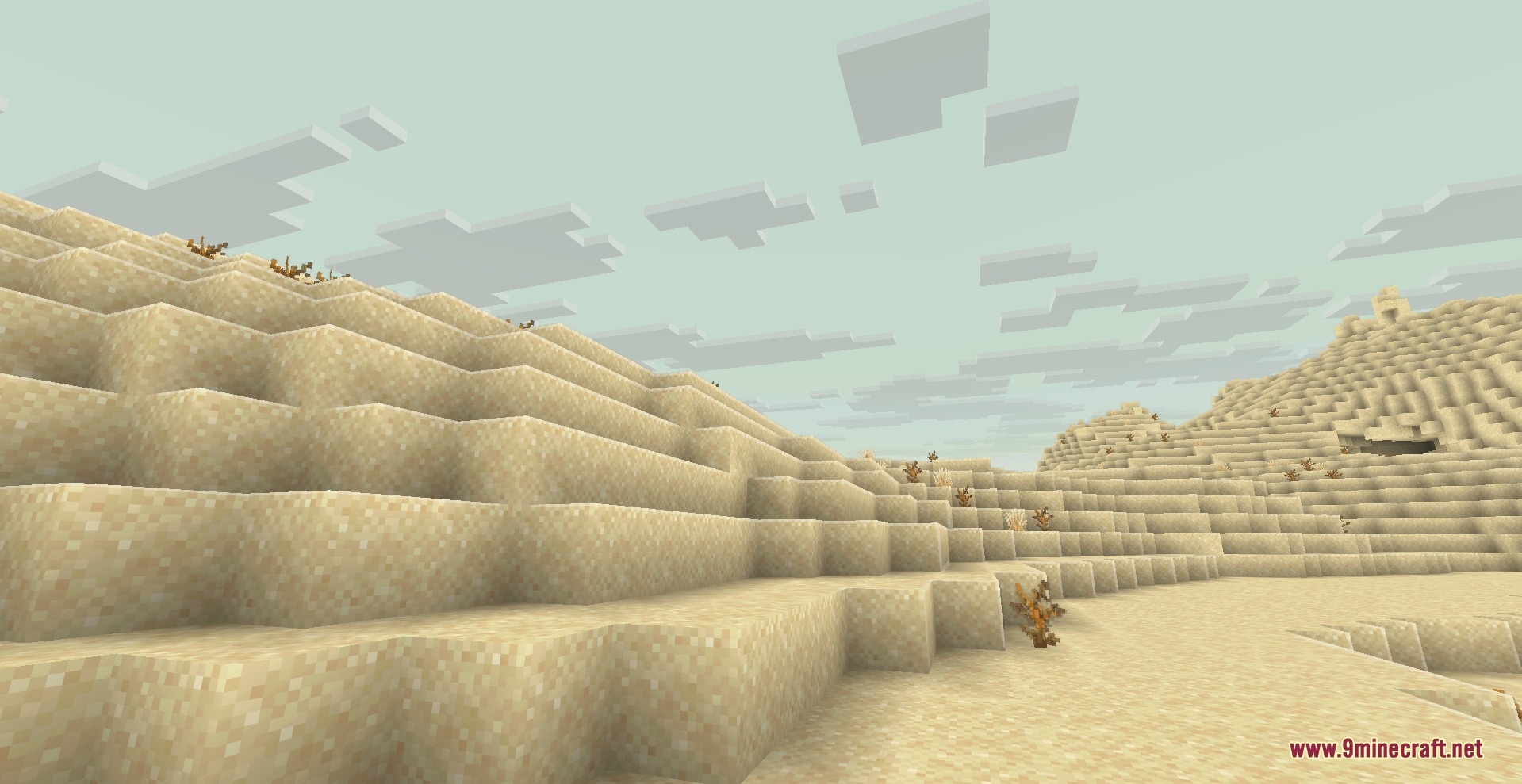
Screenshots:
How to Install:
New to Minecraft? Follow our step-by-step guide to install Mods on your PC.View Guide



Luma Light Mod Download Links
For Minecraft 26.2
For Minecraft 1.21.11
For Minecraft
1.20.6,
1.20.5,
1.20.4
All Versions Covered
1.20.6
1.20.5
1.20.4
1.20.3
1.20.2
1.20.1
1.20
All Versions Covered
1.20.6
1.20.5
1.20.4
1.20.3
1.20.2
1.20.1
1.20
Click to rate this post!
[Total: 0 Average: 0]
You May Also Like








This post has no comments yet. Be the first — your comment will appear here.